Photography for Fashion and Digital Retouching
A course by Rebeca SarayPhotographer and Retouching Expert
A course by Rebeca Saray, Photographer and Retouching Expert

Develop a complete fashion editorial from idea to publication
Looking to create professional fashion editorials in both color and black and white? Photographer and digital artist Rebeca Saray is ready to show you her step-by-step process for doing just that.
Follow along as she guides you through the pre-production of the idea, the materials you need, the process of casting and directing models, lighting techniques for color and black-and-white photography, and retouching techniques to prepare your images for publication.
What will you learn in this online course?
21 lessons & 9 downloads
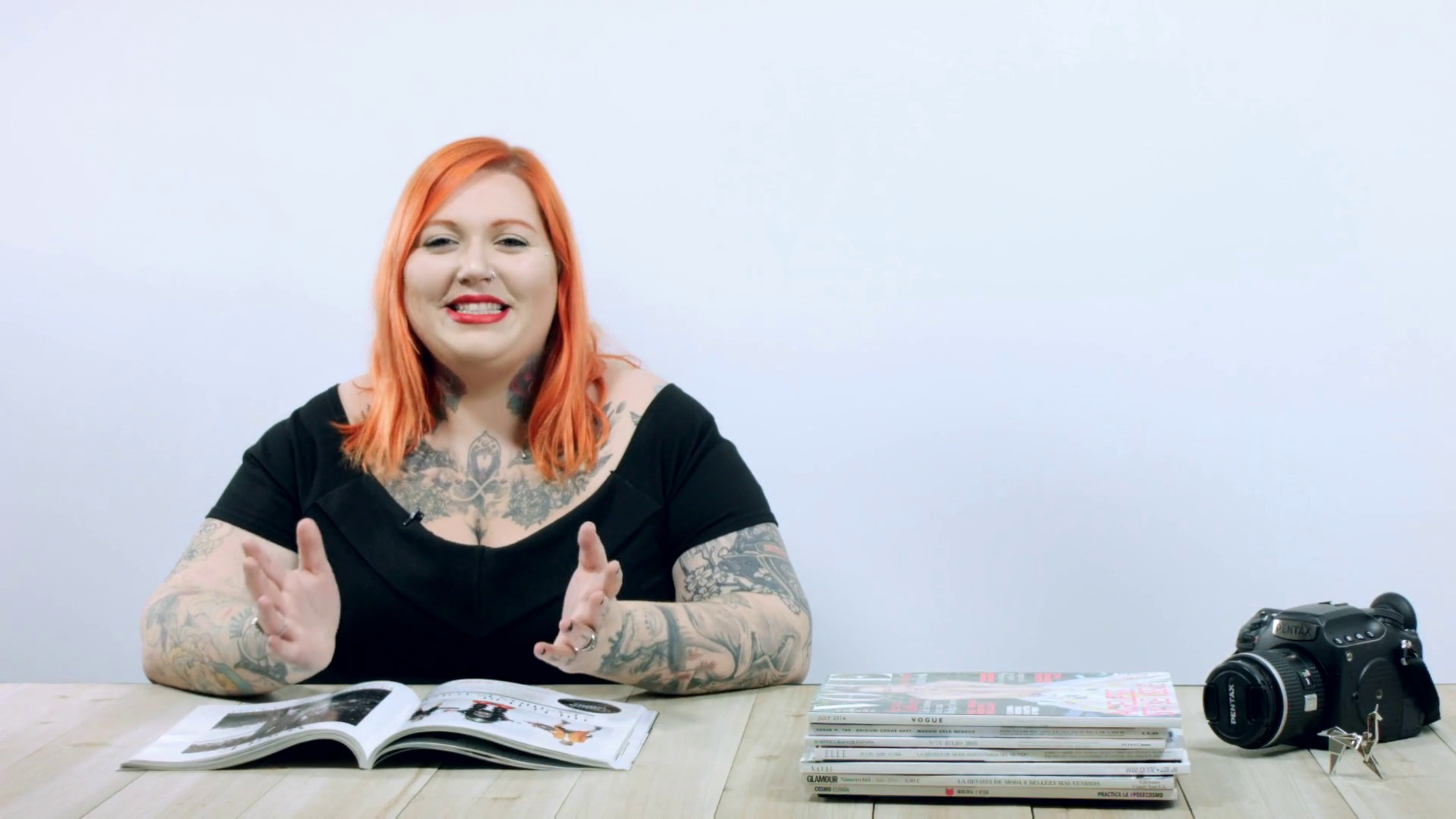
What is a fashion editorial? Commission or own production
21 minutes, 2 seconds
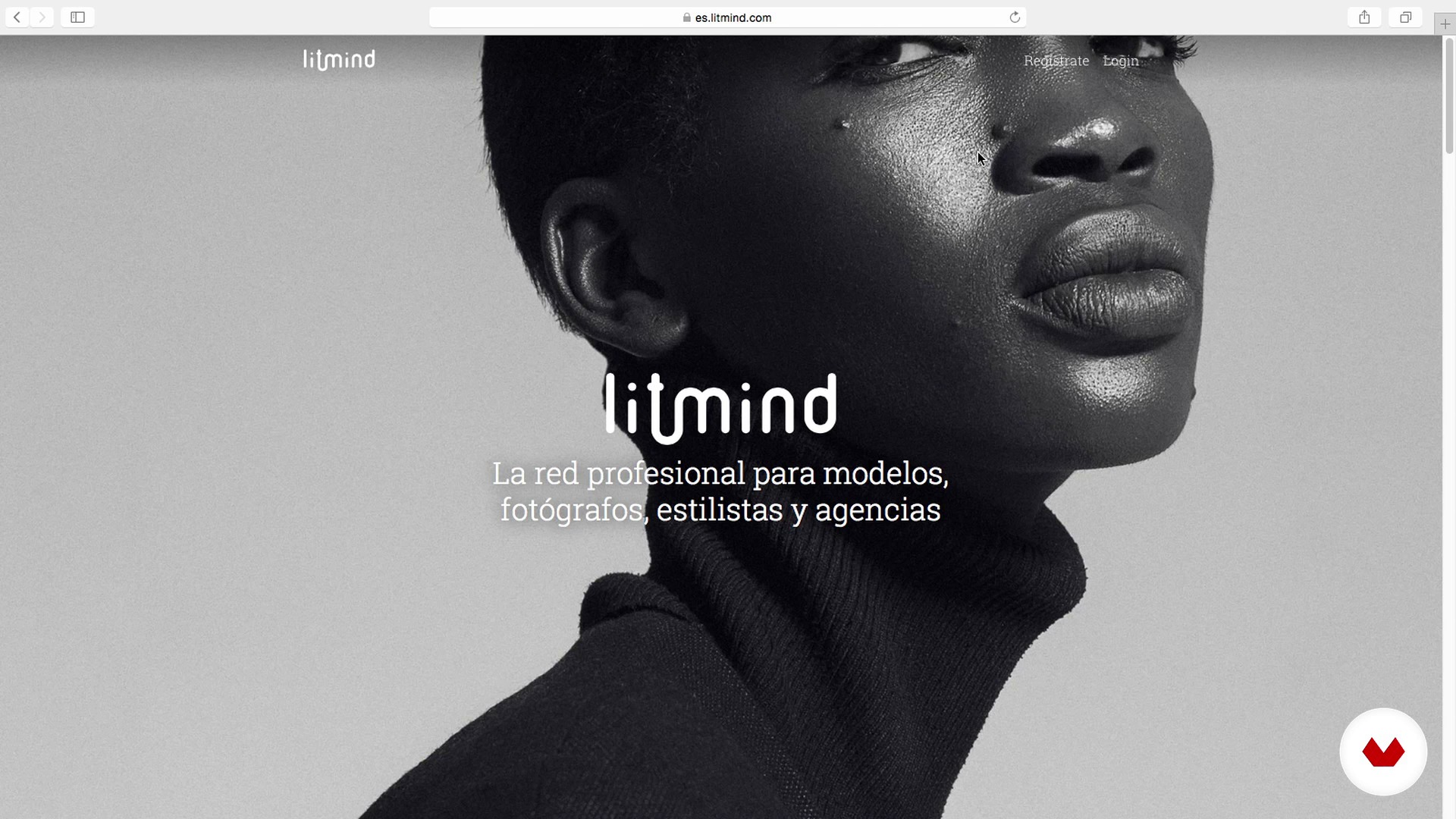
Creative team
17 minutes, 56 seconds
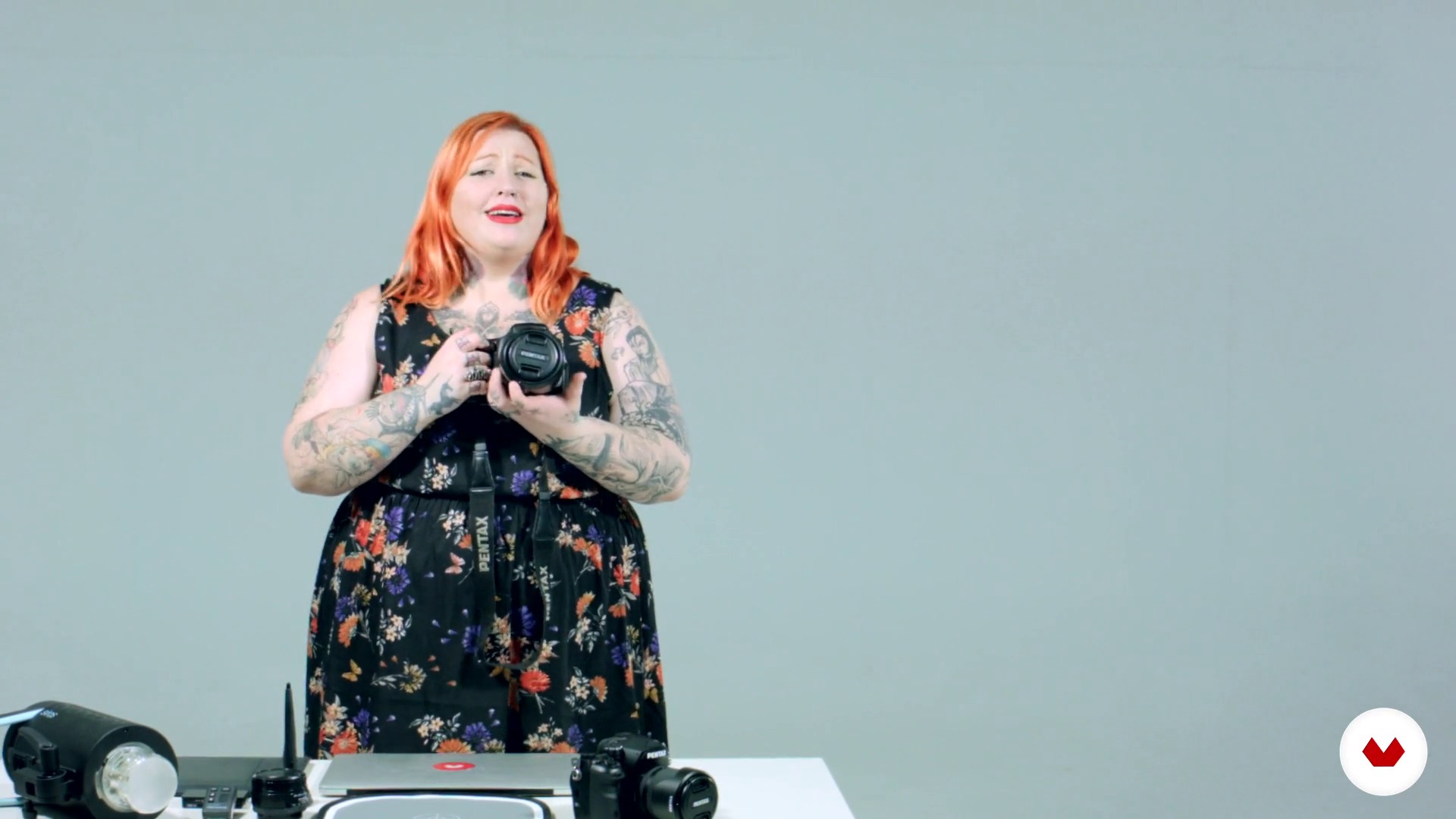
Technical team
3 minutes, 43 seconds
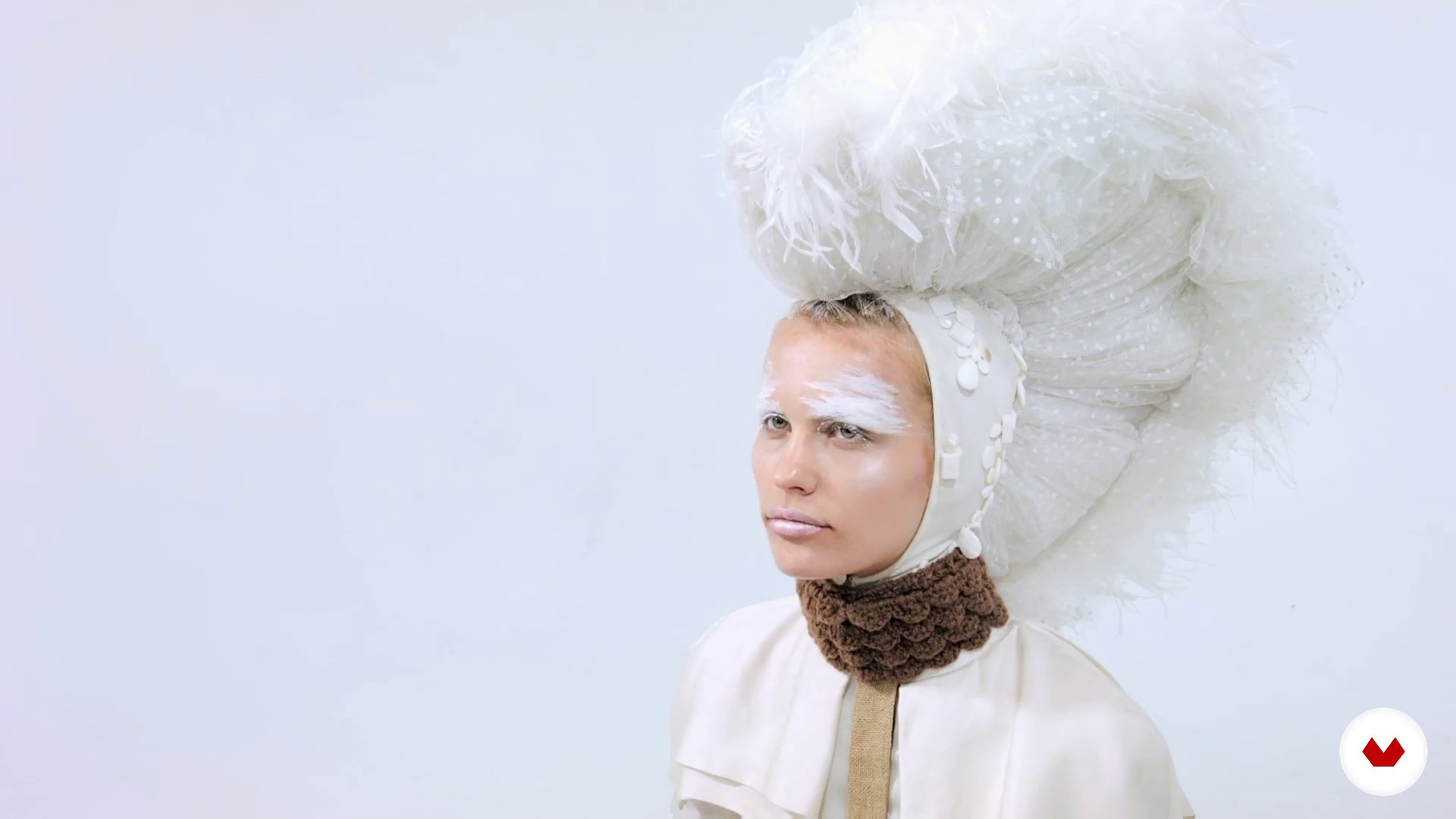
Teamwork
2 minutes, 20 seconds
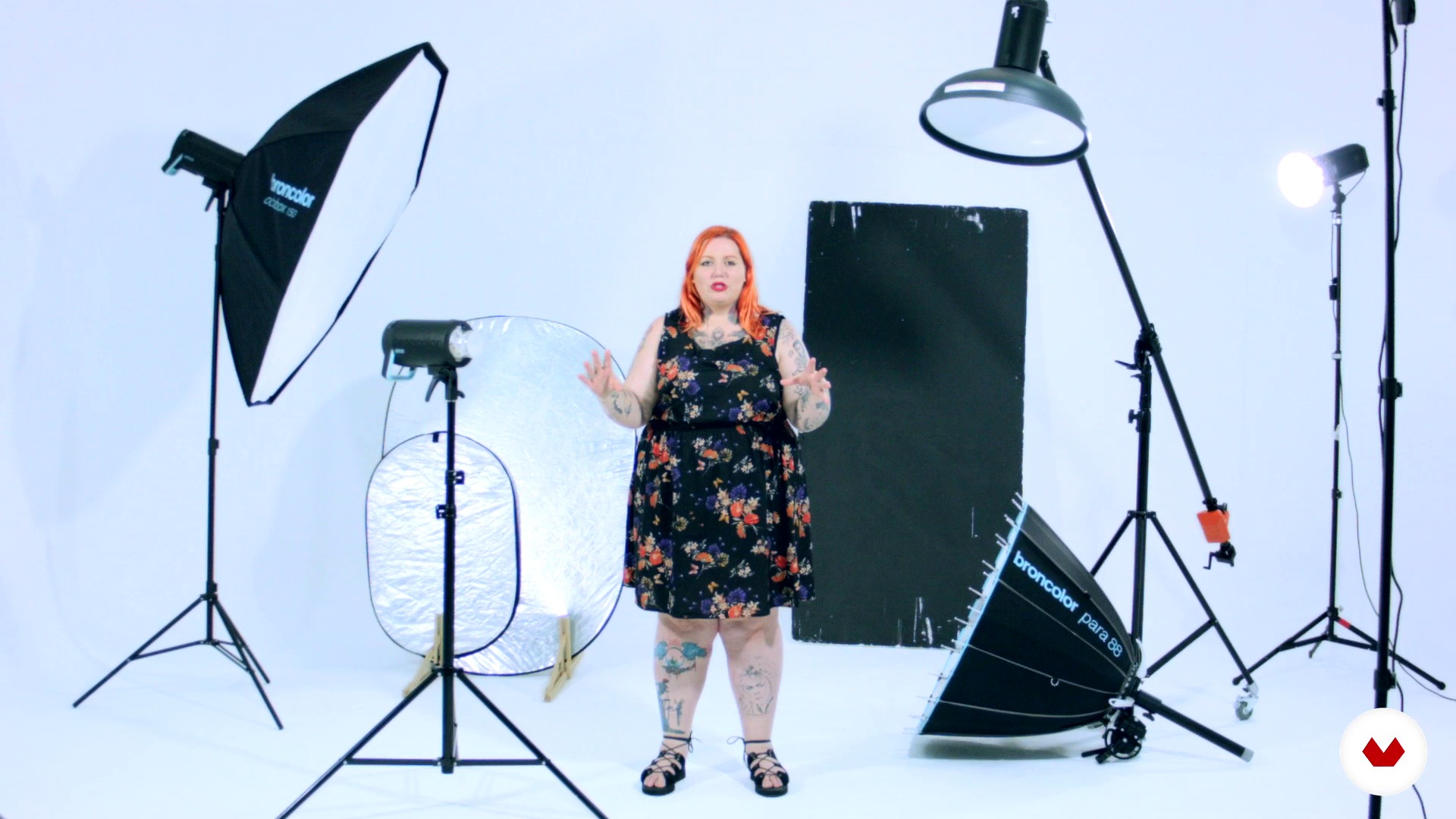
Lighting schemes and light tests
6 minutes, 13 seconds
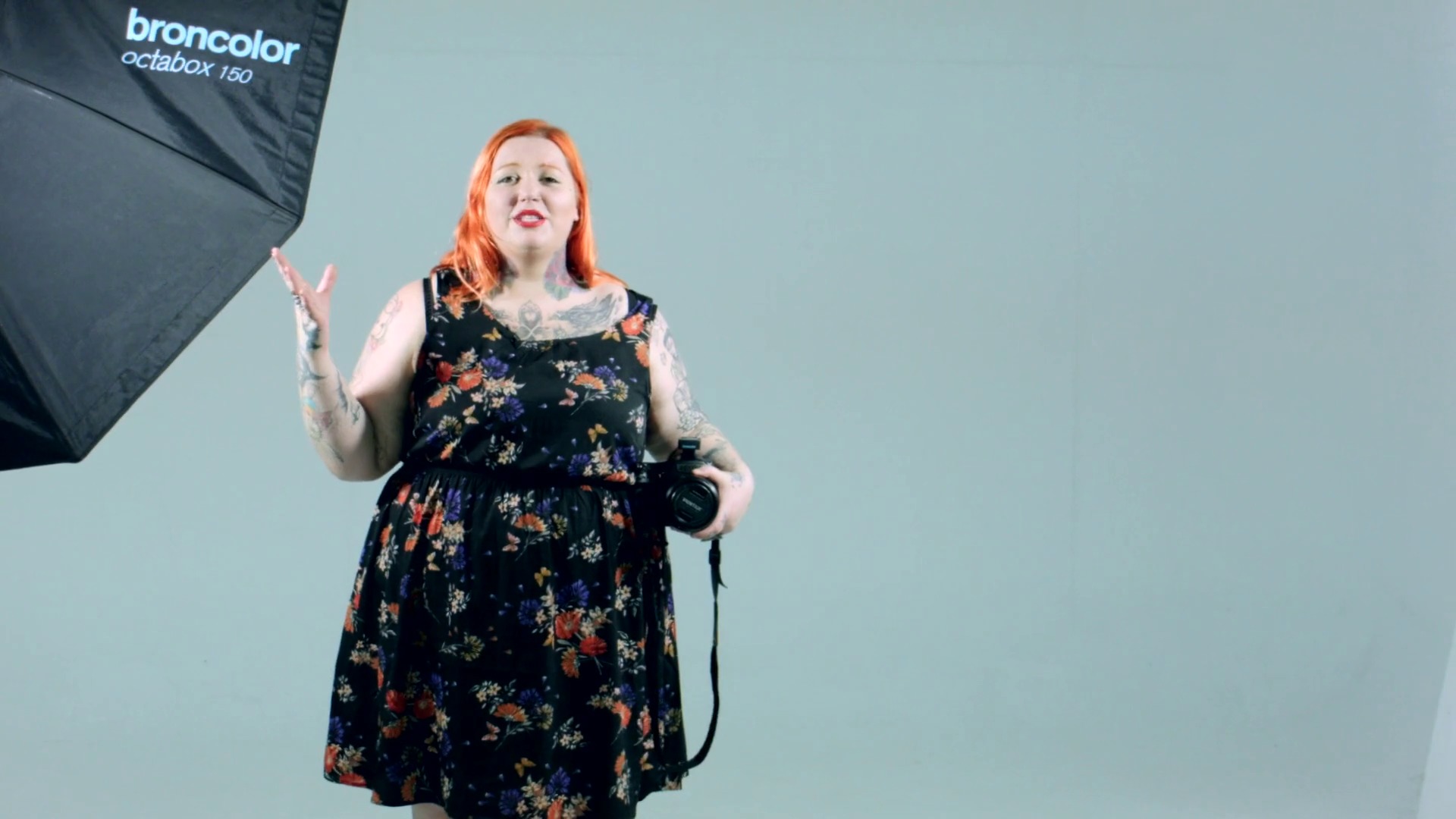
Tips before shooting in studio
6 minutes, 4 seconds
What's included in this course?
Kick off the course by learning more about fashion photographer Rebeca Saray, her career, and her influences.
Next, dig into the details of what a fashion editorial is and how to approach this type of assignment both in color and in black and white. Rebeca then introduces you to the different creatives involved in this team-based process and the materials you should have ready.
Before taking photos in the studio, Rebeca reviews some important elements to keep in mind, discusses lighting setups and the tests she performs, and offers some tips for photographing people.
Once your images are ready, learn to select the best ones and retouch them, taking full advantage of the possibilities the RAW format has to offer.
To close out the course, discover how to clean up backgrounds, blend and reframe photos, touch up skin imperfections, illuminate, correct color, add atmosphere, and prepare the final art in PDF so you can send it to magazines.
Recommended software & tools for this course
What is this course's project?
Design, shoot, and edit a professional fashion editorial from the initial idea all the way up through preparing your material for publication.
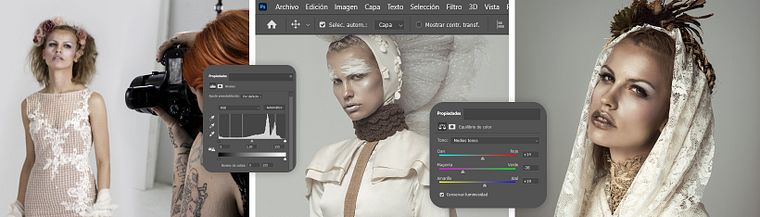
Projects by course students


Who is this online course for?
Photographers; designers; fashionistas; specialists in editorial design, advertising, and brand identity; and anyone else who wants to dive into the world of fashion photography.
Requirements and materials
Previous knowledge of manual camera usage and basic retouching in Photoshop is required.
In terms of materials, you need a camera, an SD or Compac Flash card, a card reader, a computer, Photoshop, and Adobe Camera Raw. A graphics tablet is recommended but not essential.

Reviews
- 8 months ago
MUY BIEN EXPLICADO, TODO MUY ORGAAANIZADO Y DETALLADO
- luiselc16PLUS10 months ago
Muy buen curso
- 1 year ago
excelente curso nunca habia aprendido tanto
- afaa44PLUS1 year ago
Una excelente referencia y muy impecable trabajo, claro y fácil de entender, muchísimas gracias
- 1 year ago
Muy buen curso, muy util

She has published three of her own books, two of which with Norma Editorial and Dibbuks Editorial, and has collaborated on four more with different authors. She currently combines photography and digital art with her work as a teacher, often speaking at events related to photography and leading workshops and courses for educational centers, photographic associations, and universities both in Spain and abroad.
Content
- U1
Introduction
- Presentation
- Influences
- U2
Preproduction
- What is a fashion editorial? Commission or own production
- Creative team
- U3
Production
- Technical team
- Teamwork
- Lighting schemes and light tests
- Tips before shooting in studio
- Working with model- Acting. Editorial 1
- Working with model- Acting. Editorial 2
- U4
Postproduction
- The selection
- The retouch
- Retouch from the Raw
- Background cleaning
- Liquify filter and reframe
- Skin Retouching I
- Skin Retouch II
- Illuminations
- Color correction
- Atmosphere and final finish
- Delivery of the work and preparation of the PDF to send to the magazines
- FP
Final project
- Fashion photography and digital retouching
What to expect from a Domestika course
Learn at your own pace
Enjoy learning from home without a set schedule and with an easy-to-follow method. You set your own pace.
Learn from the best professionals
Learn valuable methods and techniques explained by top experts in the creative sector.
Meet expert teachers
Each expert teaches what they do best, with clear guidelines, true passion, and professional insight in every lesson.
Certificates
PLUSIf you're a Plus member, get a custom certificate signed by your teacher for every course. Share it on your portfolio, social media, or wherever you like.
Get front-row seats
Videos of the highest quality, so you don't miss a single detail. With unlimited access, you can watch them as many times as you need to perfect your technique.
Share knowledge and ideas
Ask questions, request feedback, or offer solutions. Share your learning experience with other students in the community who are as passionate about creativity as you are.
Connect with a global creative community
The community is home to millions of people from around the world who are curious and passionate about exploring and expressing their creativity.
Watch professionally produced courses
Domestika curates its teacher roster and produces every course in-house to ensure a high-quality online learning experience.
FAQs
You’ll learn how to plan, produce, and retouch fashion editorials, integrating digital illustration, art direction, managing creative teams, and professional lighting and Photoshop editing techniques.
It’s designed for those with intermediate photography and editing skills; basic experience with manual camera settings and Photoshop is recommended.
You should have a basic understanding of photography, manual camera operation, and some digital editing knowledge, especially in Photoshop.
You’ll need a DSLR or mirrorless camera, interchangeable lenses, an external flash, reflectors, and access to a computer with Photoshop installed.
Yes, you’ll learn to work with natural light, continuous lighting, and flash in both studio and outdoor settings, adapting lighting setups to fit the visual story and styling.
Yes, the course covers everything from efficient workflow to professional skin retouching techniques, frequency separation, digital liquify, and color correction.
Yes, you’ll learn how to coordinate styling, makeup, models, and assistants, as well as manage professional communication and collaboration.