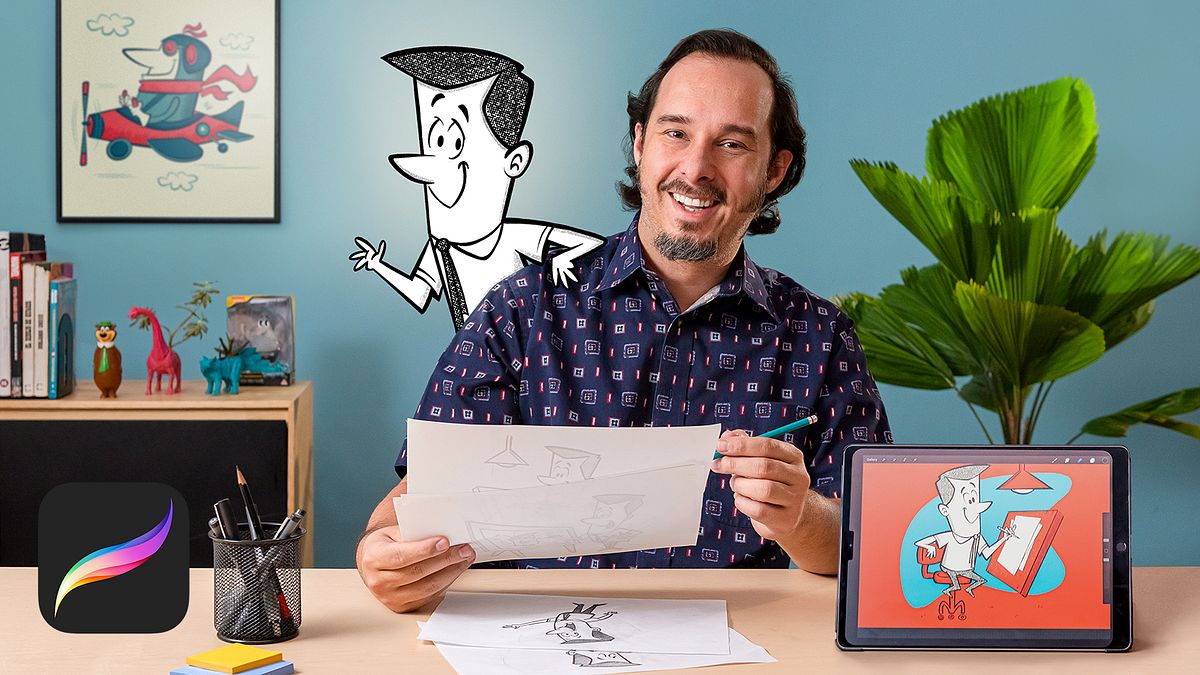
Cartoon-Style Character Design with Procreate
A course by Ed VillIllustrator and designer
A course by Ed Vill, Illustrator and designer

Learn how to create a character for brands starting from a pencil sketch right up to the digital illustration
If you are passionate about pop culture and all things vintage, you will love discovering how to apply this unique style to your advertising projects. Illustrator and character designer Ed Vill found classic cartoons to be a never-ending source of history, comedy, and social criticism capable of transmitting the identity of just about any brand.
This online course will help you take the next step, showing you how to use Procreate and the Apple Pencil to get the most out of your illustrations no matter the media.
What will you learn in this online course?
17 lessons & 24 downloads
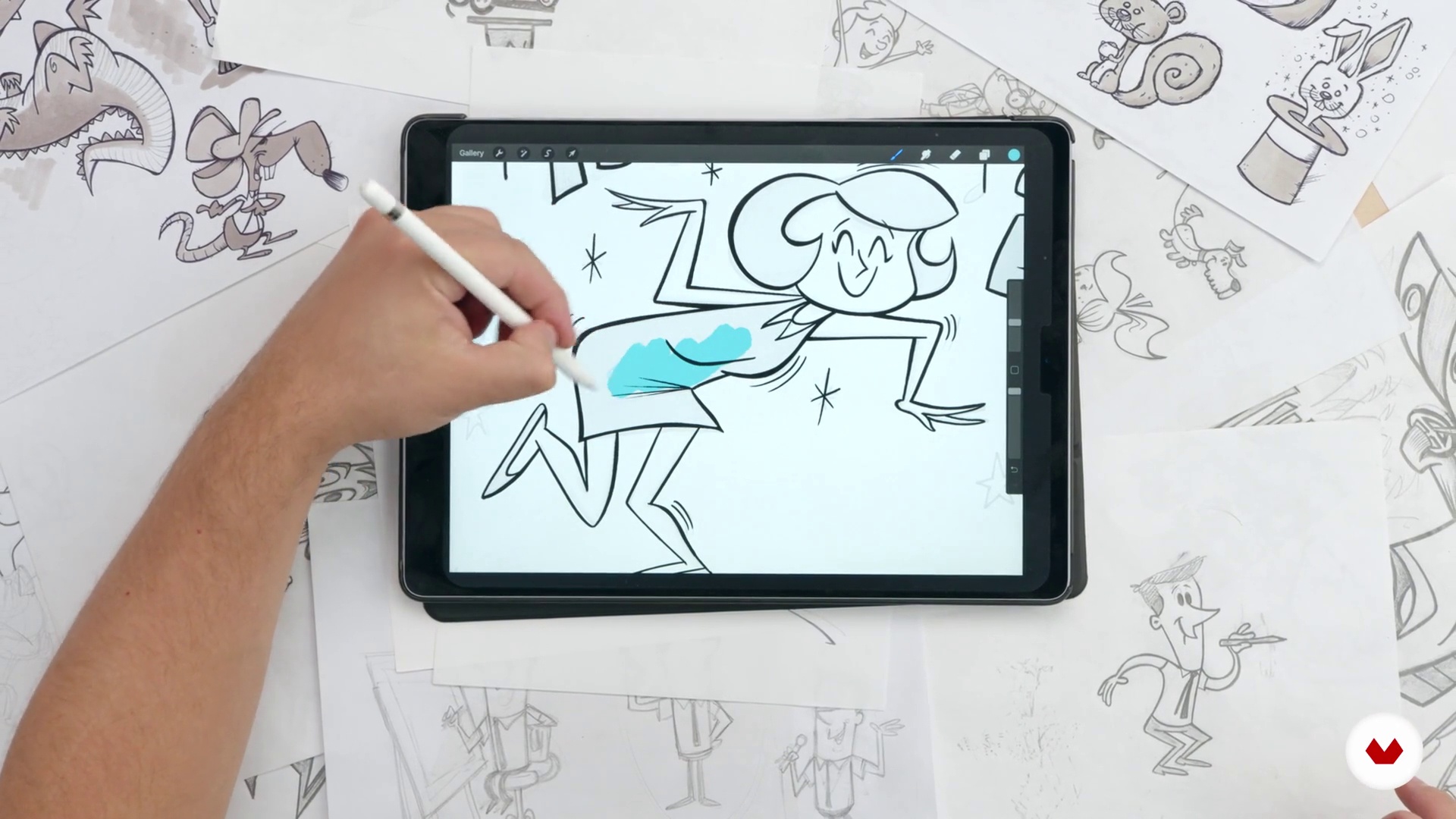
What will we do in the course?
2 minutes, 46 seconds
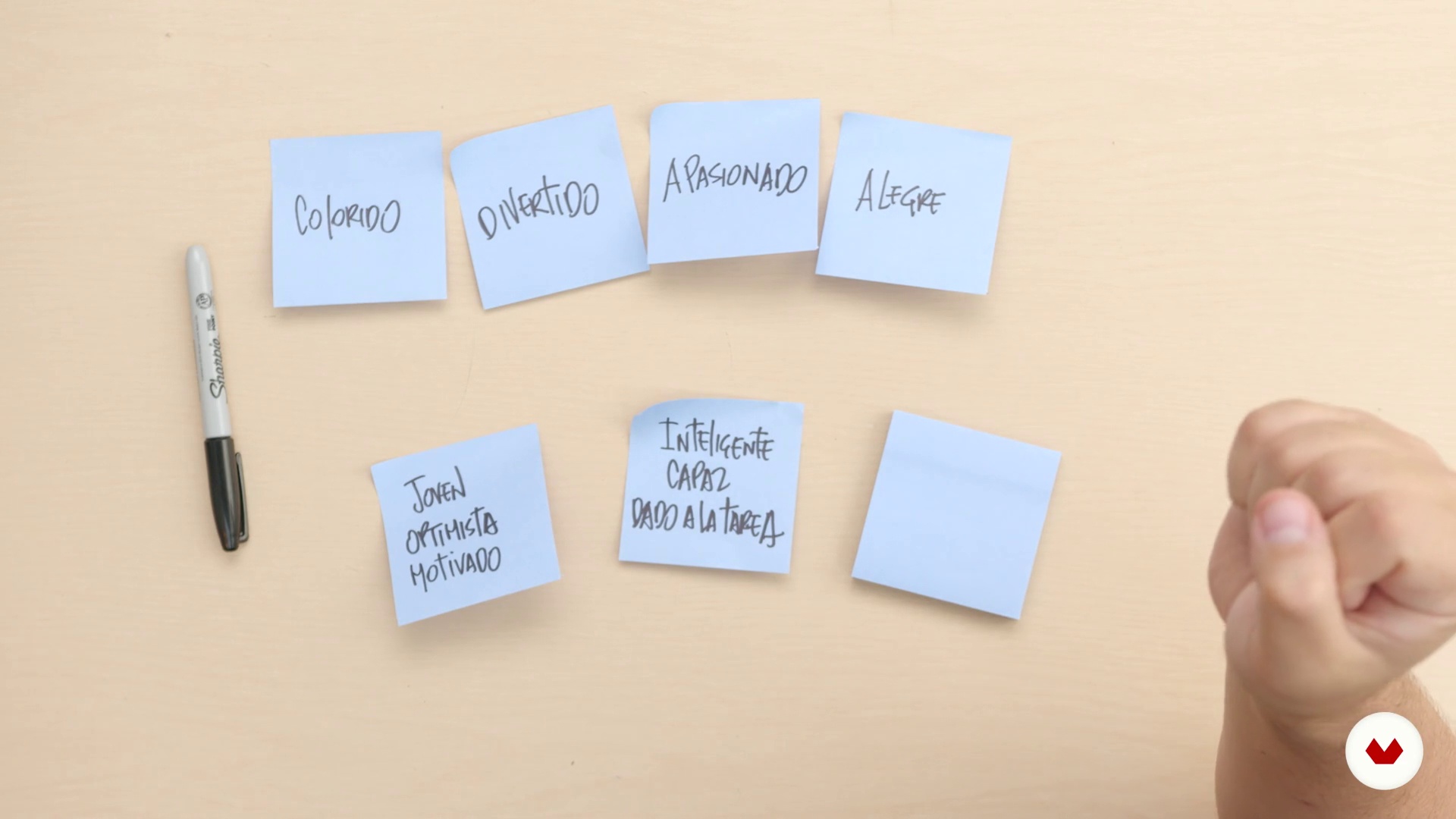
Planning our project
6 minutes, 16 seconds
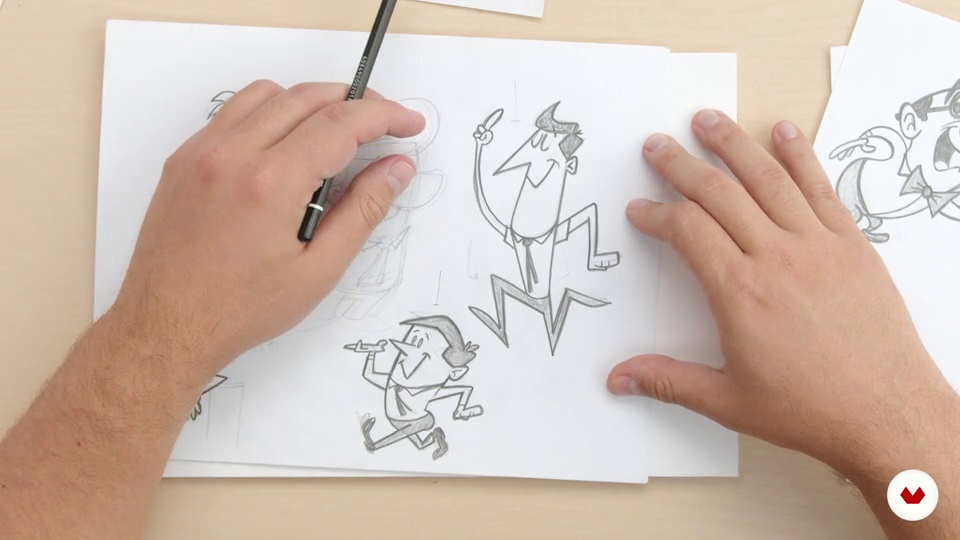
Deciding the personality
14 minutes, 32 seconds
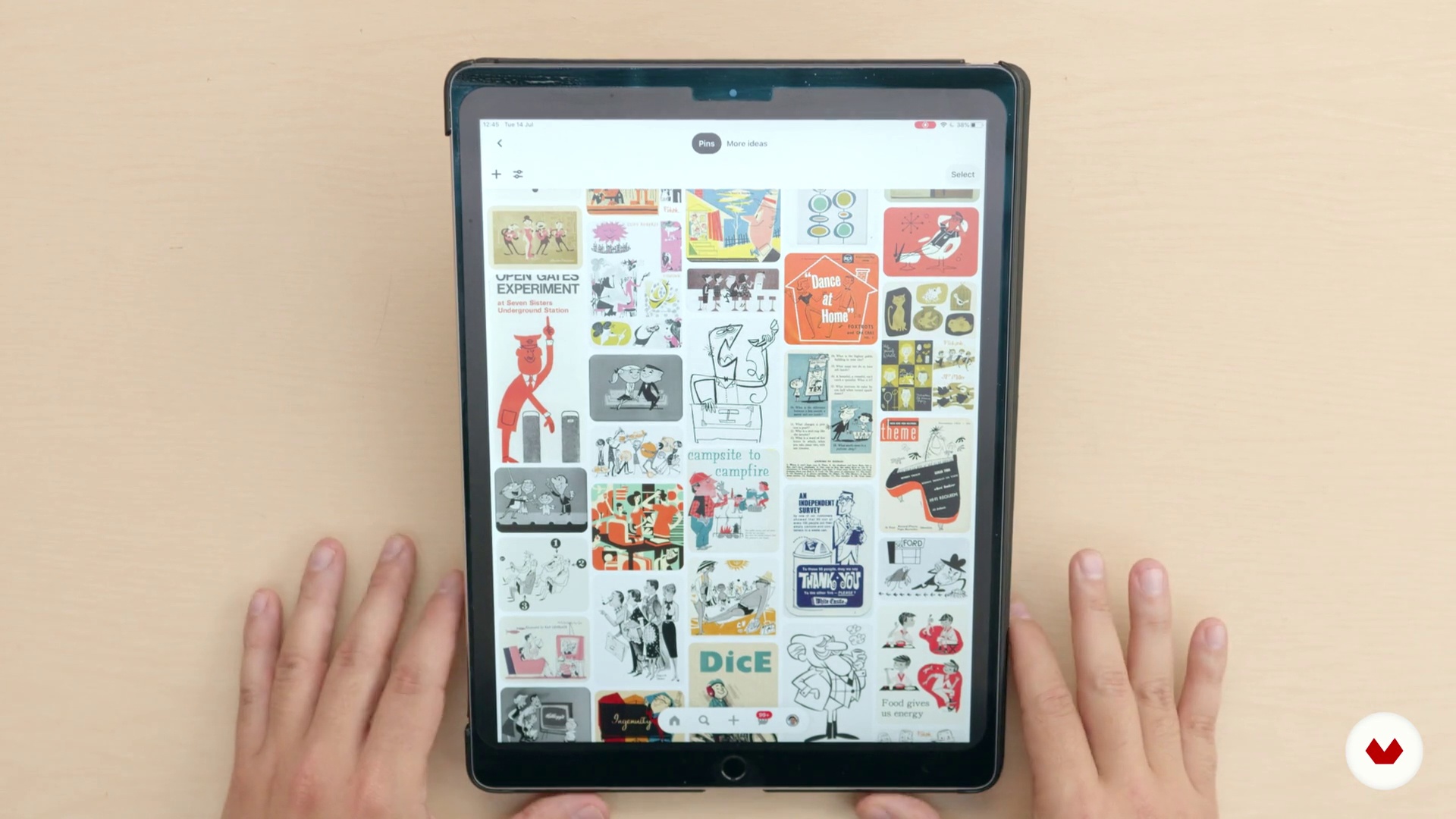
Moodboard
4 minutes, 53 seconds

Final sketches
5 minutes, 23 seconds
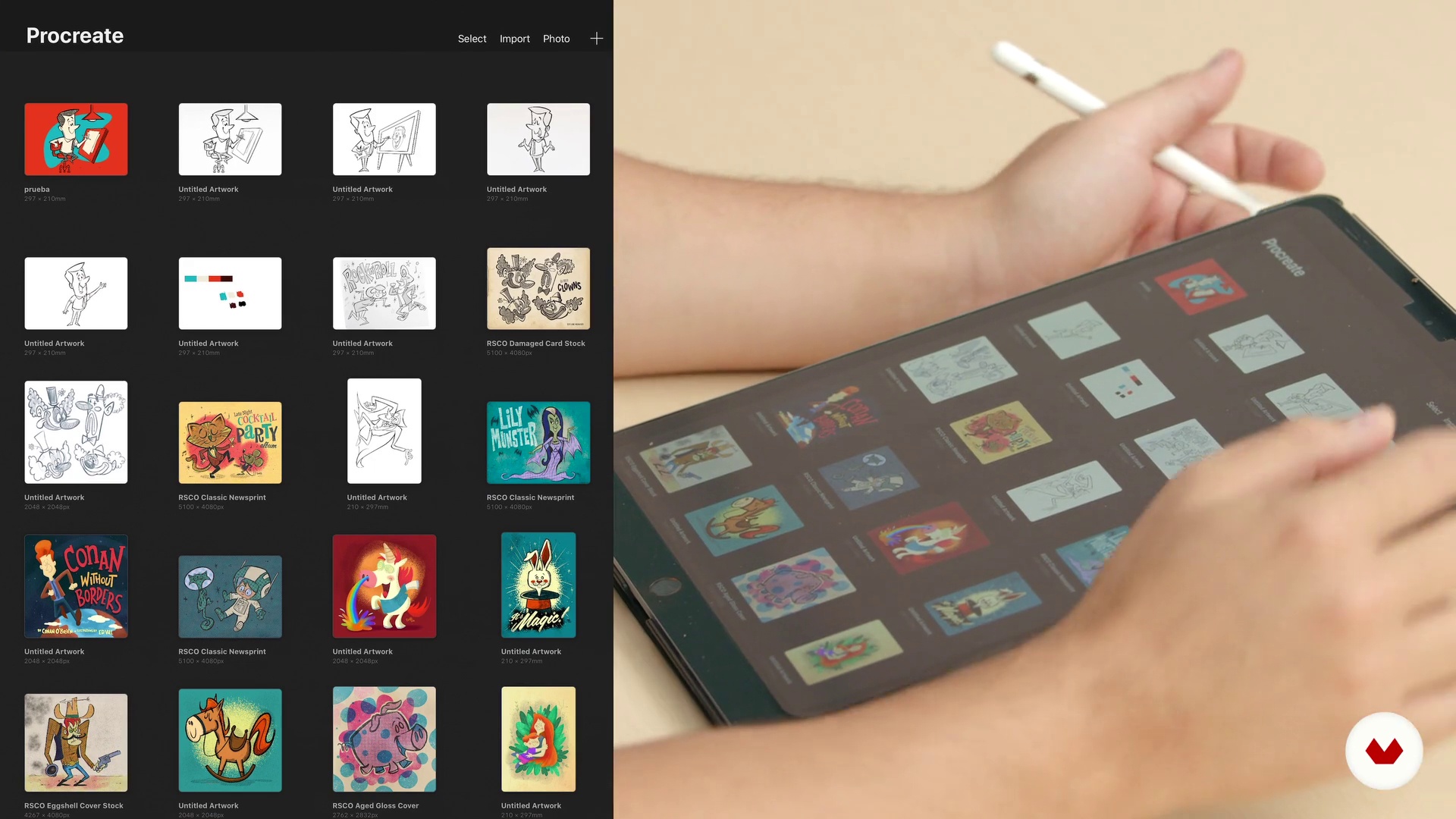
Procreate interface
7 minutes, 51 seconds
What's included in this course?
Get to know your teacher, Ed Vill, by going through the highlights of his long professional career. Learn about how Ed was blown away after discovering the infinite creative possibilities working with Procreate can offer. Take a trip through Ed’s many sources of inspiration, from the animated ads of the 1950s to the precision details of Walt Disney.
Next, define what kind of character you’ll be creating in three steps. First, carry out an analysis of a brand to define what key characteristics will be reflected in your cartoon. Second, study your character’s personality through four sketches performing different poses and activities. Finally, create a mood board on Pinterest to gather inspiration from various sources.
Once you have finished the final sketch, immerse yourself in the world of Procreate and discover the powerful features of the Apple Pencil. The final step is digitizing your sketch and exporting it with the appropriate extensions so you can apply it to a wide range of digital and print media.
Recommended software & tools for this course
What is this course's project?
Design a cartoon-style character that reflects the personality of a brand using Procreate and prepare it to be used in a range of digital and traditional advertising media.
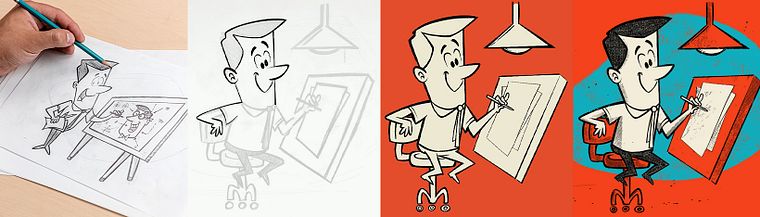
Projects by course students


Who is this online course for?
This course is for illustrators, designers, and anyone curious about creating characters from scratch with Procreate. Also for lovers of cartoon-style illustration and retro pop culture.
Requirements and materials
To take this course it is necessary to have prior knowledge of cartoon-style illustration.
In addition, you will need paper and a pencil, an Apple Pencil, and an iPad Pro with the Procreate app installed.
Reviews
- 2 months ago
güzel bir eğitim
- 5 months ago
top aulas muito legais
- 5 months ago
Un buen profesor, con mucha energía y muy generoso en su información.
- 7 months ago
Ed Vill never disappoints! I've known Ed for quite a few years now, and I'm always learning something new from him. His passion and enthusiasm for his art is contagious and inspiring. As someone who is moving from analog into the digital space, I've added yet another wonder tool to my belt thanks to Ed!
- 10 months ago
Por el momento es muy interesante. Explica muy bien y es muy apasionado, te contagia. Las páginas web que recomienda no son seguras, así que salté ese paso. Lo demás muy bien.

This multidisciplinary illustrator and designer has also worked as a copywriter and photographer for print media, recorded albums, created radio and television shows, and launched his own design brand: EdVill. Currently, he illustrates children's books and teaches character creation workshops for children and adults.
Content
- U1
Introduction
- Who I am?
- Influences
- What will we do in the course?
- U2
What does the project represent?
- Planning our project
- Deciding the personality
- Moodboard
- Final sketches
- U3
To work
- Procreate interface
- Apple Pencil
- Colors in Procreate
- Import into Procreate
- Illustration in Procreate P1
- Illustration in Procreate P2
- Illustration in Procreate P3
- Illustration in Procreate P4
- U4
Finishing and assembly
- Export files
- Applications
- FP
Final project
- Cartoon-Style Character Design with Procreate
What to expect from a Domestika course
Learn at your own pace
Enjoy learning from home without a set schedule and with an easy-to-follow method. You set your own pace.
Learn from the best professionals
Learn valuable methods and techniques explained by top experts in the creative sector.
Meet expert teachers
Each expert teaches what they do best, with clear guidelines, true passion, and professional insight in every lesson.
Certificates
PLUSIf you're a Plus member, get a custom certificate signed by your teacher for every course. Share it on your portfolio, social media, or wherever you like.
Get front-row seats
Videos of the highest quality, so you don't miss a single detail. With unlimited access, you can watch them as many times as you need to perfect your technique.
Share knowledge and ideas
Ask questions, request feedback, or offer solutions. Share your learning experience with other students in the community who are as passionate about creativity as you are.
Connect with a global creative community
The community is home to millions of people from around the world who are curious and passionate about exploring and expressing their creativity.
Watch professionally produced courses
Domestika curates its teacher roster and produces every course in-house to ensure a high-quality online learning experience.
FAQs
You’ll learn how to conceptualize, sketch, and digitize cartoon characters with a vintage flair, create advertising mascots, apply techniques using Procreate and Apple Pencil, and adapt your illustrations for campaigns, printed products, and social media.
This is an intermediate-level course, perfect for those who already know the basics of digital illustration and want to deepen their skills in character creation and professional techniques.
You’ll need an iPad with Procreate installed, an Apple Pencil, basic digital illustration knowledge, and internet access to follow along and practice.
You’ll discover strategies to showcase your work, create eye-catching visuals, and use custom characters in campaigns to make your brand stand out on social media.
Yes, the course covers techniques for applying your illustrations to physical and digital products, plus advice on layout, exporting, and adapting your designs for various print formats.
Yes, you’ll learn to conceptualize and design advertising mascots, study successful examples, and tailor characters to fit different brand identities.
The course teaches digital moodboarding, attribute mapping, exploratory sketching, dynamic poses, and graphic synthesis to craft characters with personality and visual harmony.