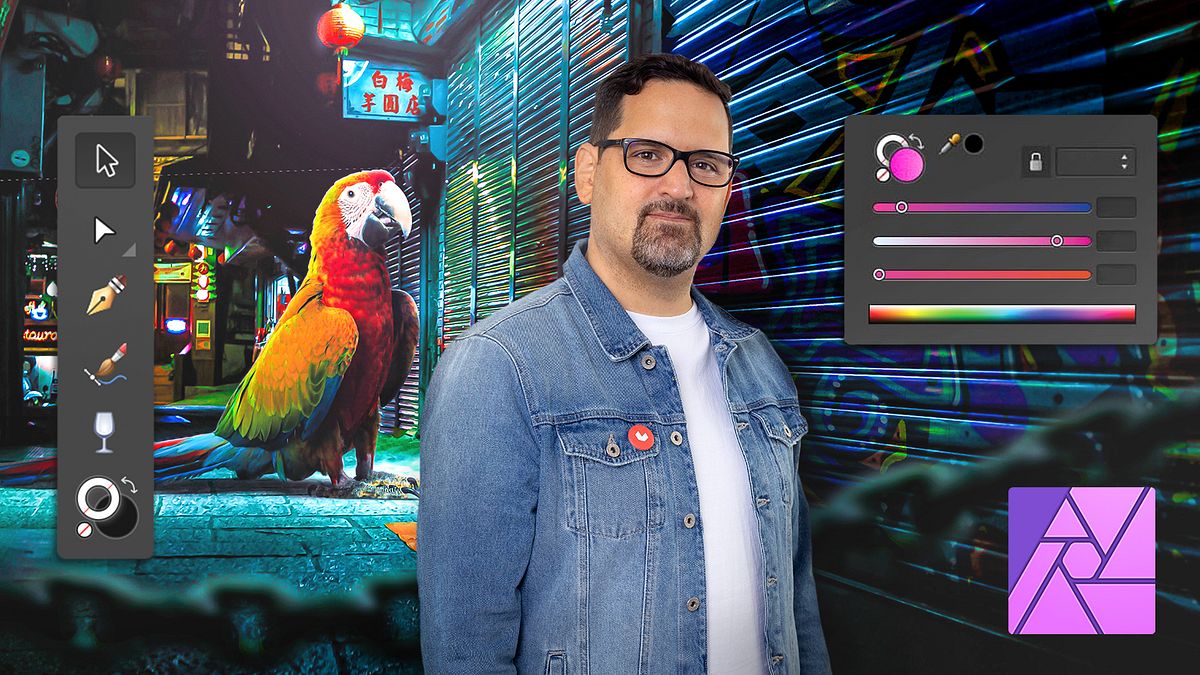
Introduction to Affinity Photo
A course by Carlos Jimenez VarelaPhotographic Composition Specialist
A course by Carlos Jimenez Varela, Photographic Composition Specialist

Learn how to retouch your photographic compositions and give them a unique style with one of the most complete and intuitive software on the market
Immerse yourself in the world of photographic composition and photomontage, no matter your level, with the help of Affinity Photo, one of the most comprehensive and user-friendly software on the market. Throughout these four courses, designer and publicist Carlos Jiménez shows you how to get the most out of this program by teaching you all its main tools and features.
As a follow-on from his first course Surrealistic Photomontage with Photoshop, Carlos shows you how to use Affinity Photo to achieve astonishing images, with a strikingly unique style, entirely from scratch.
Start this Domestika Basics by comparing Photoshop and Affinity Photo before getting familiarized with the fundamentals of working with digital images and exploring the Affinity Photo interface.
Then turn your attention to the creation of some simple photomontages using basic tools and discover the magic of mask layers.
Now it's time to delve into some photo retouching tools that are invaluable for perfecting your portraits such as brushes and a few colorization features.
Finish up by getting to grips with non-destructive workflows using adjustment layers, as well as some tools for maintaining complete control over your photomontages.
Now you've mastered the basic features of Affinity Photo, it's time to get out there and create your own breathtakingly professional compositions and photomontages.
Technical requirements
⦁ A computer with Windows 10 or later or mac OS X v10.14 or later. ⦁ Affinity Photo version 1.8 or later, which you can either buy or download the 10-day free trial from the official website. ⦁ A graphics tablet is recommended, but not necessary.
Recommended software & tools for this course
Reviews
- 1 year ago
Excelente!!! muy completo y "familiar" para quienes conocen photoshop pero sería genial poder profundizar un poco mas en herramientas.
- 1 year ago
muy completo
- 1 year ago
Well organized and structured course. Even though I was familiar with Affinity Photo, it helped me to better understand the tools and editing workflow. Excellent course and highly recommended.
- 1 year ago
Curso excelente para começar no affinity em poucas aulas conseguimos destrinchar o software
- 1 year ago
Muy buen curso para iniciarse en el software y para comenzar a hacer fotomontajes. Si quieres usar Affinity Photo para ilustración no se profundiza casi nada en ese tema, sería el único contra. Pero para fotografía super bien. De aquí ya se puede saltar a totorales en YouTube con mucha más confianza.
Despite not considering himself an Adobe Photoshop virtuoso, he undoubtedly handles the program with an expert touch and has used it professionally for more than twenty years. He trusts that he must be constantly learning and updating his skills along with the software, and believes that others should strive to do the same.
His work has been published on various design blogs as well as in renowned magazines like Lürzer's Archive on more than one occasion. He has also exhibited his work in galleries in a number of countries around the word such as Spain, Morocco, France, Brazil, and more. He has participated in various exhibitions for international festivals and design biennales in Ecuador and Poland, to name just two. He currently has more than thirty national and international prizes and awards in creativity and design.
Content
- U1
Welcome
- Welcome
- U2
Affinity Photo vs. Adobe photoshop
- Affinity Photo vs. Adobe photoshop
- U3
Pixels, light and color tones
- Let's talk about pixels, light and color tones
- U4
Photo sizes, resolutions and weight
- Photo sizes, resolutions and weight
- U5
File types and compatibility
- File types and compatibility
- U6
Affinity Photo customizable interface and structure
- Affinity Photo customizable interface and structure
- U7
The Development Module
- The Development Module
- U8
The Photography Module
- The Photography Module
- U9
The Export Module
- The Export Module
- U10
Practice
- Practice
What to expect from a Domestika course
Learn at your own pace
Enjoy learning from home without a set schedule and with an easy-to-follow method. You set your own pace.
Learn from the best professionals
Learn valuable methods and techniques explained by top experts in the creative sector.
Meet expert teachers
Each expert teaches what they do best, with clear guidelines, true passion, and professional insight in every lesson.
Certificates
PLUSIf you're a Plus member, get a custom certificate signed by your teacher for every course. Share it on your portfolio, social media, or wherever you like.
Get front-row seats
Videos of the highest quality, so you don't miss a single detail. With unlimited access, you can watch them as many times as you need to perfect your technique.
Share knowledge and ideas
Ask questions, request feedback, or offer solutions. Share your learning experience with other students in the community who are as passionate about creativity as you are.
Connect with a global creative community
The community is home to millions of people from around the world who are curious and passionate about exploring and expressing their creativity.
Watch professionally produced courses
Domestika curates its teacher roster and produces every course in-house to ensure a high-quality online learning experience.
FAQs
Yes, Affinity Photo is perfect for beginners thanks to its user-friendly interface and intuitive tools that let you learn and apply editing techniques without any prior experience.
You don’t need any previous knowledge. This course is designed for people new to digital photo editing and guides you step-by-step through using Affinity Photo.
You’ll learn how to retouch portraits, create photomontages, use adjustment layers, apply non-destructive techniques, and compare workflows between Affinity Photo and Photoshop.
A non-destructive workflow lets you edit images without changing the original file, using adjustment layers and masks to keep your edits flexible and high-quality.
Affinity Photo offers tools like brushes, adjustment layers, masks, advanced selection, and filters to make precise retouches on portraits and compositions.
Affinity Photo has features similar to Photoshop, like layers and brushes, but stands out with a simpler interface and more affordable price, making it ideal for new users.
All you need is a computer with Affinity Photo installed and your own images to edit. No special hardware or expensive licenses required.