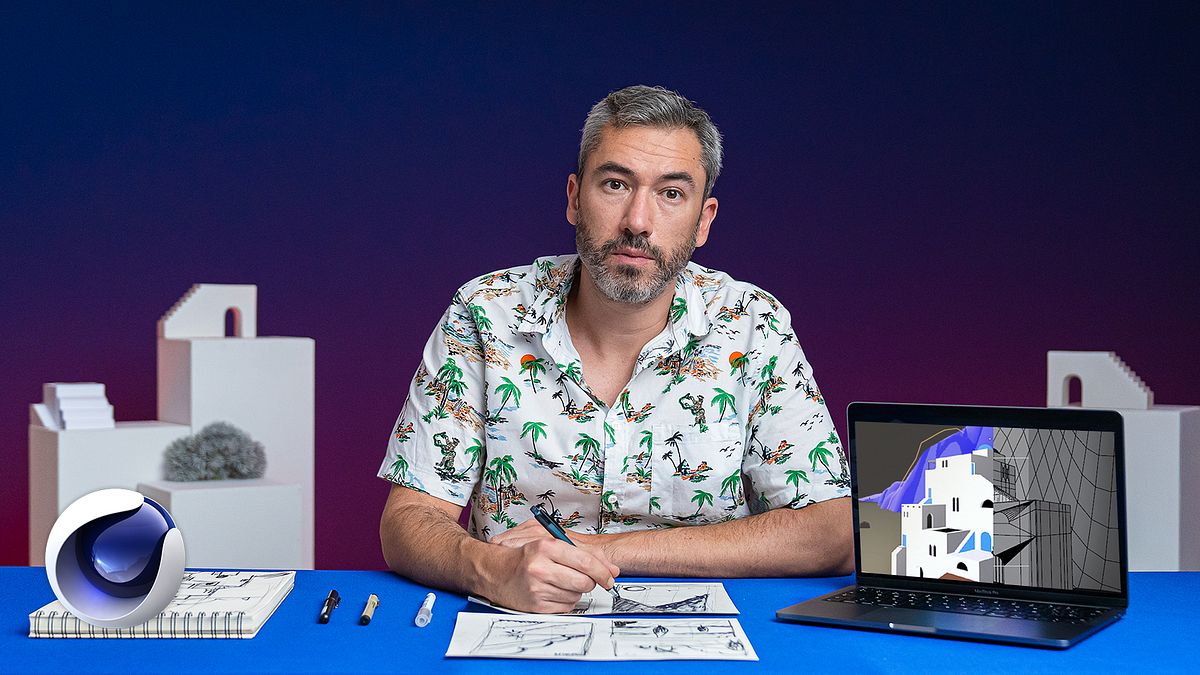
Animated Poster Creation in Cinema 4D
A course by Rafael Carmona3D Artist
A course by Rafael Carmona, 3D Artist

Combine modeling and animation techniques to create a 3D space in flat design
Cinema 4D is the ideal software to recreate your most imaginative ideas in 3D. Rafael Carmona is a 3D artist with over eighteen years of experience and uses the software to create different styles and pieces with a touch of humor.
In this course, learn how to combine the charm of poster designs with the magic of animation to create a touristic postcard that transports you to your favorite place. Learn 3D modeling techniques in Cinema 4D and then move onto Adobe After Effects to add animated elements to your work.
This is Rafa’s second course on Domestika, in his first course, Design of Characters and 3D Animation, he teaches you how to create a fun, animated character in 3D using a common household appliance as inspiration.
What will you learn in this online course?
21 lessons & 18 downloads
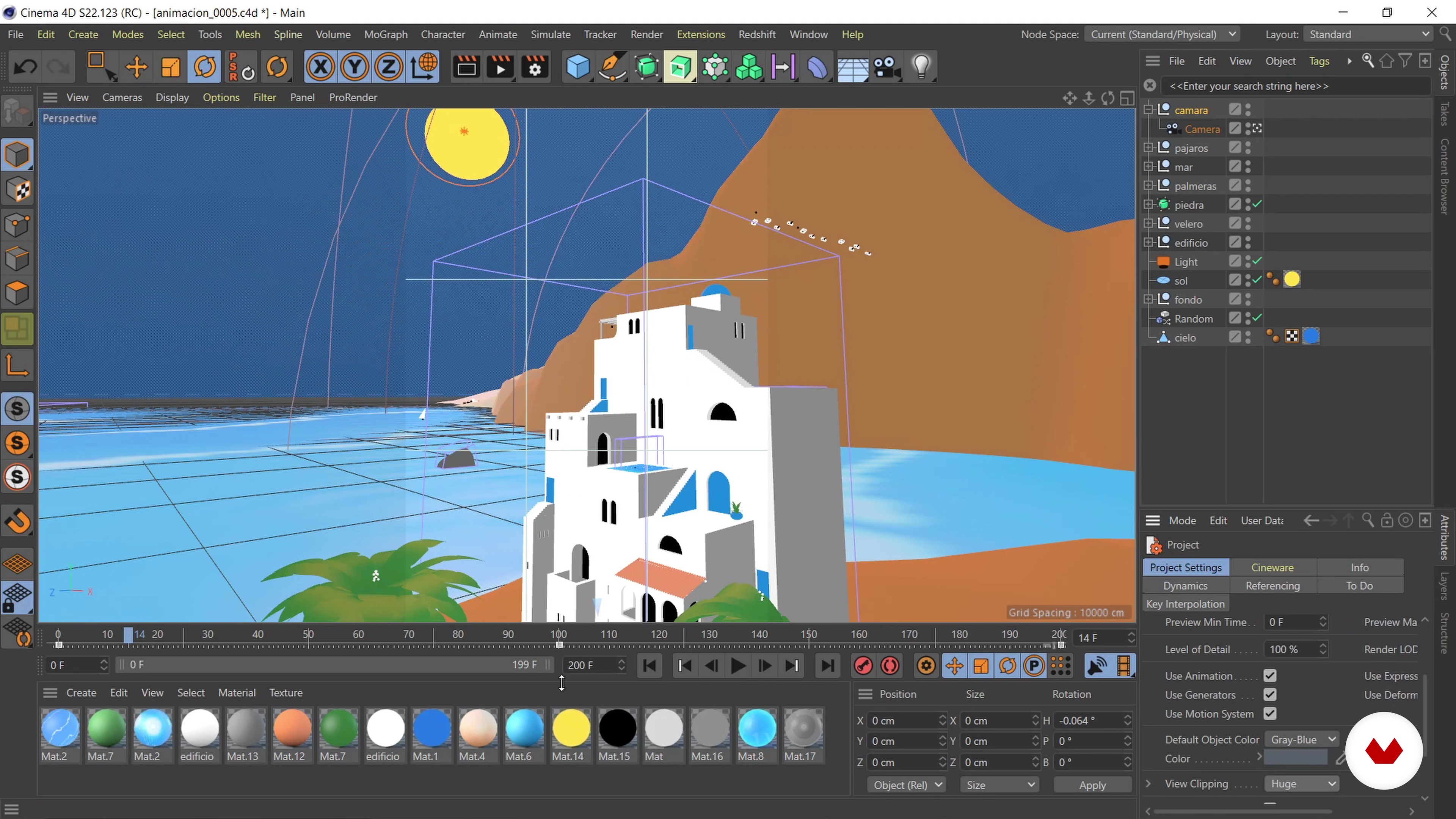
What will we do in the course?
1 minute, 15 seconds
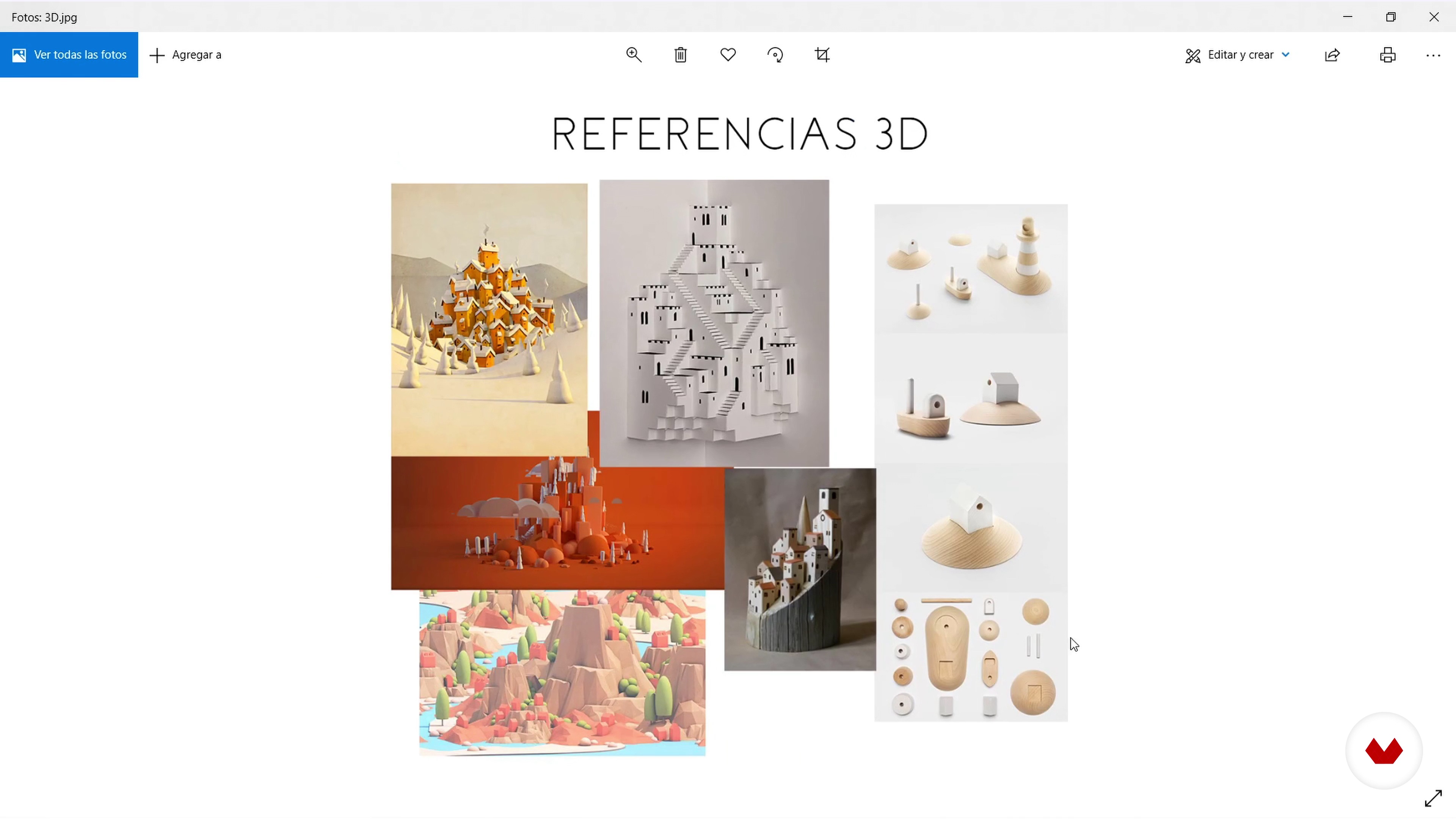
Brainstorm and mood board
11 minutes, 9 seconds
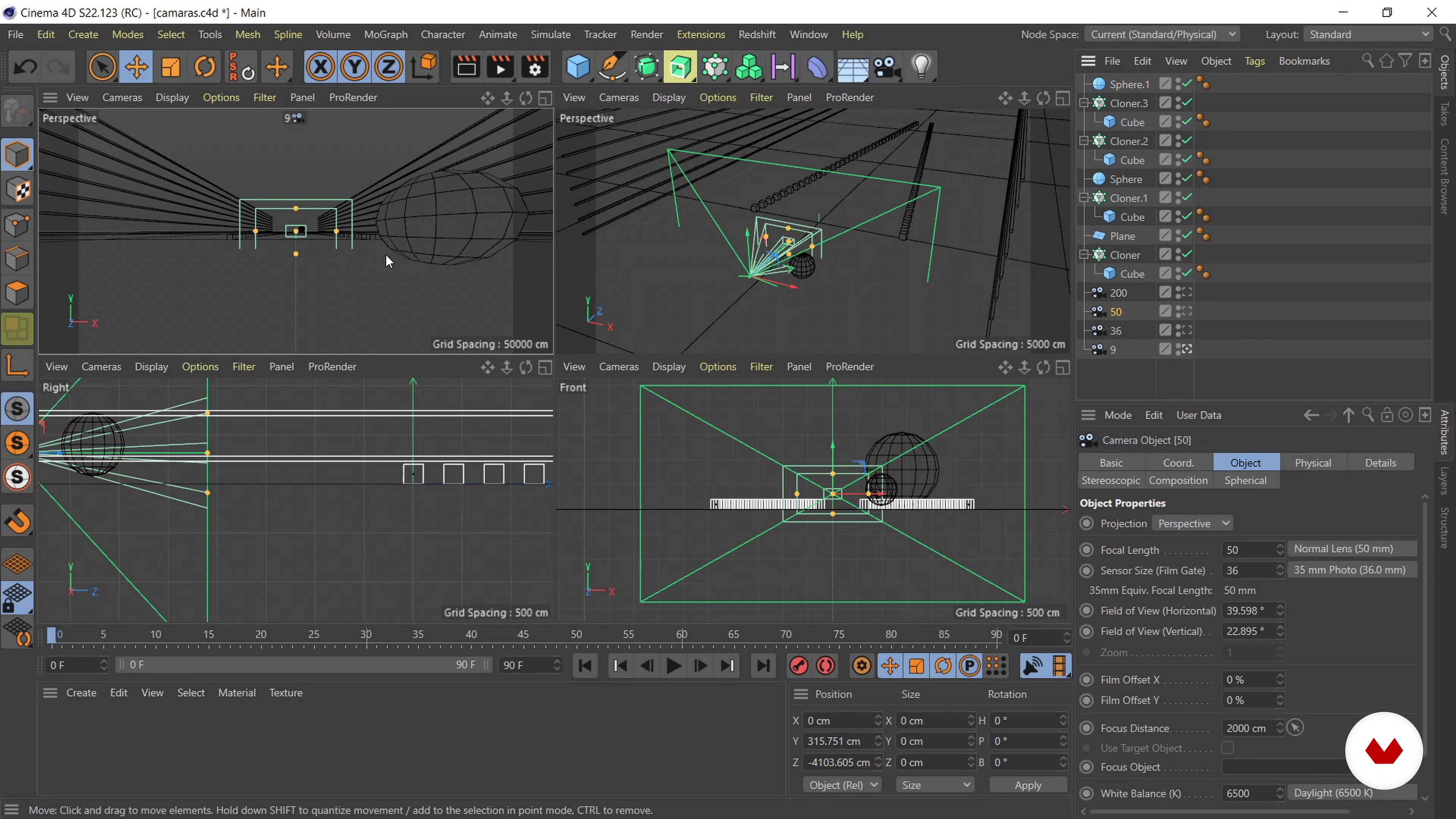
Composition and techniques
11 minutes, 35 seconds
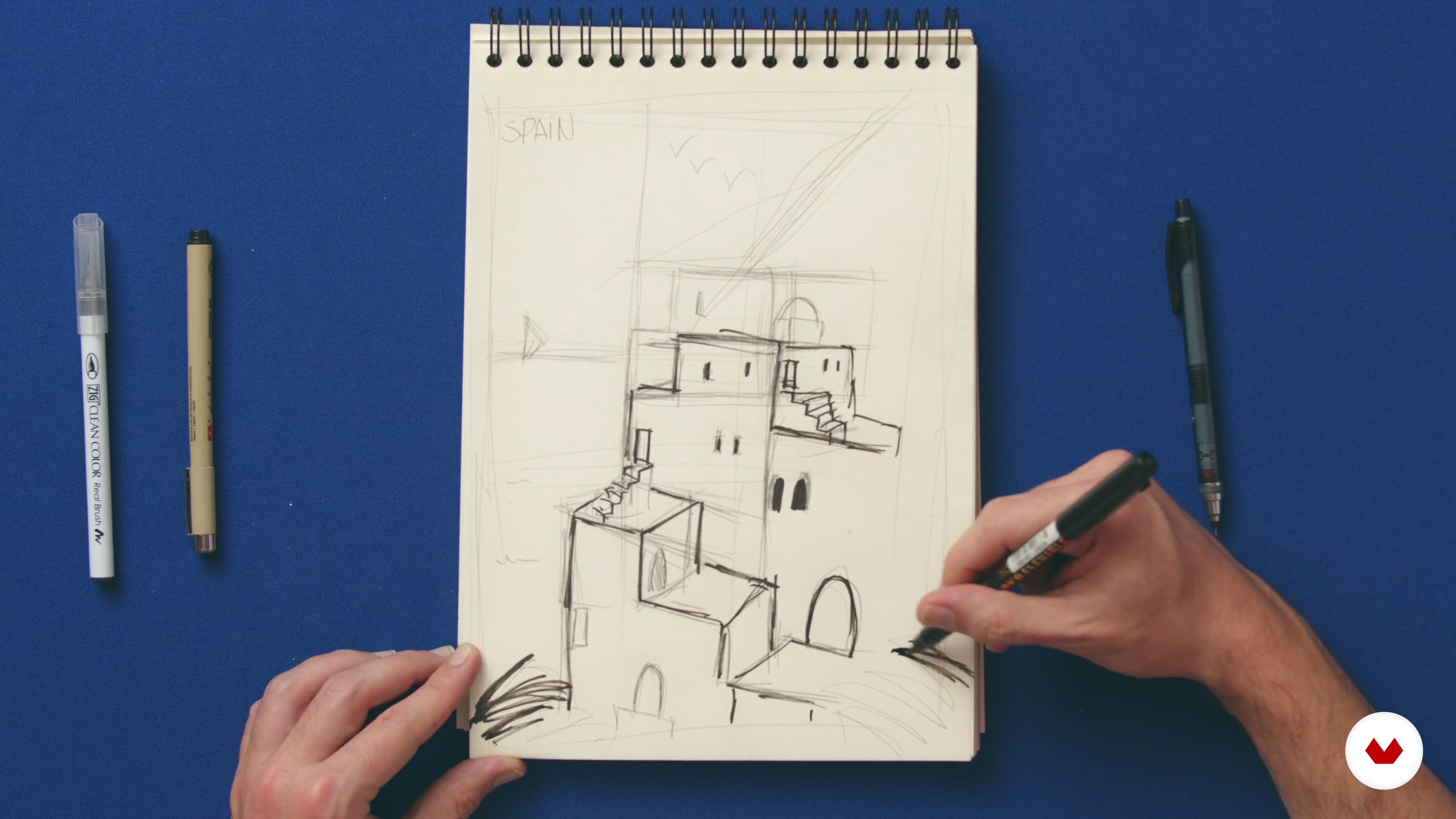
Pencil and paper: sketched
20 minutes, 10 seconds
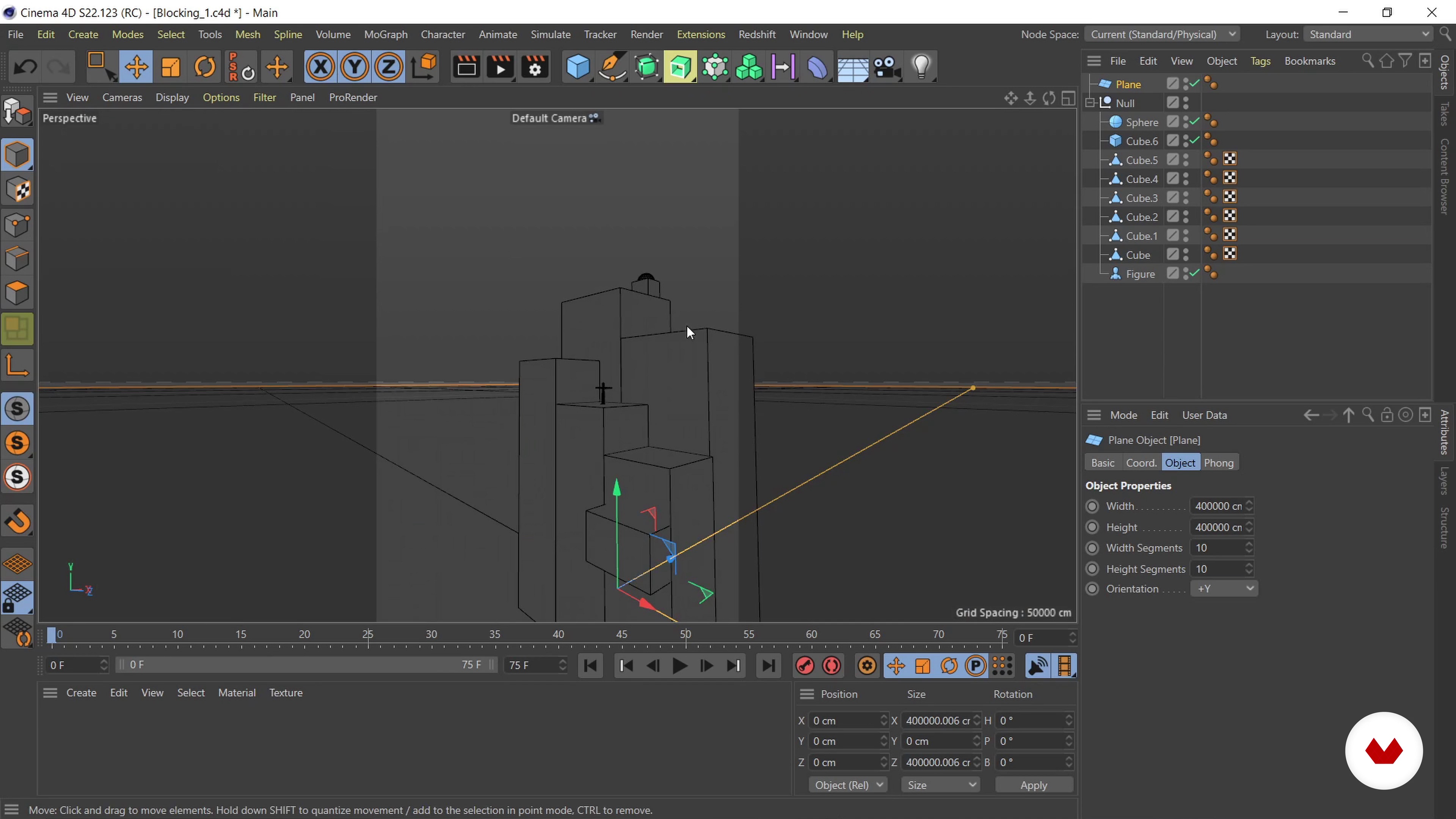
Blocking 1
9 minutes, 2 seconds
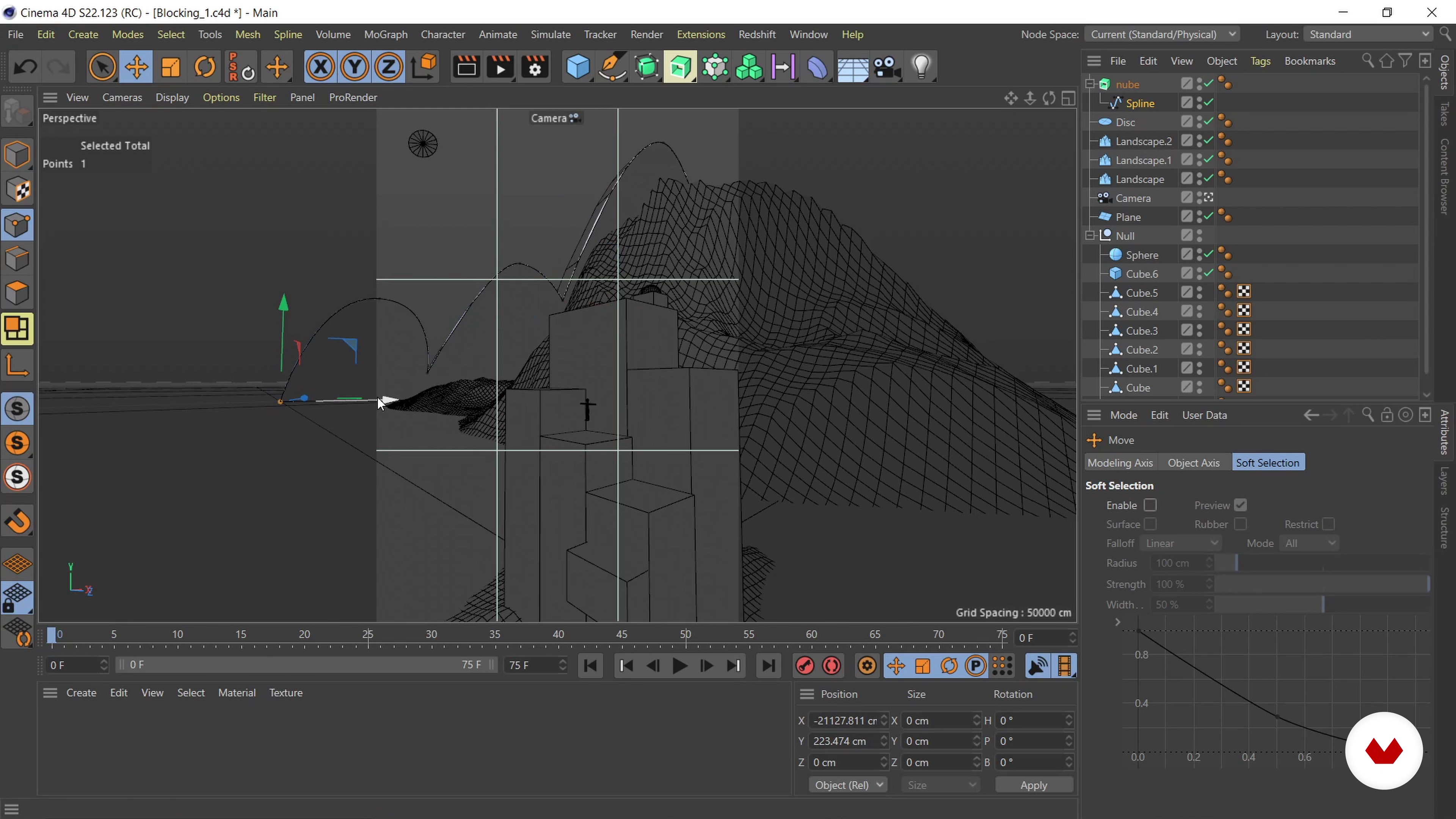
Blocking 2
13 minutes, 48 seconds
What's included in this course?
To begin, Rafa tells you about himself and about his experience in 3D and animation, to then tell you about his most influential references. See the steps to follow to carry out your 3D project, starting with some research on your own references to help you conceptualize your design.
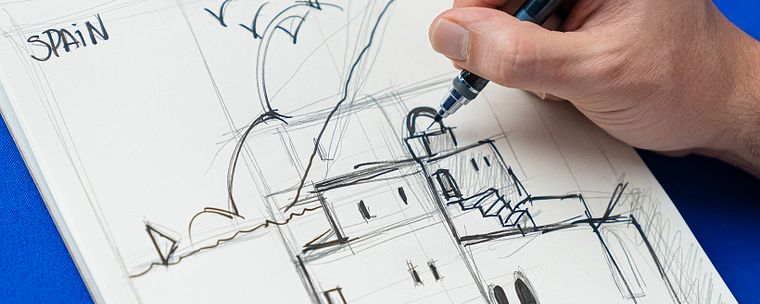
Create a mood board and learn some composition techniques to create interesting frames and layouts. Once you have your idea, sketch a conceptual illustration of your postcard using the material you prefer.
Start modeling the scene to define the camera position and general composition. Model the architecture and surrounding landscape in more detail, adding lights and materials, and animate some of the elements in your composition.
Apply composition tags in your scene, discover some render effects in Cinema 4D, and define the rendering steps, the quality, and the size of your image output when exporting.
Compose your images on After Effects using layer fusion modes and use masks to make a background element in your scene. Apply some final touches to your composition before exporting it.
Finally, convert your postcard into an optimal format to upload on social media and create an animated gif in Photoshop.
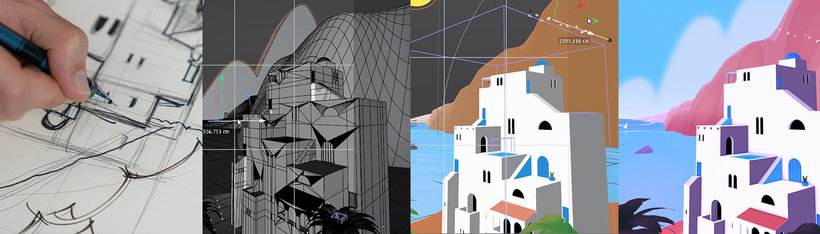
Recommended software & tools for this course
What is this course's project?
Develop an animated composition with the aesthetics of a postcard from your native country, city, village, or another planet.
Projects by course students


Who is this online course for?
For anyone interested in developing their own 3D scenes, from start to finish.
Requirements and materials
You’ll need basic knowledge of how to use Cinema 4D, a computer with Adobe Cinema 4D, After Effects, and Photoshop. You’ll also need a pencil and paper to sketch your ideas.
Reviews
- 2 years ago
(y)
- rramirezsi_94PLUS3 years ago
Buen curso
- 3 years ago
great tips
- 4 years ago
Tiene lo necesario para que aprendas lo basico de cinema4D y puedas desarrollar tus ideas en 3D
- 4 years ago
I like the aesthetic!

He has contributed his knowledge to various projects, from the development of animation series, to the pre-production phase of visual effects projects, or even in the animation of motion graphics for advertising, museums, video clips and more. Rafa skillfully combines different styles and techniques and applies them to his most personal projects, always trying to bring a touch of humor to everything he does.
Content
- U1
Introduction
- Presentation
- Influences
- What will we do in the course?
- U2
Starting the house with the foundations
- Brainstorm and mood board
- Composition and techniques
- Pencil and paper: sketched
- U3
Building environments
- Blocking 1
- Blocking 2
- Scenario modeling: architecture 1
- Scenario modeling: architecture 2
- Scenario modeling: architecture 3
- Scenario modeling: architecture 4
- Scenario modeling: terrain 1
- Scenario modeling: terrain 2
- Lighting and materials 1
- Lighting and materials 2
- Animation 1
- Animation 2
- U4
Topping our postcard
- Render and export
- Post-production in After Effects
- Export, compression and quality
- FP
Final project
- Animated Poster Creation in Cinema 4D
What to expect from a Domestika course
Learn at your own pace
Enjoy learning from home without a set schedule and with an easy-to-follow method. You set your own pace.
Learn from the best professionals
Learn valuable methods and techniques explained by top experts in the creative sector.
Meet expert teachers
Each expert teaches what they do best, with clear guidelines, true passion, and professional insight in every lesson.
Certificates
PLUSIf you're a Plus member, get a custom certificate signed by your teacher for every course. Share it on your portfolio, social media, or wherever you like.
Get front-row seats
Videos of the highest quality, so you don't miss a single detail. With unlimited access, you can watch them as many times as you need to perfect your technique.
Share knowledge and ideas
Ask questions, request feedback, or offer solutions. Share your learning experience with other students in the community who are as passionate about creativity as you are.
Connect with a global creative community
The community is home to millions of people from around the world who are curious and passionate about exploring and expressing their creativity.
Watch professionally produced courses
Domestika curates its teacher roster and produces every course in-house to ensure a high-quality online learning experience.
FAQs
You’ll learn modeling, lighting, material rendering, integrating 3D into real images, visual effects with Cinema 4D, character animation, and motion graphics development applied to creative projects and animated posters.
The course is aimed at those with basic prior knowledge of 3D or digital design and is intermediate level. If you have experience with design or animation software, you’ll get even more out of it.
You’ll need access to Cinema 4D and After Effects, plus basic skills in digital design software. Photoshop is also recommended for creating mood boards and managing visual references.
This course prepares you to work as a 3D generalist in animation studios, advertising, motion graphics, animated signage, or freelance in audiovisual production and creative projects.
You’ll be able to create animated posters, animation backgrounds, mood boards, 3D environment models, character animations, and visual effects integrated into real footage.
Yes, you’ll learn how to find visual references, filter illustrations, and create and organize mood boards, distinguishing between 2D, 3D, and photographic references to inspire and guide your projects.
Yes, the course covers composition principles like the rule of thirds, use of lines, curves, contrast, and depth to create visually appealing and balanced images.