Digital Portraits with Unique Style on Procreate
A course by Ulises MendicuttyIllustrator, Art Director, and Visual Artist
A course by Ulises Mendicutty, Illustrator, Art Director, and Visual Artist

Put a personal touch on your iPad illustrations and take your portraits to the next level
The illustrations by visual artist Ulises Mendicutty have some clear protagonists: vibrant colors, drama, the barrio culture, and sometimes even a little perreo. Many of them tell stories that are not completely digested so that the audience can create their own interpretations. His work has a very marked and strong style and he has collaborated with clients such as Penguin Random House, Slanted Publishers, and Vips, among others.
In this course, Ulysses guides you to find your own style so you can capture it in your illustrations, through the analysis of your influences and references. Then, learn how to use Procreate as your sketchbook and review the main tools so that you achieve powerful illustrations with your personal touch.
What will you learn in this online course?
15 lessons & 12 downloads
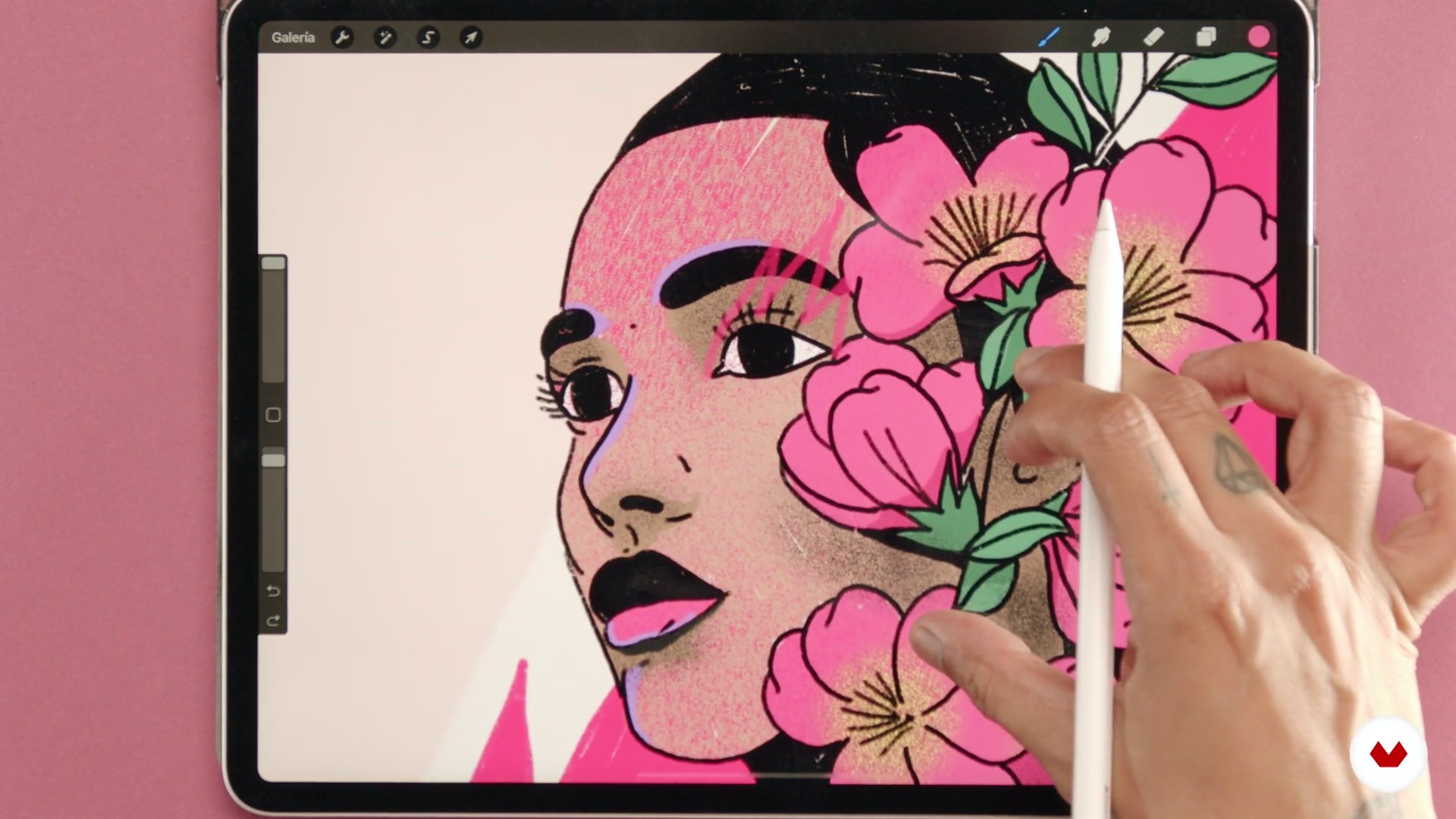
What will we do in the course
2 minutes, 43 seconds
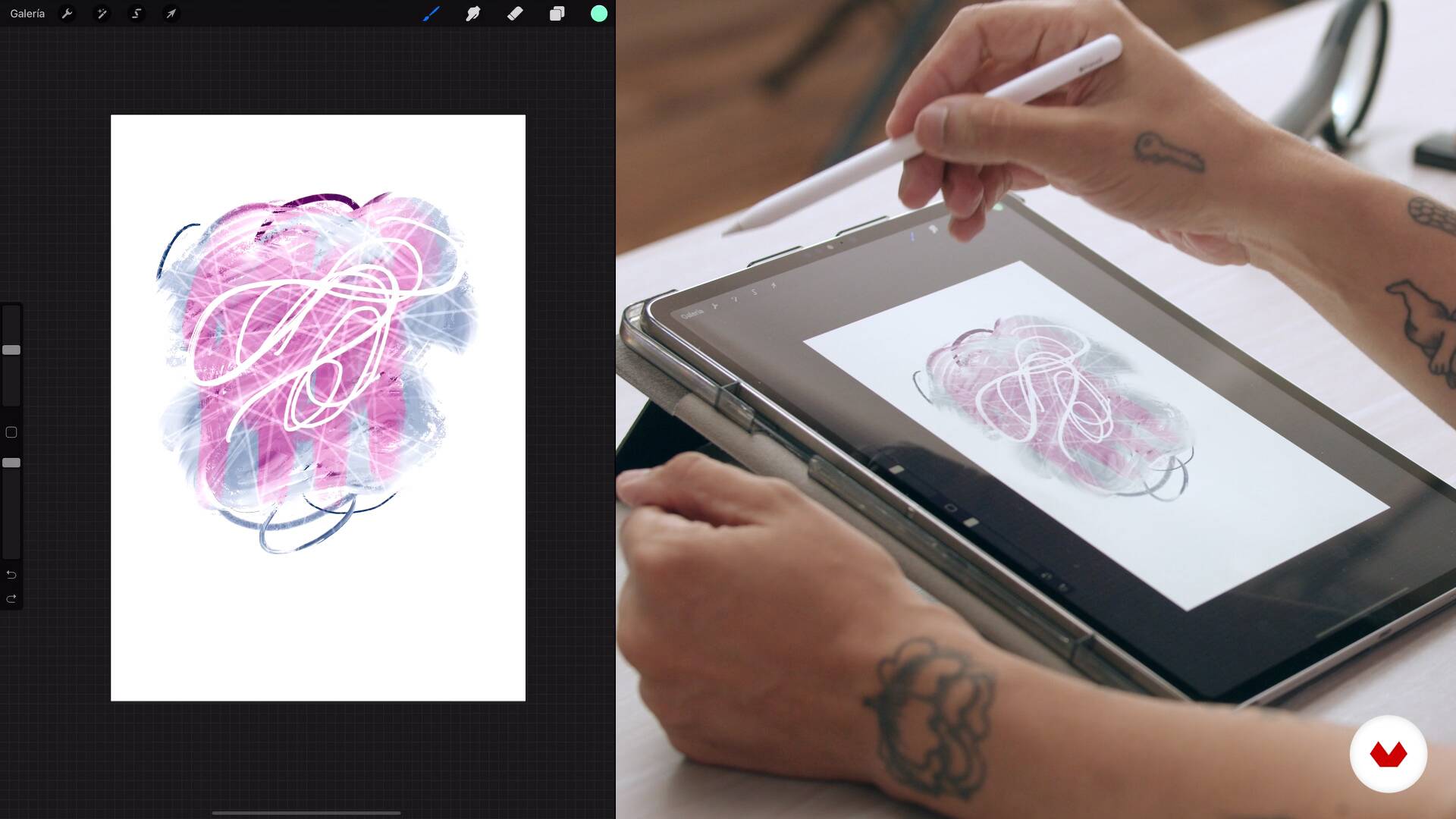
Artboard
19 minutes, 11 seconds
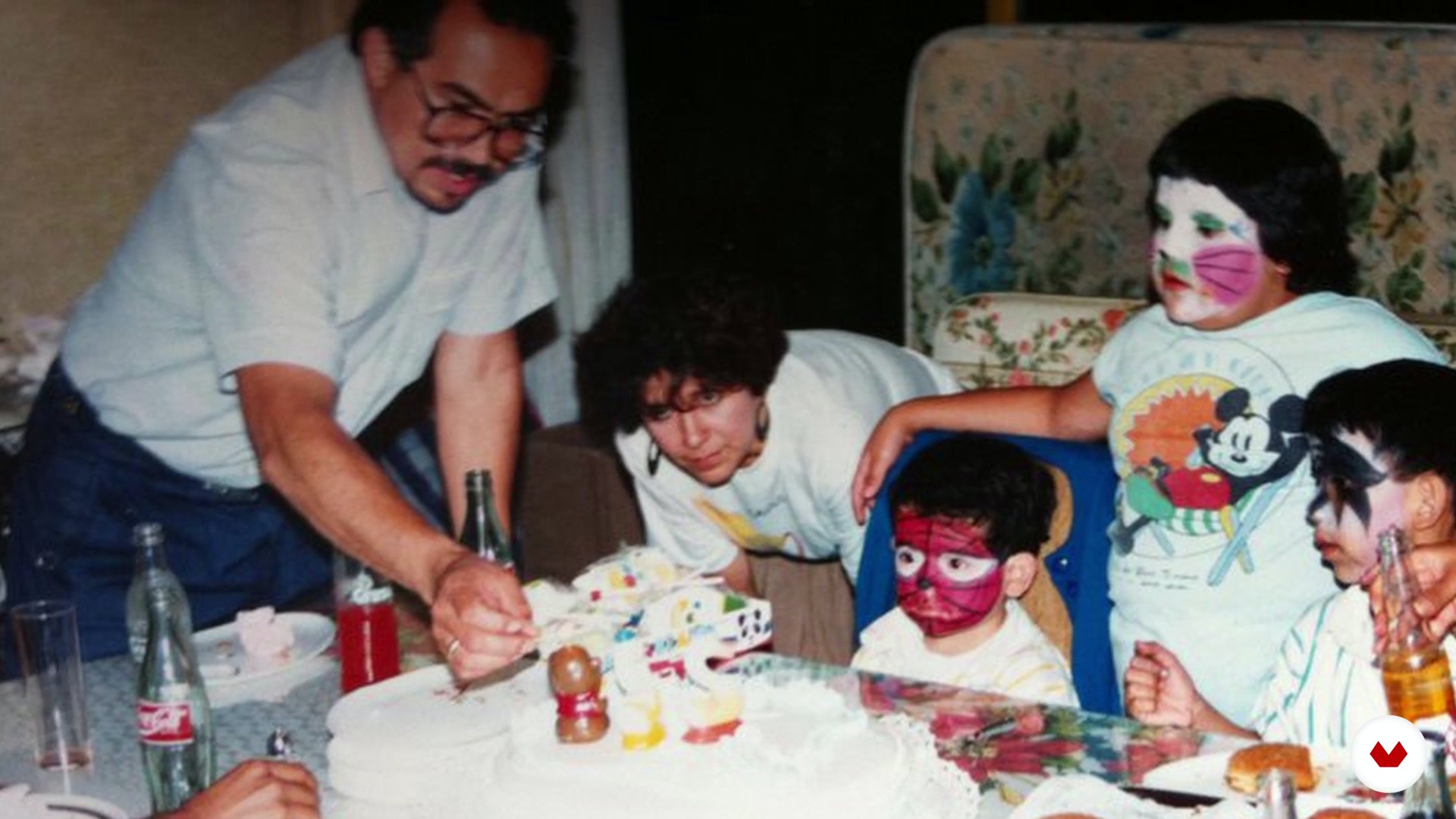
My personal references
5 minutes, 45 seconds
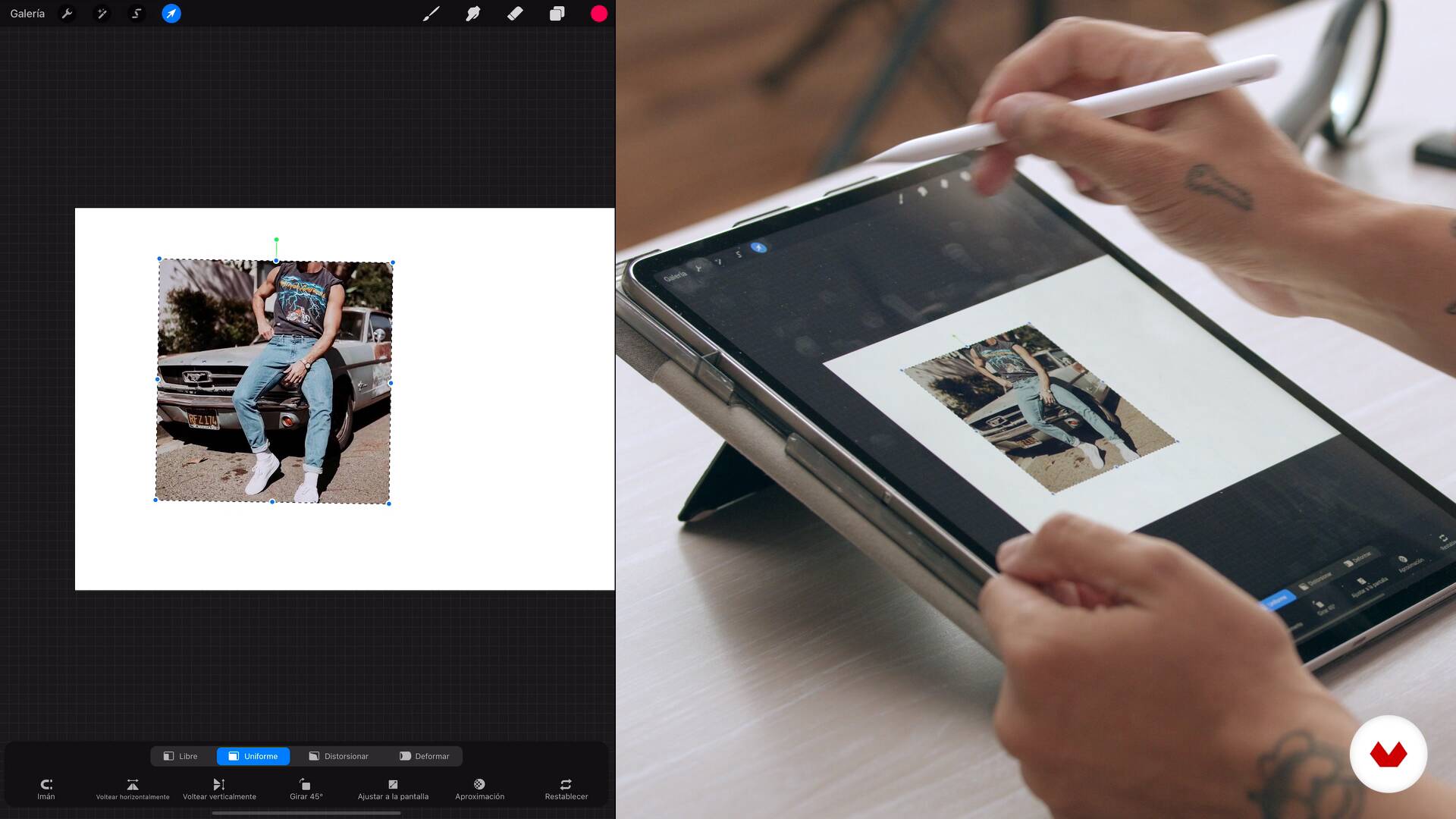
Visual references as a lifestyle
5 minutes, 12 seconds
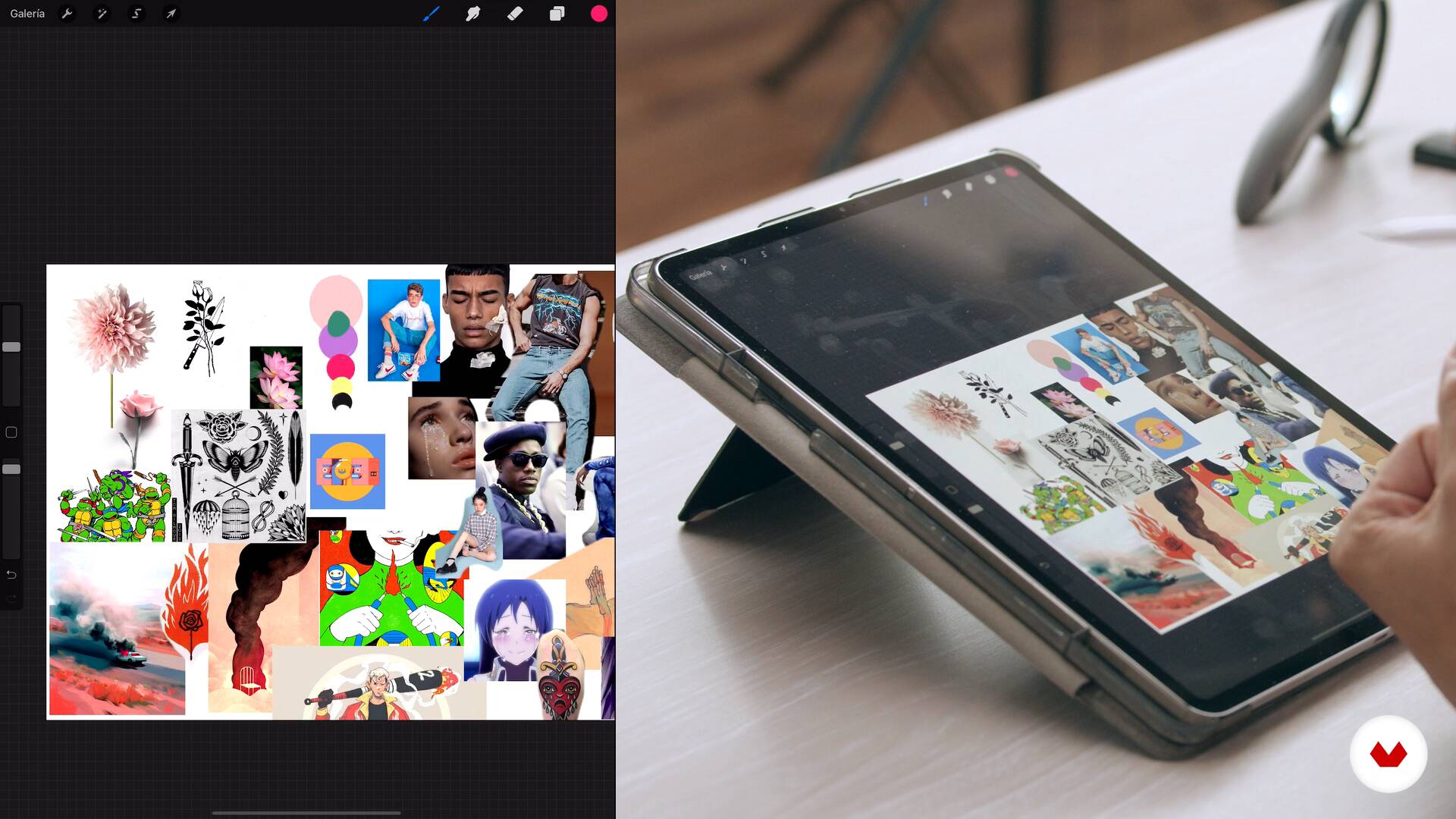
Of colors
8 minutes, 12 seconds
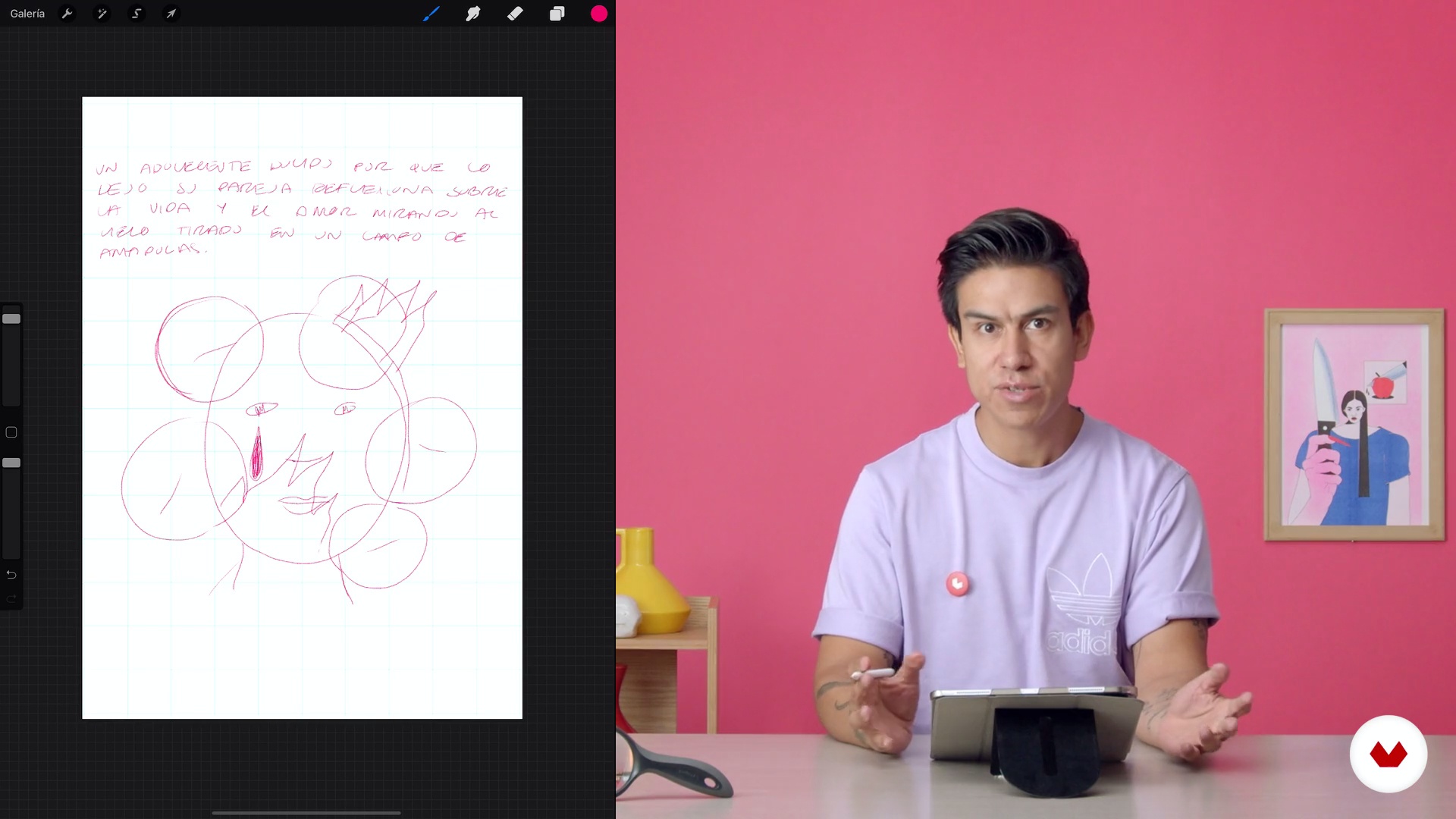
Our protagonist
5 minutes, 14 seconds
What's included in this course?
Begin the course by getting to know Ulysses, how he started out, and learn more about his work and his references.
Then, get an introduction to Procreate and its tools to work effectively. Create two mood boards that will help you look for references and find your style. In addition, choose a color palette that fits your personality.
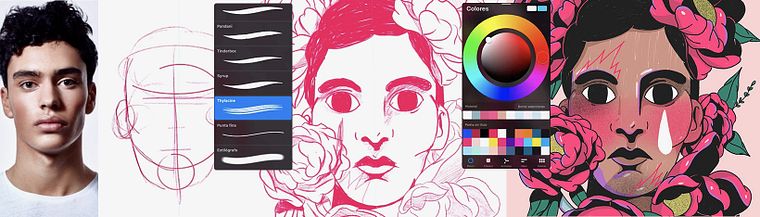
Create the concept of your illustration and then focus on the main character, defining both them and their environment to start portraying them. Make the first outline and work step by step on the reduction, light, shadow, and application of color, providing all the details that reflect your style.
Once you have it, make the last compositional adjustments in the drawing and learn how to export it to social networks with the options offered by the app. Ulises gives you some tips to present your portrait with style to the whole world.
Recommended software & tools for this course
What is this course's project?
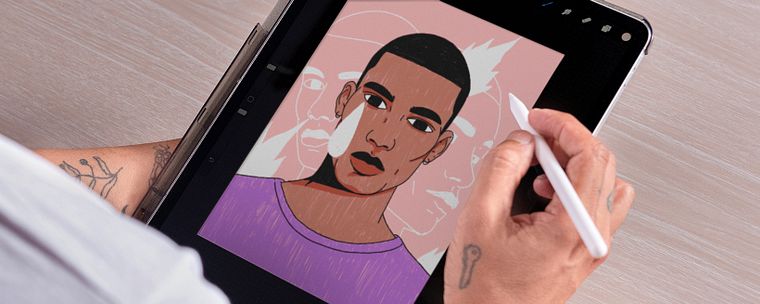
Create a portrait with an iPad and Procreate that will have a language. You will also complete a series of exercises during the course to find your own style.
Projects by course students


Who is this online course for?
This course is for anyone who wants to learn digital drawing and find their own visual language.
Requirements and materials
It is not necessary to have any previous experience to take the course. Regarding materials, you will need an iPad Pro, an Apple Pencil, and Procreate.
Reviews
- 1 year ago
O curso "Retratos Digitais com Estilo no Procreate" é um recurso excelente para quem busca aprimorar suas habilidades de ilustração digital, especialmente no universo dos retratos. A didática é clara e envolvente, tornando o aprendizado acessível tanto para iniciantes no Procreate quanto para artistas que desejam refinar seu estilo.
- 2 years ago
Es un buen curso para comenzar a ilustrar retratos digitales con un estilo propio.
- 3 years ago
Me encanto el curso. Descubrí un muchas cosas interesantes sobre mi estilo y lo que quiero representar a través de la ilustración
- 3 years ago
Wonderful course!
- 3 years ago
nice course

His work has been exhibited in countries such as Italy, Scotland, Spain, Mexico, and Costa Rica. He has also had the opportunity to work with companies such as Penguin Random House, El País, Vips, Slanted Publishers, and Myself Magazine, among others.
Content
- U1
Introduction
- Ulises Mendicutty to serve you
- What inspires me
- What will we do in the course
- U2
Procreate as a notepad. Create your style
- Artboard
- My personal references
- Visual references as a lifestyle
- Of colors
- U3
Let's portrait
- Our protagonist
- What will our character and their environment be like
- Concept and Reduction
- Line and shadow
- Add color
- Extra lights and colors
- U4
Present your portrait in style
- Export and video formats
- Presentation of your portrait
- FP
Final project
- Digital Portraits with Unique Style on Procreate
What to expect from a Domestika course
Learn at your own pace
Enjoy learning from home without a set schedule and with an easy-to-follow method. You set your own pace.
Learn from the best professionals
Learn valuable methods and techniques explained by top experts in the creative sector.
Meet expert teachers
Each expert teaches what they do best, with clear guidelines, true passion, and professional insight in every lesson.
Certificates
PLUSIf you're a Plus member, get a custom certificate signed by your teacher for every course. Share it on your portfolio, social media, or wherever you like.
Get front-row seats
Videos of the highest quality, so you don't miss a single detail. With unlimited access, you can watch them as many times as you need to perfect your technique.
Share knowledge and ideas
Ask questions, request feedback, or offer solutions. Share your learning experience with other students in the community who are as passionate about creativity as you are.
Connect with a global creative community
The community is home to millions of people from around the world who are curious and passionate about exploring and expressing their creativity.
Watch professionally produced courses
Domestika curates its teacher roster and produces every course in-house to ensure a high-quality online learning experience.
FAQs
You’ll learn how to create expressive digital portraits, develop your own style, experiment with drawing and mural painting techniques, build mood boards, and use Procreate professionally to produce illustrations ready for social media, exhibitions, or album covers.
You don’t need advanced experience, but having basic digital illustration or drawing skills will help you get the most out of this intermediate-level course.
You’ll need a tablet or iPad compatible with Procreate, the software installed, and a digital stylus. Internet access is also recommended for downloading images and sharing your projects.
Yes, the course focuses on helping you discover and evolve your personal style by integrating references, techniques, and symbolic elements into your digital portraits.
Yes, most of the course centers on Procreate as the main tool for creating, editing, and exporting digital illustrations and mood boards.
You’ll learn to use brushes, layers, color palettes, textures, assisted drawing, symmetry, digital collage, and shading methods to craft expressive portraits and original compositions.
The course teaches you how to export your illustrations in the right formats and sizes for sharing on social media, printing for exhibitions, or creating album covers.