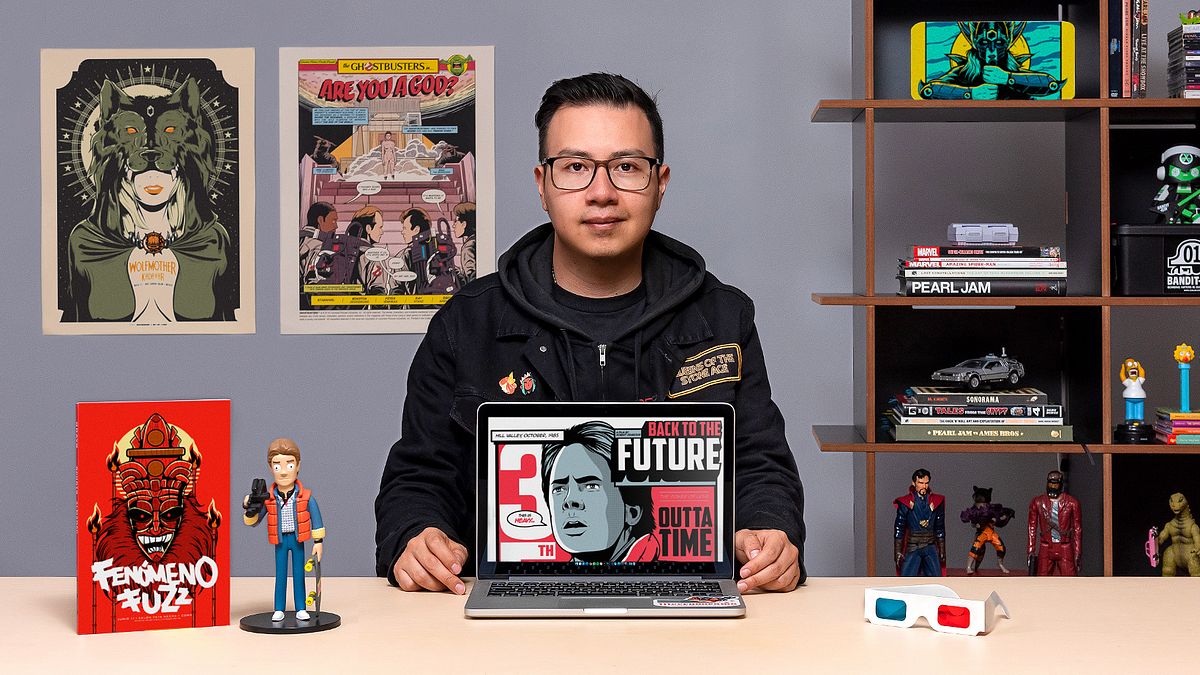
Vector Illustration for Film
A course by Wes Art StudioIllustrator and Graphic Designer
A course by Wes Art Studio, Illustrator and Graphic Designer

Learn how to create film posters using digital illustration techniques
Posters and billboards are capable of narrating and encapsulating a story that captures the viewer’s undivided attention. Miguel Ángel González—graphic designer, illustrator, and art director—has produced advertising work for major international brands and has participated in art exhibitions on a worldwide scale, however, some of his most passionate work involves creating illustrated tributes related to music and pop culture, creating posters that combine beauty and narrative capable of connecting with an audience instantaneously.
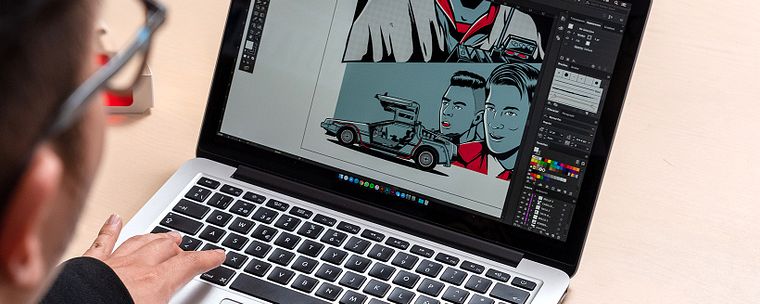
In this course, learn how to illustrate a film poster using vector illustrations. Alongside Miguel Ángel, develop a visual idea or concept, starting with the sketch, working up to the final illustration, using photo references. Learn to outline your vector illustrations using a vintage comic style to fill your work with textures, as well as learning how to prepare your work for screen printing.
What will you learn in this online course?
24 lessons & 10 downloads
What will we do in the course?
49 seconds
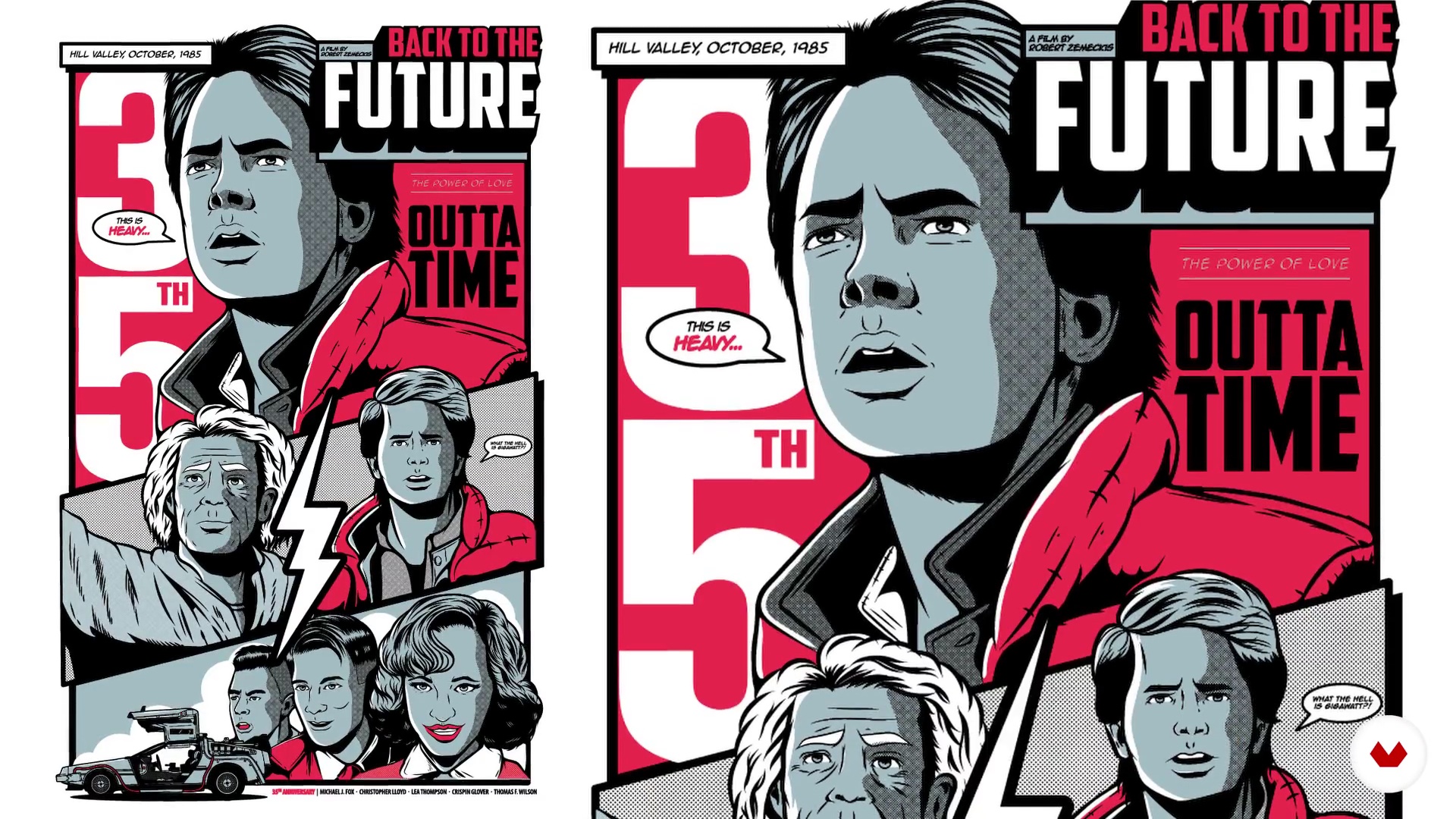
Back to the Future: Anniversary Poster
3 minutes, 56 seconds
Creating compositions 1
19 minutes, 47 seconds
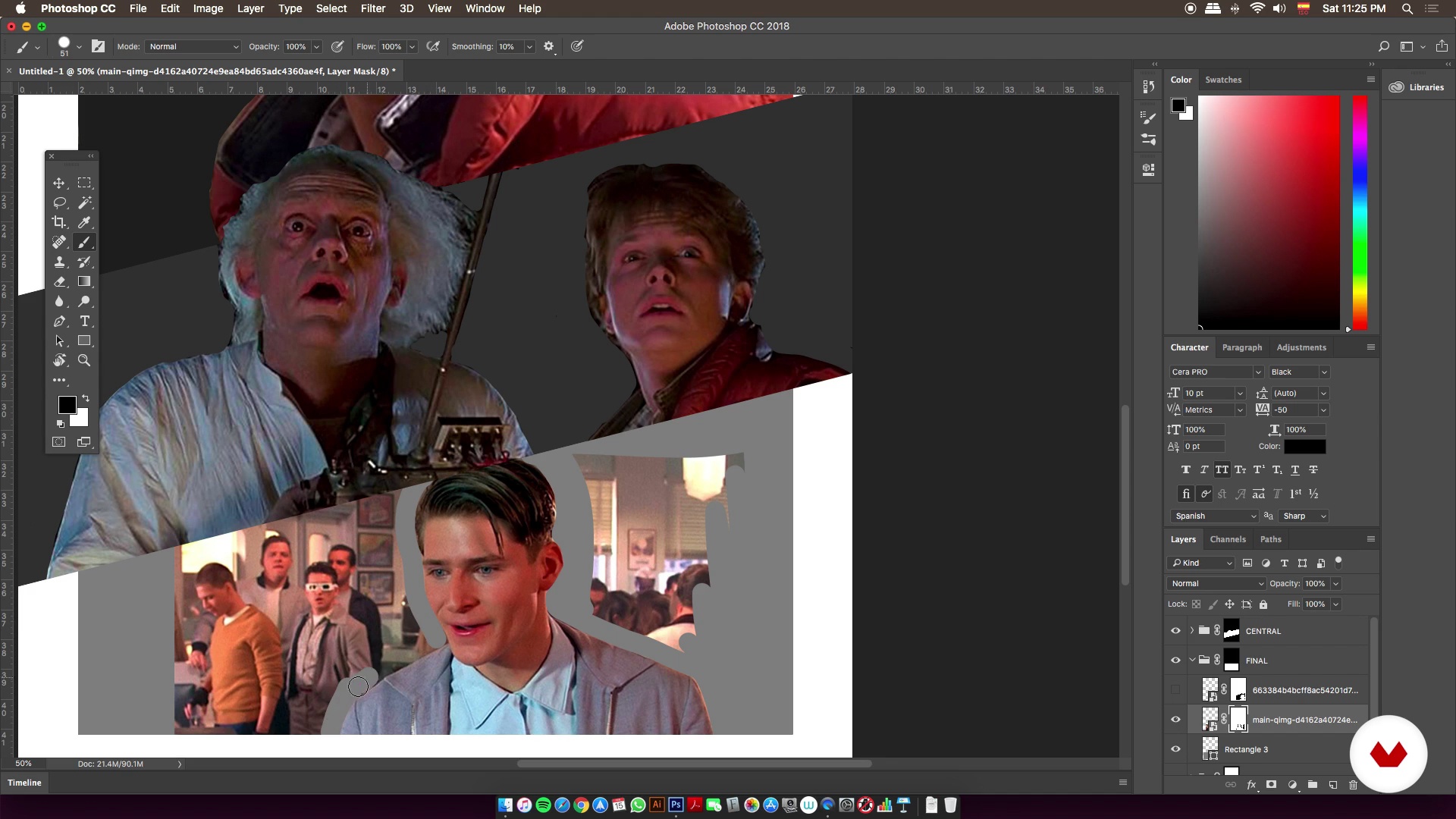
Creating compositions 2
13 minutes, 18 seconds
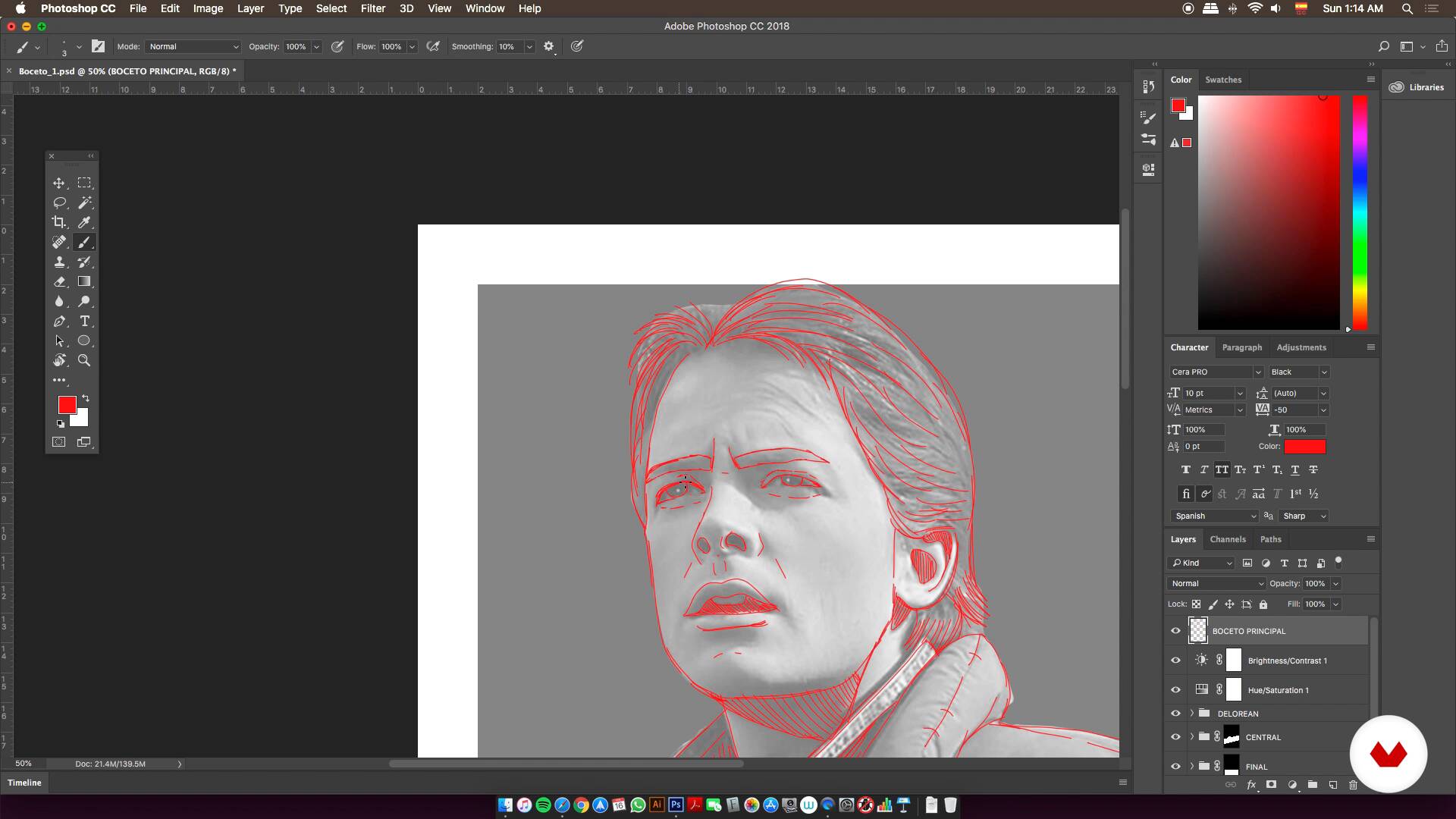
Finding the final sketch 1
12 minutes, 54 seconds
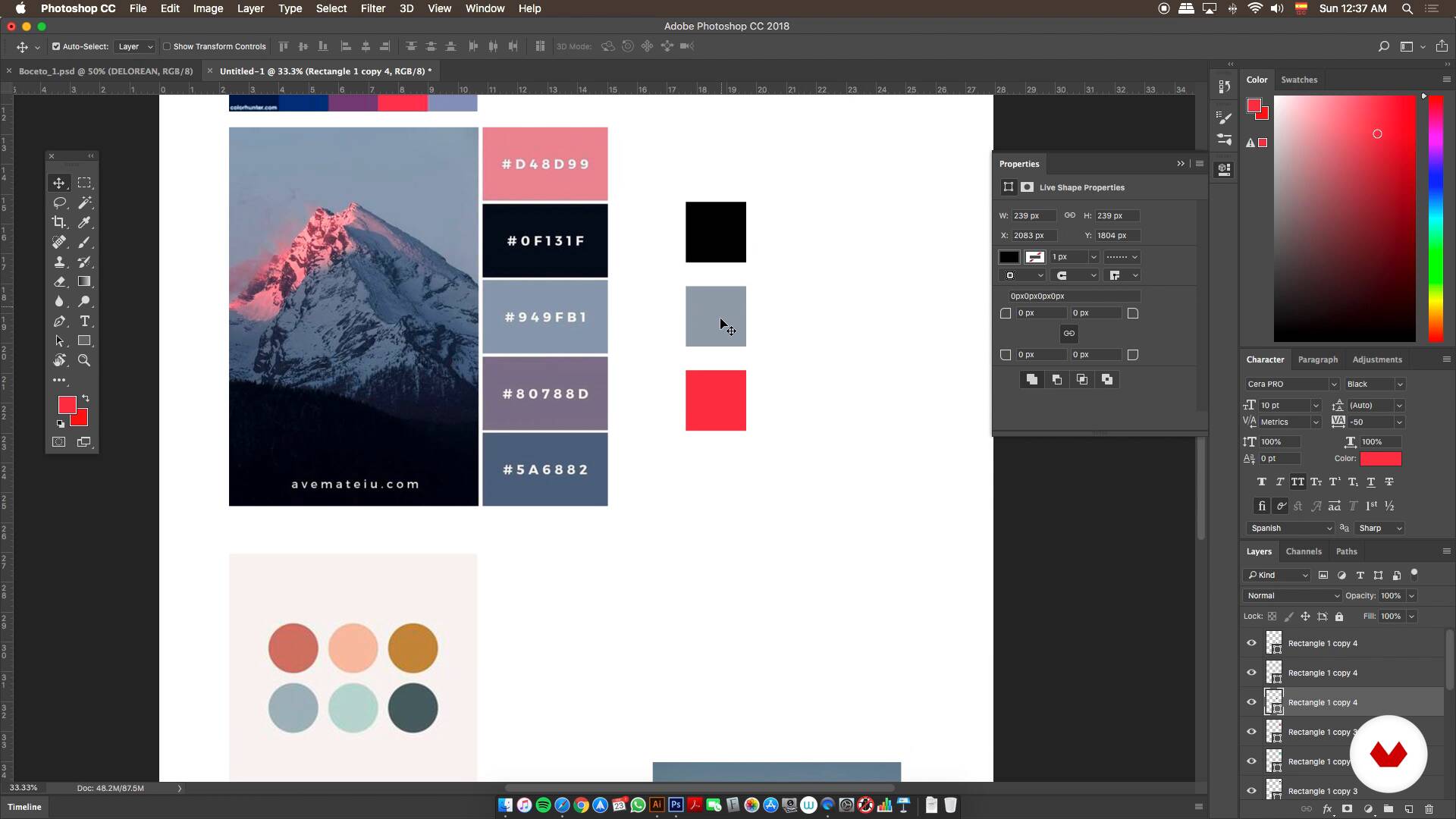
Defining colors
7 minutes, 11 seconds
What's included in this course?
To start, Miguel Ángel tells you about his graphic design and illustration experience that spans over ten years. He also shares his influences and sources of inspiration, including famous designers and illustrators.
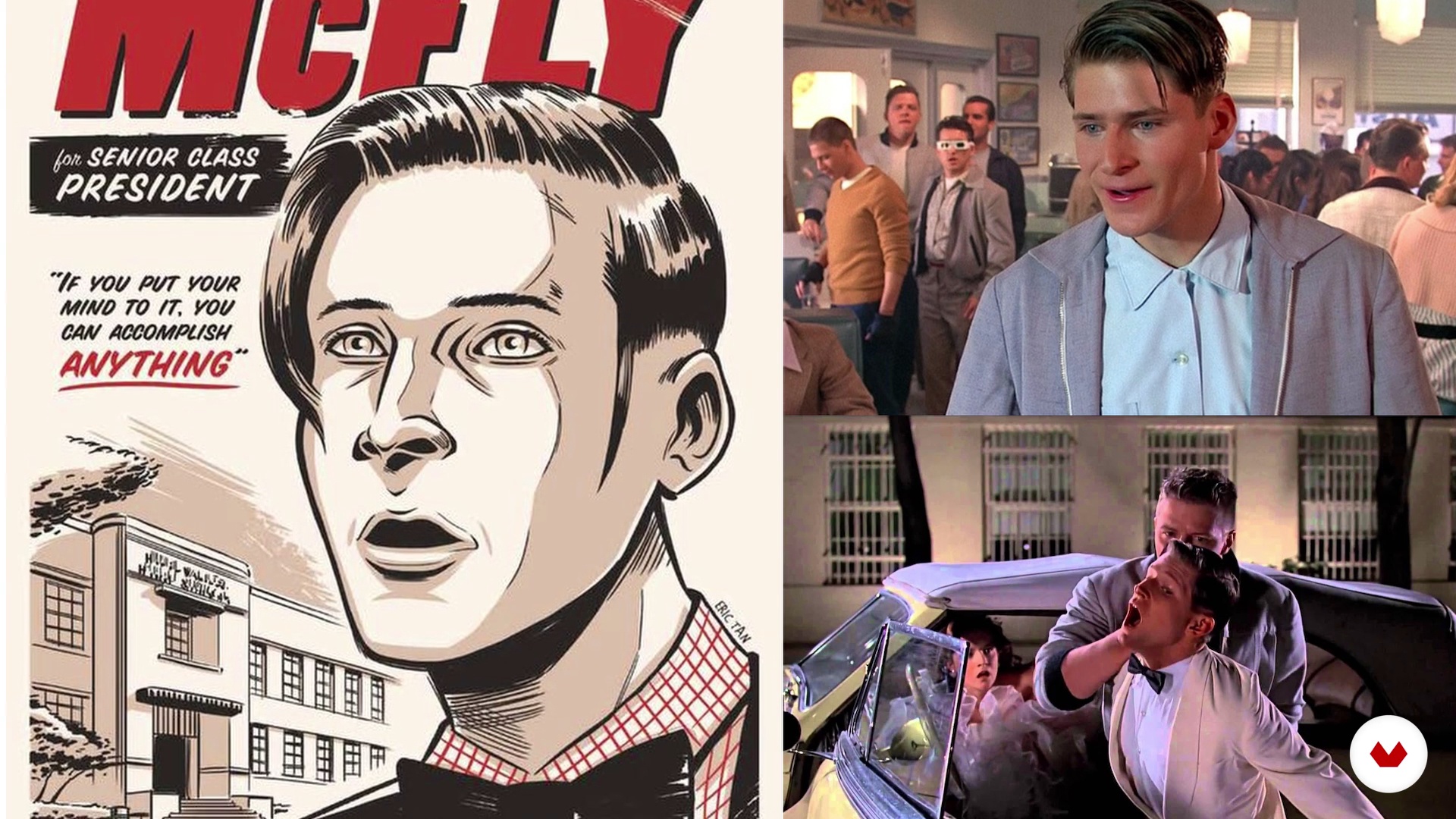
All good ideas stem from a great concept. Work on the idea that you want to create graphically, starting with some research on photos from the film you have chosen, and then start sketching.
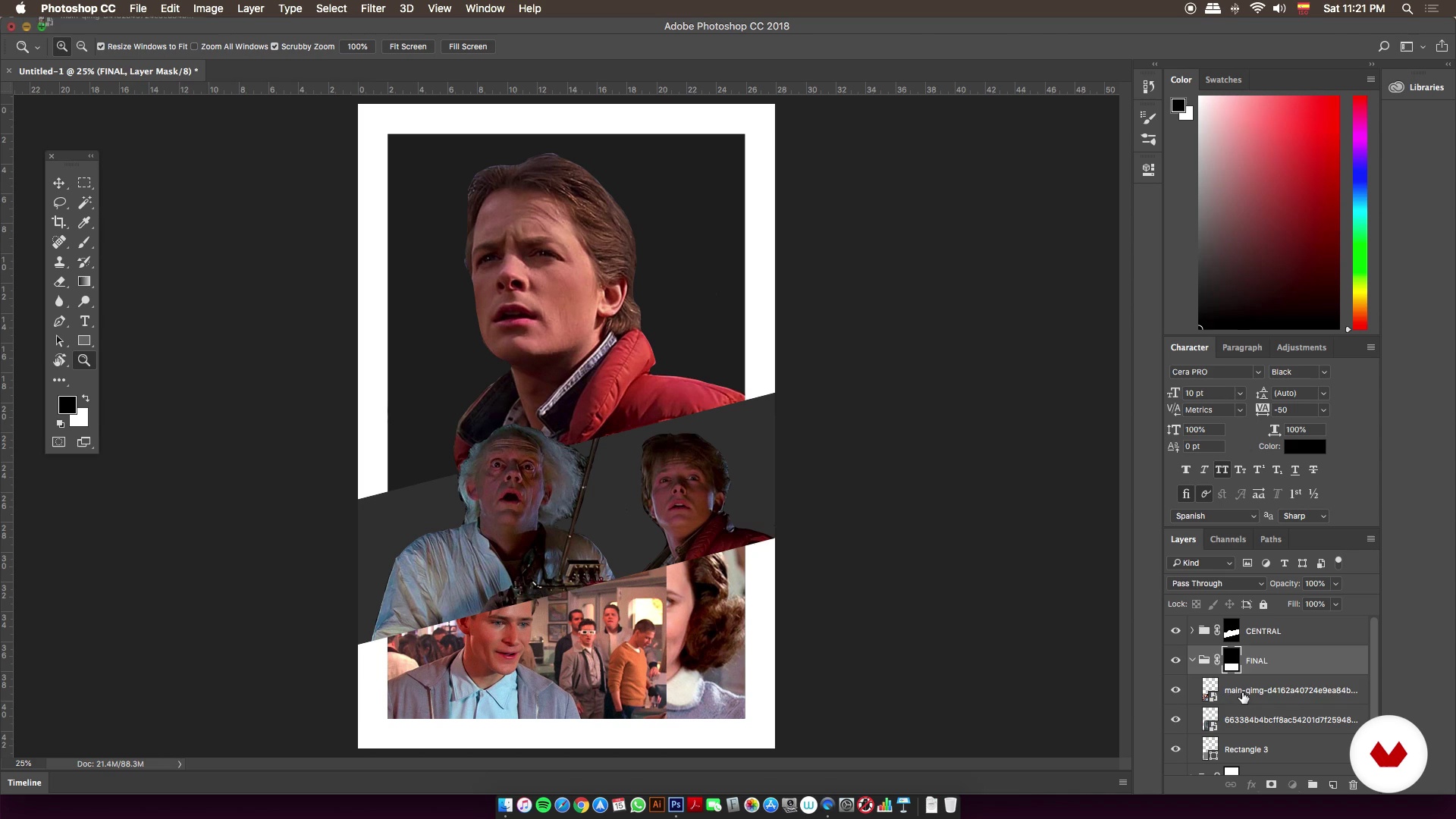
From the first sketches and references, start working on the composition of your poster on Adobe Photoshop, and learn how to use the basic tools and brushes on Adobe Illustrator to outline your poster. Then, select the color palette that is most adapted to your illustration.
Move onto giving color, texture, and personality to your poster, until you have successfully transformed it into a collectible piece, different from conventional advertising posters.
Finally, prepare your final art piece for screen printing.
Recommended software & tools for this course
What is this course's project?
Create a vector poster for a film. Miguel Ángel creates a commemorative illustration for Back to the Future, but you can choose any theme you want.
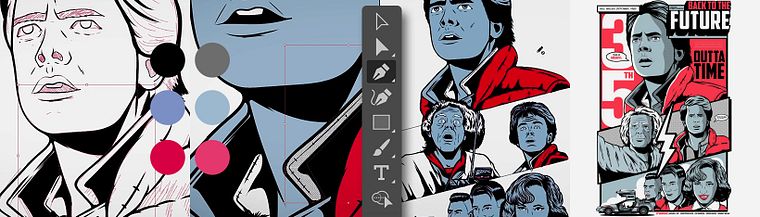
Projects by course students


Who is this online course for?
The course is for creative minds that want to learn how to work with illustrated posters or learn a new vector illustration technique.
Requirements and materials
To take this course, you need basic Adobe Photoshop and Illustrator skills, a computer with both software installed, and a graphics tablet.
Reviews
- 4 months ago
Es un curso que nos ha ayudado a visualizar mejor como podemos distribuir los espacios de una manera más adecuada.
- 6 months ago
Excelente curso! Empezando desde lo mas básico, va explicando paso a paso para poder realizar tu propia ilustración!
- 1 year ago
Muy buen curso, para los amantes de la cultura geek y sobretodo los que comienzan con la ilustracion
- 1 year ago
Excelente curso!
- 1 year ago
Me gusta da muchos recursos gráficos para el proceso de diseño

He is passionate about the two facets of his career, combining his passion for the advertising world with that of poster design for rock bands and pop culture, which has enabled him to create a unique style for his projects.
Content
- U1
Introduction
- Presentation
- Influences
- What will we do in the course?
- U2
Great Scott! Our concept
- Back to the Future: Anniversary Poster
- Searching for images
- Creating compositions 1
- Creating compositions 2
- Finding the final sketch 1
- Finding the final sketch 2
- U3
Poster development
- Illustrator and me
- The strokes begin 1
- The strokes begin 2
- The strokes begin 3
- The strokes begin 4
- After the lines come the shadows 1
- After the lines come the shadows 2
- After the lines come the shadows 3
- U4
Coloring the poster
- Selecting a color palette
- Defining colors
- Adding color
- Points 1
- Points 2
- Final touches
- Preparing the final digital file
- FP
Final project
- Movie vector illustration
What to expect from a Domestika course
Learn at your own pace
Enjoy learning from home without a set schedule and with an easy-to-follow method. You set your own pace.
Learn from the best professionals
Learn valuable methods and techniques explained by top experts in the creative sector.
Meet expert teachers
Each expert teaches what they do best, with clear guidelines, true passion, and professional insight in every lesson.
Certificates
PLUSIf you're a Plus member, get a custom certificate signed by your teacher for every course. Share it on your portfolio, social media, or wherever you like.
Get front-row seats
Videos of the highest quality, so you don't miss a single detail. With unlimited access, you can watch them as many times as you need to perfect your technique.
Share knowledge and ideas
Ask questions, request feedback, or offer solutions. Share your learning experience with other students in the community who are as passionate about creativity as you are.
Connect with a global creative community
The community is home to millions of people from around the world who are curious and passionate about exploring and expressing their creativity.
Watch professionally produced courses
Domestika curates its teacher roster and produces every course in-house to ensure a high-quality online learning experience.
FAQs
This course is designed for people with intermediate illustration skills and basic knowledge of Illustrator or Photoshop. You don’t need to be an expert, but some prior experience with design software is recommended.
You’ll need a computer with Adobe Illustrator and Photoshop installed, plus basic skills in both programs. A graphics tablet is also recommended for more precise illustration work.
You’ll learn how to create music posters from sketch to print, using vector illustration techniques, collage of references, layer organization, color palette selection, and file prep for screen printing.
The course covers the entire creative process for designing a tribute poster to a band or iconic movie, from researching references to final composition and professional print finishing.
Yes, the course includes preparing and organizing digital files, color separations, and technical tips for professional screen or risograph printing.
You’ll learn how to creatively select, adapt, and integrate typography into your illustrations, achieving a cohesive and eye-catching visual layout for band or event posters.
Yes, it covers illustration techniques inspired by vintage comics, like halftone dots, bold lines, and flat colors to create a retro, striking look for music posters.