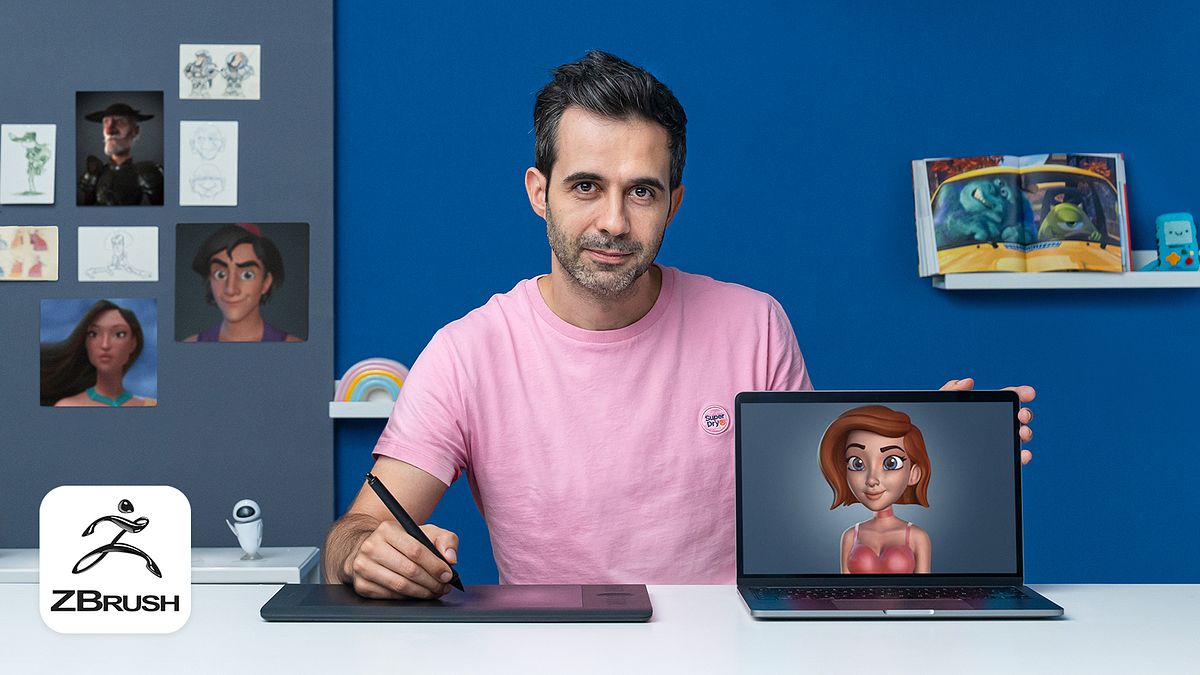
3D Cartoon Characters: Model with ZBrush from Scratch
A course by Miguel Miranda3D Modeler
A course by Miguel Miranda, 3D Modeler

Learn to create 3D cartoon characters from scratch, focusing on the artistic side of modeling to achieve volume, expression, and personality
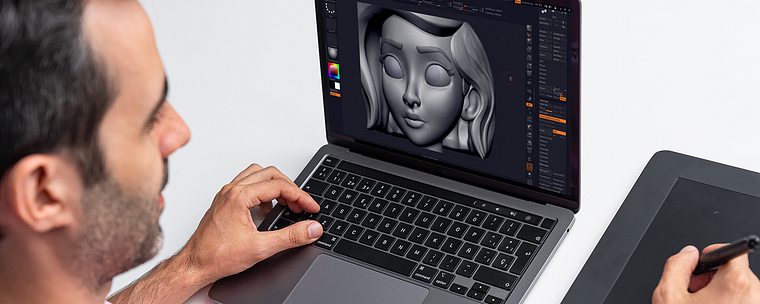
Want to create expressive characters? In this online course, discover how to model 3D cartoon characters using ZBrush alongside professional Miguel Miranda, who's created characters for film, advertising, video games, and animations.
Throughout the course, soak up your teacher's passions for every single step of the cartoon character creation process and learn to bring their different features to life by simplifying shapes. After guiding you through his previous course, Introduction to Autodesk Maya, Miguel shows you how to take your characters to a whole new dimension with ZBrush.
What will you learn in this online course?
31 lessons & 26 downloads
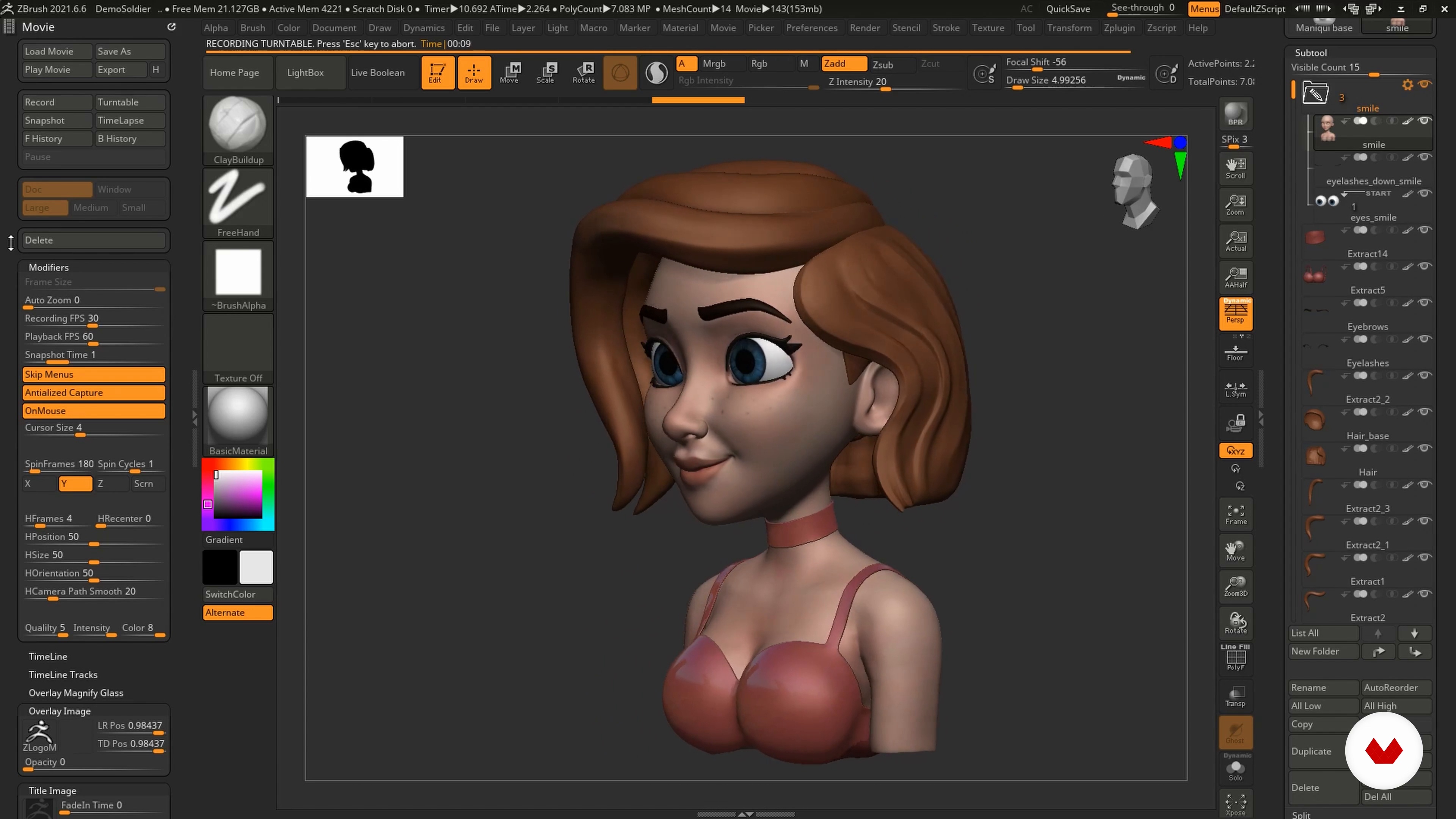
What will we do in this course?
1 minute, 31 seconds
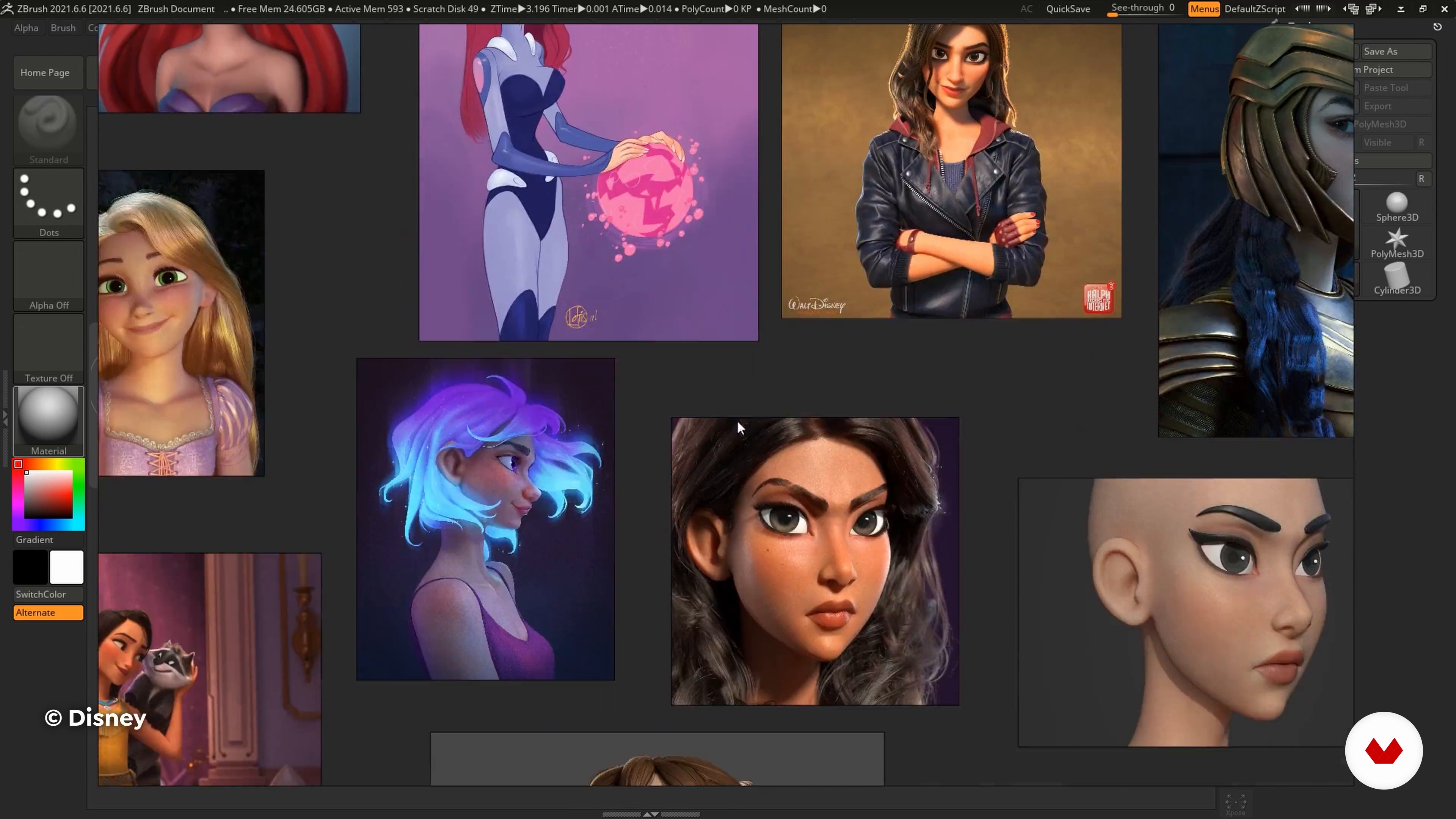
Search for references, style and mount references
7 minutes, 44 seconds
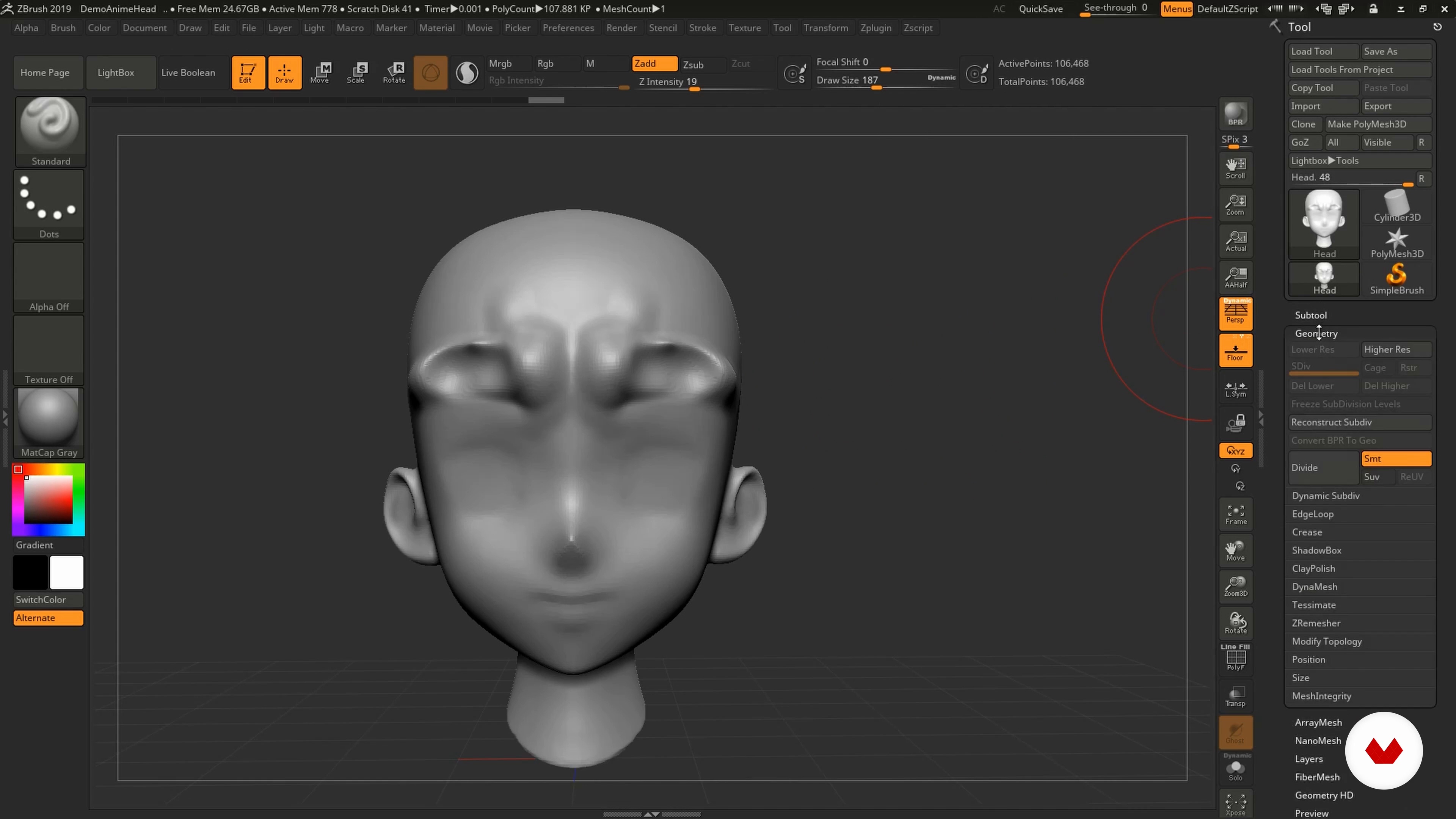
Get comfortable with ZBrush
9 minutes, 3 seconds
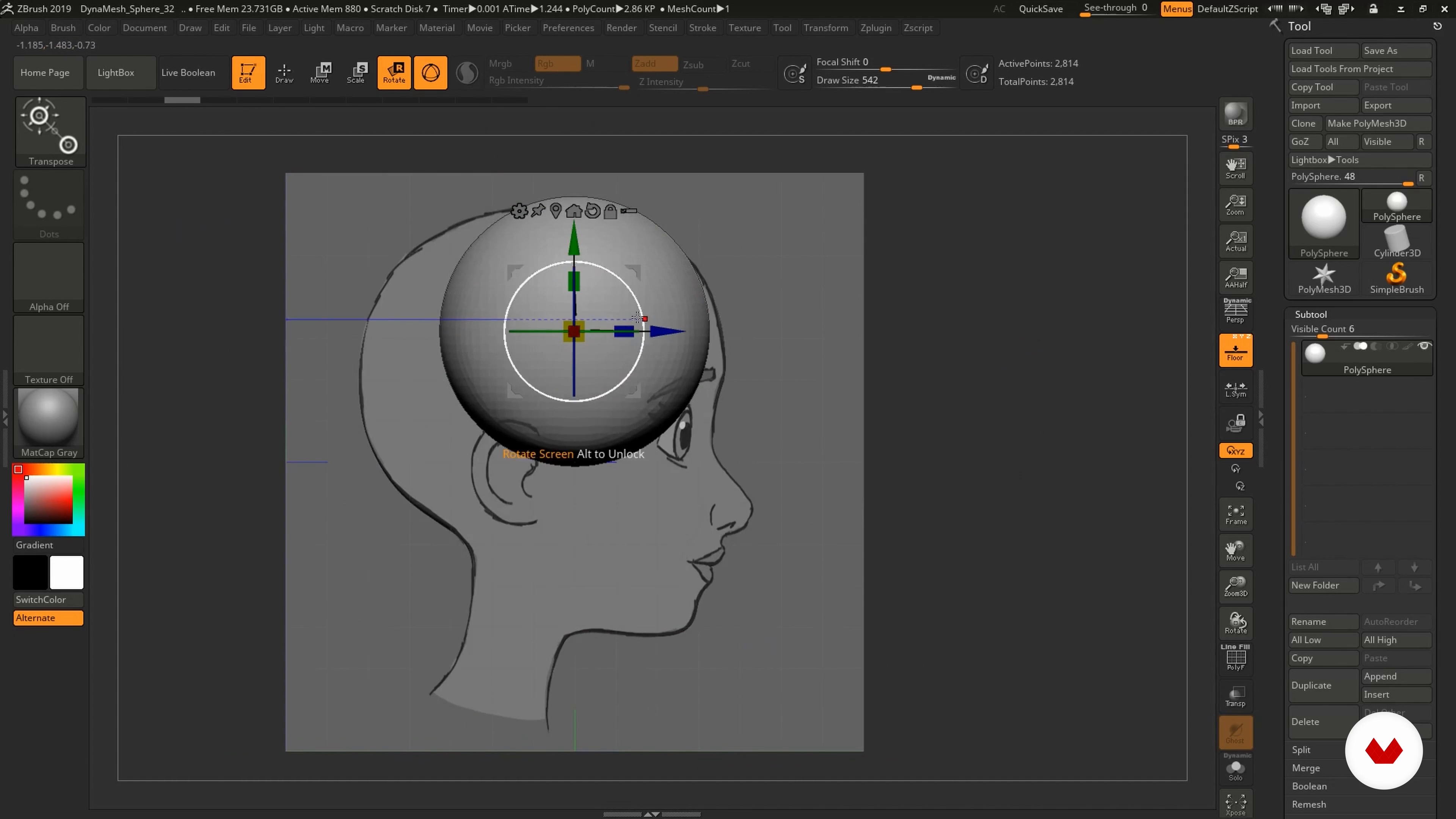
Character blocking
6 minutes, 4 seconds
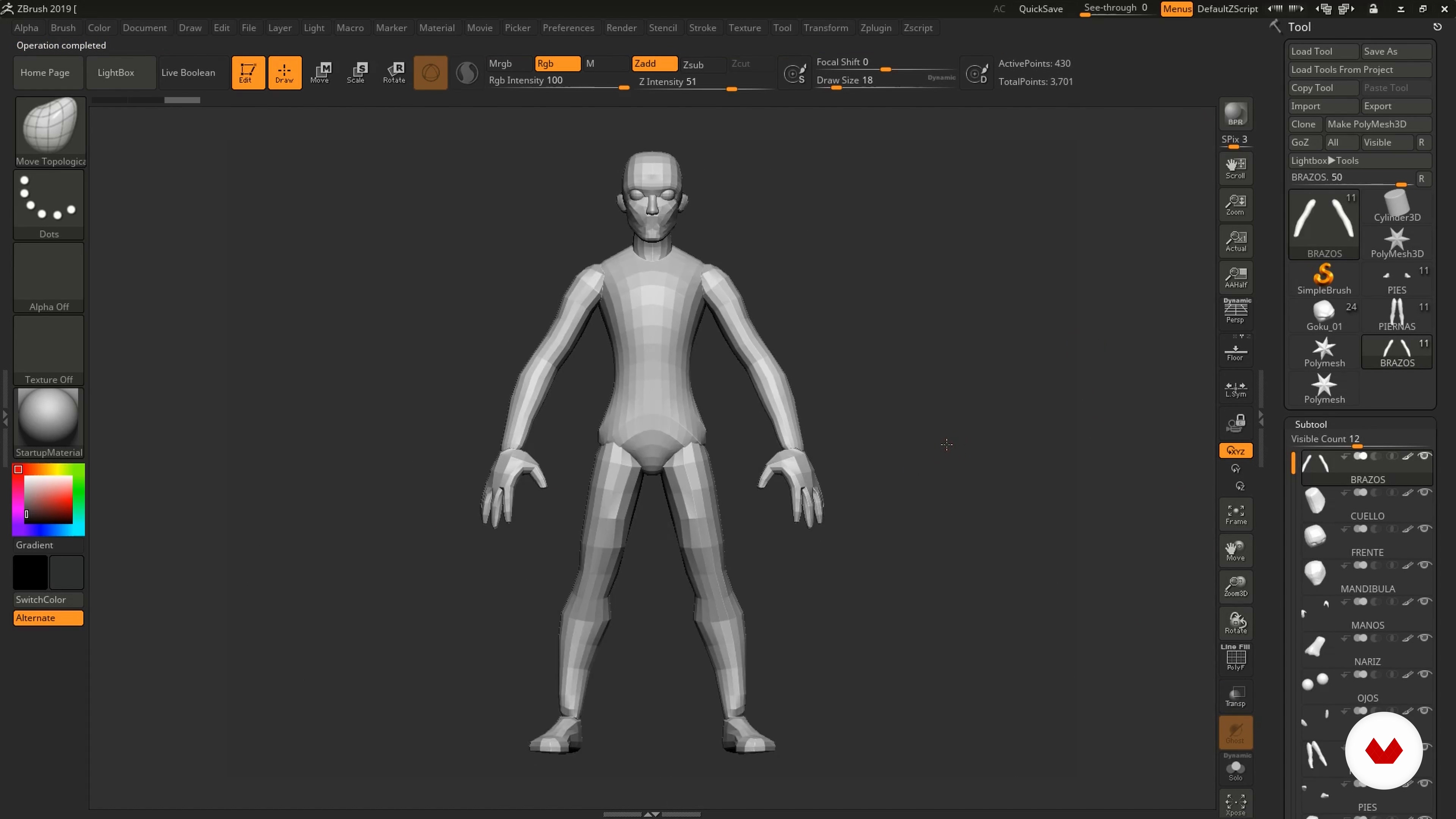
Creation of a mannequin
7 minutes, 20 seconds
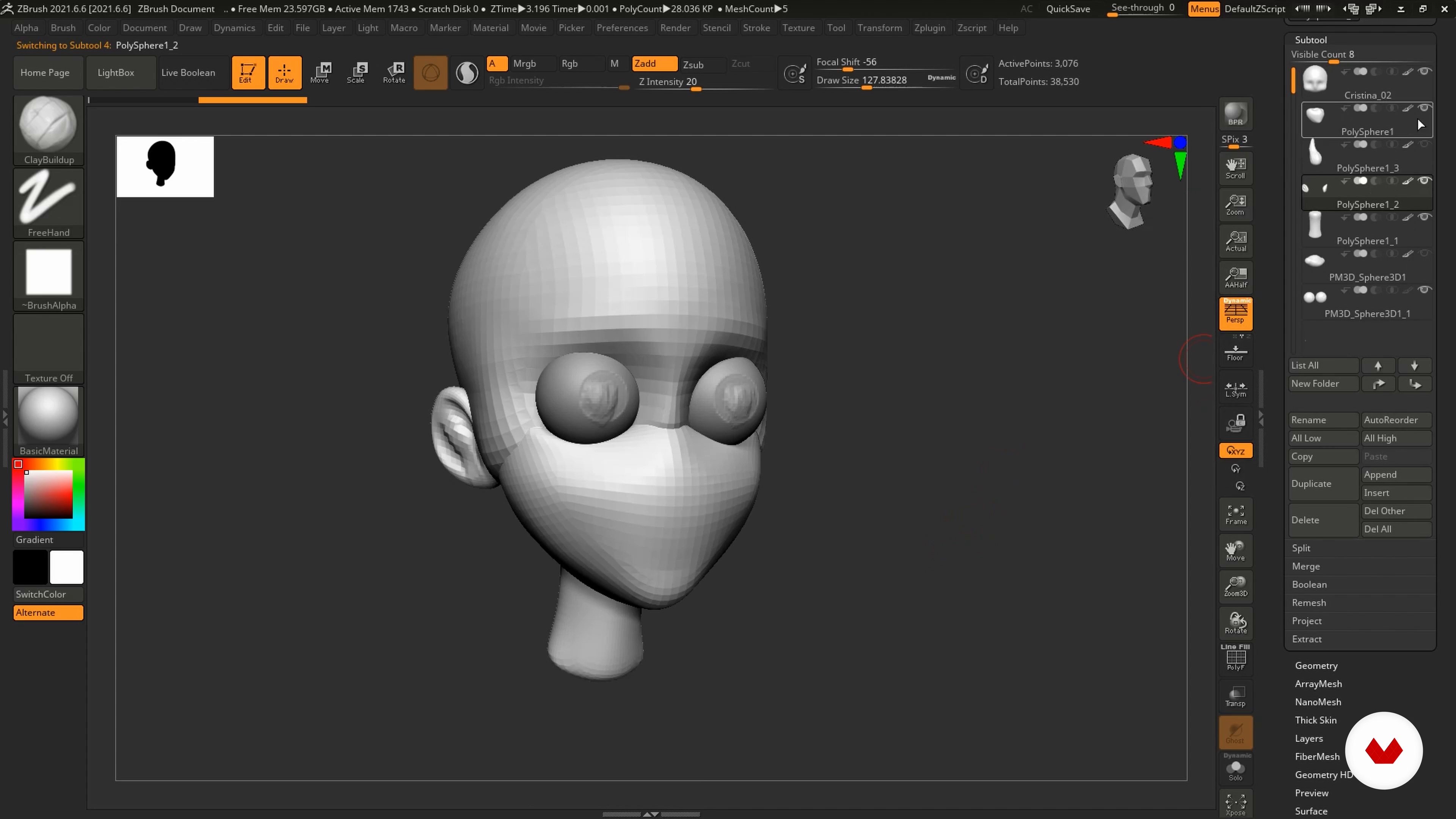
Fitting the first basic volume
20 minutes, 8 seconds
What's included in this course?
Start by hearing a little about Miguel Miranda's career as a 3D modeler, his biggest influences, as well as a short overview of the course.
Next, look for references and get familiarized with ZBrush's tools. Miguel then teaches you to block your character and create a model using geometric shapes.
Now's the part where your character really starts to take shape! Begin with volume before moving on to work with perspective. Take things a step further by discovering different brushes and parameters for modeling your creations with ease.
To bring things to a close, learn how to add the final details to your cartoon character, like hair, eyebrows, eyelashes, and colors, using more of Miguel's tricks of the trade.
Apply materials and lighting before rendering your character in different layers and finishing off your piece in Adobe Photoshop. Miguel gives some parting pieces of advice—a few things he'd like to have known when he was starting out.
Recommended software & tools for this course
What is this course's project?
Create the bust of a cartoon character of your choice in 3D from scratch using ZBrush. Also develop their expression using render layers to add to your portfolio.
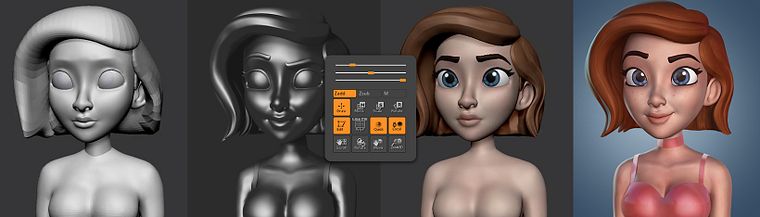
Projects by course students


Who is this online course for?
Those wanting to learn the artistic process of character modeling and anyone just starting out in 3D or with ZBrush looking to improve their skills.
Requirements and materials
You need basic knowledge of ZBrush to take this course. In terms of materials, you need ZBrush installed as well as Adobe Photoshop, if possible.
Reviews
- 7 months ago
MUY BUEN CURSO, APRENDI MUCHO Y ES MUY FACIL DE SEGUIR, GRACIAS
- 2 years ago
Curso muy práctico para alguien que empieza
- 2 years ago
Ottimo corso, consiglio!
- 2 years ago
Excelente curso. Muy recomendable!
- 2 years ago
Amazing course!

Throughout his career, he has worked for various studios and currently works as a modeler at 23lunes Animation Studio and on privately commissioned projects.
Content
- U1
Introduction
- About Me
- Influences
- What will we do in this course?
- U2
Preparation
- Search for references, style and mount references
- Get comfortable with ZBrush
- Character blocking
- Creation of a mannequin
- U3
Bringing a character to life
- Fitting the first basic volume
- Extra: Fitting the first basic volume
- Step from 2D to 3D
- We start using the brushes
- Sculpted: working with geometry
- Sculpted: face and base of torso 1
- Sculpted: face and base of torso 2
- U4
Defining
- Basic hair
- Define hair 1
- Define hair 2
- Eyebrows, eyelashes, basic color 1
- Brows, eyelashes and basic color 2
- UV and color 1
- UV and color 2
- Detail character 1
- Detail character 2
- U5
Last Steps
- Camera, composition and retouching 1
- Camera, composition and retouching 2
- Expression
- Materials and lights
- Render and mount layers in Photoshop
- Character Introduction: Final Illustration 1
- Character Introduction: Final Illustration 2
- Tips for finding your dream job
- FP
Final project
- 3D Cartoon Characters: Model with ZBrush from Scratch
What to expect from a Domestika course
Learn at your own pace
Enjoy learning from home without a set schedule and with an easy-to-follow method. You set your own pace.
Learn from the best professionals
Learn valuable methods and techniques explained by top experts in the creative sector.
Meet expert teachers
Each expert teaches what they do best, with clear guidelines, true passion, and professional insight in every lesson.
Certificates
PLUSIf you're a Plus member, get a custom certificate signed by your teacher for every course. Share it on your portfolio, social media, or wherever you like.
Get front-row seats
Videos of the highest quality, so you don't miss a single detail. With unlimited access, you can watch them as many times as you need to perfect your technique.
Share knowledge and ideas
Ask questions, request feedback, or offer solutions. Share your learning experience with other students in the community who are as passionate about creativity as you are.
Connect with a global creative community
The community is home to millions of people from around the world who are curious and passionate about exploring and expressing their creativity.
Watch professionally produced courses
Domestika curates its teacher roster and produces every course in-house to ensure a high-quality online learning experience.
FAQs
This course is designed for students with intermediate skills in digital art or 3D modeling, especially those who have some experience with basic digital sculpting tools.
You’ll need a computer that can run ZBrush, access to Photoshop, and basic drawing or digital modeling skills. A graphics tablet is recommended for easier work.
You’ll learn how to create 3D cartoon character busts from gathering references, anatomical design, modeling in ZBrush, all the way through rendering and post-production in Photoshop.
The course teaches how to turn 2D concepts into 3D cartoon models, covering anatomy, volume, expressiveness, and digital sculpting techniques with ZBrush.
The course covers essential ZBrush tools, but having some basic prior knowledge is recommended to get the most out of it.
You’ll mainly use ZBrush for modeling and digital sculpting, Photoshop for touch-ups and presentation, and PureRef to organize your visual references.
Starting from simple geometric shapes, the anatomy is adapted to cartoon proportions and styles, making it easier to transform 2D concepts into expressive 3D models.