Product Illustration Using Your Signature Style
A course by Felipe Novoa (FEN)Illustrator and Designer
A course by Felipe Novoa (FEN), Illustrator and Designer

Use pop culture elements to turn your illustrations into fun products with Photoshop
Felipe has been illustrating ever since he can remember, using his favorite characters as inspiration to create his own, to then discover new forms of art such as stenciling and graffiti to add to his creative repertoire. Now a professional illustrator and designer with over 7 years of experience, Felipe has applied his art to many different types of products such as suitcases for the brand Totto, phone covers for the brand PicMyCase, as well as fashion.
In this course, Felipe shows you how to develop your illustration using humor, originality, and your own culture, and shares his step by step methodology to apply your illustrations to products. Use Adobe Photoshop and Illustrator to create your piece and learn about color, light, shadows, and more to create your illustration, as well as seeing how to prepare your files to send for print when applying it to a product.
What will you learn in this online course?
17 lessons & 28 downloads
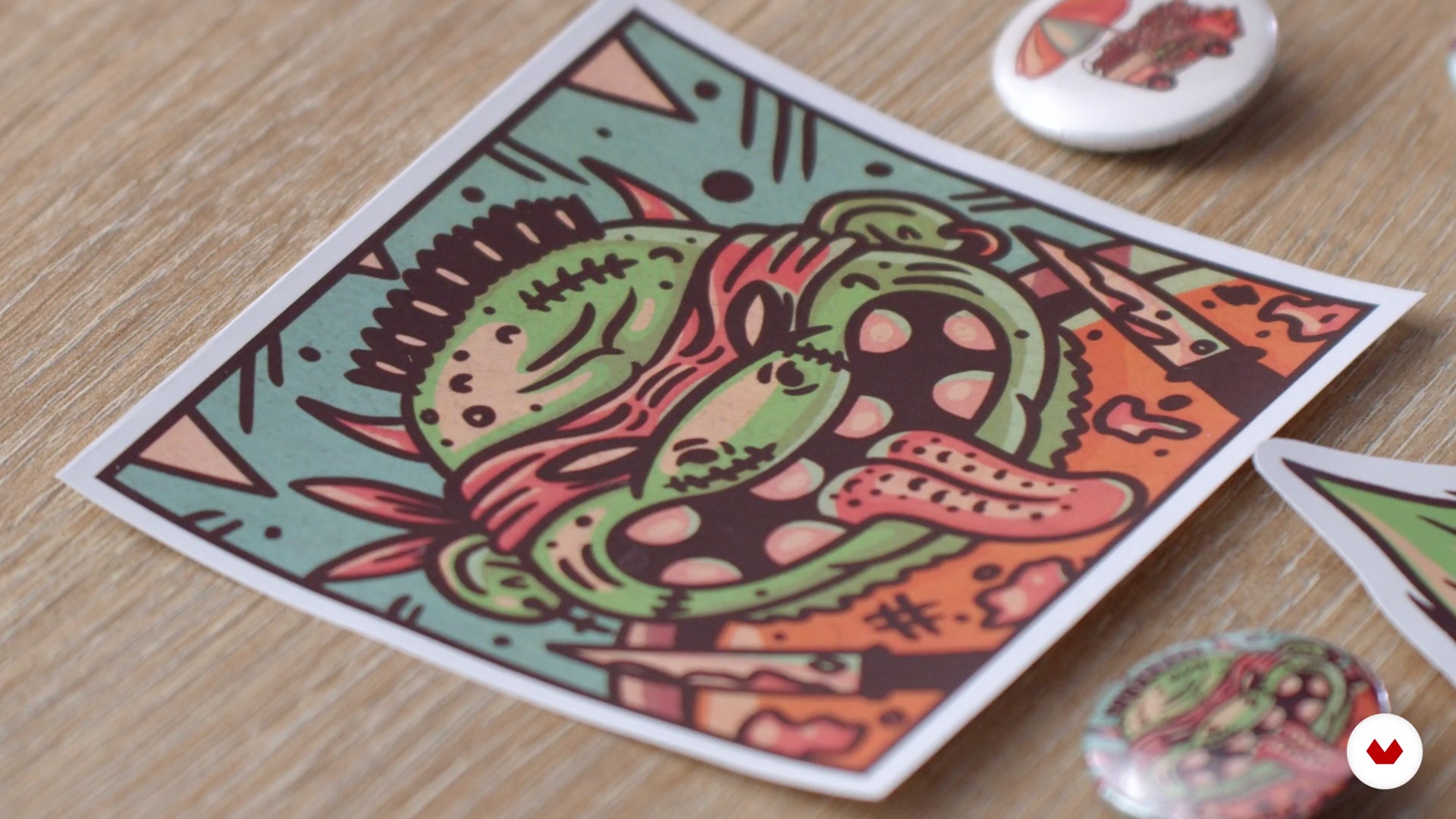
What will we do in the course
1 minute, 2 seconds
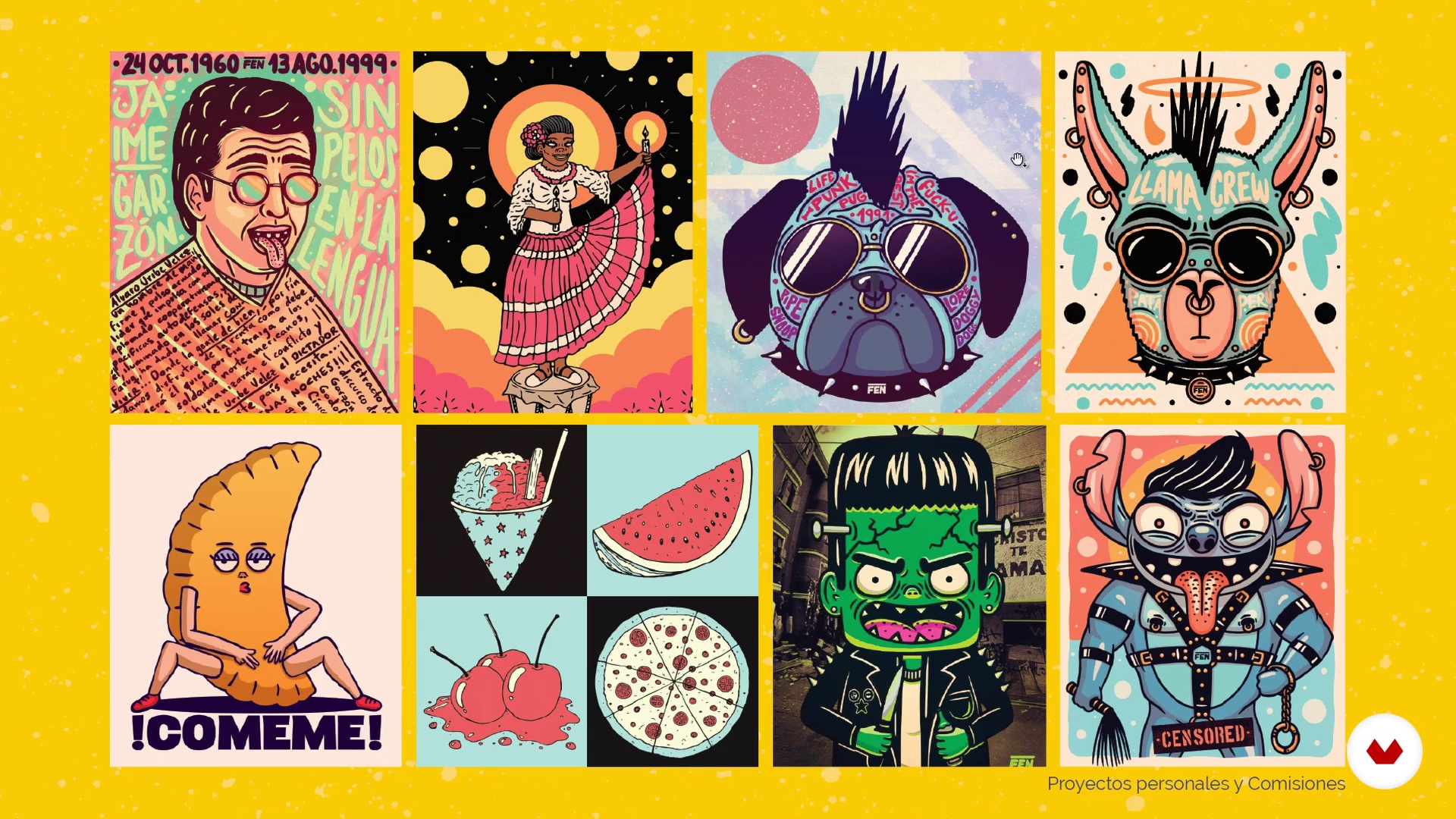
Popular graph
18 minutes, 40 seconds
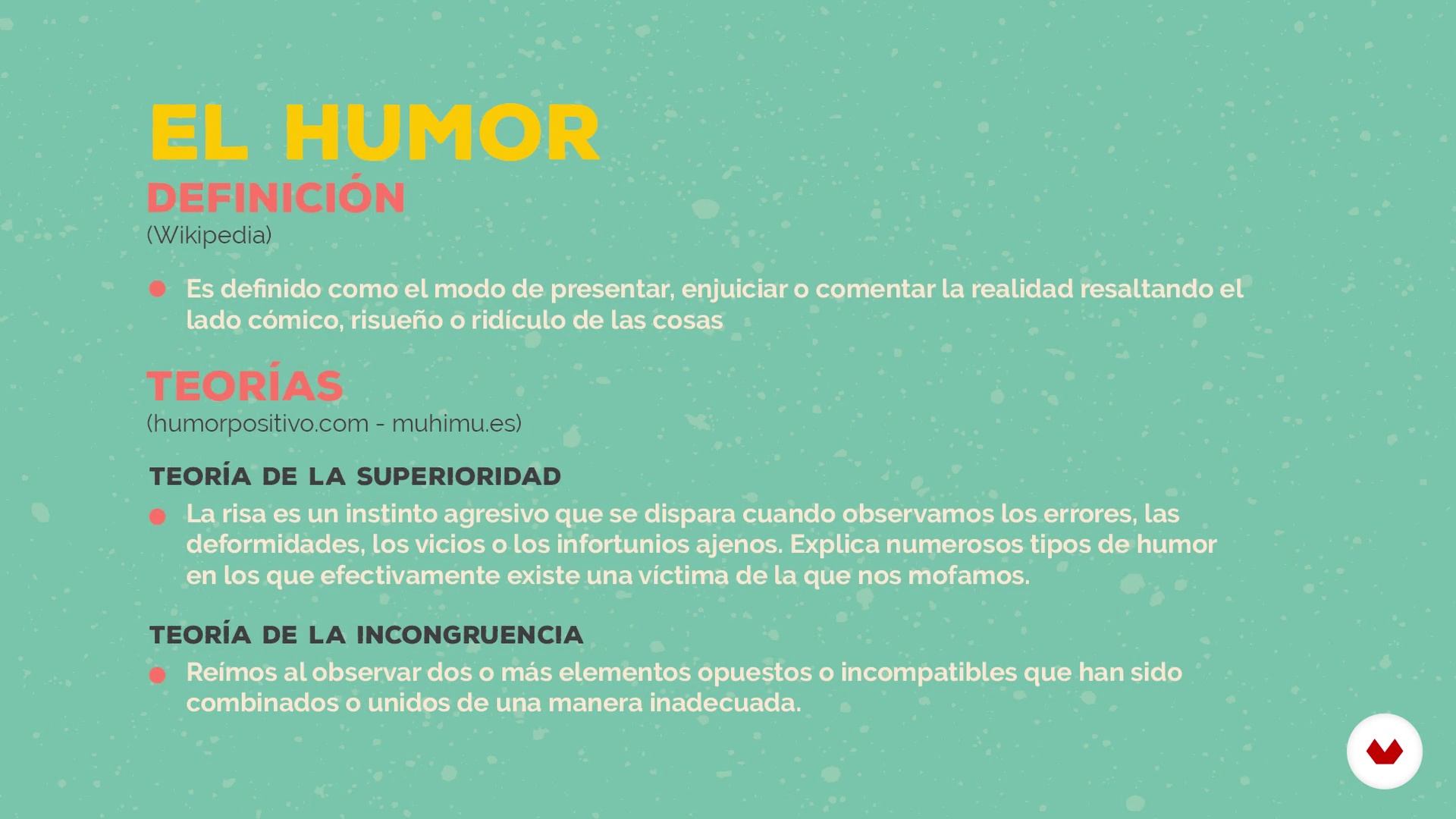
The humor
9 minutes, 15 seconds
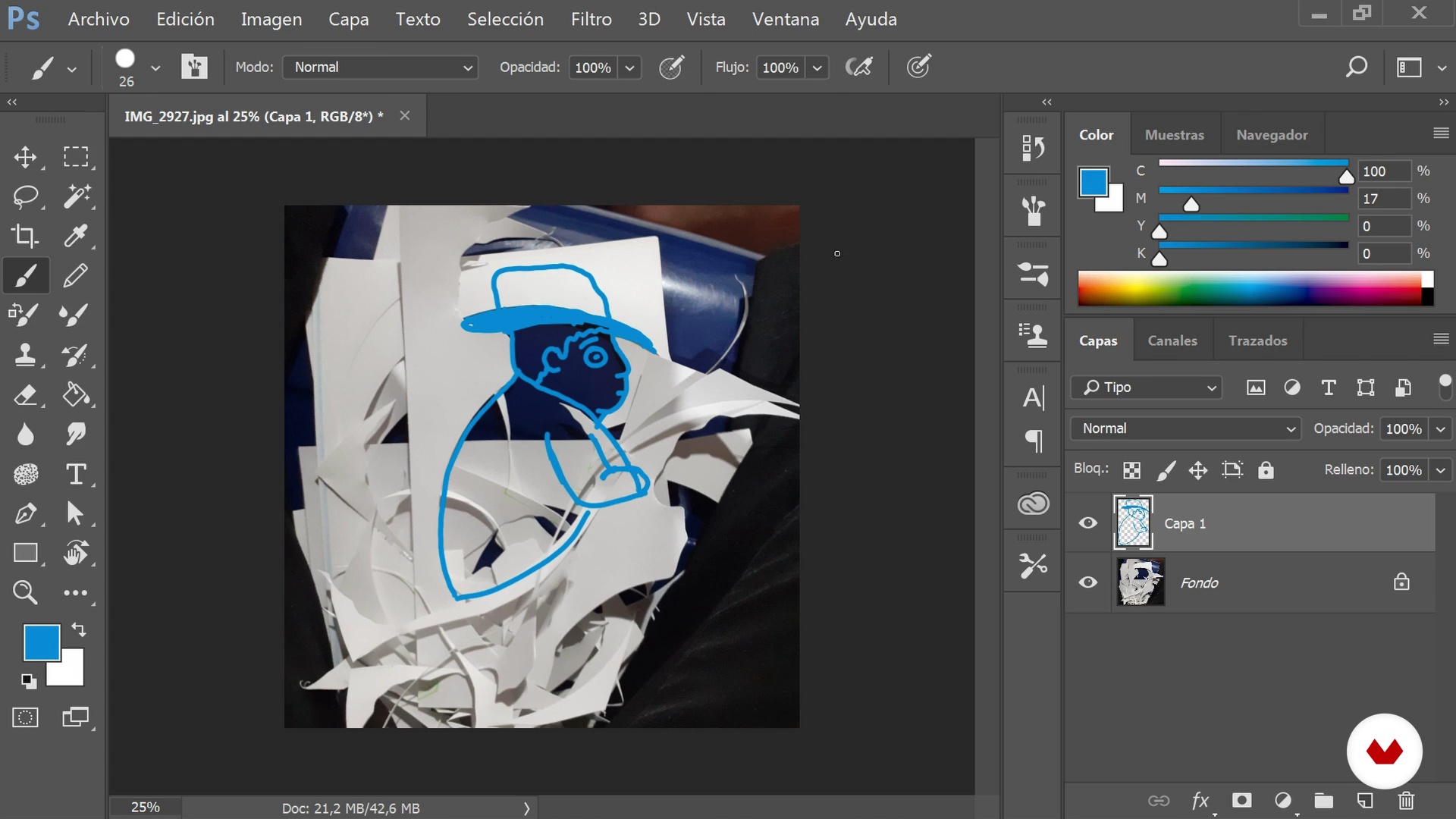
Unlocking exercises
6 minutes, 12 seconds
Composition
9 minutes, 11 seconds
Sketching - Part 1
14 minutes, 11 seconds
What's included in this course?
Get to know Felipe, how he started out as an illustrator, and see his most important work to date. Discover the artists that have most influenced him in developing his own style, with a brief introduction to what is covered in the course.
Felipe starts off by teaching you how to research unique elements of your culture to find concepts for your illustration. Understand how to bring a humorous touch to your work, by studying how to compose rhetorical figures and try out three practical exercises he uses when inspiration is amiss, to overcome a creative block.
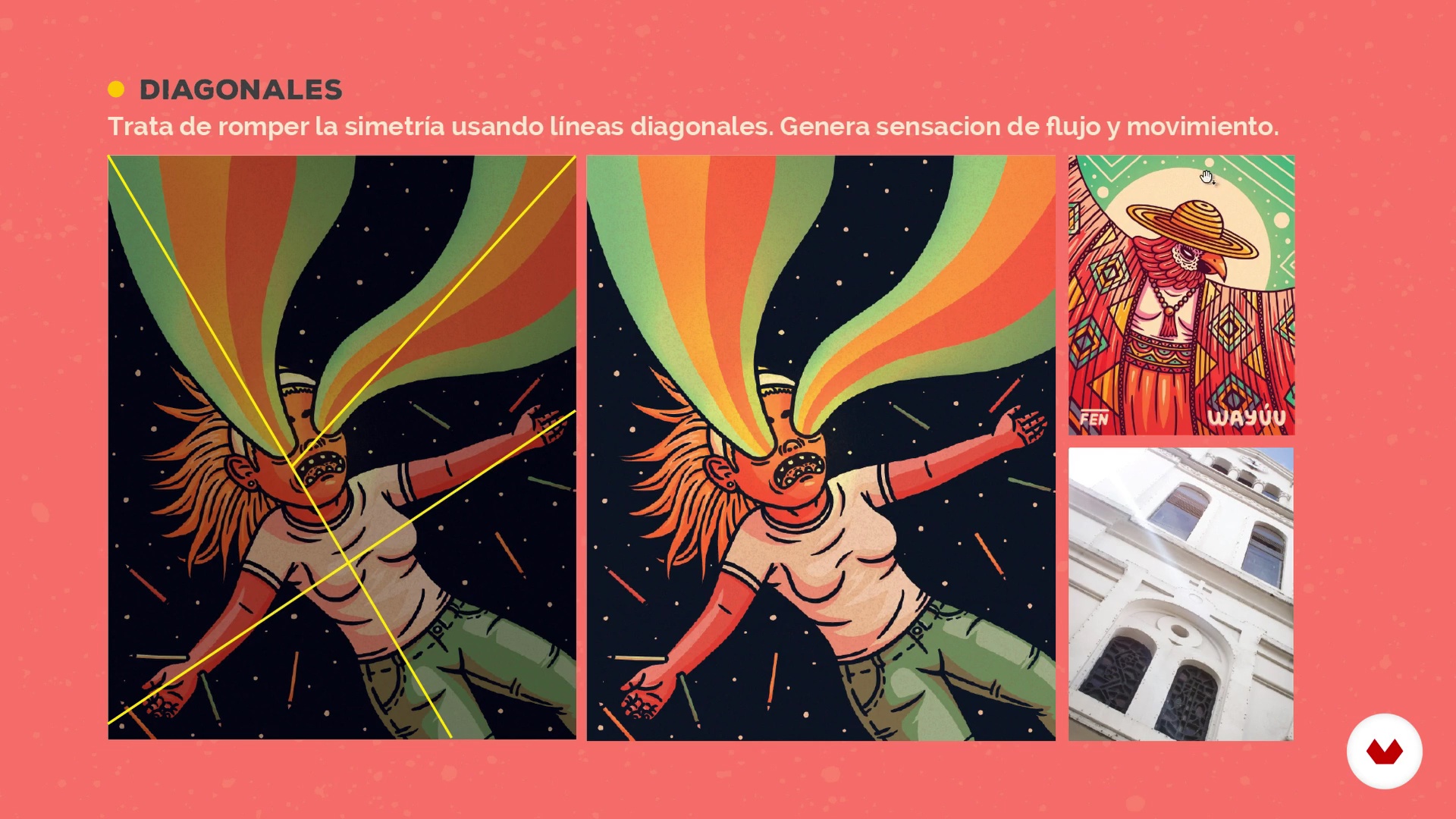
Create a mood board of your references, with specific elements to include in your composition to create your sketch. Learn about general rules of composition that are used in photography, cinema, animation, and more, to work them into your concept and make a start on your digital illustration in Adobe Photoshop.
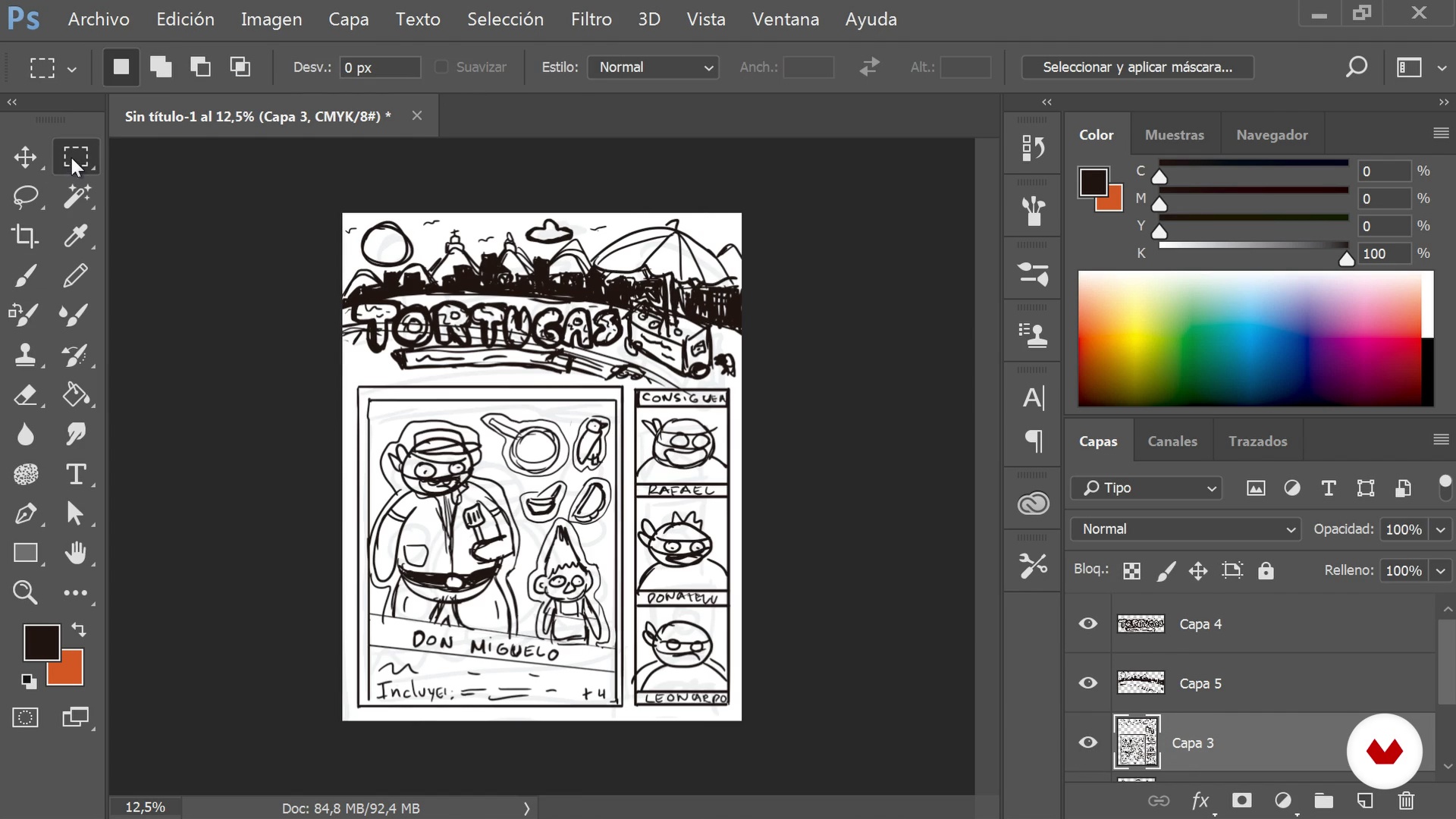
See Felipe’s step-by-step process for digital sketching, from the use of paint brushes in Photoshop to the composition and layout of elements in your artboard. Learn how to create precise contour lines and get familiar with tools such as paintbrush, selection, liquify, and more.
Go from the theory to the practice of creating color palettes for your work, seeing some of Felipe’s expert tips and tricks to harmonize your color scheme. Learn how to apply light and shading to give volume to your illustration. Create the final details of your illustration by adding texture and editing the light, contrast, and color balance. Finish with some of Felipe’s top tips to improve the color of your illustration.
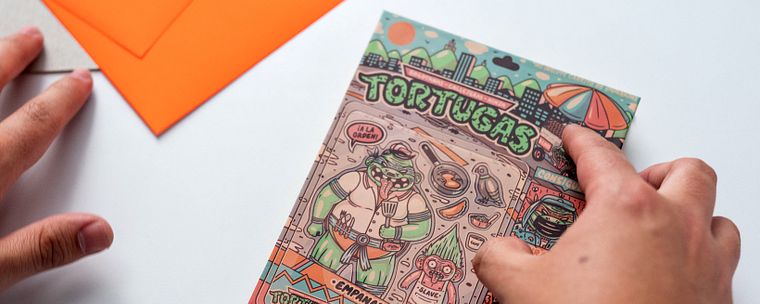
In the second part of your project, Felipe shows you how to apply your illustration to a series of products. Divide your illustration into sections, and prepare the files on Adobe Illustrator for each product. Create the final file for the booklet which you will print on plastic-coated adhesive paper and create your final illustration booklet.
Recommended software & tools for this course
What is this course's project?
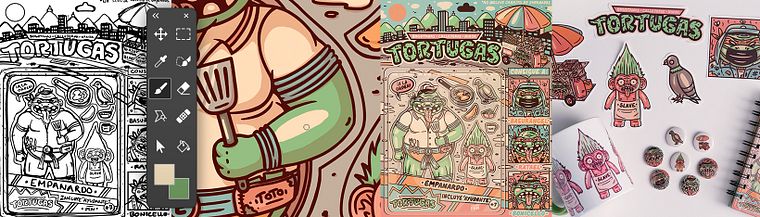
The final project of this course is divided into two parts: the first is creating an illustration using the tools and concepts learned in the course with the theme you have chosen. The second part of the project is applying your illustration in various products, creating a booklet from scratch, understanding the materials, and printing specifications to adapt these to their final product.
Projects by course students


Who is this online course for?
Illustrators, designers, artists, and anyone that wants to learn to draw and create a product using their illustrations.
Requirements and materials
Basic drawing skills are needed to take this course, as well as basic Adobe Photoshop and Illustrator knowledge.
As for materials, you need a computer with Adobe Photoshop and Illustrator, a graphics tablet (although not compulsory), scissors, a craft knife, plastic-coated adhesive paper to print your illustrations, two pieces of cardboard, white sheets of paper, and your preferred type of paper for your illustration booklet.
Reviews
- 10 months ago
Curso explicado a detalle, paso a paso para ilustraciones en photoshop
- 1 year ago
Es un curso muy bueno que ayudo en mejorar mis ilustraciones
- 2 years ago
Buen curso. Buena explicación y bien desarrollado
- 2 years ago
buen curso! nada que acotar, buen material e información.
- biancabpinheiroPLUS2 years ago
Gostei muito do estilo do trabalho do professor, divertido e criativo.

He has designed school notepads for Keepermate, suitcases for Totto, phone covers for Picmycase in California, and has illustrated for the clothing brands Caos in Colombia and Farolli in Peru, as well as illustrating articles for Bacanika magazine and Cartel Urbano.
Content
- U1
Introduction
- Presentation
- Influences
- What will we do in the course
- U2
Conceptualization
- Popular graph
- The humor
- Unlocking exercises
- U3
Illustration in Photoshop
- Composition
- Sketching - Part 1
- Sketching - Part 2
- Contour Line
- Color - Part 1
- Color - Part 2
- Lights and shadows
- Finishes
- U4
Application to products
- Exploded image
- File preparation
- Make your sketchbook
- FP
Final project
- Commercial Product Illustration Using Humor
What to expect from a Domestika course
Learn at your own pace
Enjoy learning from home without a set schedule and with an easy-to-follow method. You set your own pace.
Learn from the best professionals
Learn valuable methods and techniques explained by top experts in the creative sector.
Meet expert teachers
Each expert teaches what they do best, with clear guidelines, true passion, and professional insight in every lesson.
Certificates
PLUSIf you're a Plus member, get a custom certificate signed by your teacher for every course. Share it on your portfolio, social media, or wherever you like.
Get front-row seats
Videos of the highest quality, so you don't miss a single detail. With unlimited access, you can watch them as many times as you need to perfect your technique.
Share knowledge and ideas
Ask questions, request feedback, or offer solutions. Share your learning experience with other students in the community who are as passionate about creativity as you are.
Connect with a global creative community
The community is home to millions of people from around the world who are curious and passionate about exploring and expressing their creativity.
Watch professionally produced courses
Domestika curates its teacher roster and produces every course in-house to ensure a high-quality online learning experience.
FAQs
You’ll learn to create stickers and digital illustrations using humor, composition, and color techniques, and how to adapt your designs for printed products while blending cultural and urban elements into your work.
This is an intermediate-level course, perfect for those with basic illustration or digital design skills who want to deepen their techniques applied to urban and commercial products.
You’ll need a computer with Photoshop or digital illustration software, internet access, and basic sketching materials like paper and pencil, plus some optional printing supplies.
You’ll learn how to develop characters, mix cultural elements, apply stencil and graffiti techniques, and digitize your sketches to turn them into unique stickers ready for printing.
Yes, the course covers everything from file prep, format selection, resolution, and color modes to professional printing processes and finishing illustrated products.
Yes, the course guides you through building a personal brand, creating catalogs, and adapting your illustrations for fairs, shops, and your own products.
Techniques covered include sketching, composition, coloring, layer use, lighting and shading, texture application, and digital correction of proportions and symmetry.