Design of Pictograms
A course by Romualdo FauraGraphic Designer and Illustrator
A course by Romualdo Faura, Graphic Designer and Illustrator

Learn to create a series of pictograms, from the concept to the final design
In this online course, designer and illustrator Romualdo Faura teaches you how to create your own pictograms, from the initial concept to the final design. Put your imagination and ingenuity to the test to design never-before-seen pictograms.
What will you learn in this online course?
13 lessons & 19 downloads
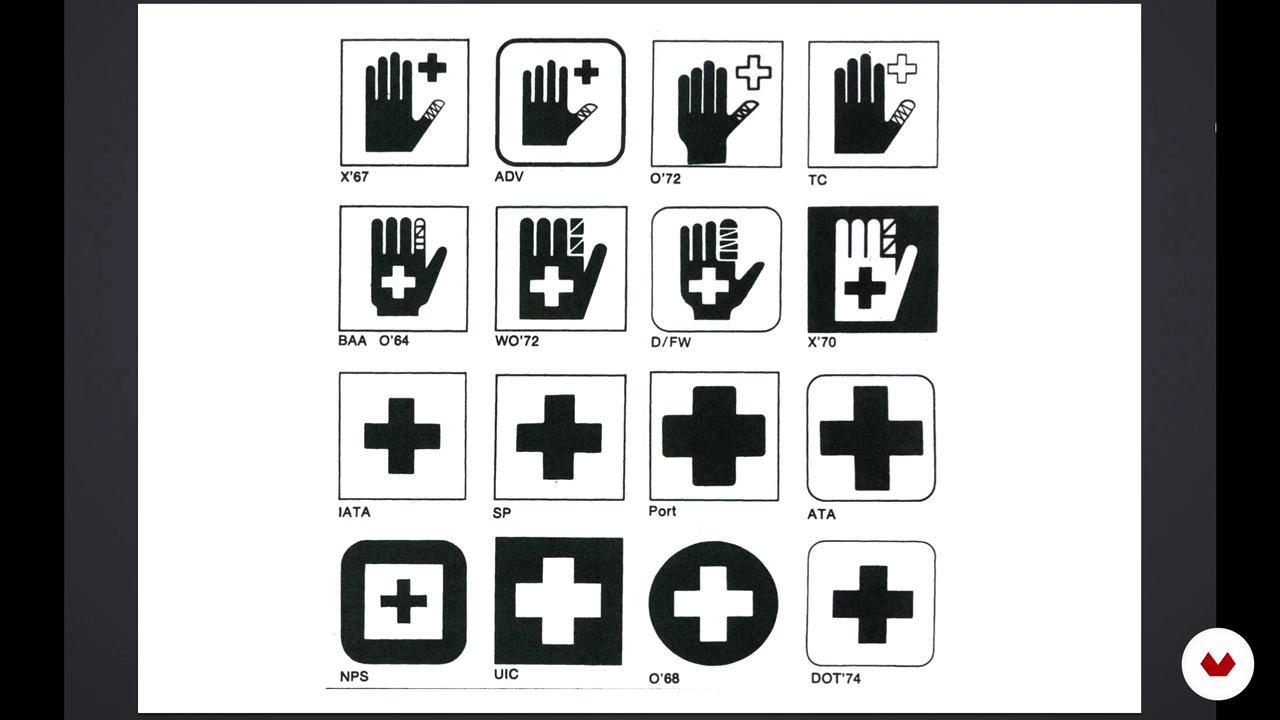
History and Referents
5 minutes, 56 seconds

Project Statement
1 minute, 51 seconds
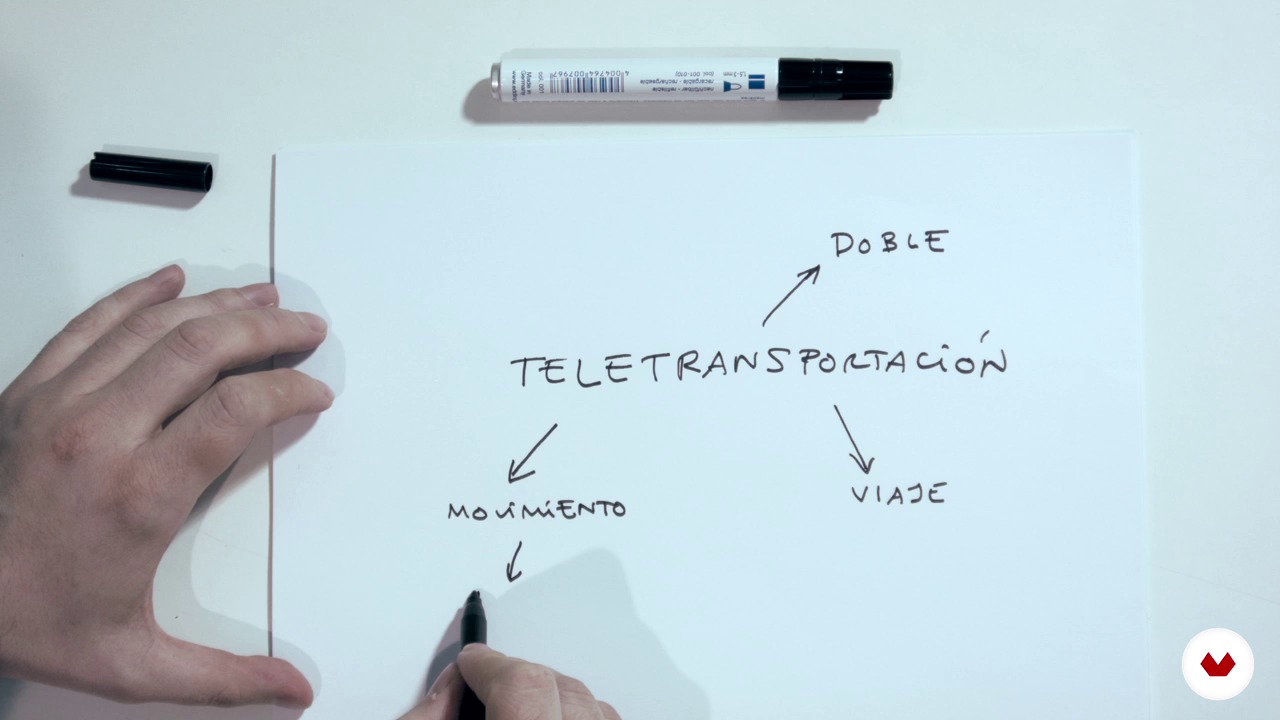
Prepare a conceptual map
4 minutes, 13 seconds
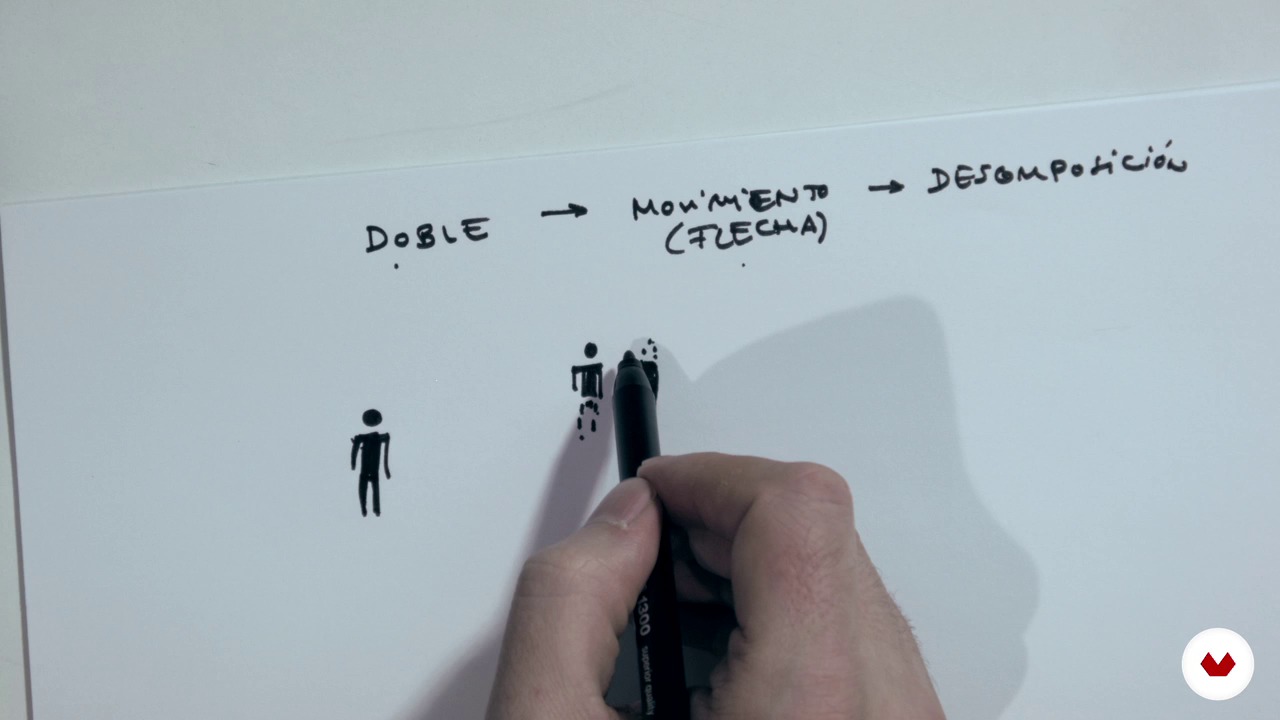
Sketches
7 minutes, 40 seconds

Reticle (by hand and on computer)
7 minutes, 0 seconds
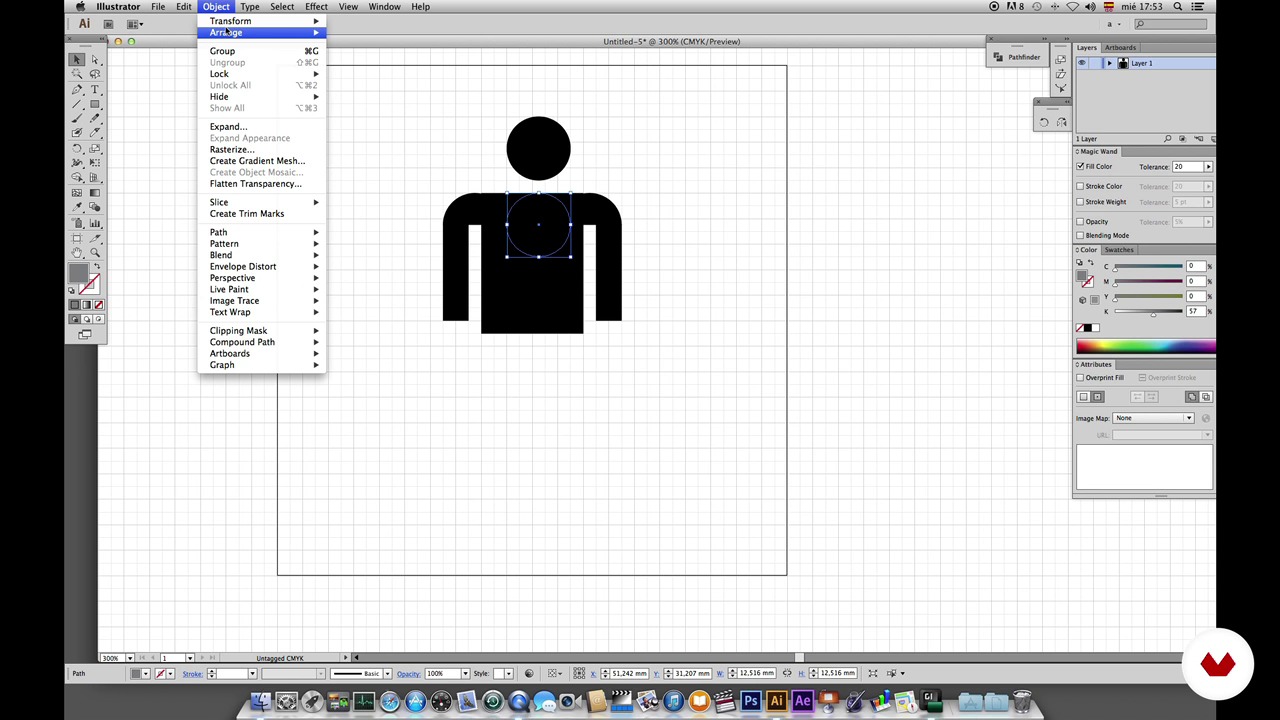
Production I. The Body.
10 minutes, 12 seconds
What's included in this course?
In this course, learn the fundamentals of pictogram design. Discover what they're used for and what makes a good pictogram, as well as tricks and techniques for creating them.
First, define what a pictogram is and how it differs from an icon. Then, go over the history of pictograms, commenting on some of the most relevant facts and figures.
Get to work on your project by coming up with a concept and creating a mind map. Put your ideas down on paper and draw a few sketches of your pictograms. See how to adapt them to a grid.
Move on to the computer to shape the final designs before retouching them and adding color.
Recommended software & tools for this course
What is this course's project?
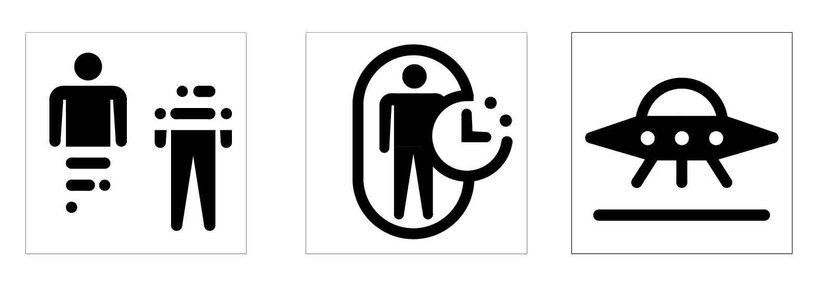
Design three pictograms to represent an object, action, place, etc. within a specific context. Your teacher proposes a futuristic colony on Mars. Think about three pictograms that would be useful in that setting: a landing strip for UFOs? A space elevator? A cloning machine? No entry for aliens? Give your imagination and creativity free rein!
Projects by course students


Who is this online course for?
Designers and anyone interested in creating pictograms.
Requirements and materials
Basic notions of vector graphics programs (Illustrator, Freehand, InDesign, etc.) are required.

Reviews
- 11 months ago
Un curso excepcional con una metodología específica y con referentes relevantes y recursos muy útiles.
- 1 year ago
Excelente curso e professor! Recomendo!
- 2 years ago
Aprendí mucho con este profesor , más cursos
- 2 years ago
Me encanta reconocer a través del curso como los pictogramas son una síntesis visual que puede transmitir conceptos más efectivamente, es comunicación visual pura. Además, me pareció excelente que agregaran algo de historia para contextualizarnos acerca del tema.
- 2 years ago
Excelente

He has collaborated with clients such as El País, Bloomberg Markets, Volta Charging, LittleCrowd, Elsevier, Fast Company, Yorokobu, Ling, and BBVA, and has taught at the Universidad de Monterrey, the Instituto Tecnológico y de Estudios Superiores de Occidente, the CEDIM, the Escuela Superior Internacional de Murcia and the Universidad de Istmo.
In his projects, he strives to use precise colors, flat geometric shapes, and minimal details: he believes simplicity is the key to responsible design.
Content
- U1
Introduction to pictograms
- Introduction
- Definition pictograms
- History and Referents
- U2
Thinking about the pictogram
- Project Statement
- Prepare a conceptual map
- U3
Sketching the pictogram
- Sketches
- Reticle (by hand and on computer)
- U4
Designing on the computer
- Production I. The Body.
- Production II. Decomposition.
- Production III. Duplication of the body.
- Production IV. Time Machine and UFO Landing Strip.
- U5
Retouching and Color
- Retouching
- The color
- FP
Final project
- Design of pictograms
What to expect from a Domestika course
Learn at your own pace
Enjoy learning from home without a set schedule and with an easy-to-follow method. You set your own pace.
Learn from the best professionals
Learn valuable methods and techniques explained by top experts in the creative sector.
Meet expert teachers
Each expert teaches what they do best, with clear guidelines, true passion, and professional insight in every lesson.
Certificates
PLUSIf you're a Plus member, get a custom certificate signed by your teacher for every course. Share it on your portfolio, social media, or wherever you like.
Get front-row seats
Videos of the highest quality, so you don't miss a single detail. With unlimited access, you can watch them as many times as you need to perfect your technique.
Share knowledge and ideas
Ask questions, request feedback, or offer solutions. Share your learning experience with other students in the community who are as passionate about creativity as you are.
Connect with a global creative community
The community is home to millions of people from around the world who are curious and passionate about exploring and expressing their creativity.
Watch professionally produced courses
Domestika curates its teacher roster and produces every course in-house to ensure a high-quality online learning experience.
FAQs
Pictogram design involves creating simple graphic symbols that convey information quickly and clearly. They’re used for signage, instructions, maps, and visual systems where immediate understanding is crucial.
This is an intermediate-level course, perfect for those with basic graphic design or illustration skills who want to deepen their knowledge in creating pictograms and cohesive visual systems.
You’ll need paper, pencil, graph paper for sketches, and a computer with vector design software like Adobe Illustrator for digitizing and final editing of your pictograms.
You’ll learn how to conceptualize, sketch, structure with grids, and digitize pictograms. You’ll also explore their history, how they differ from icons, and how to build coherent visual systems for both current and futuristic applications.
A pictogram delivers a universal, clear message with maximum simplicity, while an icon represents more specific concepts whose meaning depends on context. Pictograms are part of a consistent visual system.
Yes, the course includes techniques for designing pictograms aimed at speculative technologies and contexts, like space colonies, teleportation, or events on Mars, developing original visual solutions.
Yes, you’ll learn to create and adjust grids both manually and digitally, using layouts to achieve precise proportions and consistency in pictogram systems.