Character Design for Animation with Photoshop
A course by Caio MartinsIllustrator, character designer and storyboard artist
A course by Caio Martins, Illustrator, character designer and storyboard artist

Learn the whole process of bringing an animated character to life, from briefing to model sheet
Getting to show the expressions of a character in a natural way while combining colors, shapes, and volume can be a great challenge for an illustrator. Character designer and storyboard artist Caio Martins manages to unite several techniques in his creations and in this course, he will teach you how to master them to create unique illustrations. He has worked for renowned studios like DreamWorks, Netflix, and Disney Jr.
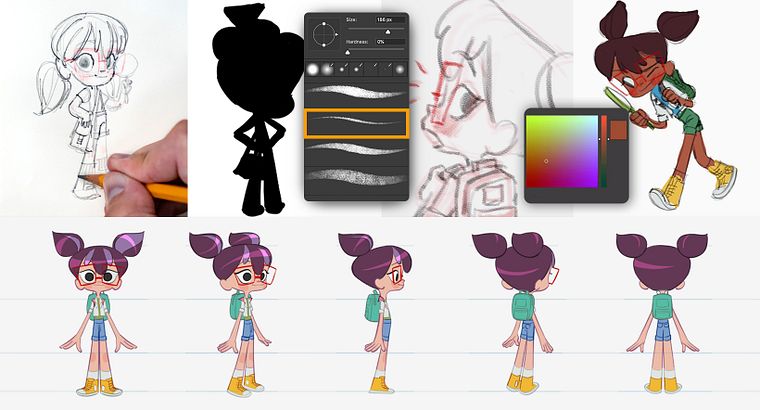
During this journey, Caio will guide you through the steps to give life to a character with its own identity, from the first sketches in your sketchbook to the model sheet with the final drawings, with Adobe Photoshop. You will learn how to draw gestures and physiognomies in different positions and you will have material ready to be presented to an animation studio.
What will you learn in this online course?
19 lessons & 20 downloads
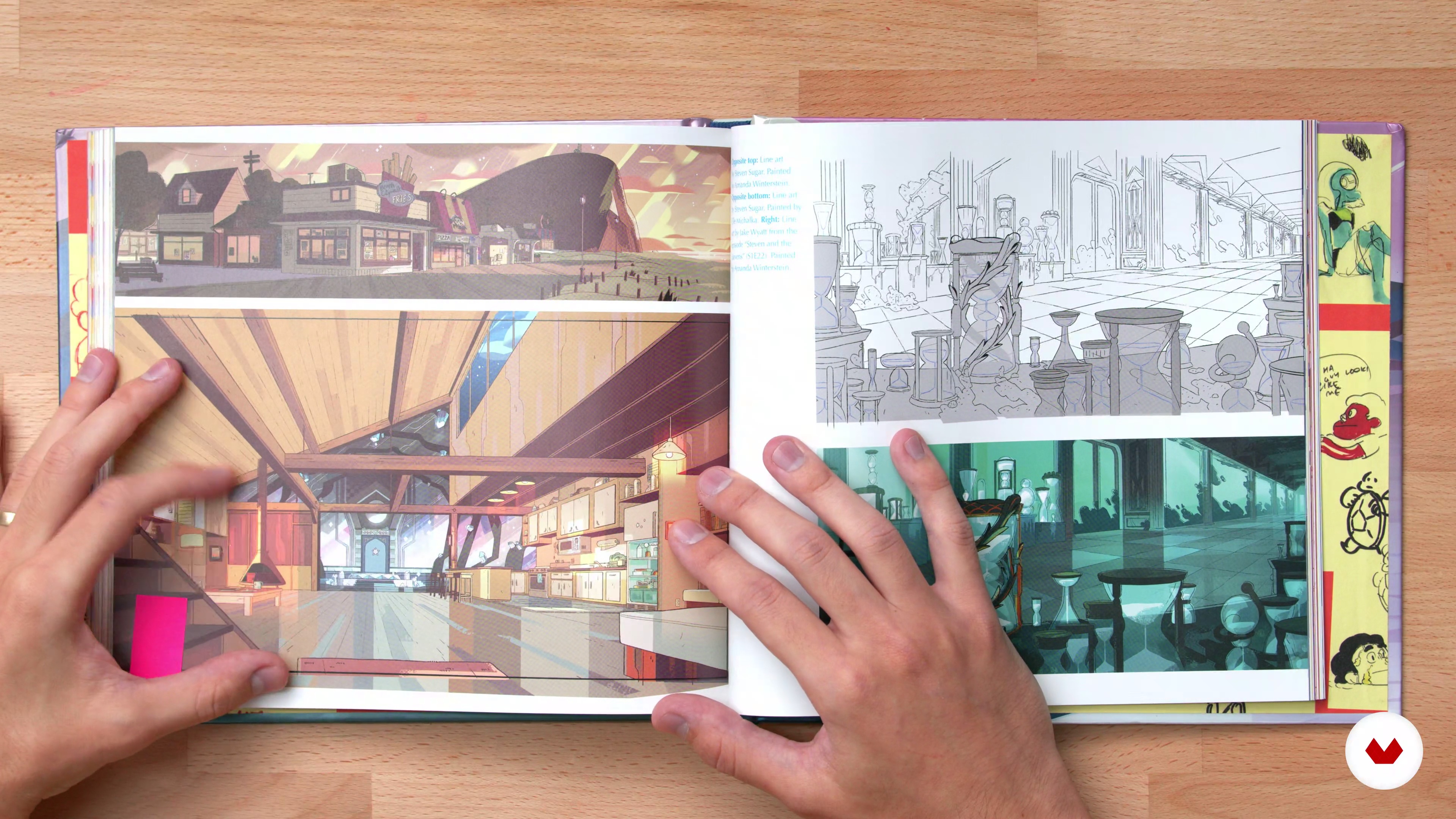
Starting point: the idea
19 minutes, 47 seconds
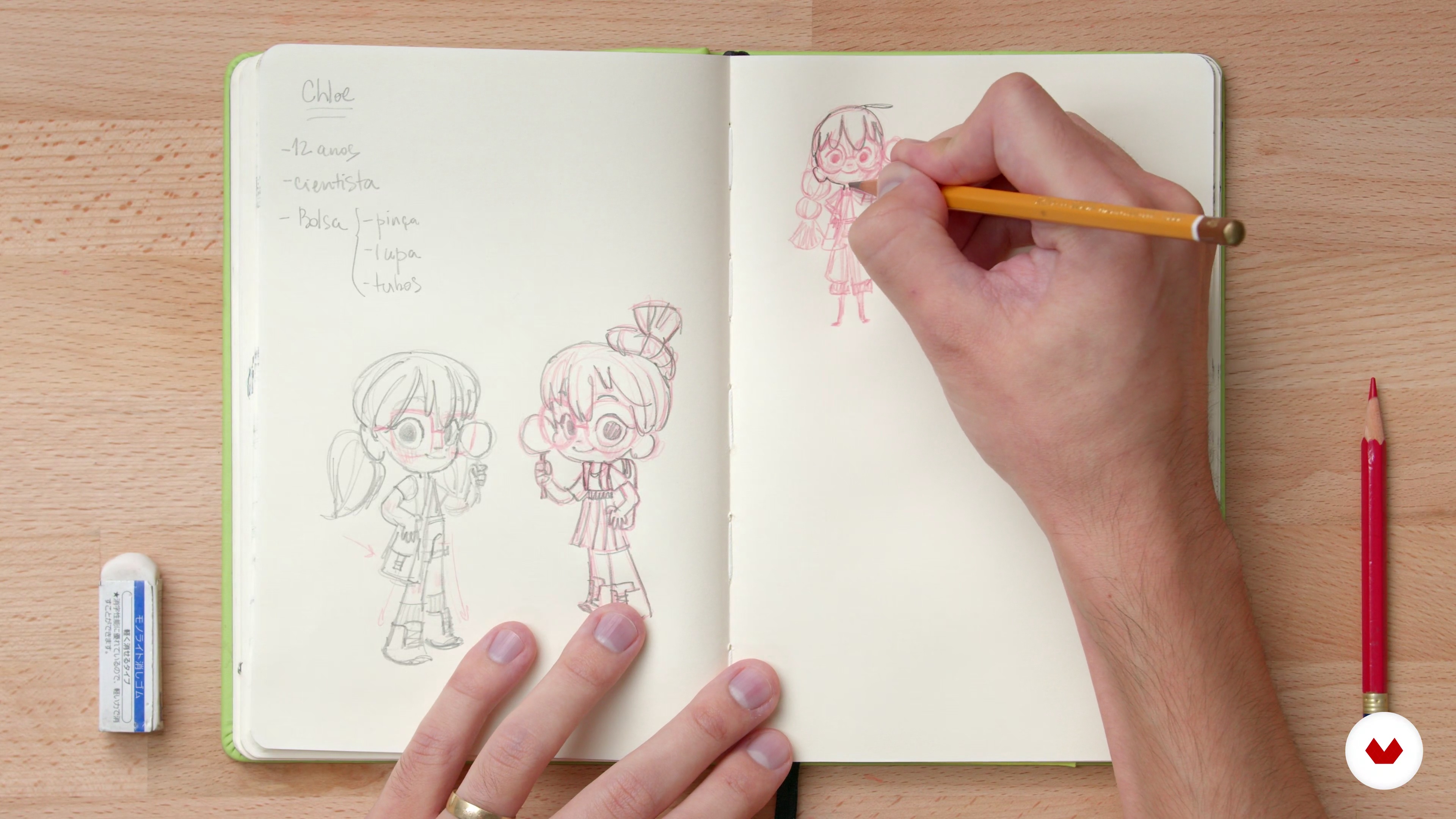
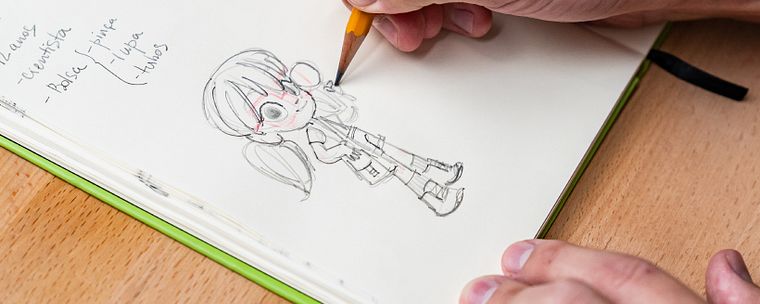
Sketch in sketchbook
20 minutes, 0 seconds
Exploring concepts
19 minutes, 56 seconds
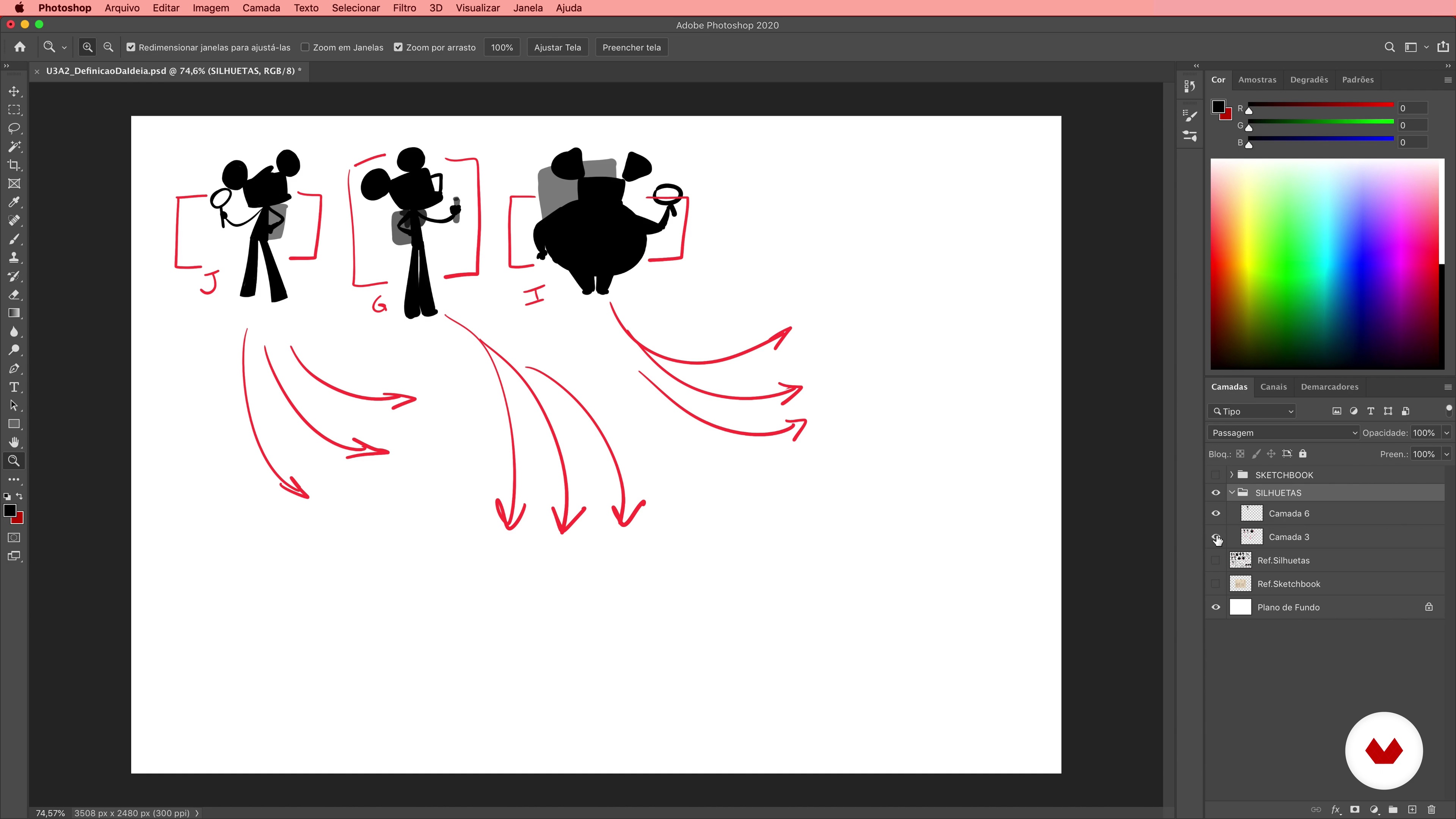
Definition of the idea
15 minutes, 54 seconds
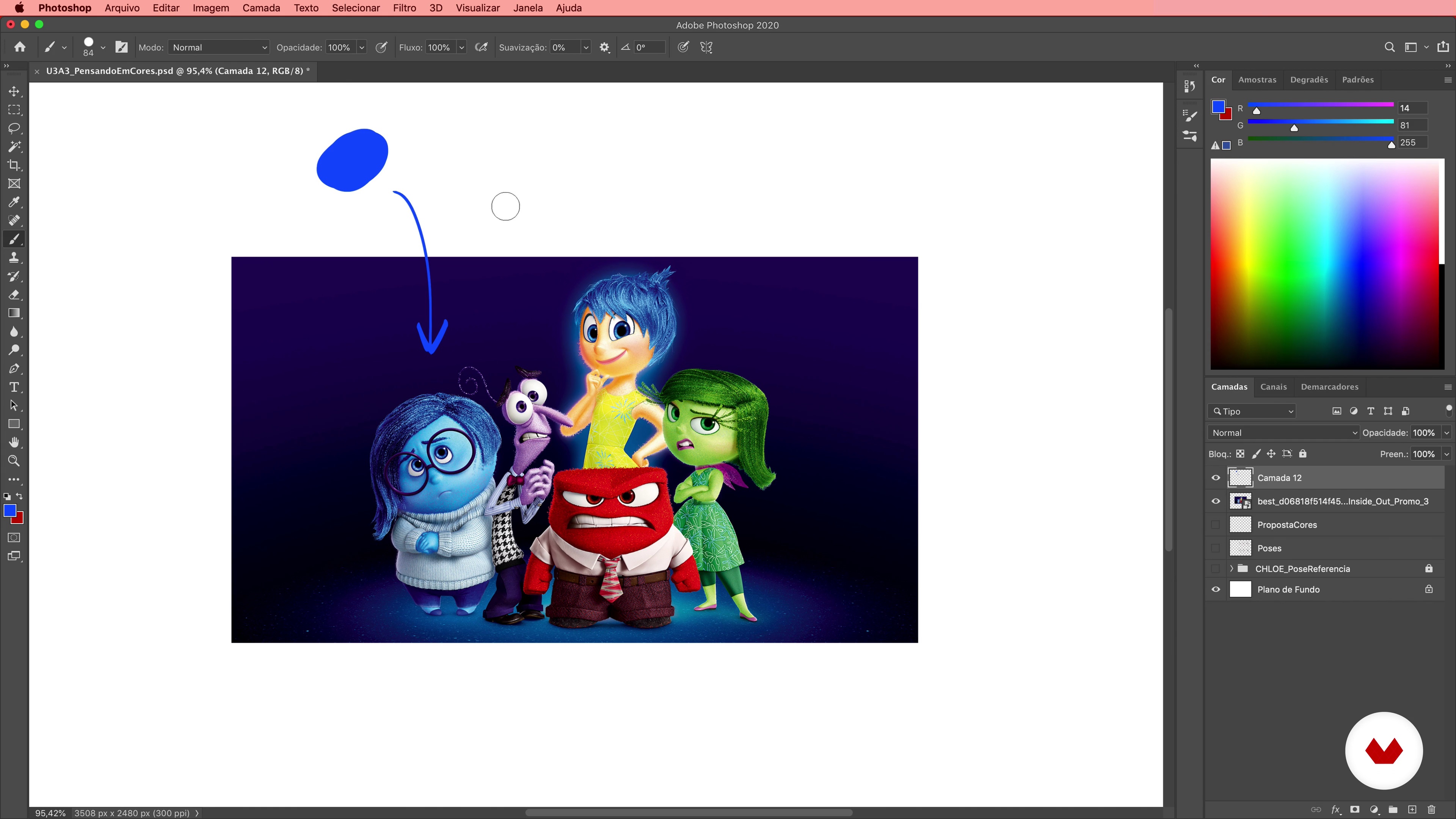
Thinking in color
16 minutes, 37 seconds
Expression sheet 1
14 minutes, 34 seconds
What's included in this course?
In the first unit, you will meet Caio, who will tell how he became an illustrator and how he started in the animation industry designing characters, working for important national and international studios. Also, you will see what his main references are in the animation field.
You will begin to lay the foundation for your creation, analyzing the briefing, looking for reference images, and seeing what elements you should take into account when designing your character. Finally, you will put your ideas on paper, by creating the first sketches in your sketchbook.
With the sketches ready, comes the production stage: you will draw the character's silhouette and add color and features to its expression. Explore the different colors and test how they can influence the personality of your character.
Learn how to represent your character in 3D and how to draw expressions from different angles with Adobe Photoshop. Then, you will learn how to make a complete turnaround of your character's design.
Finally, Caio will help you prepare your portfolio to send it to an animation studio, as well as guiding you on how to organize and share your work on Instagram.
Recommended software & tools for this course
What is this course's project?
You will create a model sheet of a character for animation from a briefing and carry out exercises to will help you explore shapes, colors, and expressions.
Projects by course students


Who is this online course for?
To artists and illustrators who want to enter the world of animation.
Requirements and materials
Basic knowledge of drawing and handling of Adobe Photoshop is required. Regarding the materials, you will need a sketchbook, a pencil, an eraser, and a computer with Adobe Photoshop installed. Having a graphics tablet is not essential, but it will make your process easier.
Although this course is done digitally, you can apply the techniques learned in any medium, be it digital or analog.
Reviews
- 1 month ago
A very helpful and educational course
- 2 months ago
süper bir kurs.
- 6 months ago
Very helpful courses . Thank you!
- 6 months ago
I like this course because it helps you on gather reference material to decide what type of character you want to create. Thenstarting the process through sketching before settling on your specific character idea.
- 11 months ago
Muy bueno. El profesor explica muy bien todo el proceso de creación de un personaje y da muchas ideas. Lo recomiendo mucho.

After honing his artistic craft, Caio went to other animation studios and worked on television series for major stations such as Disney Jr. (Dino Aventuras), Cartoon Network (Oswaldo), Nickelodeon (PapayaBull, Tainá), Tv Cultura, and Discovery Kids (Micro Adventures of Tito and Muda). He has also collaborated as an illustrator for major publishers such as Abril and Editora Moderna.
He is currently a freelance illustrator and works from home for animation studios, so he can spend more time learning and working on his personal projects.
Content
- U1
Introduction: who I am and how I became a designer
- Presentation
- Influences
- What will we do in the course?
- U2
From thinking to drawing
- Analyzing a briefing
- Searching for references
- Starting point: the idea
- Sketch in sketchbook
- U3
Starting the jobs
- Exploring concepts
- Definition of the idea
- Thinking in color
- U4
The various angles of the character
- Expression sheet 1
- Expression sheet 2
- Turnaround 1
- Turnaround 2
- Turnaround 3
- Colorization and influence of lighting 1
- Colorization and influence of lighting 2
- Colorization and influence of lighting 3
- How to prepare your portfolio for animation studios
- FP
Final project
- x Creation of characters for animation
What to expect from a Domestika course
Learn at your own pace
Enjoy learning from home without a set schedule and with an easy-to-follow method. You set your own pace.
Learn from the best professionals
Learn valuable methods and techniques explained by top experts in the creative sector.
Meet expert teachers
Each expert teaches what they do best, with clear guidelines, true passion, and professional insight in every lesson.
Certificates
PLUSIf you're a Plus member, get a custom certificate signed by your teacher for every course. Share it on your portfolio, social media, or wherever you like.
Get front-row seats
Videos of the highest quality, so you don't miss a single detail. With unlimited access, you can watch them as many times as you need to perfect your technique.
Share knowledge and ideas
Ask questions, request feedback, or offer solutions. Share your learning experience with other students in the community who are as passionate about creativity as you are.
Connect with a global creative community
The community is home to millions of people from around the world who are curious and passionate about exploring and expressing their creativity.
Watch professionally produced courses
Domestika curates its teacher roster and produces every course in-house to ensure a high-quality online learning experience.
FAQs
The course is intermediate level, recommended for those with basic drawing or design skills who want to sharpen specific animation-related abilities.
You’ll need a drawing tablet and basic digital art software like Photoshop or similar. Having internet access for researching references is also recommended.
You’ll learn how to interpret briefs, create 2D characters, develop turnarounds, model sheets, expression sheets, color your designs, handle lighting, and build an animation portfolio.
The process includes analyzing the brief, researching references, developing concepts, creating silhouettes, sketching, refining, coloring, and prepping characters for animation.
Yes, the course covers strategies for selecting, organizing, and showcasing your work in a portfolio tailored to the animation industry.
Yes, you’ll learn techniques to draw expressive poses and create turnarounds and model sheets that show the character from multiple angles.
Drawing tablets are used for digital sketching, making it easier to tweak, experiment, and integrate with animation software.