Female Character Portraits in Procreate
A course by Natália DiasIllustrator
A course by Natália Dias, Illustrator

Explore digital illustration techniques by creating portraits filled with imagination
When it comes to creating feminine portraits capable of communicating emotion, style, and fluidity, every little detail makes the difference. Illustrator Natália Dias—who has over 300k followers on Instagram—works every detail of the face, eyes, mouth, and skin tone in minute detail, but her unique style is characterized by how she gives movement to hair in her portraits, achieving spectacular expressions.
In this course, you will learn all the steps to illustrate a female character, using basic face anatomy techniques, composition of elements, and color application, to the final editing and preparation of your document.
What will you learn in this online course?
16 lessons & 24 downloads
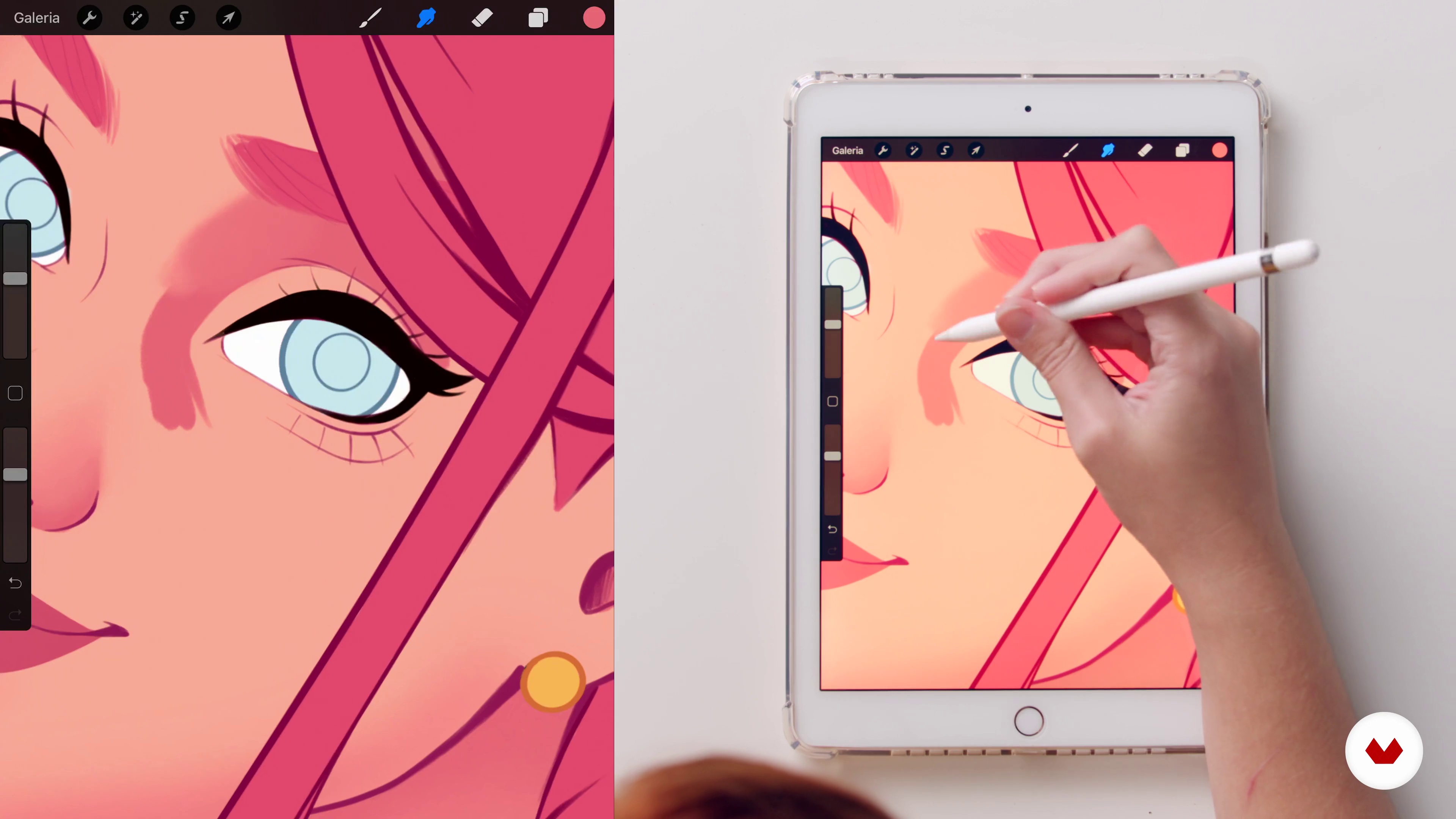
What will we do in the course?
2 minutes, 2 seconds
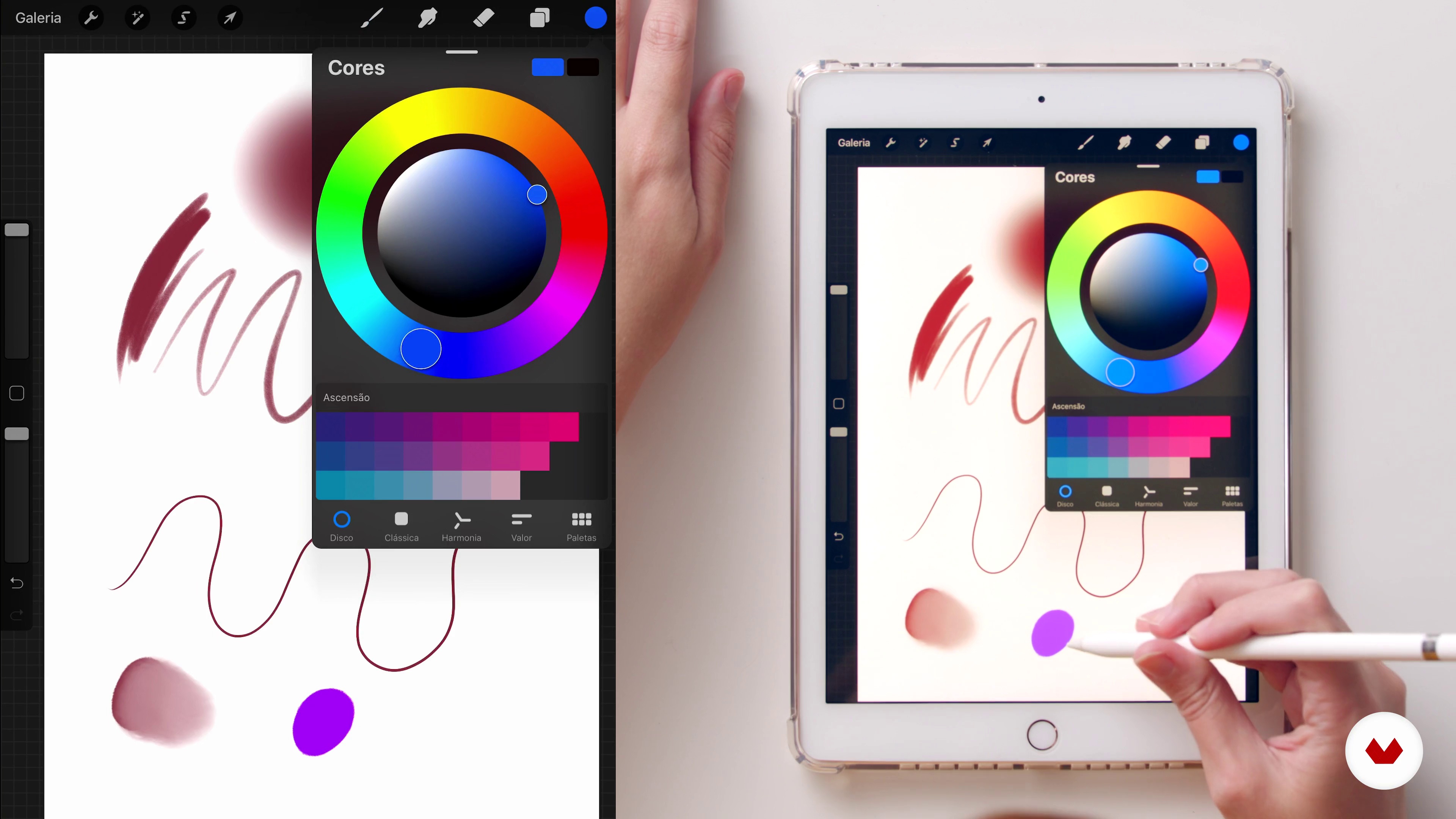
Drawing Techniques with Procreate
4 minutes, 47 seconds
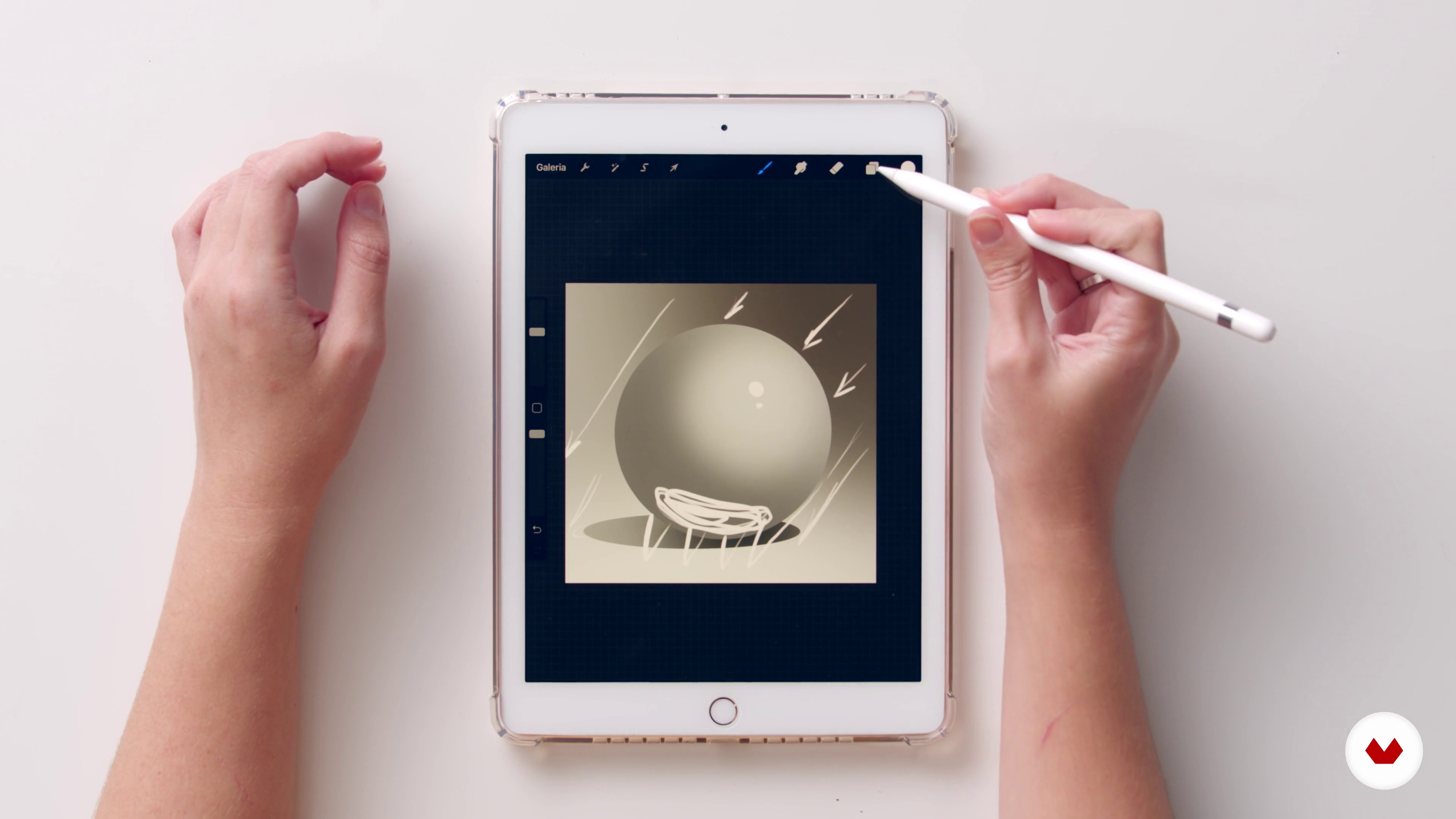
Initial studies: light, shade, color and texture
11 minutes, 59 seconds
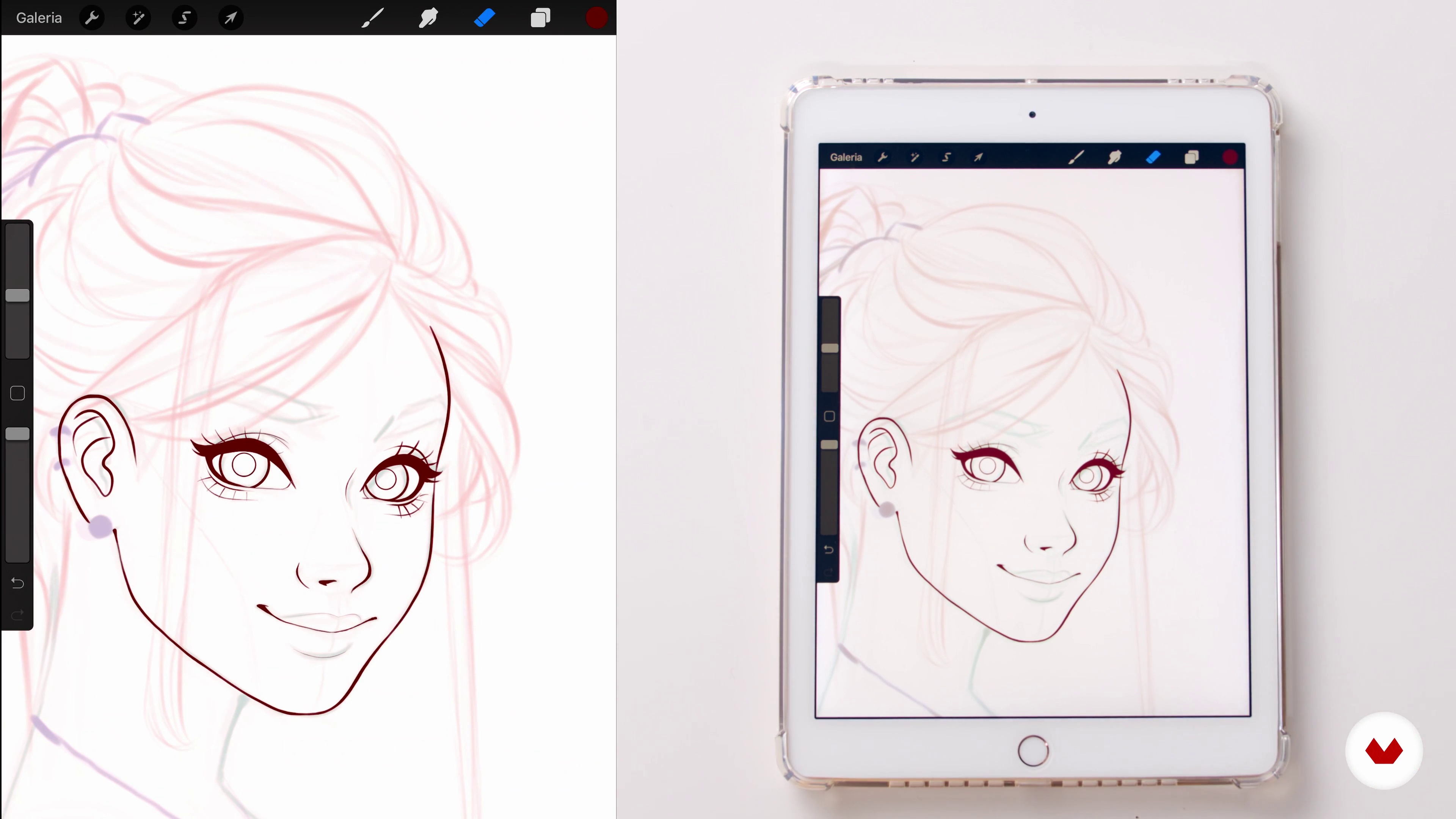
Lineart 1
19 minutes, 35 seconds
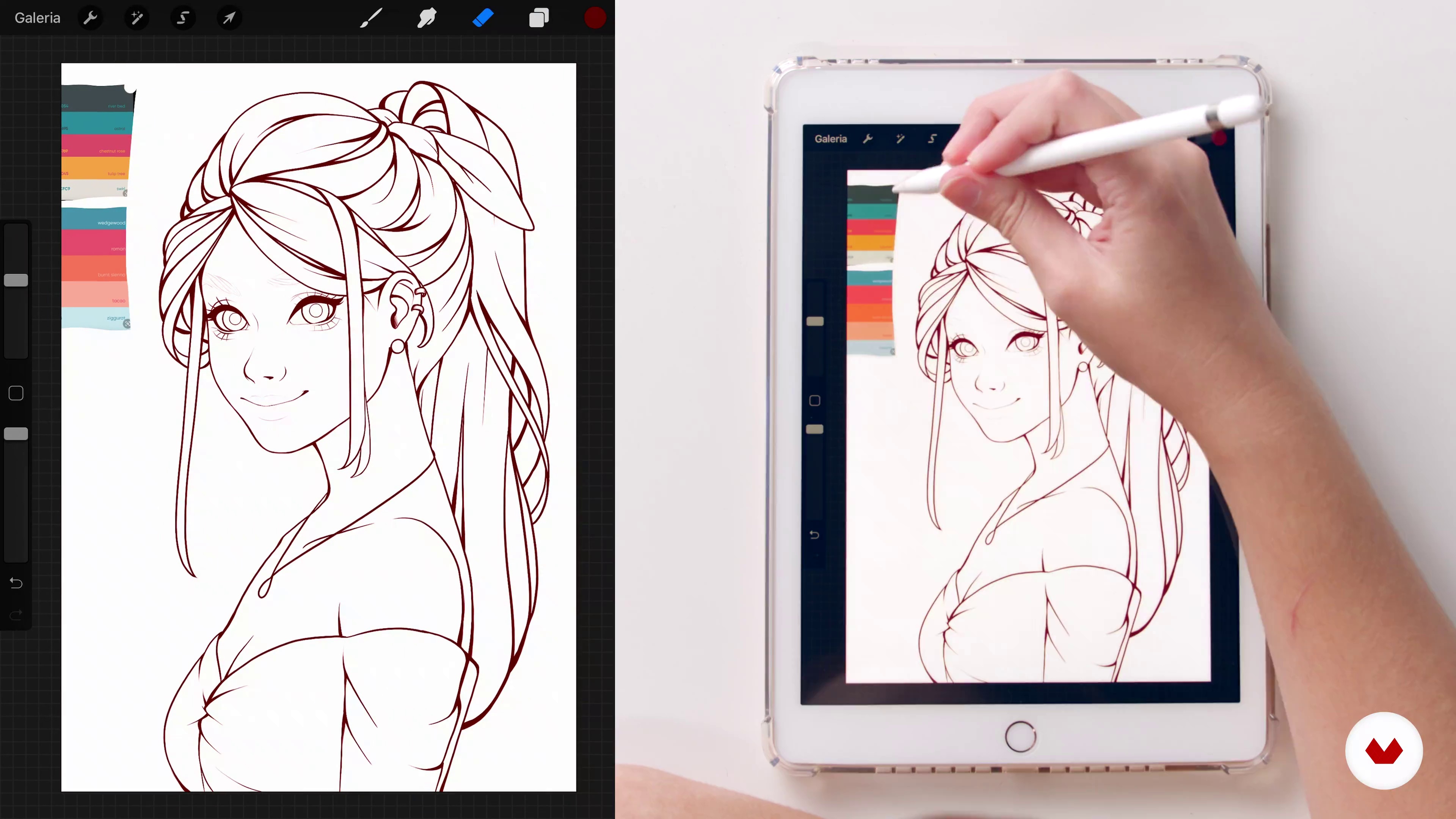
Applying flat colors
19 minutes, 56 seconds
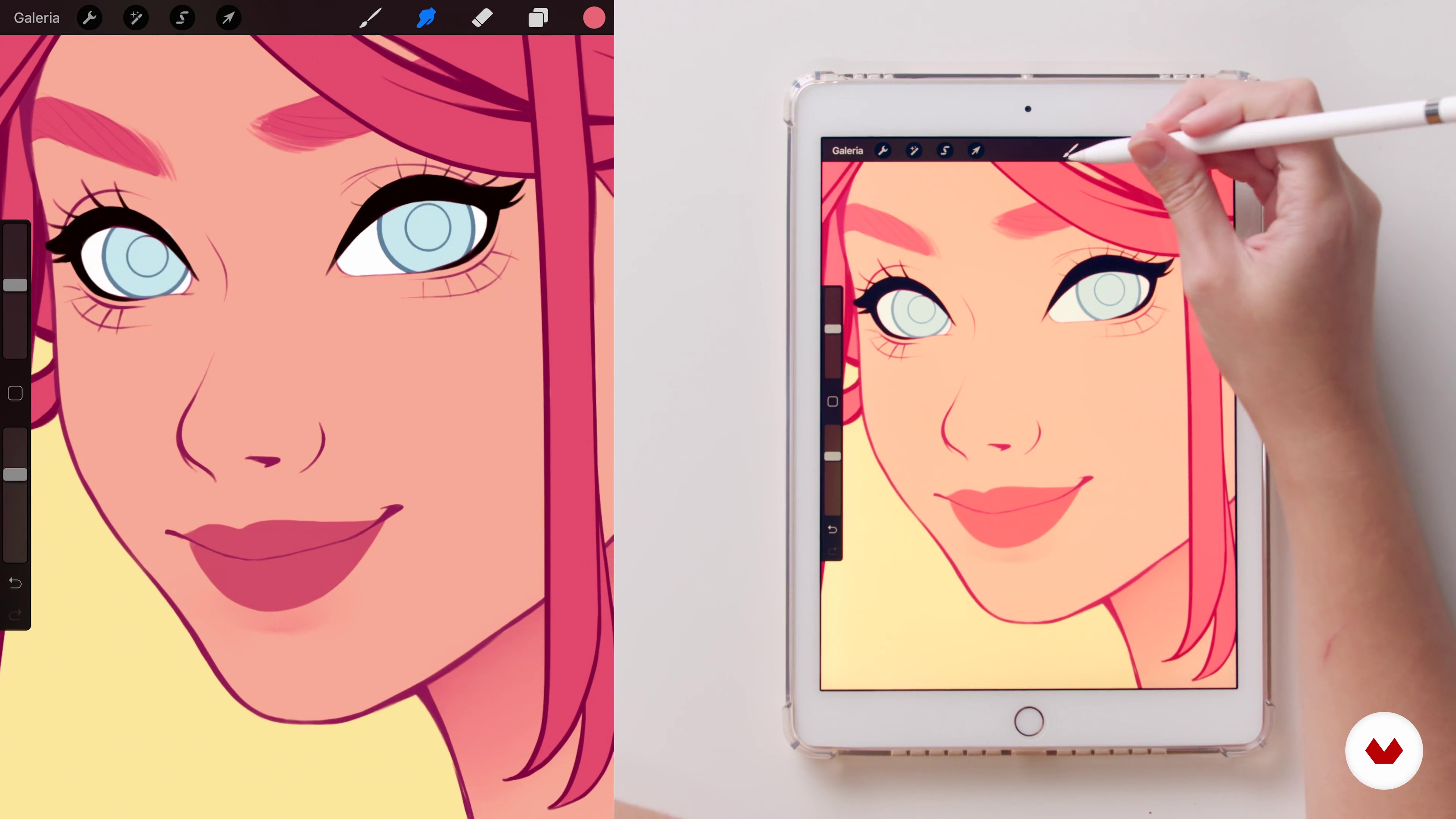
Application of shadow and light: skin
19 minutes, 39 seconds
What's included in this course?
Start the course with an overview of Natália Dias’ career so far, and how she was able to study illustration while she majored in Fashion History. She shares her artistic references, ranging from Disney characters to the artist Alphonse Mucha.
In the second unit, learn how to prepare a mood board with your references and explore Procreate’s main tools. Natalia introduces the app by showing you the brushes she uses the most, as well as going through the main techniques, such as Brush Smudge.
Learn how to apply light, shadows, color, and texture to your image through a series of exercises with spheres. Explore basic concepts of feminine anatomy, learn about proportions, as well as simple formulas do layout the face and bust in three angles: frontal, three-quarters, and profile.
Next, make a start on the first sketches of your character, giving shape and contour through line art, with the intention of transposing expression with the ideal angle. Apply flat color, shadows, and light that you learned previously to paint different skin tones and create textures and effects for hair.
Natalia teaches how the work on the final details of your illustration using the tools on Procreate and Adobe Photoshop to adjust color and do other small corrections. Finally, you’ll learn how to save your file to share online or to print, as well as some advice on how to use Instagram as your portfolio.
Recommended software & tools for this course
What is this course's project?
Create a portrait of a female character on Procreate or another illustration software of your choice.
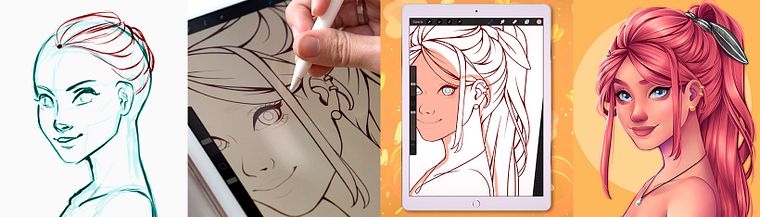
Projects by course students


Who is this online course for?
For anyone interested in digital portrait illustration and wants to learn or improve.
Requirements and materials
You will need an iPad with Procreate or a graphics tablet and illustration software such as Adobe Photoshop, Paint Tool SAI, or other. Natália will use Procreate, but the techniques can apply to any other digital design software.

Reviews
- 2 months ago
I loved this course! Although at times the audio skipped or jumped around, I found all of the material both beneficial and applicable to the process advertised.
- 3 months ago
Se você quer evoluir na pintura digital e não sabe por onde começar, o curso da Natália Dias é o investimento certo! A didática dela me ajudou demais a destravar minha criação de personagens e a entender os fundamentos de ilustração que eu tanto precisava para dar vida às minhas ideias. Hoje me sinto muito mais confiante com o acabamento e a pintura dos meus desenhos. Recomendo muito o trabalho e as aulas dela! ✨🎨
- 5 months ago
Molto utile e formativo! Soprattutto per la gestione di luci e ombre e l’editing!
- 10 months ago
I am learning a lot, and the videos are nice and succinct while still being packed with useful info.
- 1 year ago
al principio hace atajos y movimientos en la app que no te explica como se hacen, espera que ya te sepas usar la app al derecho y al reves

Illustration has long been her hobby, but, more recently, she managed to break into the professional sphere, producing commissions for companies such as Telecine. She is currently working as a freelance illustrator and shares her work online with her more-than-300K Instagram followers.
Content
- U1
Introduction
- Presentation
- Influences
- What will we do in the course?
- U2
Procreate and drafts
- Preparation and Mood Board
- Drawing Techniques with Procreate
- Initial studies: light, shade, color and texture
- Anatomy of the female figure and basic formulas
- U3
Painting!
- First drawing
- Lineart 1
- Lineart 2
- Applying flat colors
- Application of shadow and light: skin
- Application of shadow and light: hair
- U4
Final details, editing and publication
- Final details
- Final edition
- Publication
- FP
Final project
- Female Character Portraits in Procreate
What to expect from a Domestika course
Learn at your own pace
Enjoy learning from home without a set schedule and with an easy-to-follow method. You set your own pace.
Learn from the best professionals
Learn valuable methods and techniques explained by top experts in the creative sector.
Meet expert teachers
Each expert teaches what they do best, with clear guidelines, true passion, and professional insight in every lesson.
Certificates
PLUSIf you're a Plus member, get a custom certificate signed by your teacher for every course. Share it on your portfolio, social media, or wherever you like.
Get front-row seats
Videos of the highest quality, so you don't miss a single detail. With unlimited access, you can watch them as many times as you need to perfect your technique.
Share knowledge and ideas
Ask questions, request feedback, or offer solutions. Share your learning experience with other students in the community who are as passionate about creativity as you are.
Connect with a global creative community
The community is home to millions of people from around the world who are curious and passionate about exploring and expressing their creativity.
Watch professionally produced courses
Domestika curates its teacher roster and produces every course in-house to ensure a high-quality online learning experience.
FAQs
This is an intermediate-level course, recommended for those who already have basic knowledge of traditional or digital drawing and want to deepen their skills in digital illustration and character design.
You’ll need a drawing tablet or an iPad with an Apple Pencil, plus software like Procreate, Photoshop, Paint Tool Sai, or Krita. The course also covers free alternatives and essential tools for a smooth digital workflow.
You’ll learn how to create original female characters, use visual references, build mood boards, apply lighting, shading, and texture techniques, finish illustrations for publishing and printing, and adapt styles like Art Nouveau, Disney, and manga.
Yes, the course covers techniques for drawing female characters inspired by Disney, manga (Chitekubo), and also explores Art Nouveau influences in digital portraits.
The course teaches how to research, select, and organize visual references, create digital mood boards using Pinterest, Google Images, and iPad, and discusses ethical considerations when using reference images.
Yes, you’ll learn techniques in Procreate, Photoshop, Paint Tool Sai, and Krita, from creating line art to finalizing and exporting files.
Basic anatomy knowledge is recommended, but the course includes modules on proportions, constructing female busts and heads, plus tips for improving drawings from different angles.