Poetic Image Post-production in Photoshop
A course by Carol LopesPhotographer and Post-Production Specialist
A course by Carol Lopes, Photographer and Post-Production Specialist

Learn basic color and light treatment techniques and create an aesthetic language in your photo essays
A photograph is capable of transcending visual language and communicating ideas and emotions, but to achieve this, good post-production is essential. In this course, Carol Lopes, an expert in image processing, will show you how you can turn a series of images into a properly structured and edited photo essay, using simple basic resources.
Throughout this course, you will post-produce a set of images with which you will give life to a photographic essay. You will start from a briefing to the final result that you can print or publish on your website and social networks. Prepare to take your photos to another level, managing to express what is behind each one and giving coherence to your project.
What will you learn in this online course?
15 lessons & 25 downloads
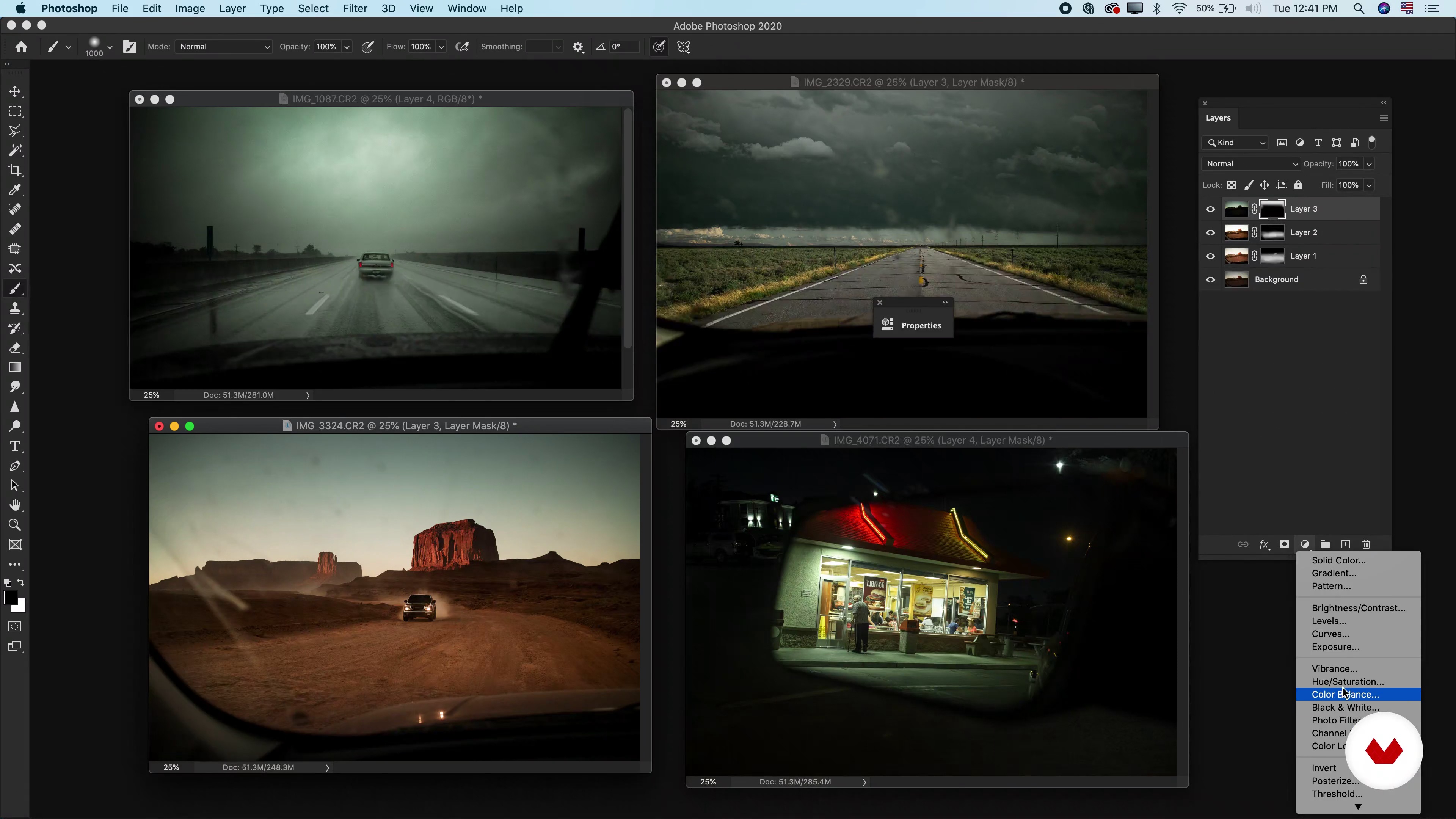
What will we do in the course?
2 minutes, 51 seconds

Light and shadow reading
3 minutes, 33 seconds
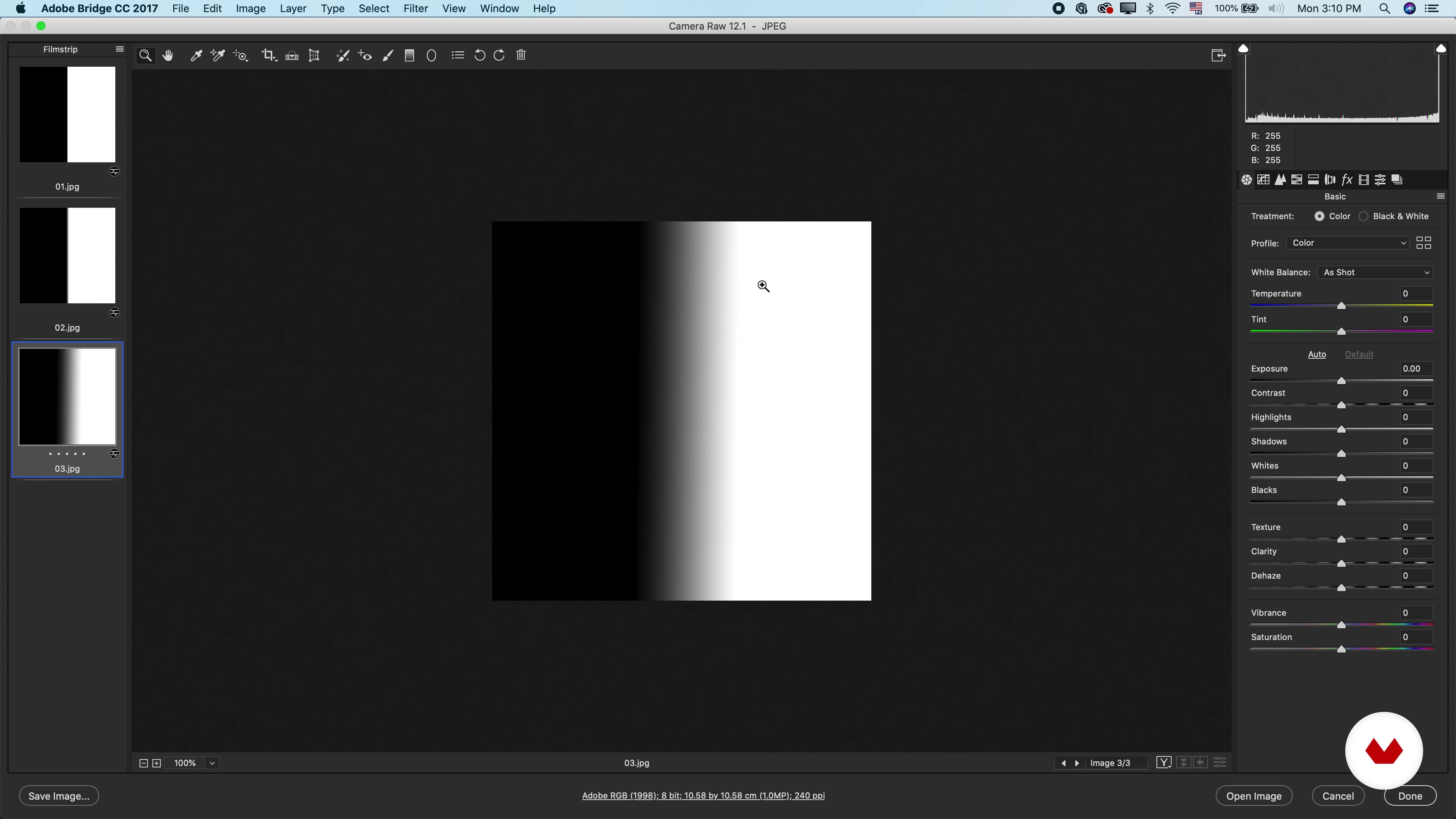
Histogram
7 minutes, 4 seconds
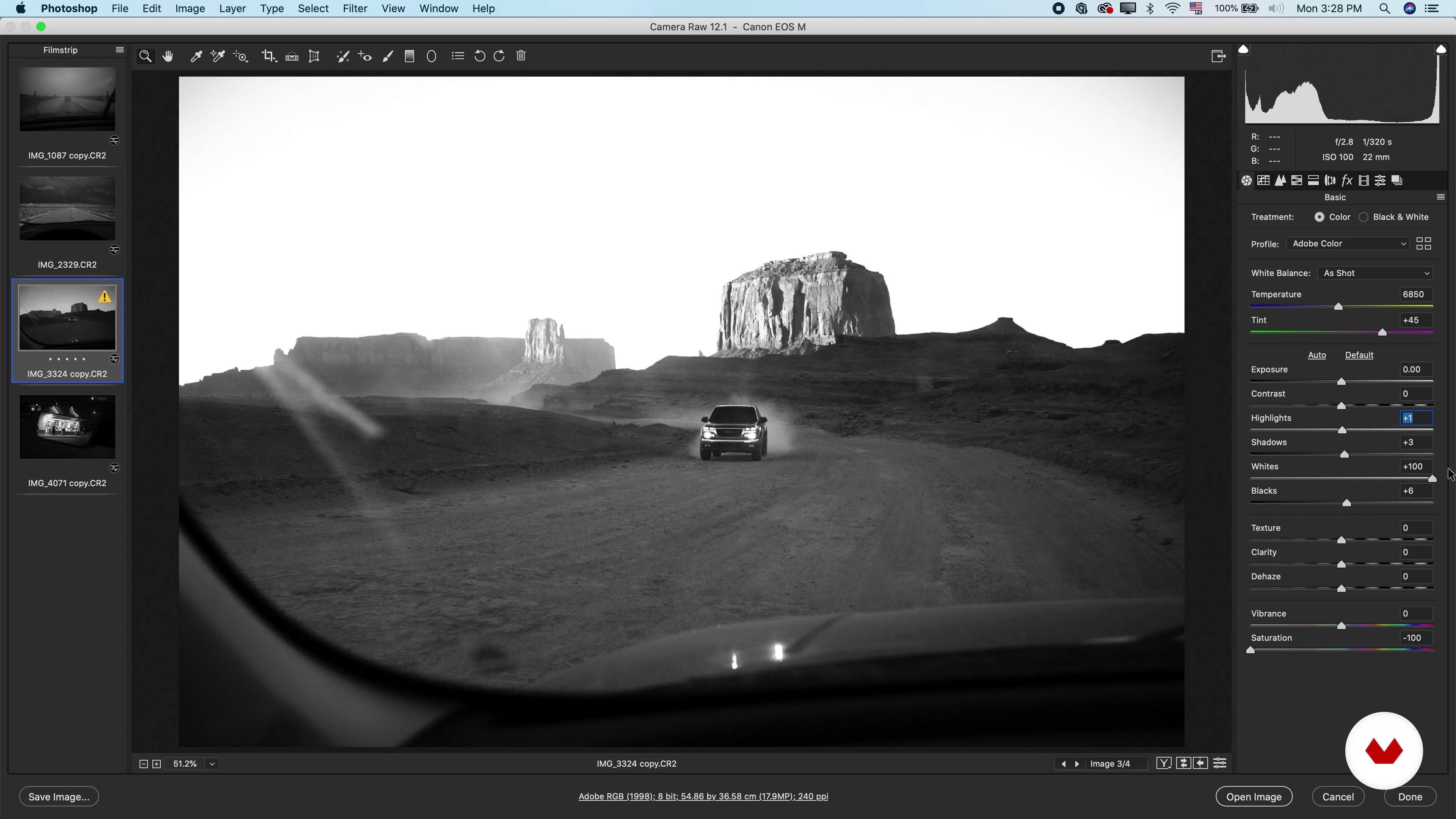
Brightness adjustments with Adobe Camera Raw
10 minutes, 6 seconds
Chromaticity reading
4 minutes, 57 seconds
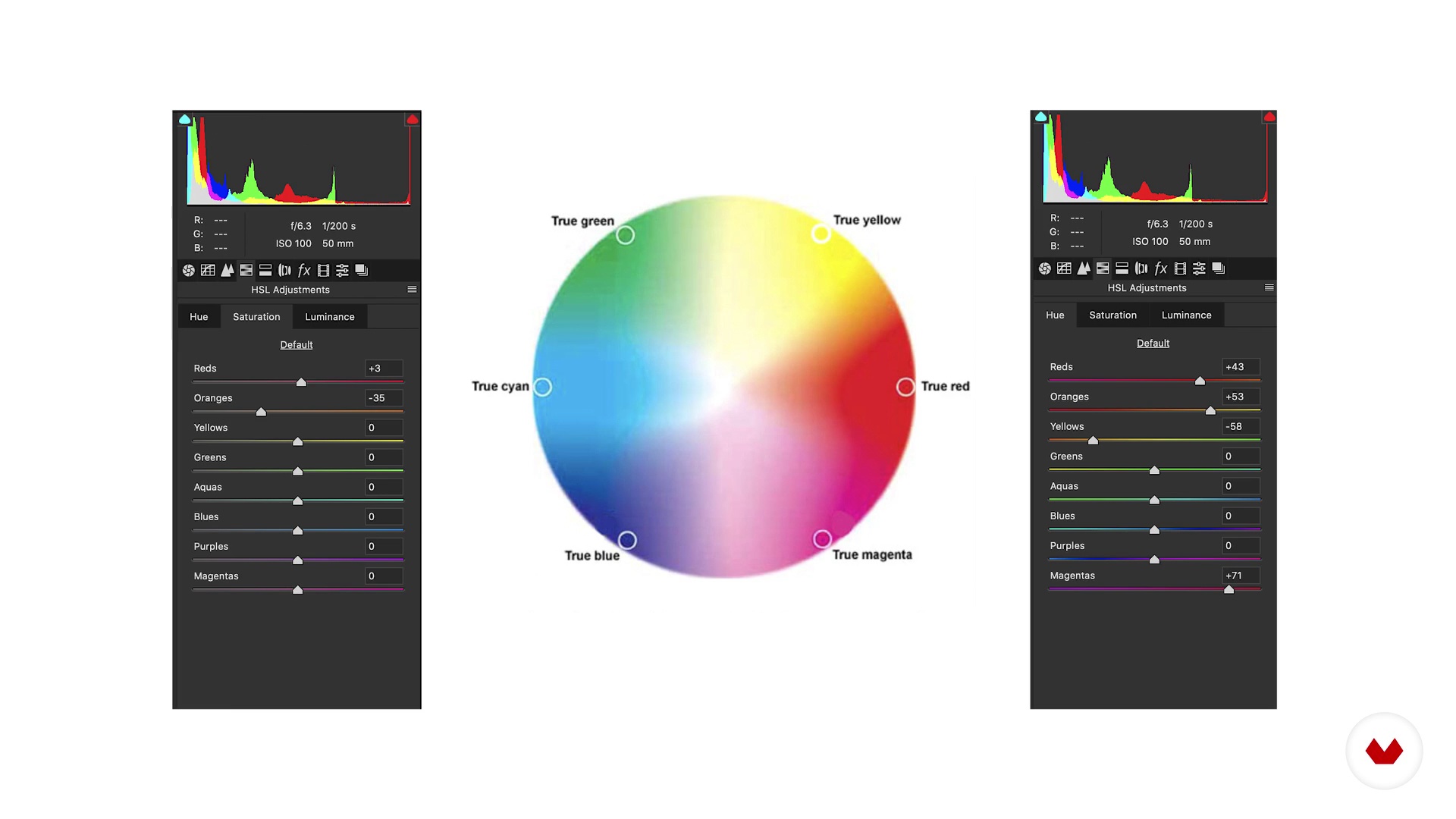
Chromatic circle
4 minutes, 59 seconds
What's included in this course?
You will start by learning about Carol's work and her career in the world of photography and post-production. You will discover what her main references are, not only in the field of photography but also in other artistic areas such as literature or cinema.
You will learn key concepts and tools to get started. First, you will go into the highlights and shadows, then the histogram, and finally you will see the brightness settings in Adobe Camera Raw. Finally, you will do a series of exercises where you will apply everything learned.
Next, you will delve into the uses of color and chromatic aspects. Carol will show you examples of photographers and painters who make good use of this resource and will introduce you to the color wheel. You will see how to apply color adjustments in Camera Raw and you will do a series of exercises.
At this point, the post-production part of your essay’s assembly will have arrived. You will do a briefing to work on your images and analyze how to get the desired result with Camera Raw. Carol will teach you how to use layer masks and other Photoshop-specific settings.
Finally, you will see how to save a file that is still in process and another that is already finished to print it or, publish on websites and social networks. To conclude and assimilate everything you learned in the course, Carol will explain photographer Lívia Aquino’s process, from her initial briefing to the final essay.
Recommended software & tools for this course
What is this course's project?
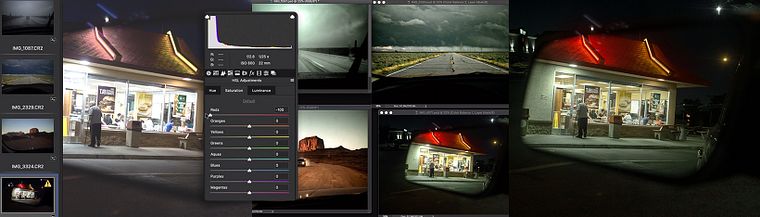
You will post-produce a series of images to organize them in a photo essay format.
Projects by course students


Who is this online course for?
To photographers who want to do consistent and professional post-production of their images.
Requirements and materials
Basic knowledge of Adobe Photoshop is required.
Regarding the materials, you will need a series of images that you want to post-produce to create your photo essay and a computer with Adobe Photoshop and Adobe Camera Raw.

Reviews
- 8 months ago
Me está gustando mucho es básico pero te ayuda a entender mejor esos conceptos
- 1 year ago
buen curso....
- 2 years ago
I was new this tool camera raw by the end of this course i get to know how to work even i understood how the director/ Client do give there feed back inside the work and how to work in Feedback Loop of client i can say it nice some of the things i need to see over and over again in my future days of filming and color correcting.
- 2 years ago
Buen curso
- remojo317PLUS2 years ago
La ponente es clara y aporta nuevas ideas que sirven de referencia para nuevos proyectos. Quizas hubiese sido interesante contar con mas material del que ha aportado.

She was part of the Cia de Foto collective where she developed works that questioned how we understand images and, since 2013, she accompanies and guides artists and photographers, both in groups and individually.
Content
- U1
Introduction
- Presentation
- Influences
- What will we do in the course?
- U2
Light and shadow
- Light and shadow reading
- Histogram
- Brightness adjustments with Adobe Camera Raw
- U3
Chromaticity
- Chromaticity reading
- Chromatic circle
- Chromaticity adjustments in Adobe Camera Raw
- U4
The idea of the essay
- Briefing and recommendations
- Image equalization (Camera Raw)
- Layer mask: Camera Raw + Adobe Photoshop
- Spot adjustments: adjustment masks in Adobe Photoshop
- U5
Completion
- Close the file: print, web and social networks
- Different treatments
- FP
Final project
- Color and light treatment with Adobe Photoshop
What to expect from a Domestika course
Learn at your own pace
Enjoy learning from home without a set schedule and with an easy-to-follow method. You set your own pace.
Learn from the best professionals
Learn valuable methods and techniques explained by top experts in the creative sector.
Meet expert teachers
Each expert teaches what they do best, with clear guidelines, true passion, and professional insight in every lesson.
Certificates
PLUSIf you're a Plus member, get a custom certificate signed by your teacher for every course. Share it on your portfolio, social media, or wherever you like.
Get front-row seats
Videos of the highest quality, so you don't miss a single detail. With unlimited access, you can watch them as many times as you need to perfect your technique.
Share knowledge and ideas
Ask questions, request feedback, or offer solutions. Share your learning experience with other students in the community who are as passionate about creativity as you are.
Connect with a global creative community
The community is home to millions of people from around the world who are curious and passionate about exploring and expressing their creativity.
Watch professionally produced courses
Domestika curates its teacher roster and produces every course in-house to ensure a high-quality online learning experience.
FAQs
This is an intermediate-level course recommended for those who already have basic knowledge of photography and digital image editing.
It's important to have a basic familiarity with Photoshop and Camera Raw, as the course dives deeper into techniques and workflows using these tools.
You will learn how to analyze and adjust color, light, and contrast, interpret histograms, use layer masks, apply equalization, and finalize files for print and web.
The course teaches how to read the histogram to assess exposure, tonal balance, and make precise technical decisions when editing digital images.
You will learn to use layer masks for targeted adjustments, selective blending of versions, and non-destructive edits on specific areas of an image.
The course covers strategies for chromatic and luminance equalization to ensure aesthetic and narrative consistency across multiple photos in a series.
Yes, you will learn how to properly finalize files, adjust resolution, convert color profiles, and export for various media like print, web, and social platforms.