Illustration for Non-Illustrators
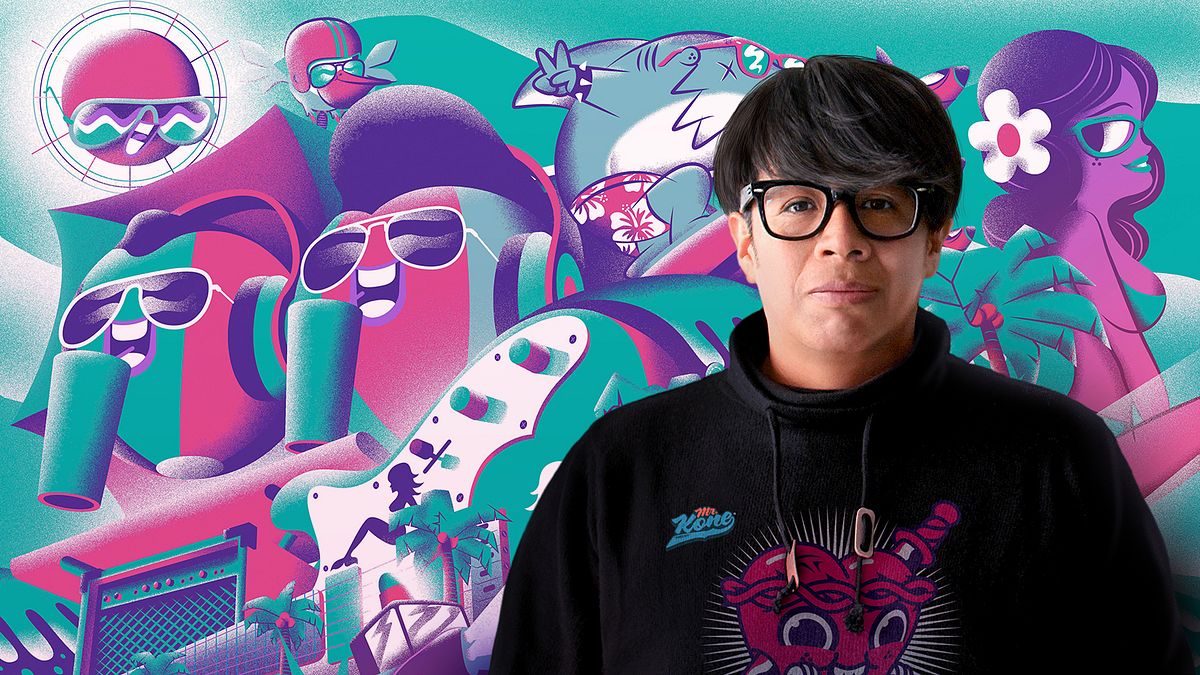
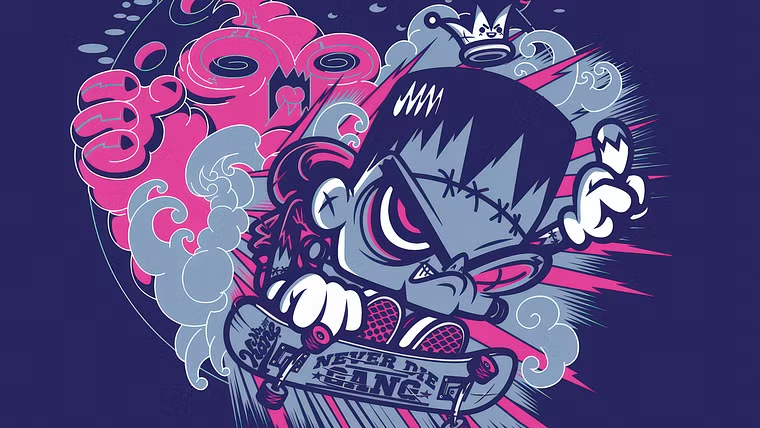
Illustration for Non-Illustrators
A course by Mr. KoneIllustrator, Designer and Art Director
A course by Mr. Kone, Illustrator, Designer and Art Director

Learn the basics to illustrate combining new technologies with analog processes
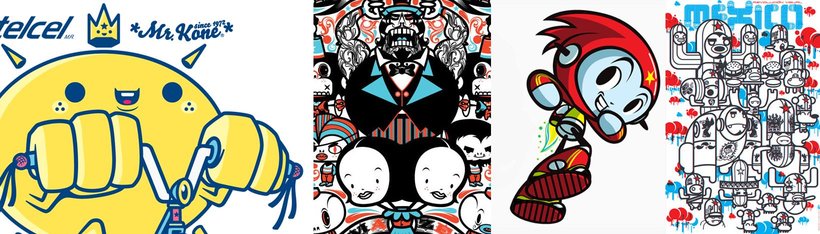
Want to learn how to take your illustration to a new technical and conceptual level? Illustrator, designer, and art director César Evangelista, better known as Mr. Kone, is here to show you how. Using a ton of different ideas, concepts, and techniques, embark on a journey of experimentation with alternative methods, combining analog and digital illustration processes.
What will you learn in this online course?
32 lessons & 17 downloads
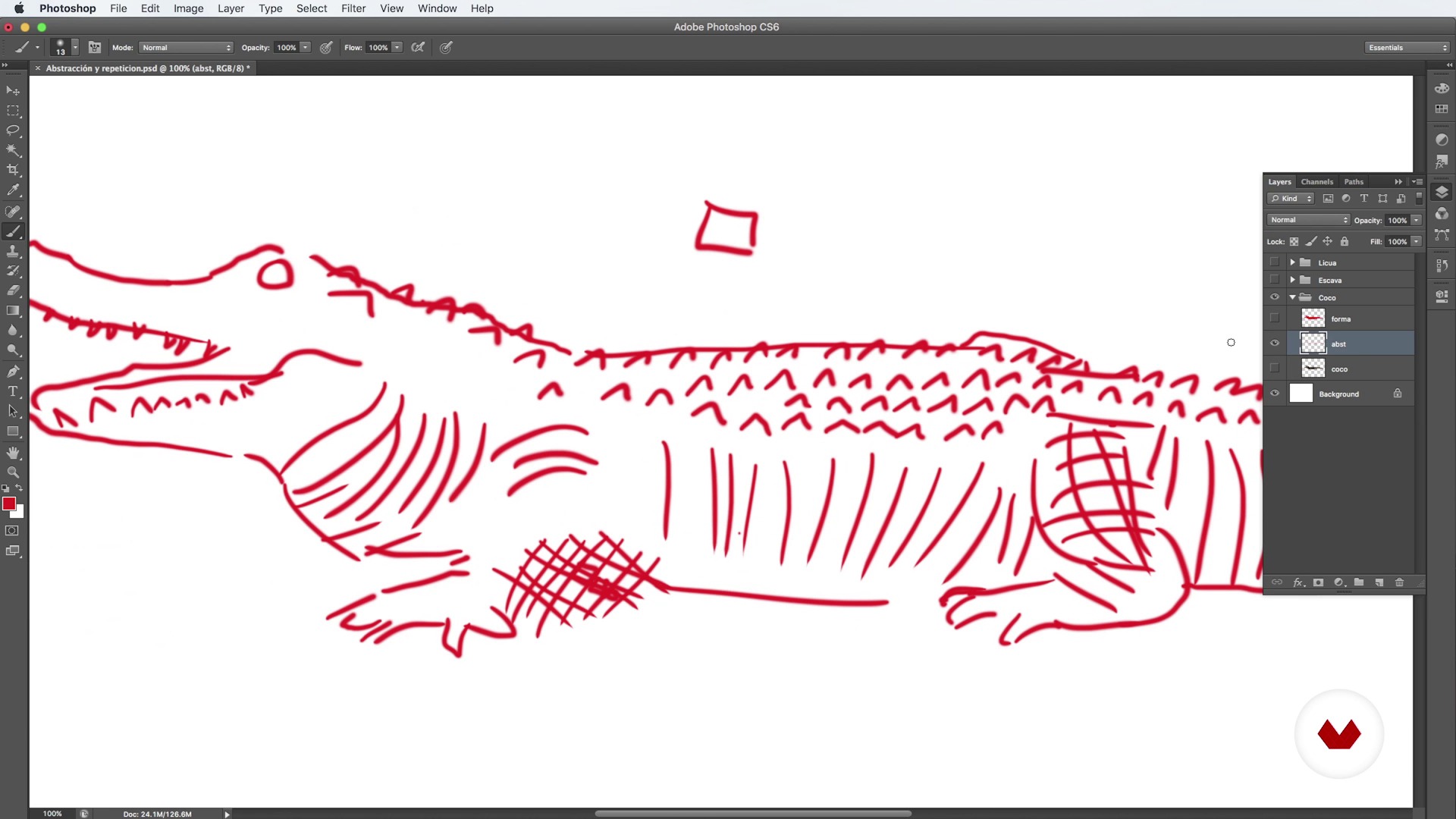
Abstraction of forms and repetition
16 minutes, 33 seconds
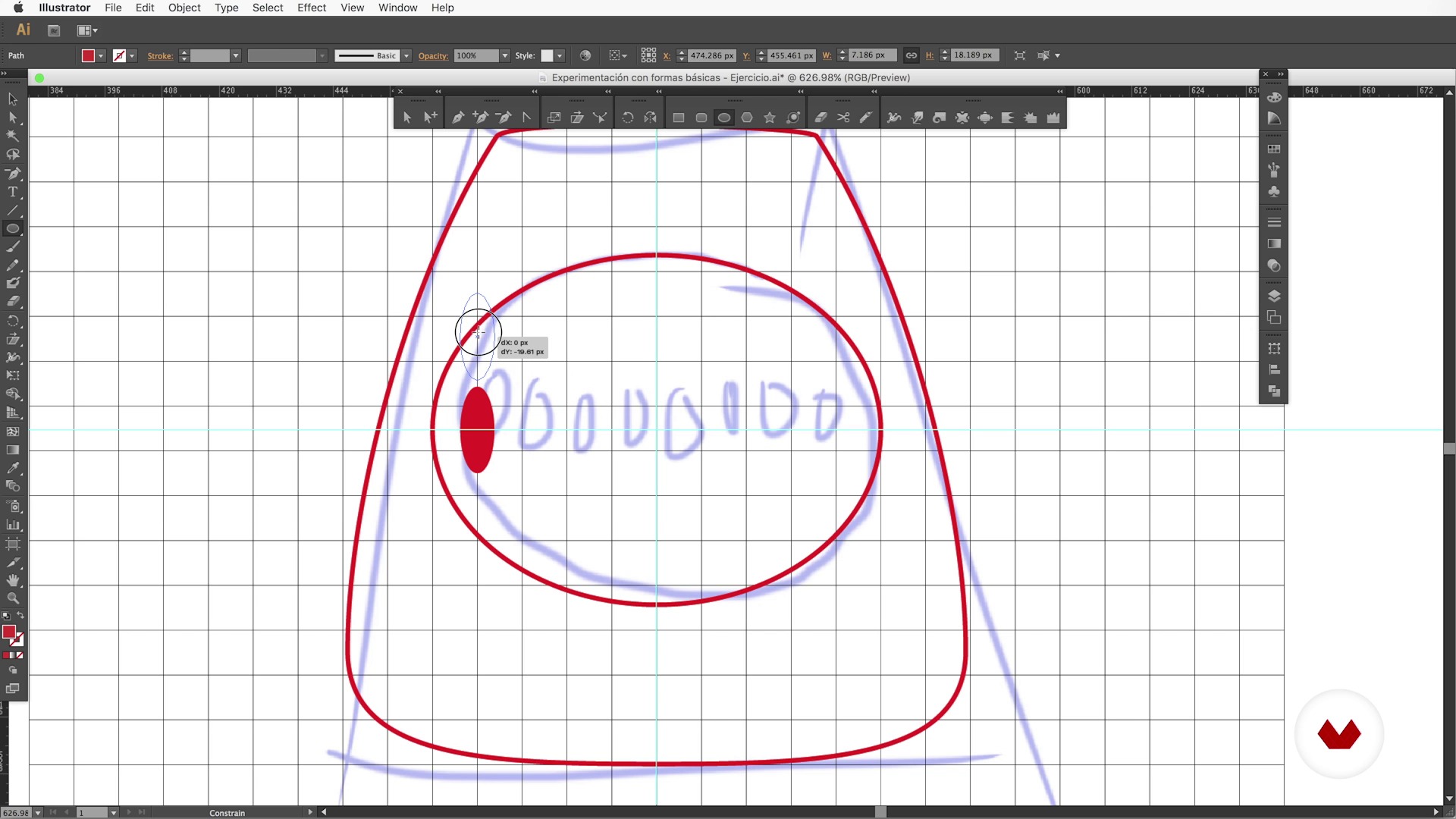
Experimentation with Basic Forms Part 1
19 minutes, 25 seconds
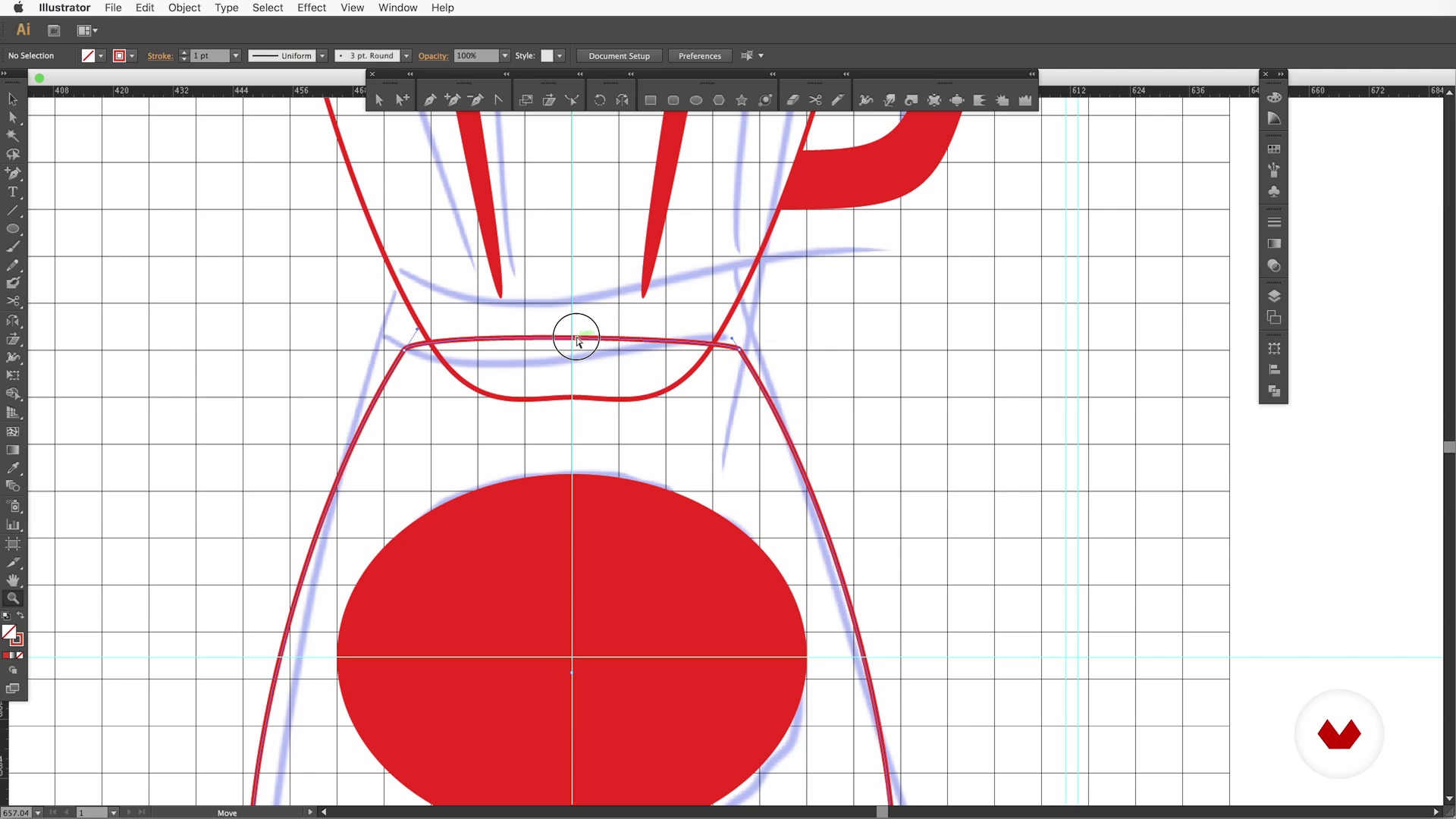
Experimentation with Basic Forms Part 2
14 minutes, 5 seconds
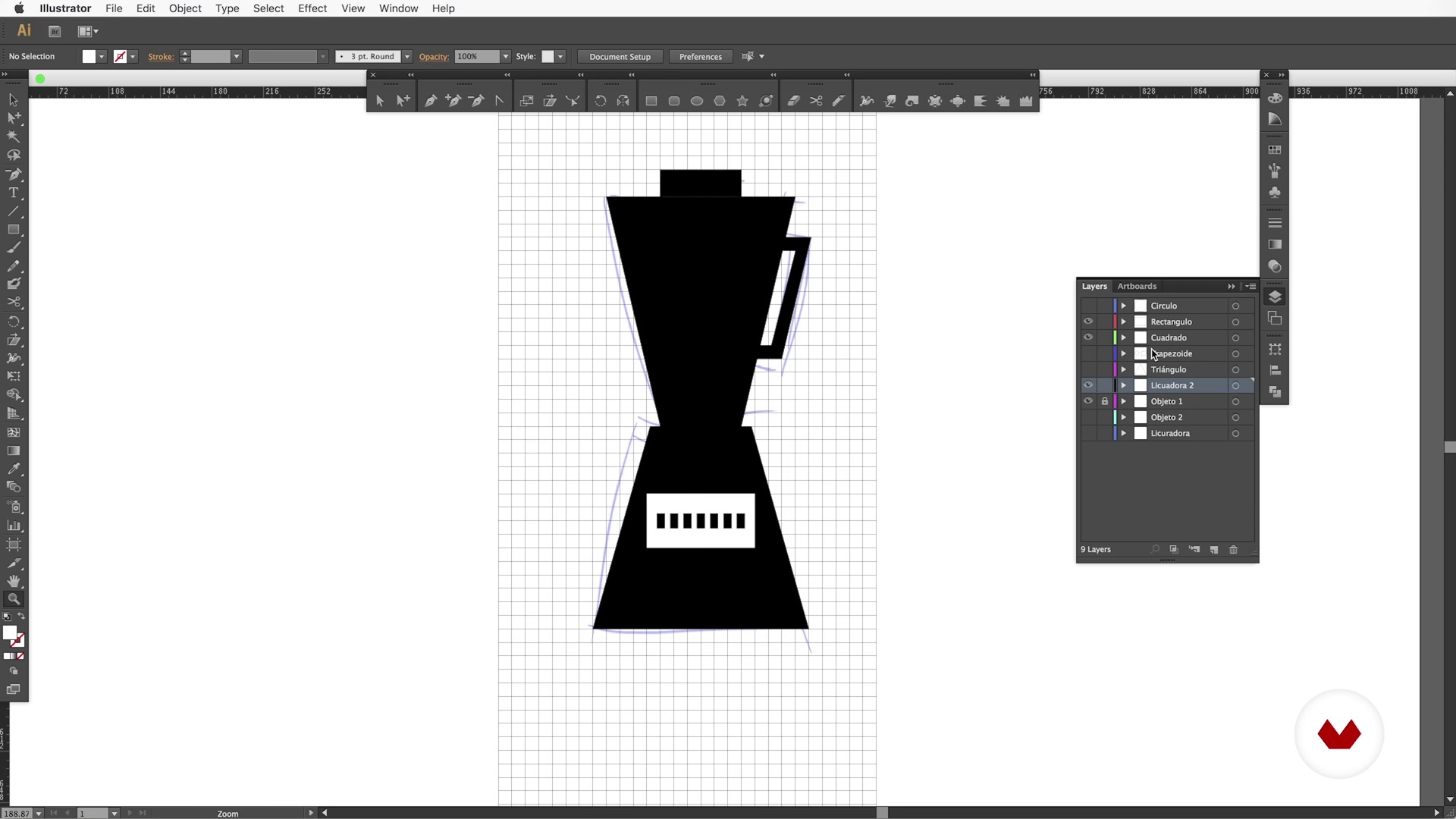
Experimentation with Basic Forms Part 3
11 minutes, 43 seconds
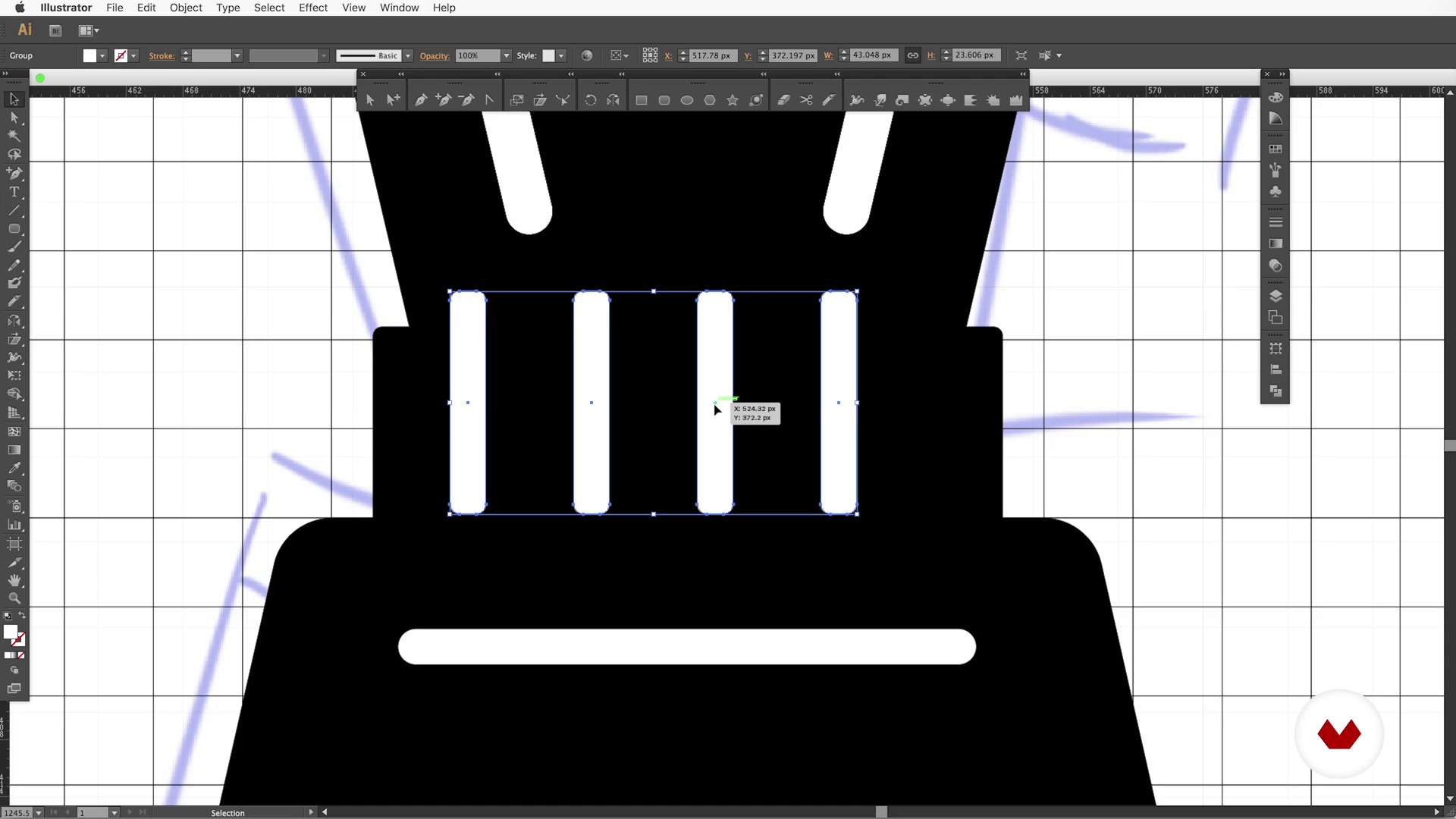
Experimentation with Basic Forms Part 4
14 minutes, 36 seconds
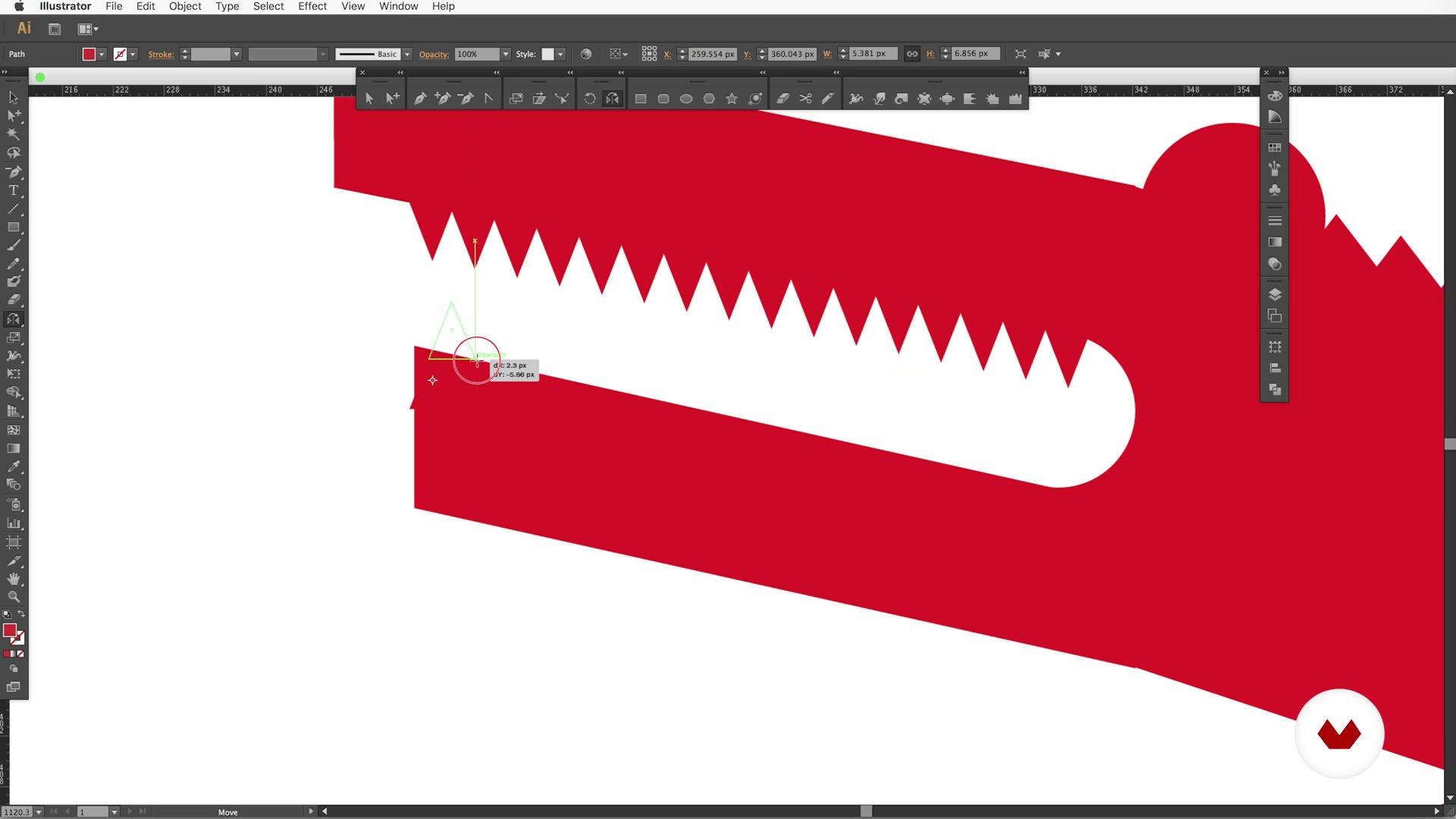
Experimentation with Basic Forms Part 5
18 minutes, 26 seconds
What's included in this course?
Start by familiarizing yourself with Mr. Kone's professional background and his perspective on contemporary illustration. Next, reflect on elements that surround you in your daily life to generate different ideas, this allows you to experiment when illustrating basic shapes like circles, squares, rectangles, and trapezoids. Then move on to three-dimensional shapes to create different figures.
Progress into form and volume, create textures, and add more complexity to your illustrations by combining manual techniques with programs like Photoshop and Illustrator.
Finally, develop a high-quality vector illustration in Adobe Illustrator that's full of realism, applying all the knowledge and techniques learned throughout the course.
Recommended software & tools for this course
What is this course's project?
Create a vector illustration, following each step of Mr. Kone's creative process.
Projects by course students


Who is this online course for?
All types of designers, illustrators, and creatives, from beginners to those looking for new ways and methods to capture their ideas through illustration and visual experimentation.
Requirements and materials
To take this course, you need basic knowledge of design and drawing. Basic notions of Adobe Illustrator and Photoshop are also necessary.

Reviews
- 4 months ago
Mr. Kone tiene una forma distinta de abordar el curso, porque te hace pensar y aprender a resolver de una manera amena y muy didactica
- 8 months ago
El curso y Mr. Kone son excelentes, creo que si hay que tener conocimientos y habilidades para Illustrator, sino puede ser muy frustrante. Algo que a algunas personas les toma un día, a otros nos toma meses. Pero sí lo recomiendo ampliamente, sobretodo me parece muy enriquecedor su forma de hacer bocetos y permitir a la imaginación volar.
- 1 year ago
Muy buenas explicaciones, te lleva de la mano durante todo el curso.
- fedepontegPLUS1 year ago
Corso molto bello e completo. Interessante come mischia diverse tecniche
- 1 year ago
Great material and learning sequence.

He has illustrated and designed countless projects; from magazines and children's books to packaging, branding, web, multimedia, and advertising projects by major brands such as Nike, MTV, Pepsi, Lipton, Brisk, Coca-Cola, Sony-BMG, Cartoon Network, Nickelodeon, adidas, Mini Cooper, and many more.
Among the most prominent awards in his career is the 2011 Cannes Media Lion Gold for the NIKE CUP campaign.
He has led numerous conferences and workshops at different events in Mexico and other countries and his work has been published around the world.
He is currently working freelance on different commercial and personal projects as well as being part of independent design projects throughout the world, showcasing amazing color, shapes, and above all originality.
Content
- U1
Introduction
- Presentation
- The Enlightenment in Mexico and the World
- U2
Form and Figure
- Abstraction of forms and repetition
- Experimentation with Basic Forms Part 1
- Experimentation with Basic Forms Part 2
- Experimentation with Basic Forms Part 3
- Experimentation with Basic Forms Part 4
- Experimentation with Basic Forms Part 5
- Experimentation with Basic Forms Part 6
- Form and Figure Part 1
- Shape and Figure Part 2
- Form and Figure Part 3
- U3
Form and Repetition
- Experimentation with established forms Part 1
- Experimentation with established forms Part 2
- Experimentation with established forms Part 3
- Experimentation with established forms Part 4
- Rorschach test applied to creativity
- U4
Shape and Space
- Experimentation with Three-dimensional Forms Part 1
- Experimentation with Three-dimensional Forms Part 2
- Shape and Space Part 1
- Shape and Space Part 2
- U5
Form and Volume
- Experimentation with Inorganic Forms Part 1
- Experimentation with Inorganic Forms Part 2
- Experimentation with Inorganic Forms Part 3
- Textures: stone, paper or scissors Part 1
- Textures: stone, paper or scissors Part 2
- Stains
- Digital Experimentation
- U6
Idea, Concept and Execution
- The Idea and Sketch
- Development of Digital Project Part 1
- Development of Digital Project Part 2
- Development of Digital Project Part 3
- FP
Final project
- Illustration for illustrators
What to expect from a Domestika course
Learn at your own pace
Enjoy learning from home without a set schedule and with an easy-to-follow method. You set your own pace.
Learn from the best professionals
Learn valuable methods and techniques explained by top experts in the creative sector.
Meet expert teachers
Each expert teaches what they do best, with clear guidelines, true passion, and professional insight in every lesson.
Certificates
PLUSIf you're a Plus member, get a custom certificate signed by your teacher for every course. Share it on your portfolio, social media, or wherever you like.
Get front-row seats
Videos of the highest quality, so you don't miss a single detail. With unlimited access, you can watch them as many times as you need to perfect your technique.
Share knowledge and ideas
Ask questions, request feedback, or offer solutions. Share your learning experience with other students in the community who are as passionate about creativity as you are.
Connect with a global creative community
The community is home to millions of people from around the world who are curious and passionate about exploring and expressing their creativity.
Watch professionally produced courses
Domestika curates its teacher roster and produces every course in-house to ensure a high-quality online learning experience.
FAQs
You’ll learn advanced digital illustration and collage techniques, image manipulation, visual composition, how to use Photoshop and Illustrator, creating 3D effects, and how to apply your illustrations to advertising, film, TV, and physical products.
This is an intermediate-level course, perfect for those who already have basic digital illustration skills and want to deepen their knowledge of advanced techniques and professional creative processes.
You’ll need basic Photoshop and Illustrator skills, a computer with these programs installed, and sketching materials like paper and pencil for creative exercises.
You’ll be able to create editorial design projects, advertising campaigns, illustrations for film and TV, personal artworks, digital collages, and apply your illustrations to objects and products.
You’ll learn image cutting and cleanup, using paths, layer masks, lasso tools, editing and grouping objects, creating and modifying geometric shapes, and adding 3D effects.
The course includes exercises in visual synthesis, idea association, experimenting with stains, collage, and abstraction to boost creativity and help you develop your own style.
Yes, the course prepares you to use illustration in advertising campaigns, editorial projects, film, and TV, combining creativity with digital techniques for professional results.