Editing and Post-Production of a Web Series with DaVinci Resolve
A course by Guido GoñiFilm Editor and Post-Producer
A course by Guido Goñi, Film Editor and Post-Producer

Learn how to edit, correct color, and export your audiovisual projects with this useful tool
Do you have a web series ready to be edited? Guido Goñi accompanies you through all the editing and post-production phases of your audiovisual project to achieve a professional result, ready to be published on the Internet. Post-production director and colorist, Guido is a Blackmagic-certified DaVinci Resolve instructor and, during his career, he has worked in all areas of post-production. Among his most representative projects are Requiem de Chile, Mal viaje, Il Siciliano, and Sudamerican rockers, among many others.
Learn how to professionally handle all the tools within DaVinci Resolve (version 16) such as managing material, organizing it, editing it, coloring it, and exporting it. In addition, you'll understand the importance of the editing and coloring process as a determining factor in boosting feelings and turning brilliant scenes into nostalgic ones (and vice versa).
What will you learn in this online course?
16 lessons & 17 downloads
What will we do in this course?
1 minute, 30 seconds
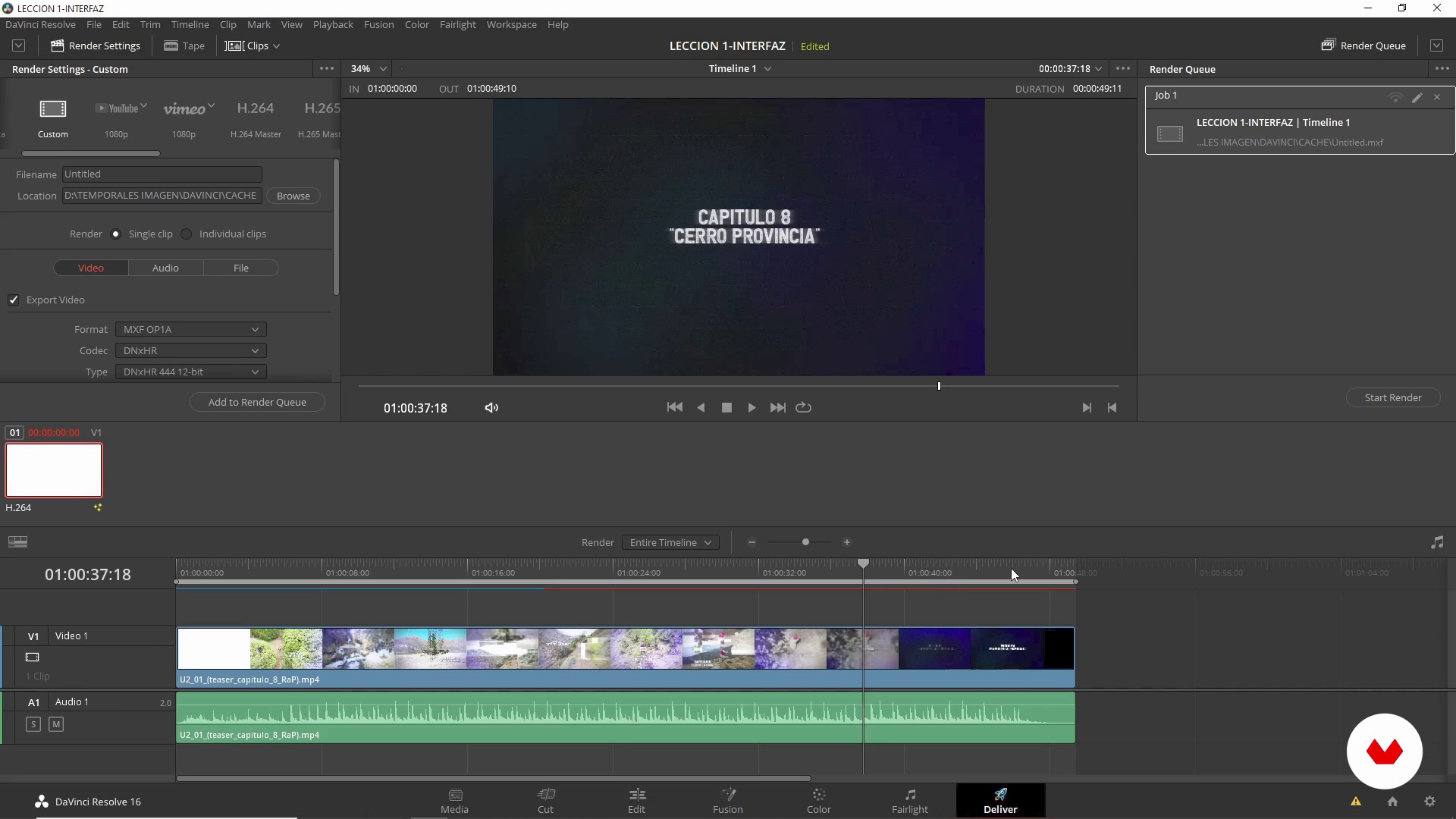
Knowing the DaVinci interface
12 minutes, 52 seconds
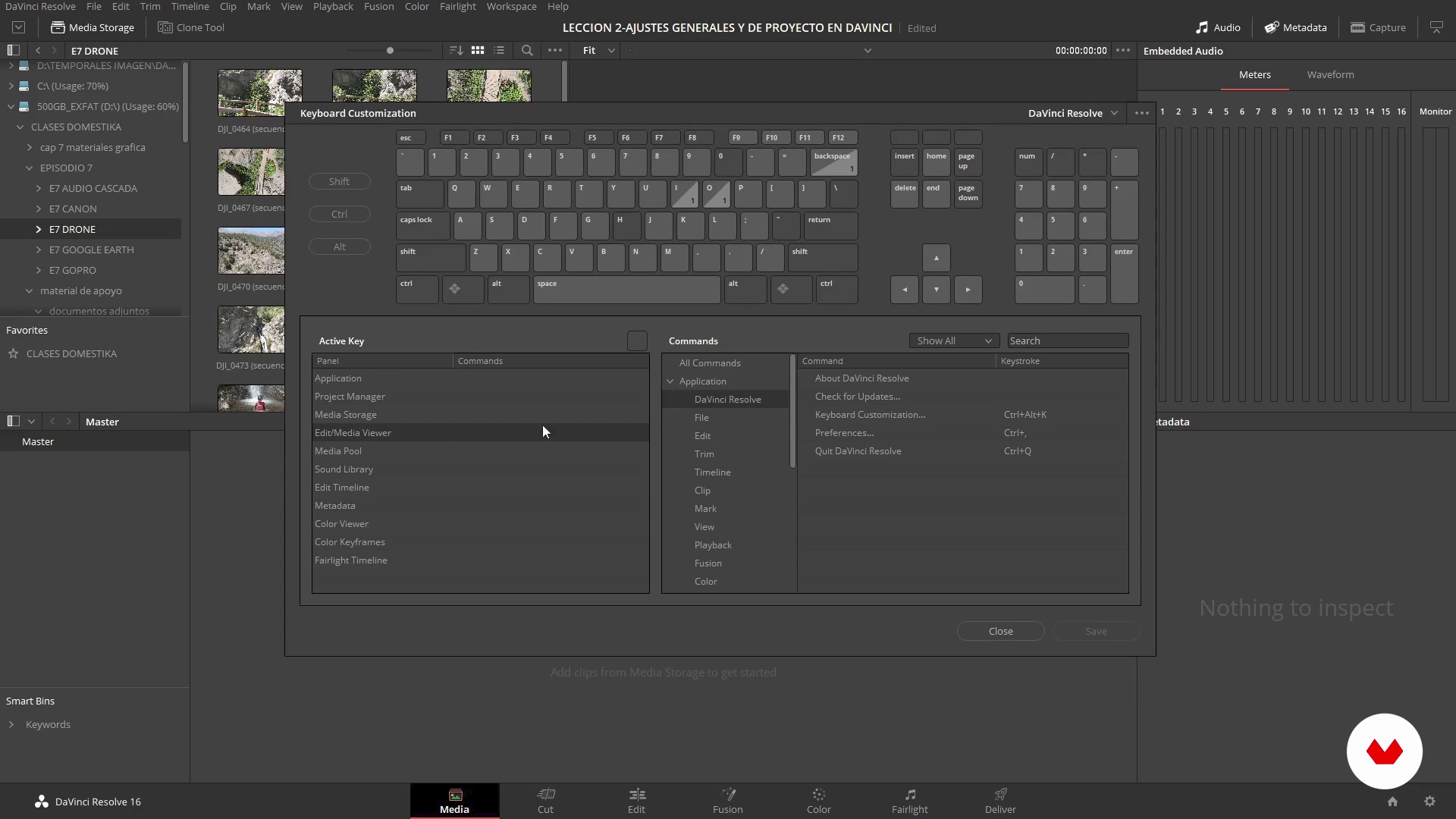
General and project settings in DaVinci
6 minutes, 12 seconds
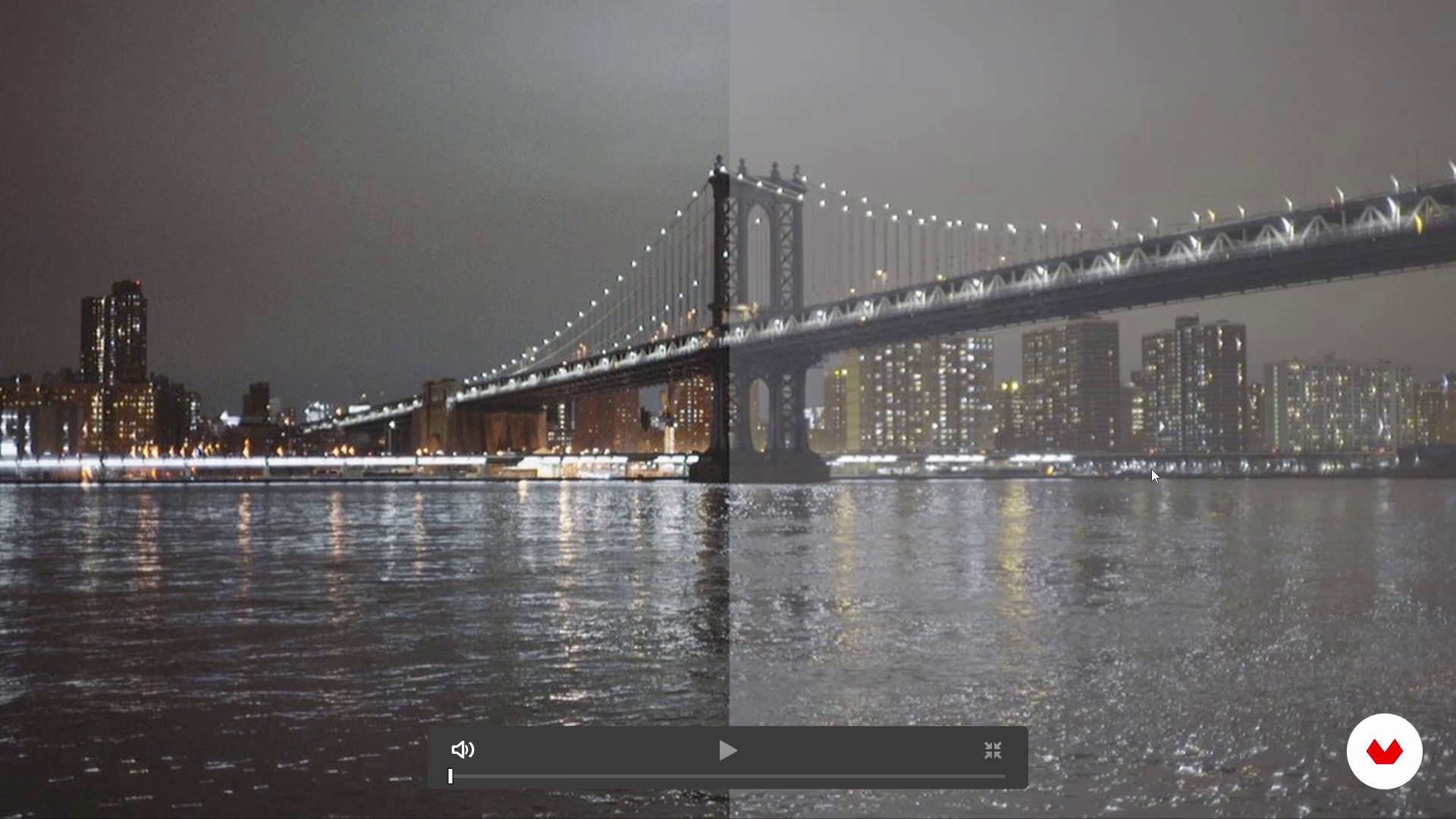
Codecs and Containers
10 minutes, 56 seconds
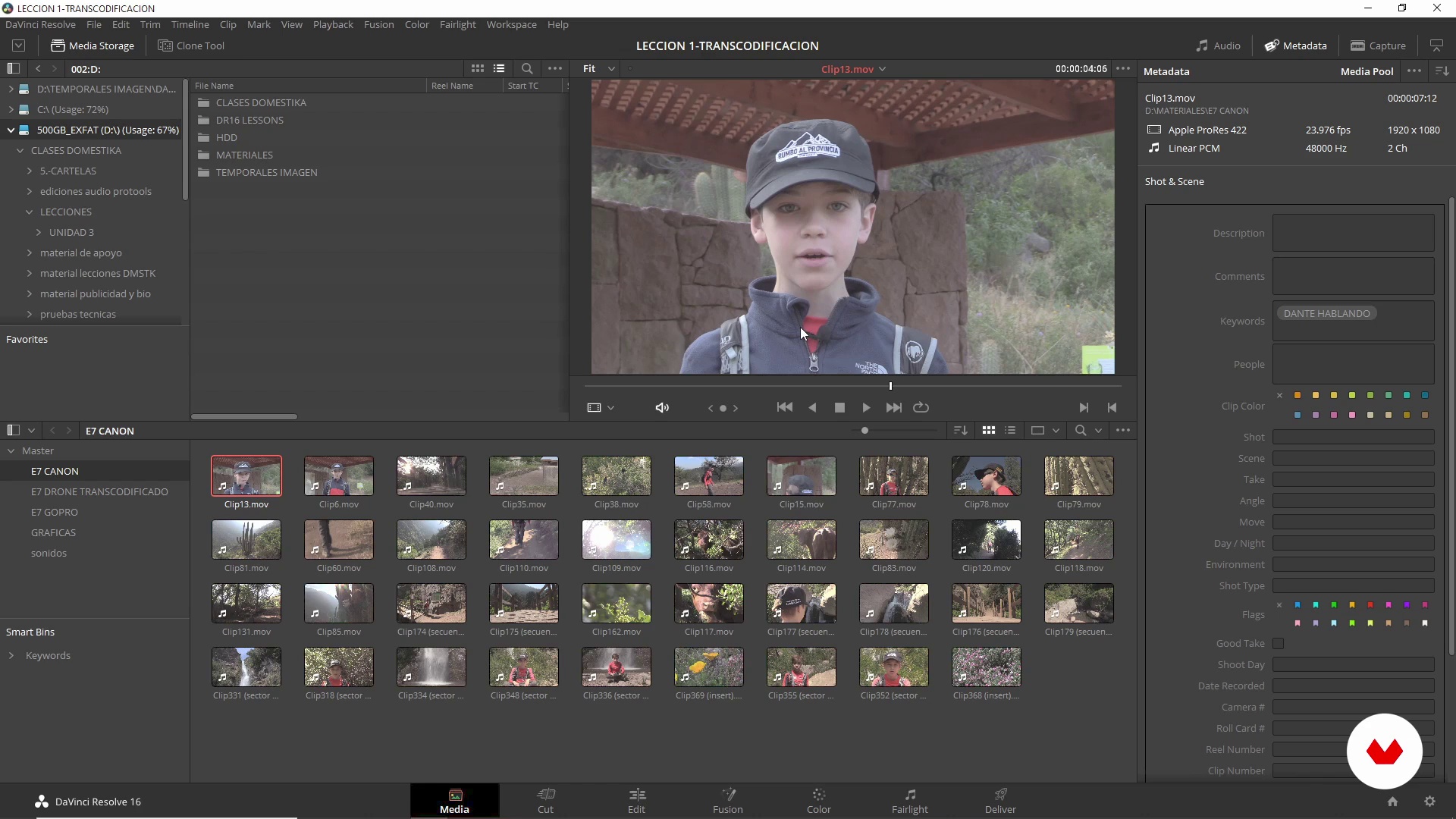
Transcoding and ingestion
9 minutes, 25 seconds
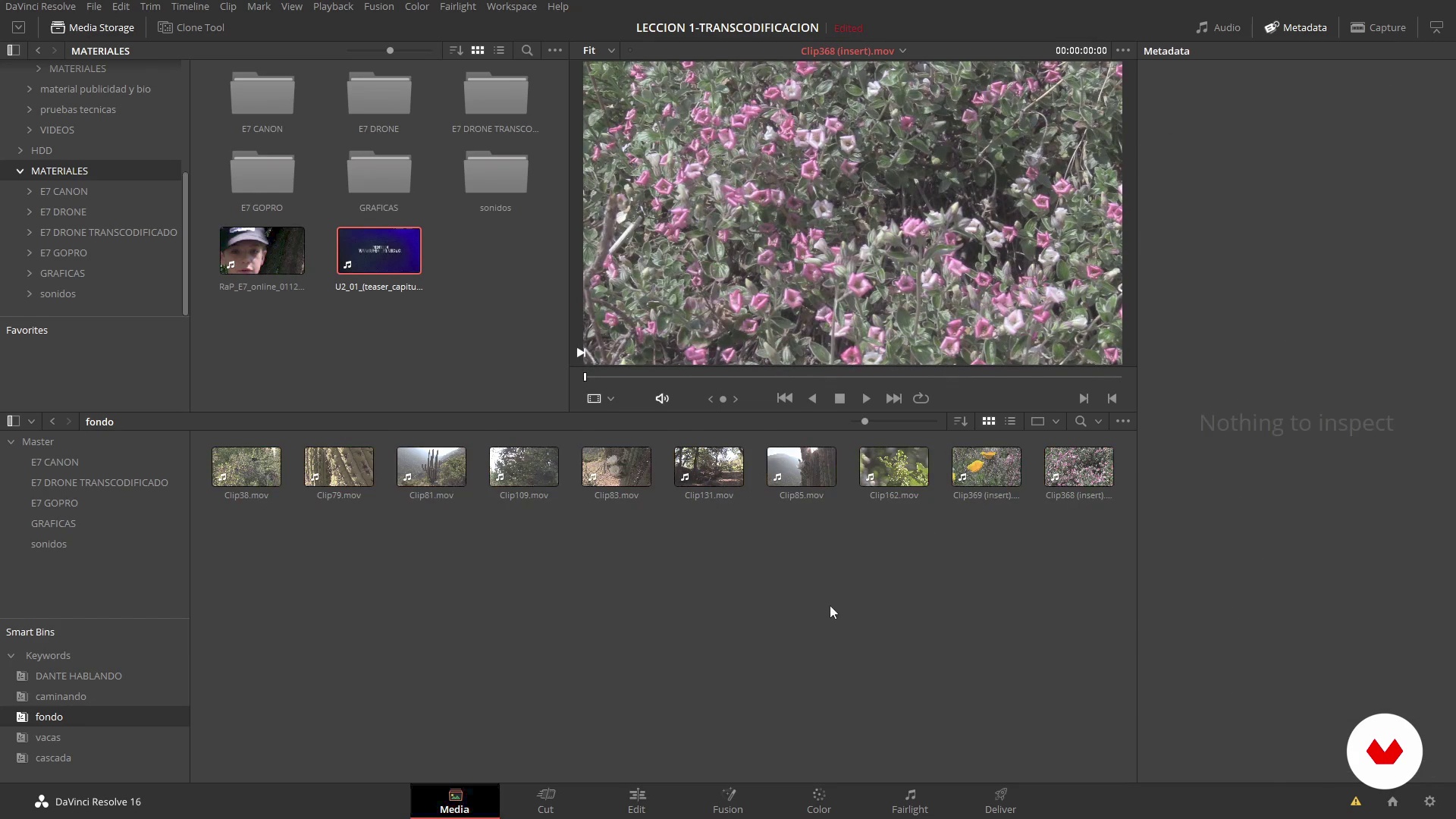
Ordering the project
6 minutes, 49 seconds
What's included in this course?
Start by getting to know Guido, his professional career, and how he came to be involved in film post-production as a professional and as a teacher. He also explains what you will learn with him in the course.
Get to know the DaVinci Resolve interface and see everything you need to know to work with this software, as well as the available formats and some technical concepts that will be very useful in the different post-production phases.
To do all the exercises of this course, you will work with camera material, graphics, and sounds from one of the chapters of the Chilean web series Rumbo al Provincia (Con Dante).
Learn to ingest and transcode material, organize the project by classifying the material, make a rough cut, and then adjust and finish in two rounds of editing.
Once the editing phase is finished, begin to colorize your project. Learn the color correction tools, when and how to apply them, as well as how to export your final piece as a master, final delivery, or export it to work in other software.
Recommended software & tools for this course
What is this course's project?
Based on material from a real episode of the Chilean series Rumbo al Provincia (Con Dante), you will transcode, ingest, edit, color correct, and subsequently master it with DaVinci Resolve 16.
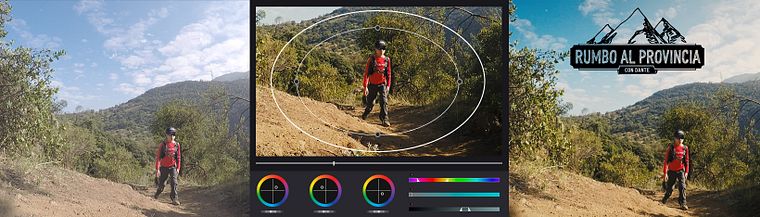
Projects by course students


Who is this online course for?
This course is aimed at anyone interested in the areas of filmmaking, audiovisual production, and post-production, especially those interested in web series and who want to know how to handle editing and post-production in DaVinci Resolve (version 16).
Requirements and materials
You will need basic knowledge of post-production, both in image and sound, and a willingness to learn new processes.
In terms of materials, you will need a computer that meets the minimum processing requirements to work with DaVinci Resolve version 16. If you do not have the software, you can download it for free from the official Blackmagic website.
Reviews
- 4 months ago
muy eficiente, muy bien explicado
- 8 months ago
Muy interesante y bien explicado
- 10 months ago
Excelente curso, muy bien explicado.
- 1 year ago
Chevere la clase. He aprendido como empezar y editar mi projecto hasta el final. De aqui empiezo mi canal de youtube!
- 2 years ago
Muy buen curso

Nowadays, in addition to his work on audiovisual projects, he teaches at the Chilean Film School, AIEP and DUOC, and is also a professor at the Universidad Mayor de Chile. Some of his latest works in post-production include: Il Siciliano and Harley queen by José Luis Sepúlveda & Carola Adriazola, the second season of TVN's series Réquiem de Chile, the web series Rumbo al Provincia (Con Dante) and the projects Marea Alta, Mal Viaje and Te Puedo Llamar? by director Leopoldo "Polo" Muñoz.
Content
- U1
Introduction
- Presentation
- Influences
- What will we do in this course?
- U2
Knowing your work tools
- Knowing the DaVinci interface
- General and project settings in DaVinci
- Codecs and Containers
- U3
Prepare and Edit Your Work Material
- Transcoding and ingestion
- Ordering the project
- Precut in CUT tab
- EDIT I
- EDIT II
- U4
Colorization and final export
- Color correction I (first part)
- Color correction I (part two)
- Color correction II
- Color correction III
- Delivery
- FP
Final project
- Editing and Post-Production of a Web Series with DaVinci Resolve
What to expect from a Domestika course
Learn at your own pace
Enjoy learning from home without a set schedule and with an easy-to-follow method. You set your own pace.
Learn from the best professionals
Learn valuable methods and techniques explained by top experts in the creative sector.
Meet expert teachers
Each expert teaches what they do best, with clear guidelines, true passion, and professional insight in every lesson.
Certificates
PLUSIf you're a Plus member, get a custom certificate signed by your teacher for every course. Share it on your portfolio, social media, or wherever you like.
Get front-row seats
Videos of the highest quality, so you don't miss a single detail. With unlimited access, you can watch them as many times as you need to perfect your technique.
Share knowledge and ideas
Ask questions, request feedback, or offer solutions. Share your learning experience with other students in the community who are as passionate about creativity as you are.
Connect with a global creative community
The community is home to millions of people from around the world who are curious and passionate about exploring and expressing their creativity.
Watch professionally produced courses
Domestika curates its teacher roster and produces every course in-house to ensure a high-quality online learning experience.
FAQs
You’ll master the full audiovisual postproduction workflow—from ingesting and organizing footage, through quick and advanced editing, to professional color correction and grading in DaVinci Resolve—including techniques to export projects ready for cinema and TV.
Yes, this course is designed for those with some postproduction experience who want to sharpen their skills and streamline their workflows in DaVinci Resolve and other professional tools.
Basic editing and postproduction knowledge is recommended, but essential DaVinci Resolve features are explained from scratch so you can follow along easily.
You’ll need a computer with DaVinci Resolve installed, memory cards or hard drives for your footage, and ideally a dedicated graphics card for better color correction performance.
The course covers primary and secondary color correction techniques, using curves, masks, Power Windows, LUTs, tracking tools, and organizing nodes and groups to achieve professional visual consistency.
Yes, you’ll learn how to import, organize, sort, and manage clips using folders, Smart Bins, metadata, and keywords to optimize your workflow from the start of your project.
The Cut page offers fast, efficient editing perfect for rough cuts, while the Edit page provides advanced tools for precise adjustments, detailed timeline work, and handling graphics and audio.