
Illustrate with Confidence and you will Triumph
A course by ConspiracystudioIllustration study
A course by Conspiracystudio, Illustration study

Create a powerful illustration for a bored customer
Join the fight against bored customers! It's good to be bland. In this course the ConspiracyStudio team teaches you its tricks to turn a boring ad into a job you want to add to your portfolio. Pim-pam, a bit of Illustrator, Wacom's release on indoor track, and very easily and without realizing you will be able to create very powerful illustrations. Do not say later that we did not warn you.
What will you learn in this online course?
8 lessons & 8 downloads
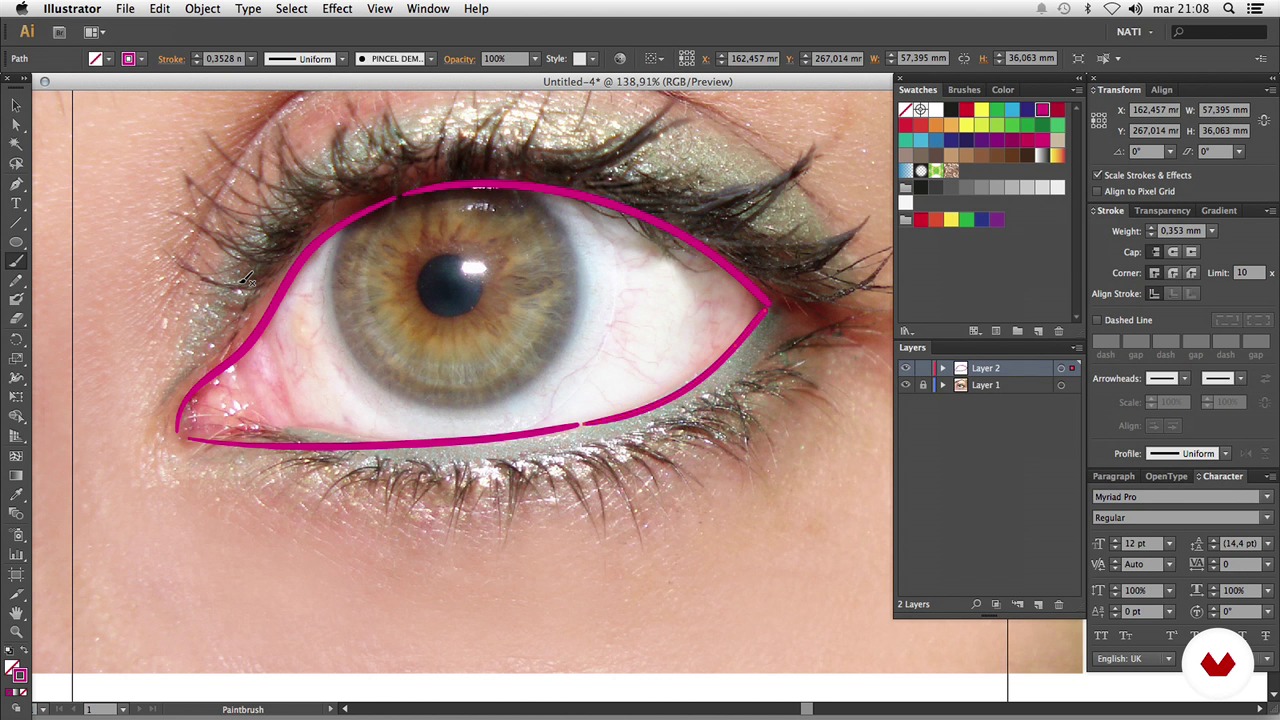
Practice with Wacom
7 minutes, 6 seconds
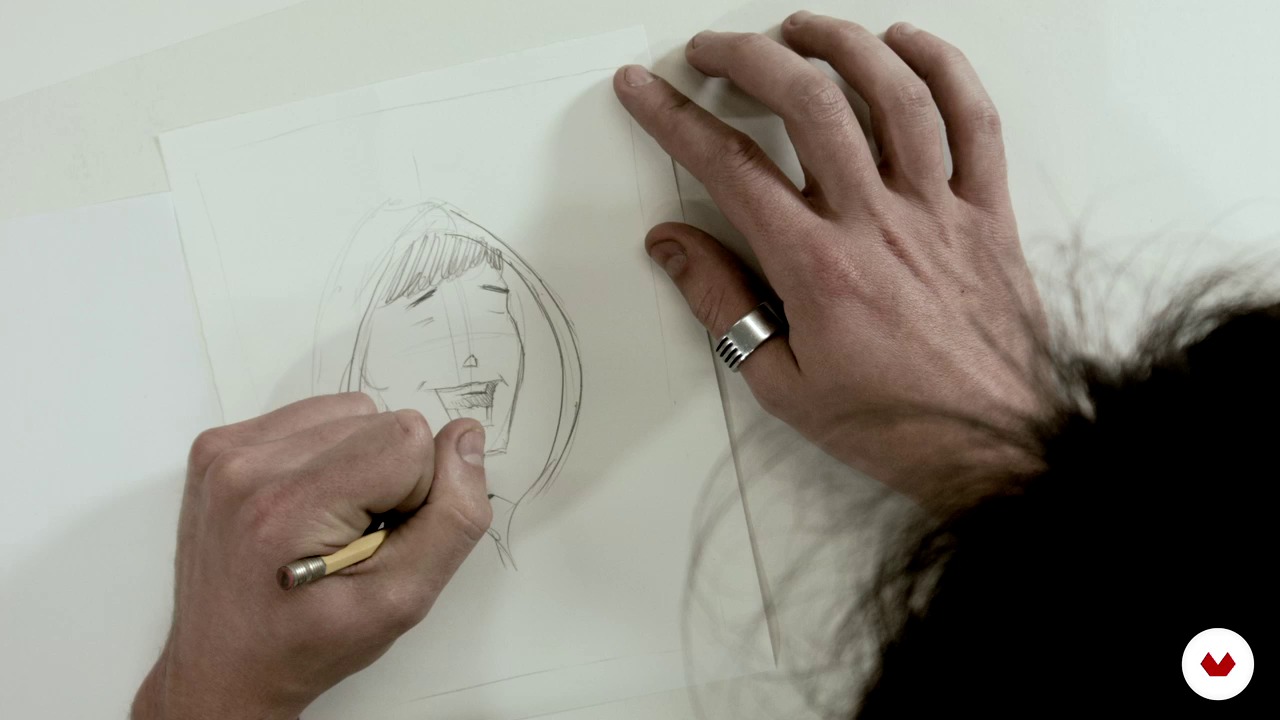
Sketch composition
5 minutes, 1 second
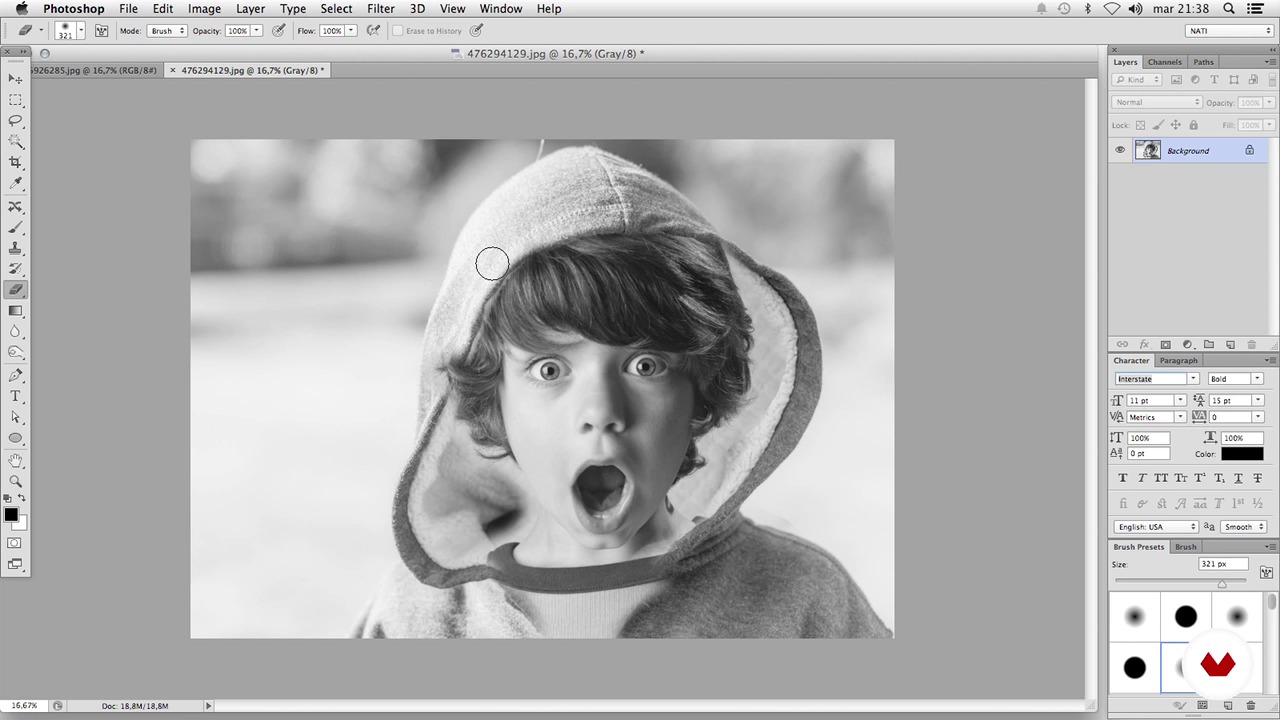
Retouch and adjust Photoshop
2 minutes, 6 seconds
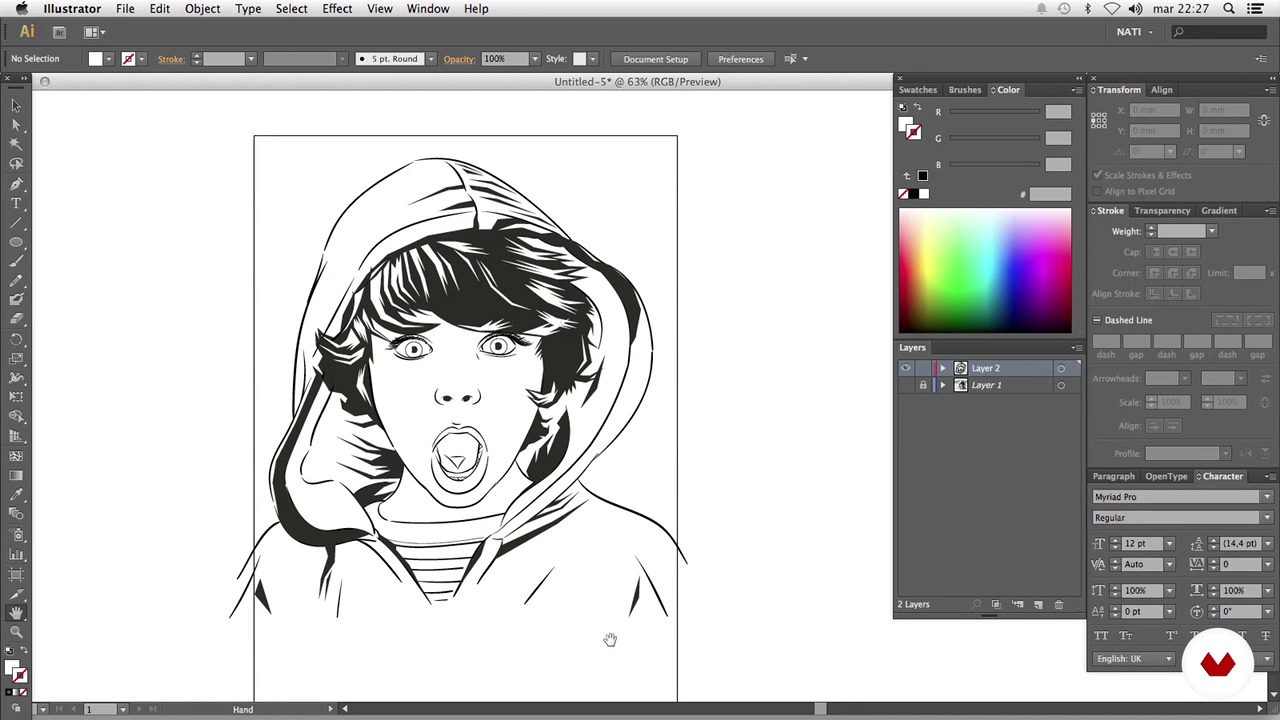
Ink in black
11 minutes, 23 seconds
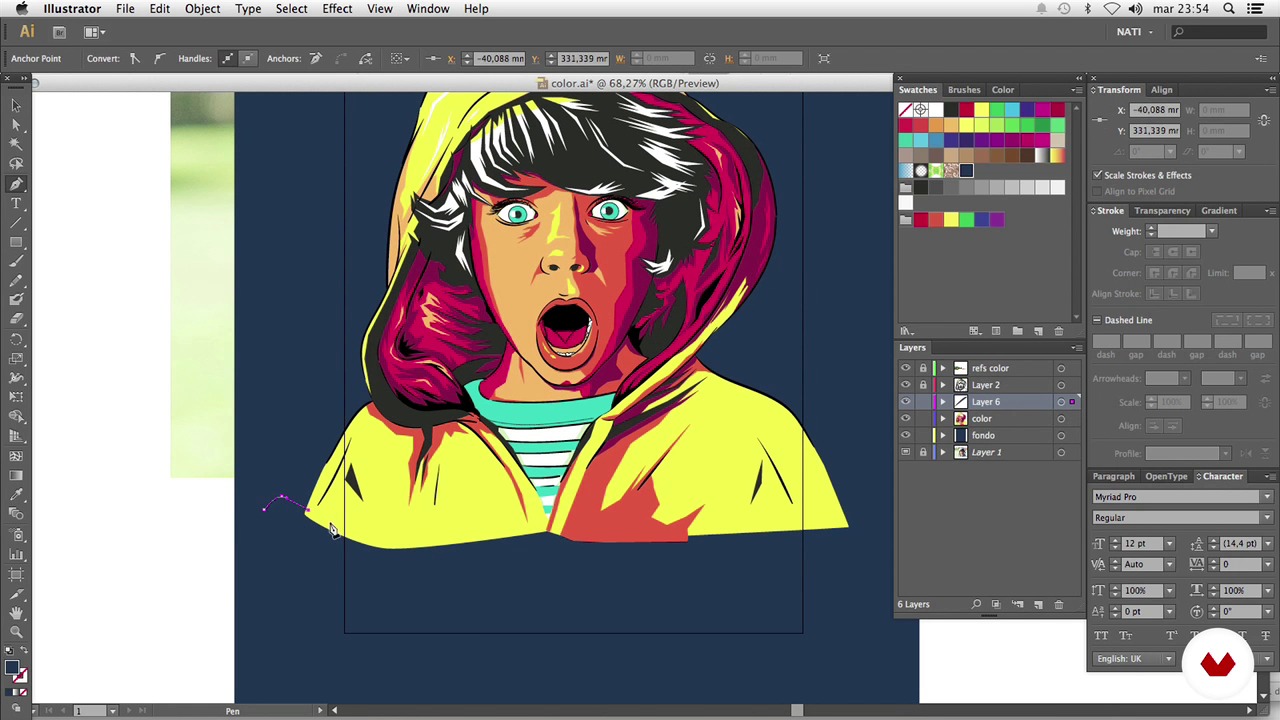
Colour
13 minutes, 53 seconds
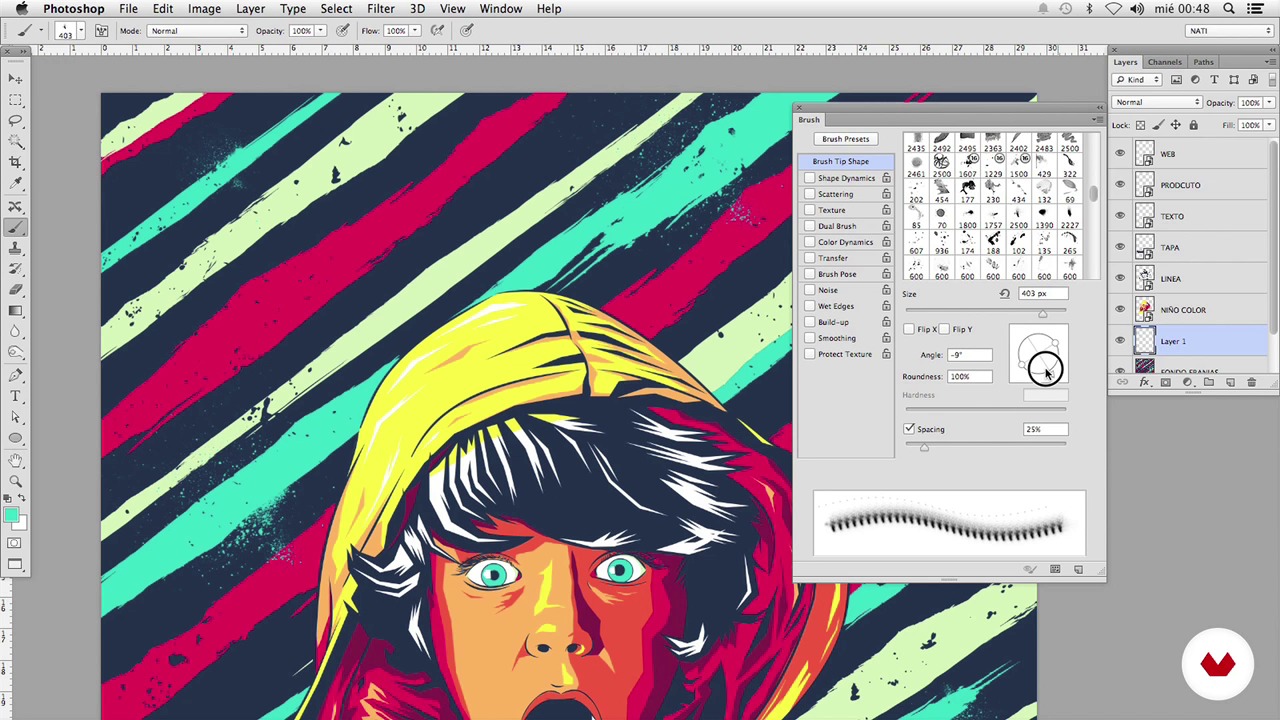
Retouch and adjustments in Photoshop
8 minutes, 5 seconds
What's included in this course?
Concentrated profession Tricks and shortcuts of those who do not learn but doing. Four didactic units that are like doric columns (or doritos) where they will tell you everything: references, influences and all the necessary steps to make illustrations with a different technique and something more risky. You will learn to give a new air to the illustrations of that "boring" client you love so much.

Recommended software & tools for this course
Who is this online course for?
To you and any enlightened, those people who already illustrate or are beginning to illustrate and want to take a leap and appear elsewhere. This course is like a time machine: it gives you new techniques, you learn a few tricks, you put a Nirvana disc, and you get powerful results. Try and see.

Requirements and materials
Basic knowledge of Illustrator and Photoshop, if you have a Wacom better than better, and if not then nothing happens. It's better to be than to have.
Reviews
- dinitz_mPLUS8 months ago
BREVE E EFICIENTE!
- 1 year ago
Excelente curso, muy bien explicado y super dinámico.
- 2 years ago
Excelente curso, muchos aprendizajes en ilustración.
- 2 years ago
muy recomendable el curso muy dinamico que da una buena enseñanza, ayuda para los que necesitamos aprender la ilustracion, lo recomiendo mucho.
- 2 years ago
Me encanto el contenido del curso

Content
- U1
Introduction and project
- Introduction to the study and the project
- Influences and references
- Practice with Wacom
- U2
Prepare everything to illustrate
- Sketch composition
- Retouch and adjust Photoshop
- U3
To illustrate and enjoy!
- Ink in black
- Colour
- U4
Final finishing
- Retouch and adjustments in Photoshop
- FP
Final project
- Illustrate well what you like the least
What to expect from a Domestika course
Learn at your own pace
Enjoy learning from home without a set schedule and with an easy-to-follow method. You set your own pace.
Learn from the best professionals
Learn valuable methods and techniques explained by top experts in the creative sector.
Meet expert teachers
Each expert teaches what they do best, with clear guidelines, true passion, and professional insight in every lesson.
Certificates
PLUSIf you're a Plus member, get a custom certificate signed by your teacher for every course. Share it on your portfolio, social media, or wherever you like.
Get front-row seats
Videos of the highest quality, so you don't miss a single detail. With unlimited access, you can watch them as many times as you need to perfect your technique.
Share knowledge and ideas
Ask questions, request feedback, or offer solutions. Share your learning experience with other students in the community who are as passionate about creativity as you are.
Connect with a global creative community
The community is home to millions of people from around the world who are curious and passionate about exploring and expressing their creativity.
Watch professionally produced courses
Domestika curates its teacher roster and produces every course in-house to ensure a high-quality online learning experience.
FAQs
You’ll learn how to create vector illustrations, digital inking, pressure-sensitive brush handling, composition, texture integration, and Photoshop retouching to produce professional, print-ready images.
The course is designed for people with basic knowledge of Illustrator and Photoshop, ideal for intermediate learners looking to refine their digital illustration techniques and workflow.
Yes, it’s recommended to use a Wacom-style graphics tablet to take advantage of pressure control and precision in your strokes, though some techniques can be adapted using a mouse.
You should have Adobe Illustrator and Adobe Photoshop installed on your computer, preferably the latest versions to access all the features covered.
You can import an image via File > Place, then lock the base layer to draw over it with pen and brush tools without altering the original reference.
In Illustrator’s brush settings, enable pressure-based stroke width variation so your lines respond to how hard you press with your tablet pen.
You’ll learn to ink over base photos, work with gestural lines, connect broken strokes, and apply variable line weights to highlight details and create clean, expressive illustrations.