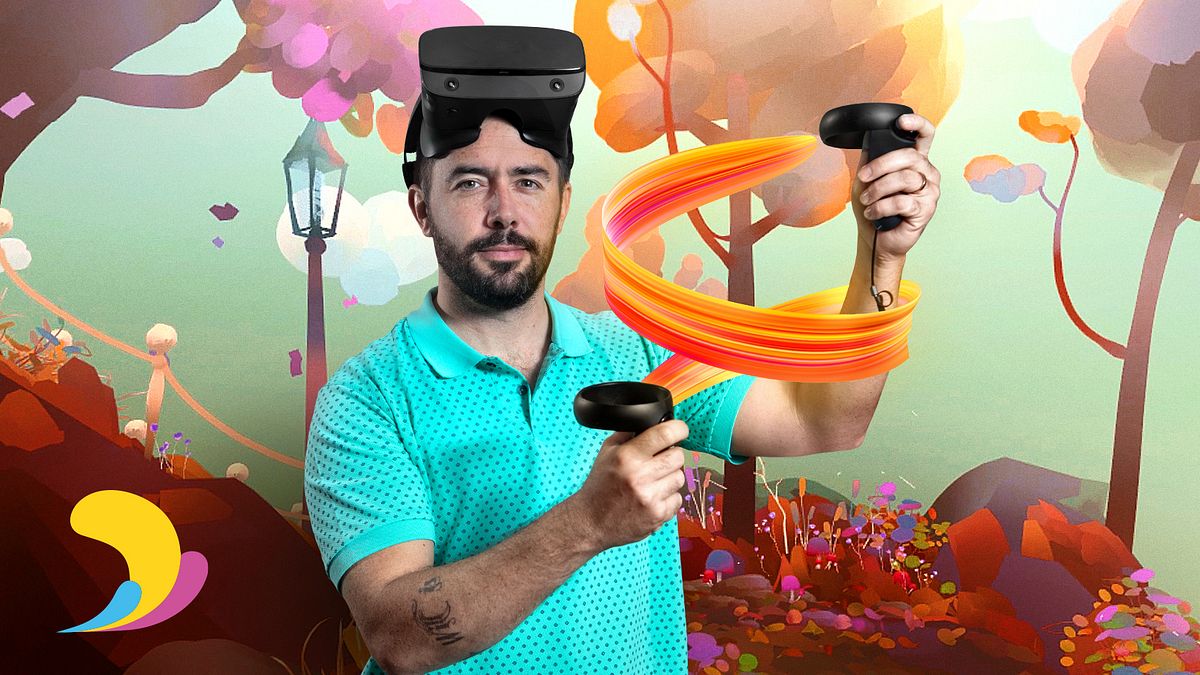
VR Animation with Quill
A course by Federico Moreno BreserAnimation Director and Digital Artist
A course by Federico Moreno Breser, Animation Director and Digital Artist

Breathe life into your characters and scenes creating a short film within the virtual reality universe
Have you ever imagined what it would be like if virtual reality became your workspace? Quill is a software that generates a truly unique experience when creating animations. In his first course, digital artist Federico Moreno shows you how to master VR Design and Modeling with Quill and in this course, he teaches you how to create an entire animation project with Quill.
Learn how to animate a short film with multiple techniques to take your creations to the next level. Build a narrative by incorporating different elements, using a tool that will transform the way you work.
What will you learn in this online course?
26 lessons & 20 downloads
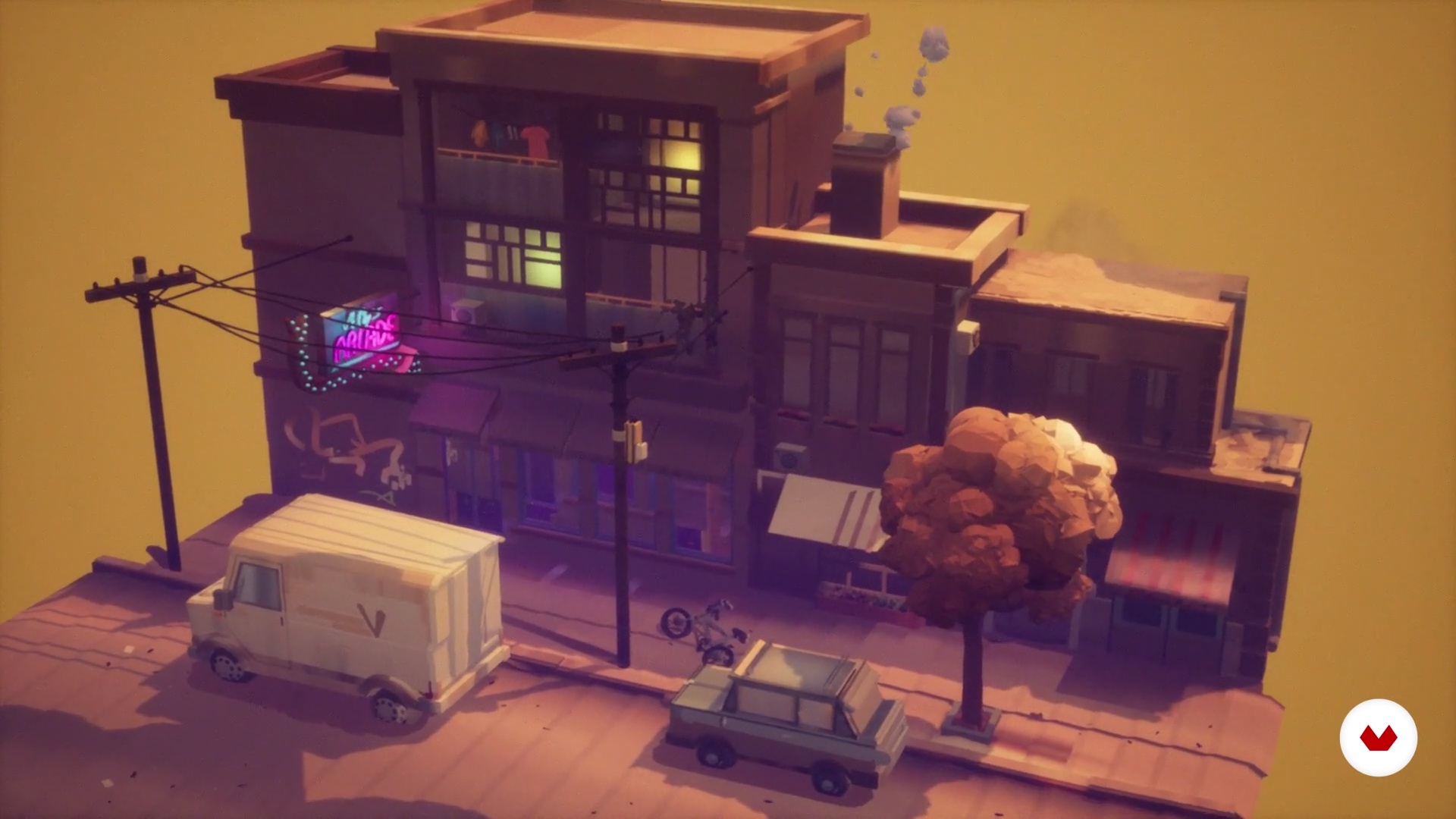
What will we do in the course?
1 minute, 57 seconds
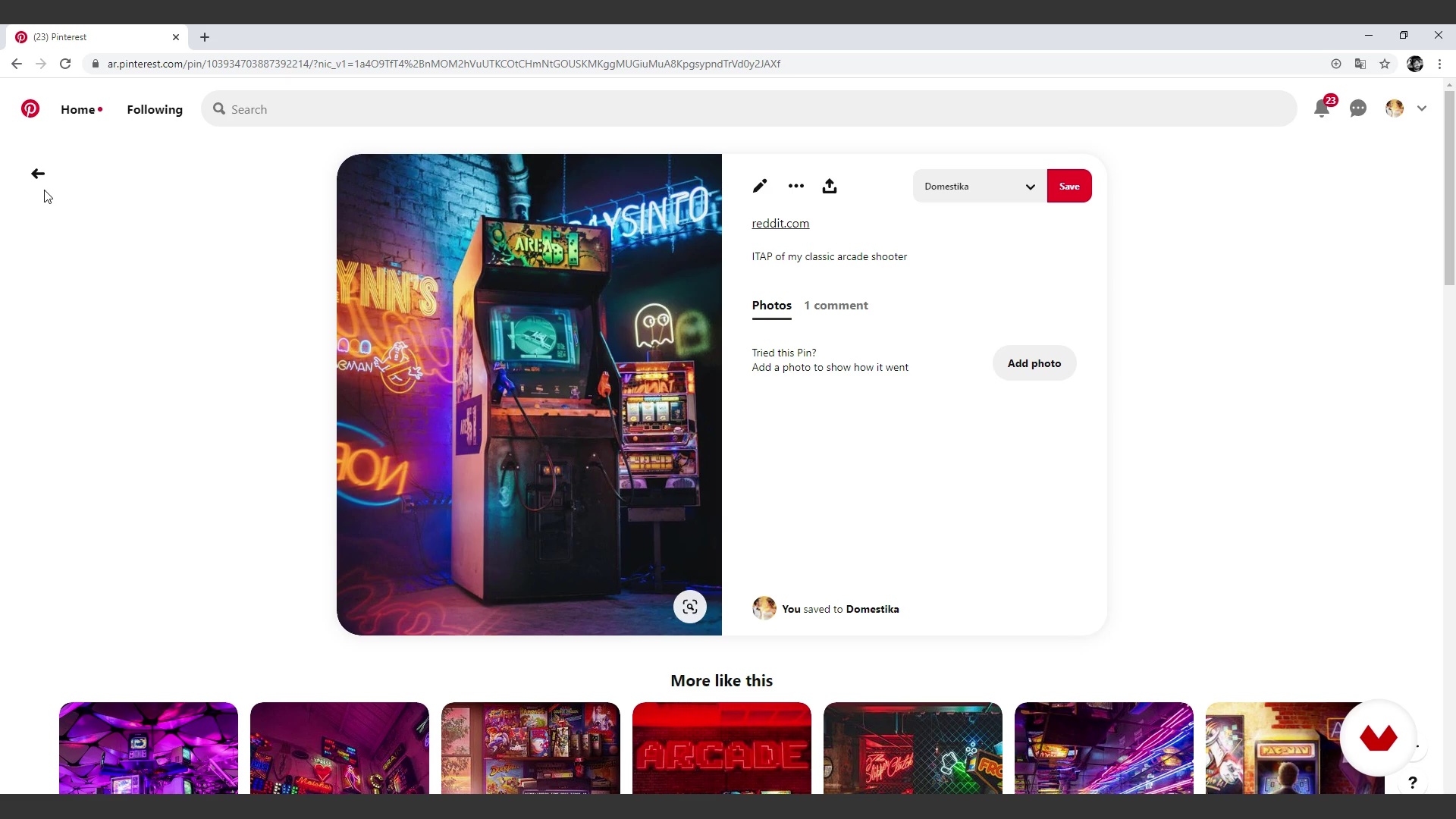
Reference search and planning
11 minutes, 20 seconds
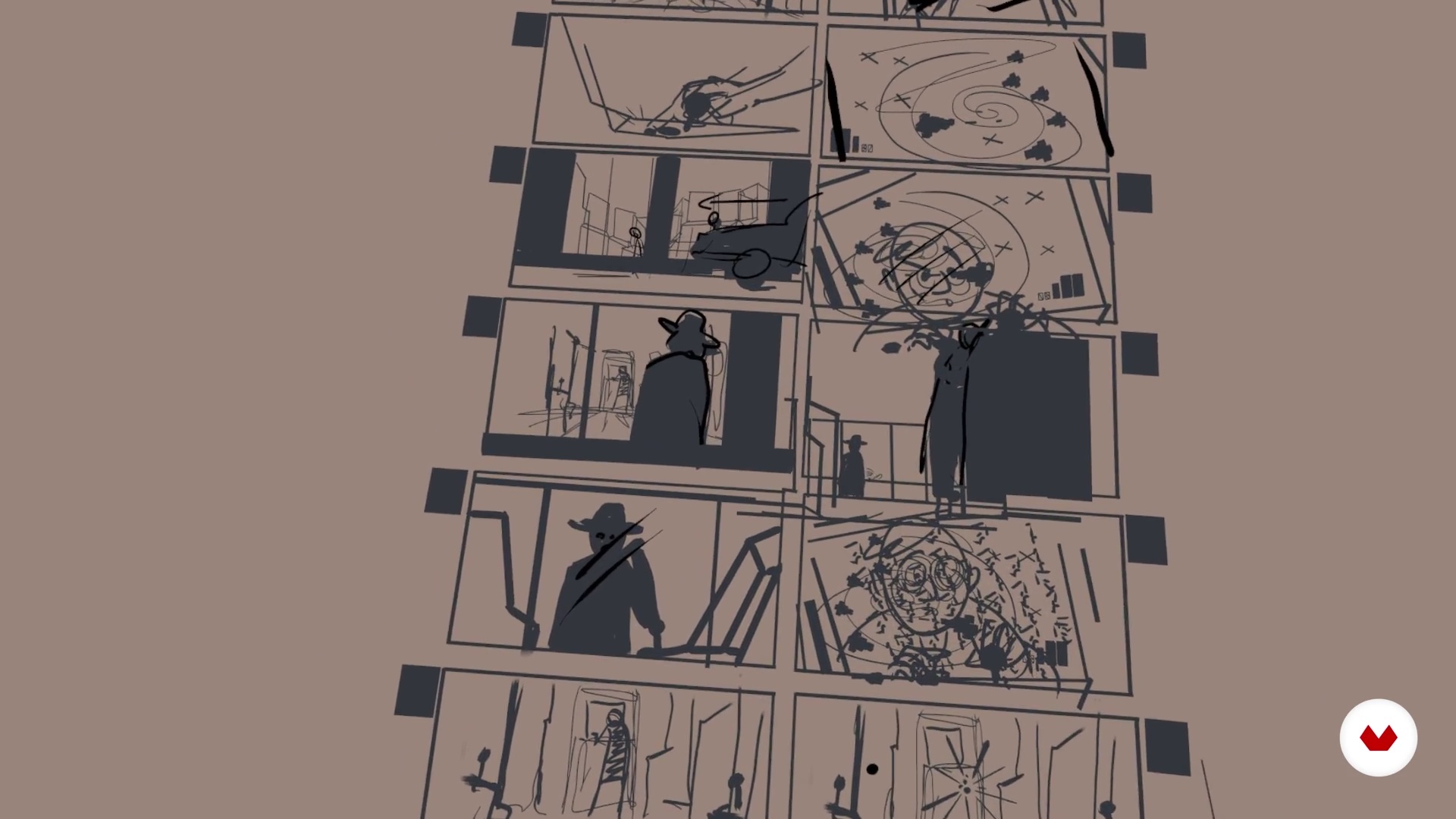
Storyboard
16 minutes, 32 seconds
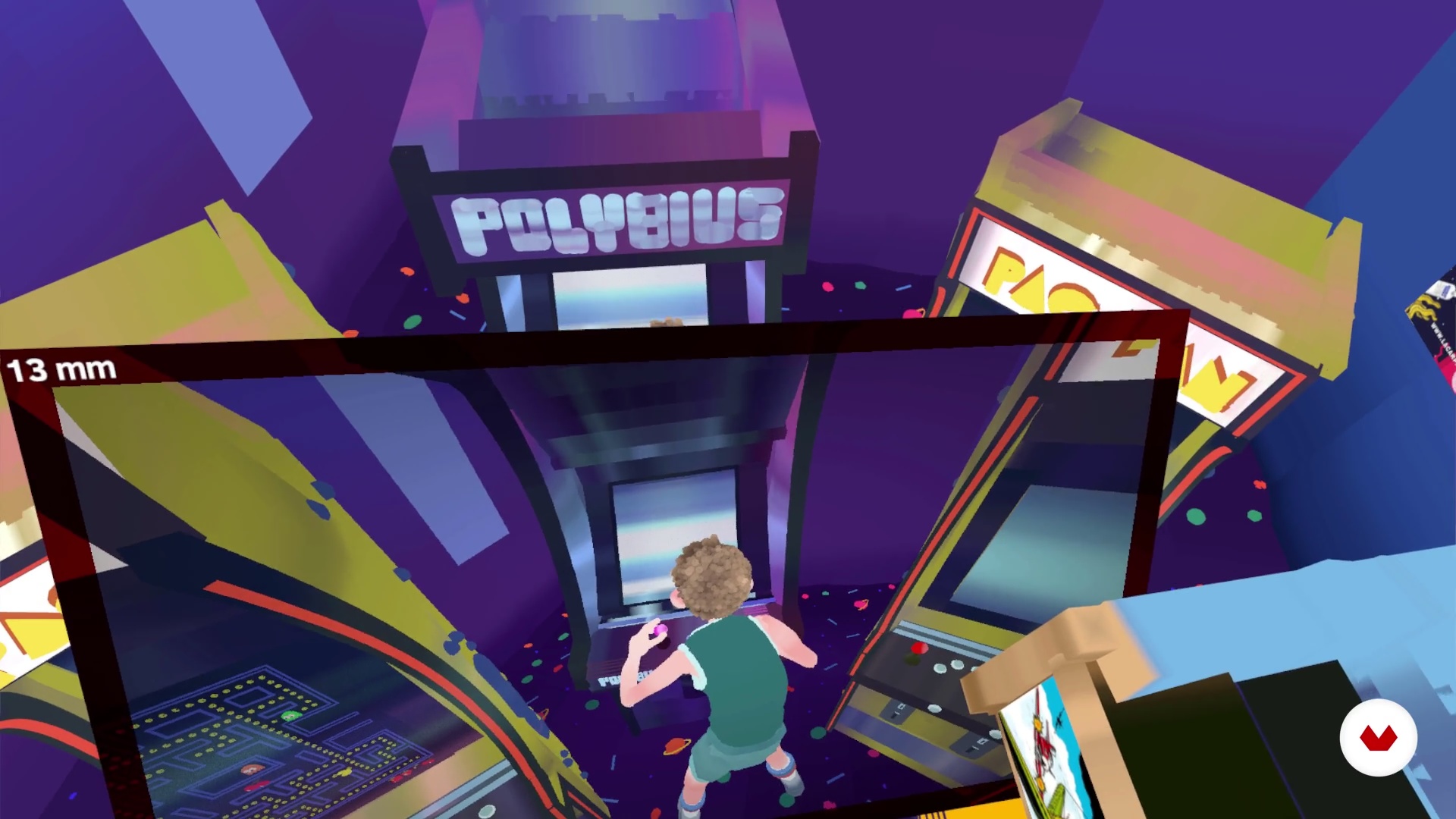
We raised the first cameras
17 minutes, 13 seconds
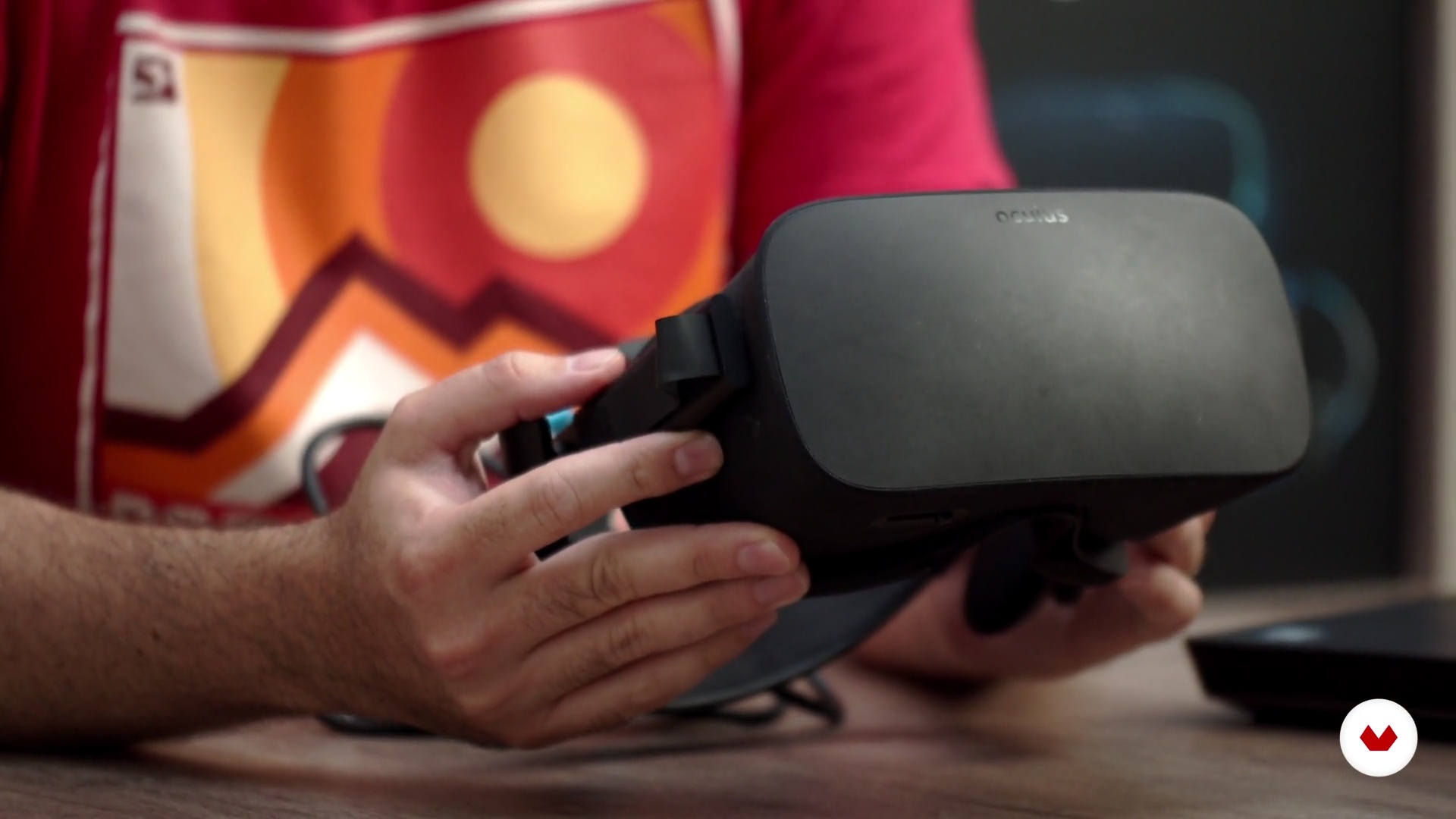
Hardware presentation and technical requirements
7 minutes, 33 seconds
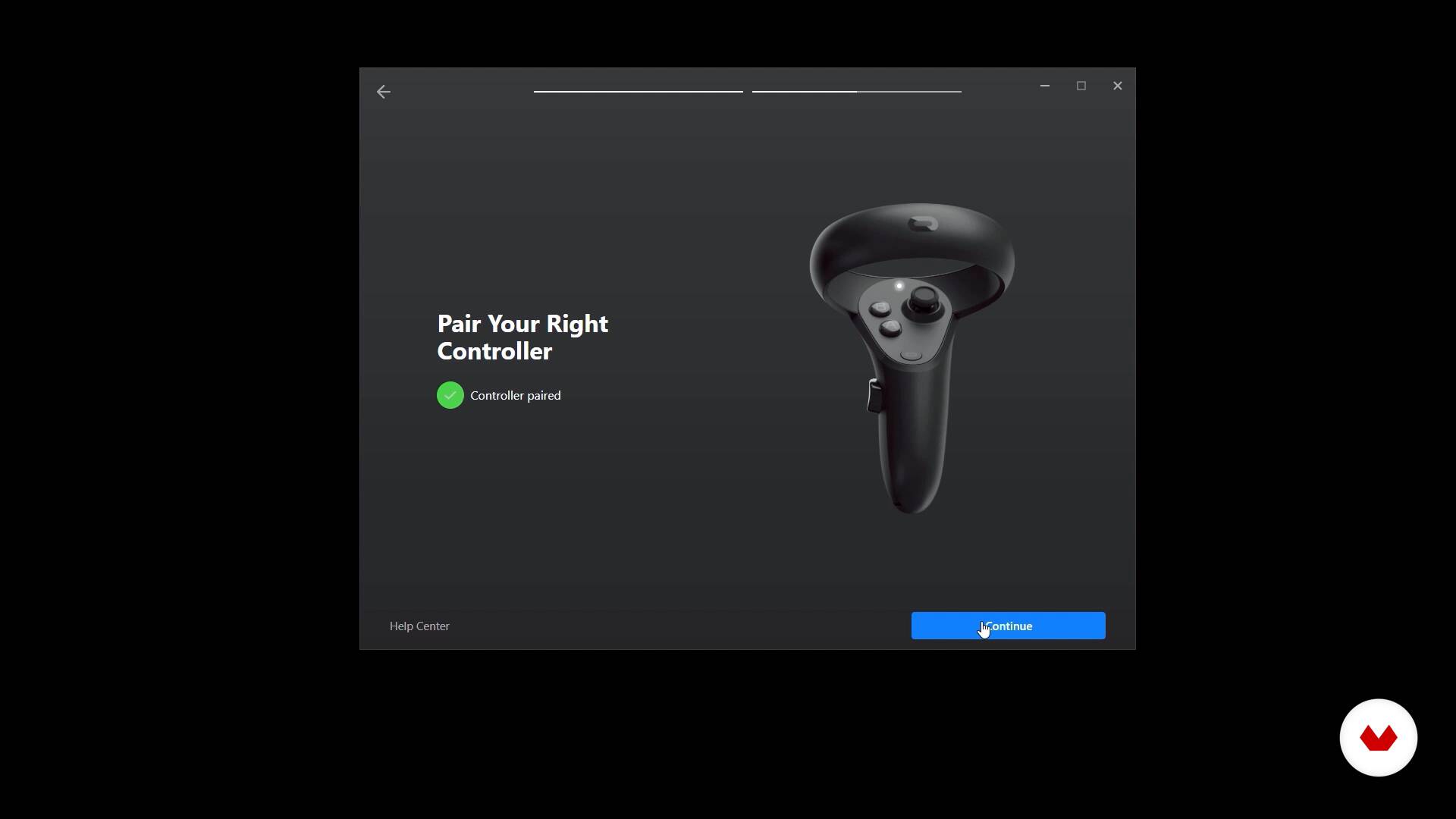
VR equipment setup and configuration
2 minutes, 37 seconds
What's included in this course?
Get to know Federico’s major projects and his creative process in the first unit. He also shares his main influences and tells you about what he’s prepared for you in this course.
Then, go through the initial steps to start animating, look for references, and plan your project effectively. See how to carry out your graphic script in Quill and visualize it in VR.
In the production phase, Federico teaches the different techniques you can use to animate with Quill, using Timeline. See some key concepts to use the animation features to their full potential.
Next, start animating your character, see how to use the AnimBrush tool, and discover the technique behind the use of multiple frames, to work more efficiently.
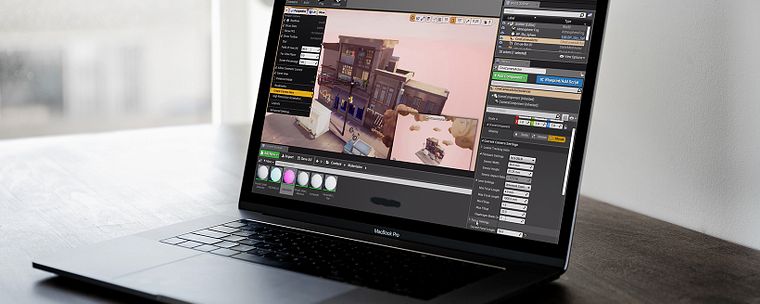
See how to take your animation project to the next level in the final unit: learn how to build a narrative, add sounds and music, see how to export your work, and see some possible integrations with other software, such as Unreal Engine, to significantly enhance your project.
Recommended software & tools for this course
What is this course's project?
Animate a short film using Quill’s versatile features in the VR space.
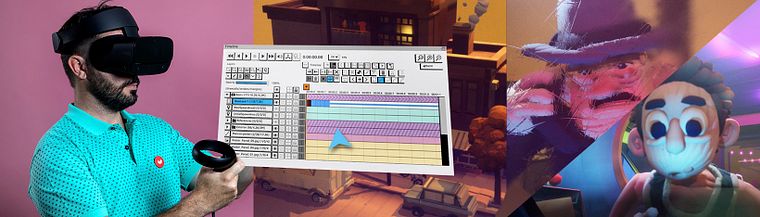
Who is this online course for?
For audiovisual artists, with or without experience in the 3D and animation industry.
Both students and professionals in the industry will learn and benefit from the course by learning about the tools and techniques shown.
Requirements and materials
You’ll need basic animation knowledge. We recommend you take Federico’s first course: VR Design and Modeling with Quill, to get a full introduction to the software and its tools.
As for materials, you need a computer, an Oculus Rift or Oculus Rift S headset, tactile controllers, as well as Quill and Unreal Engine software.
Reviews
- 2 years ago
Es un curso excelente para iniciar en el VR y animación. Muy encatado de poder llevarlo!
- 2 years ago
Muito bom, agrega conhecimentos valiosos.
- 4 years ago
Excelente curso, aprendí bastante!
- 4 years ago
Federico es un crack, seguidle hasta por la calle
- 5 years ago
excelente!..

He has directed Mcfly Studio since 2005, a studio specialized in animation and audiovisual production, where his two sides of expertise meet: the artist and producer. In 2012, he founded the animation magazine Moushon!, a project that he led for two years, and Luty Art Studio alongside Nelson Luty, an art department dedicated to conceptual art for the film industry, animation, and video games.
Content
- U1
Introduction
- Presentation
- Influences
- What will we do in the course?
- U2
Preproduction
- Reference search and planning
- Storyboard
- We raised the first cameras
- Hardware presentation and technical requirements
- VR equipment setup and configuration
- Introduction to the Quill Tool
- U3
Production
- Basic animation techniques in Quill
- The Timeline tool and its basic functions 1
- The Timeline tool and its basic functions 2
- Introduction to character animation
- Animating characters 1
- Animating Characters 2
- FX and Particles with AnimBrush
- Multiframe edition
- U4
Last stage
- Spawn Area. Adjusting cameras 1
- Spawn Area. Adjusting cameras 2
- Music and sound
- Stop tool: new timeline feature 1
- Stop tool: new timeline feature 2
- We integrate the project to Unreal Engine 1
- We integrate the project to Unreal Engine 2
- We integrate the project to Unreal Engine 3
- We integrate the project to Unreal Engine 4
- FP
Final project
- VR Animation with Quill
What to expect from a Domestika course
Learn at your own pace
Enjoy learning from home without a set schedule and with an easy-to-follow method. You set your own pace.
Learn from the best professionals
Learn valuable methods and techniques explained by top experts in the creative sector.
Meet expert teachers
Each expert teaches what they do best, with clear guidelines, true passion, and professional insight in every lesson.
Certificates
PLUSIf you're a Plus member, get a custom certificate signed by your teacher for every course. Share it on your portfolio, social media, or wherever you like.
Get front-row seats
Videos of the highest quality, so you don't miss a single detail. With unlimited access, you can watch them as many times as you need to perfect your technique.
Share knowledge and ideas
Ask questions, request feedback, or offer solutions. Share your learning experience with other students in the community who are as passionate about creativity as you are.
Connect with a global creative community
The community is home to millions of people from around the world who are curious and passionate about exploring and expressing their creativity.
Watch professionally produced courses
Domestika curates its teacher roster and produces every course in-house to ensure a high-quality online learning experience.
FAQs
Quill is a virtual reality tool that lets you create and animate immersive 3D illustrations. It’s used to produce animated shorts, storyboards, and VR scenes with great artistic and narrative control.
You don’t need to be an expert, but basic digital animation knowledge is recommended. This is an intermediate-level course covering techniques for both those with experience and those looking to improve.
You’ll learn how to create characters, environments, and animated shorts in Quill, plan digital storyboards, animate with advanced techniques, and integrate your projects into Unreal Engine for professional presentations.
You’ll need a compatible computer, a VR headset, access to Quill and Unreal Engine, and basic animation software skills. It’s also recommended to have a comfortable space to work in VR.
Yes, you’ll learn character design, retro costumes, arcade-style environments, neon atmospheres, plus composition and silhouette use for VR illustration and animation.
The course includes creating digital storyboards in Quill—from sketching panels and shots to previewing scenes and camera moves in VR.
You’ll learn how to export animations and assets from Quill and import them into Unreal Engine, organizing Alembic files, adjusting materials, lighting, and cameras to create polished presentations.