


What is impasto in painting and how to apply it in digital illustration
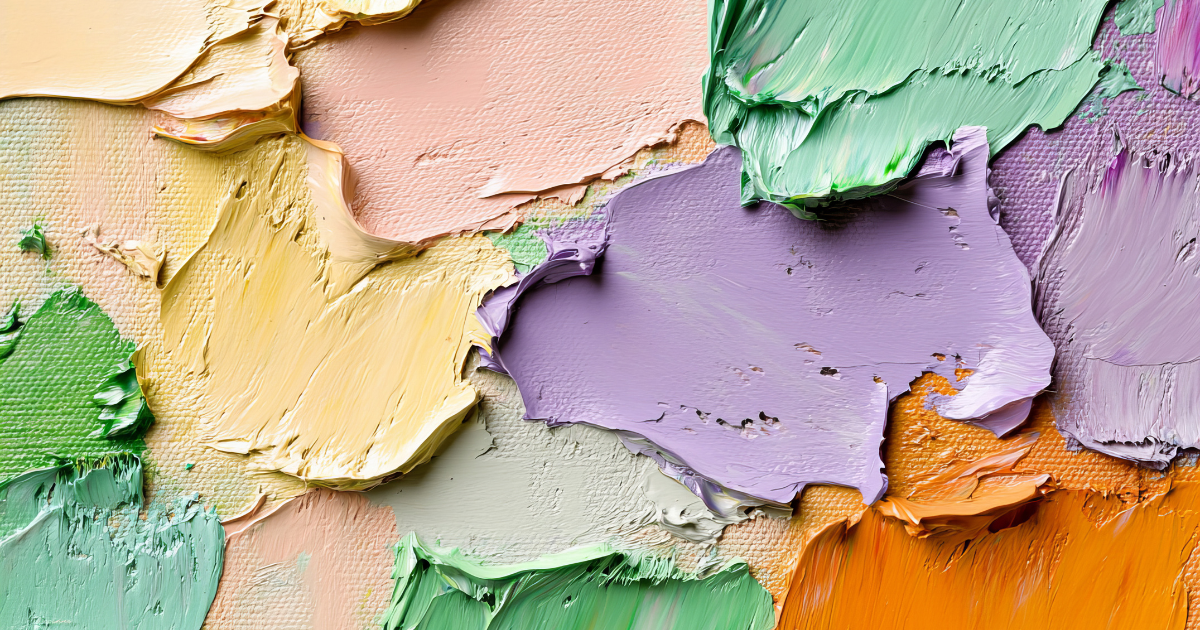
The impasto, a centuries-old technique to add texture and emotion to painting, did you know that it can be replicated in digital? We explain how to achieve it in traditional media and in your digital illustrations.
What is impasto?
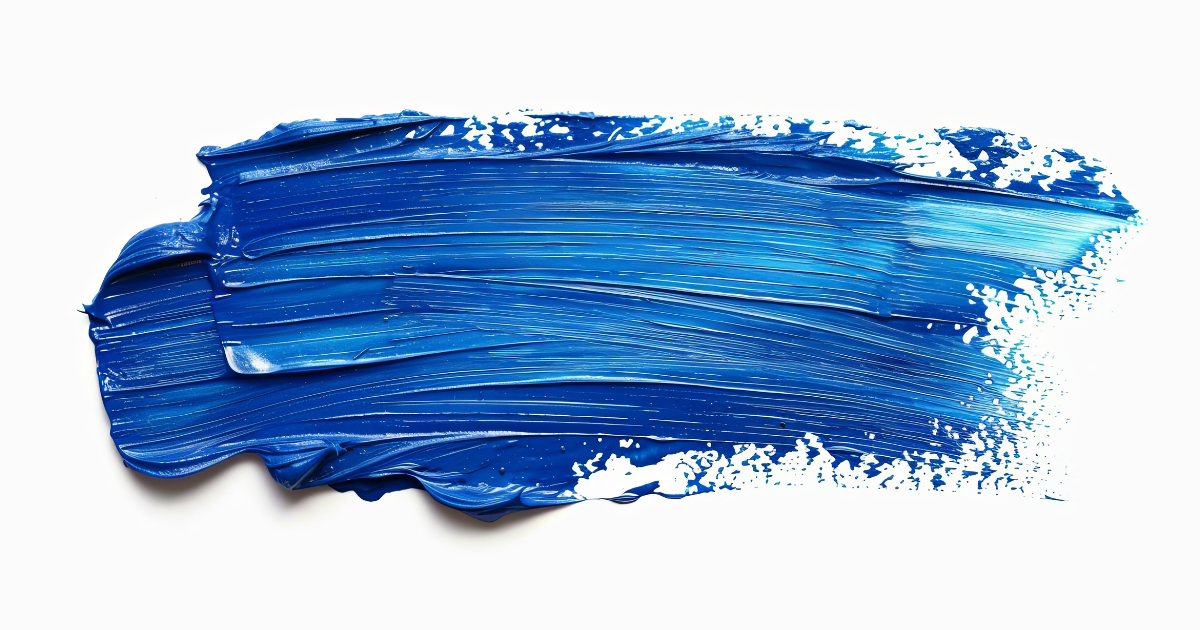
The impasto is a painting technique that consists of applying the paint in a thick and visible way, generating volume and texture on the canvas. The stroke of the brush or palette knife is not concealed: it forms an active part of the work and adds dynamism.
Painters such as Van Gogh or Rembrandt used this technique to intensify the light and emotion in their compositions. The paint stands out from the canvas, capturing the light in a different way and bringing a tactile sensation to the viewer. Learn more in this video about impasto with water-based oil paint.

How can impasto be applied in digital illustration?.
Although we are not working with physical materials, digital impasto seeks to replicate the same visual effect. This can be achieved with tools that simulate the behavior of thick paint and textured brushstrokes.
Some programs such as Clip Studio Paint or Corel Painter allow you to work with brushes that mimic paint loading. Even Photoshop and Procreate offer brushes with relief and volume effects. In this Clip Studio Paint article they show you how to achieve thick textures in digital.
Where to learn more?
If you are interested in experimenting with digital textures and enriching your illustration techniques, you can explore courses like digital illustration on Domestika, where professional artists share their working methods, from the traditional to the more experimental. You can also read What is two-dimensional art?.


0 comments