
2D Animation with Photoshop: Draw, Camera, Action!
A course by NumecaniqGrafik tasarımcısı
A course by Numecaniq, Grafik tasarımcısı

Learn to master camera framing and movement to take your animations to the next level
Rodrigo Miguel, better known as Numecaniq, is an animator specializing in frame-by-frame 2D animation. He has experimented with every kind of animation out there and is passionate about drawing in motion. Although he's found success working with world-renowned brands like Adobe, MTV, Amazon, and Spotify, Numecaniq never abandoned his personal projects or collaborations with other artists and studios.
In this course, learn frame-by-frame animation and develop an efficient workflow in Photoshop for your traditional animation projects with a contemporary, creative approach.
This is a follow-up to Numecaniq's first course, Introduction to Traditional Animation with Photoshop, where he teaches you the 12 principles of frame-by-frame animation to bring your stories to life.
Bu çevrimiçi kursta ne öğreneceksiniz?
1 ders & 1 indirme
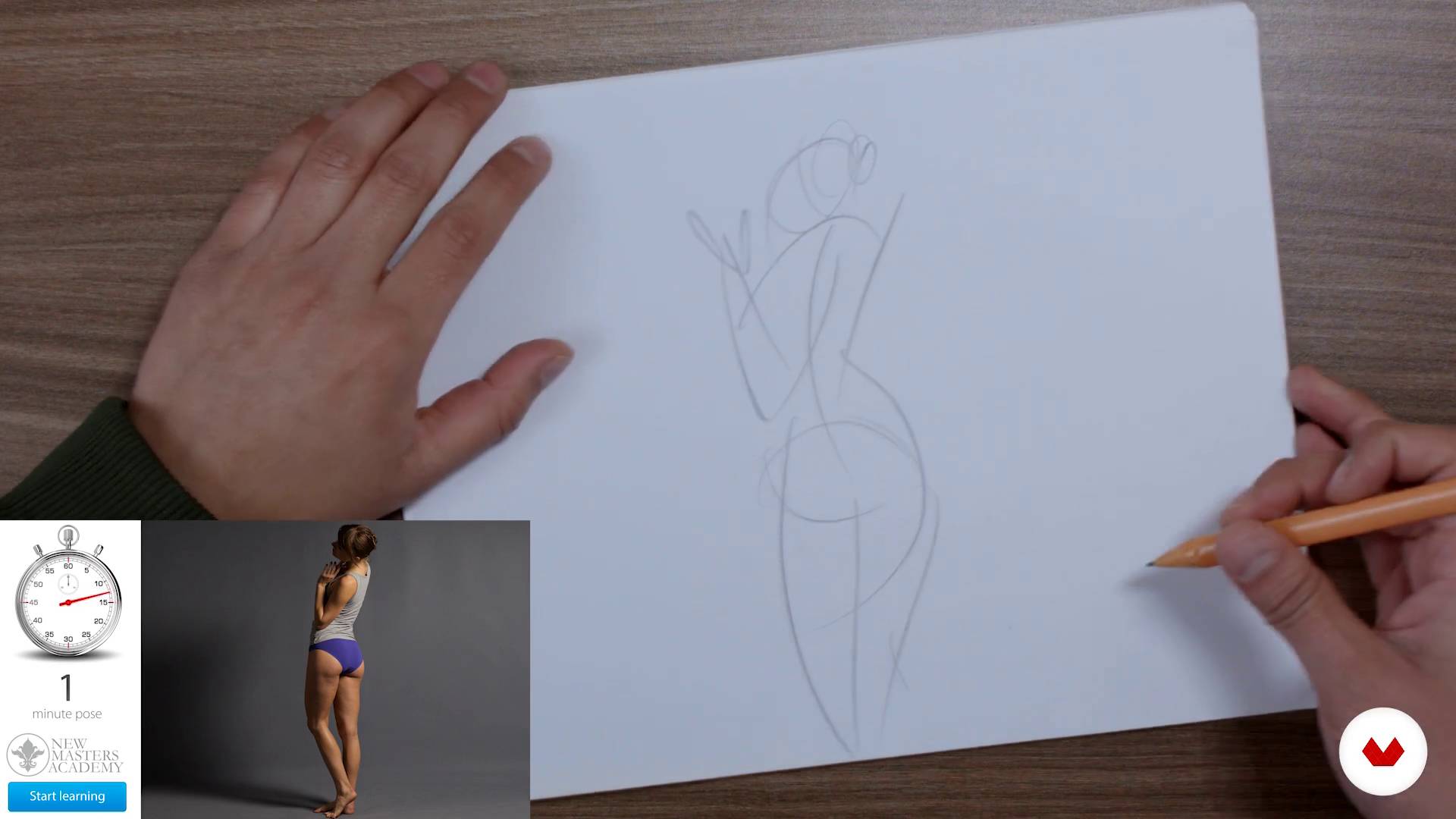
Formation of learning habits and human figure drawing
14 dakika, 7 saniye
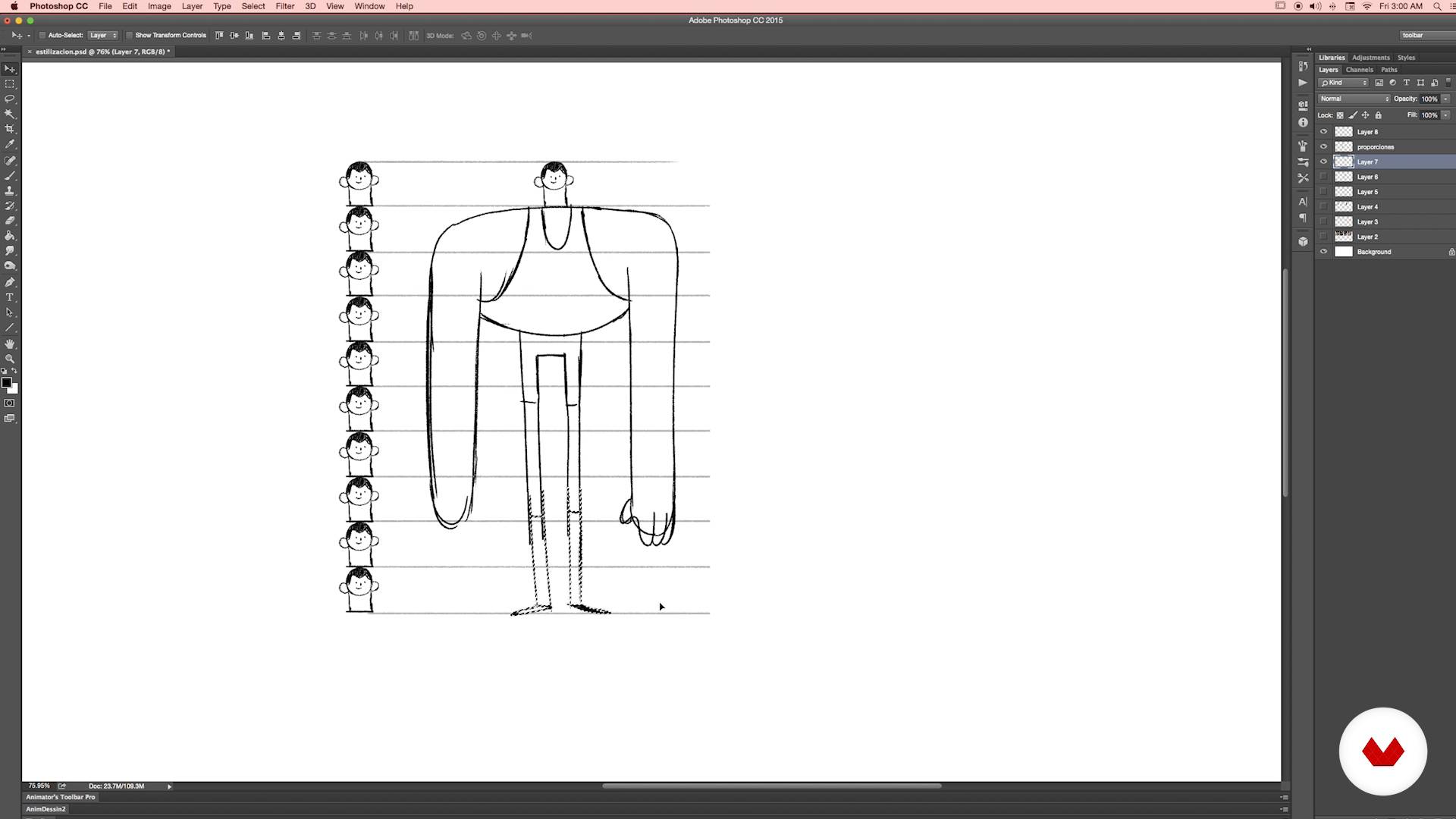
Stylization and simplification
23 dakika, 44 saniye
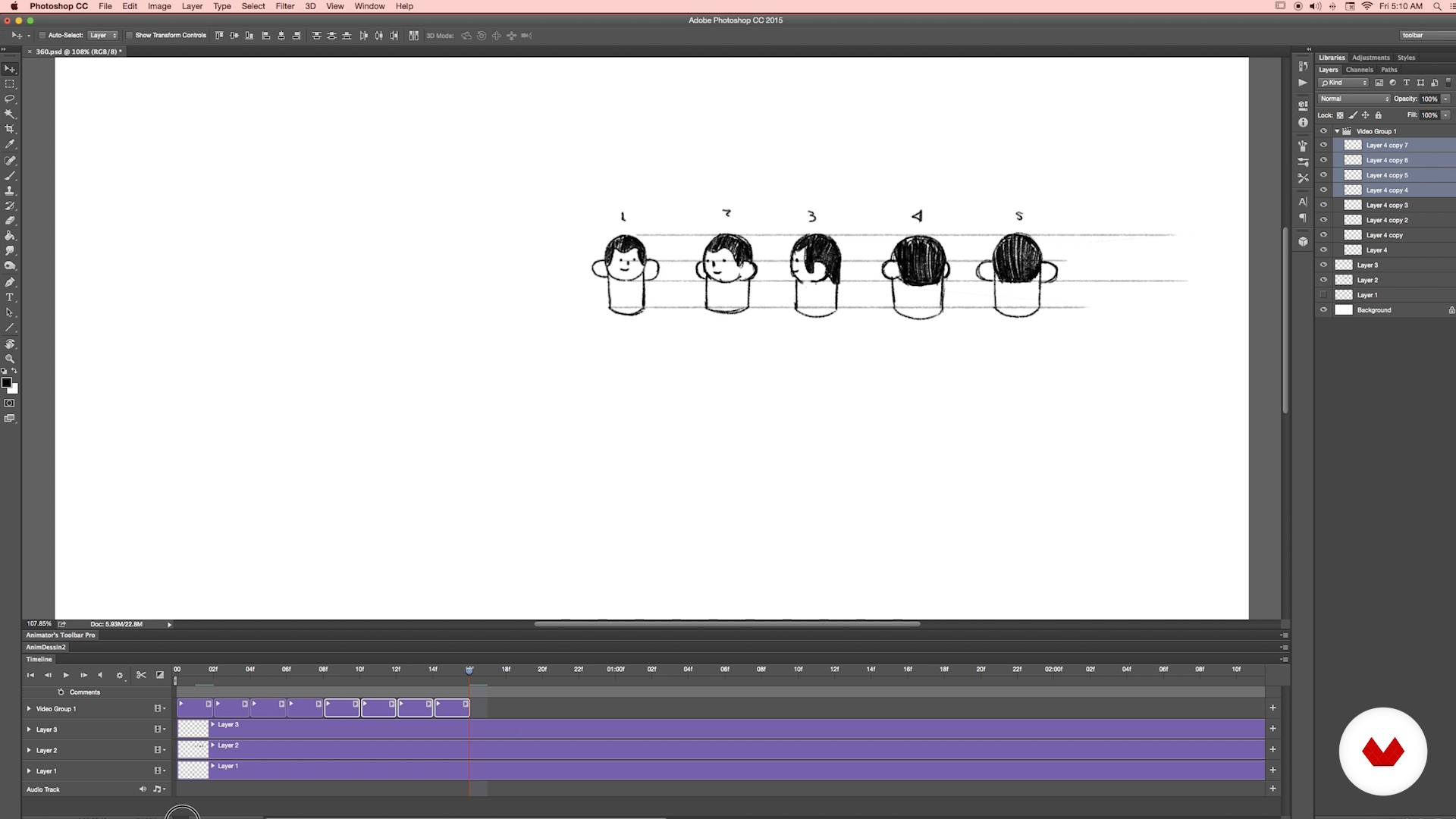
360
17 dakika, 15 saniye
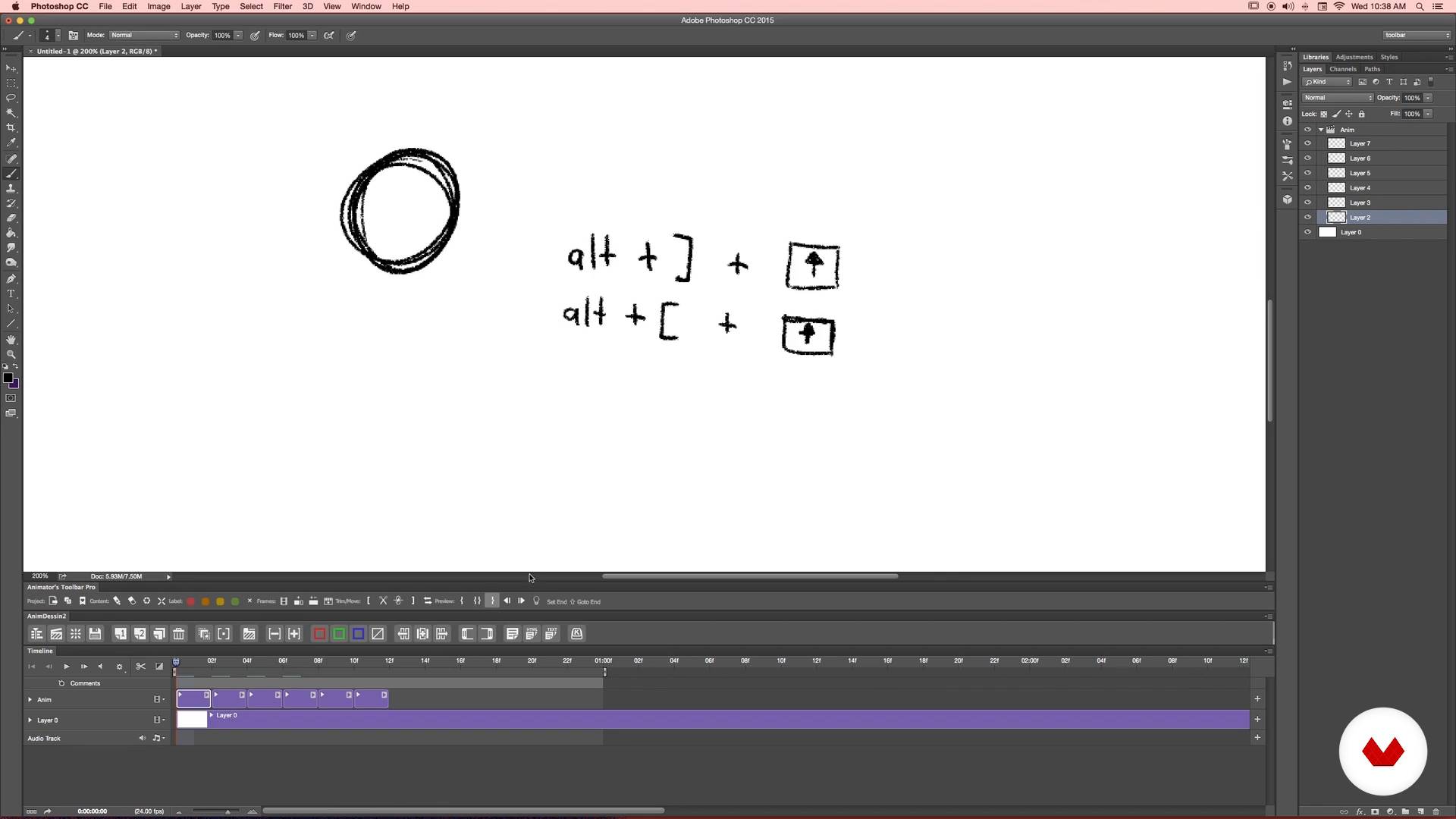
Preparing Photoshop
20 dakika, 21 saniye
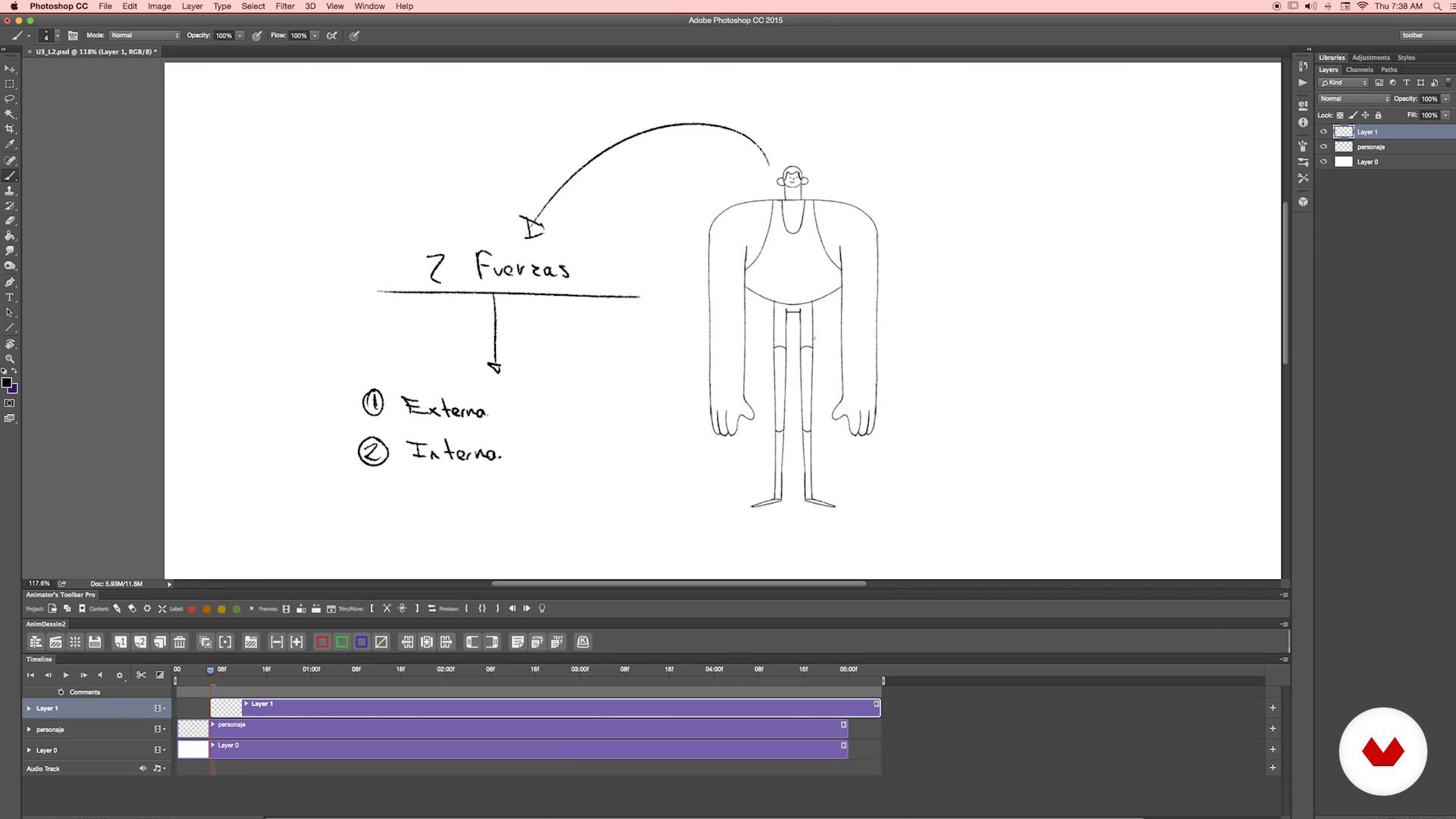
Analysis of the action
12 dakika, 21 saniye
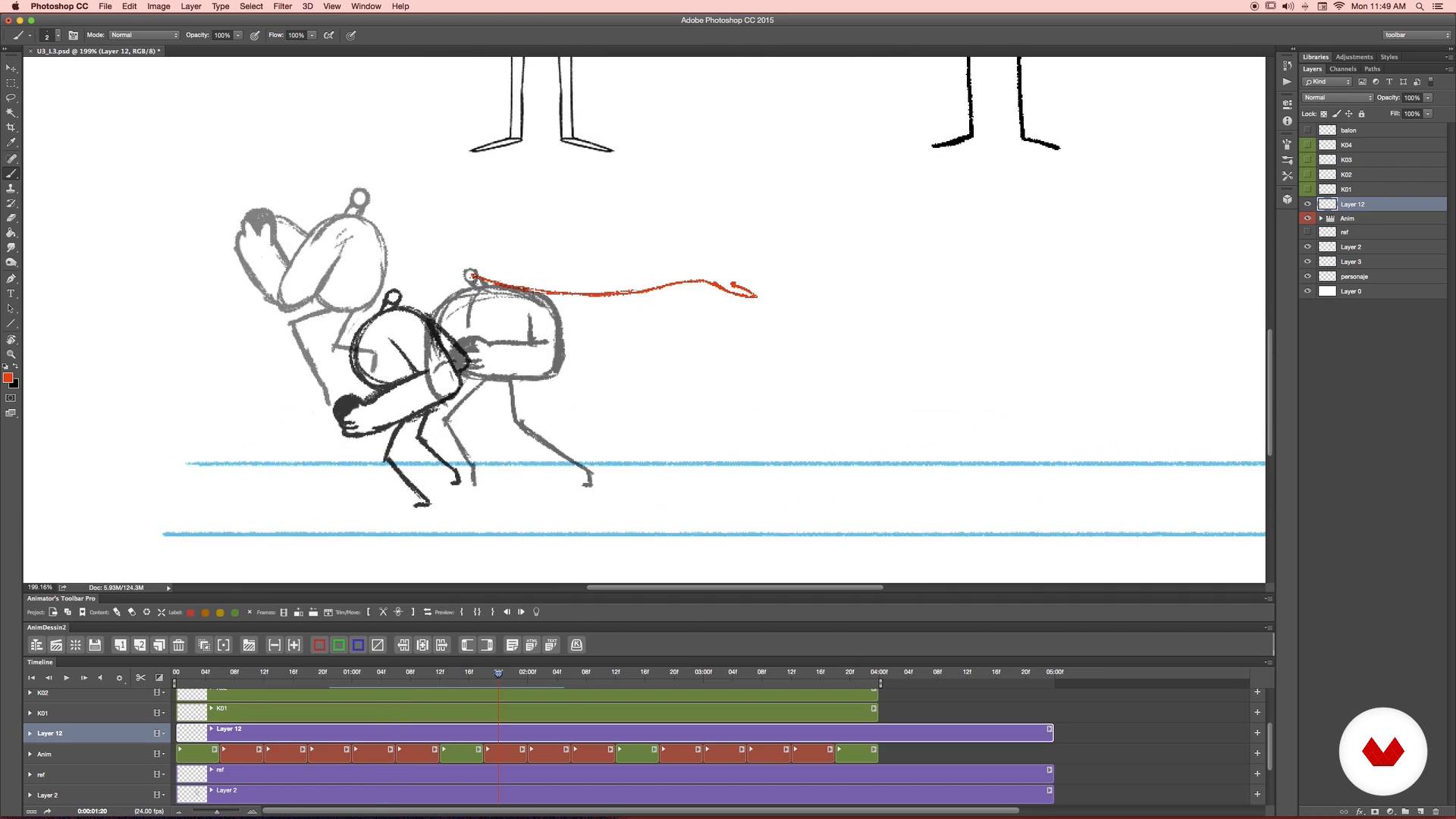
Cheering up
19 dakika, 43 saniye
Bu kursa neler dahil?
Kick off the course by learning how to optimize your drawings for animation. Your teacher shares some valuable tips to get you started and shows you how to quickly and efficiently tackle any project.
Create your own character using real-life references and find out how to break down their figure to design poses for the different stages of motion. Numecaniq teaches you the process in Photoshop and how to make it easier using certain plug-ins.
Continue with a practical exercise that involves drawing different views of your character's head, then use them to create a short 360° animation.
Next, outline your main animation sequence by creating thumbnails and learn about several key concepts like trial-and-error lines, keyframes, and arcs.
Once you've got a rough animation, apply basic principles like anticipation, acceleration, and exaggeration to make it smoother and more dynamic before diving into key aspects like timing and spacing.
Play around with camera movement and framing to add variety to your animation and give viewers an unexpected twist. Then, learn how to apply several types of distortion.
Round out your piece with color and texture and discover some top-secret techniques for using brushes, masks, and filters like a pro.
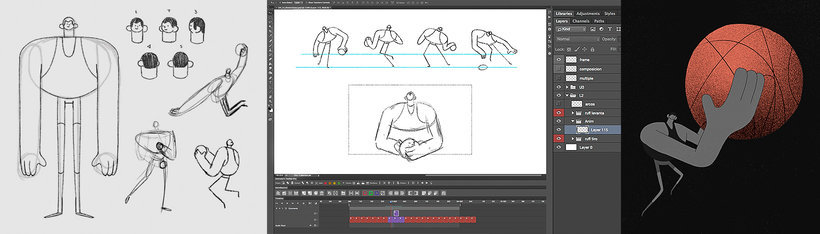
Recommended software & tools for this course
What is this course's project?
Create an animated sequence that combines different camera movements and framing.
Kurs öğrencilerinin projeleri


Who is this online course for?
Designers, illustrators, animators, and anyone interested in broadening their skills in frame-by-frame animation.
Requirements and materials
Drawing expertise isn't required for this course, but you do need basic notions of Photoshop.
As for materials, you need paper, a pencil, a scanner or camera, and a computer with Adobe Photoshop CC (or later). A quality graphics tablet is also recommended.

Yorumlar
- 5 ay önce
Me gustó el curso y la manera de enseñar el profesor.
- 8 ay önce
good course
- 9 ay önce
Es un buen curso para iniciar y entender la animación en photoshop c:
- 9 ay önce
Great course! Numecaniq is a very talented artist and an amazing teacher.
- 9 ay önce
10/10, las animaciones que he logrado me sorprendieron hasta a mi jajaj, gracias por este curso. Valio completamente la pena

Çalışmaları dünyayı dolaştı ve diğerlerinin yanı sıra Adobe, MTV, Adult Swim, Warner, Amazon veya Spotify gibi marka ve şirketlerle işbirliği yaptı. Ayrıca Berlin'de Pictoplasma veya New York'ta BDA ödülleri gibi uluslararası festivallere katılmıştır.
İçerik
- U 1
Hello!
- Who is Numecaniq?
- Influences
- U 2
Balls and sticks
- Formation of learning habits and human figure drawing
- Stylization and simplification
- 360
- U 3
Balls and animated sticks
- Preparing Photoshop
- Analysis of the action
- Cheering up
- …Cheering up
- Time and space
- U 4
Balls and crazy sticks
- Cameras
- Chambers II
- Distortions
- Finishes and textures I
- Finishes and textures II
- Ultra secret techniques
- Ultra secret techniques II
- That's all folks
- U 5
BONUS - Extensiones y herramientas
- Extensiones
- Herramientas
- FP
Bitirme projesi
- Balls and animated sticks
Bir Domestika kursundan neler beklenebilir?
Kendi hızınızda öğrenin
Belirli bir program olmadan ve takip edilmesi kolay bir yöntemle evden öğrenmenin tadını çıkarın. Kendi hızınızı kendiniz belirlersiniz.
En iyi profesyonellerden öğrenin
Yaratıcı sektörün en iyi uzmanlarının açıkladığı değerli yöntem ve teknikleri öğrenin.
Uzman öğretmenlerle tanışın
Her uzman, her derste açık yönergelerle, gerçek tutkuyla ve profesyonel anlayışla en iyi yaptıkları şeyi öğretir.
Certificates
PLUSIf you're a Plus member, get a özel sertifika signed by your teacher for every course. Share it on your portfolio, social media, or wherever you like.
Ön sıra koltukları alın
En yüksek kalitede videolar sayesinde tek bir ayrıntıyı kaçırmazsınız. Sınırsız erişim sayesinde tekniğinizi mükemmelleştirmek için bunları istediğiniz kadar izleyebilirsiniz.
Bilgi ve fikirleri paylaşın
Sorular sorun, geri bildirim isteyin veya çözümler sunun. Öğrenme deneyiminizi topluluktaki, yaratıcılığa sizin kadar tutkulu olan diğer öğrencilerle paylaşın.
Küresel bir yaratıcı toplulukla bağlantı kurun
Topluluk, dünyanın her yerinden meraklı ve yaratıcılıklarını keşfetme ve ifade etme konusunda tutkulu milyonlarca insana ev sahipliği yapıyor.
Profesyonelce hazırlanmış kursları izleyin
Domestika, yüksek kaliteli bir çevrimiçi öğrenme deneyimi sağlamak için öğretmen kadrosunu seçer ve her dersi kendi bünyesinde üretir.
SSS
To install extensions, download the file from the creator’s official website, use a compatible installer (like Anastasis), close Photoshop, run the installation, and check under 'Window > Extensions' to make sure it appears correctly.
If the extension doesn’t show up, uninstall it, download the latest version from the official site, and reinstall using the recommended installer. Make sure Photoshop is closed during the process and verify compatibility with your version.
Yes, this course is designed for intermediate Photoshop users who want to dive deeper into frame-by-frame animation, workflow optimization, and advanced extension use.
You’ll learn how to install and use extensions, create frame-by-frame animations, optimize GIFs, work with the timeline, color layers, design characters, apply animation principles, and export animations for web and professional projects.
It’s recommended to have basic Photoshop skills and a general understanding of traditional animation to get the most out of the course.
Onion skinning lets you see previous and next frames on the timeline, helping maintain smooth motion and visual consistency in frame-by-frame animations.
The Pro version supports the latest Photoshop releases and offers advanced animation features, while the free version only works up to Photoshop 2017 and has fewer tools.