


What is Microsoft Designer and how to use it
AI is developing numerous new applications, like Microsoft Designer, that aim to simplify our lives. This post offers some tips for those interested in trying it out.
You can quickly create impressive social media posts, invitations, digital postcards, and graphics with it. This graphic design app uses AI to generate designs unique to you and provides personalized recommendations. You can use your own images or ideas to get started. Currently, it's available for a free preview, but some features require a paid Microsoft 365 subscription after the preview period. But first of all, let's see what Microsoft Designer is all about.
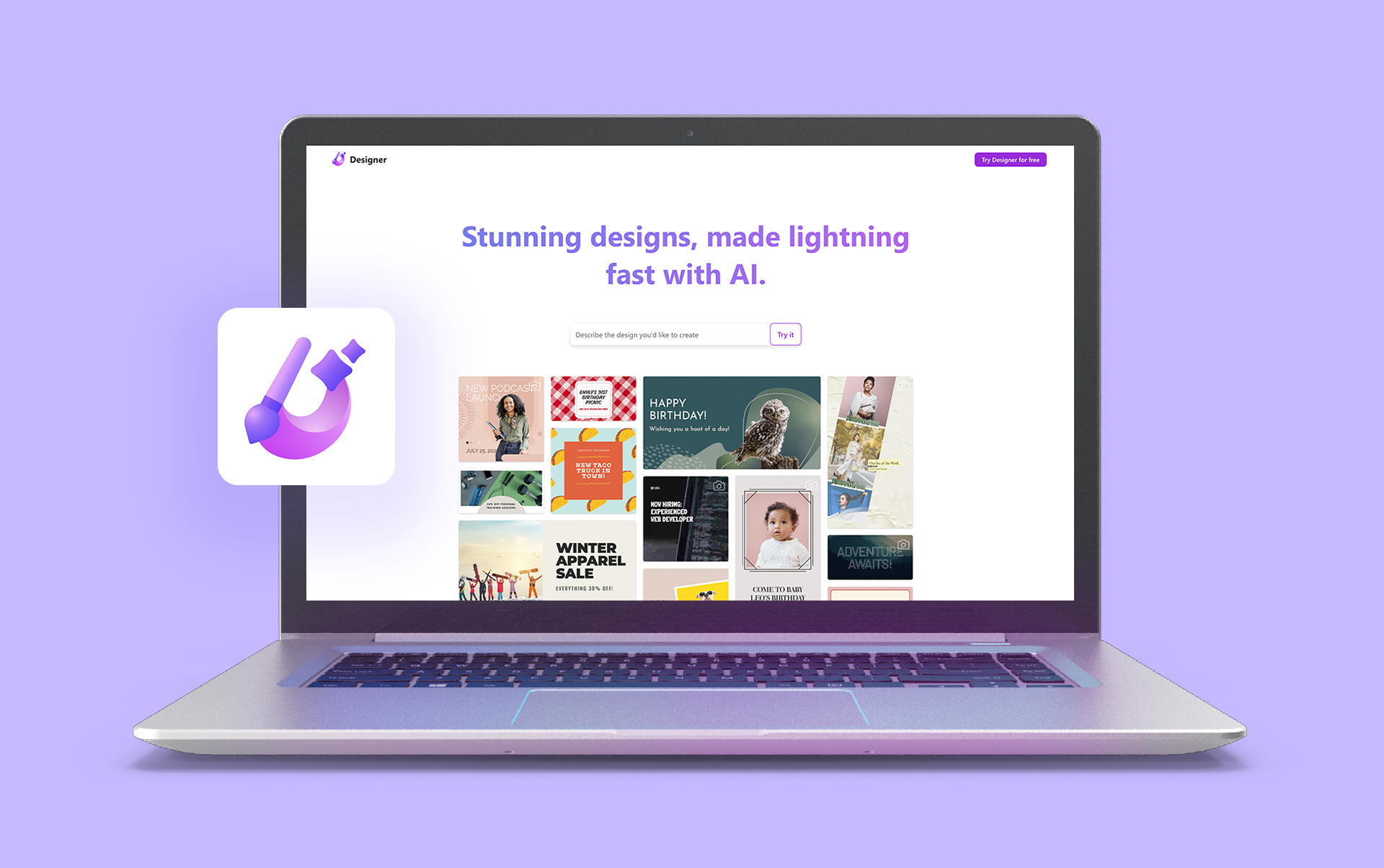
Microsoft Designer is an AI-powered graphic design app that makes the design process much quicker, helping you create stunning social media posts, invitations, digital postcards, graphics, and more, all in a flash. You can start with your own images or ideas, and Microsoft Designer will generate unique-to-you designs and offer personalized recommendations. Some of the key features of Microsoft Designer include:
1. Templates: Microsoft Designer comes with a range of pre-designed templates that you can customize to fit your needs.
2. Design Elements: Microsoft Designer offers various design elements, including shapes, icons, images, and text.
3. Collaboration: With Microsoft Designer, you can easily collaborate with other creators on your designs.
You can also check out the official Microsoft Designer website for more information.
How to use Microsoft Designer
Here is a step-by-step guide on how to use Microsoft Designer:
1. Choose a template: Start by choosing a template that fits the design you want to create.
2. Customize the template: Once you have selected a template, you can customize it to fit your brand or style.
3. Add design elements: You can add design elements such as shapes, icons, and images to your design by selecting them from the toolbar.
4. Use AI superpowers: Microsoft Designer has all the tools you'd expect, plus a few AI superpowers. Generate stunning designs and original images just by typing what you want. Get writing assistance and automatic layout suggestions for anything you add. The designer can even propose captions and hashtags to make social media sharing effortless.

Conclusion
Artificial Intelligence is here to stay, and Microsoft could not stand idly by. A human touch will always be necessary, but the crux of the matter is taking advantage of the great benefits of AI. To use a simile, the human is the composer and conductor, and the AI is the orchestra. We will see more and more applications of all kinds based on this technology.
The use of AI is rapidly expanding across various industries generating concern and new opportunities as it unfolds.. Its potential is vast and seemingly limitless. While some individuals may feel apprehensive about it, others view it as a promising opportunity. Some may perceive it as a challenge, while others see it as a means to enhance creativity. Undeniably, this topic is contentious. However, this technology will inevitably continue to permeate various facets of our lives. Consequently, we must learn to adapt and make the most of it.Microsoft Designer is a great opportunity to do so.
You may be interested in:
- What Is AI Art? A Guide on How It Works and How to Create It.
- How to Use ChatGPT for Creative Writing


1 yorum