
Digital Lettering with Illustrator and Photoshop
Un curs de Daniel HosoyaDesigner publicitar
Un curs de Daniel Hosoya, Designer publicitar

Learn to create combinations by combining different lettering styles
Daniel Hosoya - graphic designer specialized in the creation of digital letters - experimenting with typographies to create designs with strength and character, designing his own letterings. This is how his love for letters was born. More than ten years have passed since then and in this time he has collaborated with clients such as Ford, Modelo and Grupo Expansión.
In this course, Daniel will teach you different ways to create letters using digital tools.
Ce vei învăța în acest curs online?
1 lecție & 1 descărcare
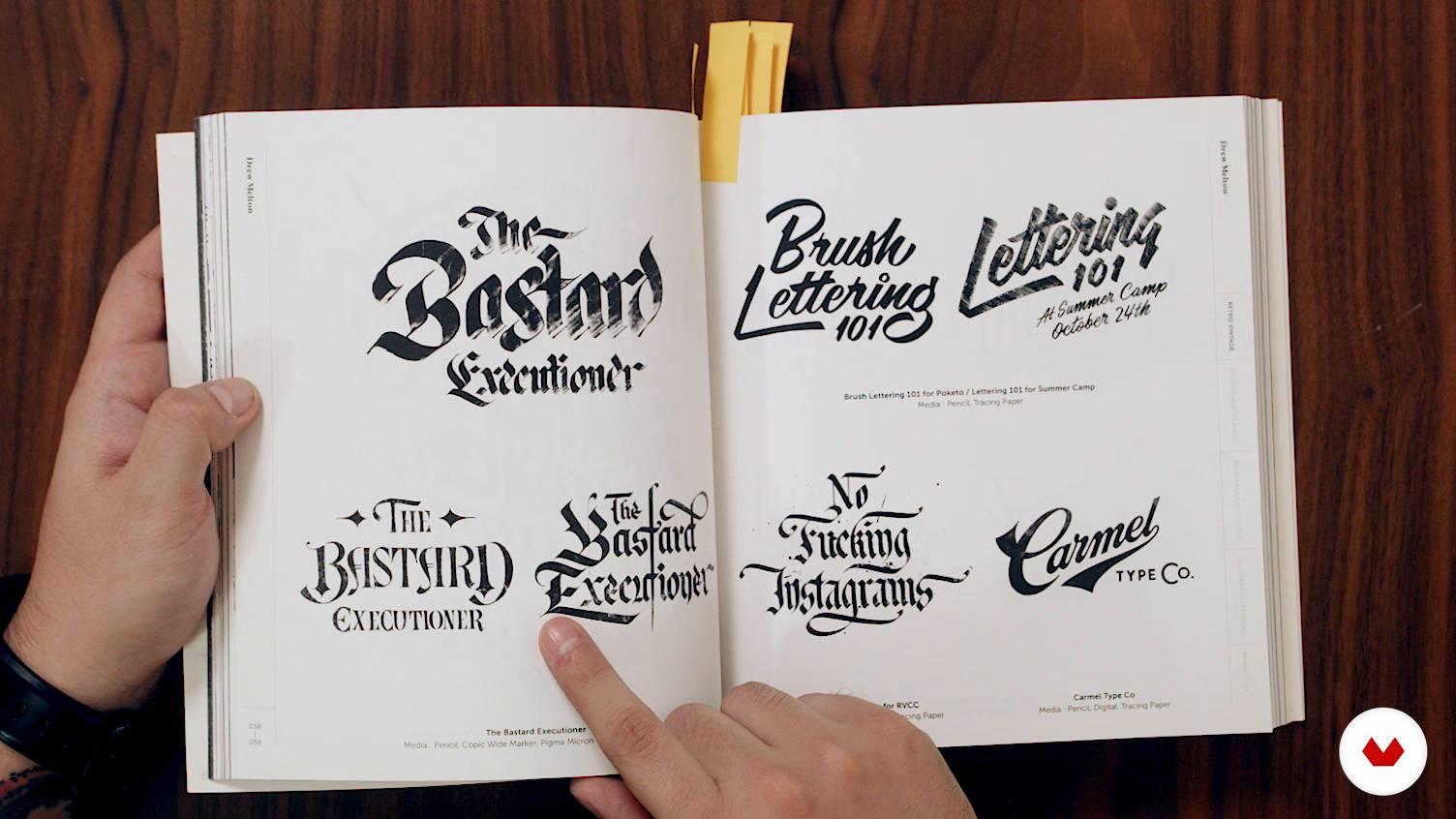
What is lettering?
1 minut, 1 secundă
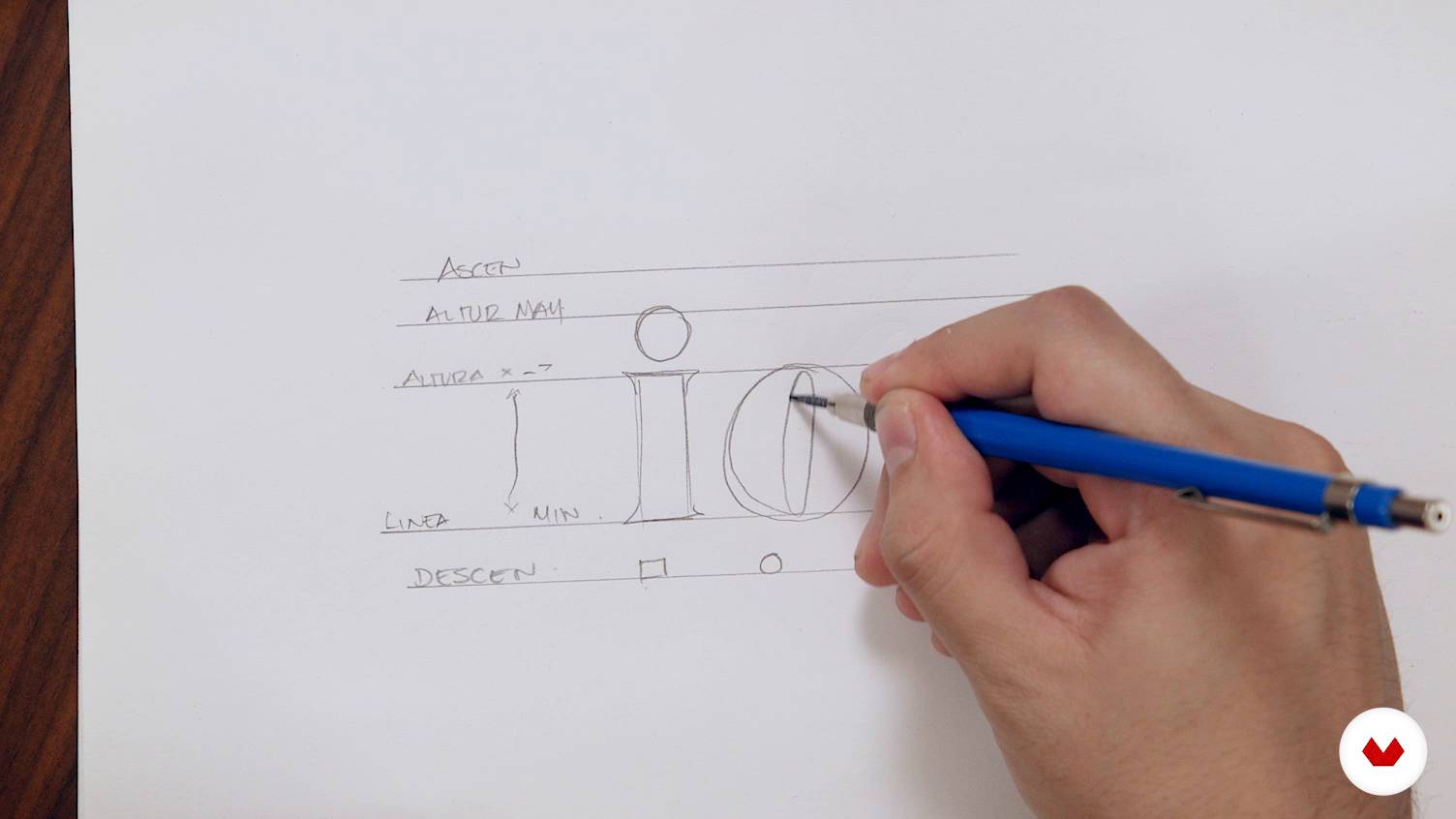
Basic concepts for drawing letters
1 minut, 1 secundă
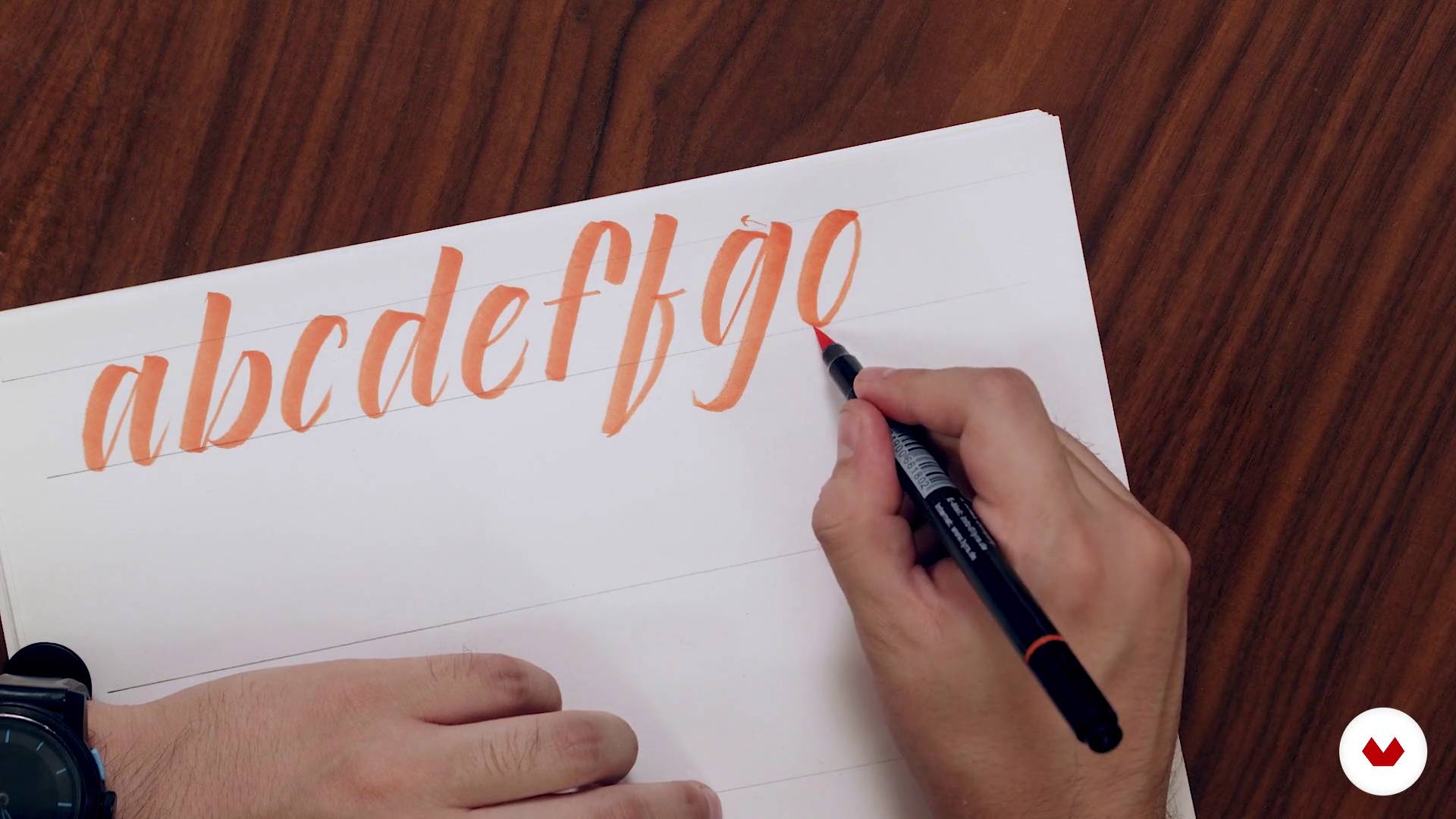
Expansion tools
1 minut, 1 secundă
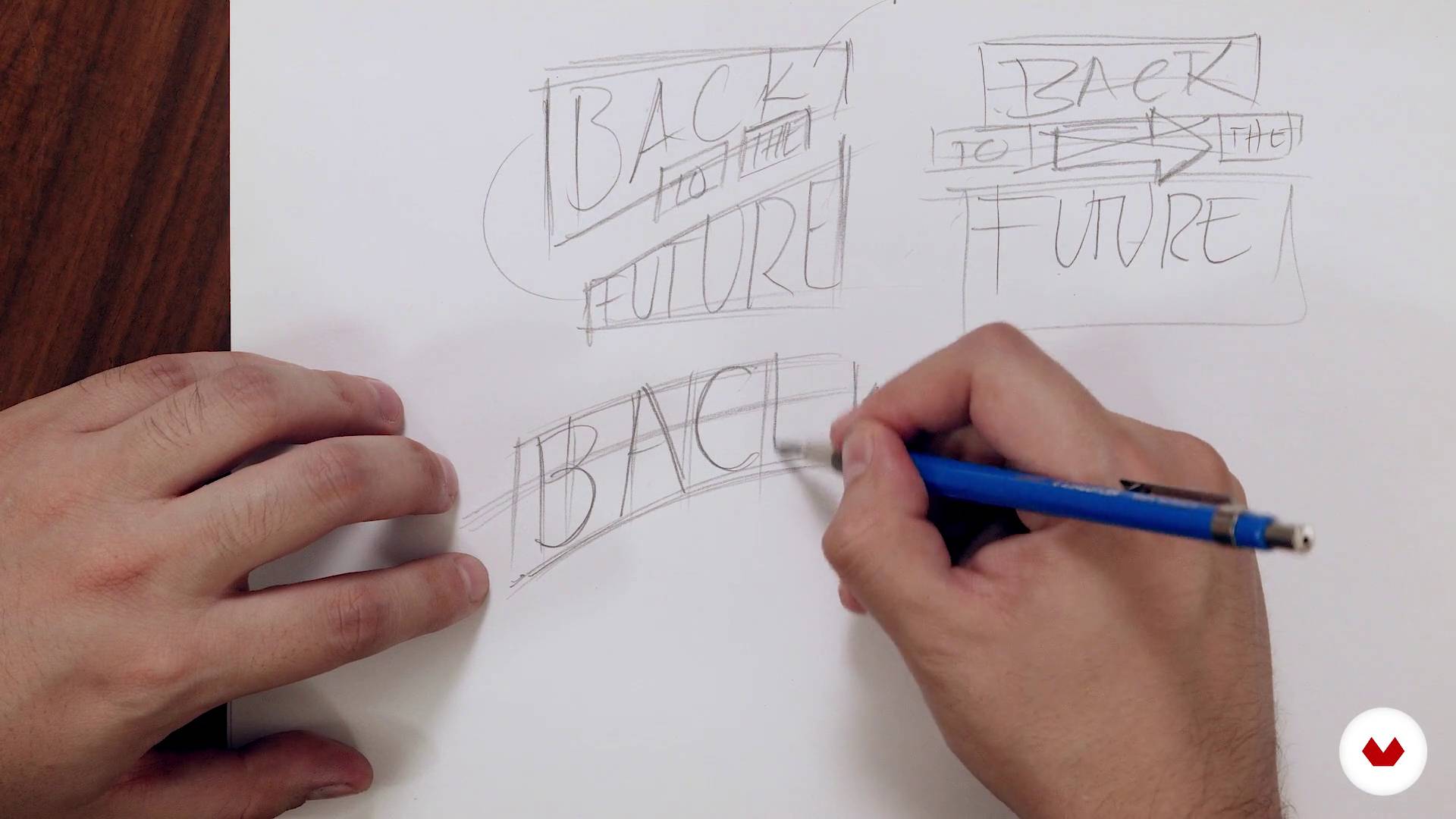
Principles of composition
1 minut, 1 secundă
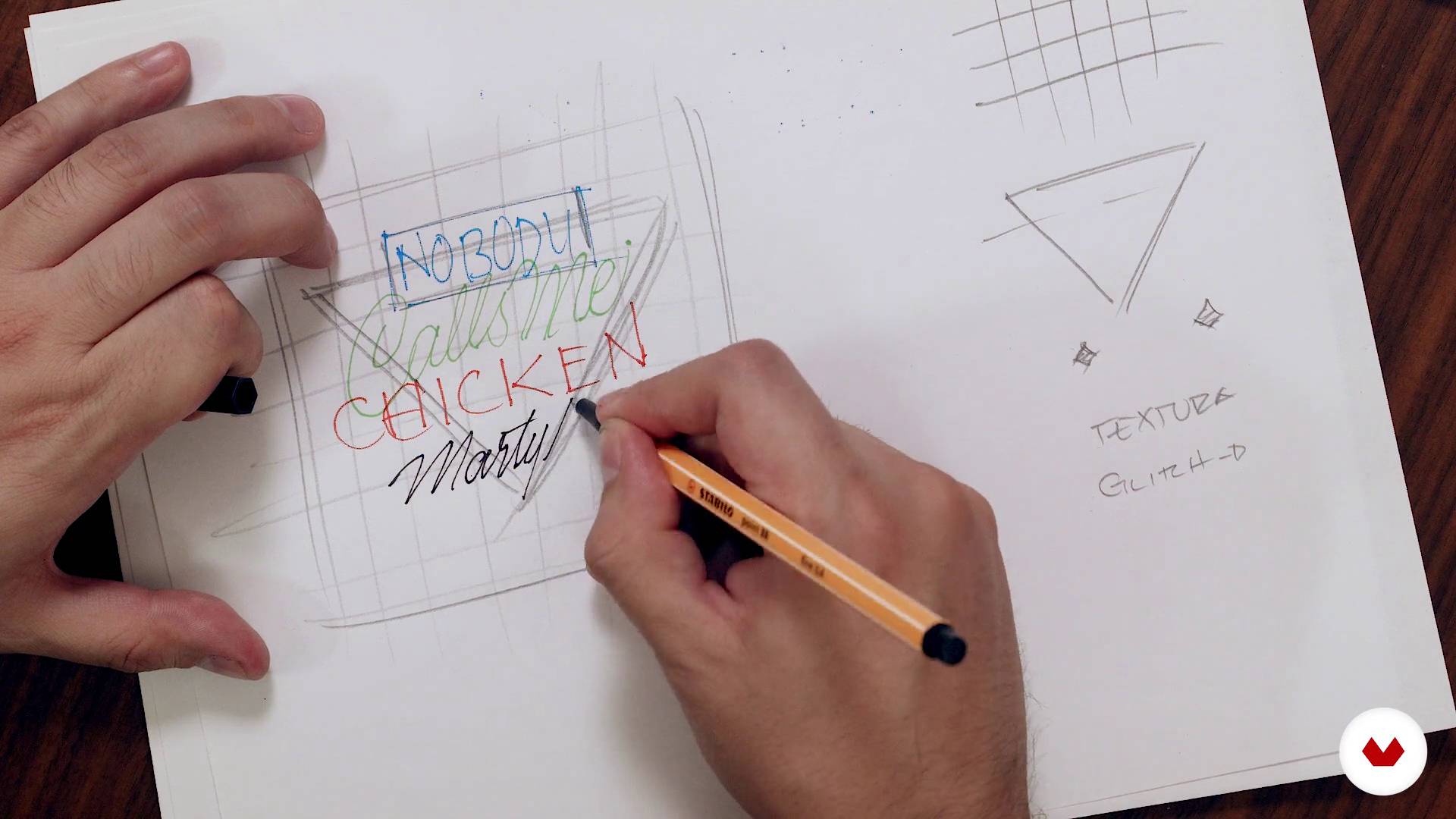
Let's do it
1 minut, 1 secundă
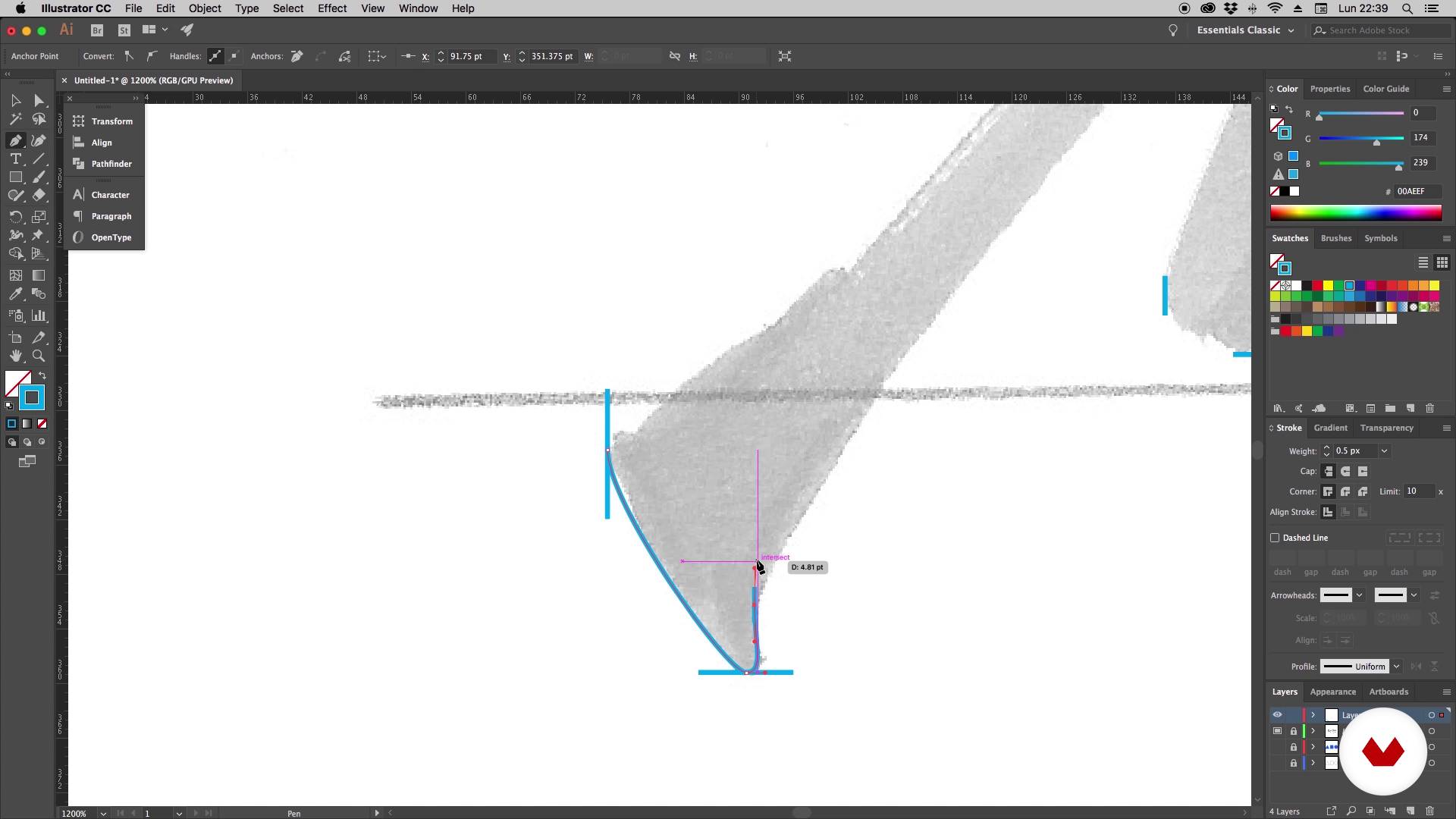
It's time to vectorize - Part 1
1 minut, 1 secundă
Ce include acest curs?
You will begin knowing Daniel's work and his influences. In the first lessons he will explain what is lettering and its difference with other disciplines in which the lyrics are also protagonists: calligraphy and typography.
You will also learn fundamental concepts for drawing letters, such as height, modulation and optical adjustment. In addition, Daniel will show you how to draw hand lettering with brush pen and you will discover some very useful warm-up exercises for this type of technique.
Next, you will see principles of composition, essential to create a harmonic and readable layout. Once you have made your sketch, Daniel will explain how to vectorize the design in a practical and simple way.
You will learn to create different types of letters in a completely digital way, starting with a modular typeface based on geometric shapes. Afterwards, you will make a monoline design and you will see how to create your own brushes to be able to draw your letters directly in Illustrator.
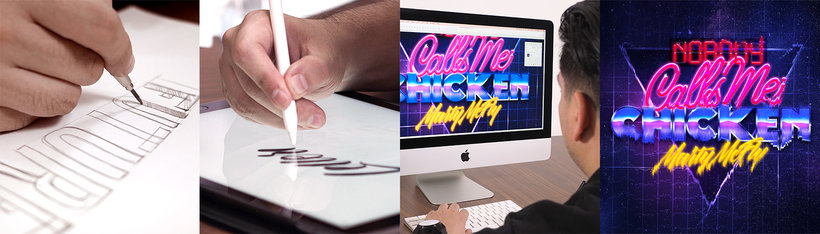
Finally, you will combine all the styles in your composition and take your design to Photoshop to give it the final finishes. You will learn to create letters with neon and metallic effects, apply lights, textures and create a glitch effect.
Software și instrumente recomandate pentru acest curs
Care este proiectul acestui curs?
You will design and develop a piece of lettering that you will apply in a poster.
Proiecte ale studenților cursului


Pentru cine este acest curs online?
Designers, calligraphers, lyricists and anyone who loves letters who wants to carry out lettering projects in a completely digital way.
Cerințe și materiale
Basic knowledge of Illustrator and Photoshop is necessary. With respect to the materials, you will need pencils, markers, a computer and a digitizing tablet.

Recenzii
- 2 ani în urmă
Excelente la claridad con que explica el instructor la técnica y muy buen contenido del curso
- 3 ani în urmă
Un curs molt pràctic, clar i amè.
- 3 ani în urmă
Excelente curso, excelente profesor.
- lamardiazdPLUS3 ani în urmă
Esperaba que diera una mayor exploración en la creación de tipografías. El curso es bueno, con información completa para alguien principiante en lettering. Muchas herramientas en illustrator y photoshop, tips que igual se encuentran en otras plataformas y de forma gratuita.
- 3 ani în urmă
I like the course, I can learn from the basics.

În plus, ...
Conţinut
- U 1
Introduction
- Presentation
- Influences
- What is lettering?
- U 2
Lettering
- Basic concepts for drawing letters
- Expansion tools
- Principles of composition
- Let's do it
- U 3
Illustrator
- It's time to vectorize - Part 1
- It's time to vectorize - Part 2
- Drawing the letters - Part 1
- Drawing the letters - Part 2
- Monoline style
- Creation of brushes - Part 1
- Creation of brushes - Part 2
- Final design
- U 4
Photoshop
- Creation of neon letters - Part 1
- Creation of neon letters - Part 2
- Creation of metallic letters
- Final finishes
- Digitization of the lettering (Bonus)
- FP
Proiect final
- Digital lettering with Illustrator and Photoshop
La ce să te aștepți de la un curs Domestika
Învață în ritmul tău propriu
Bucură-te de învățarea de acasă, fără un program fix și cu o metodă ușor de urmat. Tu îți stabilești propriul ritm.
Învață de la cei mai buni profesioniști
Învață metode și tehnici valoroase explicate de experți de top din sectorul creativ.
Întâlnește profesori experți
Fiecare expert predă ceea ce face cel mai bine, cu îndrumări clare, pasiune adevărată și perspicacitate profesională în fiecare lecție.
Certificate
PLUSDacă ești membru Plus, primești un certificat personalizat semnat de profesorul tău pentru fiecare curs. Distribuie-l în portofoliul tău, pe rețelele sociale sau oriunde dorești.
Obțineți locuri în primul rând
Videoclipuri de cea mai înaltă calitate, pentru a nu rata niciun detaliu. Cu acces nelimitat, le poți viziona de câte ori este nevoie pentru a-ți perfecționa tehnica.
Împărtășește cunoștințe și idei
Pune întrebări, solicită feedback sau oferă soluții. Împărtășește-ți experiența de învățare cu alți studenți din comunitate care sunt la fel de pasionați de creativitate ca și tine.
Conectează-te cu o comunitate creativă globală
Comunitatea găzduiește milioane de oameni din întreaga lume, curioși și pasionați de explorarea și exprimarea creativității lor.
Urmărește cursuri produse profesional
Domestika își gestionează lista de profesori și produce fiecare curs intern pentru a asigura o experiență de învățare online de înaltă calitate.
Întrebări frecvente
You’ll learn how to design letters and typographic compositions using calligraphy, lettering techniques, and digital tools like Illustrator and Photoshop. You’ll also explore color selection, special effects, and creating logos, posters, and branding.
This is an intermediate-level course, perfect if you already have some basic graphic design or hand-drawing skills. You don’t need to be an expert, but familiarity with digital tools is recommended.
You’ll need access to a computer with Illustrator and Photoshop installed, plus basic drawing supplies like paper, pencils, and brushes for manual exercises, and a graphics tablet if you want to practice digitally.
Calligraphy is the art of handwriting, lettering is the artistic drawing of letters, and typography is the design and use of digital font families to communicate messages.
By the end, you’ll be able to design custom letters, create logos, posters, and packaging, apply advanced digital effects, build your own alphabets, and improve your typographic composition and creativity.
Yes, the course covers techniques for creating advanced effects like neon, metallic finishes, glitch, and textures on letters using Photoshop and Illustrator.
You’ll learn how to select and combine color palettes based on the project’s needs, considering readability, style, and context for both print and digital media.