Final Art: Preparation of Files for Printing
Un curs de Chack RoblesDesigner și director artistic final
Un curs de Chack Robles, Designer și director artistic final

Learn to adapt your designs for production in various printing formats
Getting your final artwork right can save both time and money. Chack Robles—a graphic designer specializing in final artwork design and printing—has been working in print advertising for decades and his portfolio includes agencies such as McCann Erickson, Publicis, and Flock. He has also collaborated independently with brands such as Coca-Cola, Microsoft, and Jack Daniel's. His job is to help designers, illustrators, and big brands produce astonishing results through their printed artwork.
In this online course, Chack teaches you to master the final artwork and build a solid knowledge of the basic rules and principles of printing, opening the doors to unlimited success in all your printing projects.
Ce vei învăța în acest curs online?
1 lecție & 1 descărcare
Work profiles - Part 1
1 minut, 1 secundă
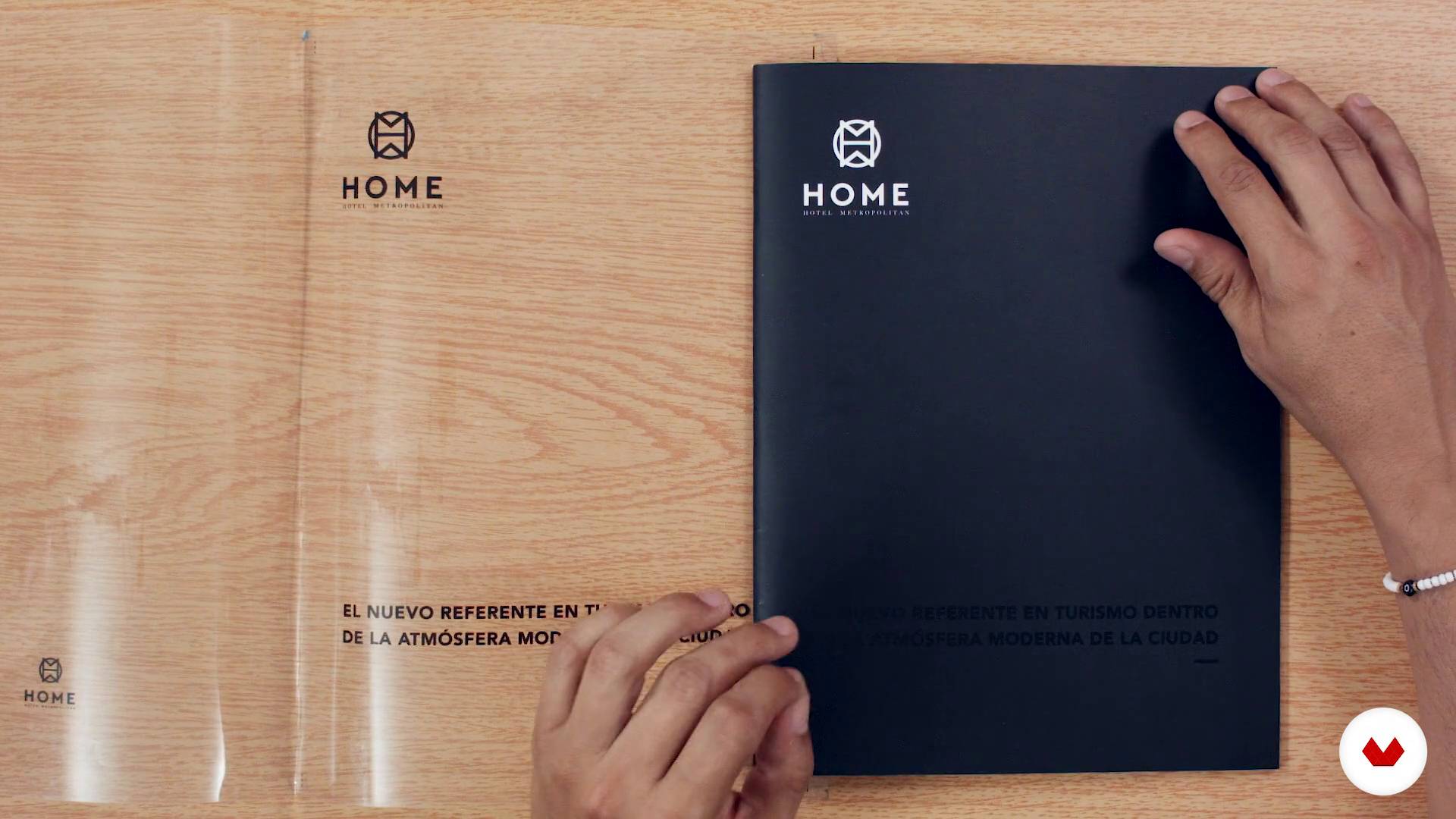
Work profiles - Part 2
1 minut, 1 secundă
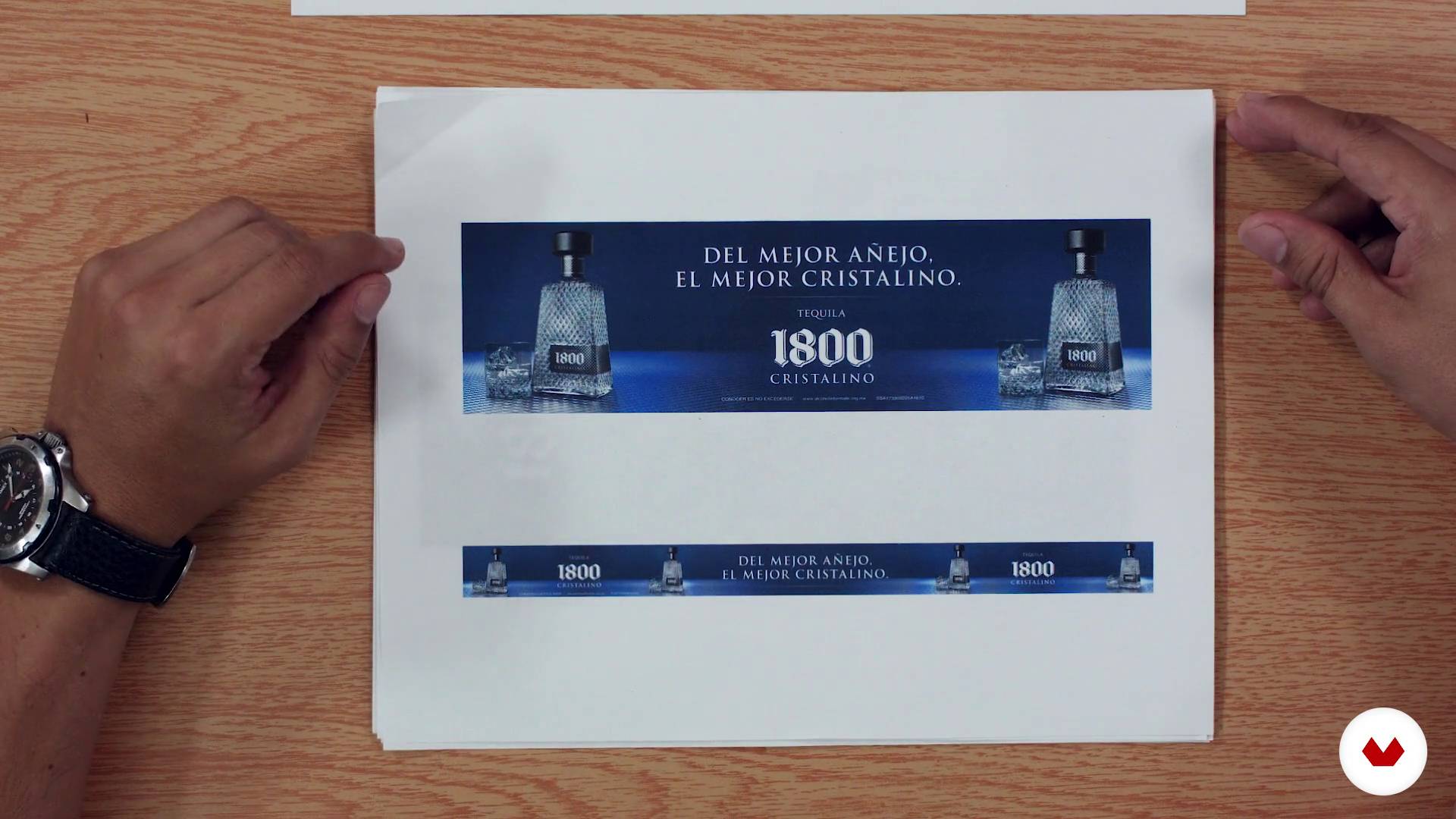
Idea and reality
1 minut, 1 secundă
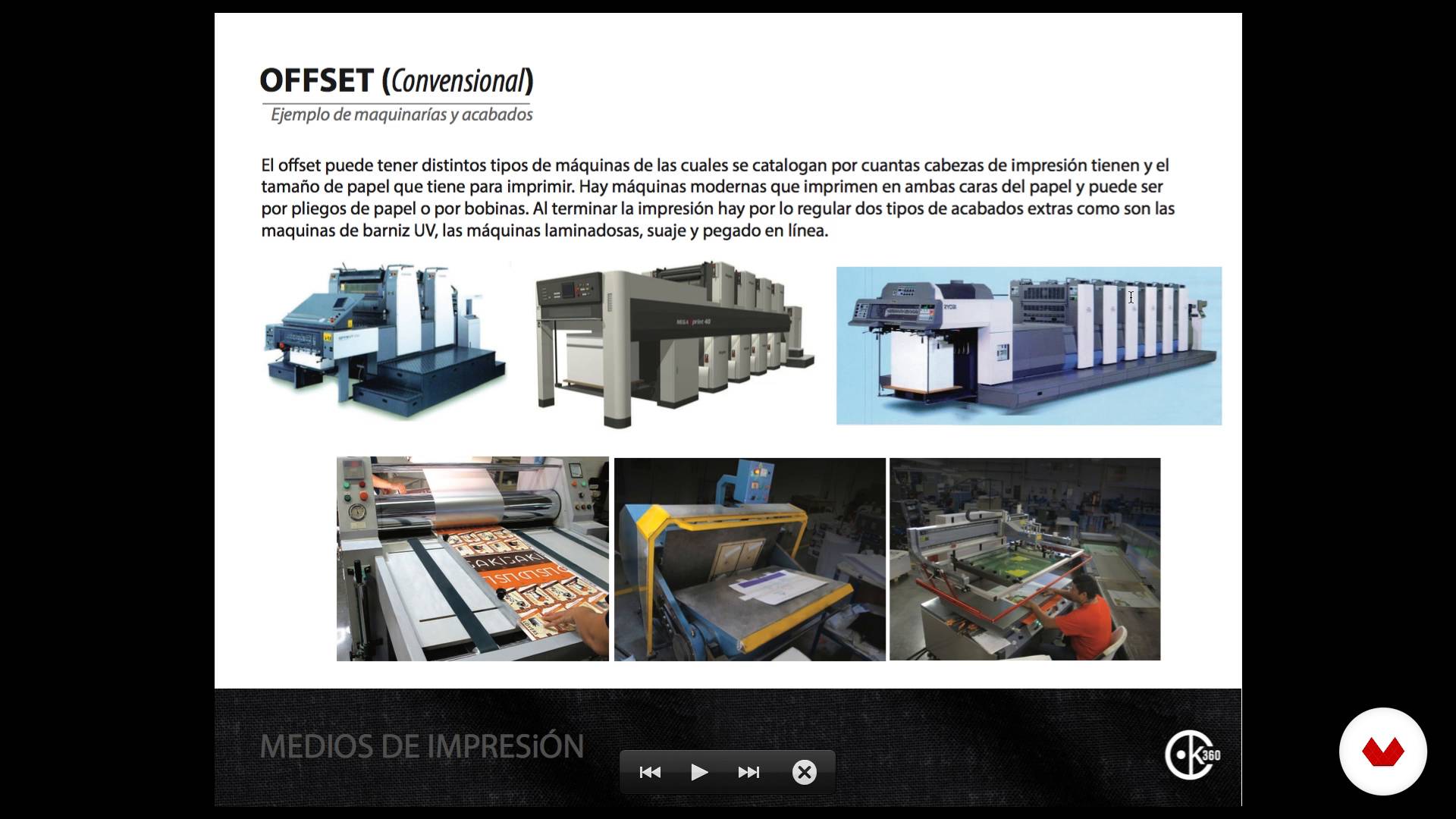
Printing media - Part 1
1 minut, 1 secundă
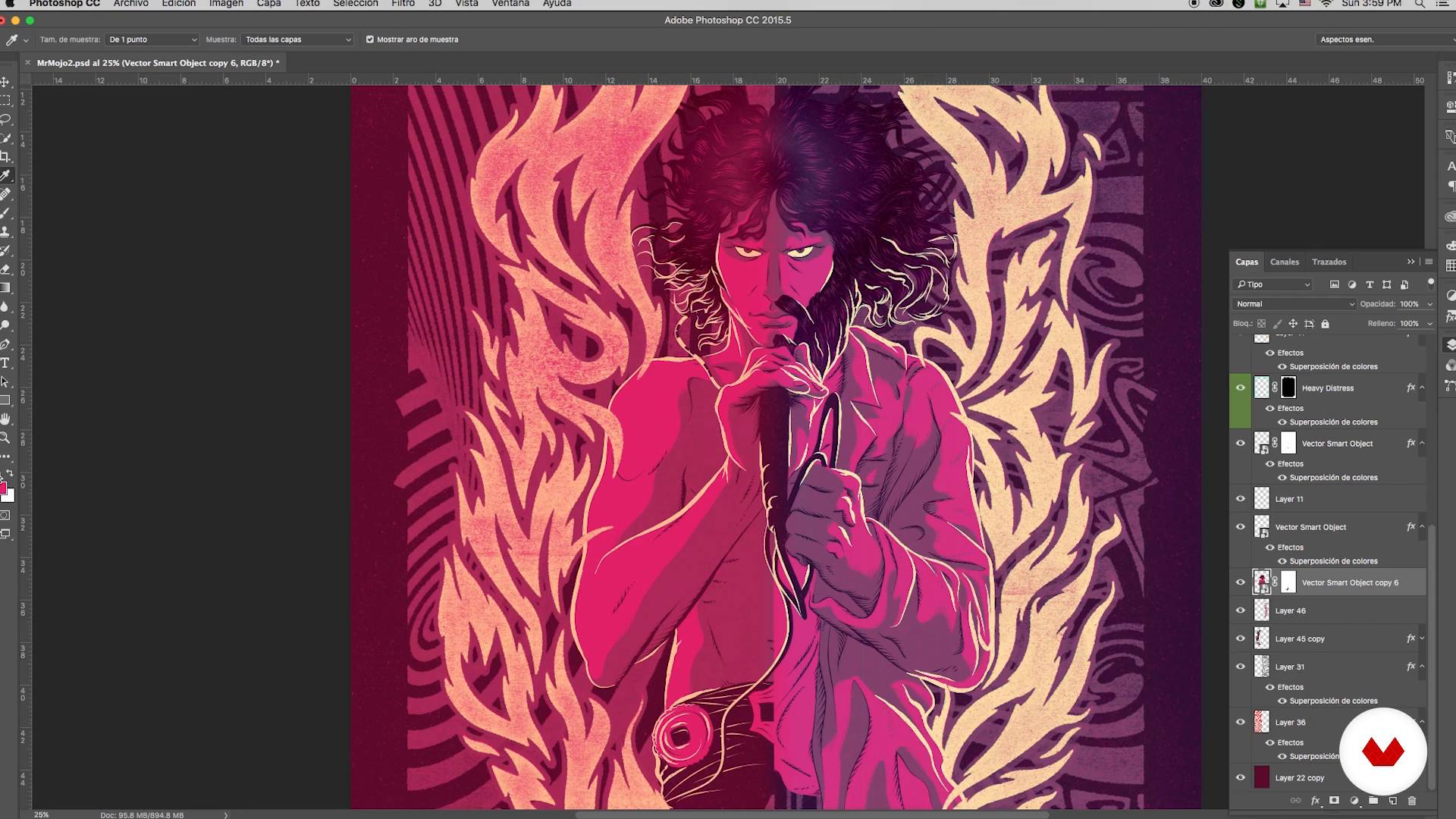
The art
1 minut, 1 secundă
Output to digital offset - Part 1
1 minut, 1 secundă
Ce include acest curs?
Start the course by learning what final artwork is, who needs it, and what it is used for. Then, study some samples before finding out how the results were obtained in each case.
Continue with an in-depth look at everything you need to consider before sending your file to print. Chack explains important concepts like color profiles in Illustrator and Photoshop, resolution, and output formats.
Once your project is ready for printing, analyze the color tests and the dummy, then carry out the necessary checks of your final piece of work. Next, learn about the three most commonly used printing methods: digital offset, conventional offset, and plotter.
Chack gives you advice to help you choose the most suitable medium for each project.
He also shows you the result of the same design when printed on different types of paper and takes you through experimenting with RGB designs that you later convert to CMYK for printing.
Learn to work with the four-color model and with special inks.
To wrap things up, Chack explains the specifications to give the printer so your designs come out exactly as you want them to.
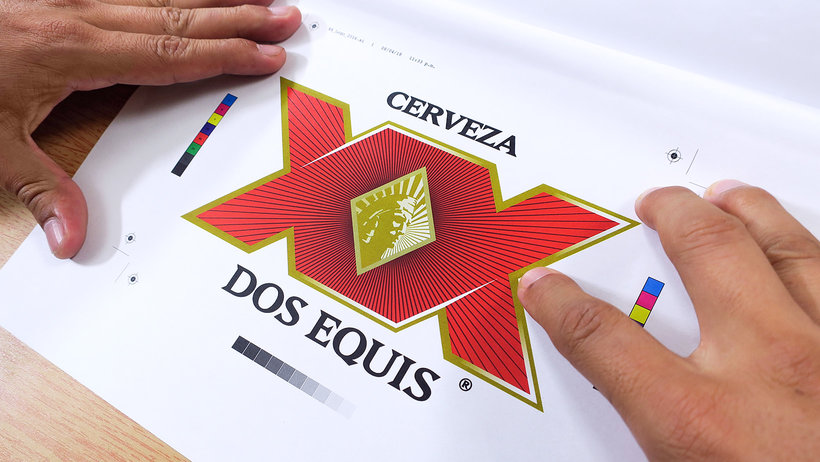
Software și instrumente recomandate pentru acest curs
Care este proiectul acestui curs?
Create a final artwork containing illustration, photography, and text, then adapt it to three types of printing: digital offset, traditional offset, and plotter.
Proiecte ale studenților cursului


Pentru cine este acest curs online?
Designers, illustrators, and anyone involved with graphic arts and advertising who is eager to master final artwork.
Cerințe și materiale
Basic notions of design, Photoshop, and Illustrator are essential for this course. As for materials, you only need a computer, although it is also advisable to have a linen tester and a Pantone guide.

Recenzii
- nalebebePLUS1 lună în urmă
Es un curso muy util para mandar a imprimir.
- thales_gomesPLUS2 luni în urmă
Curso muito bom, principalmente para entender como funciona os processos de impressão, recomendo caso queira se especializar na área
- isabellinhaPLUS2 luni în urmă
ótimo conteúdo, bom para quem já tem uma bagagem inicial na área de design.
- 2 luni în urmă
Super recomendado, que buen curso!
- 2 luni în urmă
Excelente curso, me encantan todos los temas, es un curso súper recomendado.

În cei peste 25 de ani de activit...
Conţinut
- U 1
Introduction
- Presentation
- What is the final art?
- Work profiles - Part 1
- Work profiles - Part 2
- U 2
Idea vs. Output
- What do I need to know?
- Idea and reality
- Printing media - Part 1
- Printing media - Part 2
- U 3
Forms of printing
- The art
- Output to digital offset - Part 1
- Output to digital offset - Part 2
- Output to digital offset - Part 3
- Output to digital offset - Part 4
- Output to conventional offset - Part 1
- Output to conventional offset - Part 2
- Output to conventional offset - Part 3
- Output to plotter - Part 1
- Output to plotter - Part 2
- U 4
Visiting the workshop
- Visit the digital offset workshop
- Visit the conventional offset workshop and plotter
- Final recommendations
- FP
Proiect final
- Final art: preparation of files for printing
La ce să te aștepți de la un curs Domestika
Învață în ritmul tău propriu
Bucură-te de învățarea de acasă, fără un program fix și cu o metodă ușor de urmat. Tu îți stabilești propriul ritm.
Învață de la cei mai buni profesioniști
Învață metode și tehnici valoroase explicate de experți de top din sectorul creativ.
Întâlnește profesori experți
Fiecare expert predă ceea ce face cel mai bine, cu îndrumări clare, pasiune adevărată și perspicacitate profesională în fiecare lecție.
Certificate
PLUSDacă ești membru Plus, primești un certificat personalizat semnat de profesorul tău pentru fiecare curs. Distribuie-l în portofoliul tău, pe rețelele sociale sau oriunde dorești.
Obțineți locuri în primul rând
Videoclipuri de cea mai înaltă calitate, pentru a nu rata niciun detaliu. Cu acces nelimitat, le poți viziona de câte ori este nevoie pentru a-ți perfecționa tehnica.
Împărtășește cunoștințe și idei
Pune întrebări, solicită feedback sau oferă soluții. Împărtășește-ți experiența de învățare cu alți studenți din comunitate care sunt la fel de pasionați de creativitate ca și tine.
Conectează-te cu o comunitate creativă globală
Comunitatea găzduiește milioane de oameni din întreaga lume, curioși și pasionați de explorarea și exprimarea creativității lor.
Urmărește cursuri produse profesional
Domestika își gestionează lista de profesori și produce fiecare curs intern pentru a asigura o experiență de învățare online de înaltă calitate.
Întrebări frecvente
You’ll learn how to calibrate monitors, manage color profiles, prepare final artwork, and optimize files for offset, digital, and large format printing—ensuring quality and compatibility for every project.
Yes, this is an intermediate-level course designed for those with basic graphic design knowledge who want to master professional file preparation for printing.
It’s recommended to have basic graphic design skills and familiarity with programs like Illustrator and Photoshop to get the most out of this course.
You’ll need access to Adobe Illustrator, Photoshop, and Acrobat, along with a properly calibrated monitor and enough computer storage to handle large files.
The course teaches you how to calibrate monitors using color tools and settings to ensure the colors you see on screen match the final print.
You should correctly set color profiles, resolution, bleeds, crop marks, and export in the right format (PDF, JPG, etc.) according to the printer’s requirements.
The course explains how to organize layers, convert fonts to outlines, remove unnecessary elements, and check compatibility to avoid production errors.