Professional Modeling of 3D Cartoon Characters
Un curs de Juan Solís GarcíaModelator de personaje
Un curs de Juan Solís García, Modelator de personaje

Learn to design characters for animation with ZBrush and 3ds Max
Character modeler Juan Solís has dedicated his career to creating countless 3D cartoon characters over the past two decades, working for top studios like Disney Animation, DreamWorks, Ilion Animation Studios, and Blur Studio on high-profile projects such as Frozen, Trollhunters, Spiderman, and Tadeo Jones.
If there's one thing he's learned through experience, it's that there are notable differences between modeling 3D characters for a personal project and doing so for a professional production. In this course, Juan teaches you how to model characters in collaboration with the art department and prepare them to star in an epic animated production.
Ce vei învăța în acest curs online?
1 lecție & 1 descărcare
Briefing
1 minut, 1 secundă
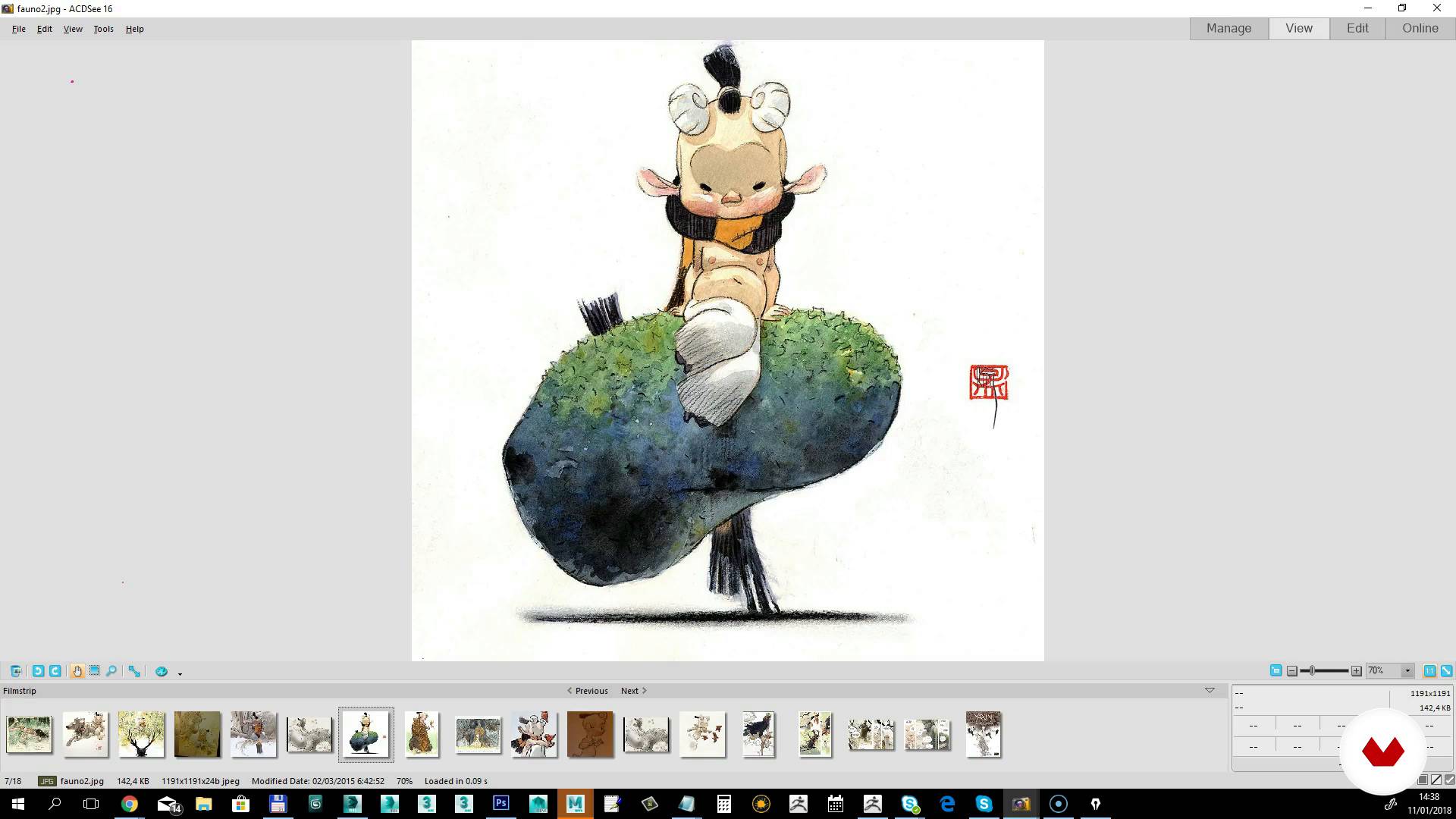
Search for references and look and feel
1 minut, 1 secundă
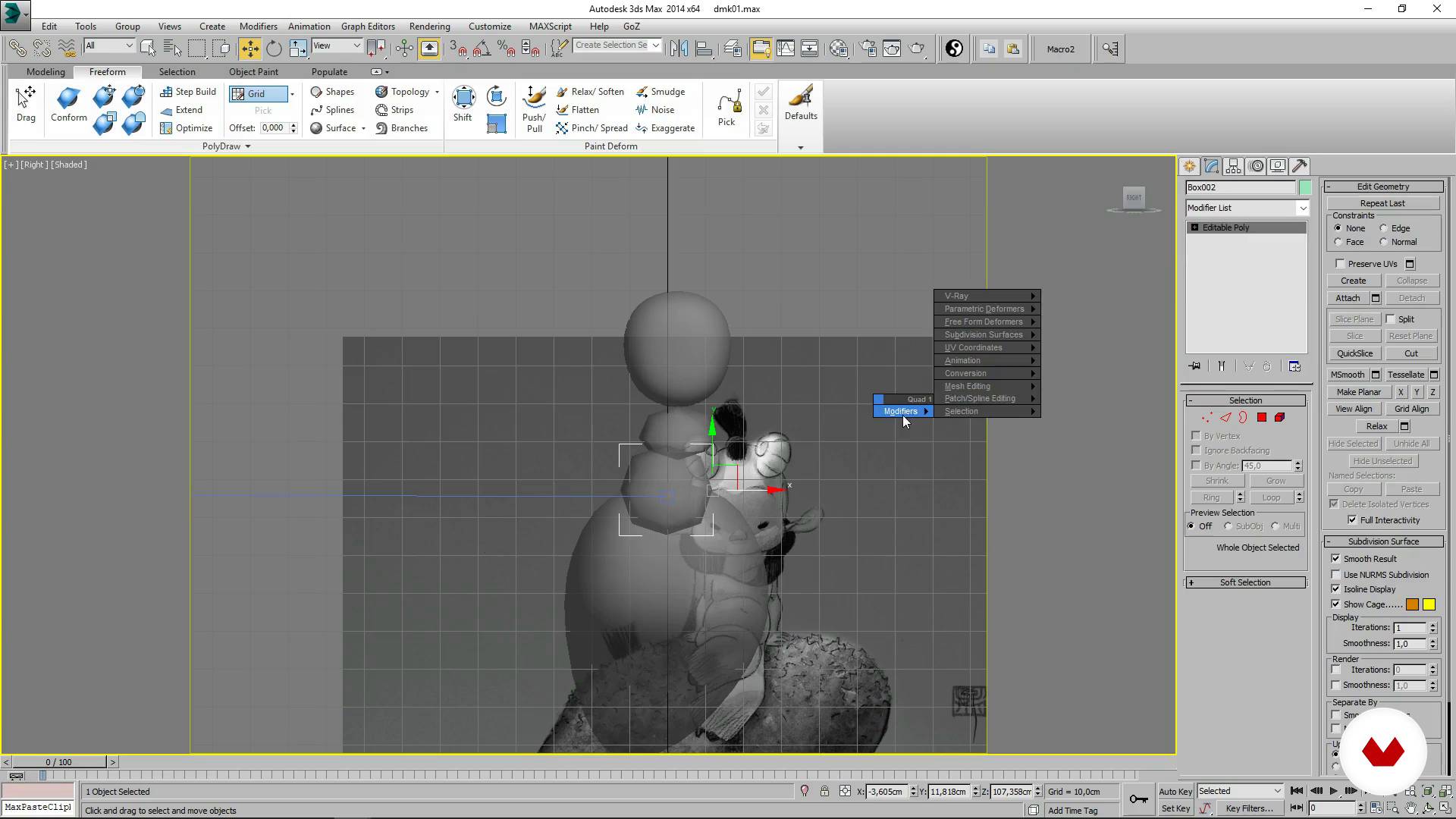
The lace
1 minut, 1 secundă
Detailed and sculpted I
1 minut, 1 secundă
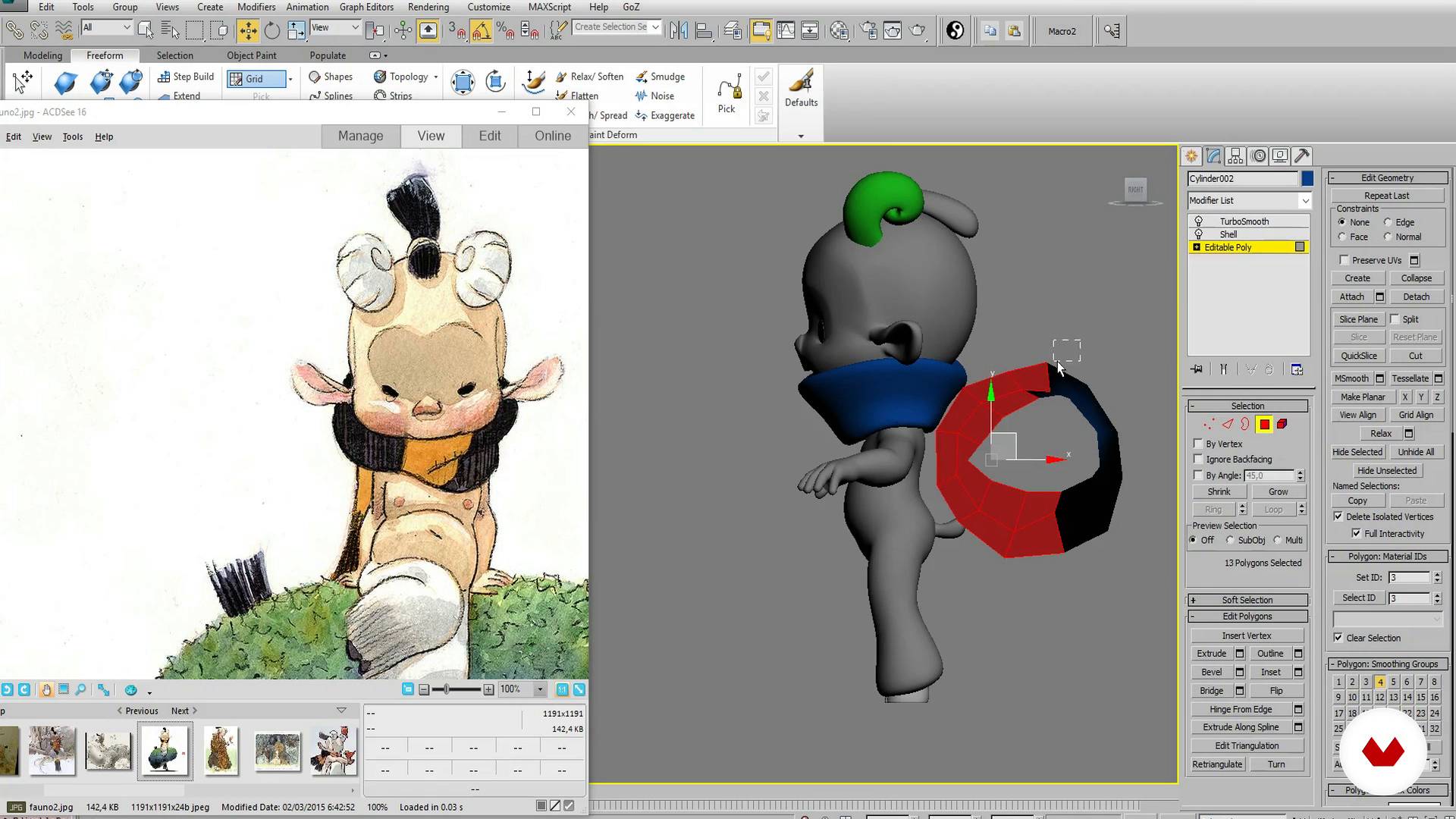
Detailed and sculpted II
1 minut, 1 secundă
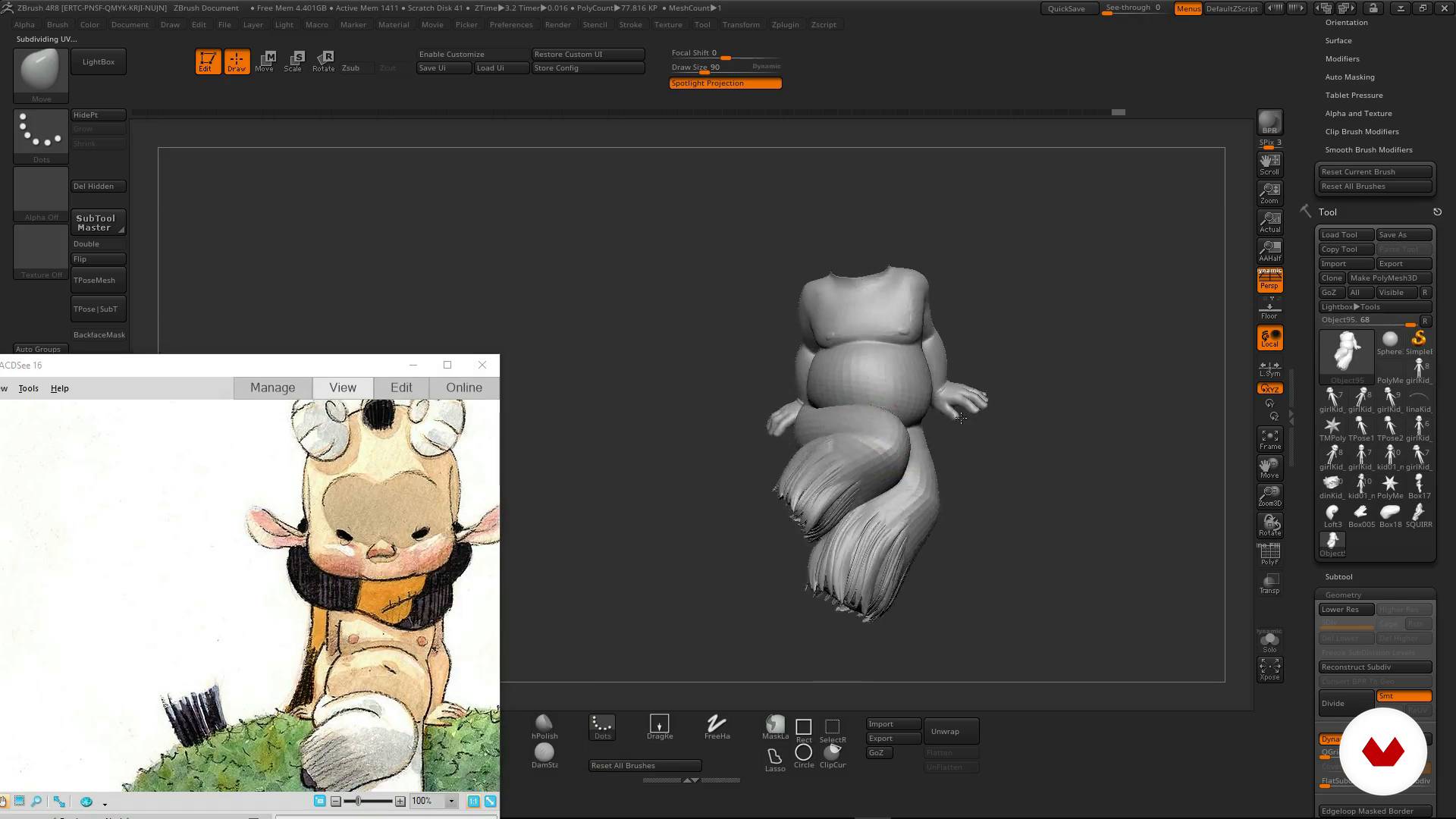
Landed
1 minut, 1 secundă
Ce include acest curs?
Get started by exploring Juan Solís's work and his influences as he gives you a tour of the projects and artists that have inspired him.
Learn to analyze a brief and search for references to define the look and feel of your project and sketch out a first draft of your character.
Next, start modeling by blocking in your character's basic shapes, ensuring its proportions are correct. Move on to the sculpting phase to add detail to your character and shape its pose.
Once you've finished this first stage, prepare a presentation for your client with a turnaround animation and various stills depicting the character from different angles.
Then take a deep dive into more technical aspects, making corrections to the character's topology and UVs to prepare it for painting.
To tie everything together, Juan Solís provides some tricks you can apply to model your 3D cartoon characters in a more professional way.
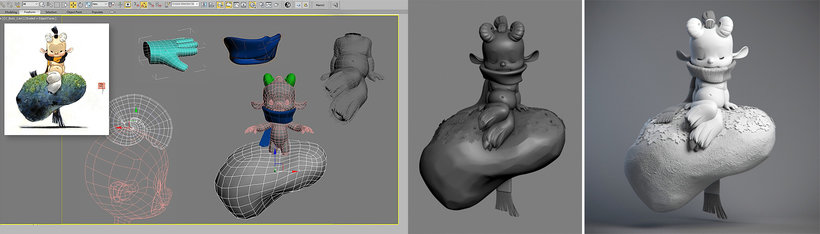
Software și instrumente recomandate pentru acest curs
Care este proiectul acestui curs?
Model a 3D character, from the initial concept to its final pose, and prepare it for an animated production.
Proiecte ale studenților cursului


Pentru cine este acest curs online?
Character designers and creators with prior modeling experience who want to master the workflow involved in creating 3D characters for any type of professional production.
Cerințe și materiale
You need a computer with 3D modeling software (such as 3ds Max, Maya, or Blender) and ZBrush, as well as a basic working knowledge of these programs. A graphics tablet is also recommended.

Recenzii
- 16 zile în urmă
El curso fue bueno, el instructor proporcionó una guía detallada y los conocimientos adquiridos generales.
- graficstudio_90PLUS3 luni în urmă
escelente curso lo vi en plus gratis decidi comprarlo
- 3 luni în urmă
Great course.
- 5 luni în urmă
The course was good, the instructor provided detailed guidance, and the knowledge gained can be applied to Blender software.
- 1 an în urmă
Genial directo a lo que necesites saber si tienes conocimiento previos.

Conţinut
- U 1
Introduction
- Presentation
- Influences
- U 2
Charge
- Briefing
- Search for references and look and feel
- U 3
We start modeling!
- The lace
- Detailed and sculpted I
- Detailed and sculpted II
- Landed
- Render and presentation to the client
- U 4
Final modeling and delivery
- Final topology
- Uvs for production
- Analysis of the work done and advice
- FP
Proiect final
- Cartoon character modeling for production
La ce să te aștepți de la un curs Domestika
Învață în ritmul tău propriu
Bucură-te de învățarea de acasă, fără un program fix și cu o metodă ușor de urmat. Tu îți stabilești propriul ritm.
Învață de la cei mai buni profesioniști
Învață metode și tehnici valoroase explicate de experți de top din sectorul creativ.
Întâlnește profesori experți
Fiecare expert predă ceea ce face cel mai bine, cu îndrumări clare, pasiune adevărată și perspicacitate profesională în fiecare lecție.
Certificate
PLUSDacă ești membru Plus, primești un certificat personalizat semnat de profesorul tău pentru fiecare curs. Distribuie-l în portofoliul tău, pe rețelele sociale sau oriunde dorești.
Obțineți locuri în primul rând
Videoclipuri de cea mai înaltă calitate, pentru a nu rata niciun detaliu. Cu acces nelimitat, le poți viziona de câte ori este nevoie pentru a-ți perfecționa tehnica.
Împărtășește cunoștințe și idei
Pune întrebări, solicită feedback sau oferă soluții. Împărtășește-ți experiența de învățare cu alți studenți din comunitate care sunt la fel de pasionați de creativitate ca și tine.
Conectează-te cu o comunitate creativă globală
Comunitatea găzduiește milioane de oameni din întreaga lume, curioși și pasionați de explorarea și exprimarea creativității lor.
Urmărește cursuri produse profesional
Domestika își gestionează lista de profesori și produce fiecare curs intern pentru a asigura o experiență de învățare online de înaltă calitate.
Întrebări frecvente
This course is aimed at people with basic 3D modeling skills who want to refine their cartoon character abilities, making it ideal for intermediate learners.
You should have basic knowledge of 3D modeling and be comfortable using software like 3D Studio or ZBrush to follow the course smoothly.
You’ll need access to 3D Studio (3ds Max) and ZBrush, plus a computer capable of running these programs and an internet connection to download visual references.
You’ll learn how to design, model, texture, and render cartoon characters, optimize topology and UVs for professional production, integrate visual references, and apply cartoon stylization and anatomy techniques.
The course teaches you how to find and organize visual references on platforms like Pinterest, analyze styles, and gather inspiring images from concept artists and sculptures.
Cartoon modeling focuses on stylization, clear silhouettes, and expressive proportions, while realistic modeling aims to faithfully replicate natural anatomy and details.
You’ll learn to optimize topology, create clean UV layouts, and make adjustments that ease animation, texturing, and rigging within a professional pipeline.