Illustration Techniques in Pixel Art
A course by Galamot ShakuIlustrator / Dezvoltator de jocuri
A course by Galamot Shaku, Ilustrator / Dezvoltator de jocuri

Create a pixel-art portrait with Photoshop using a photograph or drawing
Adrián de la Garza (better known as Galamot Shaku)—illustrator, pixel artist, and video-game developer—teaches you everything you need to know about pixel art, a digital art form where images are edited at the pixel level.
In this course, Galamot goes over the different illustration techniques that exist in this discipline, from the theoretical base and technical foundations to applications in different formats and supports.
Ce vei învăța în acest curs online?
1 lecție & 1 descărcare
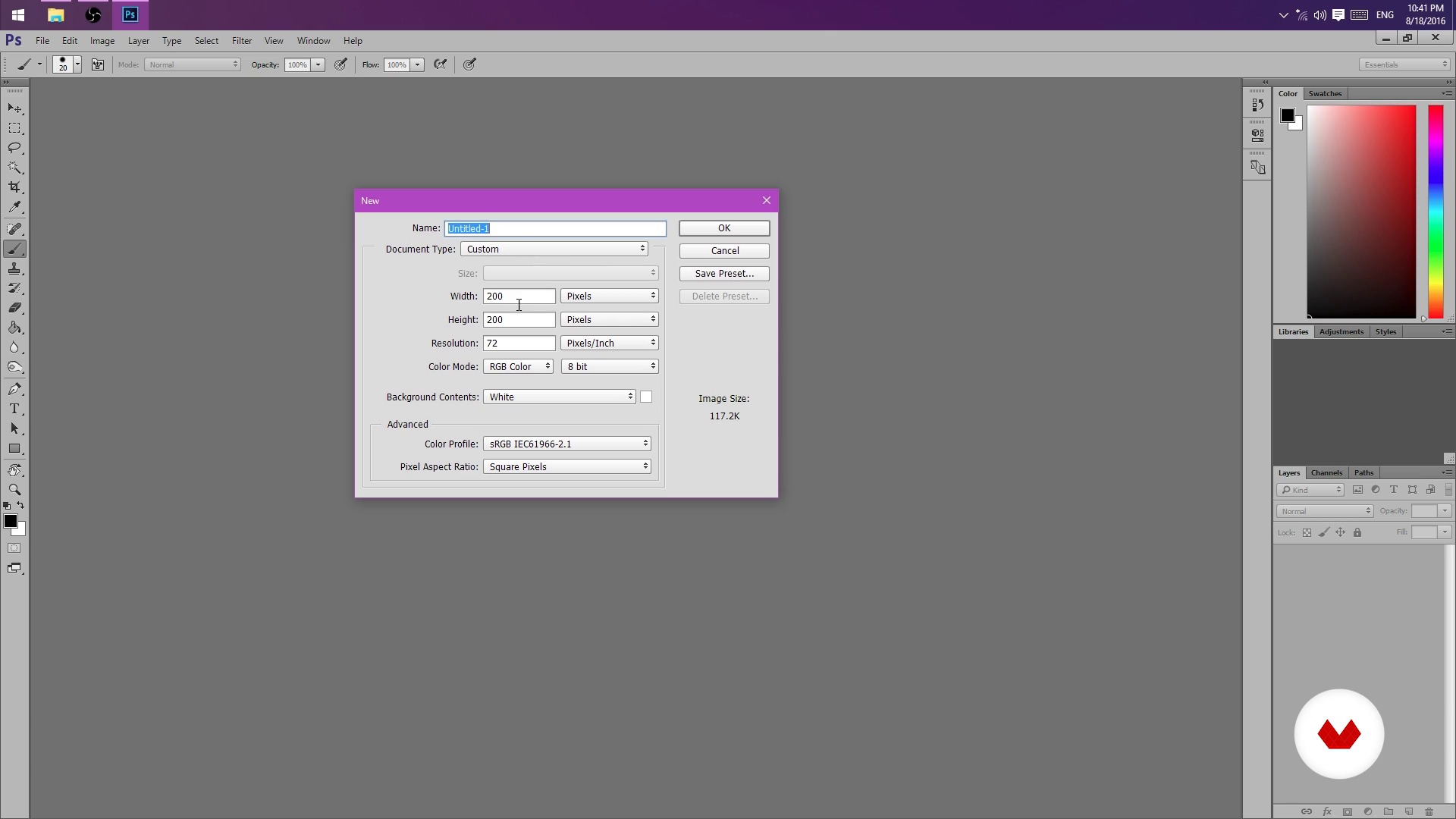
But I could do it in Paint! (And you can actually)
1 minut, 1 secundă
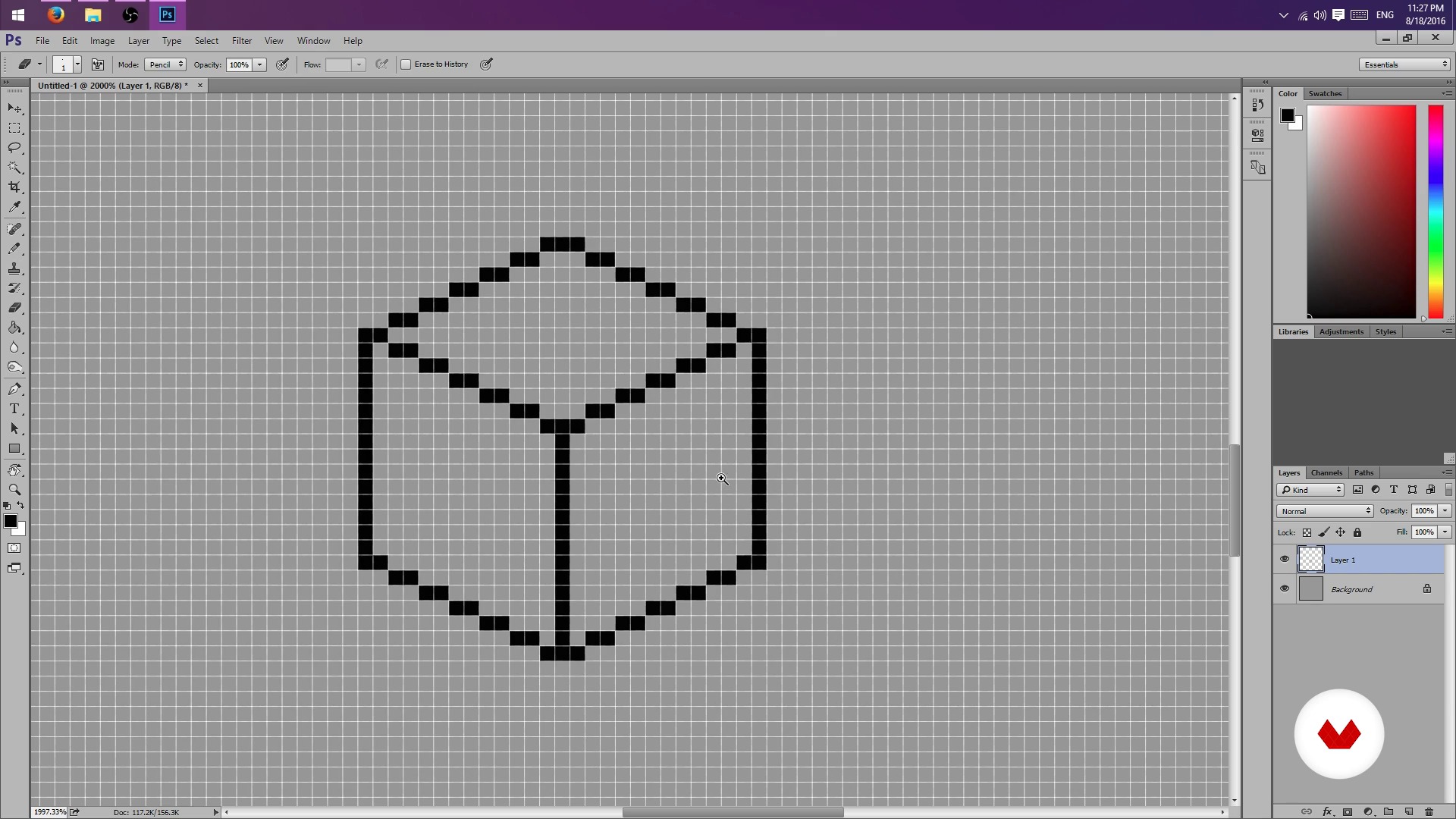
Pencil, rubber and lots of patience - Part I
1 minut, 1 secundă
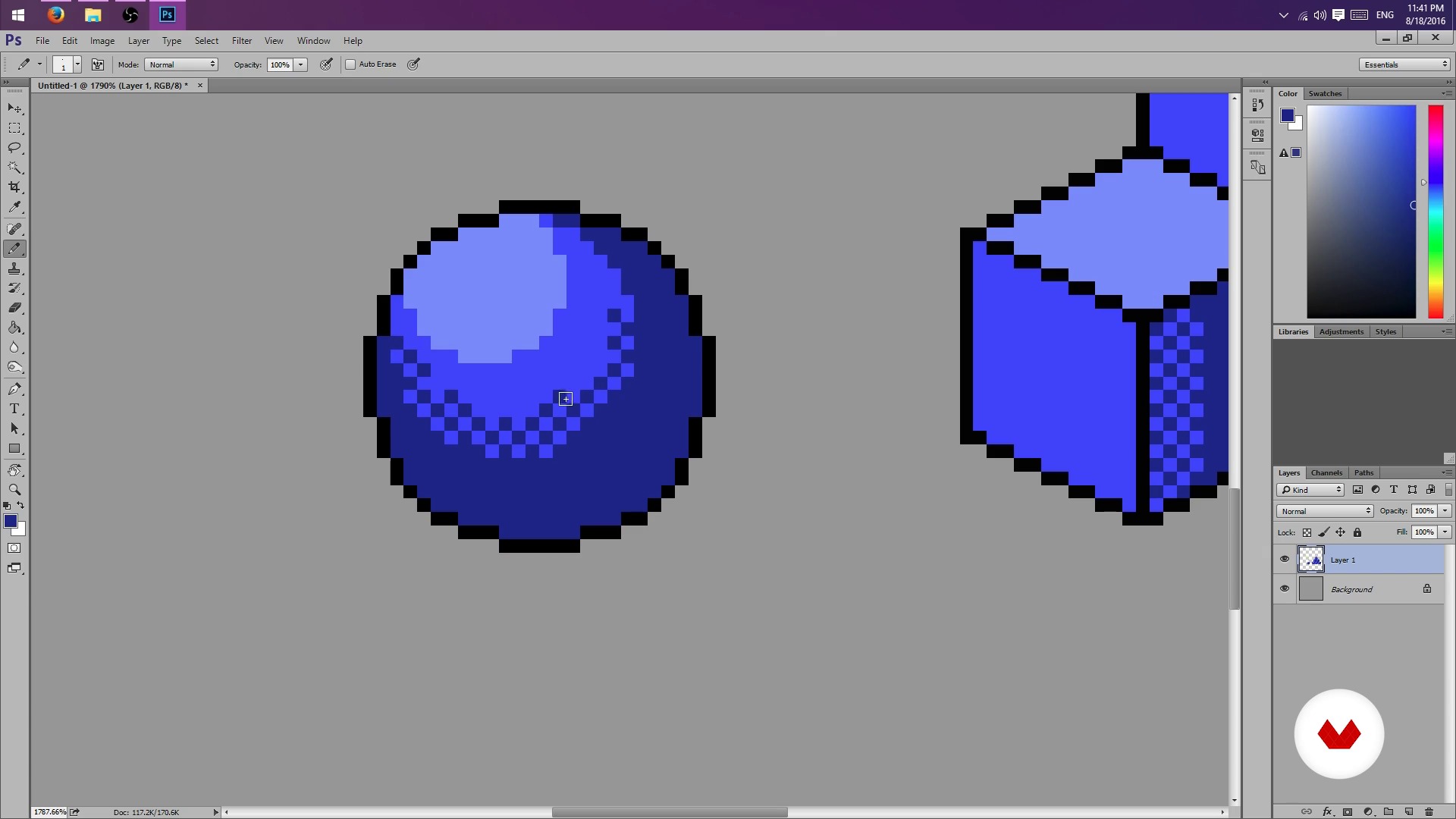
Pencil, rubber and lots of patience - Part II
1 minut, 1 secundă
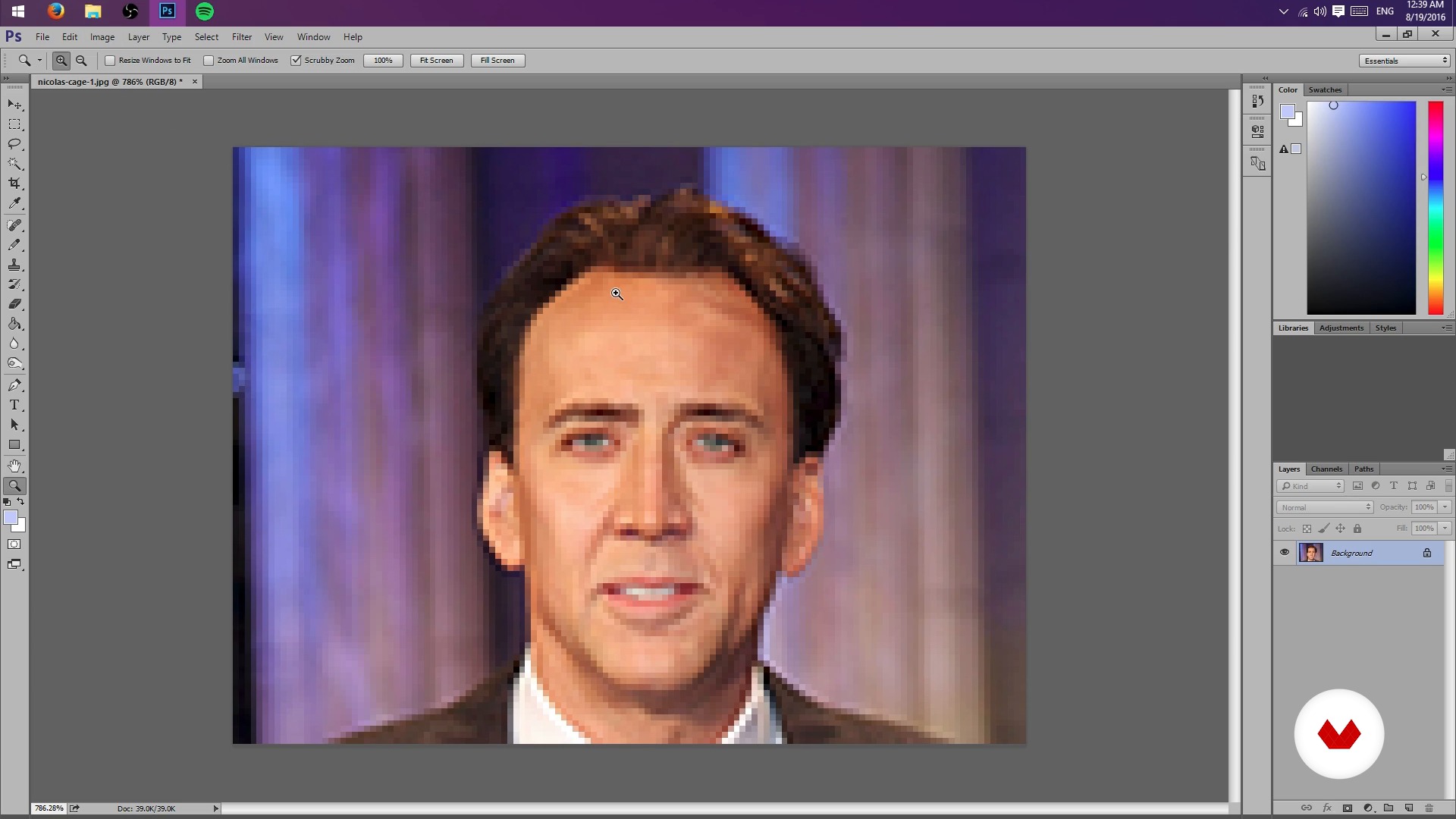
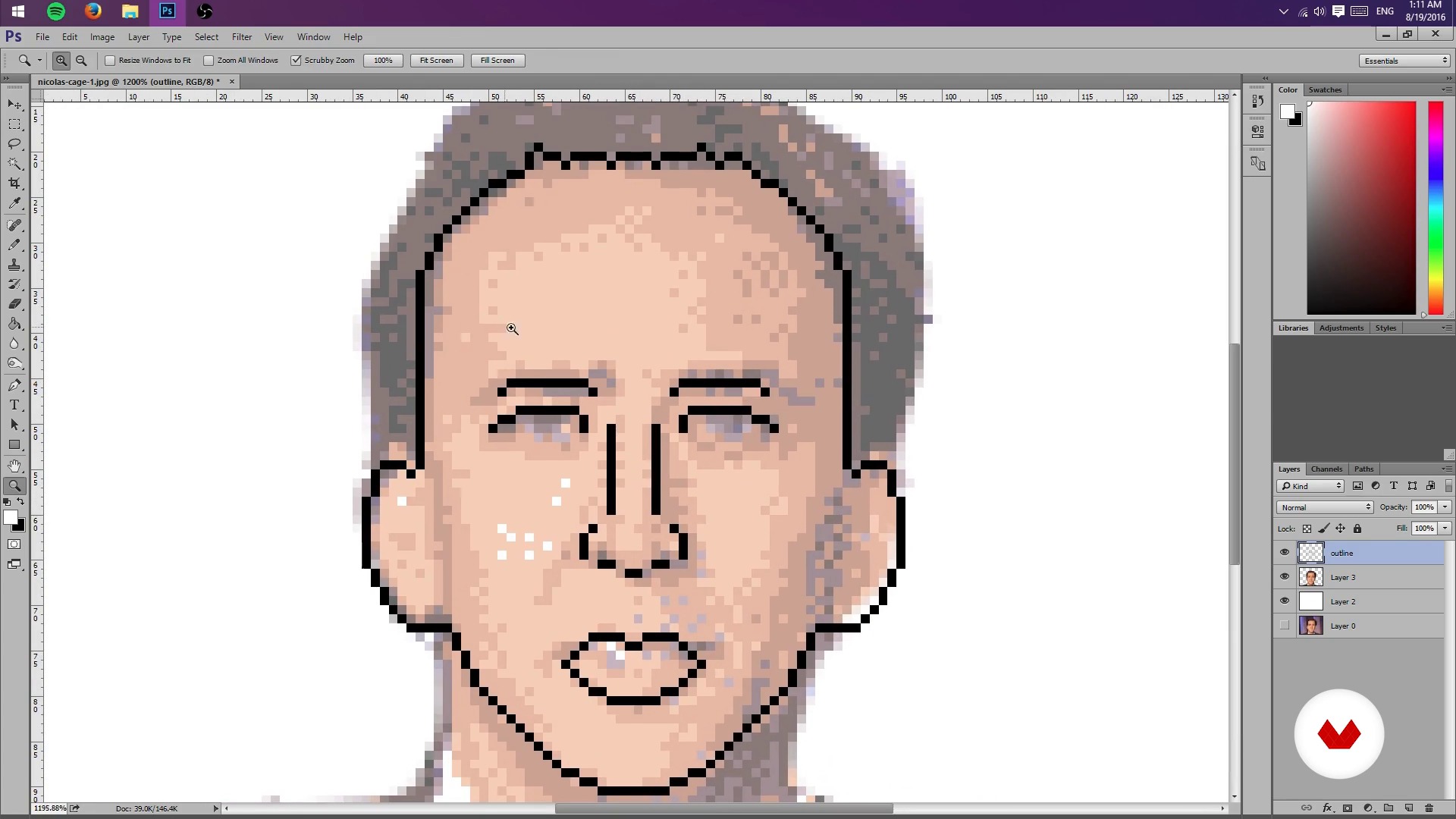
Creation of sketch from a photograph
1 minut, 1 secundă
Test Your Might
1 minut, 1 secundă
Colors, lights and shadows - Part I
1 minut, 1 secundă
Ce include acest curs?
Start by learning about Galamot's work and influences, from console graphics to more traditional illustrations.
Next, learn how to set up a file in Photoshop and the tools needed to work easily with pixels.
Learn how to conceptualize objects in 2D space and practice different shading techniques.
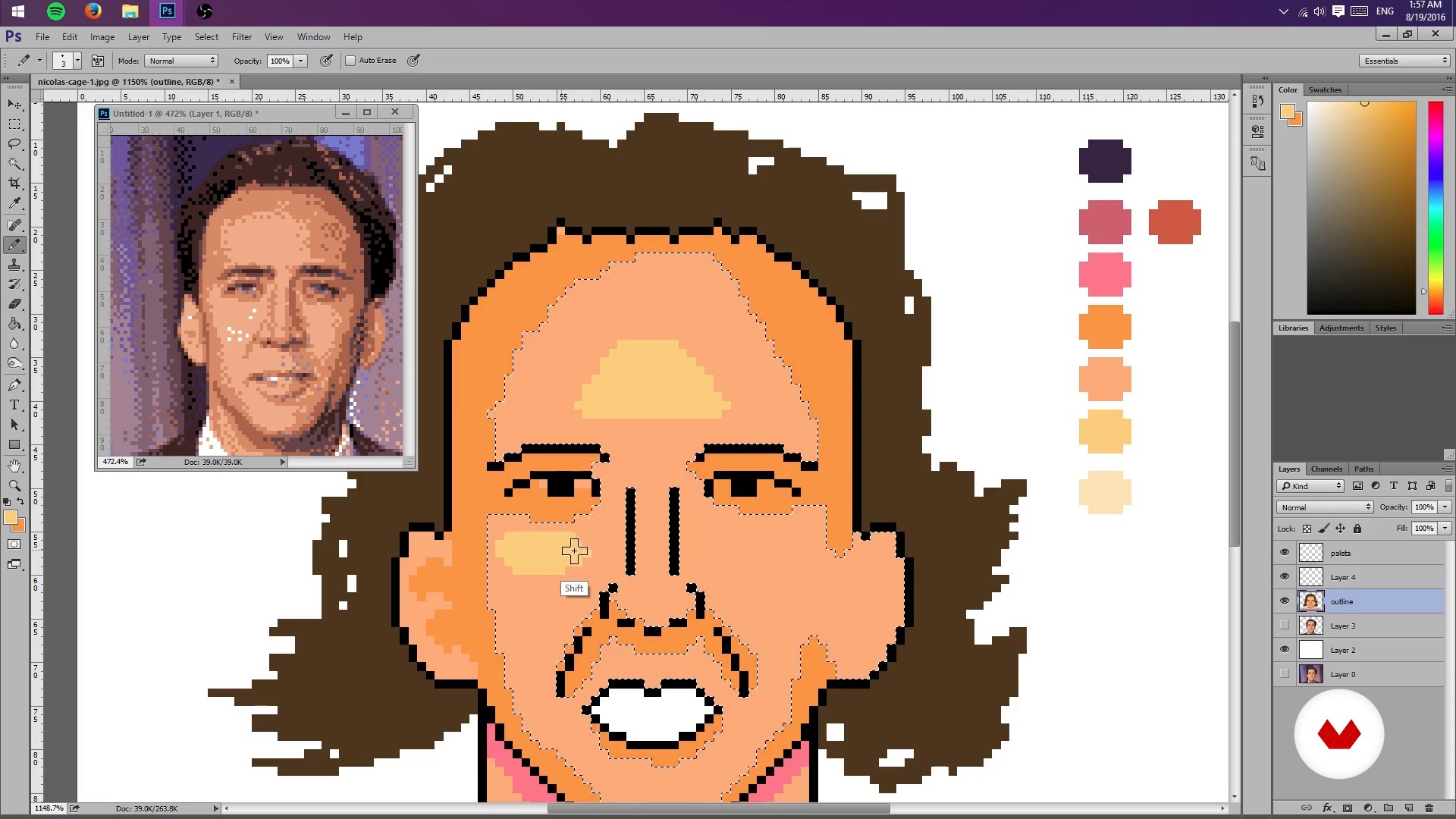
Once you understand the basics of pixel art, learn how to create a sketch of a portrait from a photograph by scaling the composition and limiting the color palette to limit lights and shadows. Then, create a general lighting map of the image.
Once you have the base of your pixel-art portrait, learn how to add details such as highlights and textures, try different color palettes, and, finally, export the final project.
As an extra, Galamot goes over some useful formats to share a pixel-art creation in print media, GIFs, video games, and animation.
Recommended software & tools for this course
What is this course's project?
Make a pixel-art portrait from a photograph or your own drawing by applying the lessons learned during the course.
Proiecte ale studenților cursului


Who is this online course for?
This course is for illustrators interested in learning a new technique, video-game developers, animators, and anyone who wants to delve into the world of pixels.
Requirements and materials
Basic knowledge of Photoshop and a graphics tablet are recommended, but not required.

Recenzii
- 3 luni în urmă
muy bien curso, aprendí bastante.
- 11 luni în urmă
Me esta gustando.
- 2 ani în urmă
Excelente curso, me sirvió muchísimo para iniciar mis proyectos.
- 2 ani în urmă
i love that
- 2 ani în urmă
Good course. I'm happy to have taken it, especially because it goes through the process using Photoshop, which I wasn't used to for making Pixel Art. I recommend the course also because the processes are explained well step by step in a good way!

Întotdeauna a iubit jocurile video. După cum explică el : „...
Conţinut
- U 1
Hello World
- Presentation
- Influences
- U 2
Photoshop settings
- But I could do it in Paint! (And you can actually)
- Pencil, rubber and lots of patience - Part I
- Pencil, rubber and lots of patience - Part II
- U 3
Sketch and layout
- Creation of sketch from a photograph
- Test Your Might
- Colors, lights and shadows - Part I
- Colors, lights and shadows - Part II
- U 4
Colors, lights and flavors
- More Color - Part I
- More Color - Part II
- Bonus Stage
- FP
Proiect final
- Illustration Techniques in Pixel Art
La ce să te aștepți de la un curs Domestika
Învață în ritmul tău propriu
Bucură-te de învățarea de acasă, fără un program fix și cu o metodă ușor de urmat. Tu îți stabilești propriul ritm.
Învață de la cei mai buni profesioniști
Învață metode și tehnici valoroase explicate de experți de top din sectorul creativ.
Întâlnește profesori experți
Fiecare expert predă ceea ce face cel mai bine, cu îndrumări clare, pasiune adevărată și perspicacitate profesională în fiecare lecție.
Certificates
PLUSIf you're a Plus member, get a certificat personalizat signed by your teacher for every course. Share it on your portfolio, social media, or wherever you like.
Obțineți locuri în primul rând
Videoclipuri de cea mai înaltă calitate, pentru a nu rata niciun detaliu. Cu acces nelimitat, le poți viziona de câte ori este nevoie pentru a-ți perfecționa tehnica.
Împărtășește cunoștințe și idei
Pune întrebări, solicită feedback sau oferă soluții. Împărtășește-ți experiența de învățare cu alți studenți din comunitate care sunt la fel de pasionați de creativitate ca și tine.
Conectează-te cu o comunitate creativă globală
Comunitatea găzduiește milioane de oameni din întreaga lume, curioși și pasionați de explorarea și exprimarea creativității lor.
Urmărește cursuri produse profesional
Domestika își gestionează lista de profesori și produce fiecare curs intern pentru a asigura o experiență de învățare online de înaltă calitate.
Întrebări frecvente
Pixel art is a digital illustration technique that uses visible pixels to create stylized images. In Photoshop, specific tools like the pencil and palette management are used to design pixelated characters, backgrounds, and scenes.
The course is intermediate level, so it’s recommended to have basic digital editing skills and some experience with Photoshop before starting.
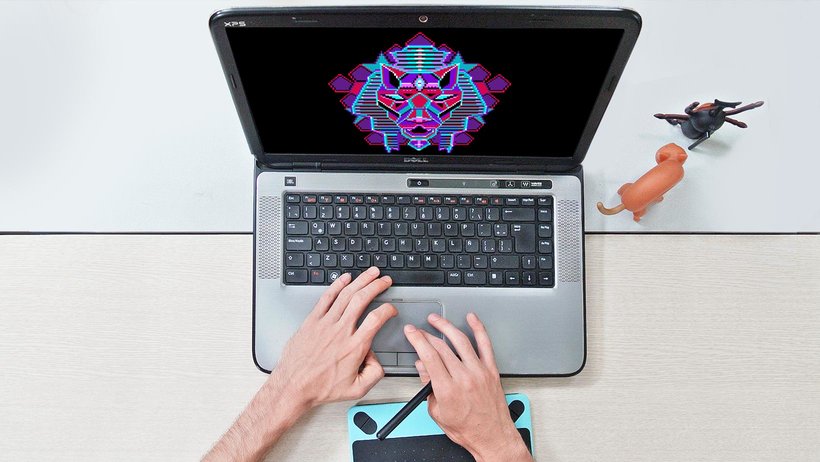
You just need a computer with Adobe Photoshop installed and preferably a graphics tablet, though you can work with a mouse. No physical materials are required.
You’ll learn how to scale images, reduce color counts, adjust palettes, and use layers and opacity to turn photos into pixelated sketches ready for illustration.
The course teaches how to limit the color palette using Photoshop’s settings and modes, making it easier to create visually simple images with a retro or minimalist style.
By the end, you’ll be able to create portraits, characters, isometric illustrations, video game covers, and pixel art GIF animations, exporting your work in various digital formats.
Yes, the course covers creating simple GIF-style animations using Photoshop and optimizing color palettes for smooth, retro effects.