


4 Tools for Documenting Design Systems
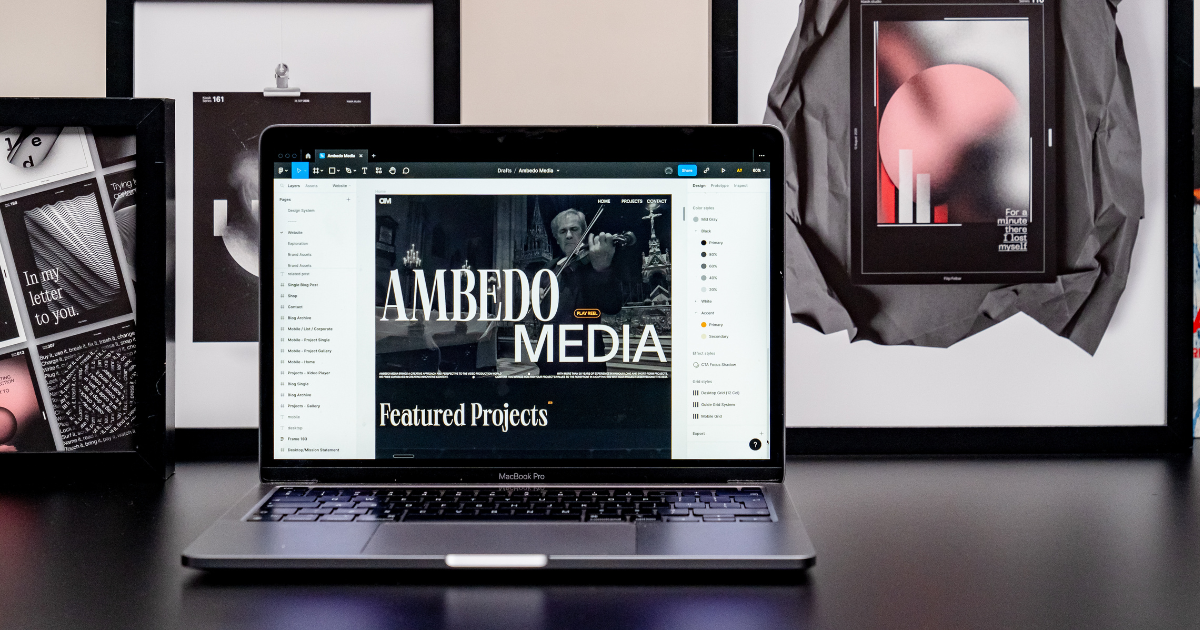
In order to keep everyone on the same page in the design, development and marketing processes, it’s important to have a documentation system in place for keeping track of changes, updates and use cases for your design system. This can be achieved in almost any general word processing tool if you’d prefer to go a more manual route. But if you’re interested in diving into something more streamlined, here are some recommendations.
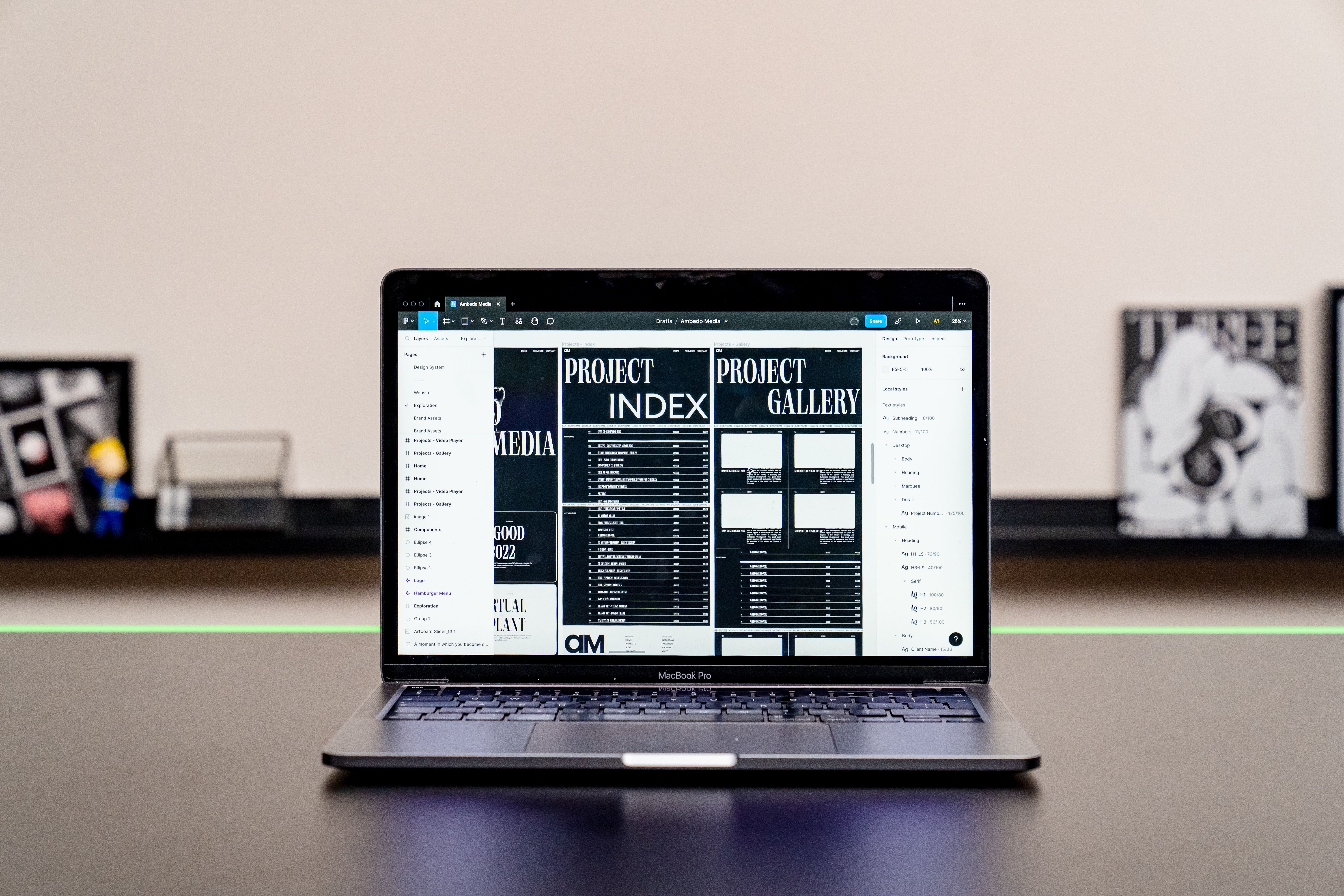
Zeroheight is a design system documentation tool that focuses on creating living style guides. It allows teams to create and maintain a centralized source of truth for design systems. Zeroheight offers features like component documentation, version control, collaboration, and integration with design tools, ensuring that design systems are well-documented and easily accessible to the team.
Notion is a powerful all-in-one productivity and collaboration tool that combines note-taking, project management, and knowledge organization into a single platform. It allows individuals and teams to create, share, and manage various types of content, including documents, databases, wikis, tasks, and more. Notion's versatility and flexibility have made it a key asset in all of my processes, beyond design systems. Although, to get a better design system documentation platform from Notion, you’ll need to invest quite a bit of time to set up your environment. But the investment will pay off most for teams that already integrate Notion in different aspects of their workflows and need a custom solution for their design system as well.
If you'd like to use Notion as your documentation platform, I've attached a starting point template to help you with cutting back time on getting started. Open the link and hit the “Duplicate” button to make a copy to your Notion profile.
Dołącz za darmo i pobierz
U2_02_Content Organisation Template.zip

Frontify is a comprehensive brand and design management platform that includes features specifically designed for documenting design systems. It offers a centralized platform to create and maintain a living style guide, design patterns, and component libraries. Frontify provides collaboration tools, version control, and visual guidelines to ensure consistency and accessibility within your design system.
Confluence is a collaboration and documentation tool that can be utilized for design system documentation. Similar to Notion in its documentation and customisation features, you can create dedicated spaces or pages to document design principles, style guides, component libraries, and usage guidelines. Confluence allows for easy collaboration, version history tracking, and integration with other Atlassian tools like Jira.
Wrap-up
Overall, documentation is truly successful if it’s understandable and usable by all teams. Agreeing on naming conventions and organization principles is a difficult task, but having a great understanding of the available tools and how you can play to their strengths will allow you and your team to stay on the same page.
If you’d be interested in learning how to approach creating a design system and accompanying documentation, check out my Domestika course on Design Systems within Figma. You’ll be able to learn more about my process for creating website designs and design systems in tandem to expand creative workflows, while remaining structured every step of the way.


0 komentarzy