

SketchUp Tutorial: How to Draw From a Reference Image
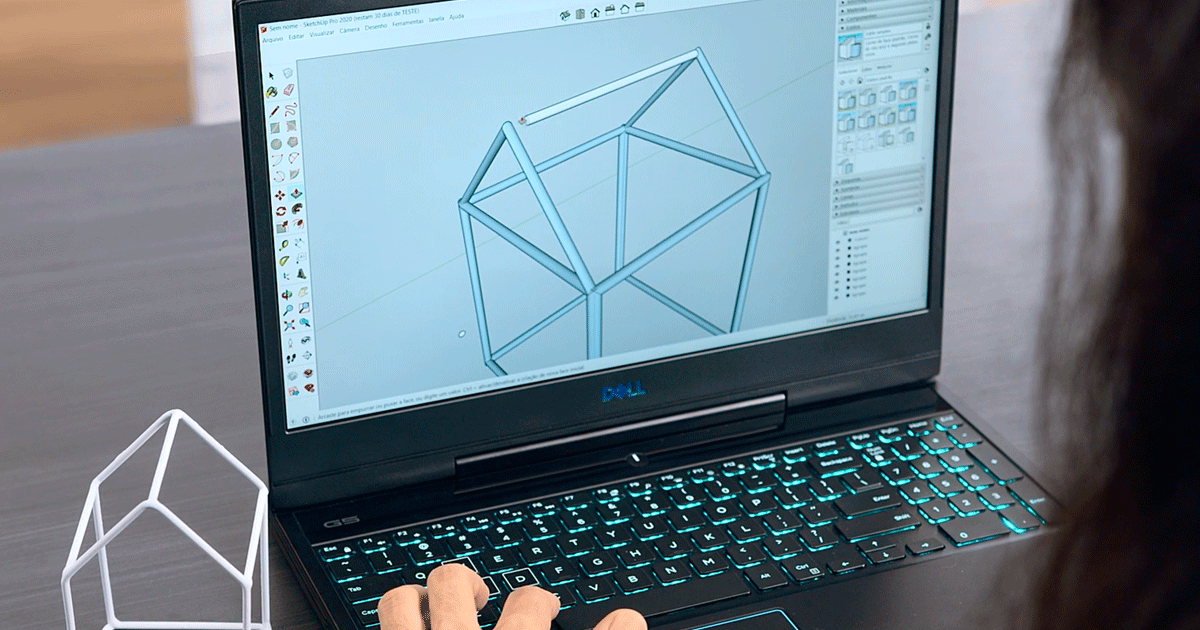
Learn how to import an image and draw over it in SketchUp, with Guilherme Coblinski
SketchUp is ideal when you’re looking for quick and visually powerful product design, architecture and spacial design solutions.
It features multiple tools that allow you to create completely original objects or items from a reference image. Teacher and designer Guilherme Coblinski Tavares shows you how in this tutorial.
Watch the video!

Draw From a Reference Image in SketchUp in 3 Easy Steps
1. Work on your reference image in 2D
Right click on the area containing the image you want to work on and select dissociate. On doing so, you will transform this area into a texture. Next create a rectangle matching the size of the object on which you’re going to work.
2. Refine your object
If your object has rounded corners, use the Arch tool (two points) to outline them correctly. Then select Move and drag and hold down on Ctrl to copy the object.
3. Create three dimensionality
Right click on the object and select Create component. Press down on the mouse wheel and click on Push/Pull. You’ll notice that the sides of the object are now the same color as the texture and will expand. Enter the value you wish to give the object sides. Make sure that the Text > Projected option is enabled. Exit the component by clicking anywhere outside it, then save.
Like these tips? Guilherme Coblinski Tavares can teach you how to master the tools in this software package and create product design, interior design, architecture and landscape design projects like a pro in his online course: Sketchup 3D Modeling for Beginners.
You may also like:
- What is SketchUp?
- SketchUp Tutorial: How to Import a CAD File to SketchUp
- 5 Online Courses for Learning Architectural Visualization
- Architectural Vizualization with V-Ray for SketchUp, a course by María Alarcón
- Creation of Interior Design Projects on SketchUp, a course by Alexandra Proaño Gonzales


0 comentarios