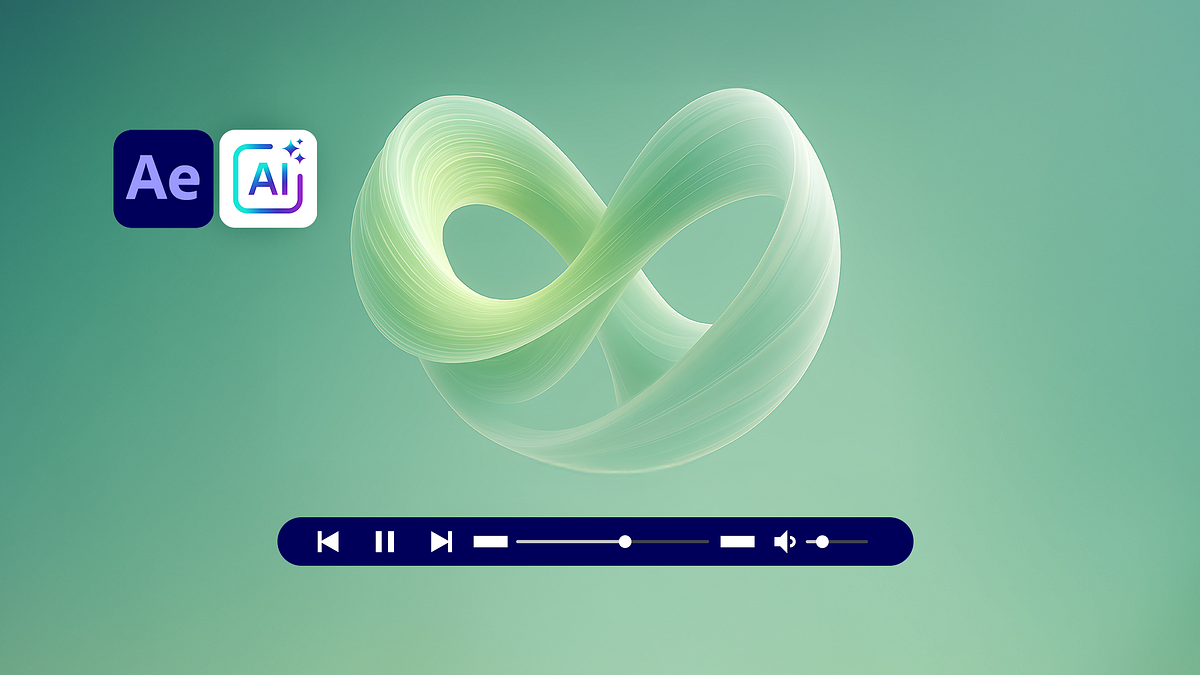
Abstract Loops and Animated Backgrounds with AI
A course by Darwin PachecoDesigner and Animator
A course by Darwin Pacheco, Designer and Animator

Create animated abstract loops with AI in Freepik then enhance colors motion in Adobe After Effects
Learn to design seamless abstract loops and animated backgrounds using AI in Freepik and professional motion graphics workflows in Adobe After Effects. In this Domestika course, digital artist Darwin Pacheco guides you step by step through the creation of high-quality visual assets for audiovisual projects, combining AI image generation, video prompts, and advanced post-production techniques.
You start by exploring the Freepik interface to generate images with different AI models, understanding how styles, composition, color, lighting, cleanliness, quality, and exclusions shape each prompt. You will learn to organize your creations in folders, test Flux Context, Nano Banana Pro, and other models, and obtain the best possible base images for later animation.
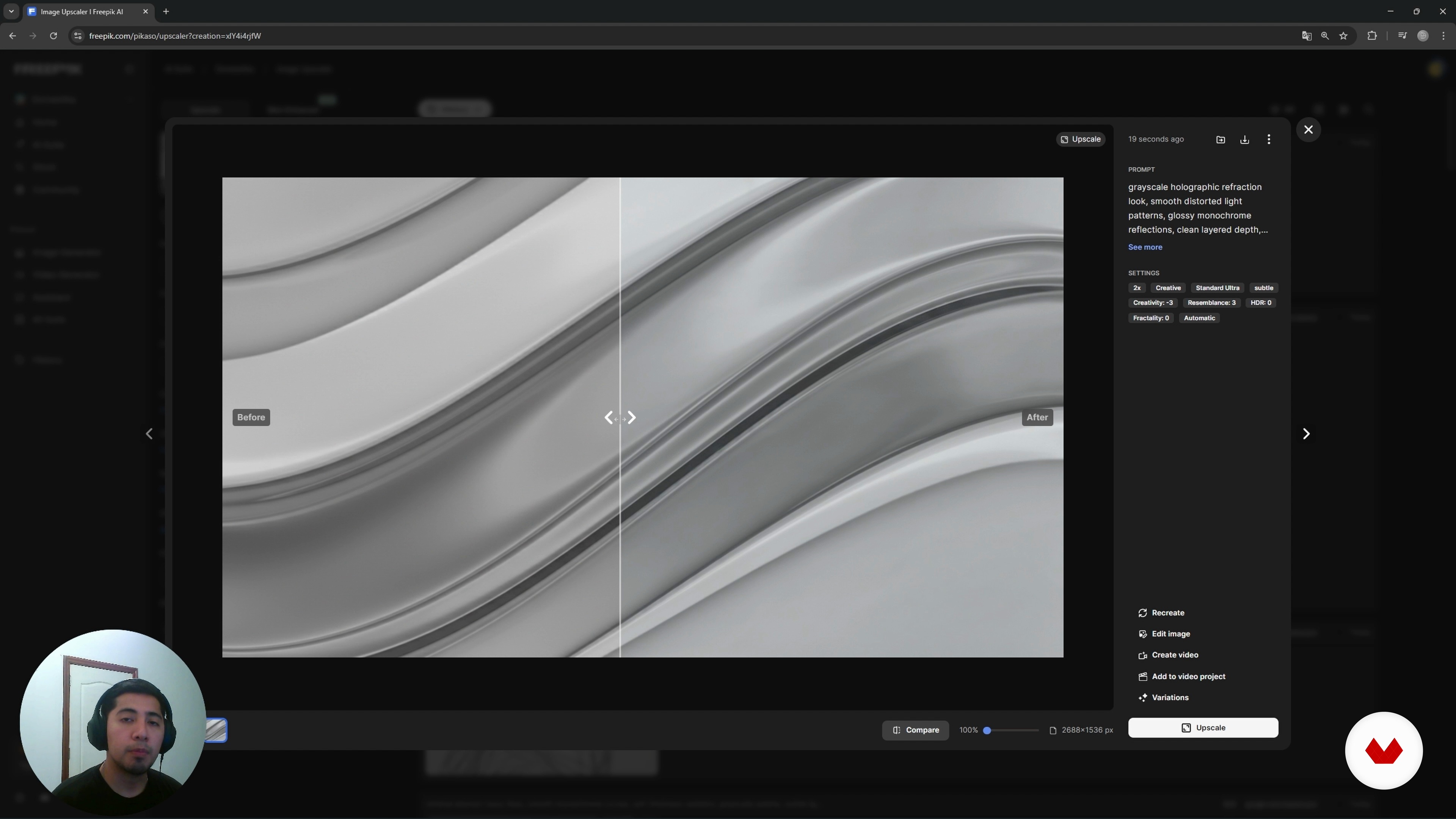
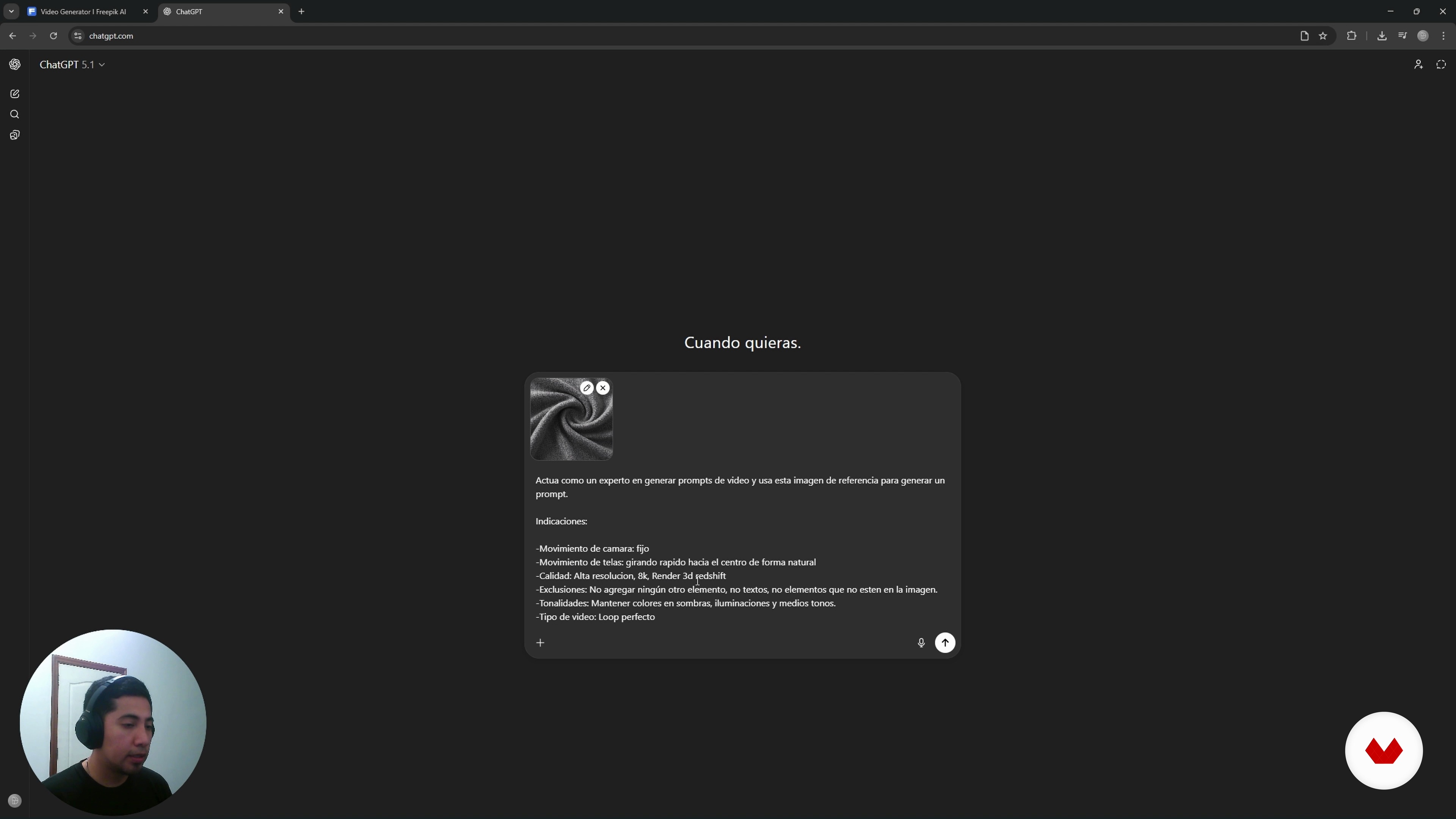
From there, you move on to build a solid prompt structure to control textures, gradients, grayscale backgrounds, color palettes, and cinematic lighting. You will see how to reduce noise, improve resolution with Freepik Upscale, and generate short AI videos with specific camera movements, fluid transitions, and controlled loops, optimizing credits and model selection.
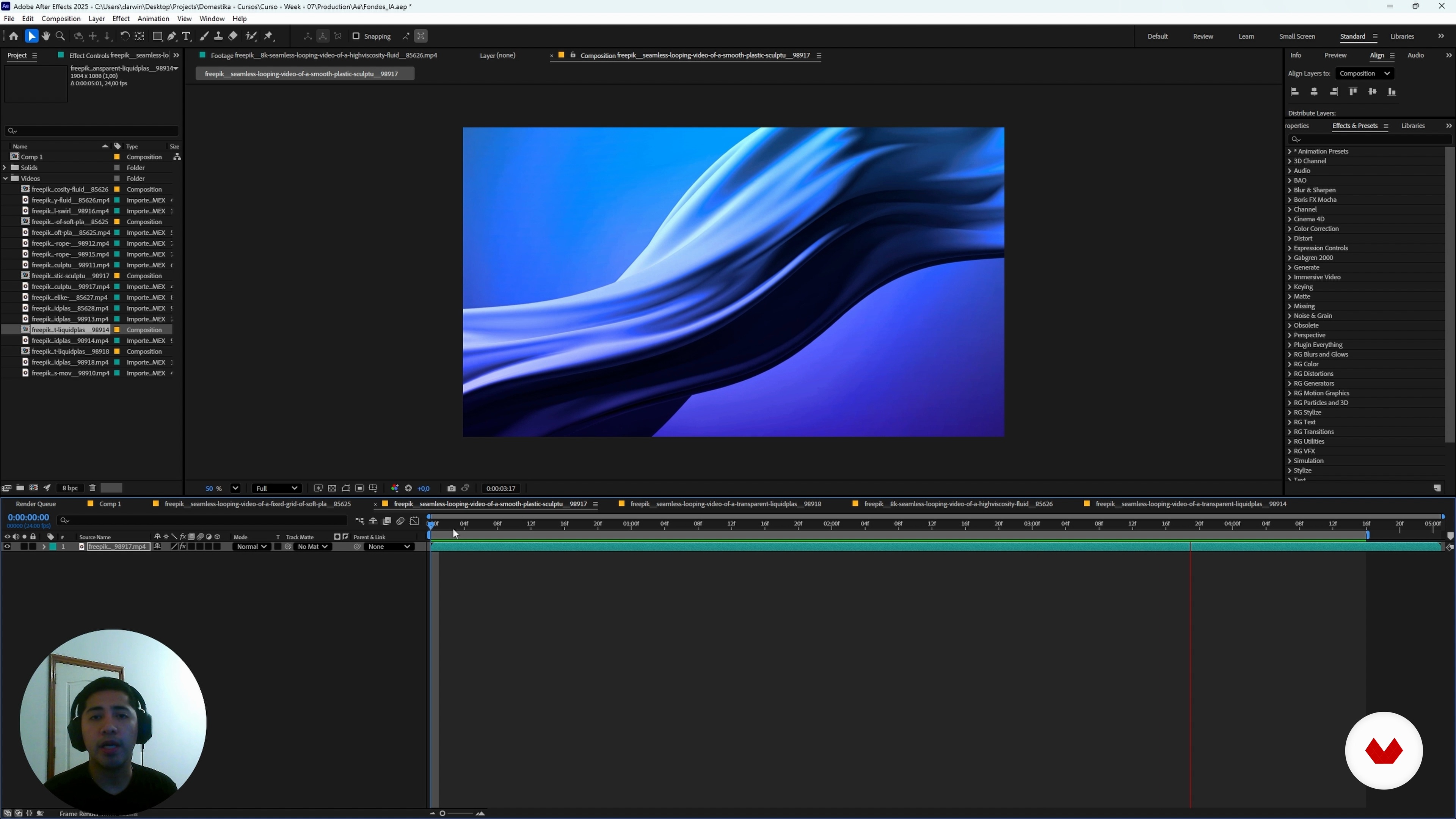
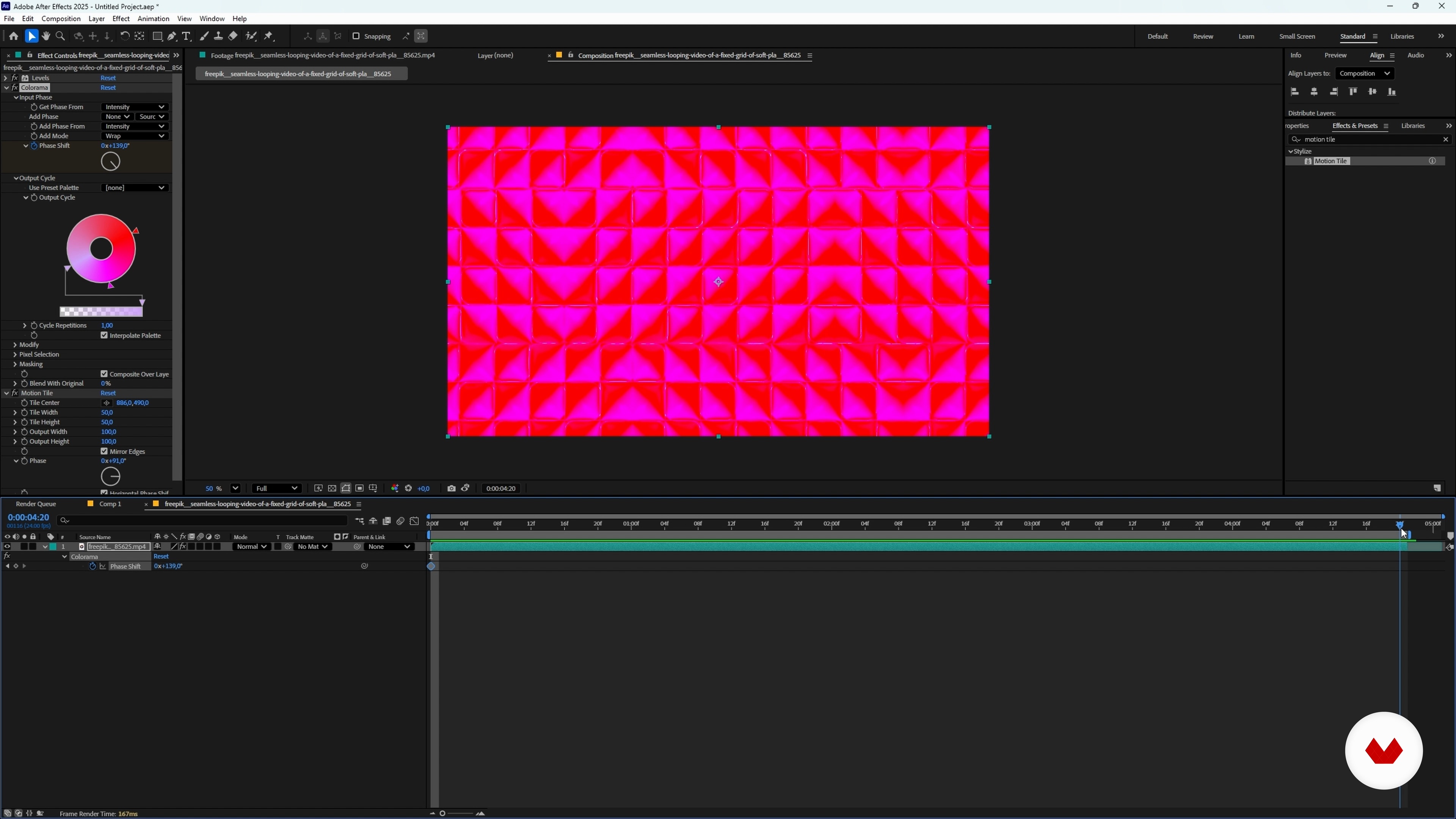
In the second part, you take your assets into Adobe After Effects to design motion graphics and animated backgrounds. You will learn how to import and organize footage, create compositions, adjust timing, and refine your loops so that the first and last frames match. Through practical exercises, you will use effects such as Levels, Curves, Colorama, Gradient Ramp, Calculations, Lumetri Color, Motion Tile, Kaleida, Turbulent Displace, and Time Remap to create unique animations for intros, title sequences, music videos, and social media content.
The course also shows how to integrate AI-generated elements in Photoshop using Firefly generative fill and expand, layer harmonization, Camera Raw lens blur, smart objects, and custom brushes for fog and smoke. You will practice precise cutouts, depth of field control, and color matching to blend characters with abstract environments and fantasy scenes.
Finally, you will learn how to upscale AI videos in Freepik to higher resolutions and frame rates, prepare your loops for export in H.264 from After Effects, and build a personal library of animated backgrounds ready to use in your design, motion graphics, and video editing projects.
This course is ideal for designers, illustrators, motion designers, video editors, content creators, and anyone interested in AI, abstract design, and animation who wants to create original loops and animated backgrounds without needing to model or render in 3D. Basic familiarity with Photoshop and After Effects is helpful but not essential, as Darwin guides you through each tool and process.
By the end, you will know how to connect AI image generation with professional post-production workflows, transform simple prompts into complex visual universes, and develop your own style of abstract loops and animated backgrounds with AI and After Effects.
What will you learn in this online course?
6 lessons & 3 downloads
Welcome and Course Overview
41 seconds
Generate Images and Enhance Them with Upscale
5 minutes, 7 seconds
Generate Video and Upscale Videos
6 minutes, 54 seconds
Processing in After Effects and Farewell
15 minutes, 58 seconds
What's included in this course?
Learn how to navigate Freepik’s AI environment, configure models, formats and prompts, then organize your images with folders for a smooth workflow. Explore a clear prompt structure with style, form, color, lighting, cleanliness, resolution and exclusions so you gain more control over abstract backgrounds. Practice generating multiple variations, analyzing results and selecting the best options for your projects.
Discover how to improve image quality with Upscale, testing scales and presets for sharp, high‑resolution assets. Transform selected images into videos with different AI models, aspect ratios and durations, refine prompts with ChatGPT and apply video upscale for better resolution and frame rate. Finally, move all assets into After Effects, learn basic navigation, create compositions, build loops, adjust contrast and color with effects like Levels, Colorama and Gradient Ramp, then distort patterns with Motion Tile, Warp, Turbulent Displace or Caleida to export custom animated backgrounds.
Recommended software & tools for this course
Who is this online course for?
Created for motion designers, video editors, digital artists, and content creators exploring abstract loops through AI, with basic familiarity with visual tools and curiosity for integrating Freepik workflows with After Effects for dynamic backgrounds
Requirements and materials
No extensive experience required, only basic computer skills, stable internet access, a Freepik account, Adobe After Effects installed, plus enough disk space to download and organize the generated assets
Reviews
- 8 months ago
The preview (thumbnail) image for this course is more tasteful than much of what is presented herein. It would seem that the artist has a thing for late 90s rave video backgrounds - what I was looking for was more modern, corporate and 'clean'. Having said that the underlying instructions are worthwhile and the insights that I gained from this course have been value for money and worthy of my time investment. Would I buy another course from this creator? Perhaps not; the course lacks polish.

One of Darwin’s great passions is creating a visual language through design and animation. He hasn’t stopped investigating the subject since he discovered it. Since making the shift to freelance, he dedicates most of his time exploring the realm of visual communication possibilities with this creative discipline.
Content
Abstract Loops and Animated Backgrounds with AI
- Welcome and Course Overview
- Working with Freepik’s AI
- Designing Structured Prompts for Abstract Loops
- Generate Images and Enhance Them with Upscale
- Generate Video and Upscale Videos
- Processing in After Effects and Farewell
- Final project
What to expect from a Domestika course
Learn at your own pace
Enjoy learning from home without a set schedule and with an easy-to-follow method. You set your own pace.
Learn from the best professionals
Learn valuable methods and techniques explained by top experts in the creative sector.
Meet expert teachers
Each expert teaches what they do best, with clear guidelines, true passion, and professional insight in every lesson.
Certificates
PLUSIf you're a Plus member, get a custom certificate signed by your teacher for every course. Share it on your portfolio, social media, or wherever you like.
Get front-row seats
Videos of the highest quality, so you don't miss a single detail. With unlimited access, you can watch them as many times as you need to perfect your technique.
Share knowledge and ideas
Ask questions, request feedback, or offer solutions. Share your learning experience with other students in the community who are as passionate about creativity as you are.
Connect with a global creative community
The community is home to millions of people from around the world who are curious and passionate about exploring and expressing their creativity.
Watch professionally produced courses
Domestika curates its teacher roster and produces every course in-house to ensure a high-quality online learning experience.
FAQs
You’ll learn how to create custom abstract backgrounds using AI on Freepik, enhance images with upscaling tools, and edit visual assets in After Effects for design and animation projects.
Yes, this is an intermediate-level course designed for those who already have basic digital design or video editing knowledge and want to deepen their skills with AI tools and visual composition.
You’ll need access to Freepik, After Effects, and upscaling tools like AppScale or Magnific, plus basic familiarity with these programs and a computer capable of graphic editing.
Images are generated through prompts—text descriptions that guide Freepik’s AI to create personalized images. You can tweak styles, AI models, and formats to fit your needs.
A prompt is a written instruction specifying details like color, shape, or style. Crafting a well-structured prompt improves the relevance and quality of AI-generated images.
You can use tools like AppScale or Magnific to upscale and boost image resolution, achieving sharper quality suitable for print or video.
Yes, you can create folders and subfolders to efficiently organize your generated images, making them easier to use in future projects.