
Lighting Techniques with Cinema 4D
A course by Roberto GonzálezVisual Communication Expert
A course by Roberto González, Visual Communication Expert

Learn to light up 3D scenes with Redshift and shape light like a professional
Lighting is crucial in any space, whether real or virtual. It has the power to convey certain feelings or emotions. Graphic designer Roberto González has a keen eye for these important aspects and transfers them to his motion graphics work to bring images to life with realism.
In this online course, Roberto teaches you the fundamentals of lighting in digital settings for film, advertising and motion graphics projects. Learn to leverage the power of light as a tool for communication in your work.
What will you learn in this online course?
22 lessons & 20 downloads
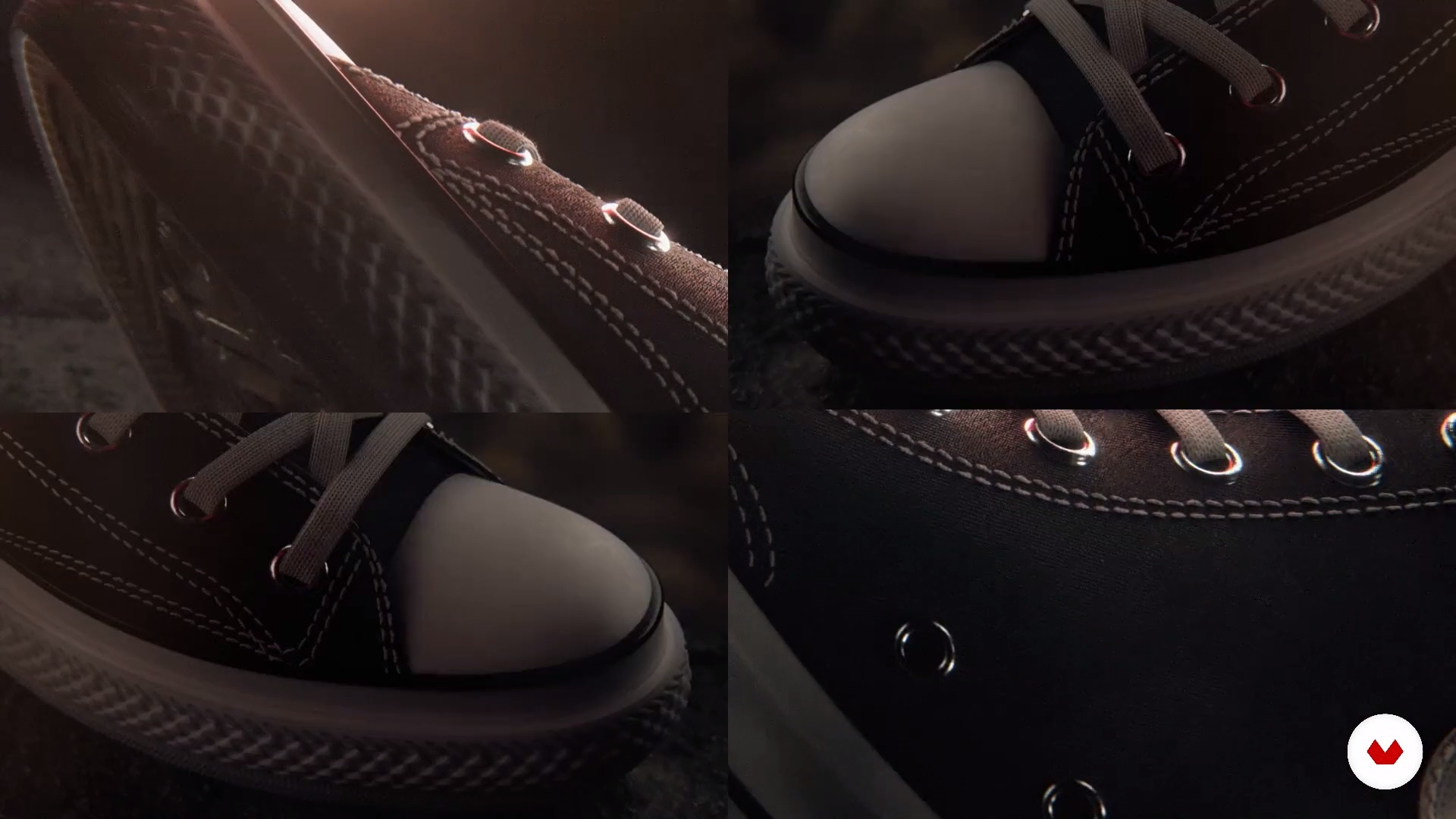
What will we do in this course?
1 minute, 35 seconds
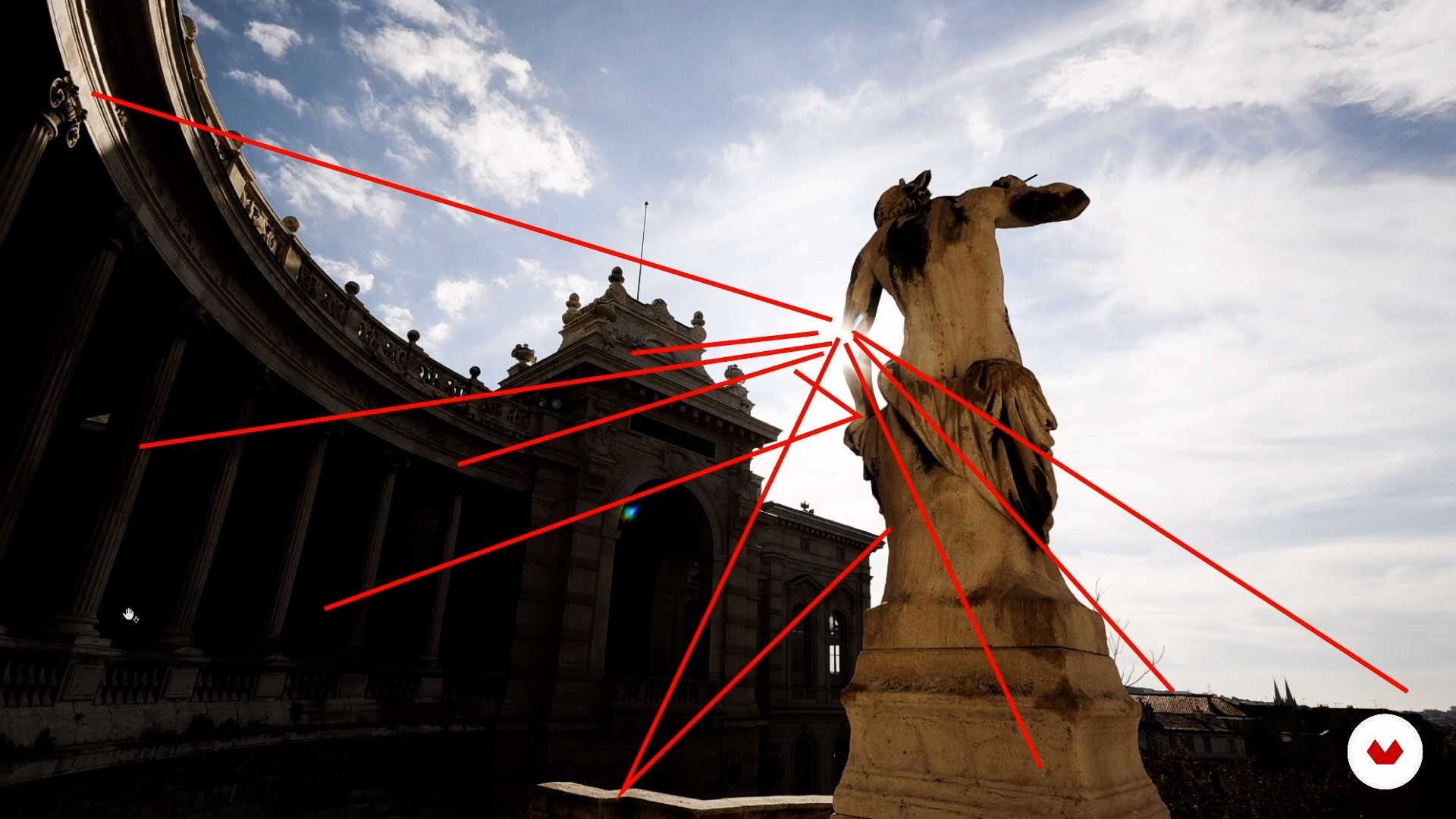
What is digital lighting?
11 minutes, 51 seconds
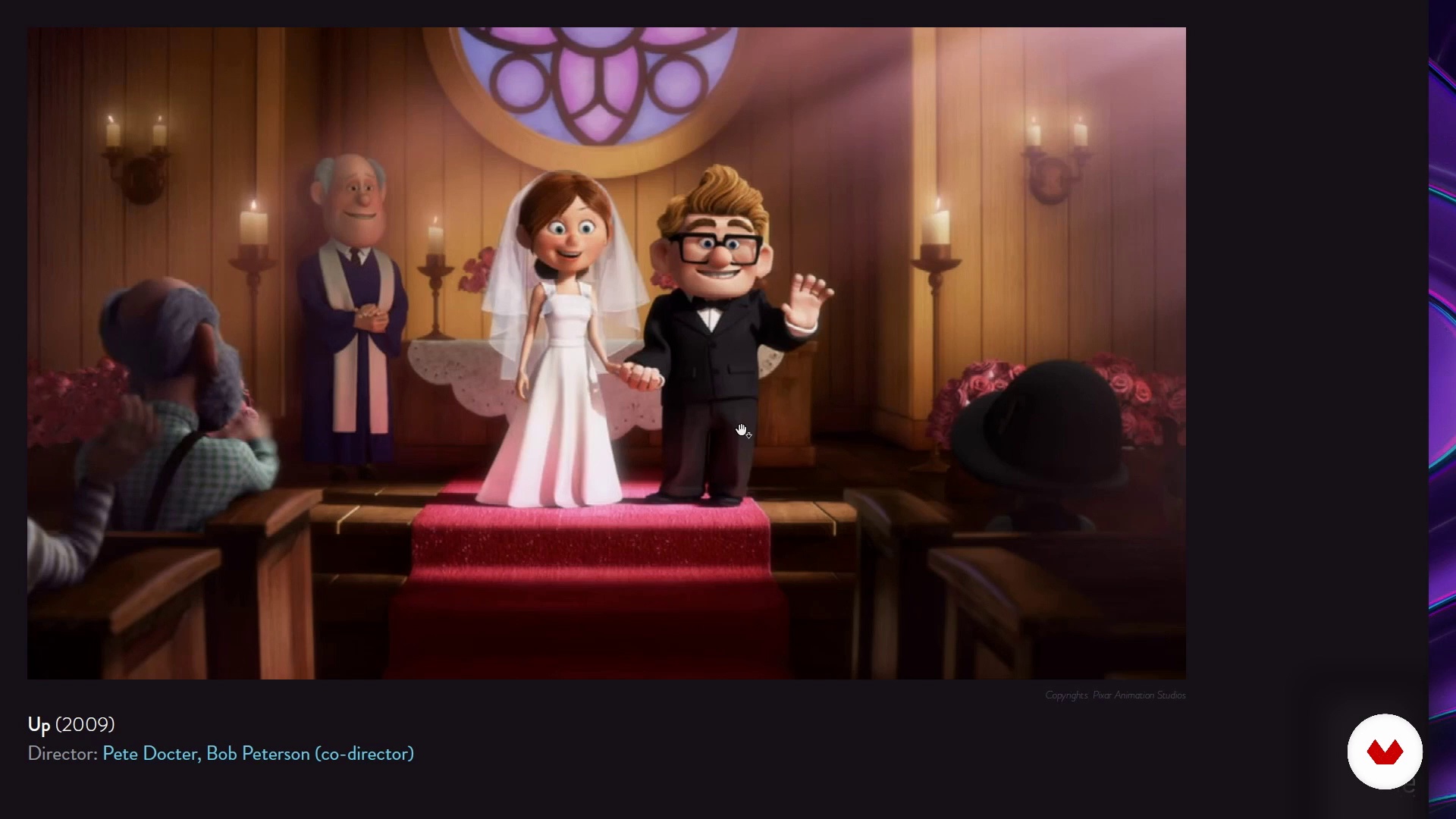
Key aspects of lighting
13 minutes, 16 seconds
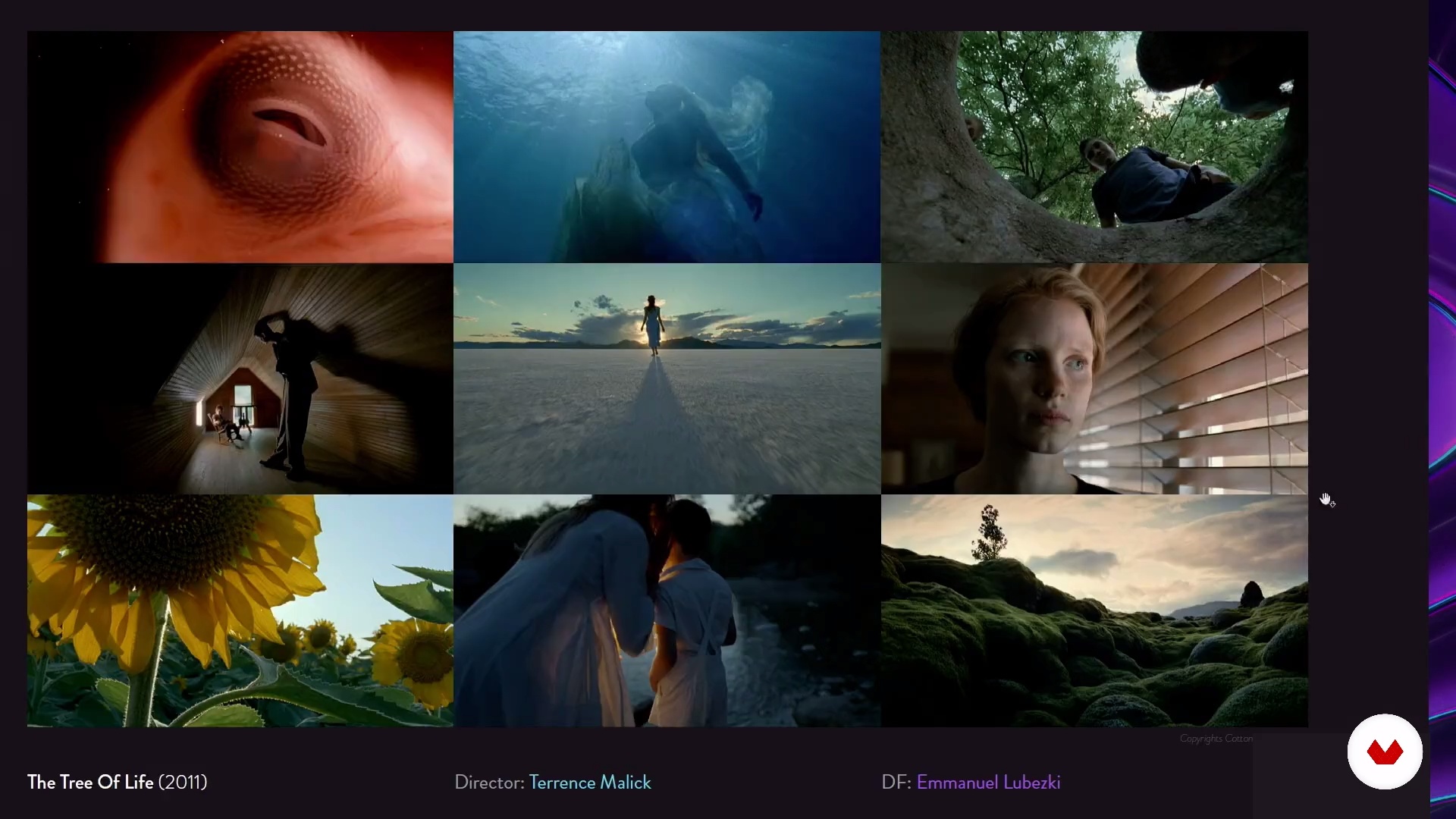
Types of light and roles
13 minutes, 26 seconds
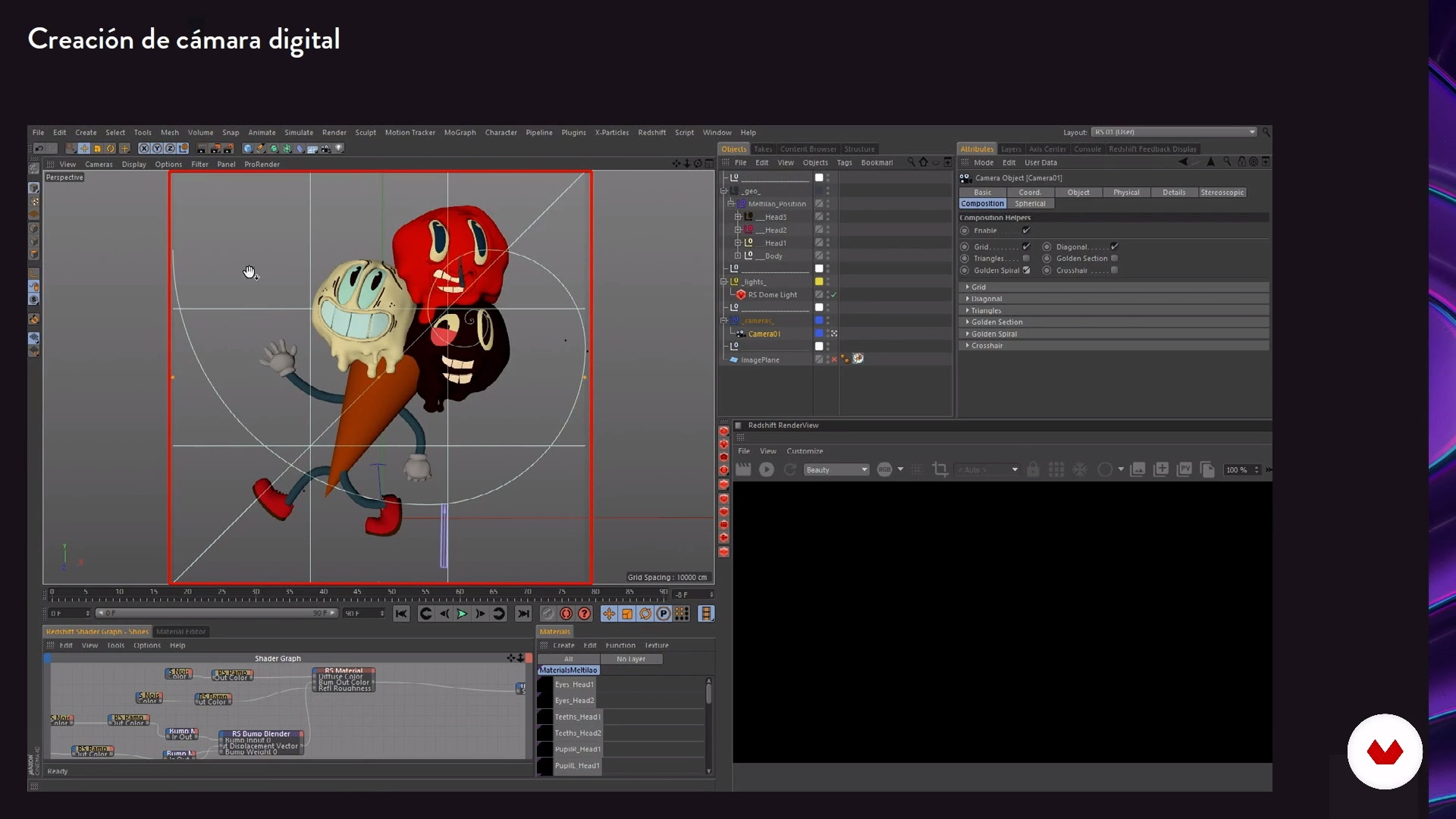
Character: Scene Preparation
18 minutes, 13 seconds
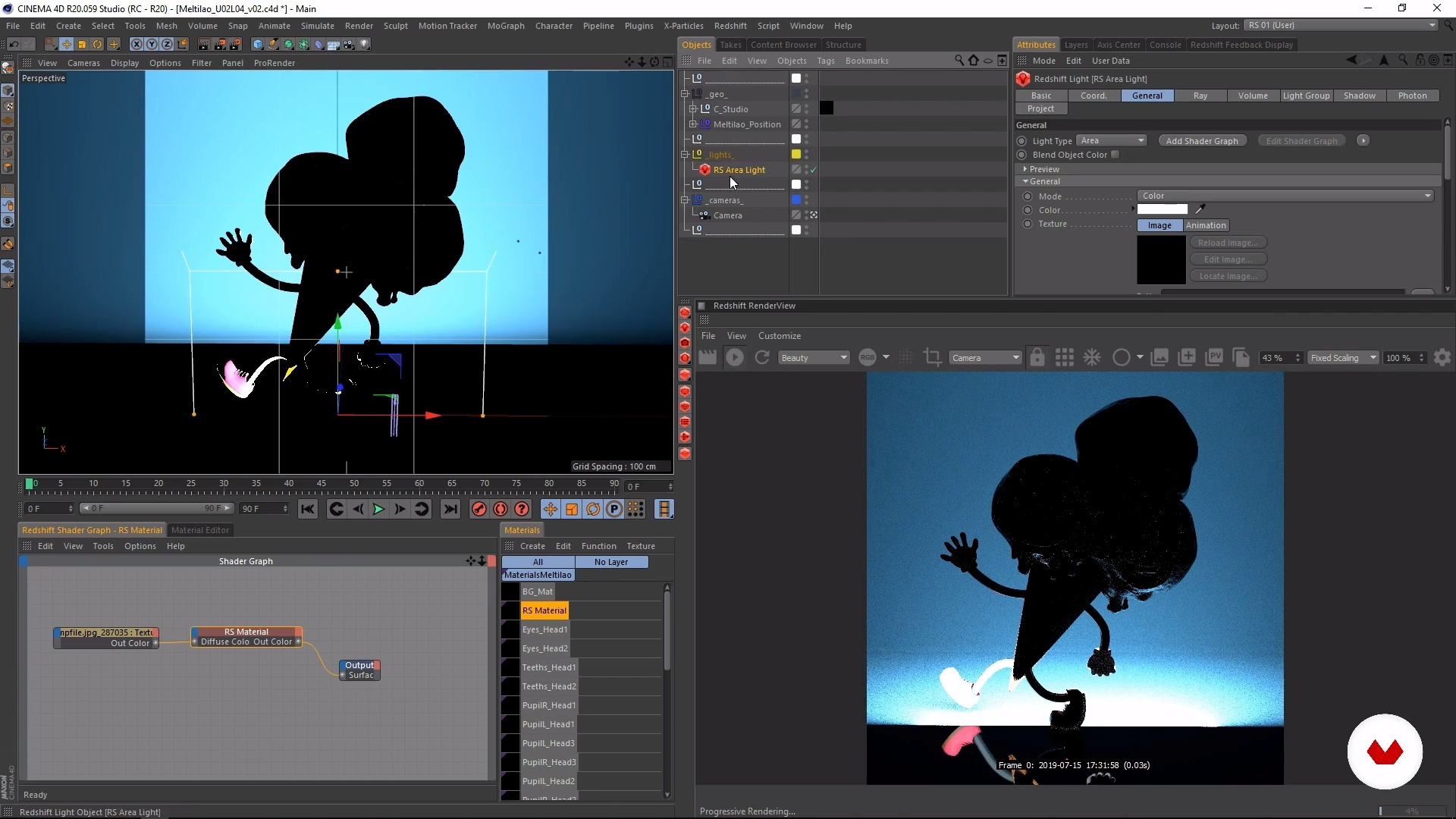
Character: Illumination (part 1)
16 minutes, 6 seconds
What's included in this course?
Start the course by hearing a little more about Roberto, his background, and his professional career. Discover his artistic influences and how they've shaped his style.
Continue with an introduction to digital lighting. Learn how light behaves in the real world and how it influences objects so you reproduce it digitally. Then, look at how a rendering engine works, Redshift specifically, and the hyperrealistic images it can produce.
Familiarize yourself with key aspects of light such as intensity and color before discussing grayscale lighting and identifying an object's values and shadows. Find out what types of light exist and how they can be used.
Time to tackle your lighting project in Cinema 4D. Thoroughly read the brief to determine lighting objectives, details to highlight, hierarchy, and contrast with respect to the environment or background.
Now get to work! Start by designing lighting for a character. Outline your lighting objectives and focus on creating, positioning, and configuring the primary and secondary lights in Redshift.
Move on to a more complex exercise and create the lighting for an advertising product. Once you've finished, render the images and retouch them in Cinema 4D, enhancing color and external elements to enrich your composition.
Finally, discover lighting techniques for a motion graphics set. Roberto guides you through the steps from start to finish.
Recommended software & tools for this course
What is this course's project?
Create a lighting set-up for three digital scenarios in Cinema 4D: an advertising product, a 3D character, and a motion graphics sequence.

Projects by course students


Who is this online course for?
Designers, illustrators, animators, 3D artists, and anyone who wants to learn digital lighting techniques with Cinema 4D and Redshift.
Requirements and materials
Basic notions of 3D design and experience with Cinema 4D are required.
As for materials, you need a computer with Cinema 4D Release 20 and Redshift, or any rendering engine you prefer.

Reviews
- 8 months ago
recomendo
- 10 months ago
This is a good course. try it
- 11 months ago
Excelente curso!
- 1 year ago
Yes I love it!
- 1 year ago
me parece un buen curso aporta mucho para mi trabajo e innovación

Content
- U1
Introduction
- Presentation
- Influences
- What will we do in this course?
- U2
The art of digital lighting
- What is digital lighting?
- Key aspects of lighting
- Types of light and roles
- Character: Scene Preparation
- Character: Illumination (part 1)
- Character: Illumination (part 2)
- Character: lighting (part 3)
- Character: lighting (part 4)
- U3
Advertising product lighting
- Brief and references
- Product lighting (part 1)
- Product lighting (Part 2)
- Product lighting (Part 3)
- Render passes
- Final retouching (compositing or postproduction)
- U4
Techniques and lighting in Motion Graphics
- Brief and references
- Scene lighting (part 1)
- Scene lighting (part 2)
- Scene lighting (part 3)
- Post rendering effects and final touches
- FP
Final project
- Lighting techniques with Cinema 4D
What to expect from a Domestika course
Learn at your own pace
Enjoy learning from home without a set schedule and with an easy-to-follow method. You set your own pace.
Learn from the best professionals
Learn valuable methods and techniques explained by top experts in the creative sector.
Meet expert teachers
Each expert teaches what they do best, with clear guidelines, true passion, and professional insight in every lesson.
Certificates
PLUSIf you're a Plus member, get a custom certificate signed by your teacher for every course. Share it on your portfolio, social media, or wherever you like.
Get front-row seats
Videos of the highest quality, so you don't miss a single detail. With unlimited access, you can watch them as many times as you need to perfect your technique.
Share knowledge and ideas
Ask questions, request feedback, or offer solutions. Share your learning experience with other students in the community who are as passionate about creativity as you are.
Connect with a global creative community
The community is home to millions of people from around the world who are curious and passionate about exploring and expressing their creativity.
Watch professionally produced courses
Domestika curates its teacher roster and produces every course in-house to ensure a high-quality online learning experience.
FAQs
You’ll master advanced digital lighting techniques, realistic rendering, art direction, and how to work with engines like Redshift and OctaneRender, applying these skills to products, characters, and motion graphics in 3D environments.
This is an intermediate-level course. Basic knowledge of design, 3D modeling, or digital photography is recommended to get the most out of the content and practical exercises.
You’ll need a computer with Cinema 4D, Redshift, or another compatible render engine, plus internet access. Basic familiarity with 3D software and digital file management is advisable.
The course mainly uses Redshift but also compares and analyzes engines like Arnold, OctaneRender, V-Ray, and RenderMan, explaining their strengths, uses, and technical differences in 3D rendering.
You’ll learn how to use lighting to create mood, highlight products or characters, and guide the viewer’s eye in motion graphics and digital ads, mimicking cinematic lighting setups.
Yes, the course includes hands-on exercises to create and adjust various light types, apply rim lighting, volumetrics, and simulate natural and artificial light in Cinema 4D with Redshift.
You’ll be able to design graphic packaging for TV, create hyper-realistic product renders, 3D advertising scenes, cinematic title sequences, and animations with professional lighting.