Creating Visual Effects with AI: Introduction to VFX
A course by David GarridoLead Artist, Consultant and Trainer in Artificial Intelligence
A course by David Garrido, Lead Artist, Consultant and Trainer in Artificial Intelligence

Learn to create visual effects with artificial intelligence using platforms such as Higgsfield and Pika for your audiovisual projects
Delve into the fascinating world of special visual effects with artificial intelligence. Discover how to easily create explosions, fire, and character transformations using platforms like Higgsfield and PIKA. Learn how to use tools that will allow you to produce stunning visual effects with fewer resources and time, without the need for large studios. With an accessible approach, this course will guide you from the basics to creating more complex effects.
Explore the various categories of visual effects, from the most visible, like those for superheroes, to the subtle ones that enhance scenes without you even noticing. Learn techniques for simulating fluids, creating creatures, and working with digital backgrounds. Thanks to artificial intelligence, you can achieve effects that previously required expensive equipment. Practice and creativity will be your best allies to master this art. Discover how these advances can transform your audiovisual projects and leave them ready to wow any viewer.
What will you learn in this online course?
9 lessons & 1 download
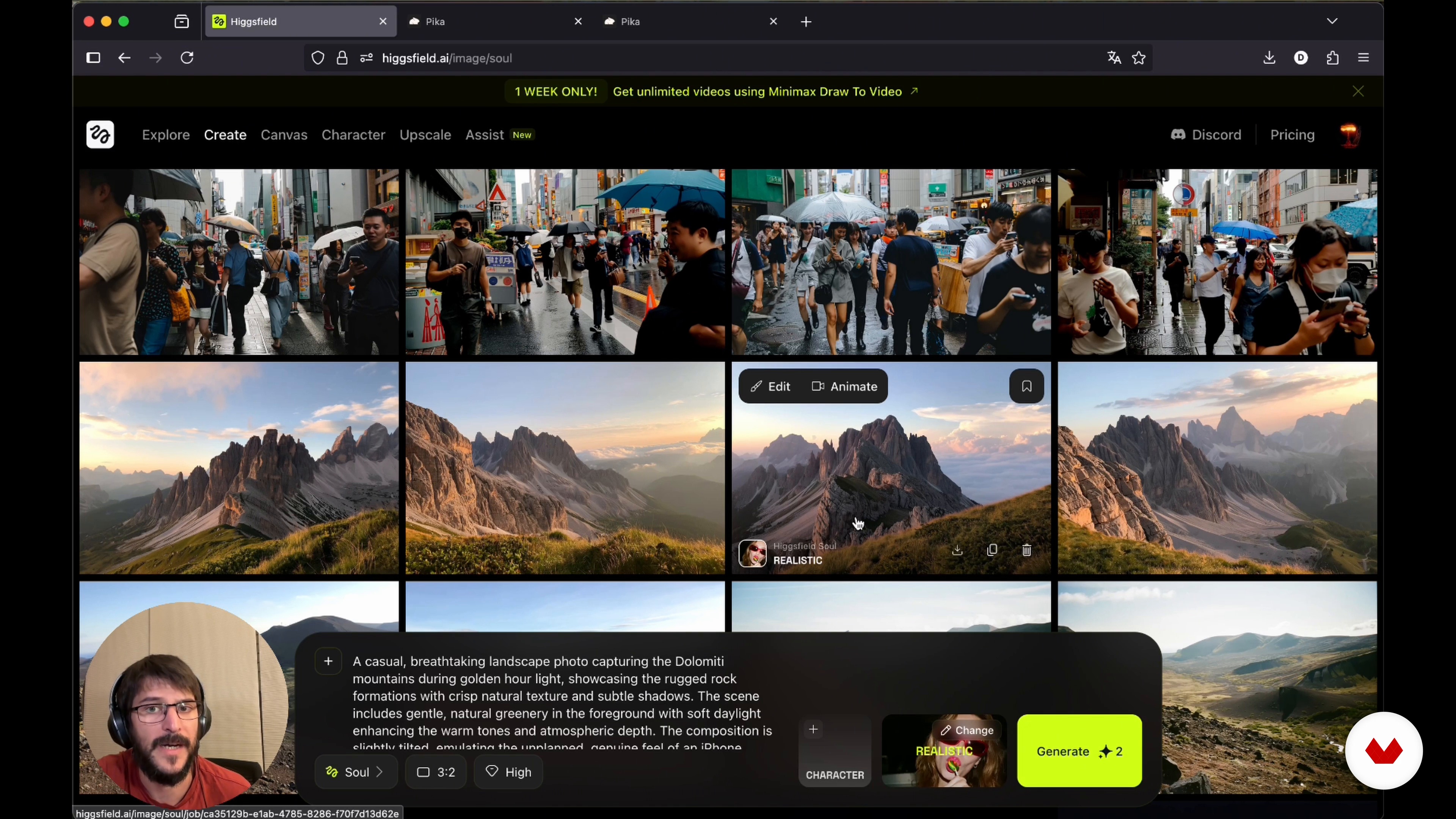
Creating special effects with Higgsfield and Pikachu
13 minutes, 39 seconds
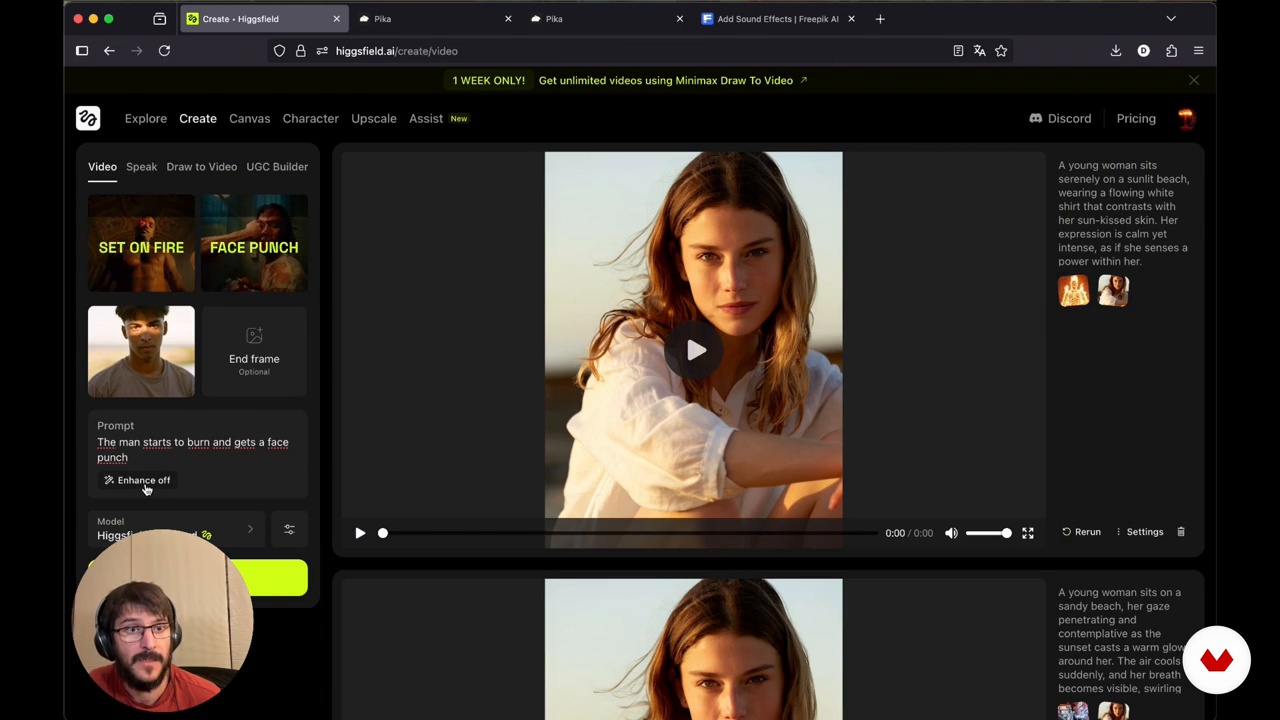
Creating dynamic visual effects
15 minutes, 48 seconds
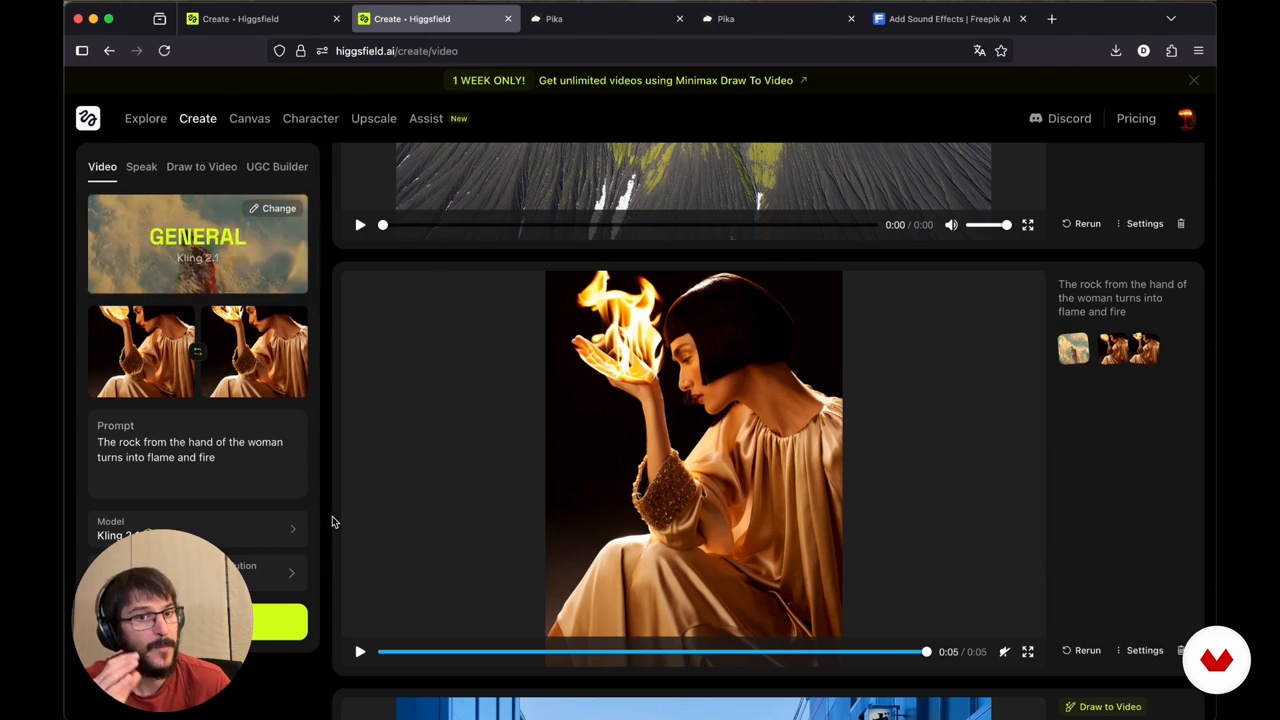
Creating stunning videos with Higgsfield transitions
7 minutes, 18 seconds
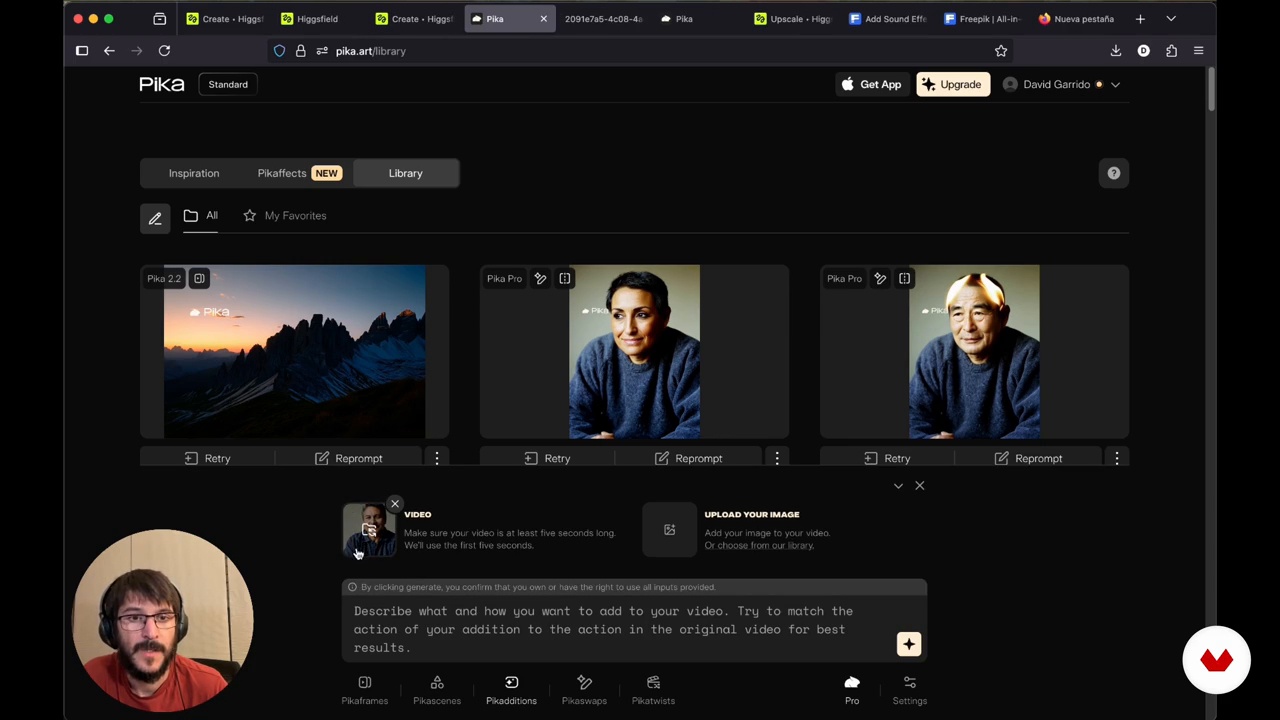
Discover Pika and its innovative video effects tools.
10 minutes, 18 seconds

Creative video manipulation with Pikaswaps
8 minutes, 10 seconds
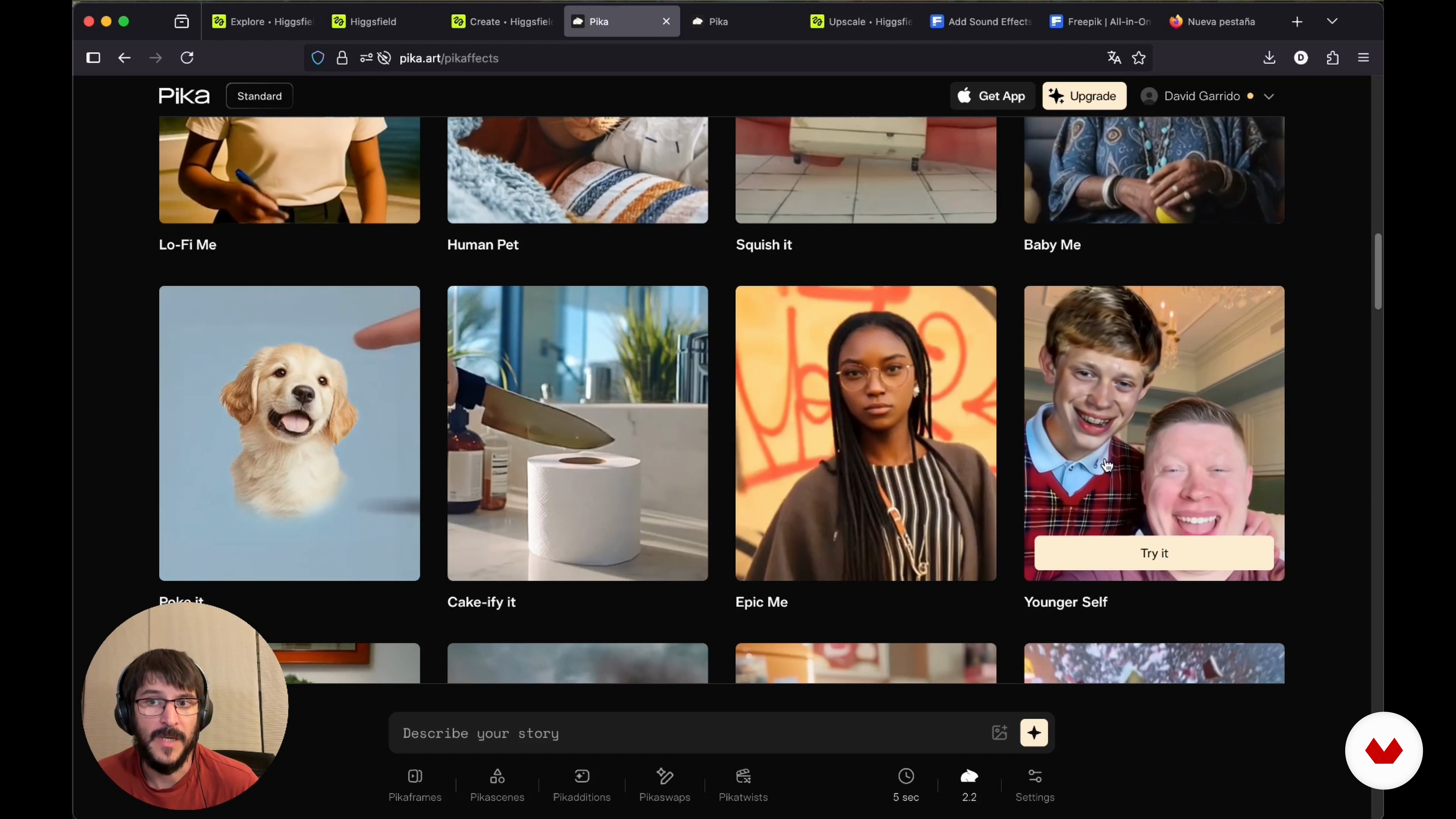
Effects in Pikaffects: Comparison and Creative Applications
2 minutes, 25 seconds
What's included in this course?
You'll learn how to immerse yourself in the fascinating world of special visual effects using artificial intelligence. You'll discover how to create amazing effects such as explosions, fire, and person transformations in an accessible way. Using innovative platforms such as Higgsfield and PIKA, you'll become familiar with the tools needed to produce quality visual effects without the need for extensive resources. You'll also understand the difference between "hero" and "invisible" effects, as well as the importance of each in visual storytelling.
You'll delve into fluid simulation, destruction, and creature creation—fundamental elements in the film and entertainment industry. You'll learn how AI can optimize costly processes and save time in visual effects production. This experience will allow you to combine basic effects to develop your own more complex creations. This course is a gateway to the world of possibilities offered by modern technology in audiovisual production, allowing you to experiment and create from the comfort of your home.
Recommended software & tools for this course
What is this course's project?
The course project introduces you to the world of special visual effects using artificial intelligence. You'll learn to create effects such as explosions, fire, and person transformations using accessible platforms like Higgsfield and PIKA.
Who is this online course for?
Ideal for creatives, amateur filmmakers, graphic designers, and tech enthusiasts who want to explore visual effects with artificial intelligence. Discover accessible techniques for transforming videos and images, creating stunning results with minimal resources and a lot of imagination.
Requirements and materials
No extensive prior experience is required, but a computer with an internet connection and basic image and video editing skills are essential. Familiarity with platforms such as Higgsfield and PICA is recommended to maximize learning.
Reviews
- 1 year ago
Como aproximación al uso de IAs de texto a imagen y video, y específicamente a efectos visuales está bien, si no conoces de las mismas con seguridad aprenderás varias cosas nuevas. Como lo veo, faltaría reforzarlo con recursos que complementen lo visto en los videos, por ejemplo lecturas con términos útiles para formular prompts de video y efectos.
- 1 year ago
Très bonne formation pour la prise en main de ce IA

Content
Creating Visual Effects with AI: Introduction to VFX
- AI Special Effects: Collaborative Creation and Learning
- Introduction to Special Effects: Hero vs. Invisibles
- Creating special effects with Higgsfield and Pikachu
- Creating dynamic visual effects
- Creating stunning videos with Higgsfield transitions
- Discover Pika and its innovative video effects tools.
- Creative video manipulation with Pikaswaps
- Effects in Pikaffects: Comparison and Creative Applications
- Improve the quality of your videos with upscaling and sound effects
- Final project
What to expect from a Domestika course
Learn at your own pace
Enjoy learning from home without a set schedule and with an easy-to-follow method. You set your own pace.
Learn from the best professionals
Learn valuable methods and techniques explained by top experts in the creative sector.
Meet expert teachers
Each expert teaches what they do best, with clear guidelines, true passion, and professional insight in every lesson.
Certificates
PLUSIf you're a Plus member, get a custom certificate signed by your teacher for every course. Share it on your portfolio, social media, or wherever you like.
Get front-row seats
Videos of the highest quality, so you don't miss a single detail. With unlimited access, you can watch them as many times as you need to perfect your technique.
Share knowledge and ideas
Ask questions, request feedback, or offer solutions. Share your learning experience with other students in the community who are as passionate about creativity as you are.
Connect with a global creative community
The community is home to millions of people from around the world who are curious and passionate about exploring and expressing their creativity.
Watch professionally produced courses
Domestika curates its teacher roster and produces every course in-house to ensure a high-quality online learning experience.
FAQs
You’ll learn how to create and tweak visual effects in videos and images using tools like HiggsField and Pika — from explosions and outfit changes to adding backgrounds or characters with AI.
This is an intermediate-level course, perfect for those with basic video editing or VFX knowledge who want to dive into advanced AI techniques.
You’ll need access to platforms like HiggsField, Pika, and Seedance. A computer with internet and basic video editing skills is recommended.
You’ll be able to create digital explosions, fire effects, outfit swaps, facial morphing, creative transitions, add or remove elements and backgrounds in videos — all powered by AI.
You’ll learn how to use tools that let you add characters or elements into videos through segmentation, green screen, inpainting, and digital compositing made easy with AI.
'Hero' effects are eye-catching and take center stage on screen, while 'invisible' effects are subtle enhancements that support the story without drawing attention.
Yes, the course teaches you how to use AI tools to easily change clothes, hairstyles, backgrounds, and other specific elements in images and videos.