Create VFX hyperrealists with artificial intelligence and Veo3
A course by Diego VelasquezDirector, MAKACO Animation and VFX Studio
A course by Diego Velasquez, Director, MAKACO Animation and VFX Studio

Create hyperrealist visual effects with artificial intelligence using Veo3 and advanced techniques in Google Flow
Discover the fascinating world of Artificial Intelligence applied to VFX with a practical and creative approach. Learn to use tools like Veo3 to transform your ideas into stunning, hyper-realistic videos. Throughout this journey, you'll explore how to create scenes that capture the essence of your projects, from music videos to commercials. You'll understand how to create continuity and extend your shots, taking advantage of the powerful features offered by the digital environment.
Learn how to use prompts and structures to control the visual and audio results of your videos. Discover how cinematic language translates into effective prompts that optimize the creative process. As you progress, you'll experiment with different techniques to achieve impactful results, all while managing your resources efficiently. This course will give you the tools you need to bring your creations to life in a professional and authentic way.
What will you learn in this online course?
6 lessons & 2 downloads

Introduction to Veo3
24 minutes, 57 seconds
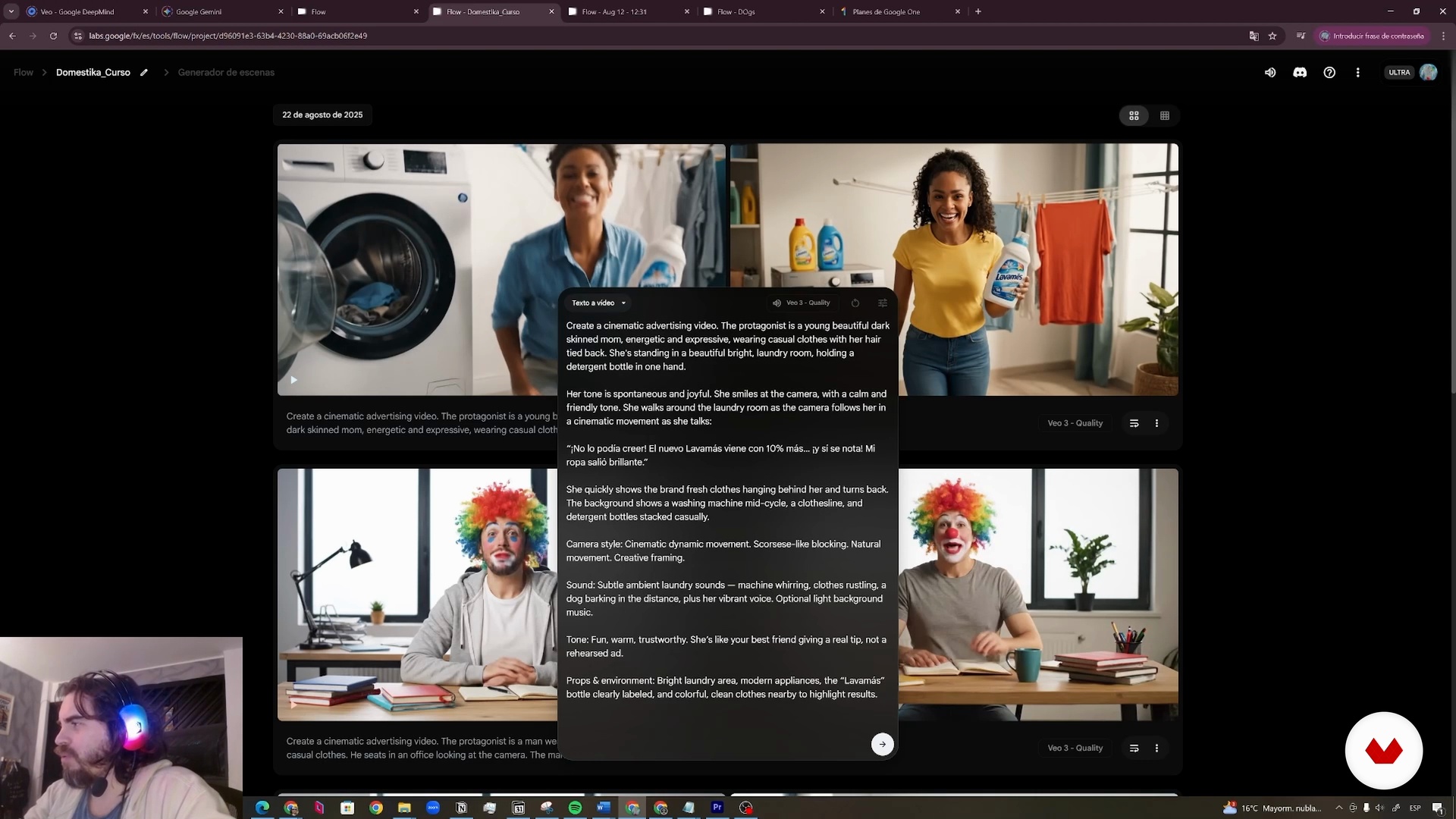
Create a Digital Influencer
10 minutes, 49 seconds
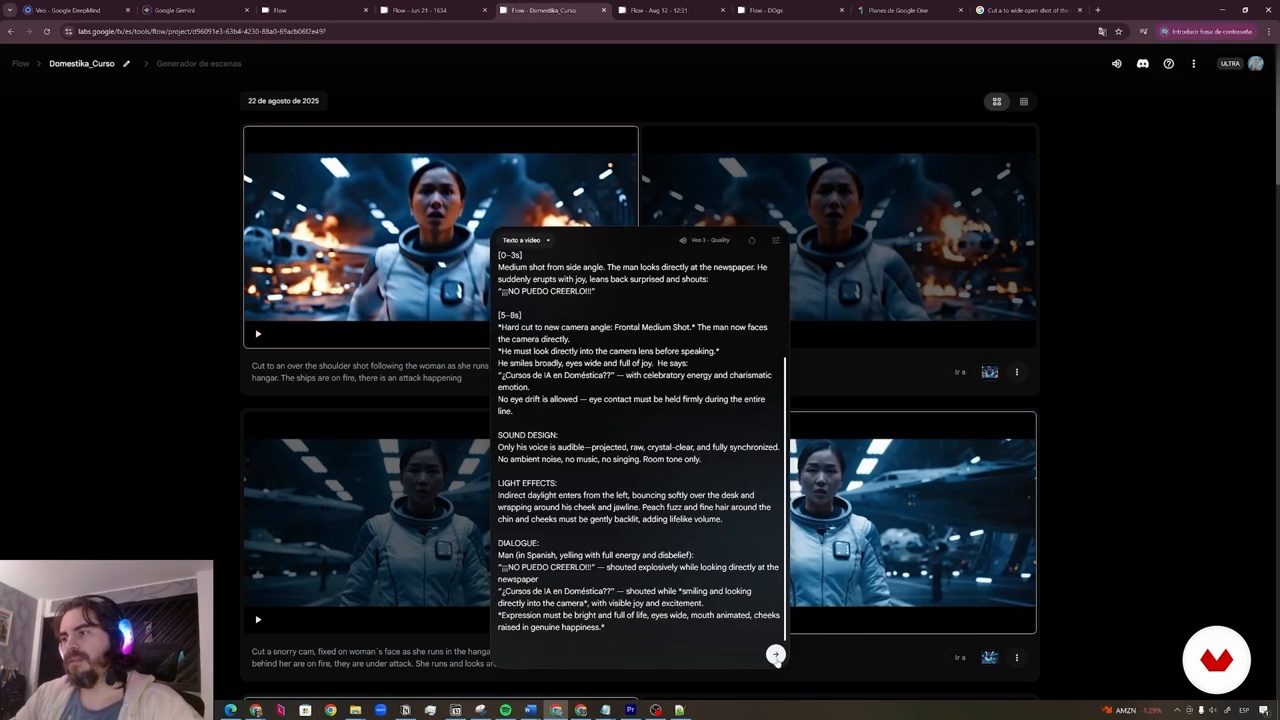
Chamber Courts
11 minutes, 37 seconds
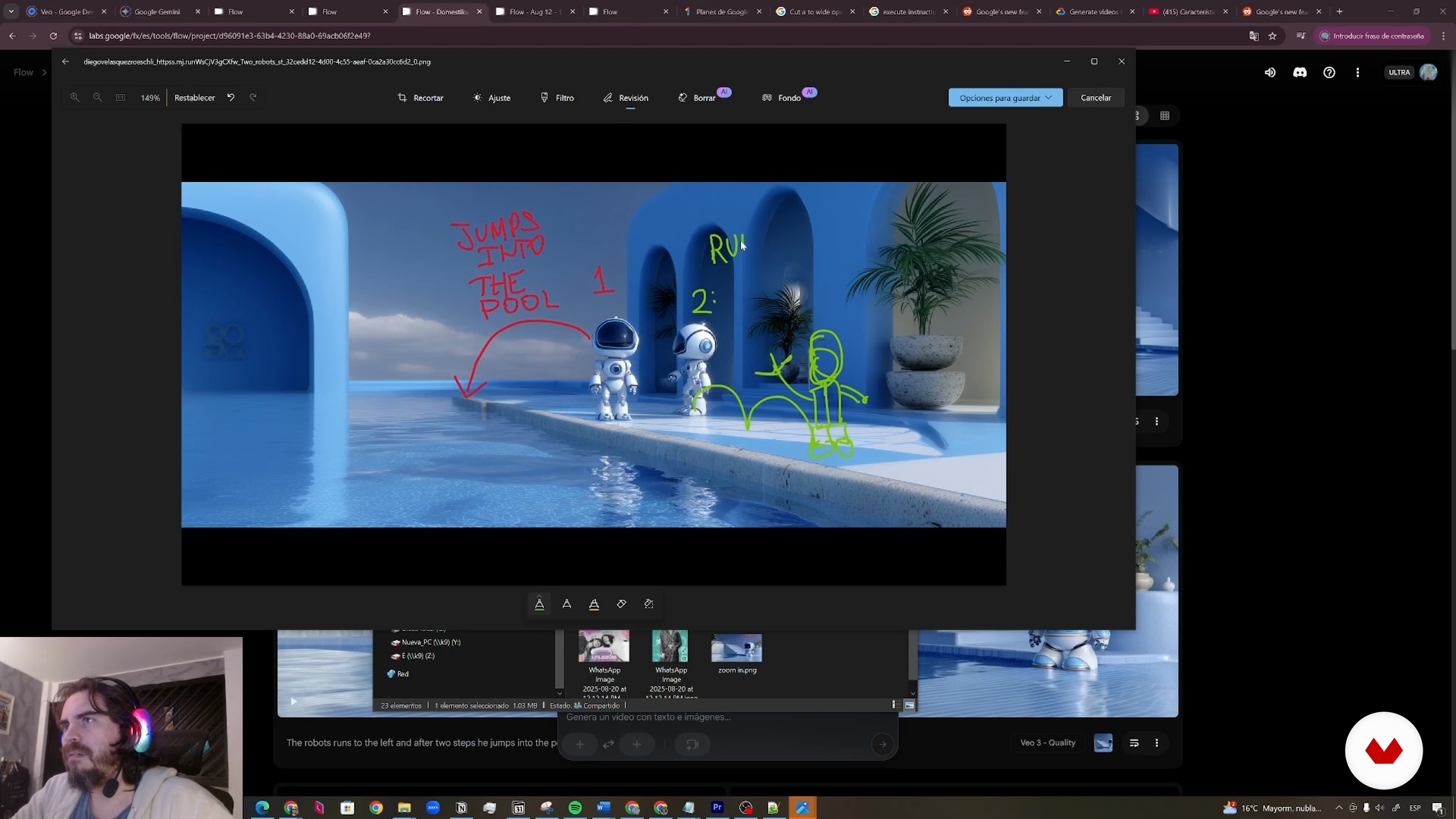
Create Video through Images
15 minutes, 23 seconds
What's included in this course?
Explore the fascinating world of artificial intelligence applied to visual effects using the innovative Veo3 tool. Learn to create hyper-realistic shots and generate images from text, unleashing your limitless creativity. Discover how to transform ideas into visual reality through the use of prompts and command structures that will allow you to define every aspect of your projects, from the atmosphere to the cinematic style. You'll also learn how to leverage different camera and movement techniques to bring dynamic and captivating scenes to life.
Develop the ability to manage video projects in a virtual environment by organizing and structuring your work sessions. As you gain practice with the available tools, you'll be able to expand your creations and maintain visual continuity in every shot. You'll not only gain technical knowledge but also a comprehensive understanding of how artificial intelligence workflows can be integrated into creative projects. Get ready for a learning journey that will allow you to experiment and hone your skills in the world of VFX.
Recommended software & tools for this course
What is this course's project?
You'll learn how to use artificial intelligence to create hyper-realistic VFX shots with Veo3, manage projects in Flow, explore the potential of prompts, generate amazing videos, and master creative techniques to transform images into stunning animations.
Who is this online course for?
This course is designed for visual creatives, filmmakers, and VFX professionals looking to explore the use of artificial intelligence in the production of hyper-realistic visual effects, improving their workflow and expanding their skills in creating innovative content.
Requirements and materials
A Google account is recommended to access the necessary tools. No extensive prior knowledge is required, just basic familiarity with web browsing. A monthly subscription to generate content with Veo3 is recommended to get the most out of it.
Reviews
- 3 days ago
Buenos tips para evitar el dolor de cabeza al realizar los prompts.
- jdelasPLUS1 month ago
Un curso muy interesante y muy bien explicado. Con varios ejemplos para entender mejor el manejo de la IA atraves de los prompts. Utilizando estructuras que nos permitan llegar a resultados qu se asemejen mas a lo que pretendemos.
- 3 months ago
Aprendí a estructurar mejor los prompts y usar mejor la herramienta.
- 5 months ago
El curso me despejo algunas dudas, tiene muy buenos consejos. Realmente esta muy bueno.
- 5 months ago
Diego Velasquez, Director, MAKACO Animation and VFX Studio, is a genius in the way he explains how Googel Veo3 in Flow works. I have learned a lot an I think I've landed my first real job using Google Veo3 and Flow! Gracias Senior Diego Velasquez!

In 2011, he founded MAKACO, a studio dedicated to the post-production of 3D animation and special effects. He has won several international awards, including gold for Best Foreign Language Commercial and bronze for Branded Entertainment of the Year at the Shots Awards.
Content
Create VFX hyperrealists with artificial intelligence and Veo3
- Introduction to Veo3
- Create a Digital Influencer
- Scene Generator with Flow
- Chamber Courts
- JSON format
- Create Video through Images
- Final project
What to expect from a Domestika course
Learn at your own pace
Enjoy learning from home without a set schedule and with an easy-to-follow method. You set your own pace.
Learn from the best professionals
Learn valuable methods and techniques explained by top experts in the creative sector.
Meet expert teachers
Each expert teaches what they do best, with clear guidelines, true passion, and professional insight in every lesson.
Certificates
PLUSIf you're a Plus member, get a custom certificate signed by your teacher for every course. Share it on your portfolio, social media, or wherever you like.
Get front-row seats
Videos of the highest quality, so you don't miss a single detail. With unlimited access, you can watch them as many times as you need to perfect your technique.
Share knowledge and ideas
Ask questions, request feedback, or offer solutions. Share your learning experience with other students in the community who are as passionate about creativity as you are.
Connect with a global creative community
The community is home to millions of people from around the world who are curious and passionate about exploring and expressing their creativity.
Watch professionally produced courses
Domestika curates its teacher roster and produces every course in-house to ensure a high-quality online learning experience.
FAQs
Veo3 is an AI engine developed by Google that creates hyperrealistic videos from written descriptions (prompts). It’s used on platforms like Flow and Gemini to generate advanced visual effects and control video style, movement, and content.
Prior experience in VFX or AI isn’t required, but having basic video editing skills and audiovisual concepts will help you get the most out of the techniques taught.
You’ll learn how to generate hyperrealistic AI videos, structure and optimize prompts, tweak technical and narrative parameters, manage projects in Flow and Gemini, and create advanced visual effects from images or text descriptions.
You’ll need a Windows computer, internet access, and accounts on Veo3, Flow, or Gemini platforms. Basic editing skills and elementary knowledge of formats like JSON are recommended.
This course is aimed at audiovisual creators, digital artists, video editors, and professionals looking to automate and enhance their VFX projects using advanced AI.
Prompts in Veo3 are text descriptions that tell the AI what should appear in the video, how it should look, which camera movements to use, and what visual style to apply, allowing you to customize every aspect of the scene.
Veo3 Quality delivers higher image and audio quality than Veo3 Fast, though the latter is quicker. Your choice depends on whether you prioritize speed or superior visual and sound results in your generated videos.