
Low Poly Character Modeling for Video Games
A course by Daniel GutiérrezArt Director and 3D Modeler
A course by Daniel Gutiérrez, Art Director and 3D Modeler

Learn to design a 3D character with Blender
In many aspects of life, they say less is more. This adage also applies to video games, where even the simplest character designs enable us to tell incredible stories. In this online course, art director and 3D modeling expert Daniel Gutiérrez teaches you how to bring your own low-poly video game characters to life.
Learn to design, model, and texture a character using simple shapes and tell a story with minimal details.
What will you learn in this online course?
14 lessons & 15 downloads

What is low poly?
4 minutes, 24 seconds
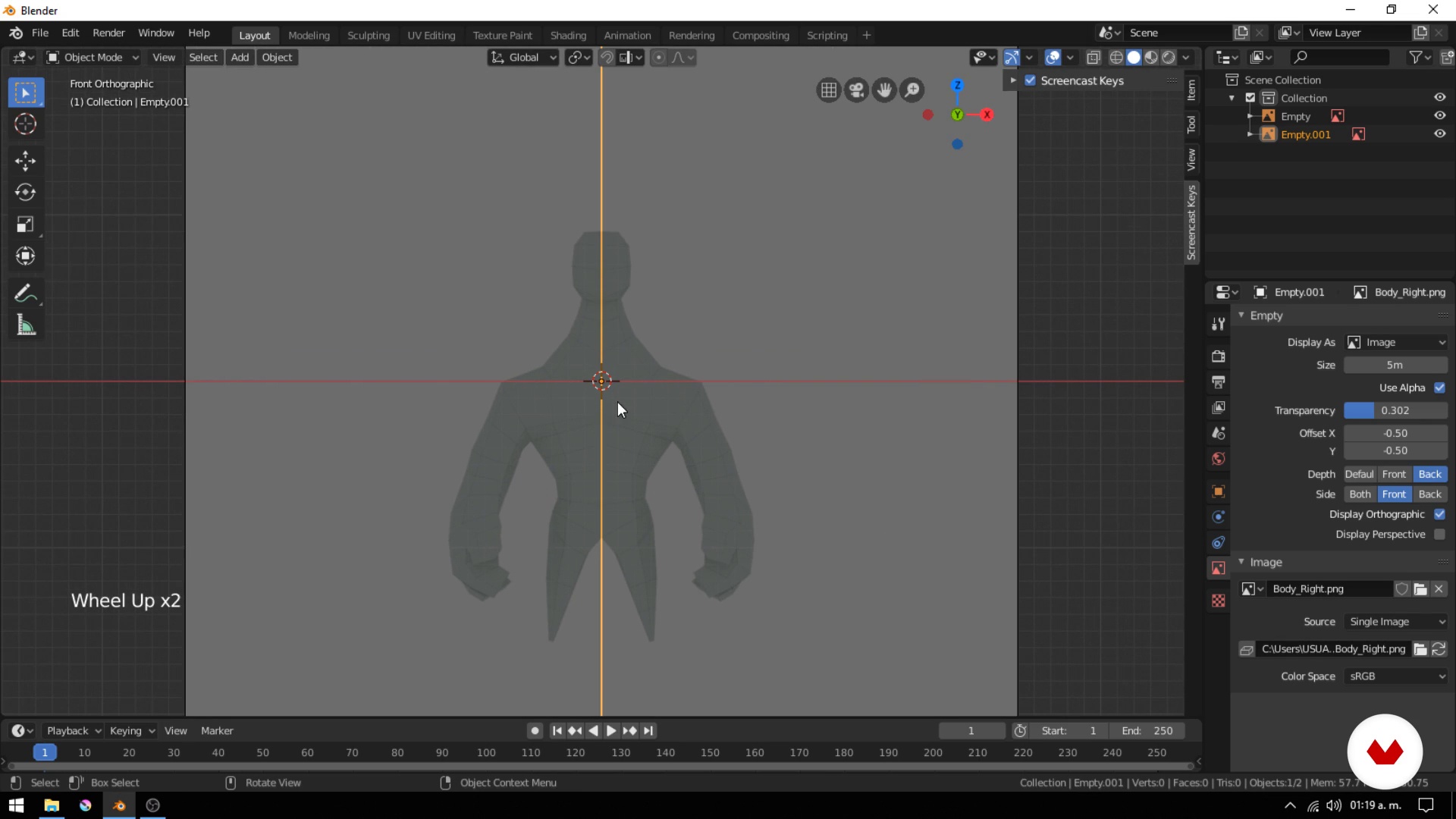
The body
13 minutes, 35 seconds
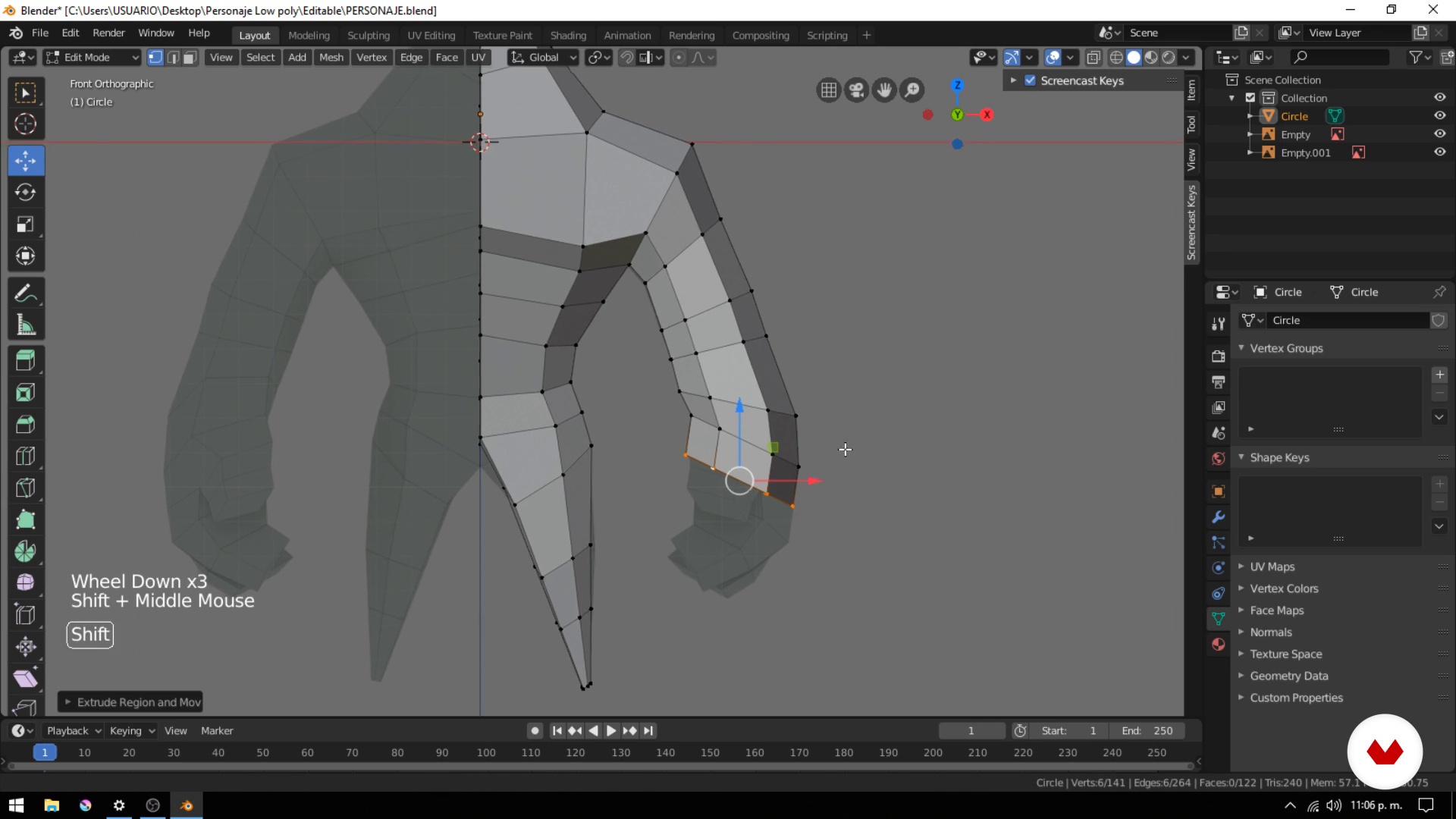
Arms
7 minutes, 53 seconds
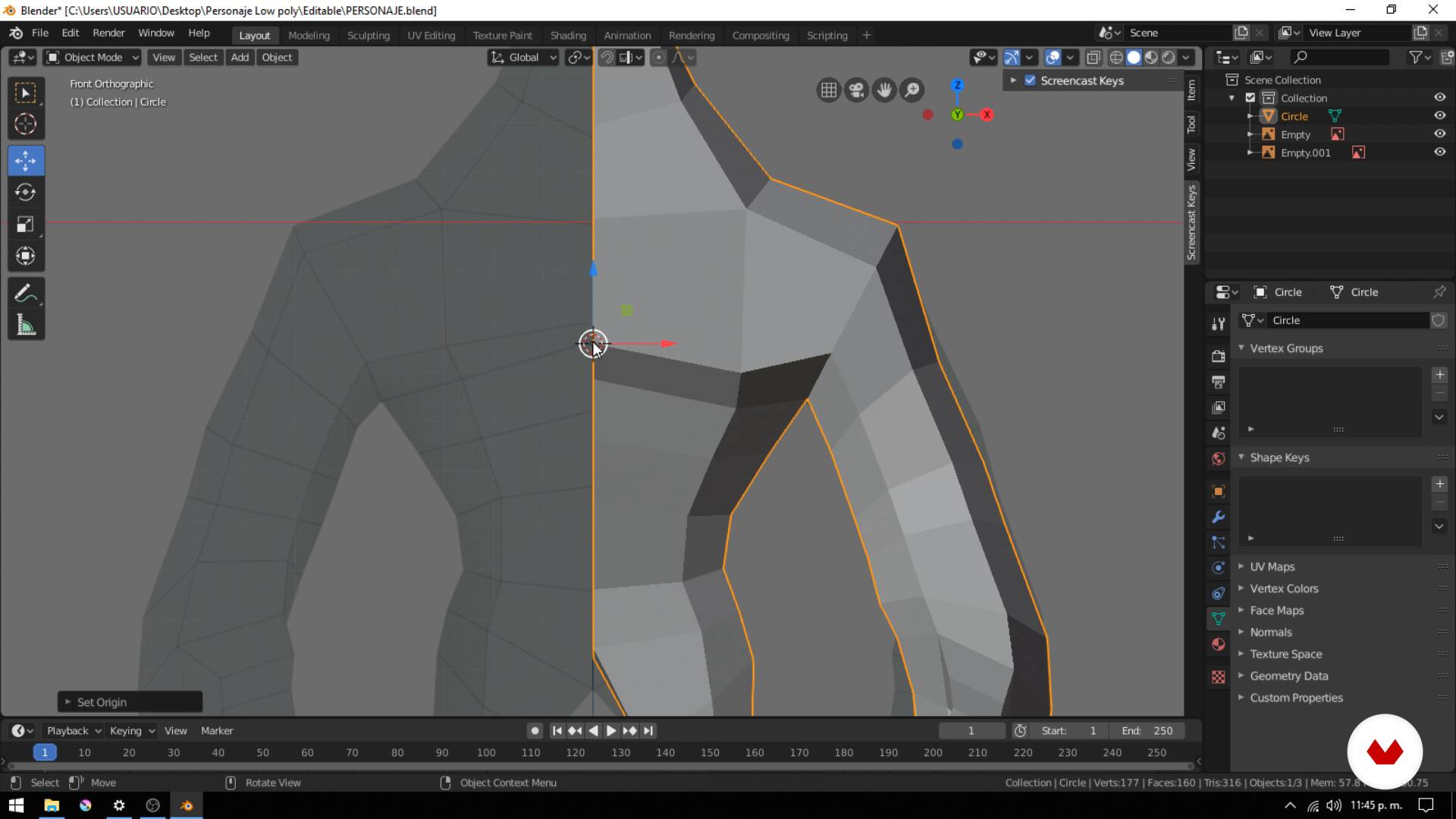
Mirror
3 minutes, 35 seconds
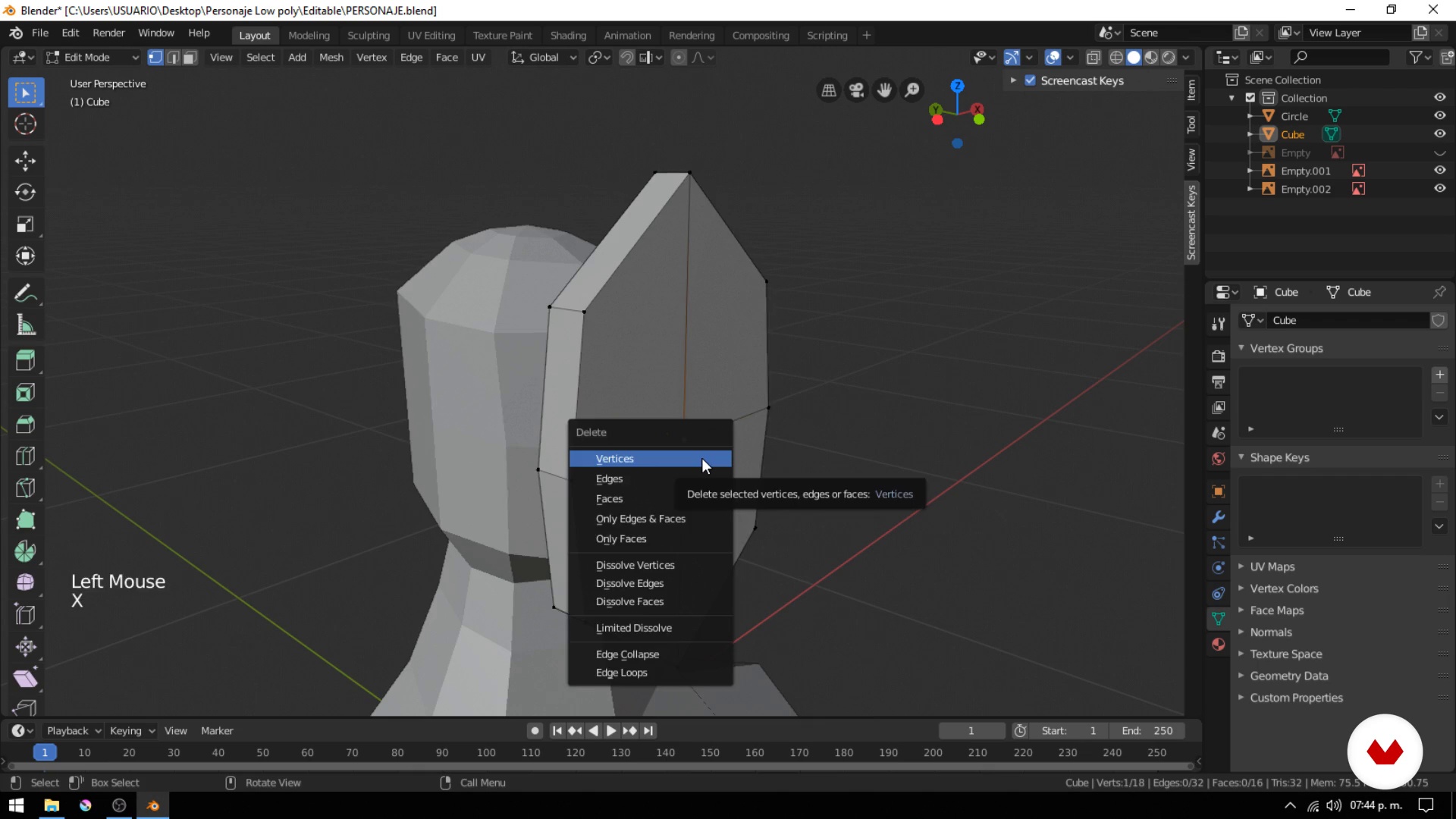
Head
9 minutes, 40 seconds
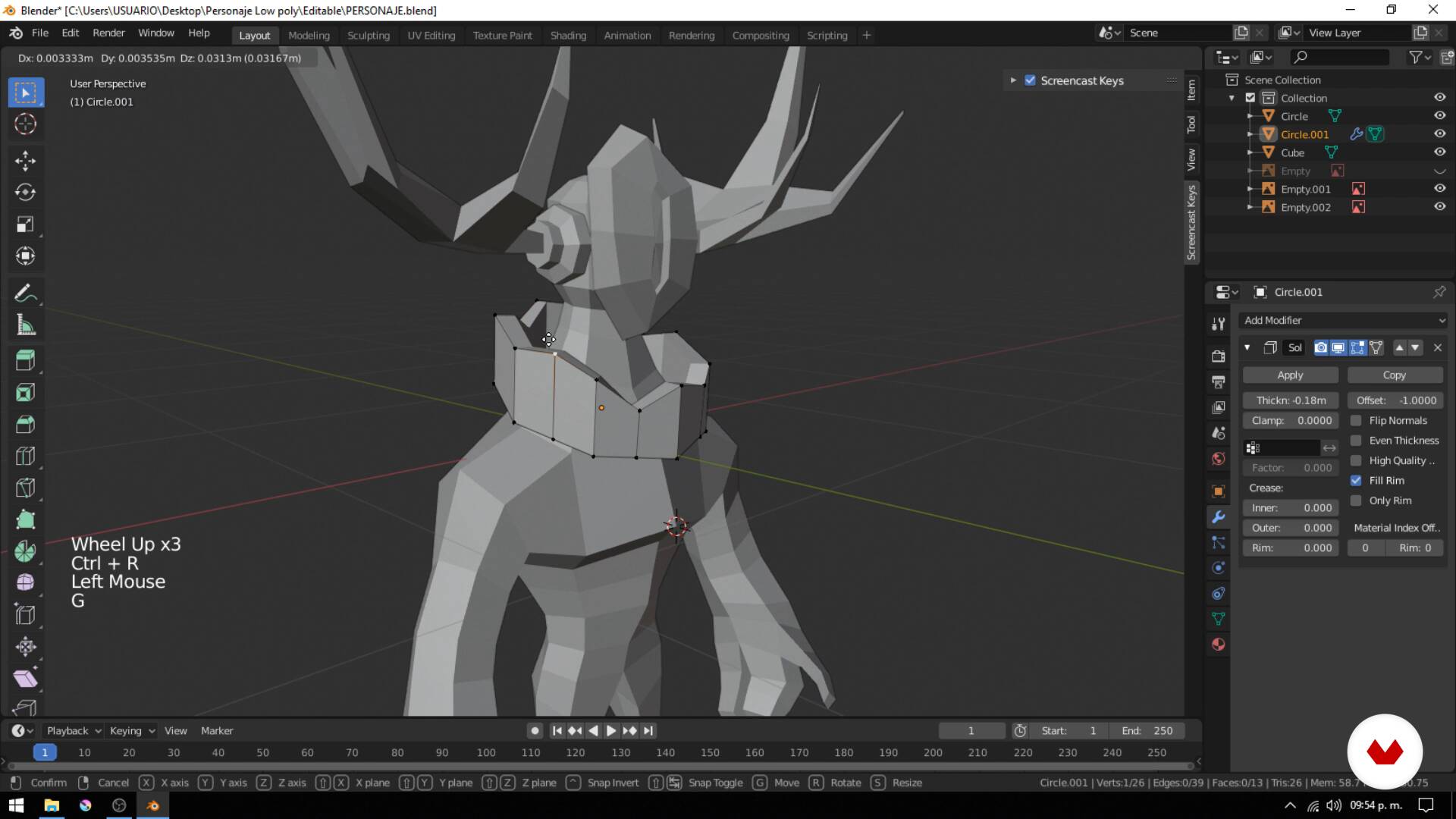
Accessories and accessories
13 minutes, 45 seconds
What's included in this course?
Begin the course by getting to know Daniel as he tells you about his work and career in the video game industry. He also shares his biggest influences and what inspires him to create low-poly characters.
Discover what low-poly means, where the term comes from, and its defining characteristics. Then, download and install blender and explore its interface.
Daniel introduces you to the main tools and features and teaches you how to use them, along with some handy shortcuts to speed up your workflow.
Once you're comfortable with the program, start working on your character concept and design. Daniel shares his creative process and some tips on how to add and emphasize the unique traits of your character.
Next, model your character from head to toe using basic geometric shapes before adding details and accessories, applying your teacher's practical technique to achieve that distinctive low-poly style.
Move on to coloring your character and learn the UV mapping process for texturing. To wrap up the course, insert a camera and a lighting setup for the final render and export your file in a special format for video game use.
Recommended software & tools for this course
What is this course's project?
Learn to model and texture a low-poly 3D character.
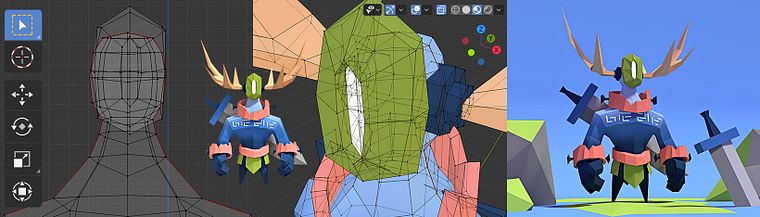
Projects by course students


Who is this online course for?
Designers, artists, programmers, and anyone who is interested in 3D modeling.
Requirements and materials
No previous knowledge of 3D modeling or Blender is required for this course, as Daniel explains everything from scratch.
In terms of materials, you need a computer with Blender 2.8 or later. As a free, open source software, it's constantly being updated, meaning there may be differences between the version you have and the one your teacher uses in the course.
Reviews
- 1 month ago
Great introduction to low poly
- 2 months ago
Maravilloso curso
- 4 months ago
Excelente.
- 4 months ago
gostei muito do curso. aprendi bestante. espero , gora, evoluir.
- 6 months ago
Muito bom, aprendi muita coisa!!

Content
- U1
Presentation
- Who I am?
- Influences
- U2
Notions
- What is low poly?
- Installation and navigation in Blender
- Design and conceptualization
- U3
Character Modeling
- The body
- Arms
- Mirror
- Head
- Accessories and accessories
- U4
Mapping, texturing and rendering
- UV mapping
- Materials and textured
- Camera, light and set
- Render and extras
- FP
Final project
- Create your low poly character for video games
What to expect from a Domestika course
Learn at your own pace
Enjoy learning from home without a set schedule and with an easy-to-follow method. You set your own pace.
Learn from the best professionals
Learn valuable methods and techniques explained by top experts in the creative sector.
Meet expert teachers
Each expert teaches what they do best, with clear guidelines, true passion, and professional insight in every lesson.
Certificates
PLUSIf you're a Plus member, get a custom certificate signed by your teacher for every course. Share it on your portfolio, social media, or wherever you like.
Get front-row seats
Videos of the highest quality, so you don't miss a single detail. With unlimited access, you can watch them as many times as you need to perfect your technique.
Share knowledge and ideas
Ask questions, request feedback, or offer solutions. Share your learning experience with other students in the community who are as passionate about creativity as you are.
Connect with a global creative community
The community is home to millions of people from around the world who are curious and passionate about exploring and expressing their creativity.
Watch professionally produced courses
Domestika curates its teacher roster and produces every course in-house to ensure a high-quality online learning experience.
FAQs
Low poly character modeling involves creating 3D figures with a minimal number of polygons, optimizing resources while maintaining a clean, minimalist look. It’s used in games to boost performance and achieve a unique visual style.
The course is aimed at those with basic 3D modeling and Blender knowledge, but essential tools and concepts are explained. It’s ideal for intermediate learners or self-taught students with some experience.
You’ll learn how to conceptualize, model, and texture low poly characters in Blender, create accessories, apply colors, export models for game engines, and incorporate references to visually express emotions.
All you need is a computer with Blender installed and basic familiarity with its interface. No extra software or advanced 3D modeling experience is required.
Low poly art uses fewer polygons, making optimization easier and giving a geometric style. High poly models have more detail and smoothness but demand more resources and processing power.
Yes, the course covers exporting 3D models from Blender to formats compatible with game engines like Unity or Unreal Engine.
You’ll learn to apply flat colors, create and assign materials, use custom textures, and manage UV mapping to enhance the look of low poly characters.