Patterning with Adobe Illustrator
A course by Flor TregnaghiTextile Designer
A course by Flor Tregnaghi, Textile Designer

Learn to design professional patterns in a digital format that you'll be able to print at home
The textile designer Flor Tregnaghi found in pattern making the perfect combination of her two passions: art and mathematics. In this online course, she'll teach you how to put a three-dimensional shape on paper, then bring it to life as you sew.
Throughout the units, you will acquire the necessary knowledge to create garment and accessory patterns in Adobe Illustrator to later print them on a home printer. At the end of this course, you will know how to trace the pattern of a blouse from scratch directly with the computer.
What will you learn in this online course?
22 lessons & 28 downloads
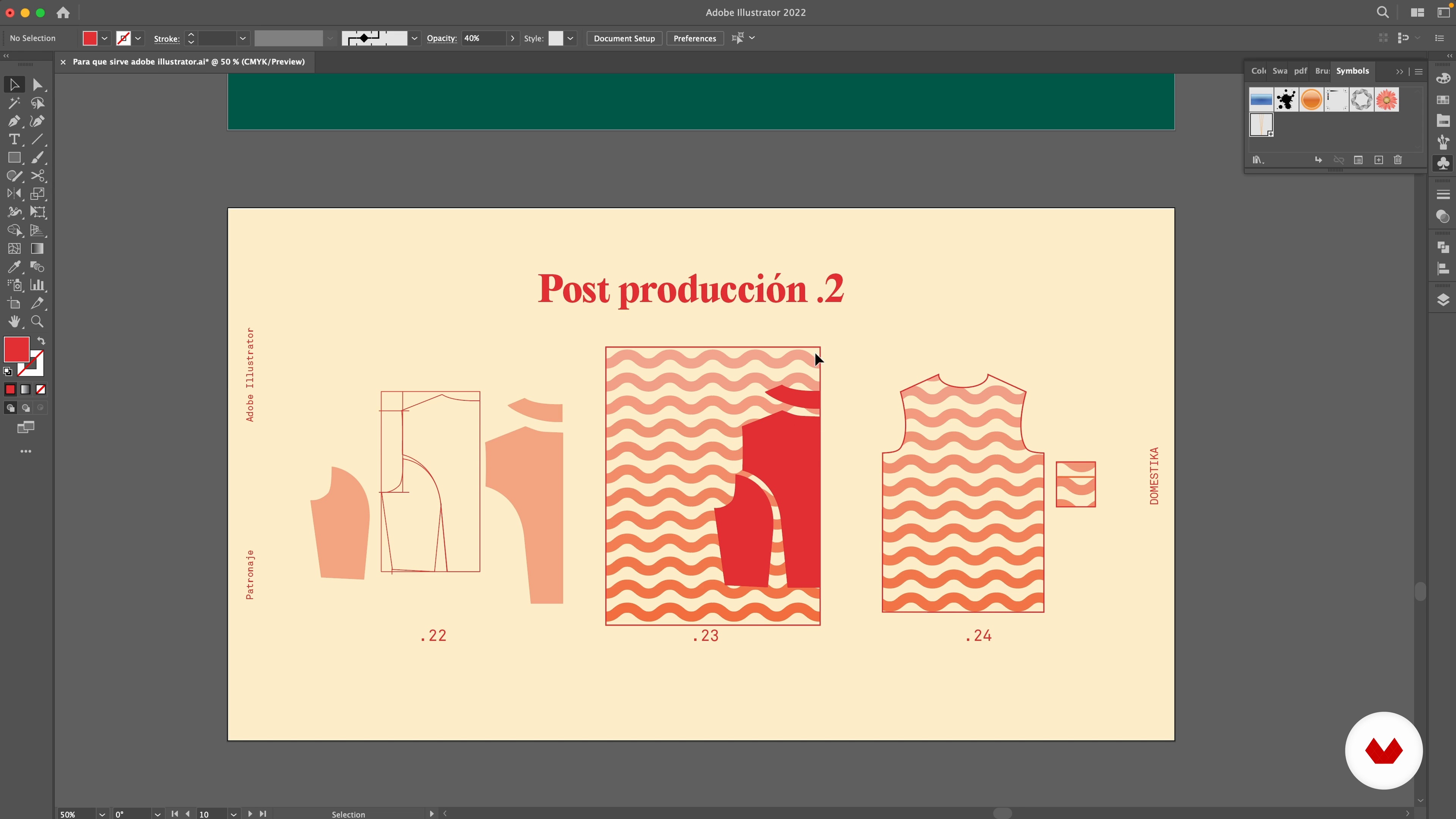
What is Adobe Illustrator used for?
10 minutes, 13 seconds
Create a document and set up the program
14 minutes, 24 seconds
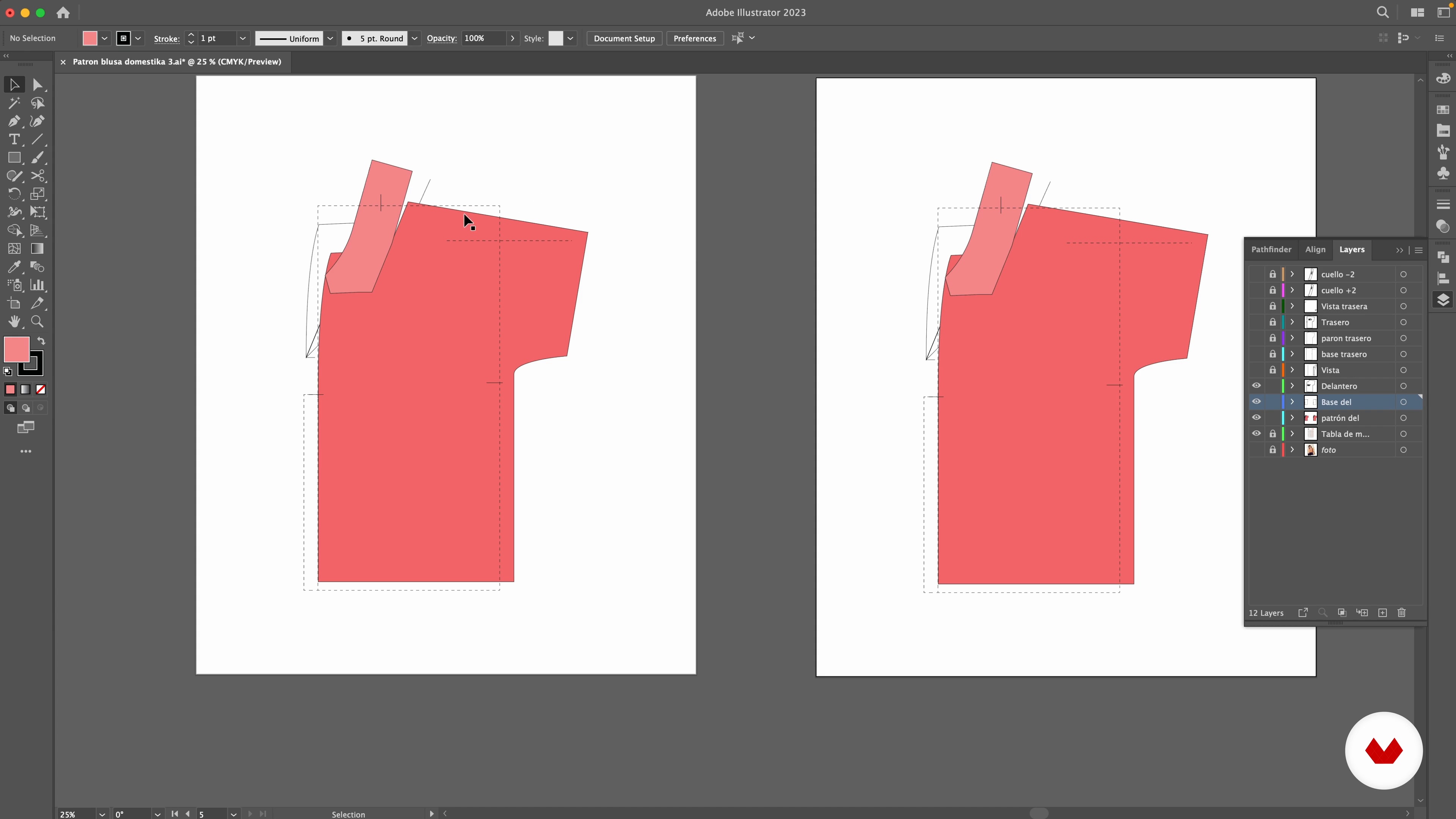
Layers and artboards
14 minutes, 14 seconds
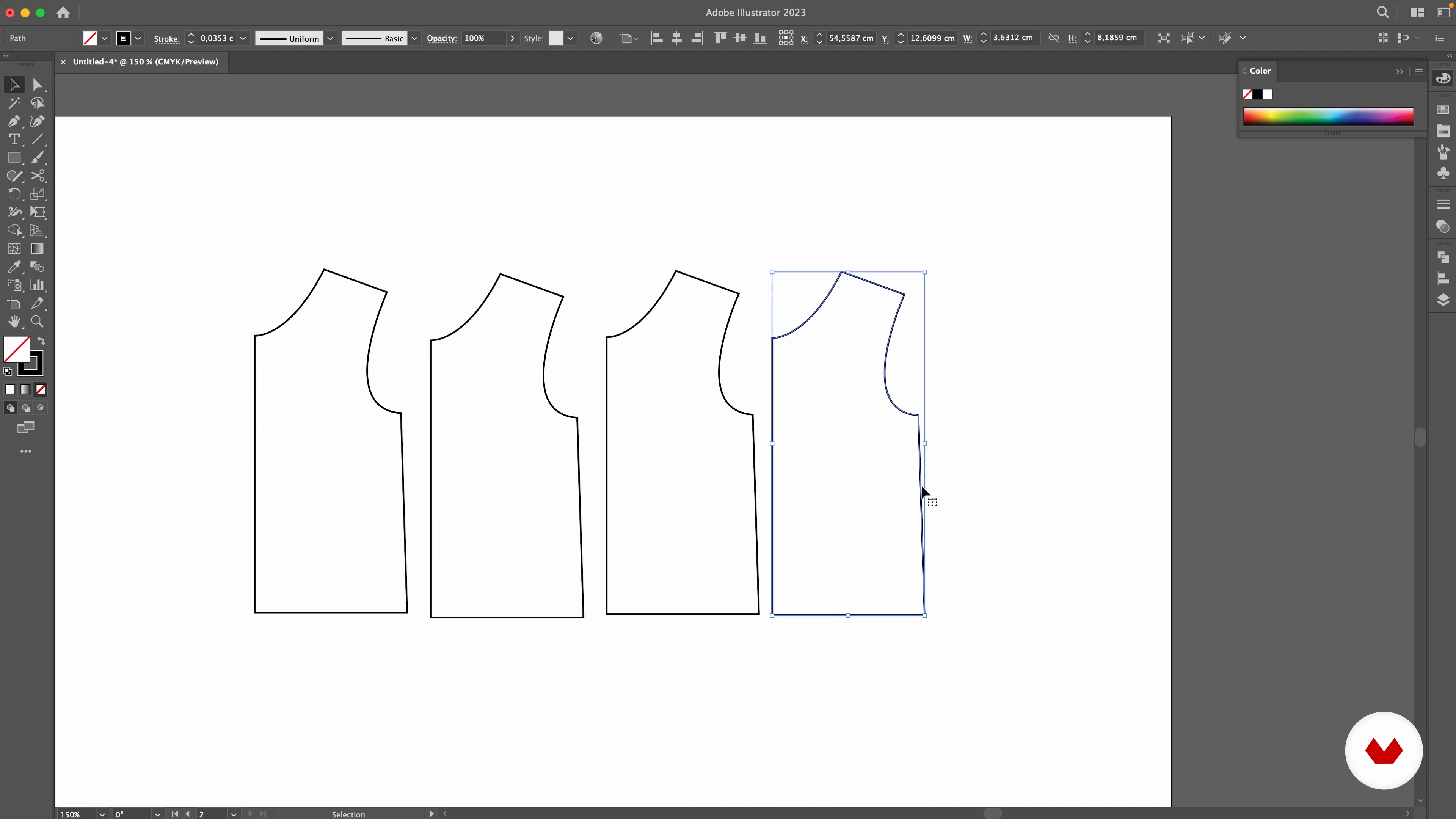
trace segments
19 minutes, 46 seconds
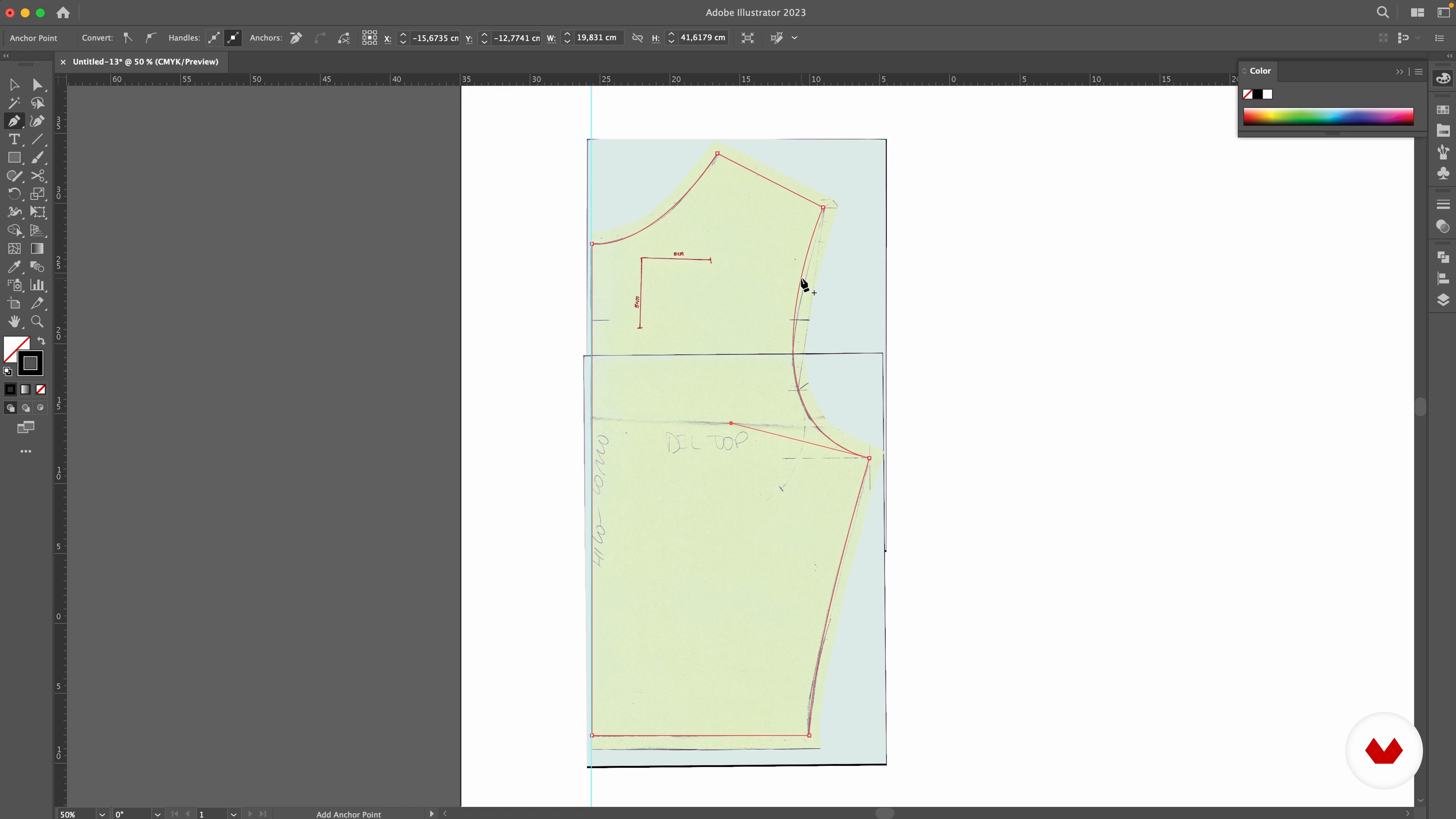
Digitize a paper pattern
8 minutes, 15 seconds
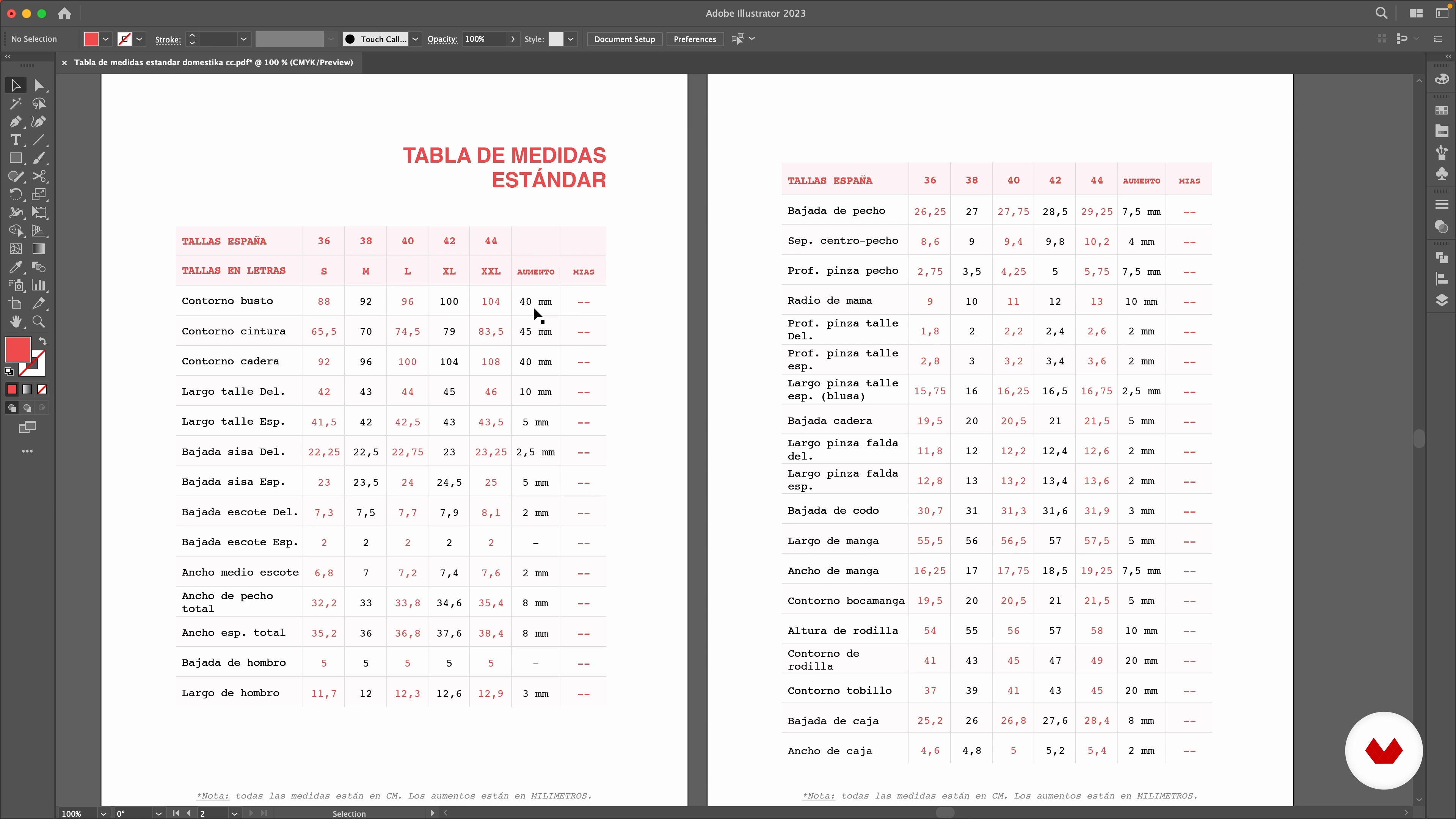
taking measurements
4 minutes, 45 seconds
What's included in this course?
You will begin by getting to know your teacher Flor Tregnaghi better and her professional career in textile design, as well as her two projects; Coseacanal and Paulatim. He will also tell you about his influences and what inspires him to continue creating day by day.
Next, Flor will teach you how to fine-tune Adobe Illustrator. You'll see how to create a document, understand layers and artboards, and use basic functions for drawing segments.
Later, you will learn how to transfer the patterns you have on paper to the computer and how to take your own measurements. At this point, you will delve into the logic of pattern making, that is, what you need to know to think in three dimensions.
Now yes, let's get to work! You will draw a rectangle with the measurements and you will create the darts and the flap of your blouse. Then, you will define the design of your garment by drawing the pockets, buttons and hems.
Then, you will apply the seam allowance and write down the information of each piece before doing the quartering and creating the "marked". This way you will know how to position the pieces on the fabric and how much fabric you will need.
Finally, your teacher will explain how to separate the pattern into different sheets to be able to print it on a home printer in A4 size, and she will tell you her trick to join them easily and create a giant paper pattern.
Recommended software & tools for this course
What is this course's project?
You will trace from scratch the pattern of a tailored lapel blouse. You will create the exploded view, the marking and you will print it.

Projects by course students


Who is this online course for?
To fashion students, dressmakers, designers and people who are fond of sewing in general.
Requirements and materials
You will need basic knowledge of using Adobe Illustrator.
As for tools, you will need a tape measure, a computer, a printer with a scanner or a smartphone, a branded roulette wheel, and carbon paper.

Reviews
- 1 month ago
I am new to Adobe Illustrator and this class is beginner-friendy. The pacing is right for me to follow along. I am still on Unit 2 but I am really enjoying it as i familiarize myself with the tool.
- 2 months ago
Estudie diseño de vestuario hace más de 20 años pero nunca ejercí, con este curso me puse totalmente al día con las actualizaciones y cambios en el programa 🥰 feliz con esta adquisición
- 2 months ago
recien empiezo el curso. se ve muy bueno y bien explicado
- 2 months ago
Es un curso verdaderamente valioso e importante. Muy claro y la profe es 10/10
- paobiancaPLUS2 months ago
I use adobe illustrator a lot in my work so this course was helpful in supplementing my skills. The provided materials were also great for practice.

Paulatim is her personal creative workshop, where she designs garments, advises on pattern making and teaches sewing to anyone who wants to create their own clothes and take care of their garments by giving them a new life. It is a meeting space, but also for environmental awareness. In addition, Flor is an illustrator and pattern maker for Patrones magazine.
Content
- U1
Introduction
- Presentation
- influences
- U2
Learn to use the program
- What is Adobe Illustrator used for?
- Create a document and set up the program
- Layers and artboards
- trace segments
- U3
Ways to make a pattern
- Digitize a paper pattern
- taking measurements
- understand the pattern
- U4
Create the pattern from scratch
- Rules for drawing patterns
- Rectangle and transfer of measurements: construction
- Grippers: Create and Translate
- create the tab
- Details: pocket, buttons, hem, views and aplombs
- Exploded view, scaling and seam allowance 1
- Exploded view, scaling and seam allowance 2
- U5
Prepare the pattern for printing
- The information of each piece
- fabric creation
- Prepare the pattern for printing
- Import the pattern to InDesign and print
- U6
Use the printed pattern
- match the paper pattern
- Transfer the pattern to the fabric
- FP
Final project
- Introduction to pattern making with Adobe Illustrator
What to expect from a Domestika course
Learn at your own pace
Enjoy learning from home without a set schedule and with an easy-to-follow method. You set your own pace.
Learn from the best professionals
Learn valuable methods and techniques explained by top experts in the creative sector.
Meet expert teachers
Each expert teaches what they do best, with clear guidelines, true passion, and professional insight in every lesson.
Certificates
PLUSIf you're a Plus member, get a custom certificate signed by your teacher for every course. Share it on your portfolio, social media, or wherever you like.
Get front-row seats
Videos of the highest quality, so you don't miss a single detail. With unlimited access, you can watch them as many times as you need to perfect your technique.
Share knowledge and ideas
Ask questions, request feedback, or offer solutions. Share your learning experience with other students in the community who are as passionate about creativity as you are.
Connect with a global creative community
The community is home to millions of people from around the world who are curious and passionate about exploring and expressing their creativity.
Watch professionally produced courses
Domestika curates its teacher roster and produces every course in-house to ensure a high-quality online learning experience.
FAQs
Digital pattern making involves creating garment patterns using digital tools like Adobe Illustrator, allowing for precision, quick edits, and exporting for printing or fabric cutting.
This is an intermediate-level course, so it’s recommended to have basic sewing skills and some experience with Illustrator before starting.
You’ll need a computer with Adobe Illustrator installed, access to a home printer, a measuring tape, paper, scissors, and optionally a scanner or camera to digitize patterns.
You’ll learn how to create digital patterns from scratch, digitize hand-drawn patterns, add seam allowances, prepare files for printing, organize layers, and apply creative and sustainable fashion techniques.
The process starts by setting up the document, drawing the base rectangle, taking measurements, adding darts, sketching the flap, and applying seam allowances—all using Illustrator’s tools.
Yes, the course teaches how to split digital patterns into A4 pages, print them at home, and assemble them correctly to get a full pattern ready for cutting.
In Illustrator, you select the piece and create an extra outline about 1 to 1.5 cm around the original pattern to leave enough room for sewing.