Textile Prints with Digital Techniques
A course by Ricardo LuévanosGraphic Artist
A course by Ricardo Luévanos, Graphic Artist

Learn to create illustrations based on photographs to apply to fabric
Original prints are a simple way to turn a basic garment into a designer piece. With the advent of advanced techniques such as textile sublimation, the possibilities have multiplied to the point where you can design your own realistic patterns on your computer and transfer them to fabric.
In this course, learn to create textile prints using digital techniques with Ricardo Luévanos, a Mexican graphic artist who, with his maximalist designs, has collaborated with retail chains such as C&A, for whom he has created two capsule collections, and independent brands such as Alfredo Martínez and Liberal Youth Ministry.
What will you learn in this online course?
16 lessons & 14 downloads
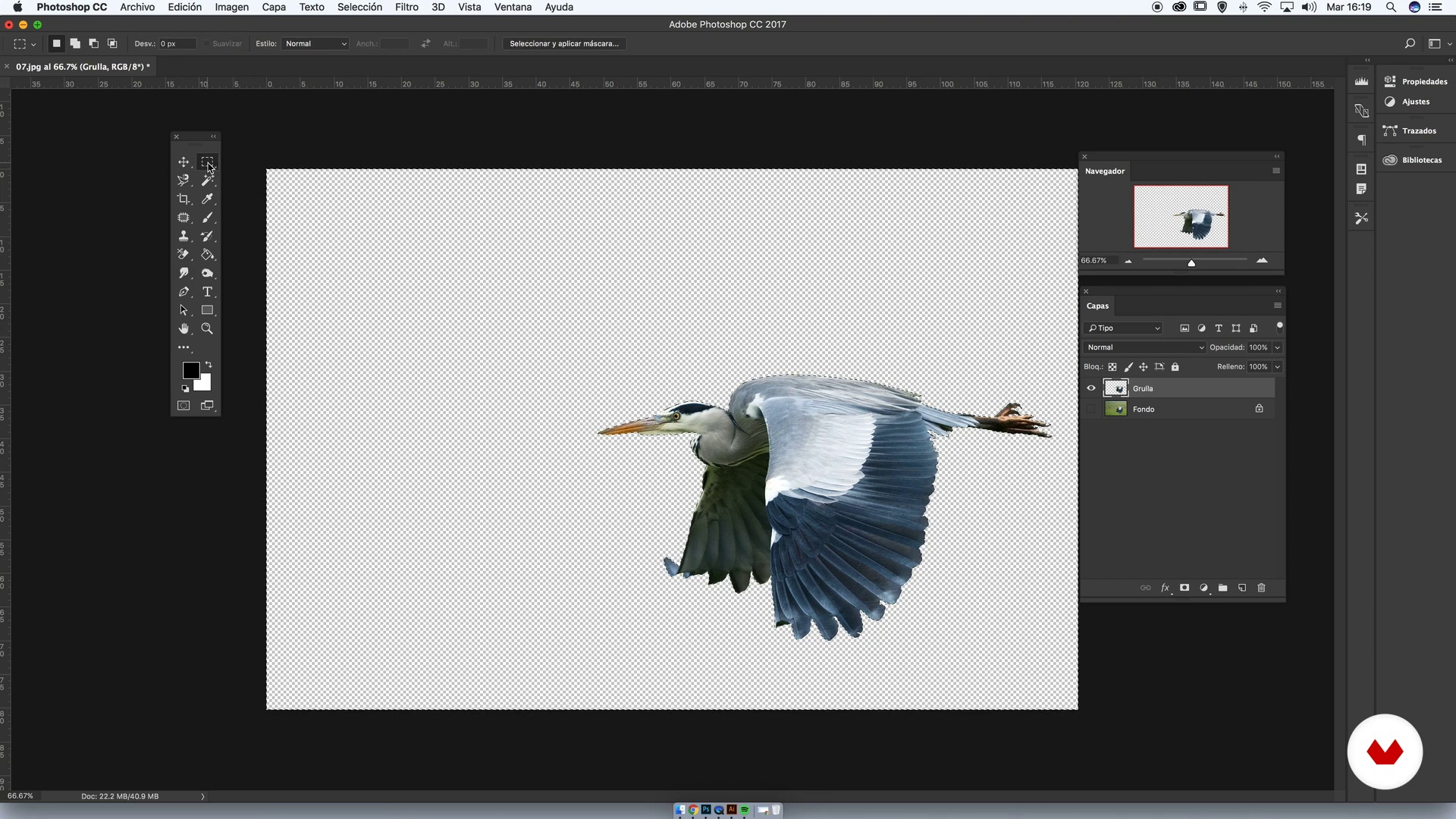
Choice of images and clipping
7 minutes, 59 seconds
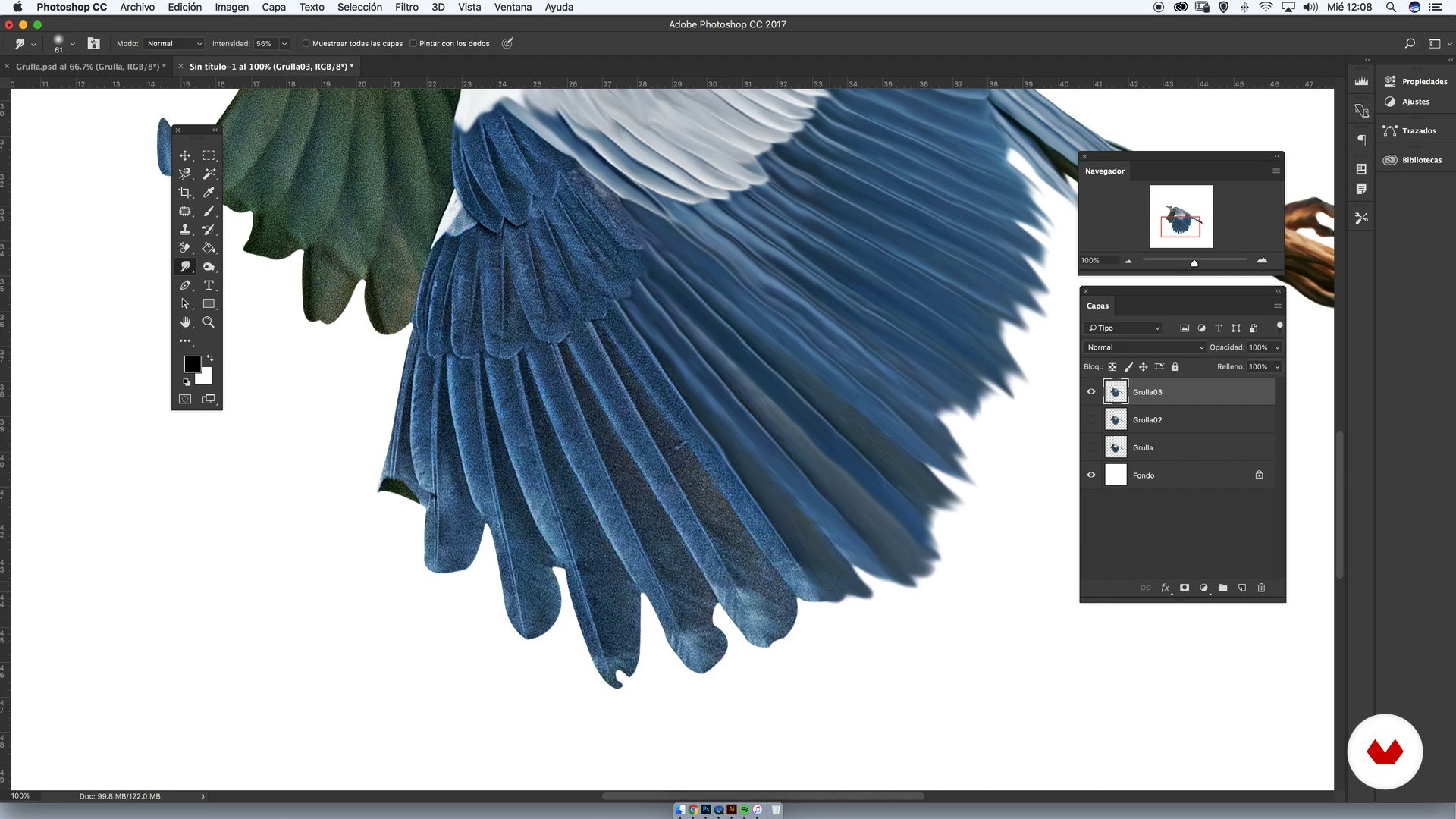
Treatment of Image I
16 minutes, 38 seconds
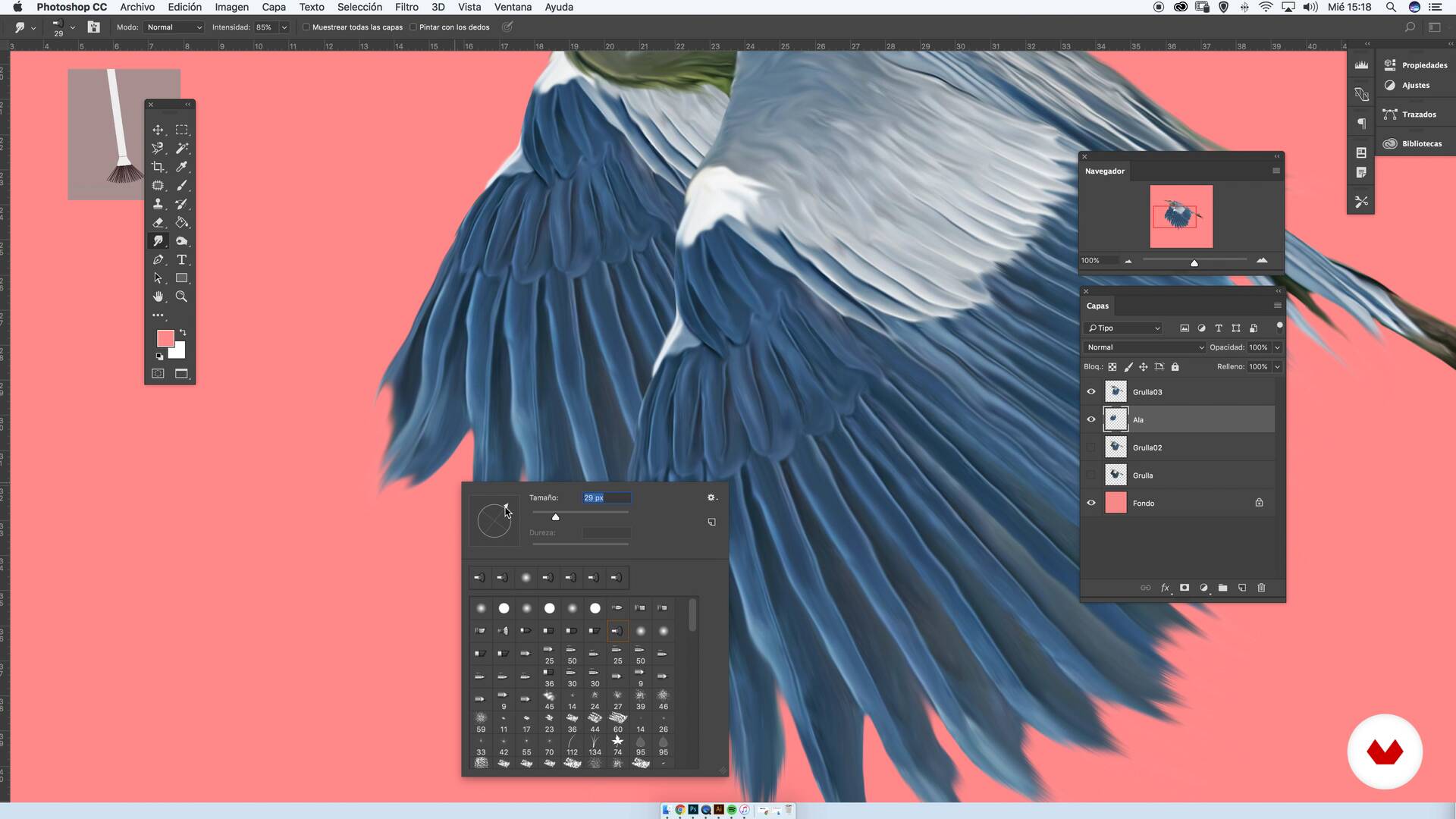
Treatment of the image II
11 minutes, 39 seconds
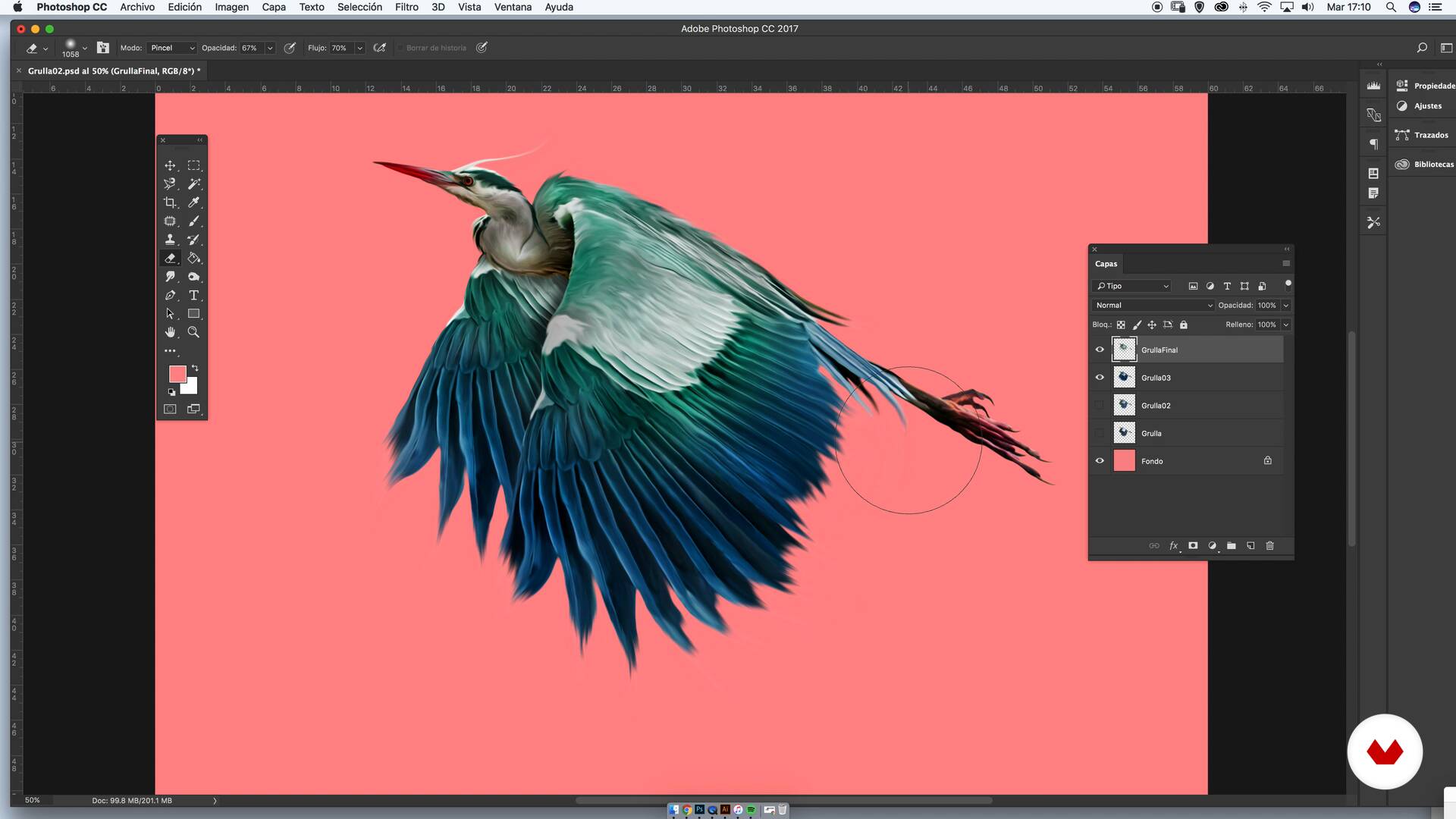
Colour
4 minutes, 6 seconds
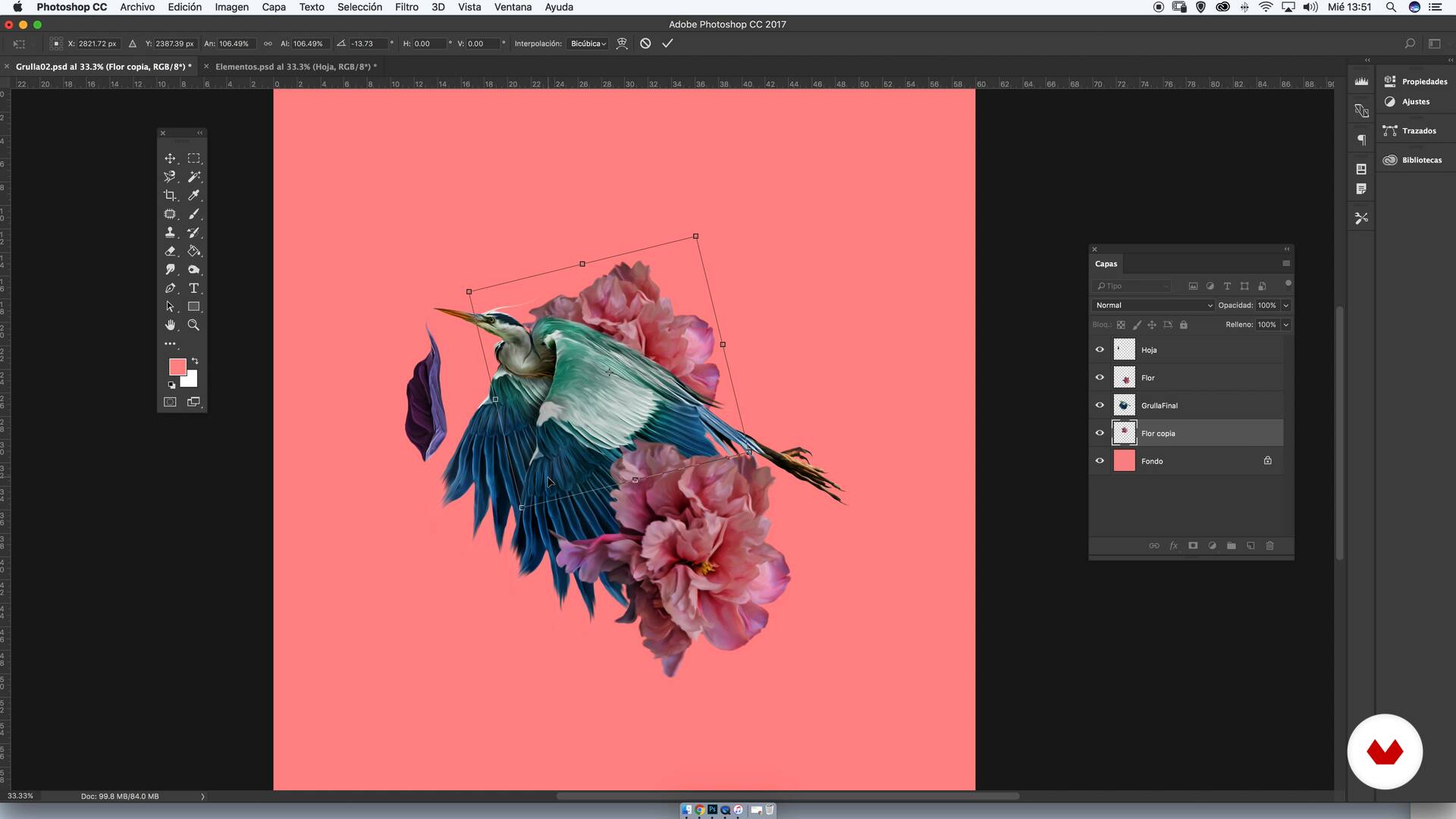
Creating our composition or module
8 minutes, 46 seconds
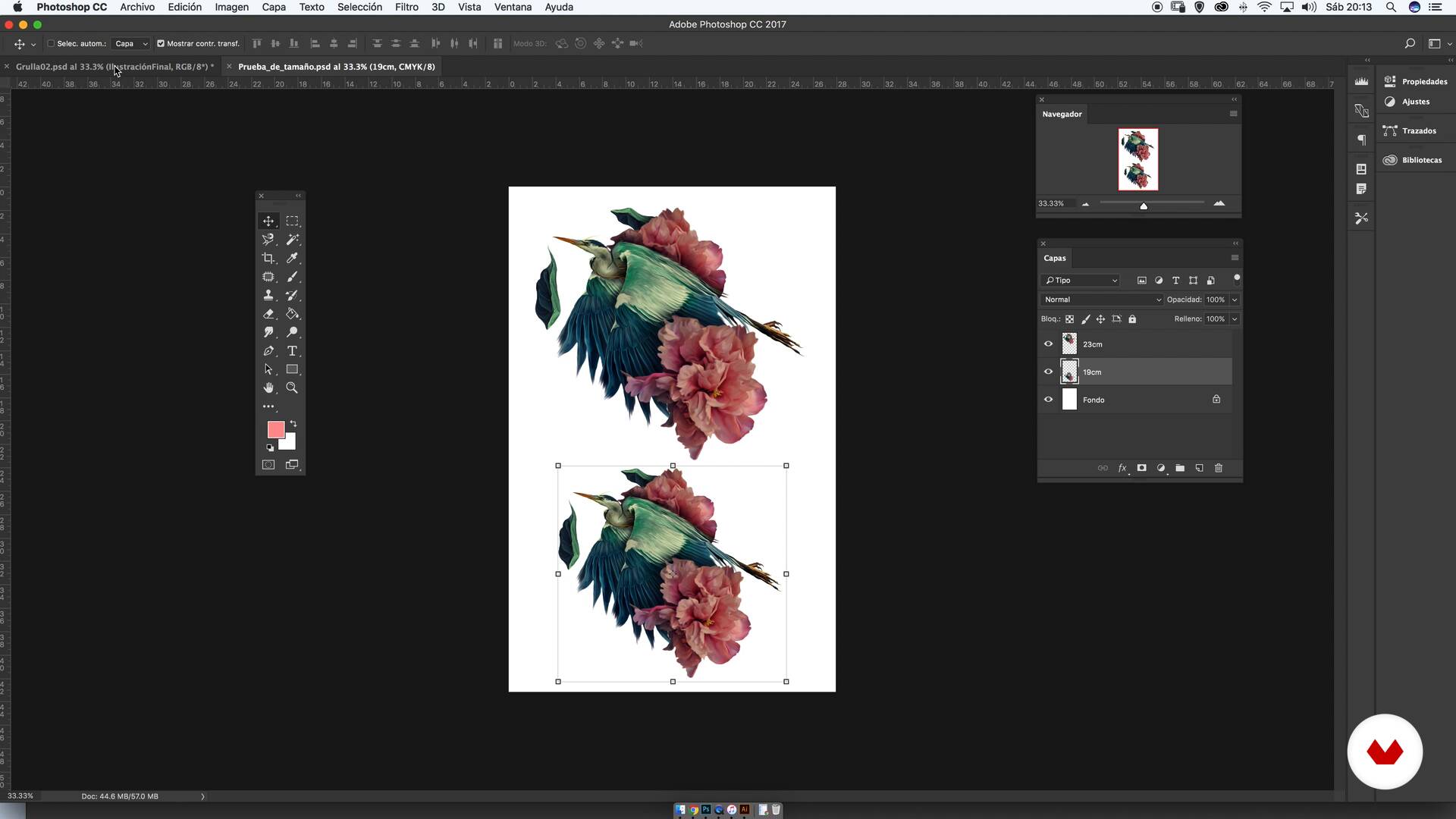
Size tests
8 minutes, 7 seconds
What's included in this course?
Start by meeting Ricardo, who explains a trend that is present in all of his textile work—maximalism—and how he found it through his interest in the human body, flora and fauna, and collages.
Learn about his illustration style, which mixes photography, colored pencils, and digital editing, and discover some of the fashion brands he's collaborated with to create textile prints.
Start working on your print by compiling a mood board with stock images. Choose the photos for your print and crop them in Photoshop, then edit them with filters, brushes, colors, and warps. Learn to identify the value of each design component that makes up your illustration.
Build your composition with the images you have worked on to create a pattern, and then adjust the color details. Experiment with background options and print your artwork in different sizes to make sure the one you select works for the print on fabric.
Finally, learn about the sublimation technique, including its features and specificities.
Recommended software & tools for this course
What is this course's project?
Create an illustration with different backgrounds to generate two patterns with different structural lines. Apply one of them to a tote bag and the other to a scarf.
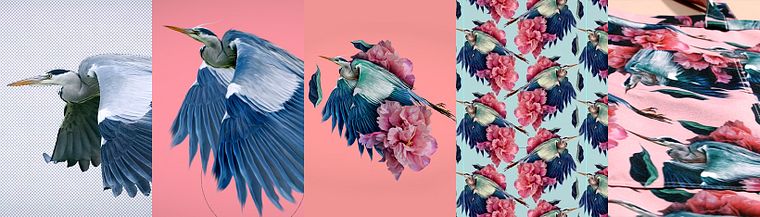
Projects by course students


Who is this online course for?
This course is for anyone who's curious about creating prints for fabric.
Requirements and materials
You need basic working knowledge of Adobe Photoshop. As for materials, you need a computer with Photoshop, and ideally, a graphics tablet.
Reviews
- 8 months ago
Muito Bom!
- 11 months ago
Es muy clara la información
- 11 months ago
Wonderful course,inspirational !
- 11 months ago
MUITO INSPIRADOR E MUITO BEM EXPLICADO.
- 1 year ago
Muy útil y bien explicado

His work can be found in various spaces, such as galleries, album covers, international magazines, and clothing lines.
Content
- U1
Introduction
- Who I am?
- Influences
- U2
Diigital illustration
- Moodboard
- Choice of images and clipping
- Treatment of Image I
- Treatment of the image II
- Colour
- Value of design elements
- U3
Composition
- Creating our composition or module
- Color filters
- Size tests
- Figure / background tests
- U4
Printing and structures: tote bag and scarf
- Sublimated and materials.
- Structures
- Tote bag
- Kerchief
- FP
Final project
- Digital illustration applied to textile prints
What to expect from a Domestika course
Learn at your own pace
Enjoy learning from home without a set schedule and with an easy-to-follow method. You set your own pace.
Learn from the best professionals
Learn valuable methods and techniques explained by top experts in the creative sector.
Meet expert teachers
Each expert teaches what they do best, with clear guidelines, true passion, and professional insight in every lesson.
Certificates
PLUSIf you're a Plus member, get a custom certificate signed by your teacher for every course. Share it on your portfolio, social media, or wherever you like.
Get front-row seats
Videos of the highest quality, so you don't miss a single detail. With unlimited access, you can watch them as many times as you need to perfect your technique.
Share knowledge and ideas
Ask questions, request feedback, or offer solutions. Share your learning experience with other students in the community who are as passionate about creativity as you are.
Connect with a global creative community
The community is home to millions of people from around the world who are curious and passionate about exploring and expressing their creativity.
Watch professionally produced courses
Domestika curates its teacher roster and produces every course in-house to ensure a high-quality online learning experience.
FAQs
This course is aimed at people with intermediate knowledge of design or illustration, but you don’t need to be an expert in advanced techniques. Basic Photoshop skills and creativity are recommended to get the most out of the content.
You’ll need a computer with Photoshop installed, internet access, basic sketching materials, and optionally paper, pencils, and watercolors for hands-on practice. It’s also helpful to have reference images and access to image libraries like Unsplash.
You’ll learn digital and manual collage techniques, how to create moodboards, select royalty-free images, compose visuals, work with color, prepare files for textile printing, and the full process to design original, professional prints.
The course guides you in creating rich compositions full of detail, color, and texture, following a maximalist aesthetic to produce bold, eye-catching textile and garment designs.
Yes, by the end of the course you’ll be able to design and prepare professional files for your own textile prints, ready for printing and application on clothing and accessories.
You’ll learn about screen printing, economical transfer methods, textile sublimation by the meter, and how to prepare files for professional printing, including color tests and choosing the right materials.
Yes, the course includes hands-on tutorials for cutting, layer management, color and saturation adjustments, applying filters and textures, and preparing print-ready files using Photoshop.