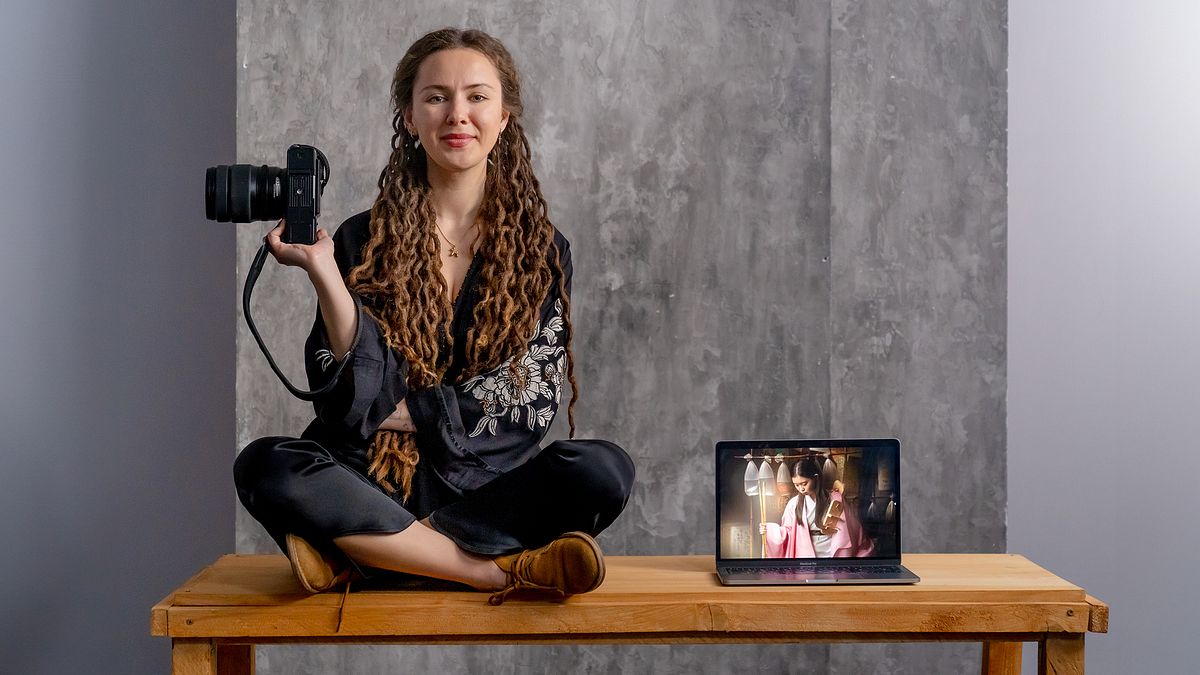
Fine Art Retouching in Photoshop
A course by Alisa SibirskayaPhotographer
A course by Alisa Sibirskaya, Photographer

Discover the art of Fine Art retouching in Photoshop. Explore the significance of lighting and techniques to create a mesmerizing photographic composition.
With the help of Alisa Sibirskaya, you will enter the fascinating world of artistic photography. Throughout the lessons, you'll explore how to transform your portraits into works of art using digital tools like Lightroom and Photoshop. Without magic formulas, but with a creative approach, you will discover how to provoke ideas, manipulate objects, people and lights to create striking images.
You will learn the art of retouching, exploring various techniques such as double development and the liquefy filter, as well as how to clean and separate frequencies. But the most exciting thing will be the photomontage, where you will learn to select, cut out objects, create shadows and add narrative and symbolic elements to give life to your own pictorial compositions.
With Alisa as your guide, you can transform your photographs into unique pieces of art by exploring advanced editing techniques. You don't need to be an expert, but prior basic knowledge of Photoshop is recommended. Discover how to add a touch of magic to your portraits and create images that tell stories.
What will you learn in this online course?
20 lessons & 16 downloads

Provoke a creative idea
9 minutes, 14 seconds
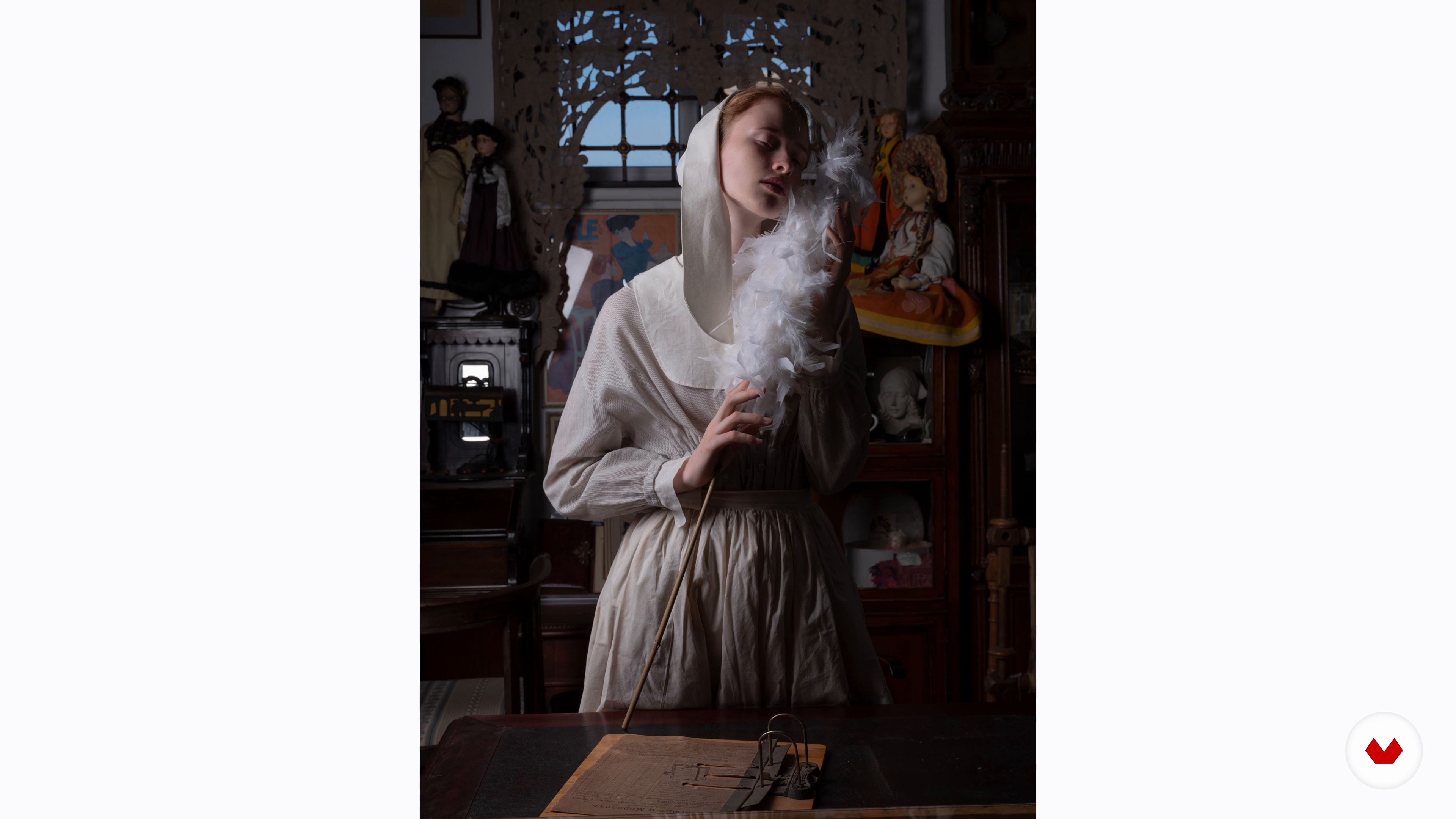
Objects: universal code of art
8 minutes, 4 seconds
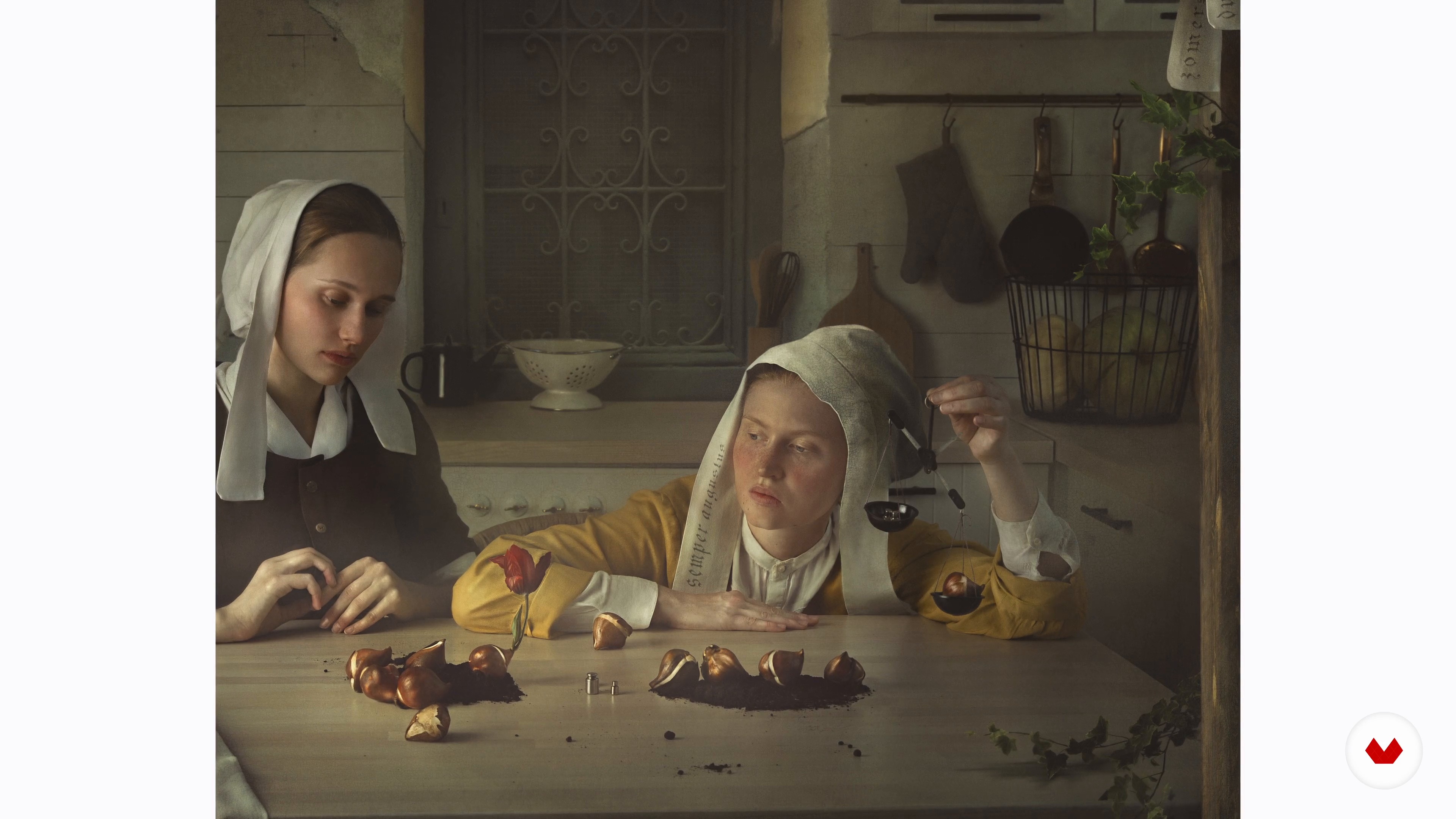
People
7 minutes, 40 seconds
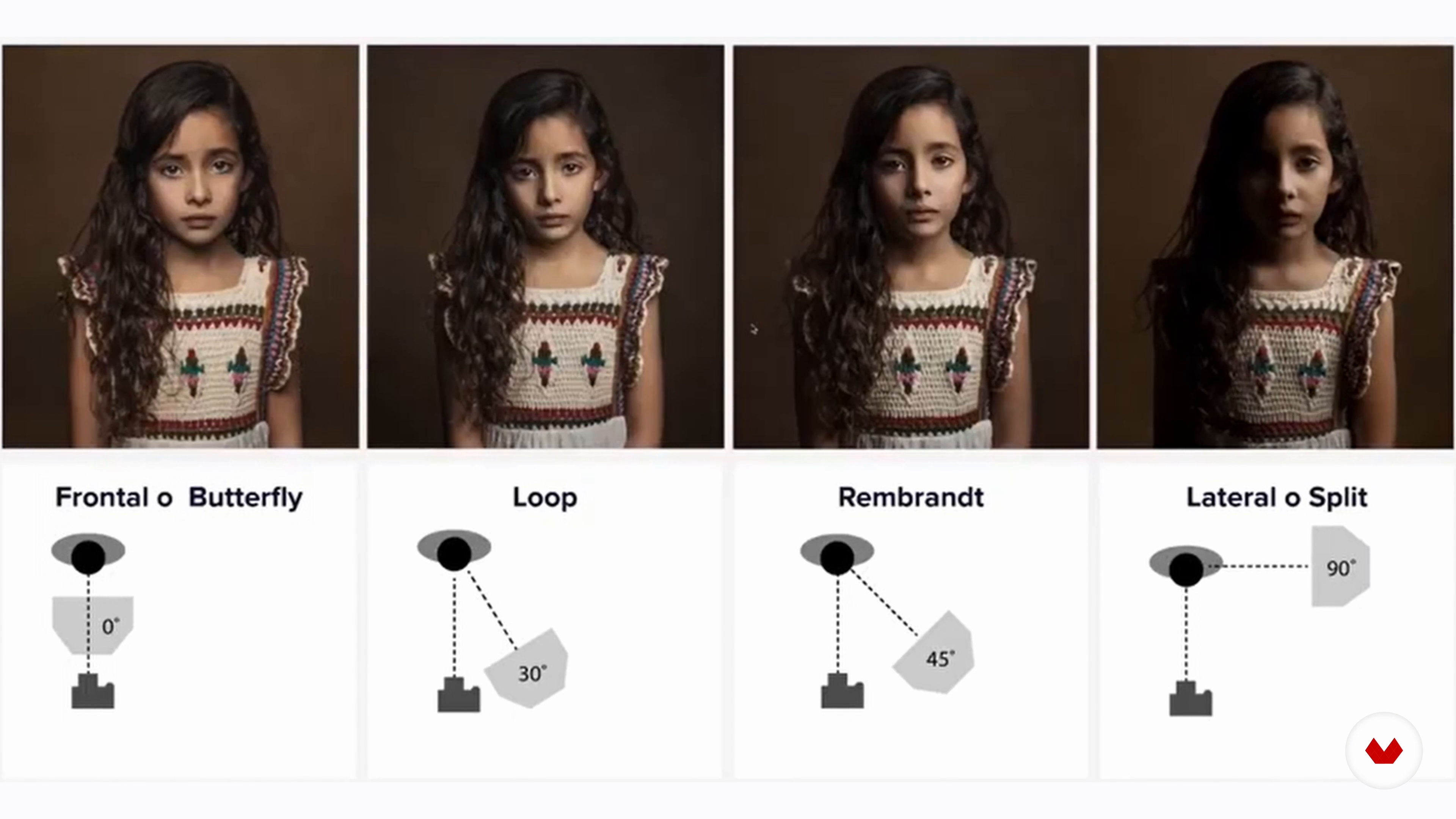
The lighting
6 minutes, 47 seconds
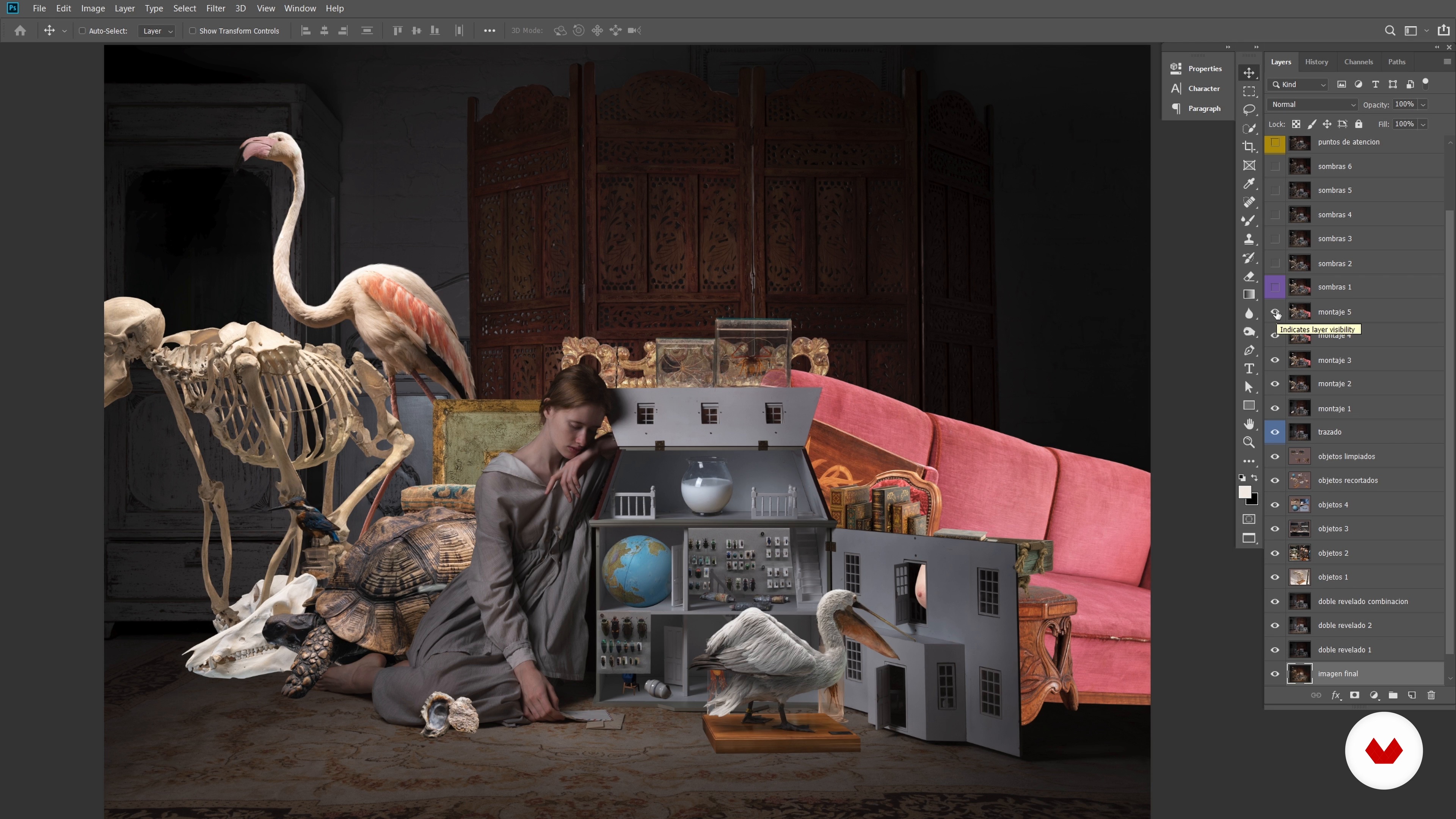
The retouching process
11 minutes, 22 seconds
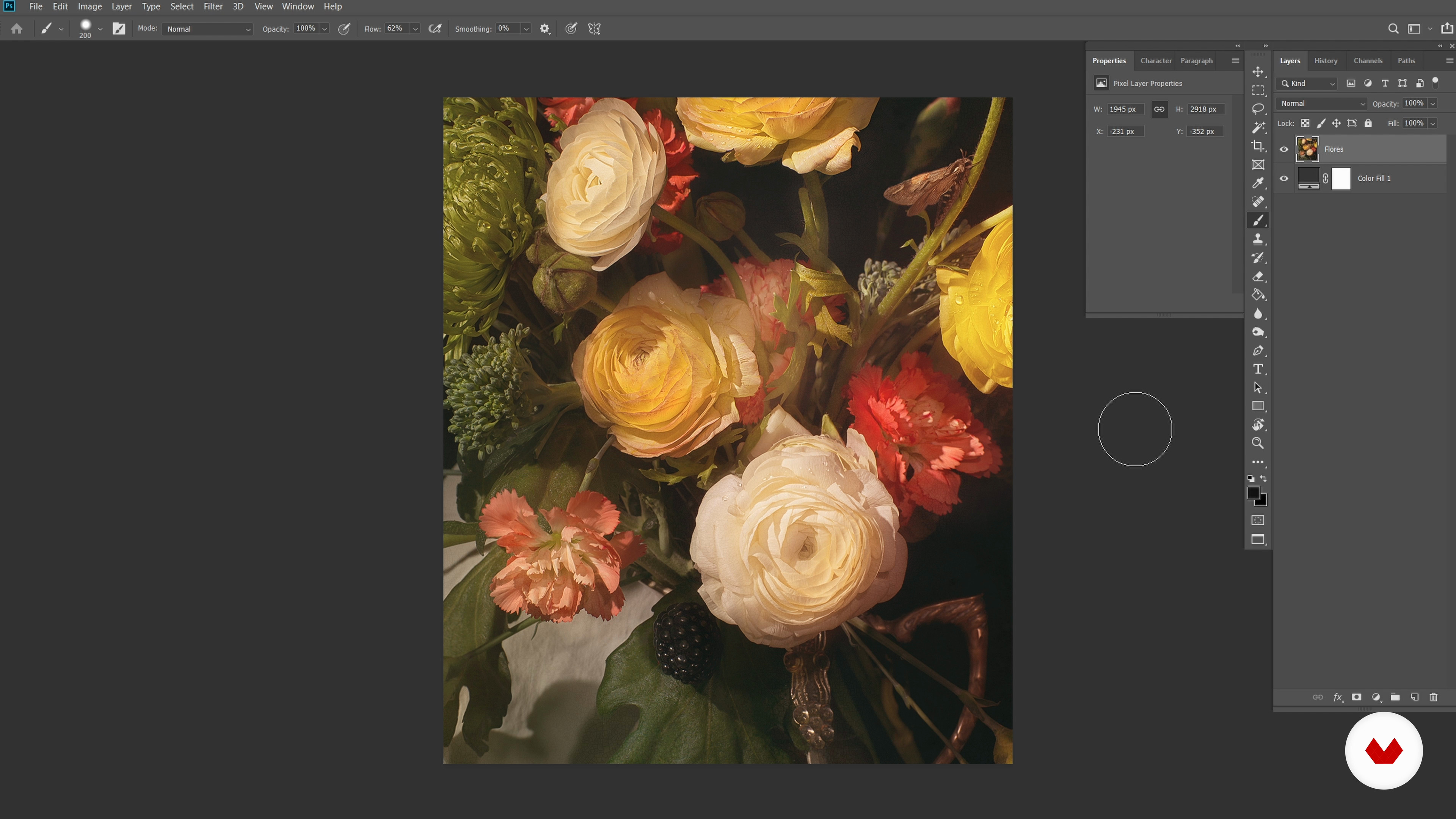
Double development technique
15 minutes, 20 seconds
What's included in this course?
You will learn to master the art of artistic photo retouching with Lightroom and Photoshop. To get started, Alisa will teach you how to spark creative ideas and bring them to life. You will learn to manipulate objects, people and lights to create striking and evocative portraits.
Then, you'll enter the world of retouching, exploring various techniques to perfect your images. You'll discover how to use double development, liquefy filter, and frequency separation to achieve amazing effects.
But the jewel in the crown will be photomontage, where you will learn to select and cut out objects, create realistic shadows and add symbolic and narrative elements to your compositions. Upon completion, you will be able to transform your portraits into works of art with a unique pictorial style.
Recommended software & tools for this course
What is this course's project?
The final project will challenge you to apply all the techniques learned. You will create a Fine Art photomontage, using symbolic and narrative elements to tell a story through your image. This project will allow you to demonstrate your skills and create a unique and personal work of art.
Projects by course students


Who is this online course for?
Designed for any photography lover who wants to take their portraits to the next level. Whether you're a beginner with basic Photoshop knowledge or a more experienced photographer, this course will give you the tools you need to create artistic and emotive portraits.
Requirements and materials
To get the most out of this course, it is advisable to have basic prior knowledge of Photoshop. As for materials, you will need a computer with internet access and, of course, your passion for photography. Alisa will guide you through the rest of the process, providing you with the skills necessary to create impactful images.
Reviews
- 2 months ago
Es un buen curso. Bien explicado, bien estructurado. Alisa Sibirskaya explica de forma amena y sencilla unos trucos que harán subir de nivel tus proyectos! Aprenderás técnicas chulas con este curso!
- 4 months ago
Excelente, a explicação é bem clara e detalhada, a instrutora é cativante e explica muito bem, o conteúdo é muito rico e fácil de entender.
- 5 months ago
Tuve el placer de conocerla en persona en Festimatge en Calella. Me quede boquiabierto ante sus fotografías de gran formato y su riqueza expresiva. Como consecuencia decidí escucharla en este curso. Su lenguaje denota una persona sensible y de amplia cultura, apasionada y humilde como la mayoria de personas muy inteligentes y con una discreta timidez y sonrisa franca.
- 8 months ago
Variedad de tecnicas y lujo de presentacion!
- 11 months ago
great insight about vintage fine art look

For Alisa, photography is a means to question, claim and express her love for art. Each of his images is a personal diary that reflects his deep commitment to photography as a form of therapy and expression. In addition to her passion for photography, Alisa finds inspiration in painting, which is reflected in her unique style and focus on light. With a diverse background that covers music and theater, Alisa has found in photography her ideal tool to communicate her emotions and reflections.
His work has come a long way, from the conception of an idea in his mind to its display in galleries around the world. Alisa shares her deep knowledge and passion for photography, giving students the opportunity to explore their own creative potential and take their portraits to the next level.
Content
- U1
Introduction
- Presentation
- Influences
- U2
Basic concepts
- Provoke a creative idea
- Objects: universal code of art
- People
- The lighting
- U3
Prepare the base
- The retouching process
- Double development technique
- "Liquify" filter and image reconstruction
- Cleaning and frequency separation 1
- Cleaning and frequency separation 2
- U4
The photomontage
- Prepare elements: smooth edge and irregular edge 1
- Prepare elements: smooth edge and irregular edge 2
- Prepare semi-transparent elements
- Integration: light and shadows 1
- Integration: light and shadows 2
- Integration: background and details
- adjustment layers
- U5
What's coming now?
- Once the work is done
- Tips
- FP
Final project
- Artistic retouching in Photoshop
What to expect from a Domestika course
Learn at your own pace
Enjoy learning from home without a set schedule and with an easy-to-follow method. You set your own pace.
Learn from the best professionals
Learn valuable methods and techniques explained by top experts in the creative sector.
Meet expert teachers
Each expert teaches what they do best, with clear guidelines, true passion, and professional insight in every lesson.
Certificates
PLUSIf you're a Plus member, get a custom certificate signed by your teacher for every course. Share it on your portfolio, social media, or wherever you like.
Get front-row seats
Videos of the highest quality, so you don't miss a single detail. With unlimited access, you can watch them as many times as you need to perfect your technique.
Share knowledge and ideas
Ask questions, request feedback, or offer solutions. Share your learning experience with other students in the community who are as passionate about creativity as you are.
Connect with a global creative community
The community is home to millions of people from around the world who are curious and passionate about exploring and expressing their creativity.
Watch professionally produced courses
Domestika curates its teacher roster and produces every course in-house to ensure a high-quality online learning experience.
FAQs
Fine art photomontage is a technique that blends multiple images and symbolic elements using digital tools like Photoshop to create unique artistic compositions. It’s used to express ideas, emotions, or visual stories that can’t be captured in a single photograph.
No, this course is designed for people with intermediate knowledge of photography and digital editing, especially in Photoshop and Lightroom. It’s perfect for those who already understand the basics and want to master advanced retouching and photomontage techniques.
It’s recommended to have basic experience in photography and familiarity with programs like Photoshop and Lightroom. Knowing concepts of composition, lighting, and digital editing will help you keep up with the advanced techniques taught.
You’ll learn how to create fine art compositions, apply advanced digital retouching techniques, integrate symbolic and narrative elements, use frequency separation, double processing, shadow creation, and painterly editing to craft artistic portraits with visual depth.
You’ll need a computer, Photoshop, Lightroom, and a digital camera (preferably DSLR or mirrorless). A graphics tablet and access to your own images or stock photos are also recommended to practice the techniques.
Frequency separation is a technique that splits an image into texture and color layers to retouch skin, fabrics, or details without losing naturalness or damaging the original structure, achieving professional finishes in portraits.
Double processing involves editing a photo twice with different settings in Lightroom and blending the results in Photoshop. This balances highlights and shadows, enhances contrast, and brings out more detail in your images.