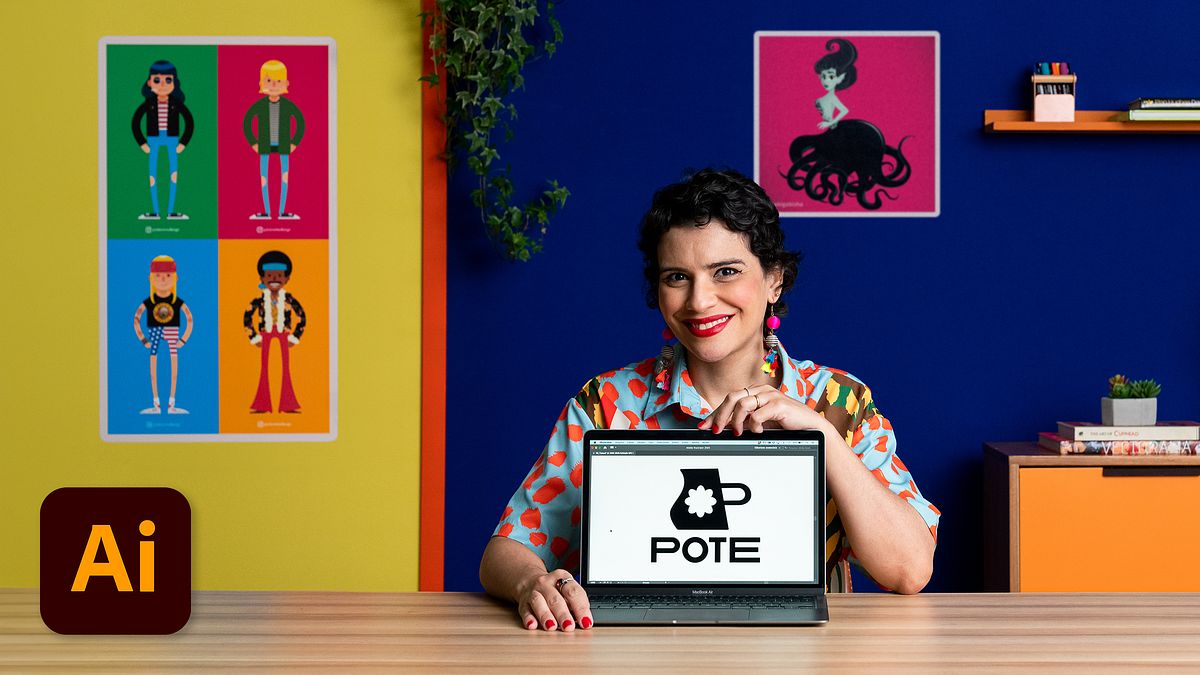
Boost Productivity with Adobe Illustrator: Tips and Tricks
A course by Gabi FerrazDesigner
A course by Gabi Ferraz, Designer

Be more productive using Adobe Illustrator. Create a standout visual identity across various platforms.
Explore the power of Adobe Illustrator with Gabi Ferraz, an experienced designer and illustrator, in a course designed to transform and enhance both your efficiency and creativity.
You will learn to master essential Illustrator tools, optimizing your workflow to boost productivity and precision in graphic design.
Gabi will share her unique approach to design, blending technique and creativity to translate abstract ideas into impactful graphics. You'll focus on practical techniques to gain knowledge that you can immediately apply to your projects.
What will you learn in this online course?
18 lessons & 22 downloads
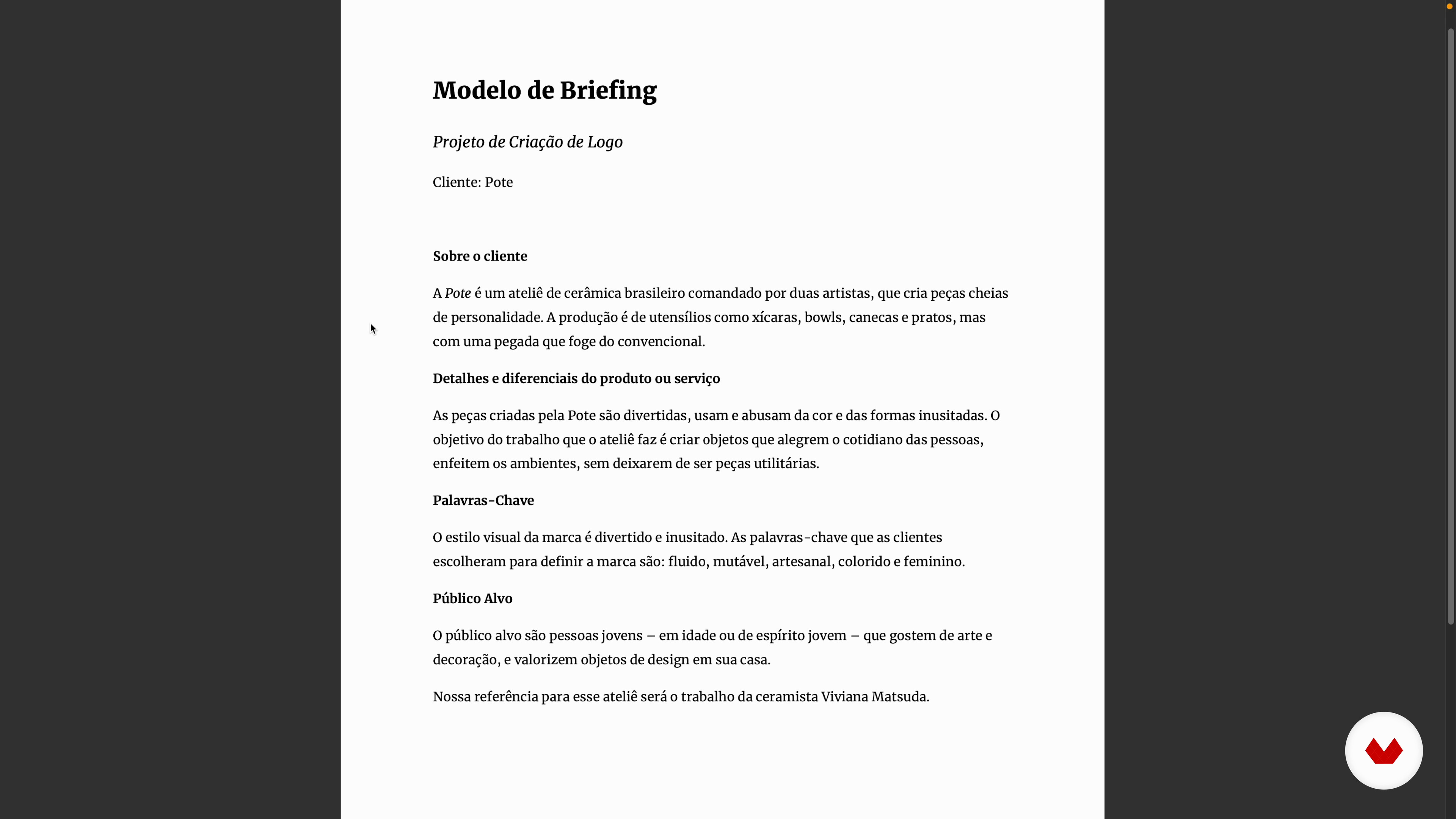
Putting together a briefing
3 minutes, 21 seconds
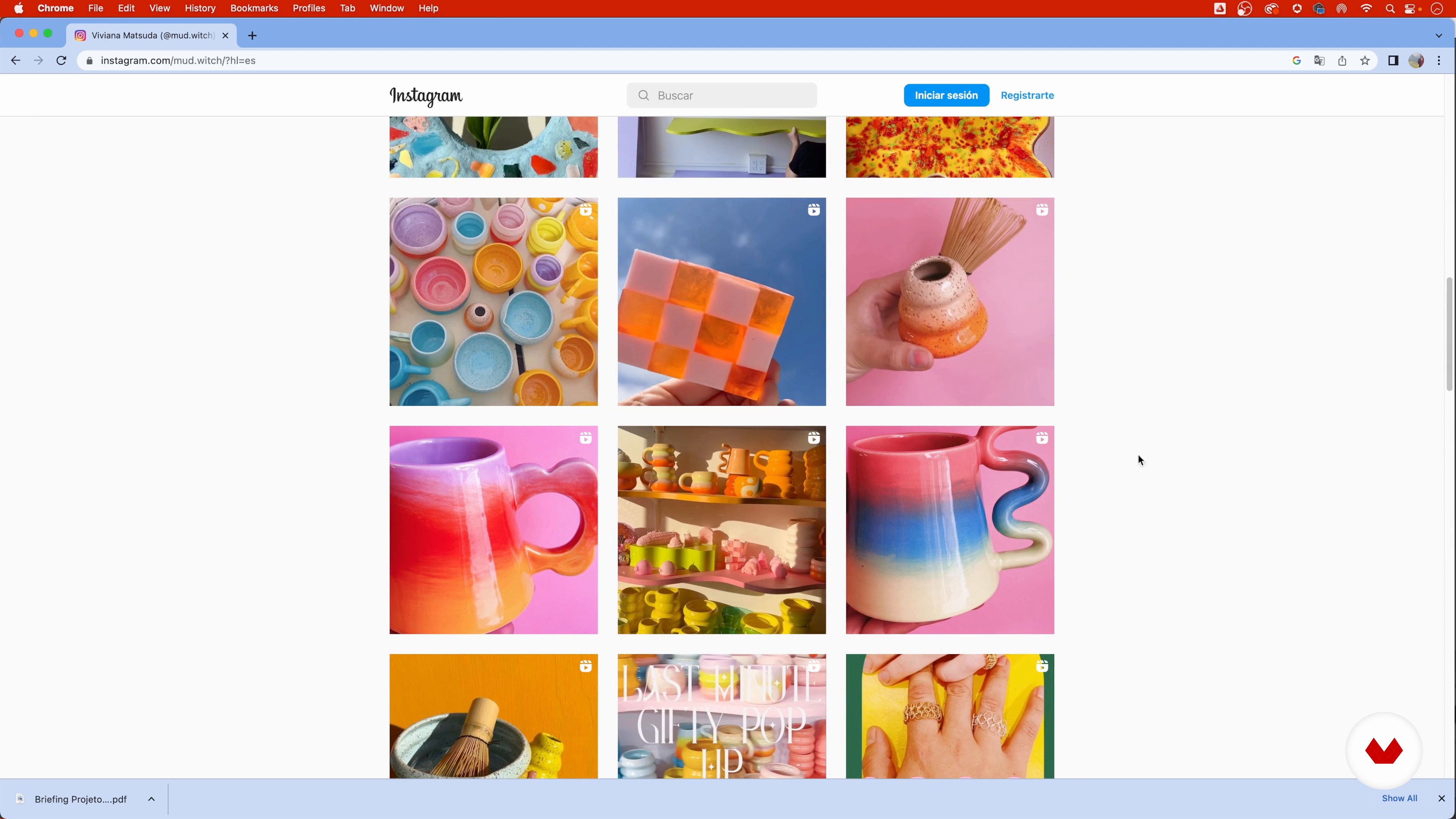
Analysis of a briefing
3 minutes, 15 seconds
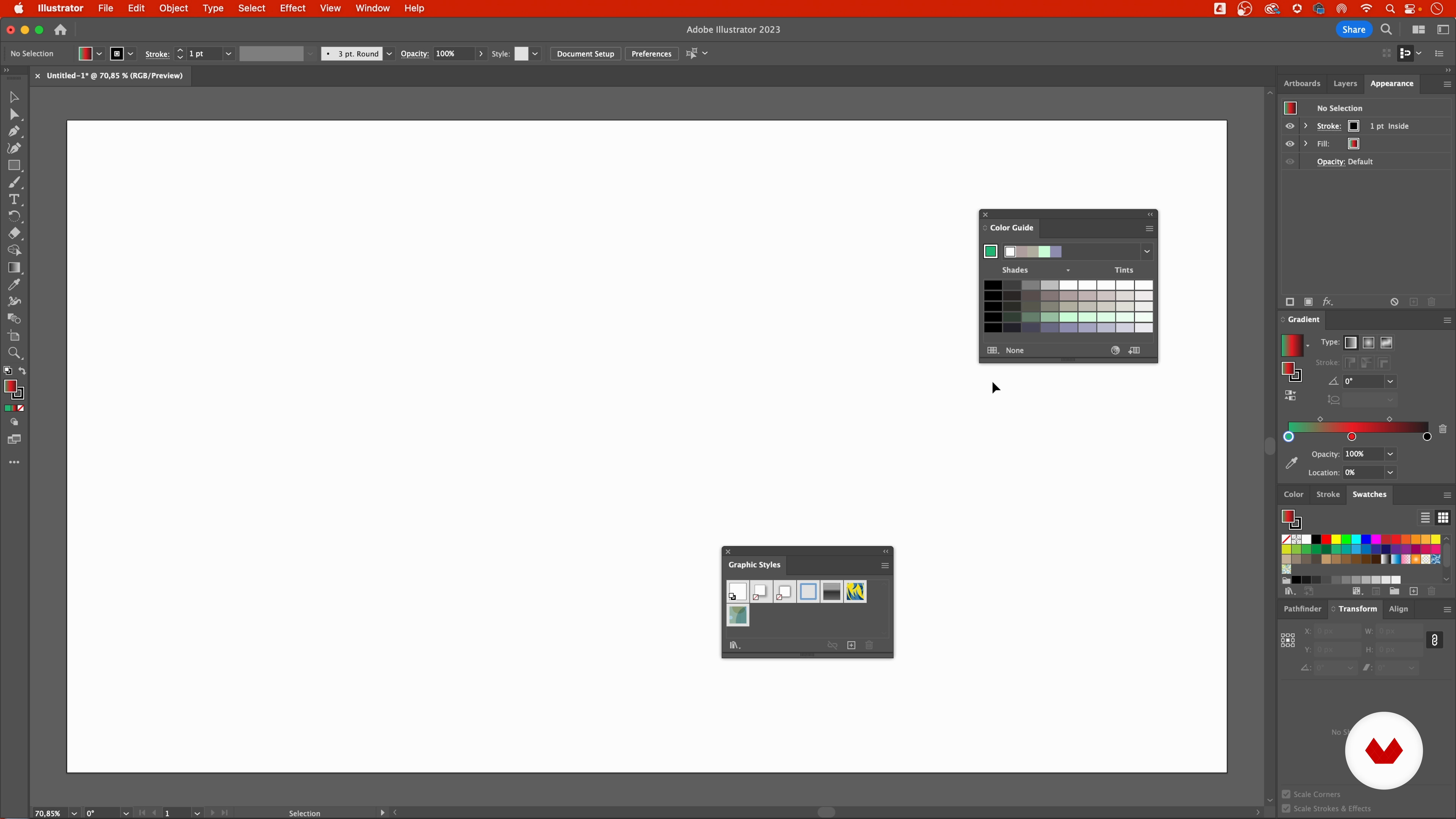
Introduction to the Illustrator program
7 minutes, 57 seconds
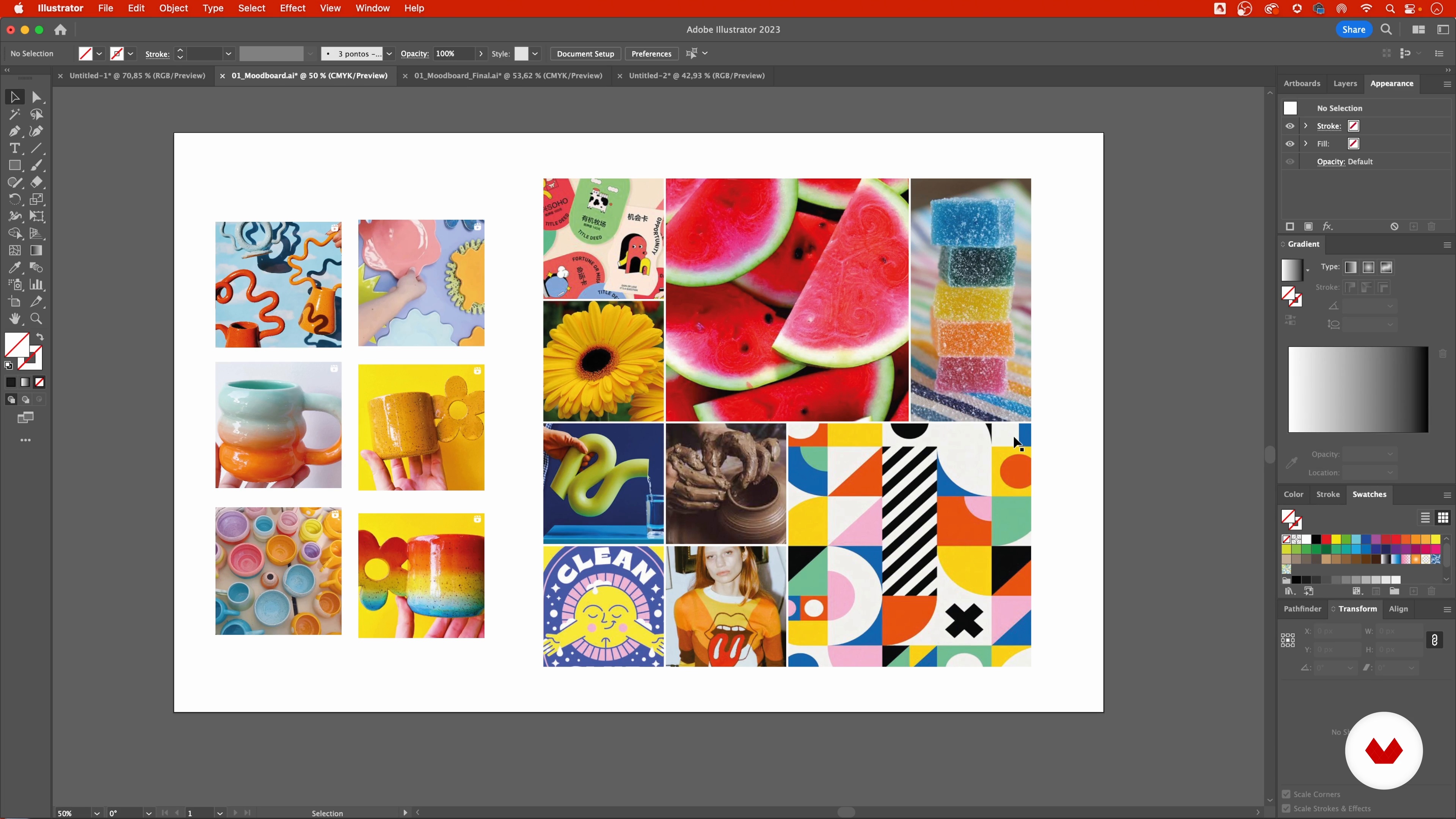
References and mood board
11 minutes, 2 seconds
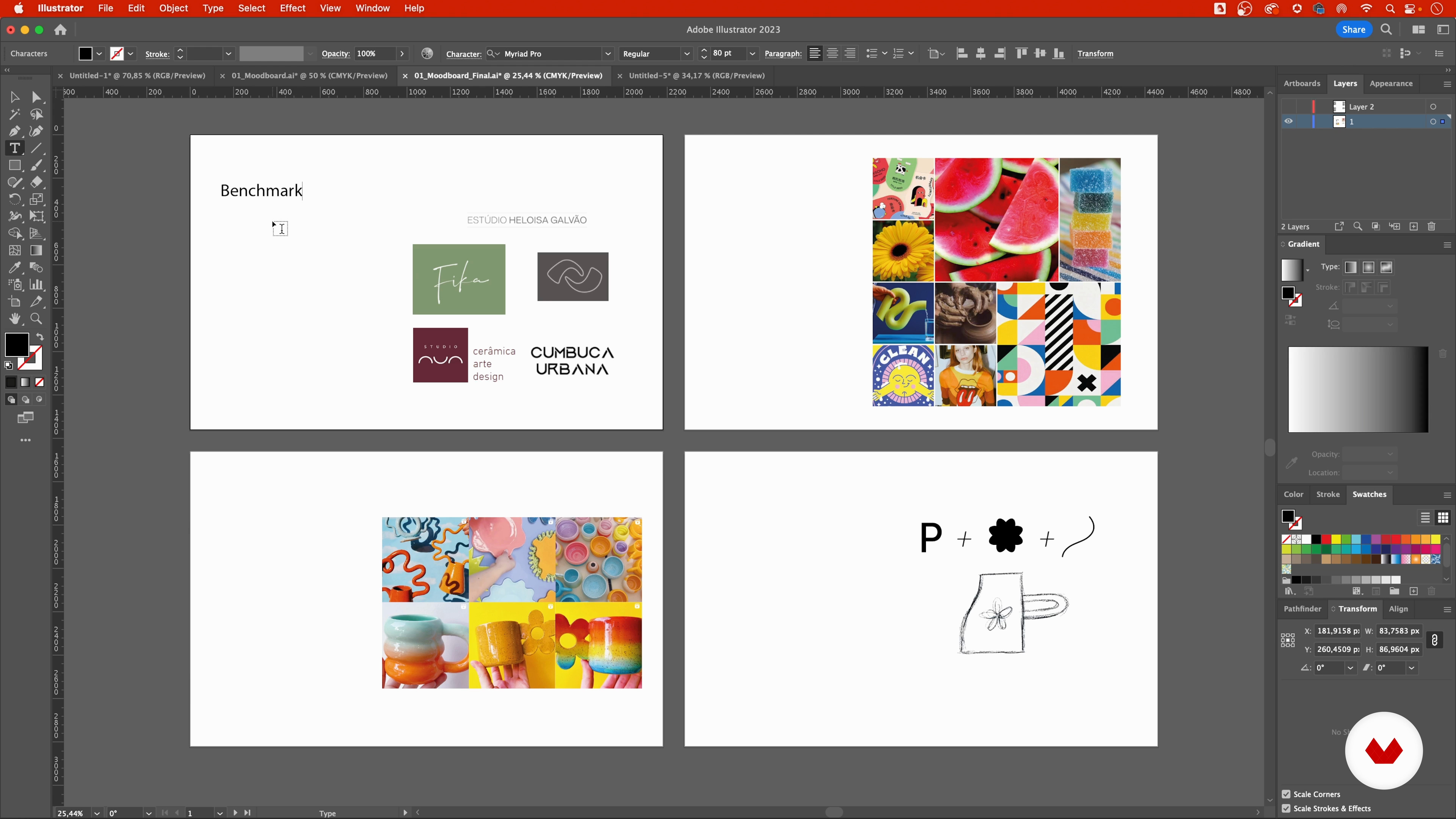
Sketching proposals
9 minutes, 13 seconds
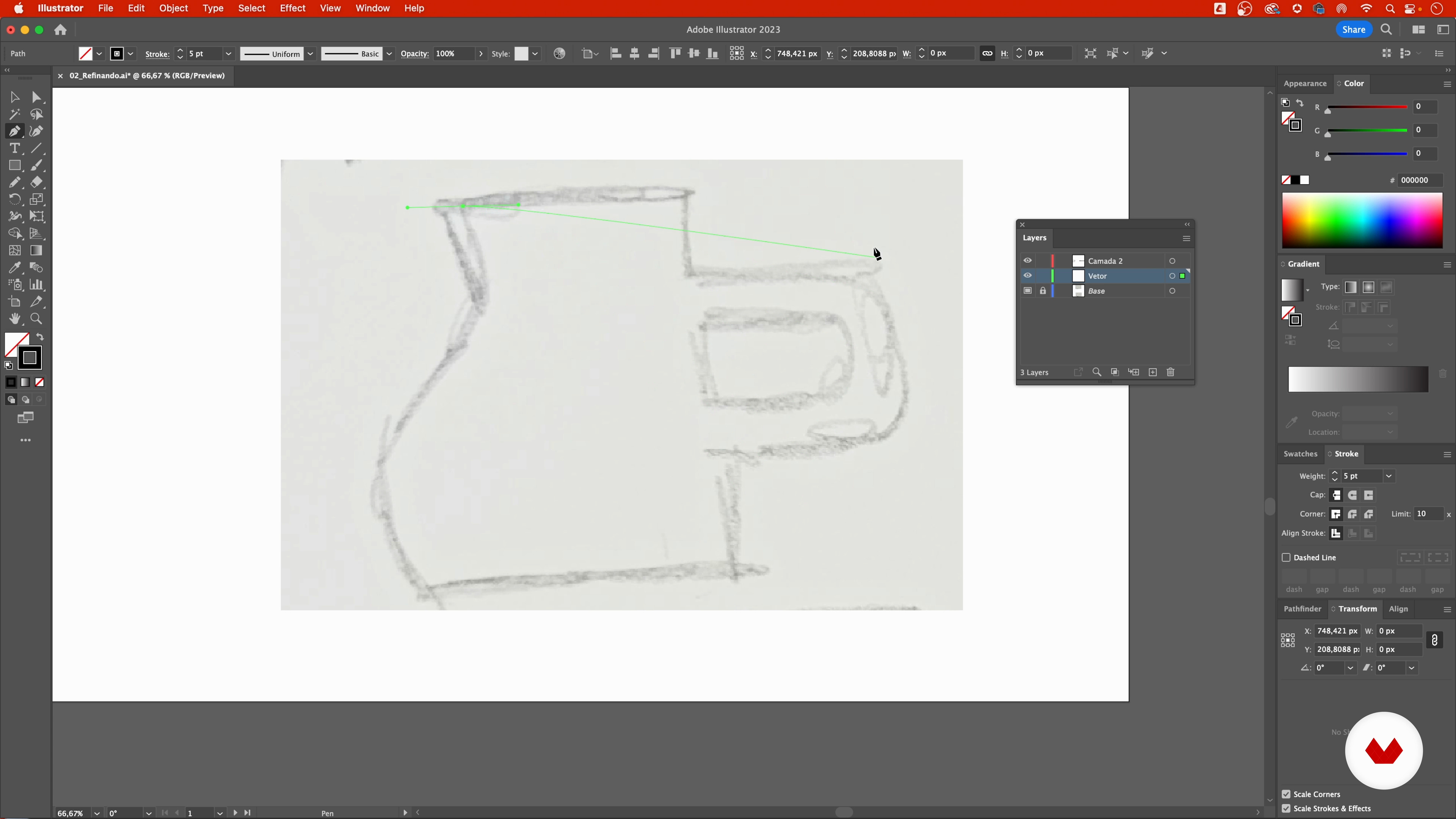
Vectorizing Sketch 1
17 minutes, 54 seconds
What's included in this course?
To begin, Gabi will guide you through a deep understanding of Adobe Illustrator's capabilities, ensuring you master the interface and basic tools.
Next, you will explore how to analyze and execute a design briefing to capture the essence of what you need to communicate visually. Following this, you will learn advanced vectorization techniques, focusing on alignment, grid use, and symmetry to create precise and aesthetically pleasing designs.
Finally, Gabi will share methods for customizing typography and handling color palettes, as well as preparing your designs for various practical applications, maximizing visual coherence across multiple formats.
Recommended software & tools for this course
What is this course's project?
The final project will involve creating a complete visual identity, applying what you've learned to design everything from the logo to various applications such as labels, cards, and stickers.
Who is this online course for?
The final project will involve creating a complete visual identity, applying what you've learned to design everything from the logo to various applications such as labels, cards, and stickers.
This course is designed for graphic designers, illustrators, and digital creatives looking to improve their skills in Adobe Illustrator.
It is ideal for those seeking to optimize their workflow, increase productivity, and elevate their creative capabilities using advanced digital tools.
Requirements and materials
You will need Adobe Illustrator installed on your device to follow the course instructions and exercises. Having a graphics tablet is recommended to make the most of the software's capabilities, though it is not strictly necessary.
Reviews
- 3 months ago
Didática maravilhosa! Gabi da dicas valiosas pra quem esta começando, mas tbm para quem ja tem alguma experiência com AI.
- 3 months ago
Muito bom! Didática Perfeita!
- 6 months ago
muito bom
- 6 months ago
Muy bueno! Uso Illustrator hace muchos años pero aún así encontré en este curso herramientas y tips para optimizar mi trabajo. Perfectamente bien explicado y muy atractivo visualmente también.
- 9 months ago
Muito bom!

As the co-founder of the creative studio Pictorama, Gabi has established her reputation in the graphic design field through her involvement in significant projects and her ability to educate and share her knowledge via platforms like her YouTube channel, Vetoriza.ai!
Her practical and straightforward approach to teaching Adobe Illustrator has helped many improve their skills and efficiency in digital design.
Content
- U1
Introduction
- Presentation
- Influences
- U2
Structuring a project
- Putting together a briefing
- Analysis of a briefing
- Introduction to the Illustrator program
- References and mood board
- Sketching proposals
- U3
Refining and vectorization
- Vectorizing Sketch 1
- Vectorizing Sketch 2
- Set the typography
- Color Studies 1
- Color Studies 2
- Expanding the look: tag and sticker creation 1
- Expanding the Visual: Tag and Sticker Creation 2
- Expanding the look: pieces for the networks
- U4
Application and presentation variations
- Adding value to your project with mock-ups
- Create a presentation
- Upload the project to the portfolio
- FP
Final project
- Boost Productivity in Adobe Illustrator: Tips and Hacks
What to expect from a Domestika course
Learn at your own pace
Enjoy learning from home without a set schedule and with an easy-to-follow method. You set your own pace.
Learn from the best professionals
Learn valuable methods and techniques explained by top experts in the creative sector.
Meet expert teachers
Each expert teaches what they do best, with clear guidelines, true passion, and professional insight in every lesson.
Certificates
PLUSIf you're a Plus member, get a custom certificate signed by your teacher for every course. Share it on your portfolio, social media, or wherever you like.
Get front-row seats
Videos of the highest quality, so you don't miss a single detail. With unlimited access, you can watch them as many times as you need to perfect your technique.
Share knowledge and ideas
Ask questions, request feedback, or offer solutions. Share your learning experience with other students in the community who are as passionate about creativity as you are.
Connect with a global creative community
The community is home to millions of people from around the world who are curious and passionate about exploring and expressing their creativity.
Watch professionally produced courses
Domestika curates its teacher roster and produces every course in-house to ensure a high-quality online learning experience.
FAQs
The course is designed for those who already have basic graphic design knowledge and want to improve their Illustrator skills, making it best suited for intermediate learners.
It’s recommended to have basic graphic design knowledge and Adobe Illustrator installed on your computer. Being familiar with visual concepts will make it easier to keep up.
You’ll learn advanced vector illustration techniques, how to create briefs, build mood boards, organize workspaces, vectorize artwork, use color and typography, and present professional design projects.
Yes, the course covers the entire logo creation process, including briefing, defining target audiences, and developing complete visual identities in Illustrator.
Yes, you’ll learn how to gather references, arrange images in grids, use masks, and create custom mood boards directly in Illustrator.
Yes, the course teaches how to vectorize hand-drawn sketches, organize layers, and use tools like the Pen Tool, Pathfinder, and Shape Builder to turn drawings into vector art.
You’ll learn how to create harmonious color palettes, apply flat colors, set up smooth gradients, and understand the differences between CMYK and RGB modes for digital and print projects.