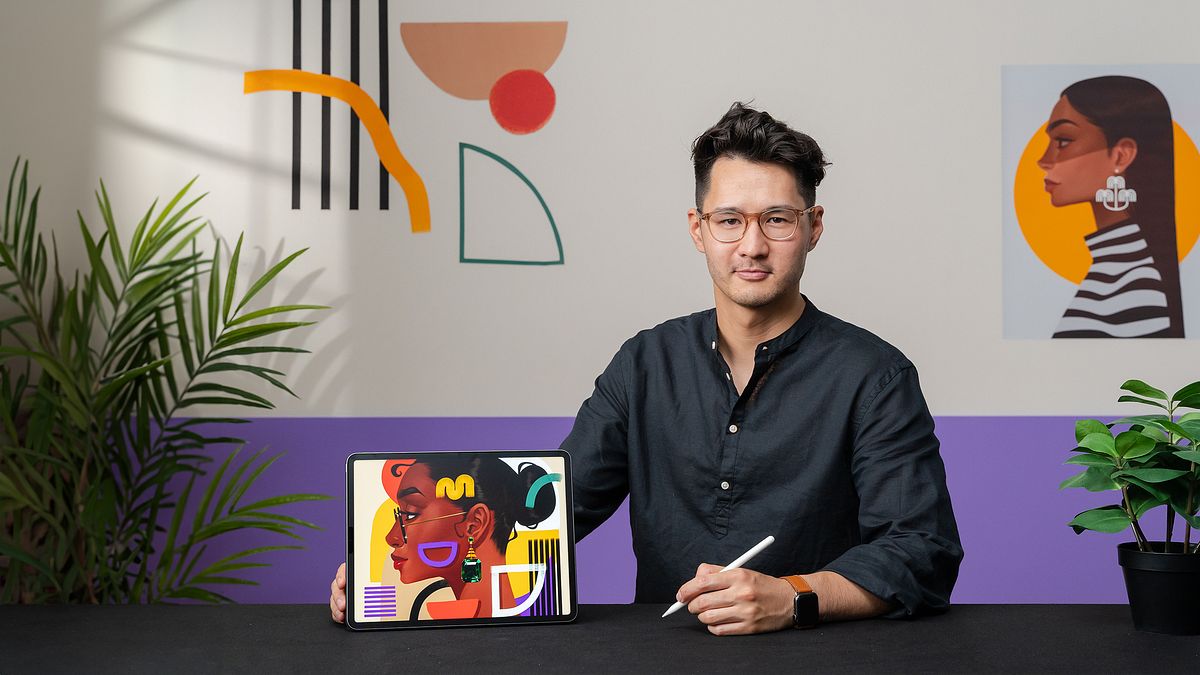
Digital Portraits in Procreate with Graphical Elements
A course by Bo Feng LinArtist
A course by Bo Feng Lin, Artist

Discover the art of painting expressive portraits with a tropical and minimalistic touch. Embrace abstract art as part of your creative process.
Discover how to bring your digital illustrations to life with a unique and vibrant style in this course. Bo Feng Lin will guide you through fusing figurative shapes with abstract elements, creating digital portraits with unmatched depth and style.
You'll learn to navigate proportions and perspective, all while exploring how vibrant colors and simple geometries can transform a simple image into a captivating work of art.
This course is an opportunity to understand how minimalist details and bold colors can coexist harmoniously in portraits that capture both the essence of the subject and the creativity of the artist.
What will you learn in this online course?
16 lessons & 11 downloads
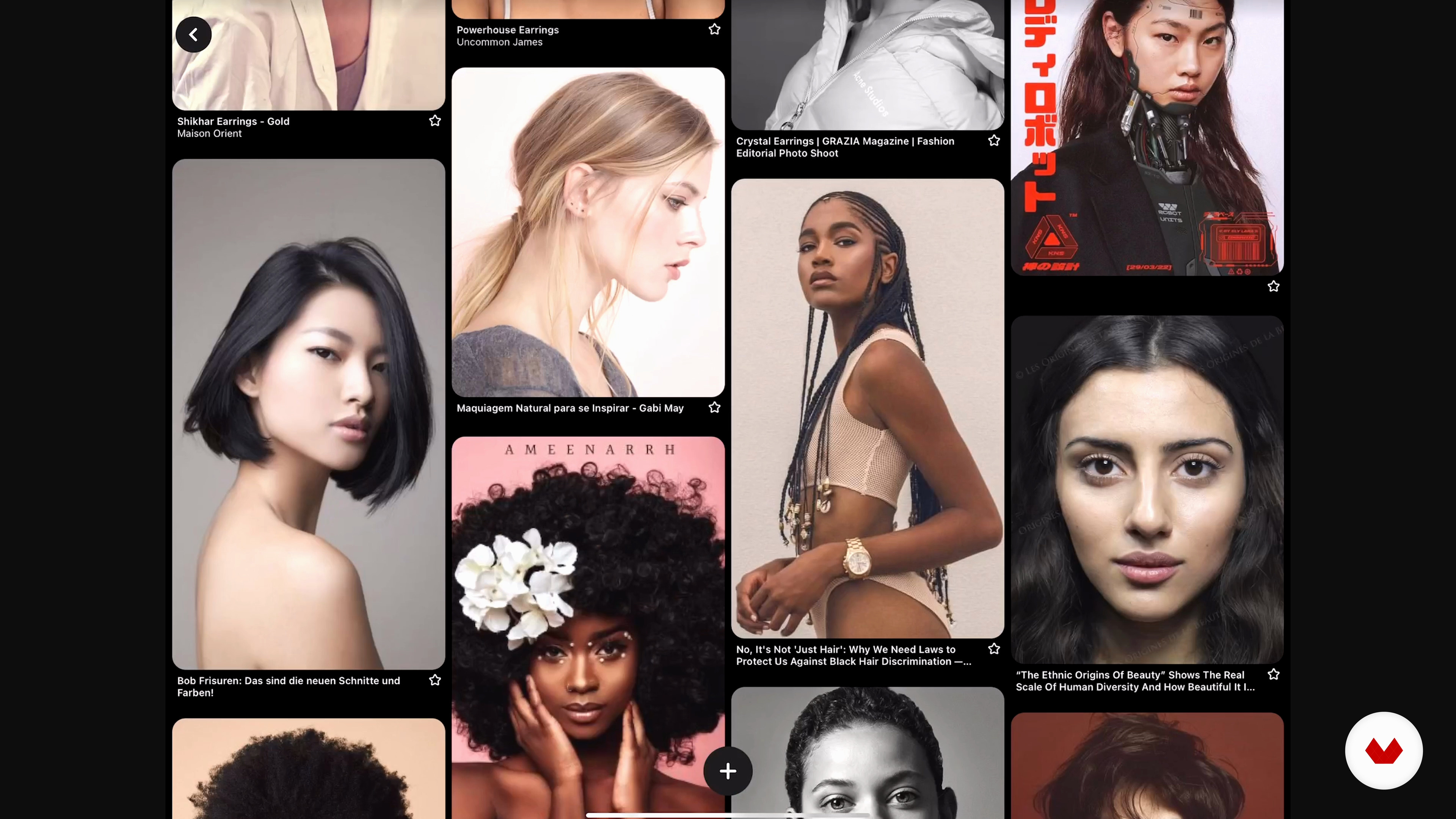
Finding Inspiration with References
2 minutes, 44 seconds
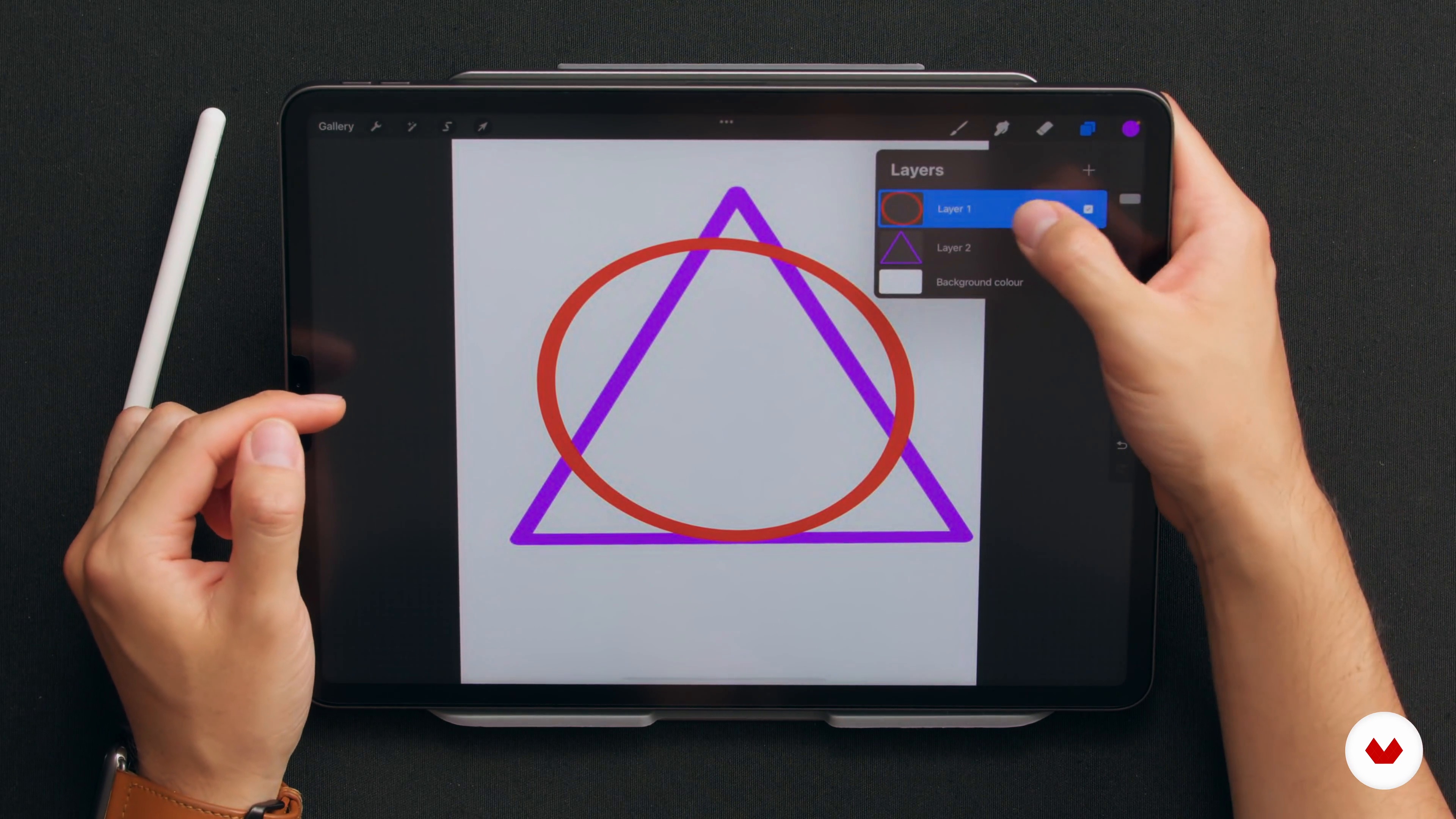
Learning Drawing Basics in Procreate
4 minutes, 18 seconds
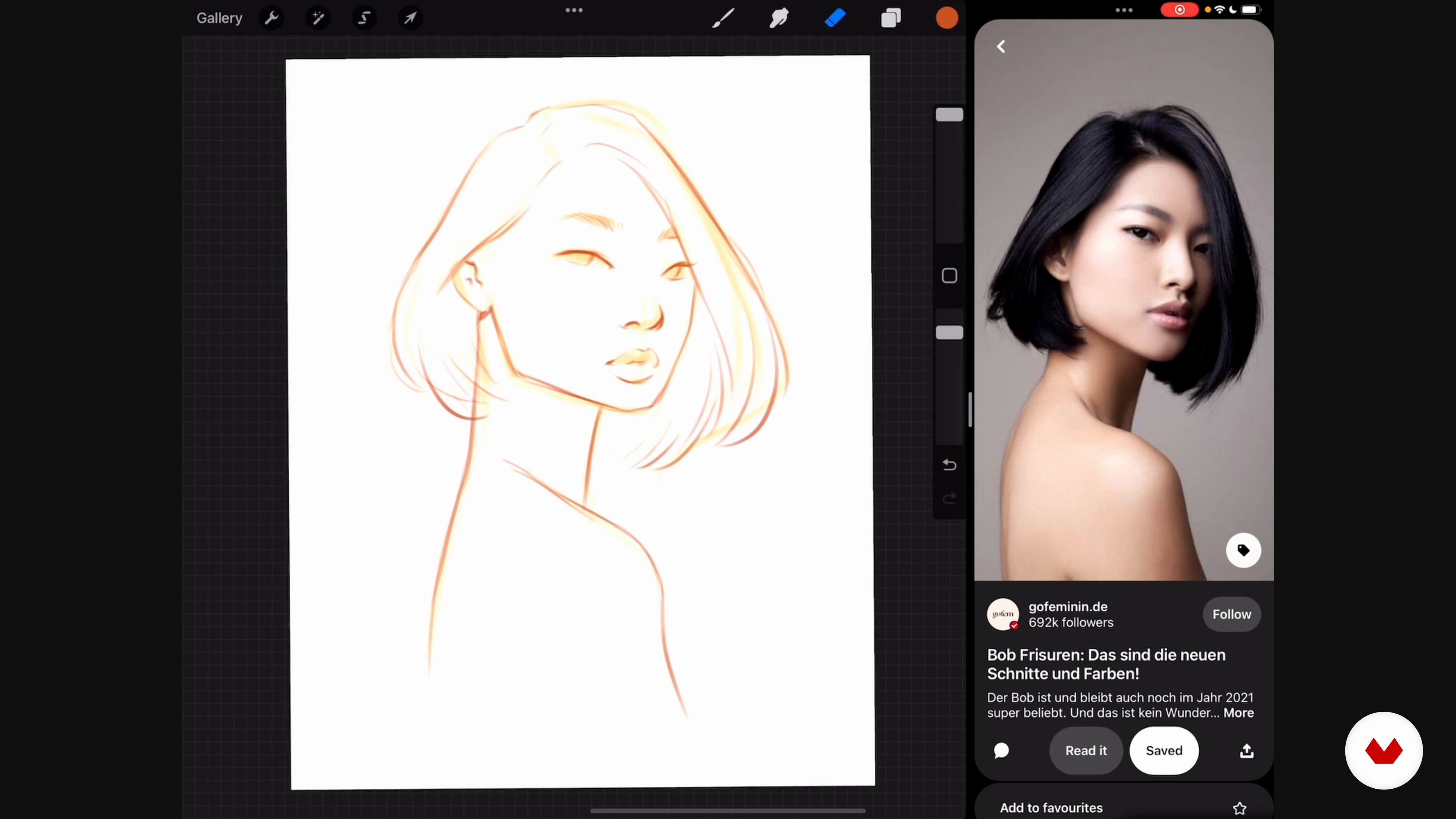
Practicing Portraits
18 minutes, 18 seconds
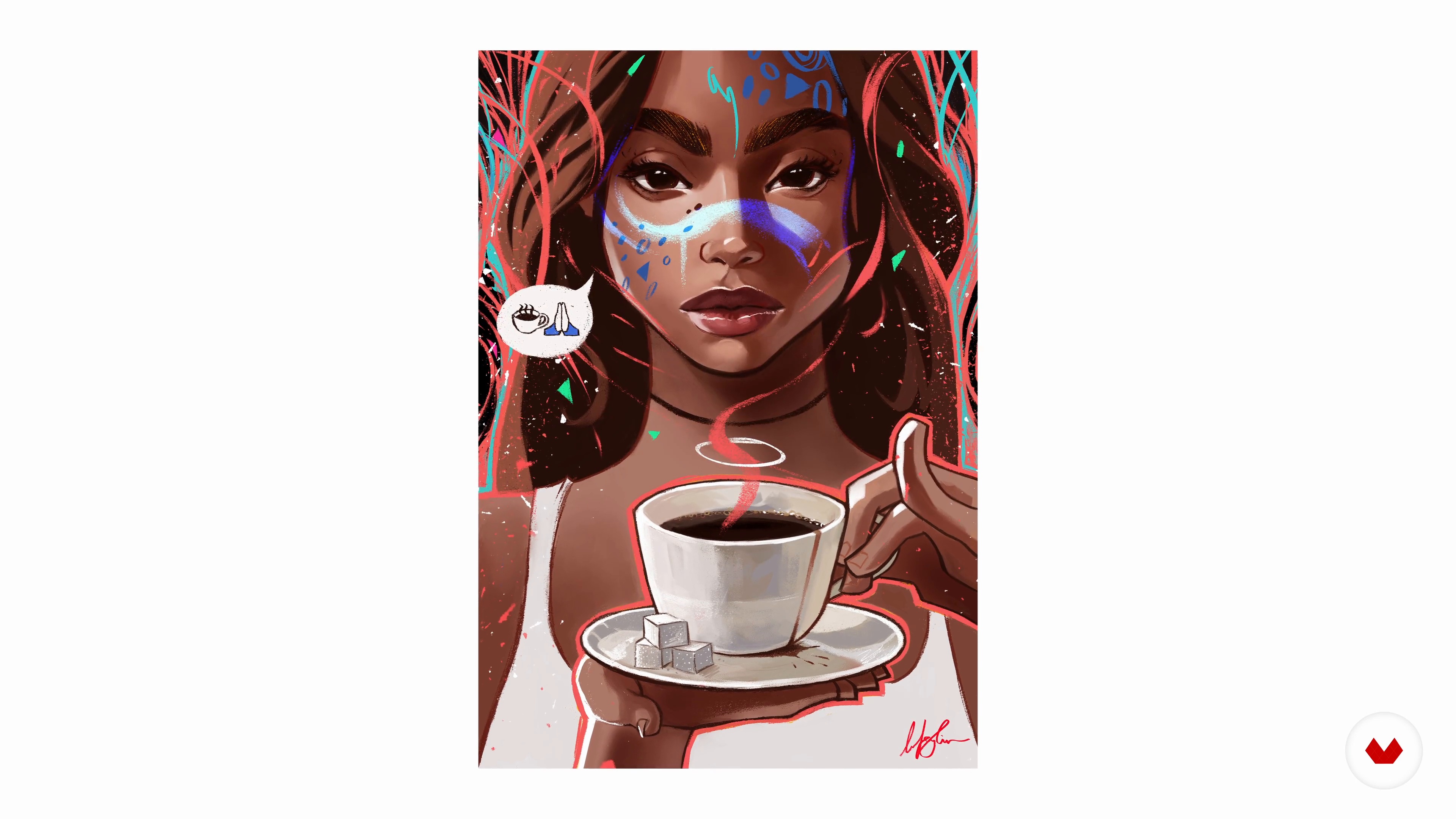
Exploring the Abstract
3 minutes, 5 seconds
Preparing the Canvas in Procreate
3 minutes, 1 second
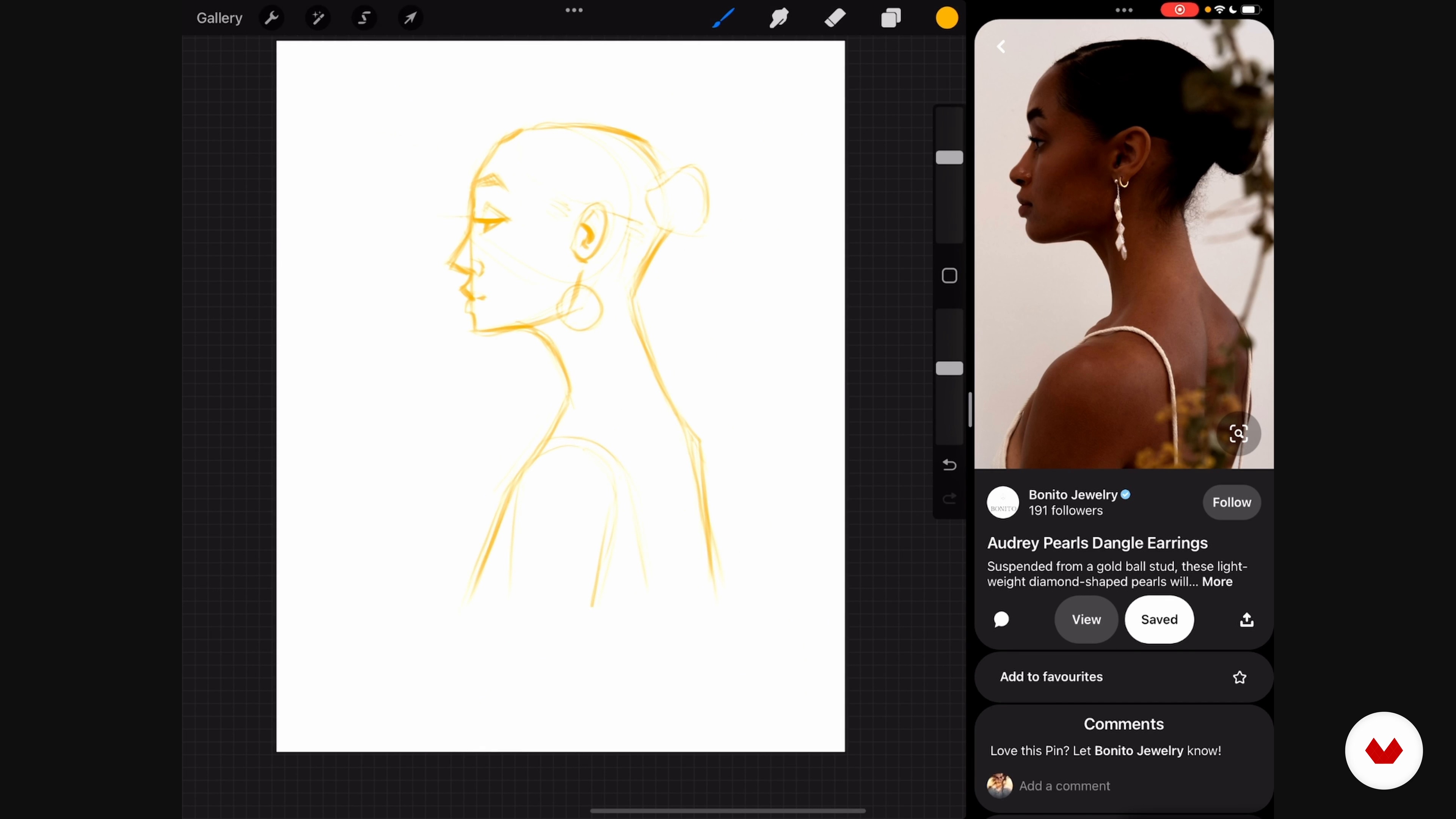
Sketching the Portrait
3 minutes, 30 seconds
What's included in this course?
To begin, you will familiarize yourself with the basic concepts of digital drawing, focusing your attention on proportions and perspective. You will learn how to select and use effective reference images for your creations.
Afterwards, we will proceed to sketch and plan our digital portrait. You will do preliminary exercises that will help you release your hand and conceptualize your work. Next, I will teach you how to prepare your digital canvas, from the initial sketch to the final outline.
Finally, you'll dive into coloring, shading, and highlighting techniques using various layers in your favorite drawing software, allowing you to add those stylized touches that will make your work stand out.
Recommended software & tools for this course
What is this course's project?
The final project of the course will consist of creating an expressive illustration of a person of your choice, applying a minimalist style. This work will allow you to consolidate all the techniques learned and show your ability to integrate abstract elements into a stylized portrait.
Projects by course students


Who is this online course for?
This course is designed for digital artists and drawing enthusiasts who want to take their skills to the next level.
It is ideal for those who are interested in exploring new illustration techniques and wish to learn how to combine abstract and figurative elements in their work.
Requirements and materials
You'll need an iPad with Procreate or whatever other digital drawing software you prefer to use. It is essential to have the appropriate tools to practice and apply the techniques taught throughout the course.
Reviews
- jesfersalPLUS6 months ago
excellent and easy, clear instructions.
- 11 months ago
Me gustó mas que anteriores cursos, por el ritmo que lleva.
- 1 year ago
Really interesting class, bright bold color, modern and elegant design with easy instructions, Highly recommend.
- psiqueira79PLUS1 year ago
Otima explicação sobre sombra, luz e pele.
- 1 year ago
This course is excellent and easy to follow, with clear instructions.

Bo's work has been exhibited in various galleries and is characterized by his vibrant approach and his use of abstract forms that complement his portrait technique.
Content
- U1
Introduction
- About Me
- Influences
- U2
The Basics
- Finding Inspiration with References
- Learning Drawing Basics in Procreate
- Practicing Portraits
- Exploring the Abstract
- U3
Creating an Illustration: From Start to Finish
- Preparing the Canvas in Procreate
- Sketching the Portrait
- A Clean Portrait
- Color
- Shading and Highlights
- U4
Final Touches
- Details
- Abstract Shapes 1
- Abstract Shapes 2
- Last Steps in Procreate
- Audience Engagement
- FP
Final project
- Digital Portraits in Procreate with Graphical Elements
What to expect from a Domestika course
Learn at your own pace
Enjoy learning from home without a set schedule and with an easy-to-follow method. You set your own pace.
Learn from the best professionals
Learn valuable methods and techniques explained by top experts in the creative sector.
Meet expert teachers
Each expert teaches what they do best, with clear guidelines, true passion, and professional insight in every lesson.
Certificates
PLUSIf you're a Plus member, get a custom certificate signed by your teacher for every course. Share it on your portfolio, social media, or wherever you like.
Get front-row seats
Videos of the highest quality, so you don't miss a single detail. With unlimited access, you can watch them as many times as you need to perfect your technique.
Share knowledge and ideas
Ask questions, request feedback, or offer solutions. Share your learning experience with other students in the community who are as passionate about creativity as you are.
Connect with a global creative community
The community is home to millions of people from around the world who are curious and passionate about exploring and expressing their creativity.
Watch professionally produced courses
Domestika curates its teacher roster and produces every course in-house to ensure a high-quality online learning experience.
FAQs
Yes, this course is designed for beginners and covers the fundamentals of digital illustration, portrait painting, and using tools like Procreate.
You’ll need an iPad with Procreate installed, plus access to online platforms like Pinterest and Instagram for gathering visual references.
You’ll learn to create vibrant digital portraits, design figurative and abstract shapes, build color palettes, integrate tropical elements, and manage digital workflows in Procreate.
The course covers techniques for selecting, adjusting, and applying bright, harmonious color palettes in digital illustrations using Procreate’s color tools and reference images.
Yes, you’ll learn to collect, organize, and use visual references from Pinterest and Instagram to build mood boards and spark creativity.
Absolutely. The course emphasizes diversity in portrait painting and explores how to represent different cultures and identities through art.
Yes, you’ll gain skills to illustrate for fashion brands, create artwork for collectibles, and design pieces suitable for NFTs.