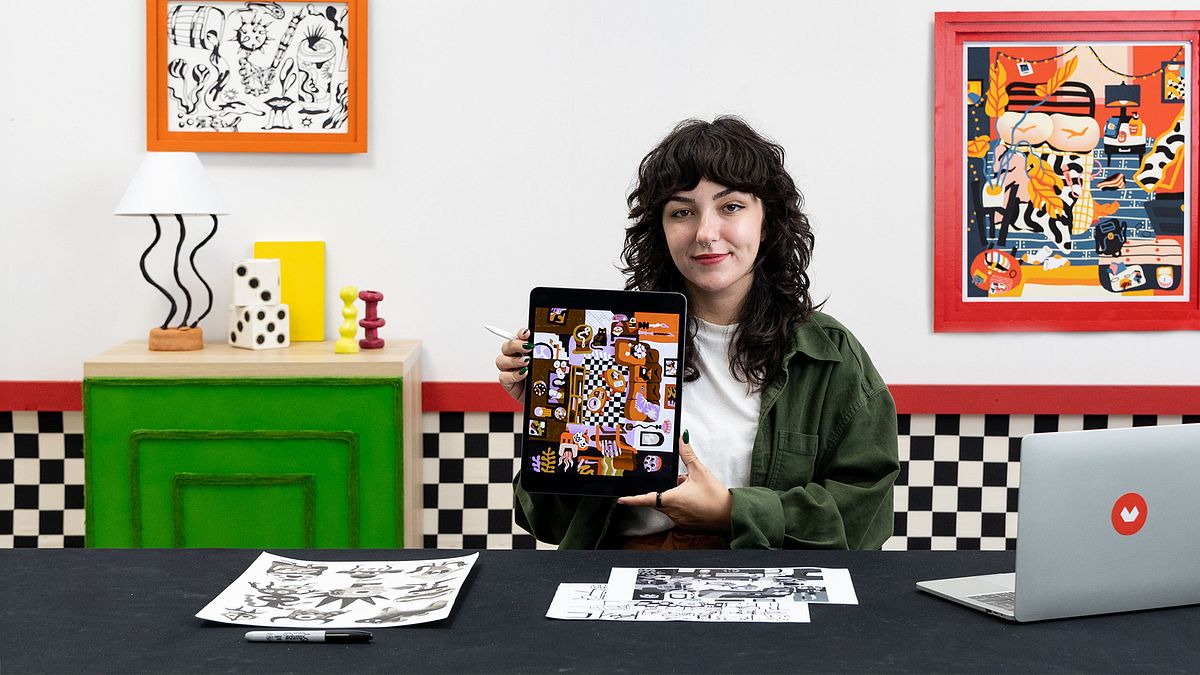
Flat Digital Illustration with Vibrant Colors
A course by Jess HanniganVisual Artist
A course by Jess Hannigan, Visual Artist

Learn how to create vibrant flat style digital illustrations with abstract perspectives. Enhance your skills in Procreate and explore still life drawing.
Discover the vibrant and colorful world of vector digital illustration with Jess Hannigan, a visual artist who has captured global audiences with her distinctive and energetic style.
Throughout the course, Jess will share her method of combining simple shapes and layered compositions to create captivating images that resonate with viewers everywhere.
You'll learn how to manipulate visual elements in a digital collage, balancing simplicity and chaos to bring illustrations to life, capturing the imagination and evoking a myriad of emotions.
What will you learn in this online course?
15 lessons & 19 downloads
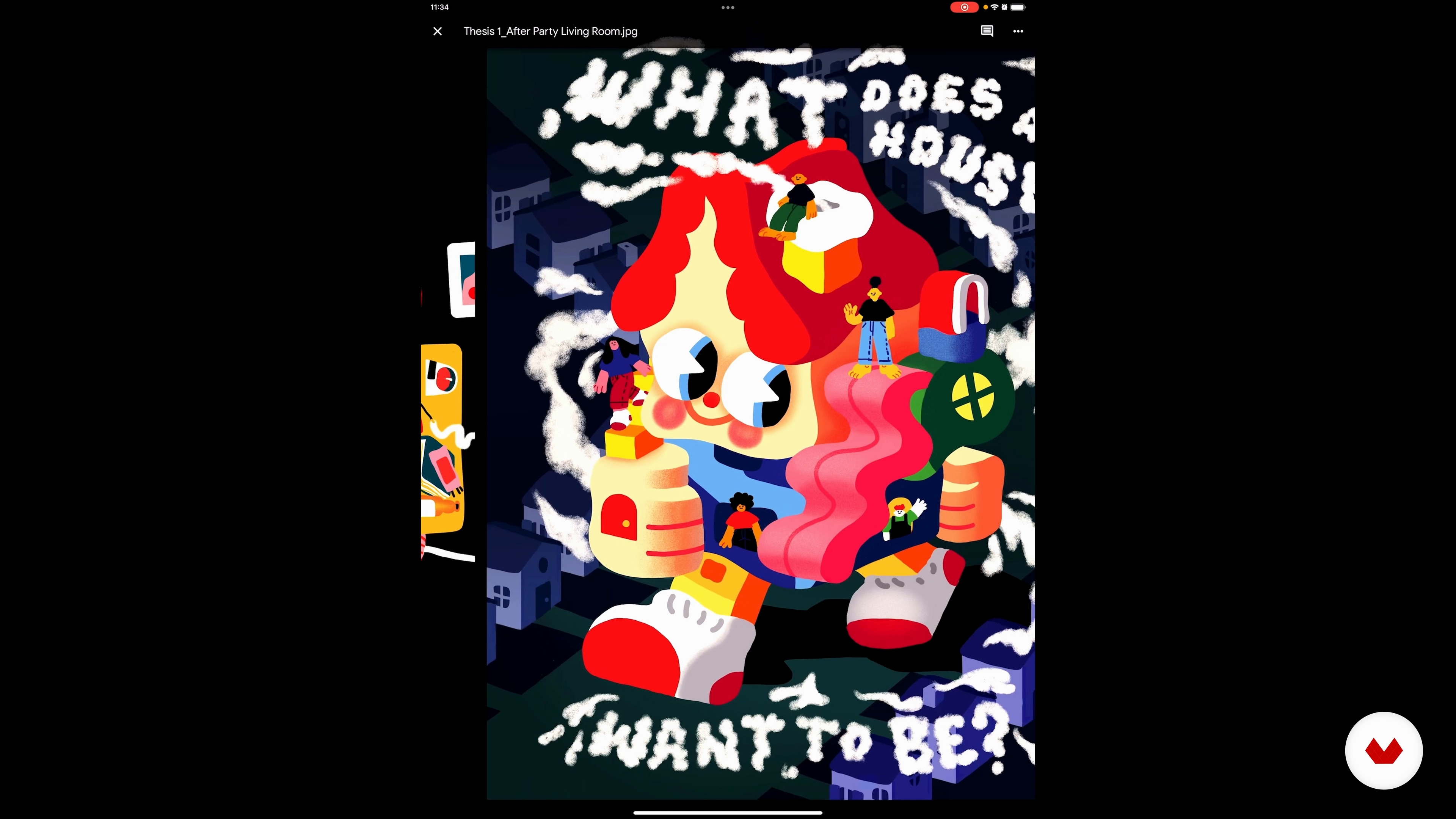
Flat Illustration
8 minutes, 3 seconds
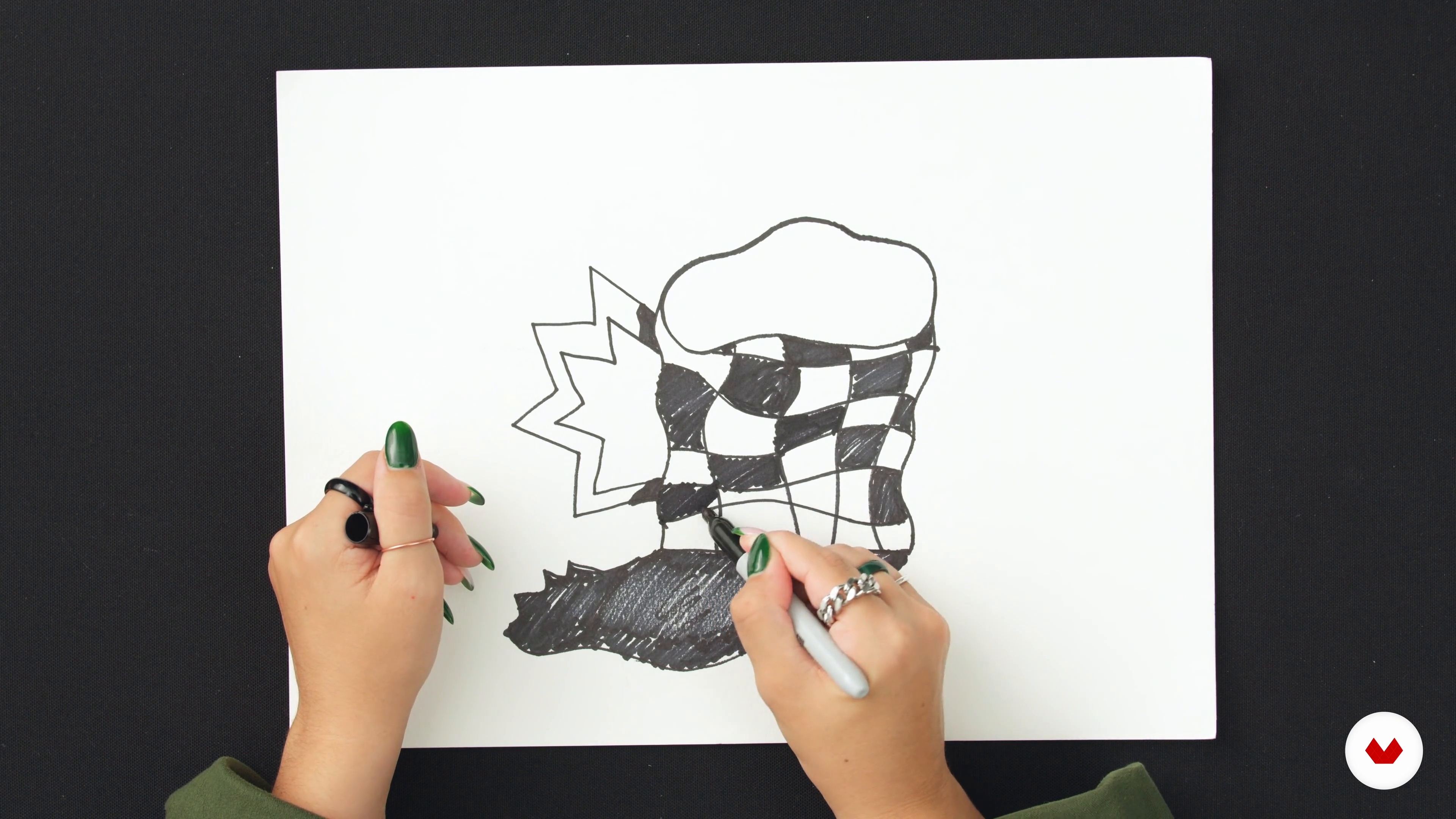
Drawing Exercises
15 minutes, 21 seconds
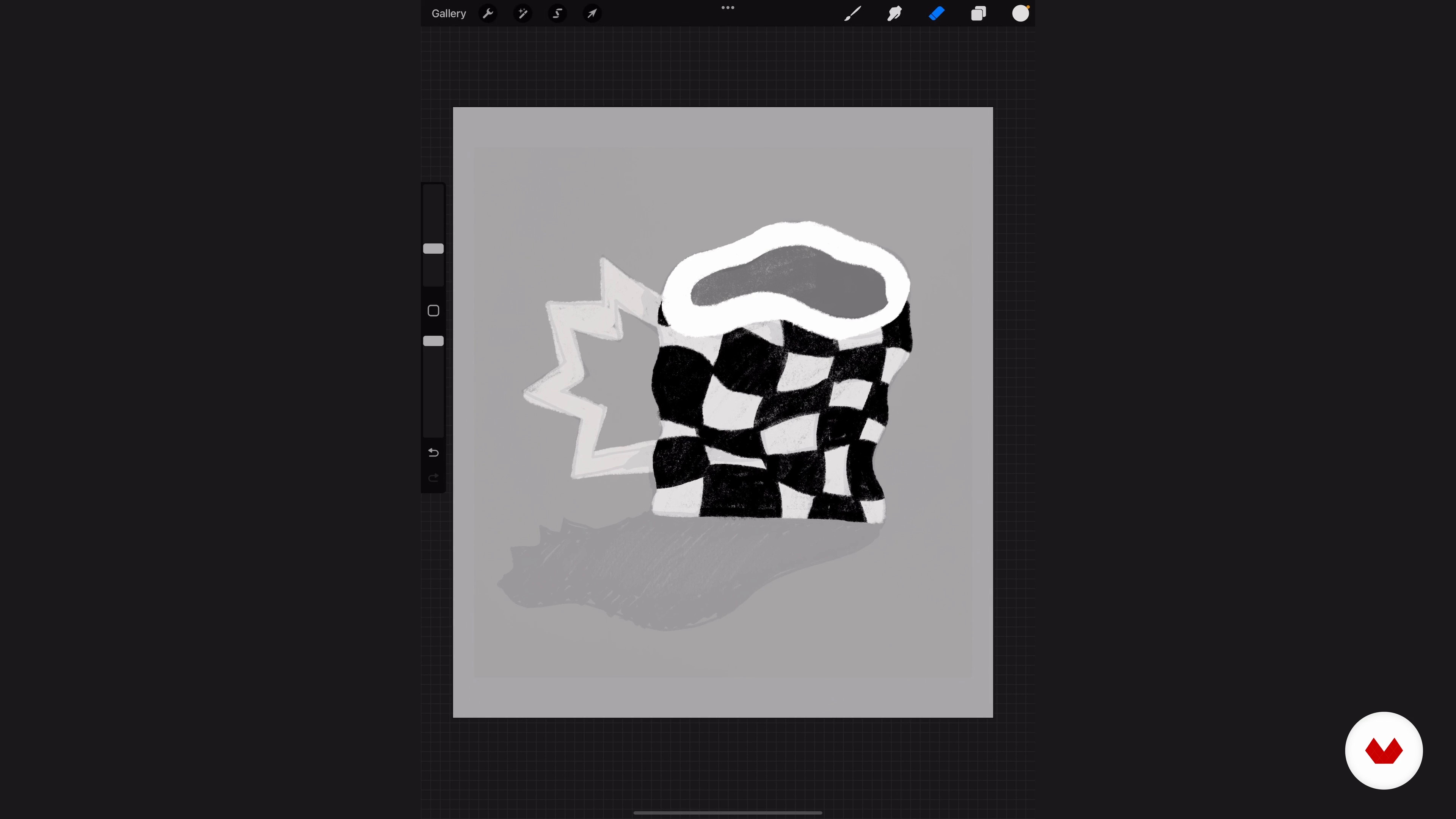
Balancing Values
18 minutes, 42 seconds
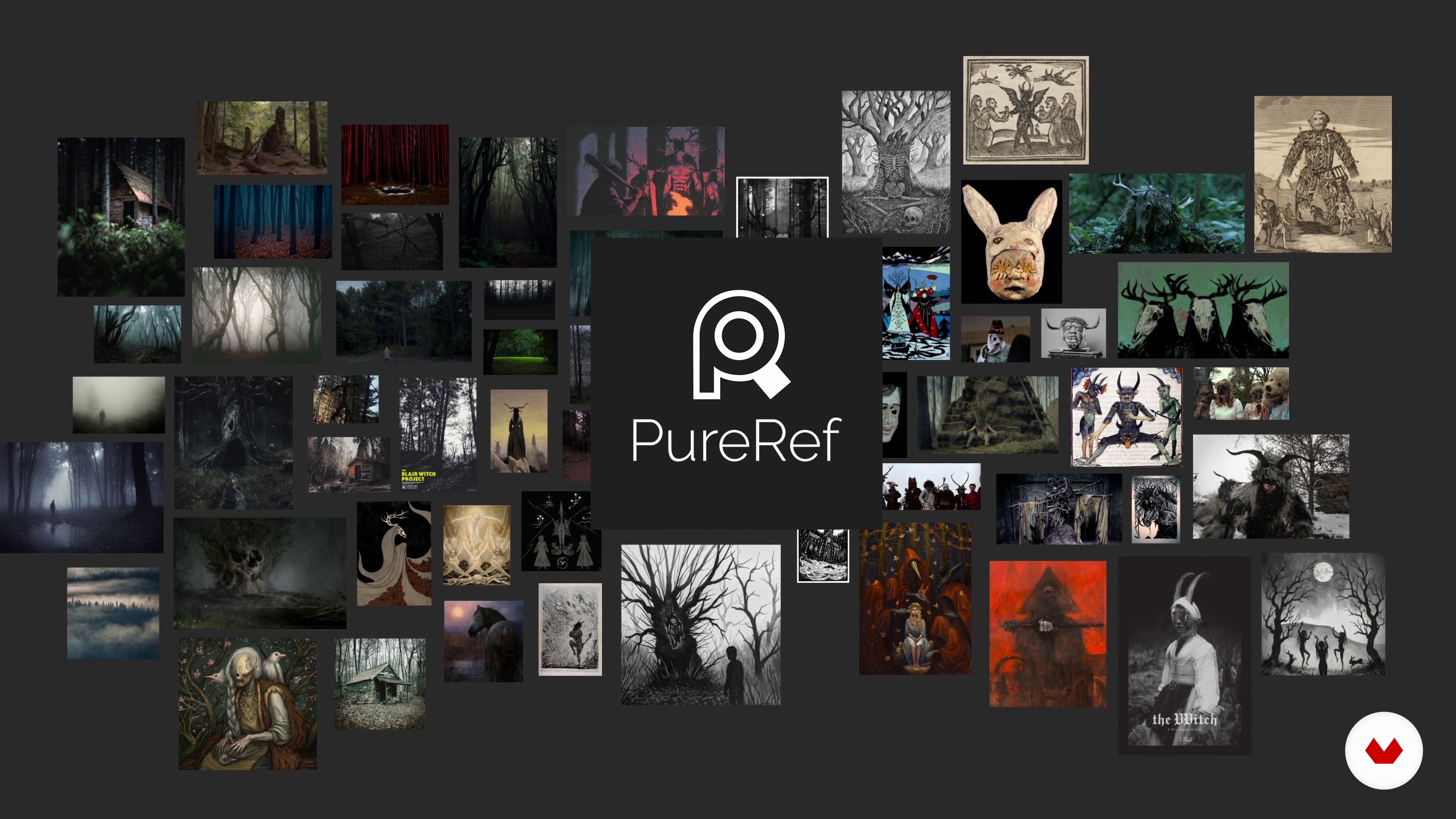
Mood Boards and Color Palettes
12 minutes, 7 seconds
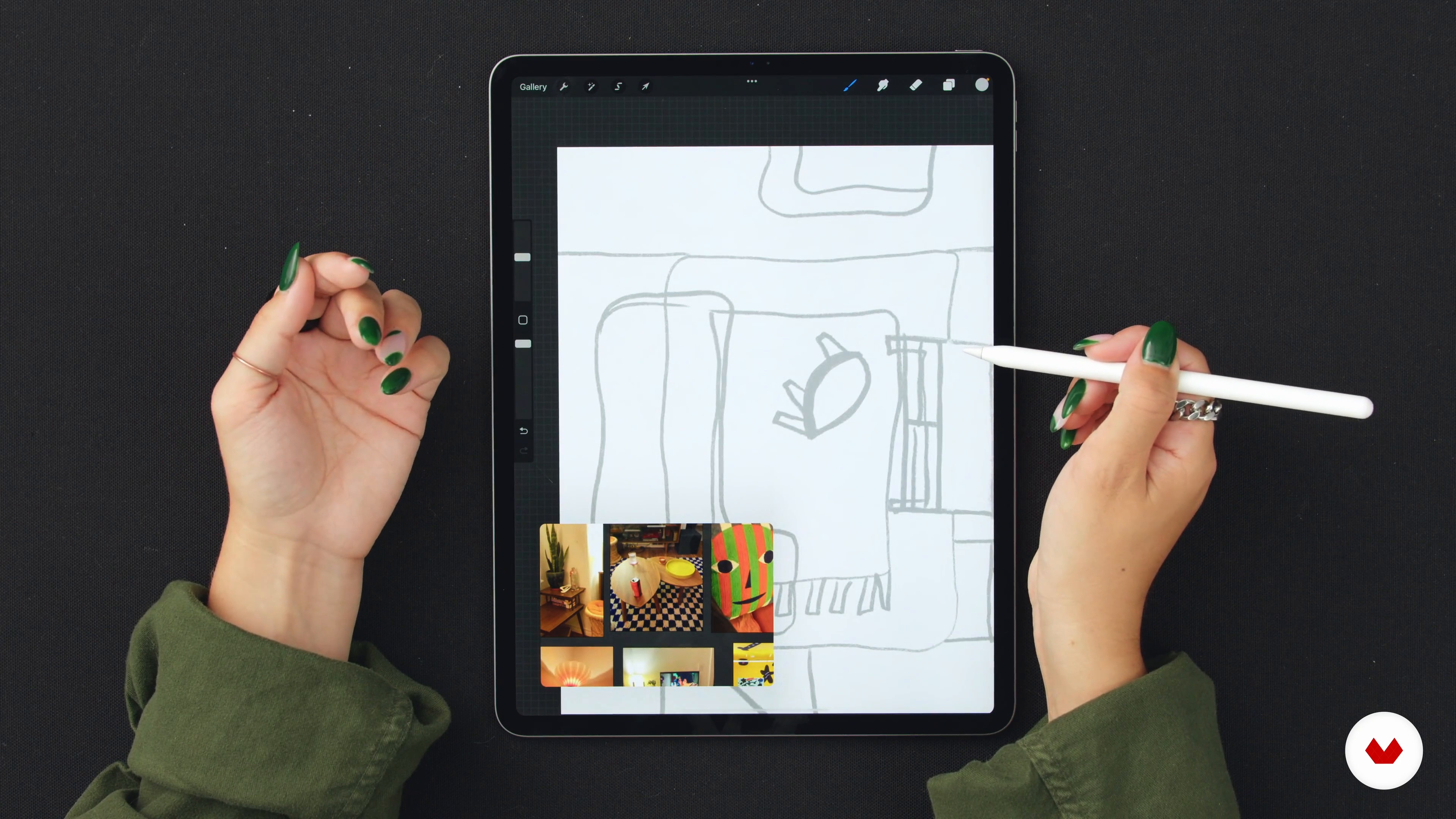
First Sketches 1
18 minutes, 35 seconds
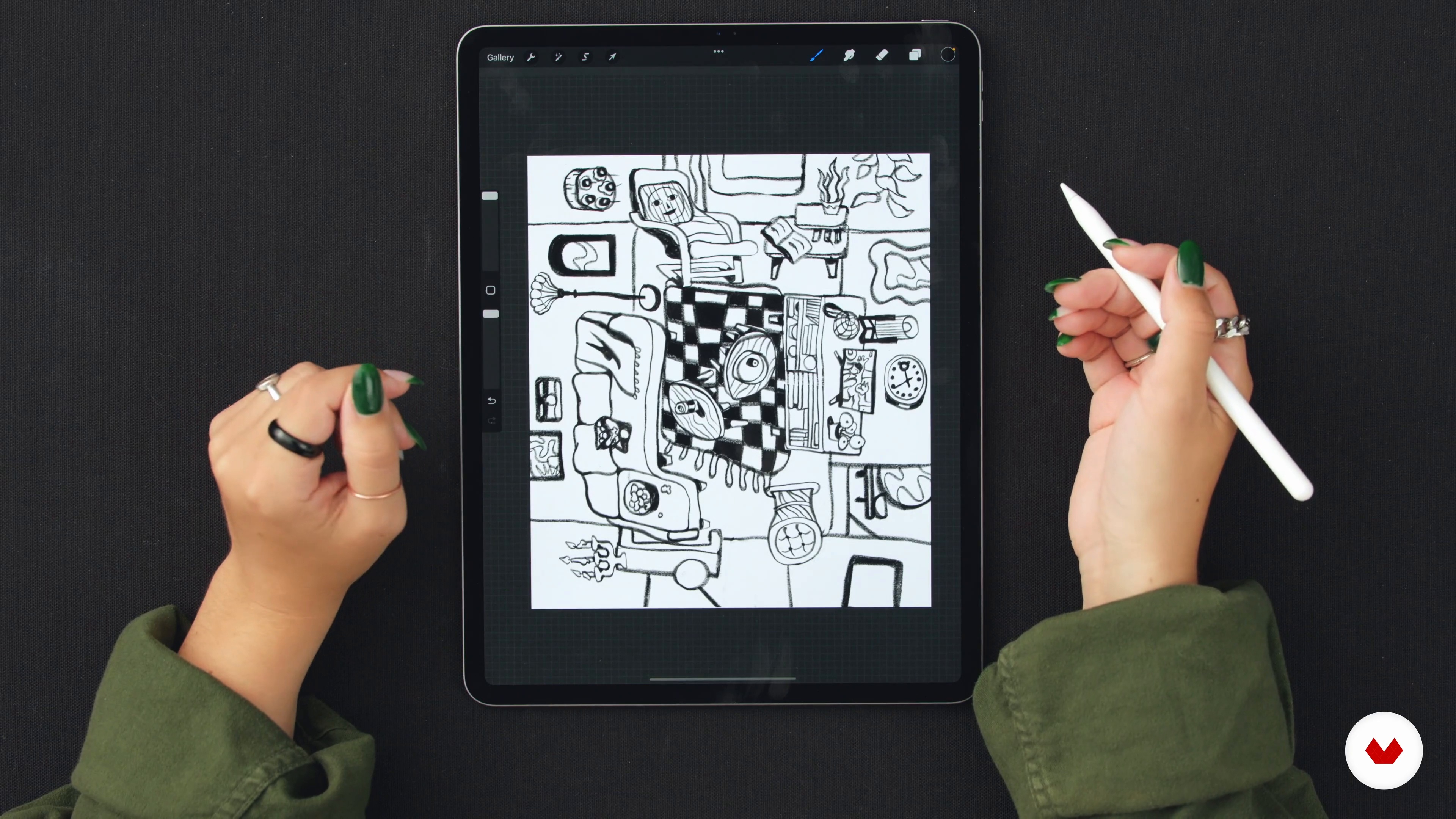
First Sketches 2
16 minutes, 55 seconds
What's included in this course?
To begin, Jess will introduce you to the world of flat illustration and you will begin to perform basic exercises that will help you understand composition and visual balance.
Next, you'll explore the study of values and how to make a mood board to guide your creative projects. Next, you'll learn how to sketch your design, working in layers from the background to the final details, such as shapes, objects, and decoration.
Lastly, Jess will teach you how to use gradient maps to test different color palettes, adding the final vibe to your work with final colors and discussing traditional and digital techniques for future creations.
Recommended software & tools for this course
What is this course's project?
In the final project of the course, you will create a digital illustration of a room using a distorted and abstract perspective.
This design will be a representation of your unique style, applying the techniques learned to express your artistic vision.
Projects by course students


Who is this online course for?
It is aimed at illustrators, graphic designers and anyone interested in digital art who wants to explore and delve into the flat illustration technique.
It's perfect for creatives looking for new forms of visual expression or for those who want to add a vibrant, modern touch to their portfolio.
Requirements and materials
You will need access to digital art creation software such as Procreate or any other similar program.
It is also advisable to have a digital device suitable for drawing, such as a graphics tablet or an iPad with a digital pen, to make the most of the course teachings.
Reviews
- 7 days ago
我很喜歡 希望傑西能有更多的課程 帶領我們完成更多幅畫 。我很享受他的課程
- 1 month ago
Excelente curso. Muy interesante para diseñar patrones en procreate.
- strabellimarianePLUS3 months ago
amei o curso, muito bom
- 1 year ago
Pienso que ha sido un curso inspirador y divertido. Las explicaciones han sido claras, bien definidas y con un gran espacio para la creatividad personal. He aprendido mucho sobre tecnicismos y teoría, pero el claro aprendizaje ha sido la gran importancia de la utilización correcta de los semitonos. Eternamente agradecido!
- 1 year ago
Buen curso

Jess Hannigan is a freelance illustrator known for her bold and vibrant use of color and flat shapes.
A graduate of Sheridan College, Jess has garnered multiple awards for her innovative work, including the Bronze Medal Jon Klassen and the Society of Illustrators Warby Parker Visionary Scholarship.
She has collaborated with high-profile clients such as The New Yorker and Medium, and is currently working on her first children's book. Her unique approach to illustration reflects her love for the kitsch and the colorful, elements that are evident in each of her artistic creations.
Content
- U1
Introduction
- About Me
- Influences
- U2
The Basics of Flat Illustration
- Flat Illustration
- Drawing Exercises
- Balancing Values
- Mood Boards and Color Palettes
- U3
Creating the Flat Room
- First Sketches 1
- First Sketches 2
- Layering Shapes and Values 1
- Layering Shapes and Values 2
- Additional Textures and Patterns
- Using Gradient Maps
- Dropping in the Final Colors
- U4
Things to Keep In Mind
- Making a Series
- Last Tips and Recommendations
- FP
Final project
- Flat Digital Illustration with Vibrant Colors
What to expect from a Domestika course
Learn at your own pace
Enjoy learning from home without a set schedule and with an easy-to-follow method. You set your own pace.
Learn from the best professionals
Learn valuable methods and techniques explained by top experts in the creative sector.
Meet expert teachers
Each expert teaches what they do best, with clear guidelines, true passion, and professional insight in every lesson.
Certificates
PLUSIf you're a Plus member, get a custom certificate signed by your teacher for every course. Share it on your portfolio, social media, or wherever you like.
Get front-row seats
Videos of the highest quality, so you don't miss a single detail. With unlimited access, you can watch them as many times as you need to perfect your technique.
Share knowledge and ideas
Ask questions, request feedback, or offer solutions. Share your learning experience with other students in the community who are as passionate about creativity as you are.
Connect with a global creative community
The community is home to millions of people from around the world who are curious and passionate about exploring and expressing their creativity.
Watch professionally produced courses
Domestika curates its teacher roster and produces every course in-house to ensure a high-quality online learning experience.
FAQs
Yes, this course is designed for beginners and covers foundational skills in flat digital illustration, making it accessible even if you have no prior art experience.
You’ll need an iPad with Procreate installed. Some lessons may also reference digital tools like PureRef and Coolors for organizing references and color palettes.
You’ll learn to create vibrant digital illustrations using basic shapes, value studies, mood boards, color palettes, layering, textures, and digital printmaking techniques, along with planning compositions and building a cohesive series.
No prior drawing skills are required. The course guides you through the basics of shape construction, composition, and digital techniques from the ground up.
Absolutely. The course covers essential Procreate tools such as layers, clipping masks, lasso tool, color drop, and brush texture adjustments for digital illustration.
Value studies teach you to balance light and dark areas, ensuring strong contrast and clarity in your compositions before adding color.
Yes, you’ll explore generating and customizing color palettes using gradient maps, Coolors, and reference inspiration to create vibrant, bold digital artwork.