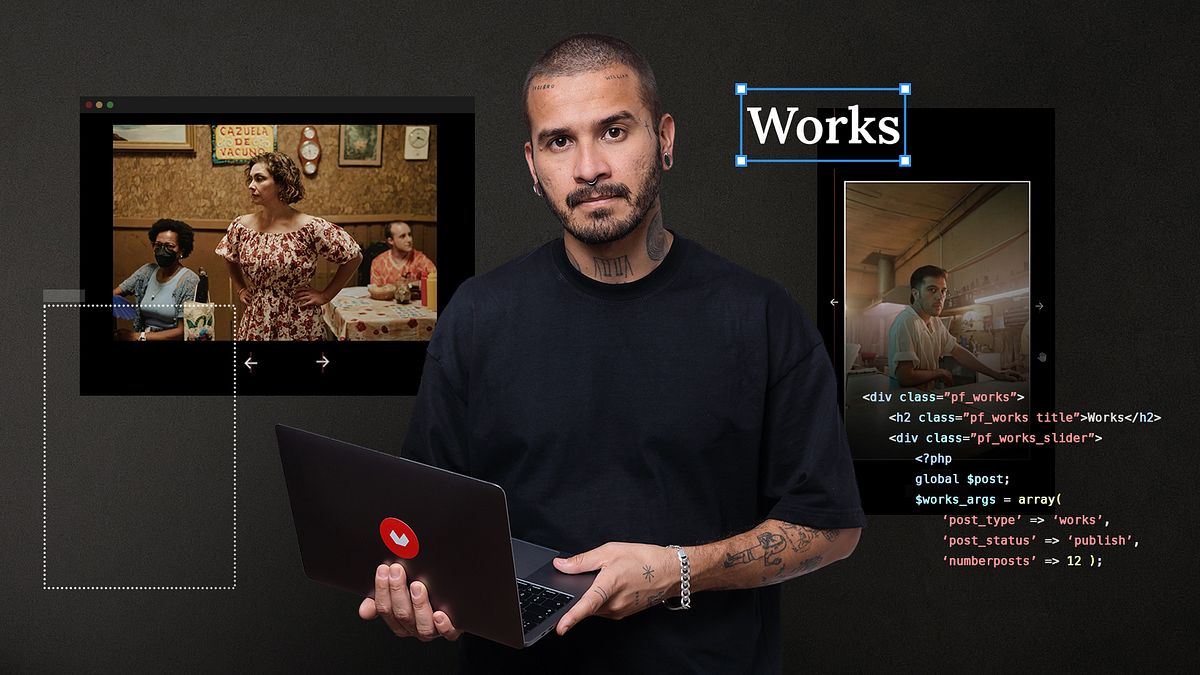
Programming for WordPress: Design a Website
A course by Carlos E. Molina TovarCreative Web Developer
A course by Carlos E. Molina Tovar, Creative Web Developer

Learn to create WordPress websites from scratch by combining design and programming concepts
For Carlos Molina, code is like poetry and programming is the art that walks hand in hand with design. A specialist in the creation of digital products that combine functionality and aesthetics, in this online course, he teaches you to bring these two worlds together in WordPress.
Discover that the blog host is only a small part of the bigger picture, as well as why WordPress is the ideal tool for creating a website step by step. Familiarize yourself with its multiple functions, the endless customizations with HTML, CSS, and JavaScript, and put the site's integrated content and the freedom it brings to the test.
What will you learn in this online course?
25 lessons & 29 downloads
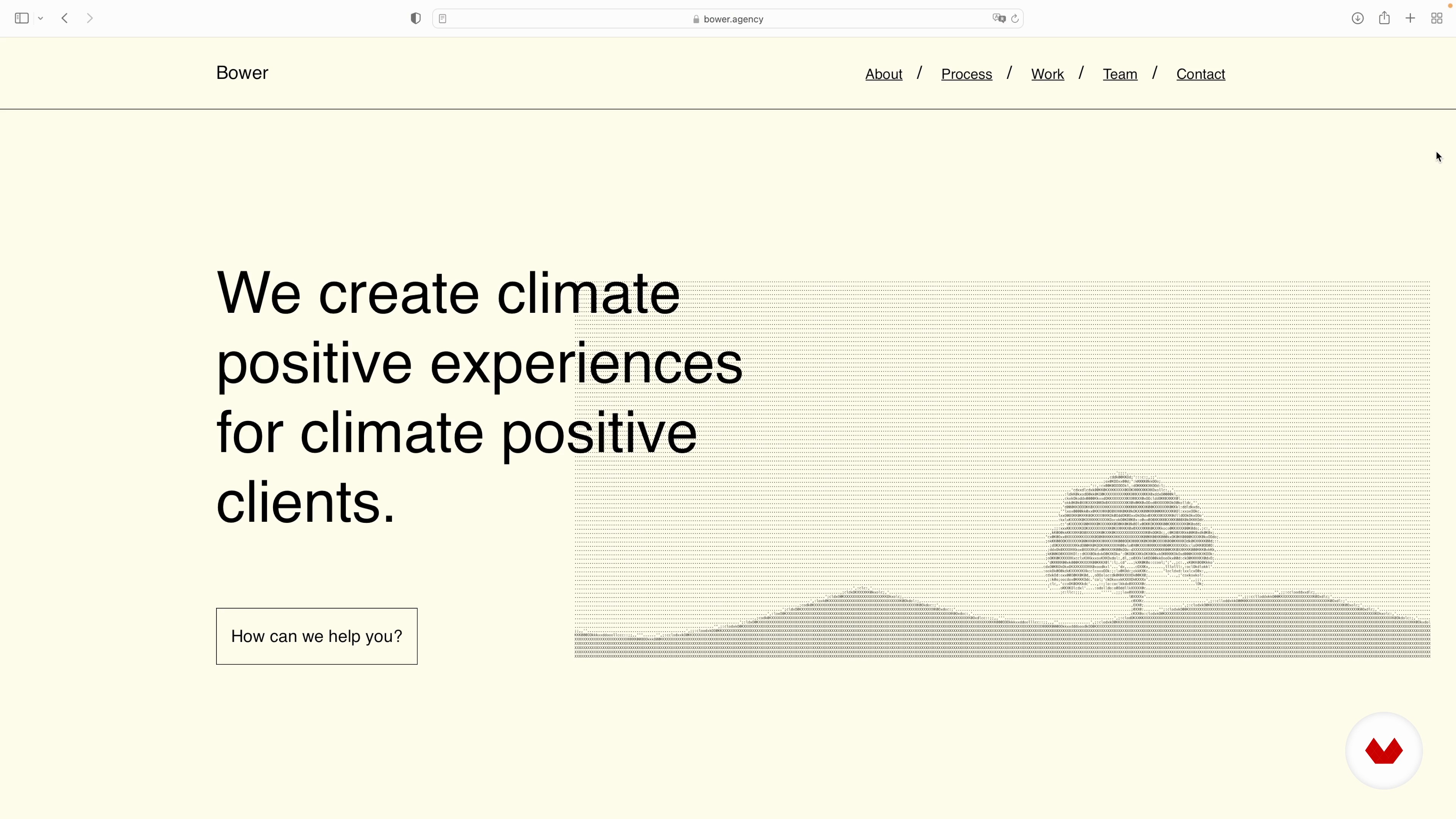
What will we do in this course?
5 minutes, 48 seconds
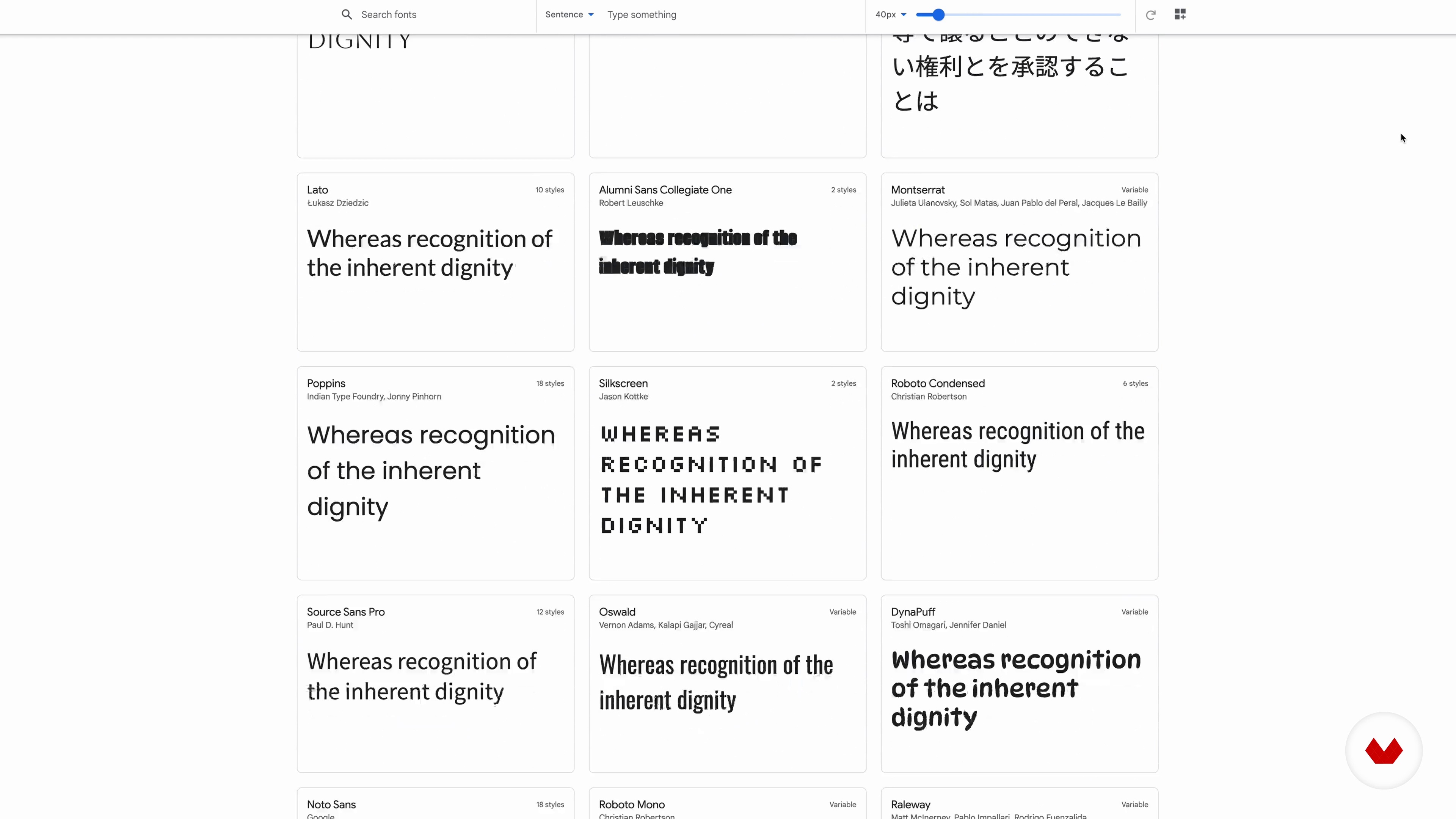
Design and conceptualization
6 minutes, 8 seconds
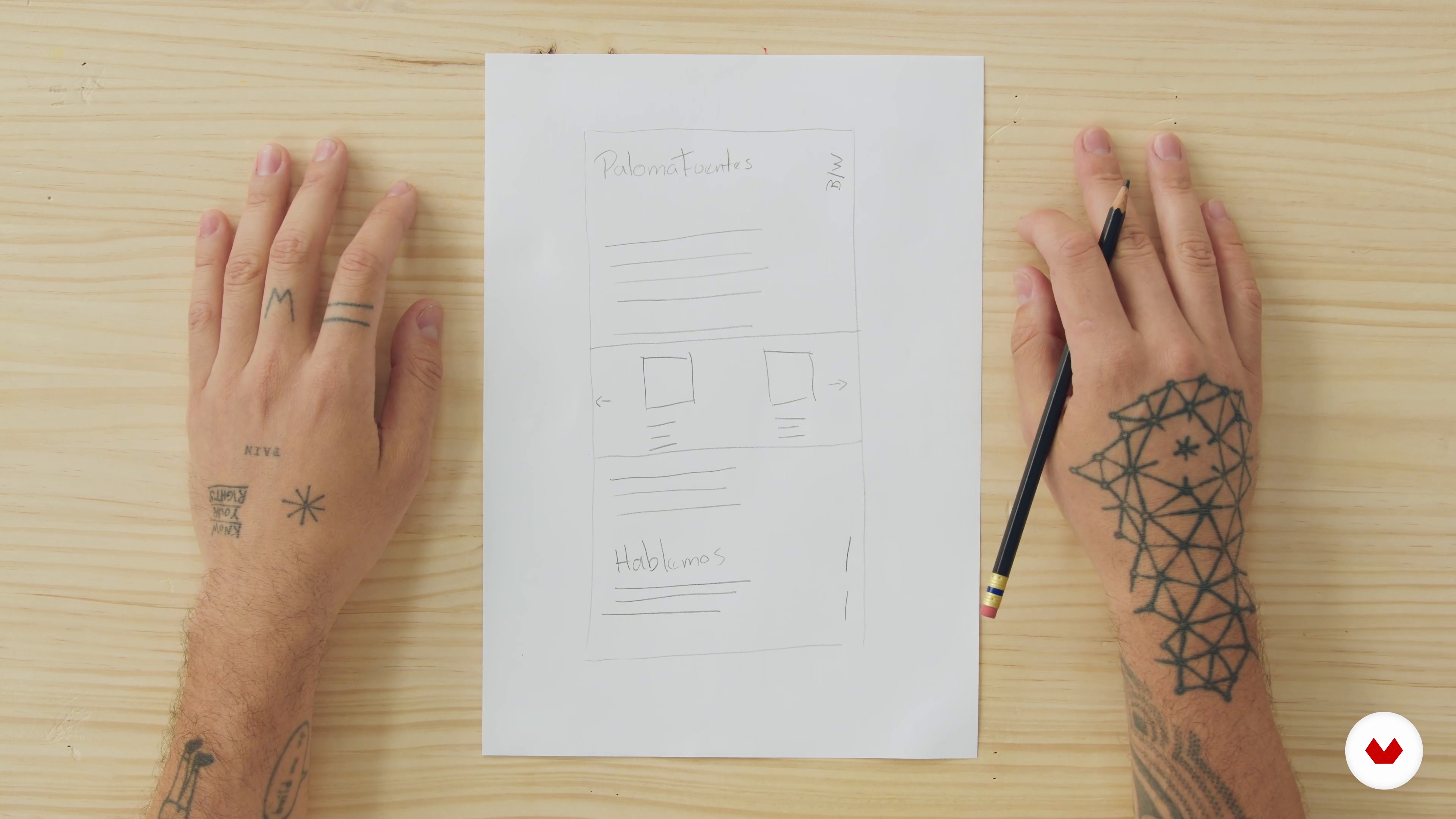
Wireframe, mock-up and web design in Figma 1
20 minutes, 1 second
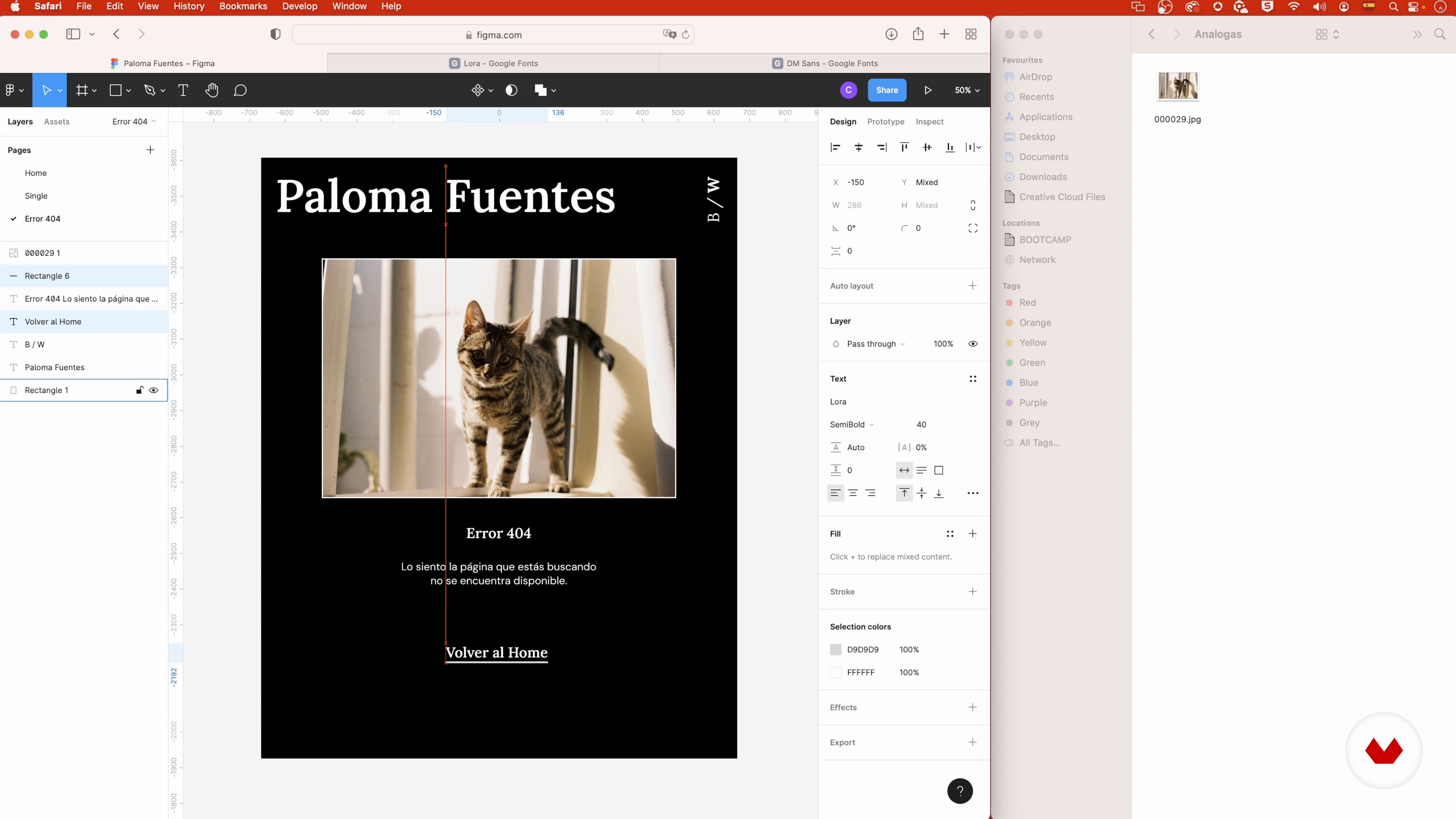
Wireframe, mock-up and web design in Figma 2
20 minutes, 1 second
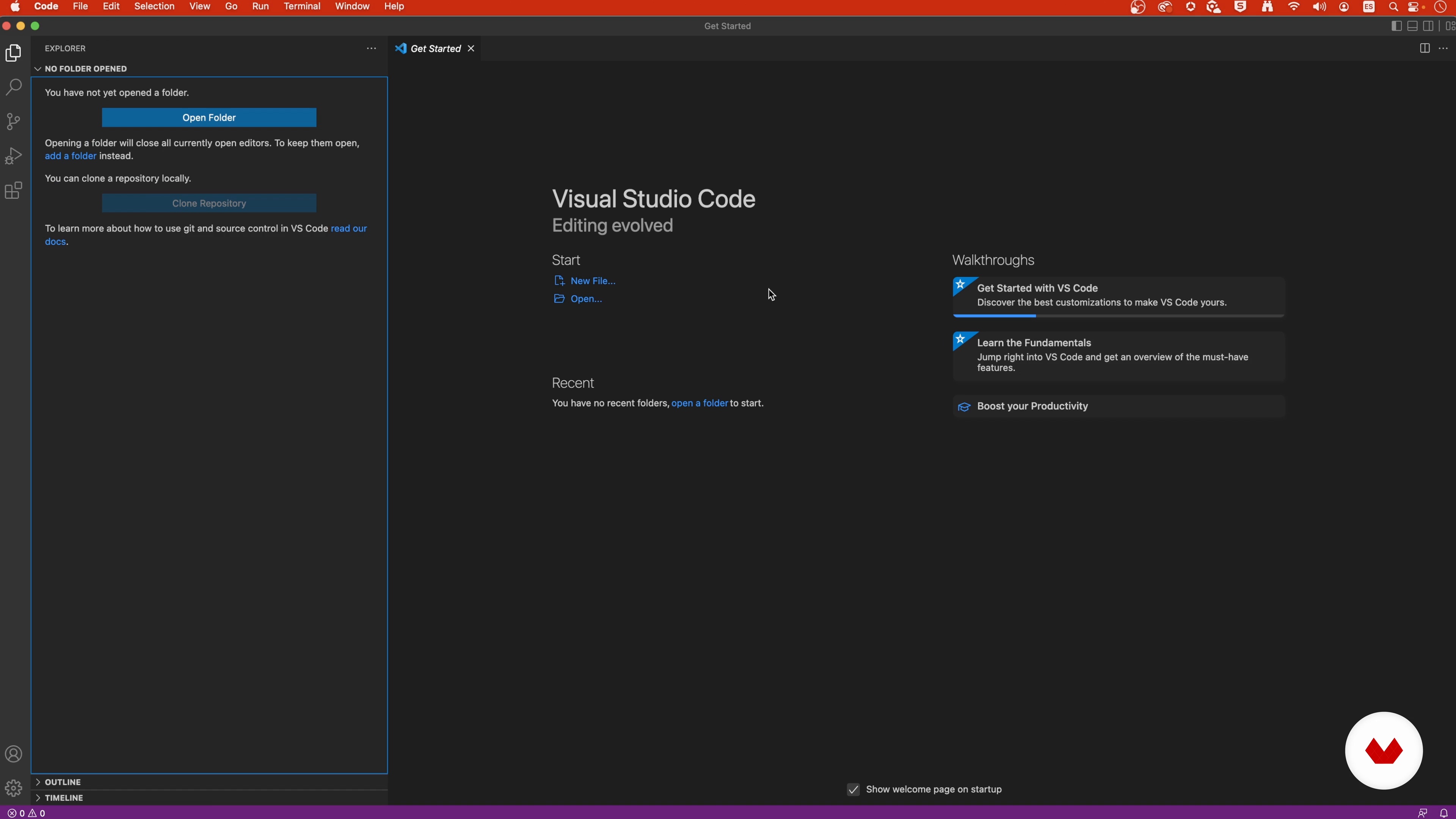
Preparation of the work environment and programming
6 minutes, 52 seconds
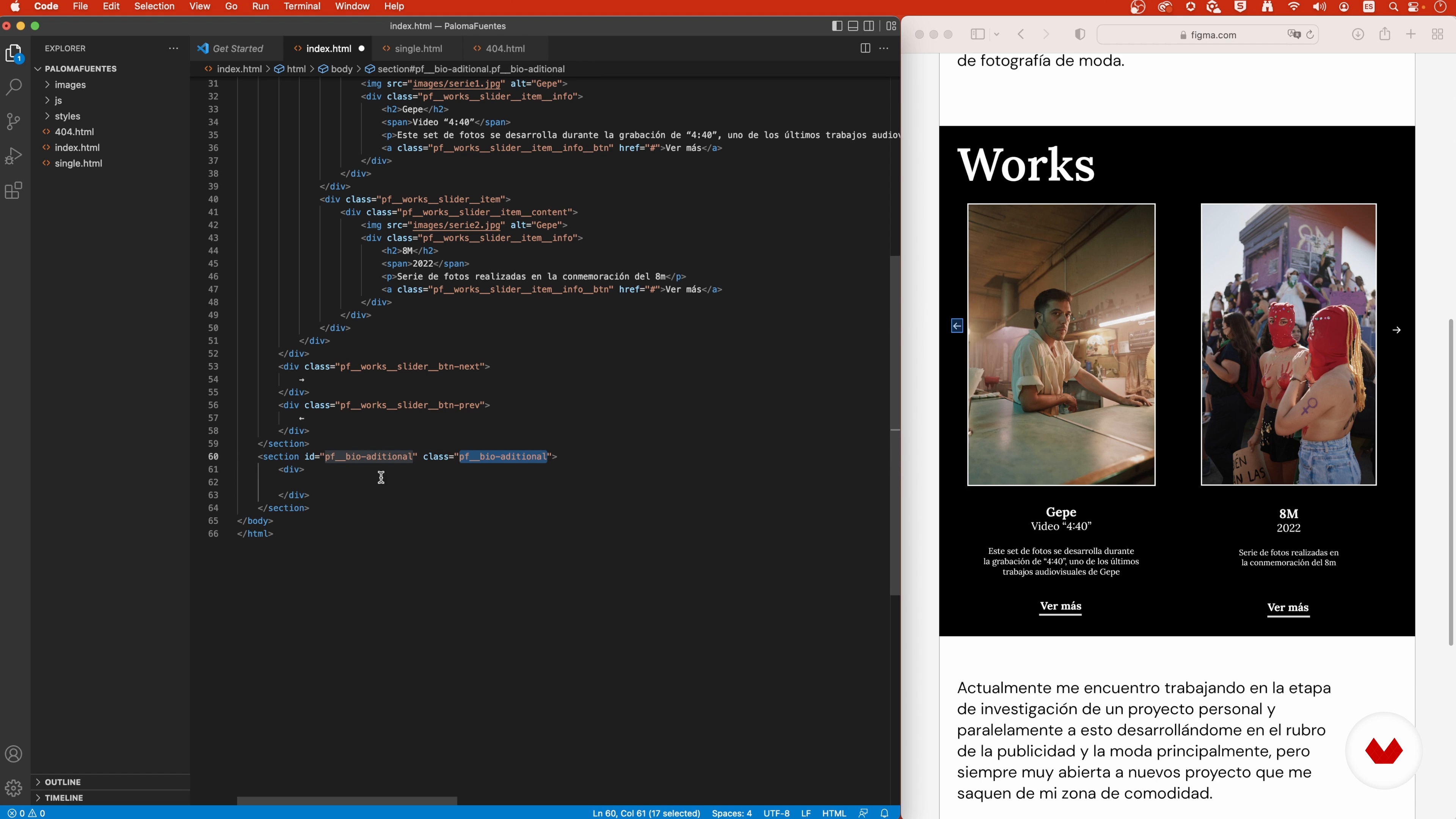
HTML Layout 1
19 minutes, 59 seconds
What's included in this course?
Get to know your teacher, Carlos Molina, as he talks about his career and some of his work. He also introduces you to the artists whose fresh perspectives have inspired him the most.
See the main types of internet pages that exist and the tools needed to carry out your project, before discovering the differences between WordPress.org and WordPress.com. Explore them both along with how each of the plug-ins you need works.
Carlos explains the architecture, concept, and design of a web page as well as some of the biggest trends. Now get to work defining the idea behind your project to create a wireframe and a mock-up. From there, design your page in Figma.
Next, learn how to create a mock-up in HTML. Your teacher then walks you through how to add CSS styles with SASS and make it more interactive with JavaScript.
Move on to create the base for your own WordPress template by creating and ordering specific files. To bring the course to a close, Carlos helps you configure all the personalized options and teaches you how to publish your website online with appropriate hosting and domain providers.
Recommended software & tools for this course
What is this course's project?
Develop a website from scratch on WordPress for your personal portfolio.
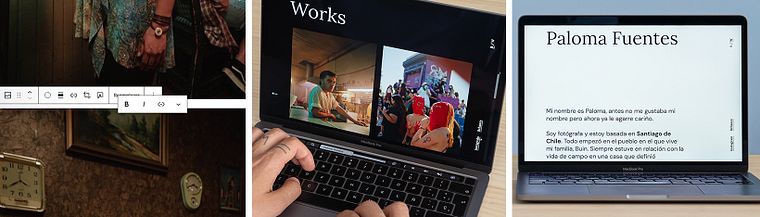
Projects by course students


Who is this online course for?
Anyone interested in programming original websites on WordPress.
Requirements and materials
To take this course you need a basic working knowledge of HTML, CSS, JavaScript, and PHP. In terms of tools, you need access to Microsoft Visual Studio Code, Mamp, and Figma.
Reviews
- 3 months ago
Explica bien, me gustaría que dejara mas material adicional, de lo contrario me guió mucho
- 3 months ago
Excellent Course
- 5 months ago
Um curso muito bom.
- 6 months ago
Excelente curso, aprendi muchísimo y me ayudo mucho a mejorar en mi carrera
- cc_claudiacampusPLUS8 months ago
Non lo consiglio, per niente, continua a saltare passaggi non si capisce niente

Throughout his career he's worked with big-name brands, media outlets, online agencies, and e-commerce companies in Venezuela, Chile, Argentina, Spain, and other parts of the world. He's also been a member of the famous Awwwards judges panel for two years running, as well as been recognized by Awwwards with the title Site of the Day and two honorable mentions for his personal websites.
Content
- U1
Introduction
- About Me
- Influences
- U2
Preparation
- What will we do in this course?
- Work tools
- Structure of WordPress.com and WordPress.org
- WordPress plugins
- U3
Design
- Web architecture
- Design and conceptualization
- Wireframe, mock-up and web design in Figma 1
- Wireframe, mock-up and web design in Figma 2
- U4
Layout
- Preparation of the work environment and programming
- HTML Layout 1
- HTML layout 2
- Adding CSS styles 1
- Adding CSS styles 2
- Adding CSS styles 3
- Adding CSS styles 4
- Adding interaction with JavaScript
- U5
WordPress Integration
- Installation of WordPress and plugins
- Create the base of the custom WordPress template
- Configure pages and plugins
- Integrate HTML mockup and WordPress back office 1
- Integrate HTML mockup and WordPress 2 back office
- Integrate HTML mockup and WordPress 3 back office
- Publish our website on the internet and web hosting options
- FP
Final project
- Programming for WordPress: Design a Website
What to expect from a Domestika course
Learn at your own pace
Enjoy learning from home without a set schedule and with an easy-to-follow method. You set your own pace.
Learn from the best professionals
Learn valuable methods and techniques explained by top experts in the creative sector.
Meet expert teachers
Each expert teaches what they do best, with clear guidelines, true passion, and professional insight in every lesson.
Certificates
PLUSIf you're a Plus member, get a custom certificate signed by your teacher for every course. Share it on your portfolio, social media, or wherever you like.
Get front-row seats
Videos of the highest quality, so you don't miss a single detail. With unlimited access, you can watch them as many times as you need to perfect your technique.
Share knowledge and ideas
Ask questions, request feedback, or offer solutions. Share your learning experience with other students in the community who are as passionate about creativity as you are.
Connect with a global creative community
The community is home to millions of people from around the world who are curious and passionate about exploring and expressing their creativity.
Watch professionally produced courses
Domestika curates its teacher roster and produces every course in-house to ensure a high-quality online learning experience.
FAQs
You’ll learn how to design and develop creative websites—from visual concepts and user experience to integrating and customizing WordPress—using tools like Figma, HTML, CSS, JavaScript, PHP, and essential plugins.
Yes, this course is designed for people with basic to intermediate web design or development skills who want to enhance their abilities and learn advanced WordPress integration with modern tools.
Basic knowledge of HTML, CSS, and graphic design is recommended. Familiarity with a code editor and some WordPress basics is helpful but not required. The course will guide you through installing all necessary tools.
You’ll need a code editor (like VS Code), Figma for interface design, a local server (MAMP, XAMPP, or similar), a web browser, and WordPress installed locally. The course will teach you how to install and configure everything.
Yes, the course walks you through creating and customizing WordPress templates step-by-step, covering file structure, style.css setup, PHP functions, and customizing headers, pages, and 404 error pages.
You’ll learn how to turn your Figma designs into functional mockups and wireframes, then integrate them into your WordPress site by structuring HTML, CSS, and customizing the theme to keep visual consistency.
Yes, the course covers building digital portfolios and online stores using WordPress and plugins like WooCommerce, plus customizing pages with Elementor and managing products or creative projects.