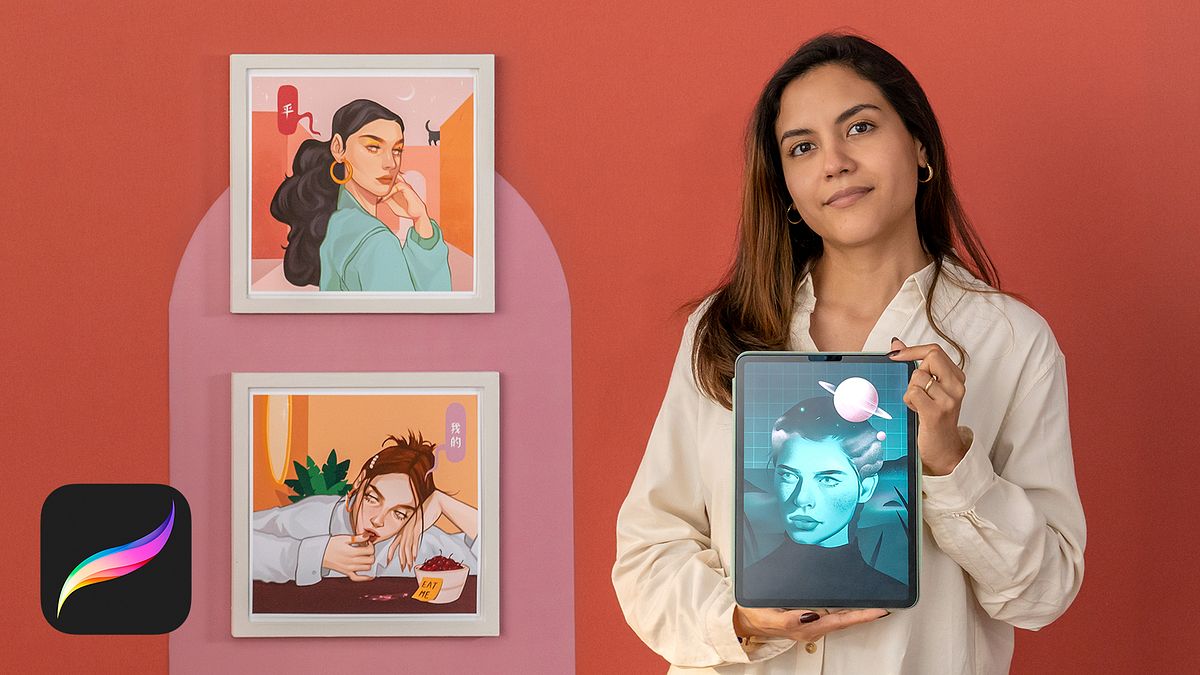
Fantasy Portraits in Procreate
A course by Camila Castro YongGraphic Designer and Digital Illustrator
A course by Camila Castro Yong, Graphic Designer and Digital Illustrator

Learn how to add soul and texture to your portraits through digital techniques that simulate the finishes of traditional drawing
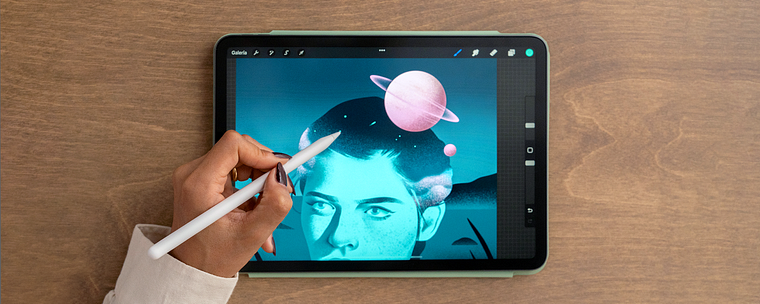
With the help of Procreate, graphic designer and digital illustrator Camila Castro skillfully translates her ideas into images. In this online course, she teaches you how to create illustrations full of purpose, meaning, and fantasy elements using this versatile platform.
Learn how to make portraits in Procreate and master color, texture, and grain tools. Find out how to generate effects similar to those of traditional drawing, while providing your compositions with a digital dimension.
What will you learn in this online course?
13 lessons & 20 downloads
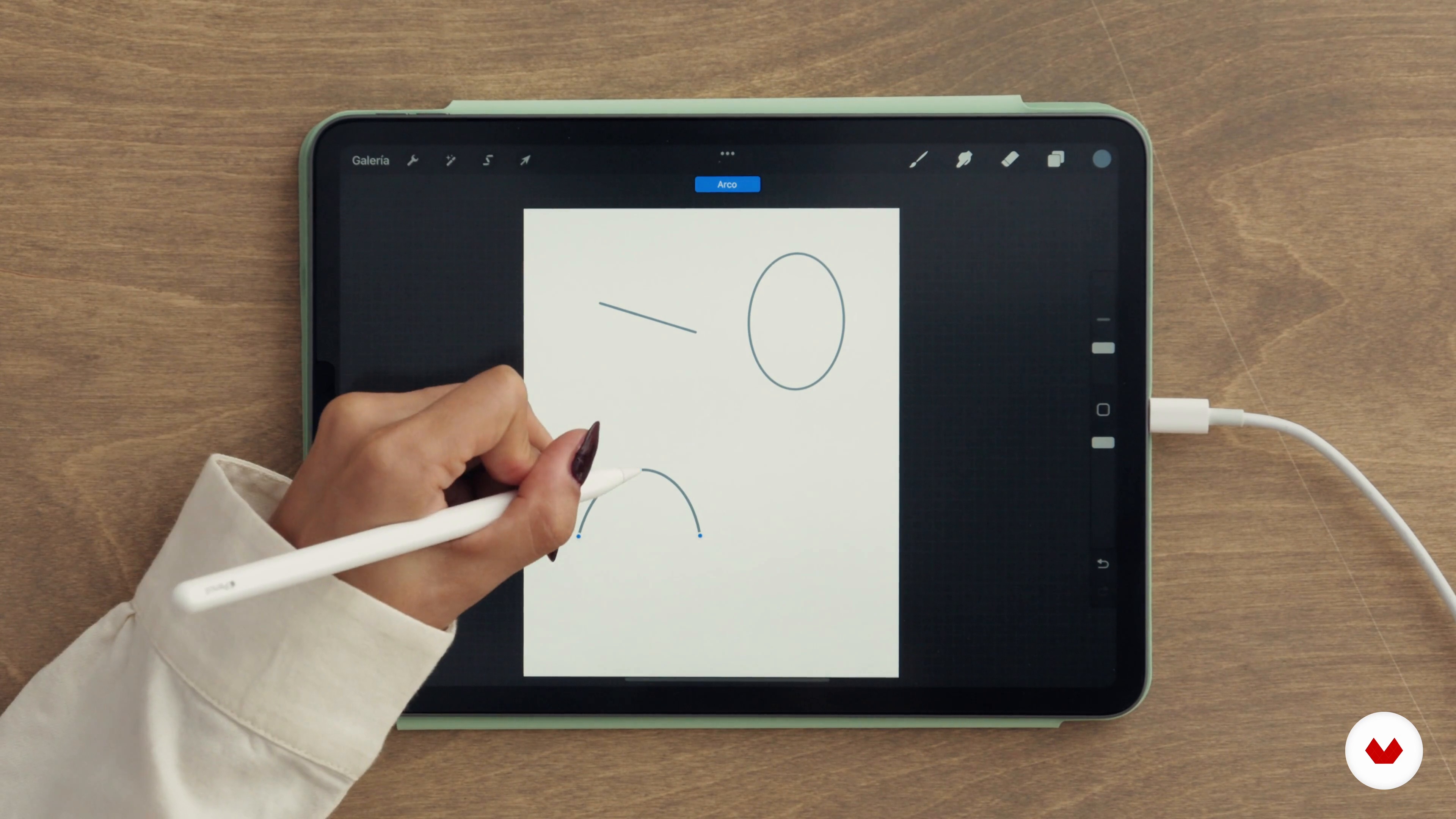
Procreate Features
18 minutes, 44 seconds
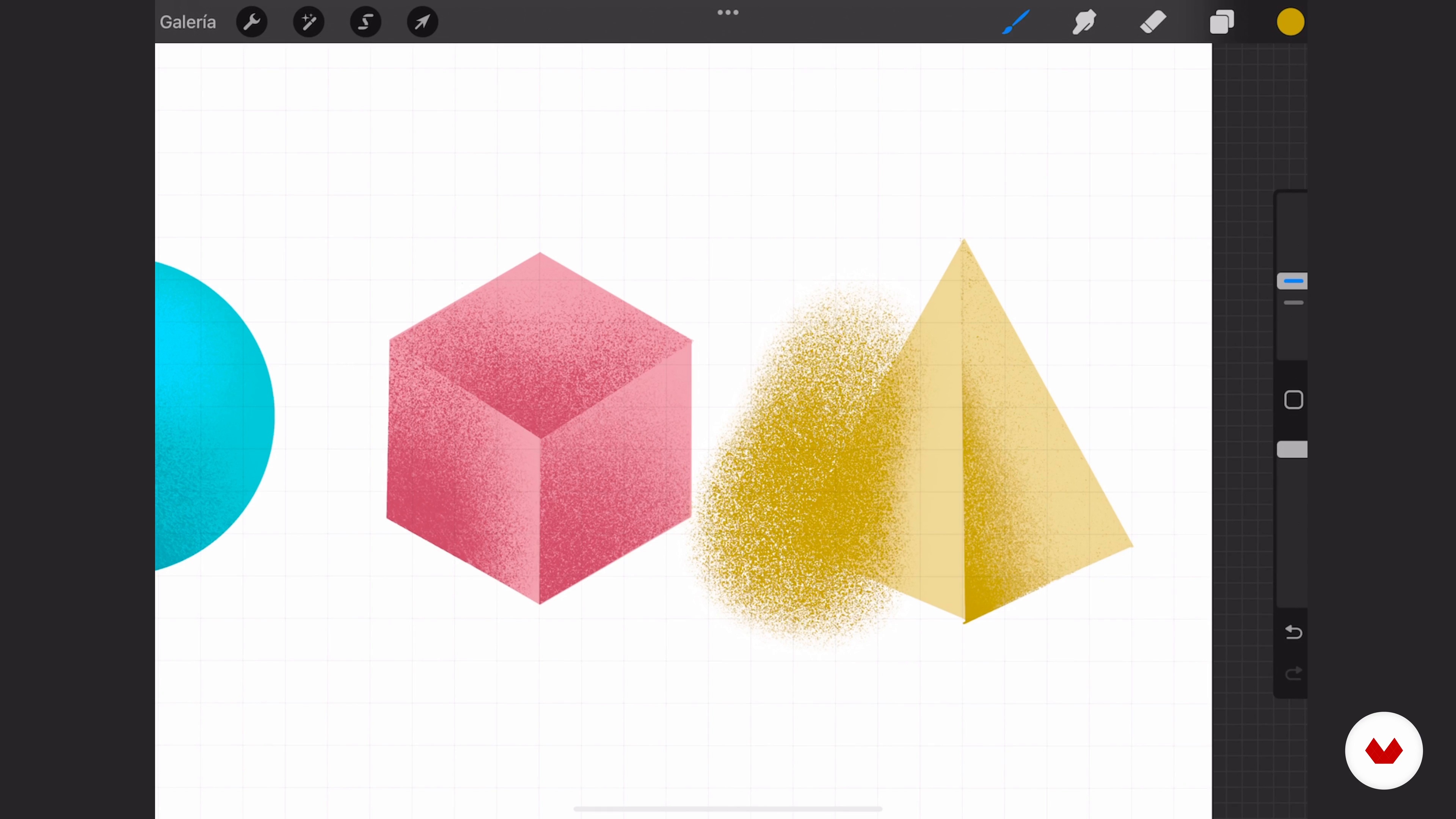
Granulation techniques
6 minutes, 25 seconds
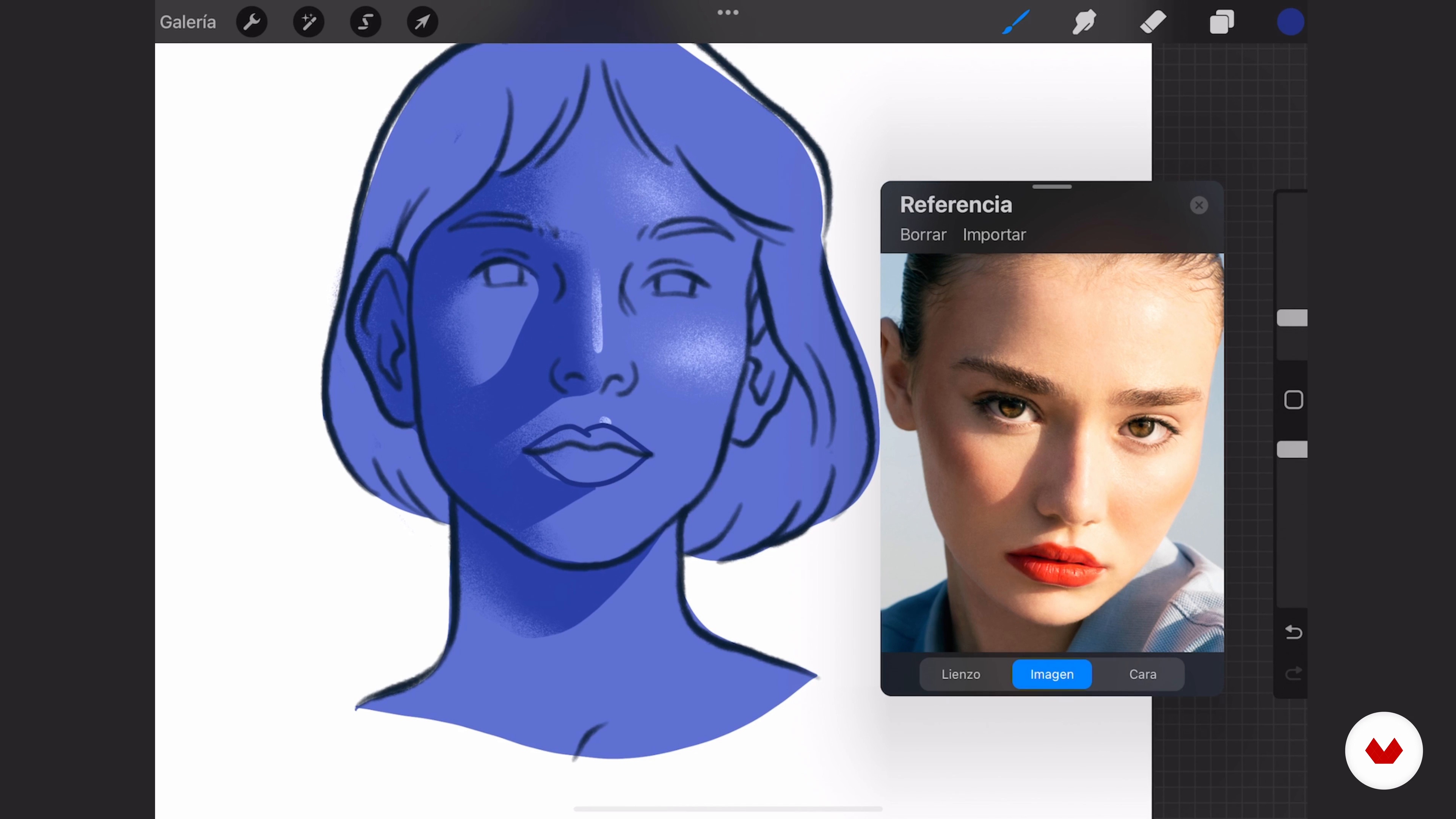
Light and shadow exercise
9 minutes, 57 seconds
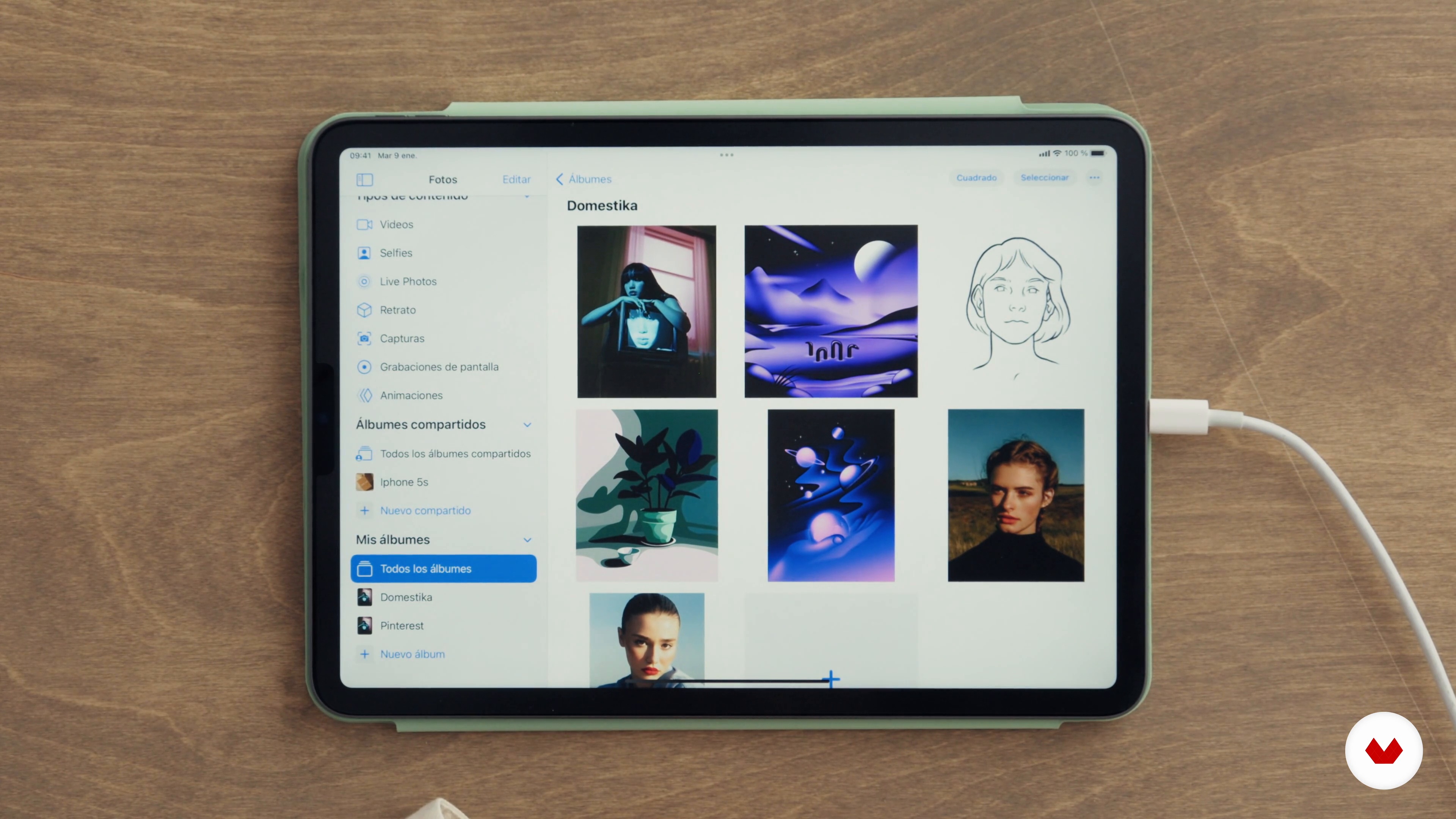
Collection of reference and concept images
7 minutes, 49 seconds
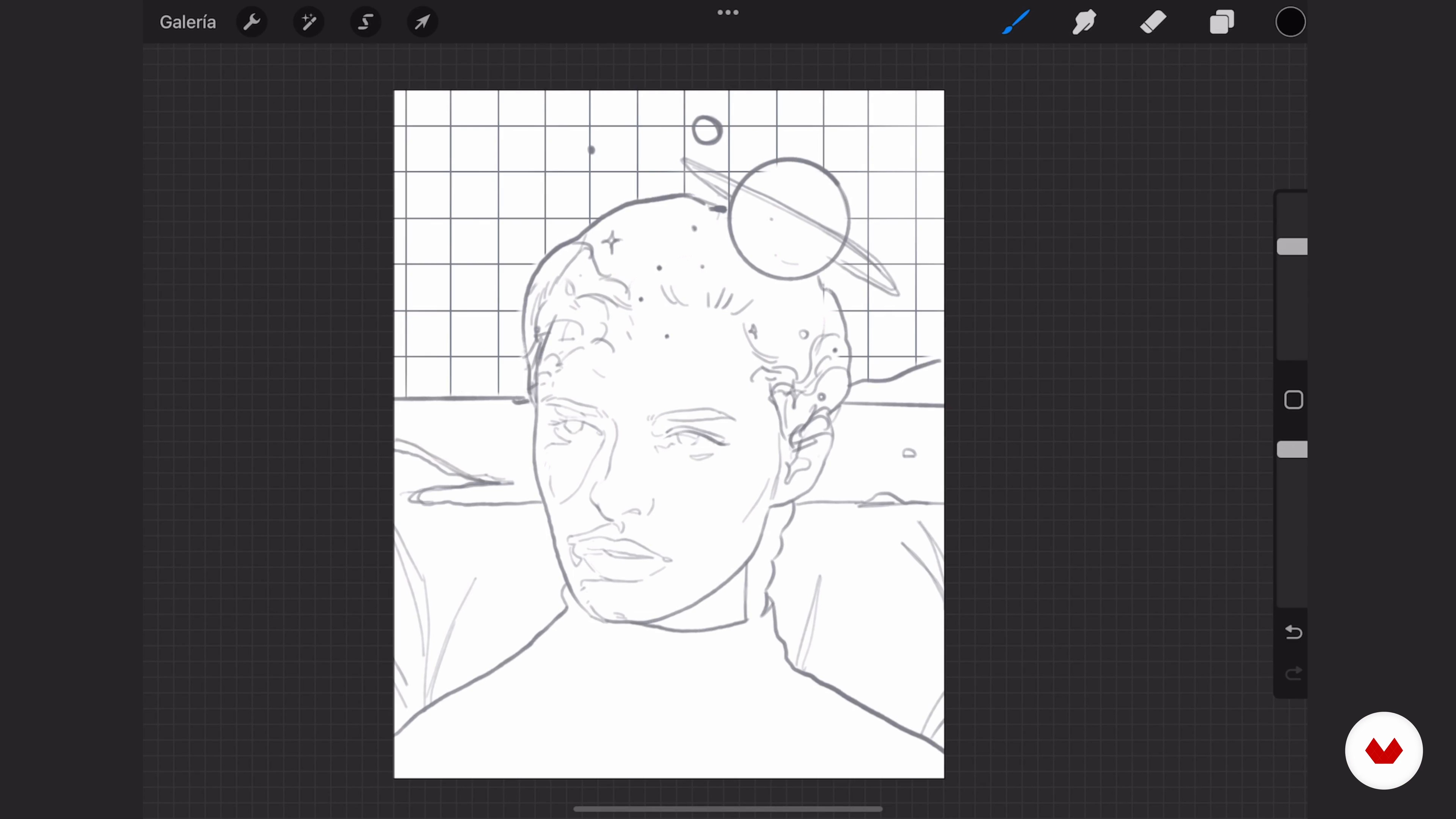
The importance of the sketch
8 minutes, 23 seconds
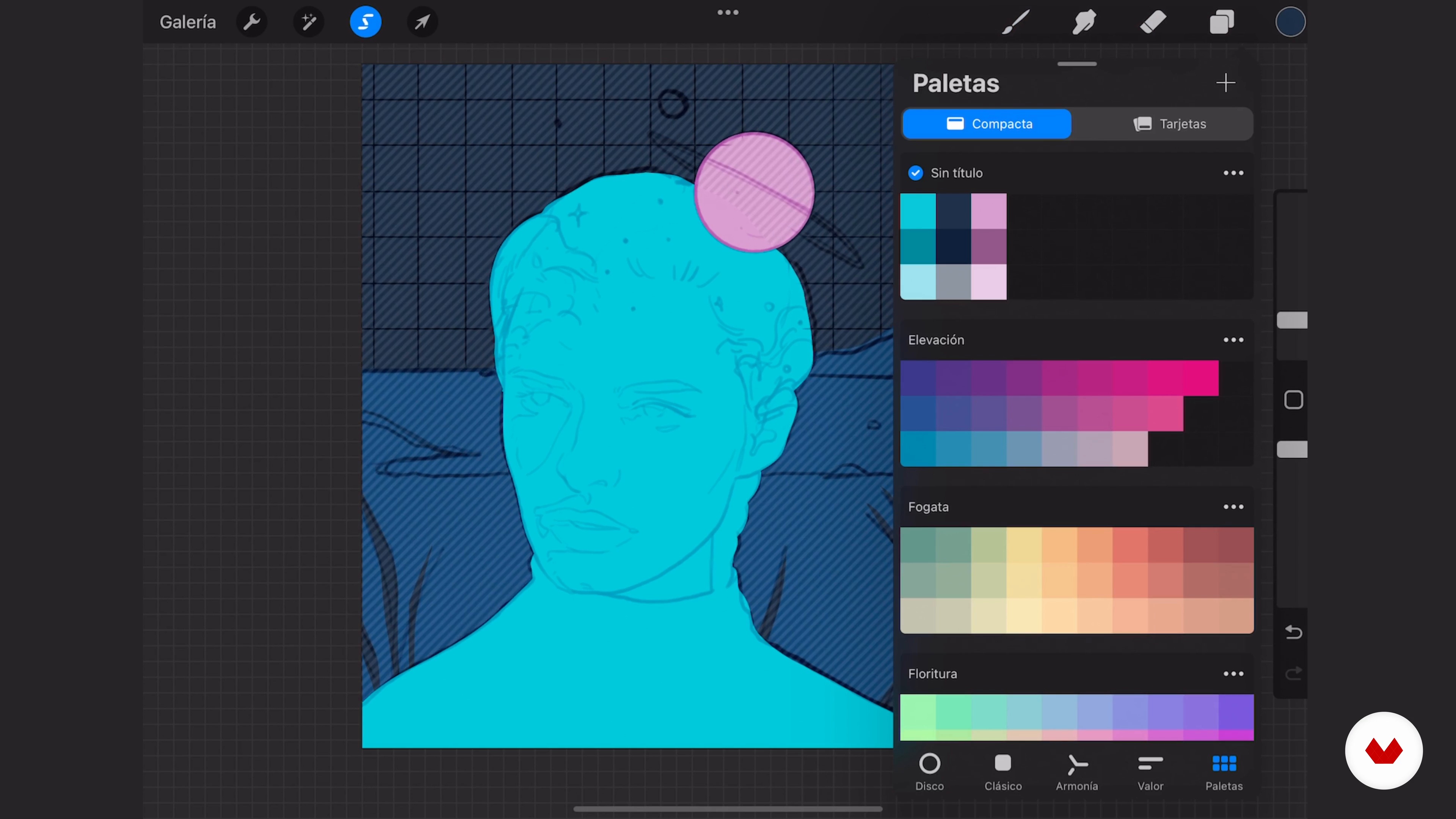
Choose the color palette
14 minutes, 35 seconds
What's included in this course?
Start by meeting Camila Castro, as she tells you about herself and her professional background. She also talks about her main influences and what inspires her to turn her ideas into works of art.
Next, review the features that Procreate has to offer to familiarize yourself with the application, along with the tools used to get grainy and textured finishes. Do some exercises to understand how to generate volume, lights, and shadows on different surfaces.
Camila shows you her process to create an artistic portrait, step by step. Look for real-life references for your main character and choose the color palette, always keeping in mind their psychology as well as your goals. Then, liven up the expression with texture and add the final details to give your composition more personality.
Now all that's left is to edit your digital piece. Camila gives you some tips to take your piece to the next level by adding small details and correcting contrast, saturation, and shape finishes, all without needing to leave Procreate!
Recommended software & tools for this course
What is this course's project?
Create a conceptual portrait in Procreate, based on real references and using color, texture, and digital grain techniques to enrich your creations.
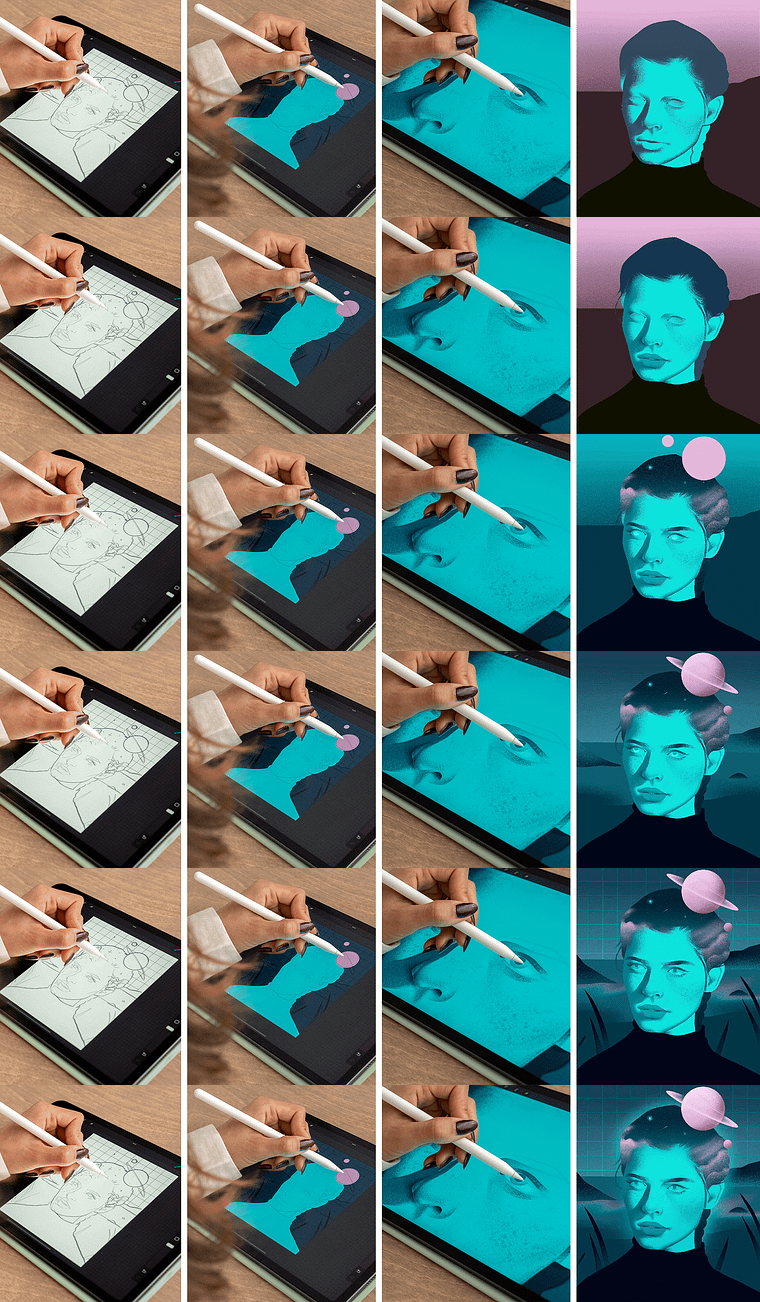
Projects by course students


Who is this online course for?
Anyone who wants to delve into representing characters in a range of different contexts.
Requirements and materials
To take this course, you do not need previous drawing experience, since you use real references to help you loosen up and gain confidence when creating your compositions.
As for materials, you must have an iPad or iPad Pro, an Apple Pencil, and the Procreate app installed.
Reviews
- 11 months ago
Explica paso a paso la artista, los tips son excelentes! Me hubiera encantado encontrar este curso antes. Lo super recomiendo.
- 1 year ago
BARDZO FAJNY KURS. IDEALNY NA POCZĄTEK.
- 1 year ago
Learning new ways of how to use the eraser was eye-opening. it was also a helpful course for people -beginners like me- who are afraid of working with shadow and light .
- 1 year ago
Lo recomiendo mucho, me ayudo demasiado con el uso de procreate y sobre todo conocer su proceso creativo
- psiqueira79PLUS1 year ago
Processo de criação bem explicado com exercícios simples para entender a técnica. Fácil executar. Gostei muito!

Since she was a child, she has always been passionate about art through drawing, which steadily progressed from hobby to self-taught profession. Over time, she evolved into digital illustration, where Procreate has become her favorite tool to discover different styles and creative processes.
Content
- U1
Introduction
- About Me
- Influences
- U2
Basic concepts
- Procreate Features
- Granulation techniques
- Light and shadow exercise
- U3
Project development
- Collection of reference and concept images
- The importance of the sketch
- Choose the color palette
- Shadows and lighting 1
- Shadows and lighting 2
- U4
Edit and export
- Last details 1
- Last details 2
- Export
- FP
Final project
- Fantasy Portraits in Procreate
What to expect from a Domestika course
Learn at your own pace
Enjoy learning from home without a set schedule and with an easy-to-follow method. You set your own pace.
Learn from the best professionals
Learn valuable methods and techniques explained by top experts in the creative sector.
Meet expert teachers
Each expert teaches what they do best, with clear guidelines, true passion, and professional insight in every lesson.
Certificates
PLUSIf you're a Plus member, get a custom certificate signed by your teacher for every course. Share it on your portfolio, social media, or wherever you like.
Get front-row seats
Videos of the highest quality, so you don't miss a single detail. With unlimited access, you can watch them as many times as you need to perfect your technique.
Share knowledge and ideas
Ask questions, request feedback, or offer solutions. Share your learning experience with other students in the community who are as passionate about creativity as you are.
Connect with a global creative community
The community is home to millions of people from around the world who are curious and passionate about exploring and expressing their creativity.
Watch professionally produced courses
Domestika curates its teacher roster and produces every course in-house to ensure a high-quality online learning experience.
FAQs
You’ll learn how to conceptualize, plan, and create digital illustrations, mastering composition, color, texture, and shading techniques in Procreate. The course covers everything from gathering references to exporting professional projects.
This course is designed for people with basic digital illustration skills who want to refine their creative process and learn advanced Procreate techniques. It’s not intended for complete beginners.
You’ll need a Procreate-compatible iPad, the Procreate app installed, and some prior digital drawing experience. Using an Apple Pencil is recommended for the best results.
The course mainly uses an iPad, the Procreate app, Apple Pencil, reference images from platforms like Pinterest, and digital resources such as specialized brushes for textures and grain effects.
You’ll learn advanced techniques like digital texturing, applying grain effects, layer management, color editing, using custom brushes, hard and soft shading, and creating visual atmospheres with gradients.
Yes, you’ll learn how to create digital portraits with lighting, shadows, volume, and depth, using Procreate’s tools and brushes to achieve realistic and artistic finishes.
The course teaches methods for brainstorming ideas, finding and selecting quality visual references, and organizing inspiration albums to enrich your illustrations.