ZBrush: Modeling of a Stylized Character
A course by Javier BenverDesigner and 3D Modeler
A course by Javier Benver, Designer and 3D Modeler

Create a female character from scratch using ZBrush. Master the tools of this 3D modeling software.
Discover the art of 3D character modeling with a focus on stylized and cartoon styles, guided by Javier Benver.
Using ZBrush, you’ll delve into how this software serves as a powerful tool for artists, offering flexibility and deep creative exploration. You will learn to develop your own creative process to design female characters with personality and charm.
From gathering references to detailed modeling of faces, clothing, and accessories, you will master various techniques and approaches to create three-dimensional characters that capture essence and emotion.
What will you learn in this online course?
34 lessons & 25 downloads
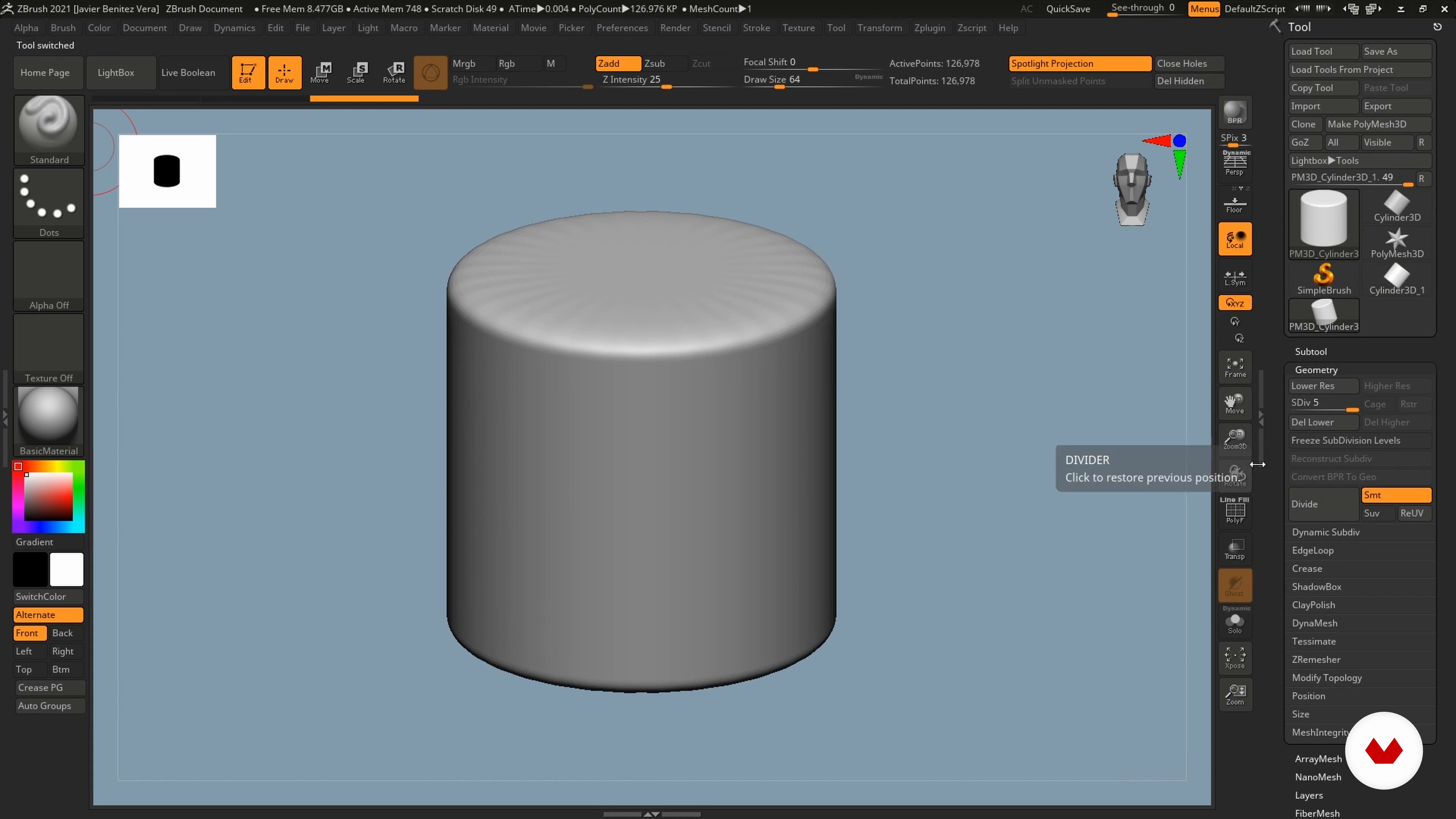
The ZBrush interface
17 minutes, 9 seconds
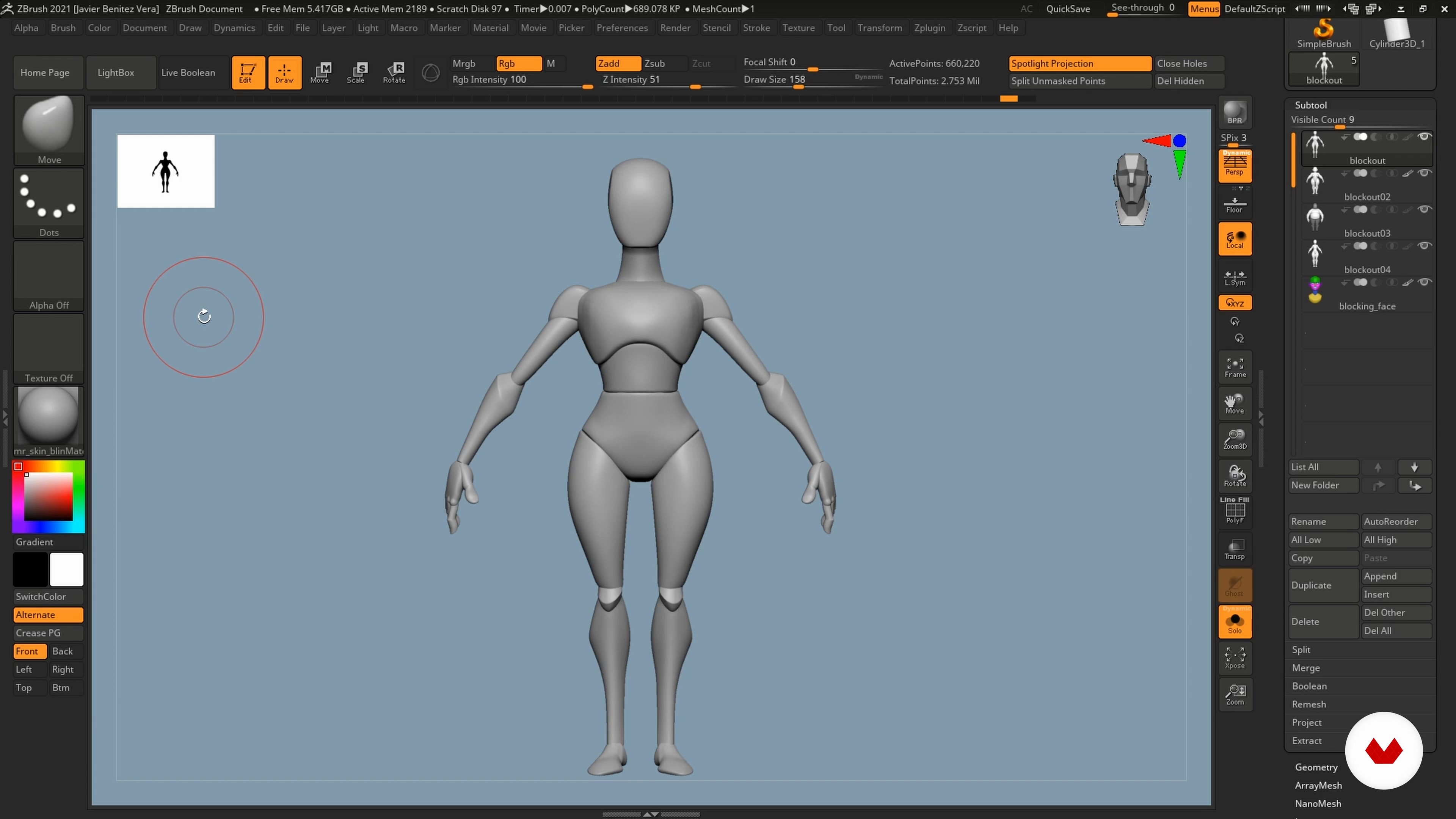
Creation process through prior blocking
3 minutes, 1 second
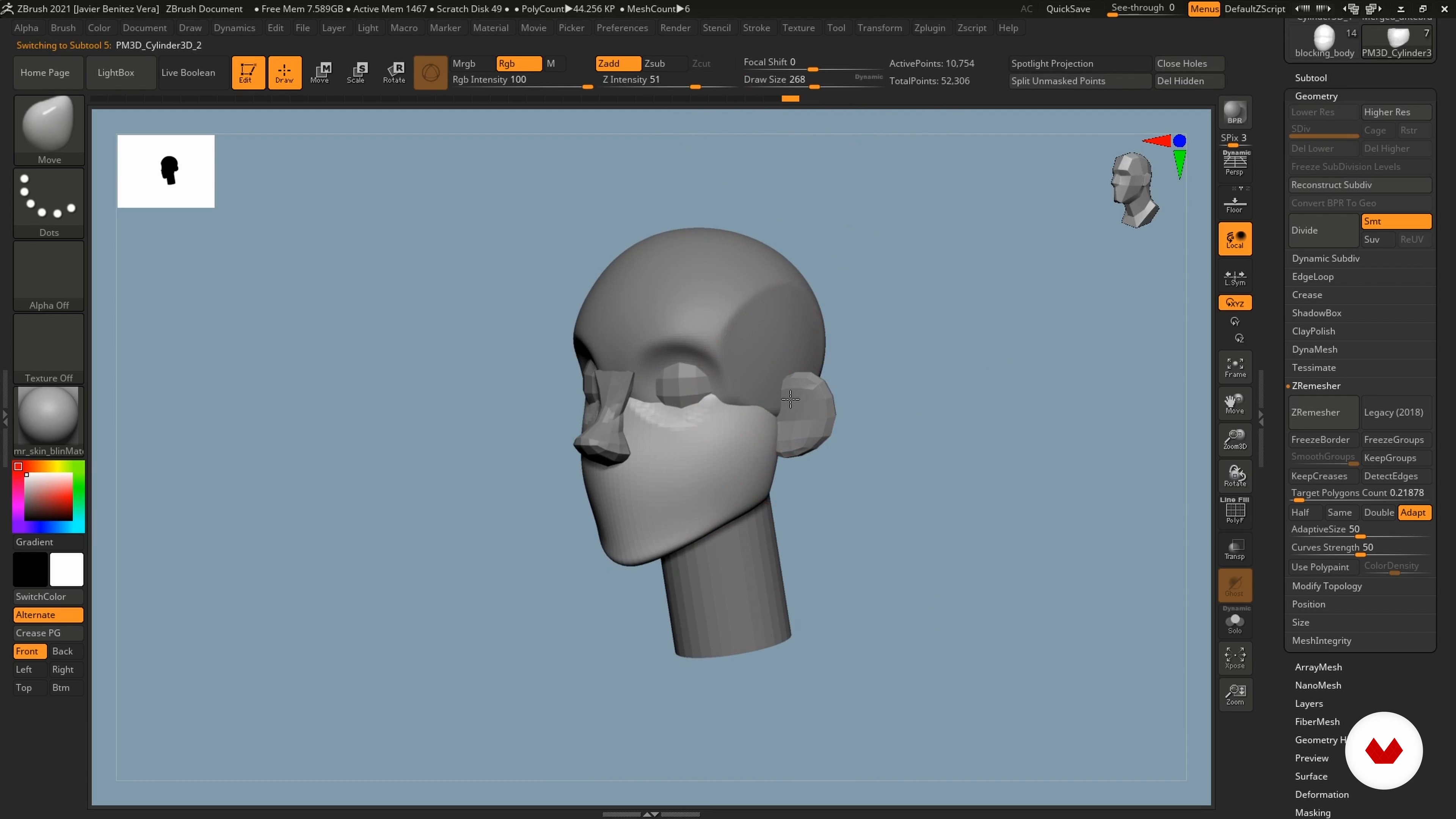
Blocking working the face 1
19 minutes, 1 second
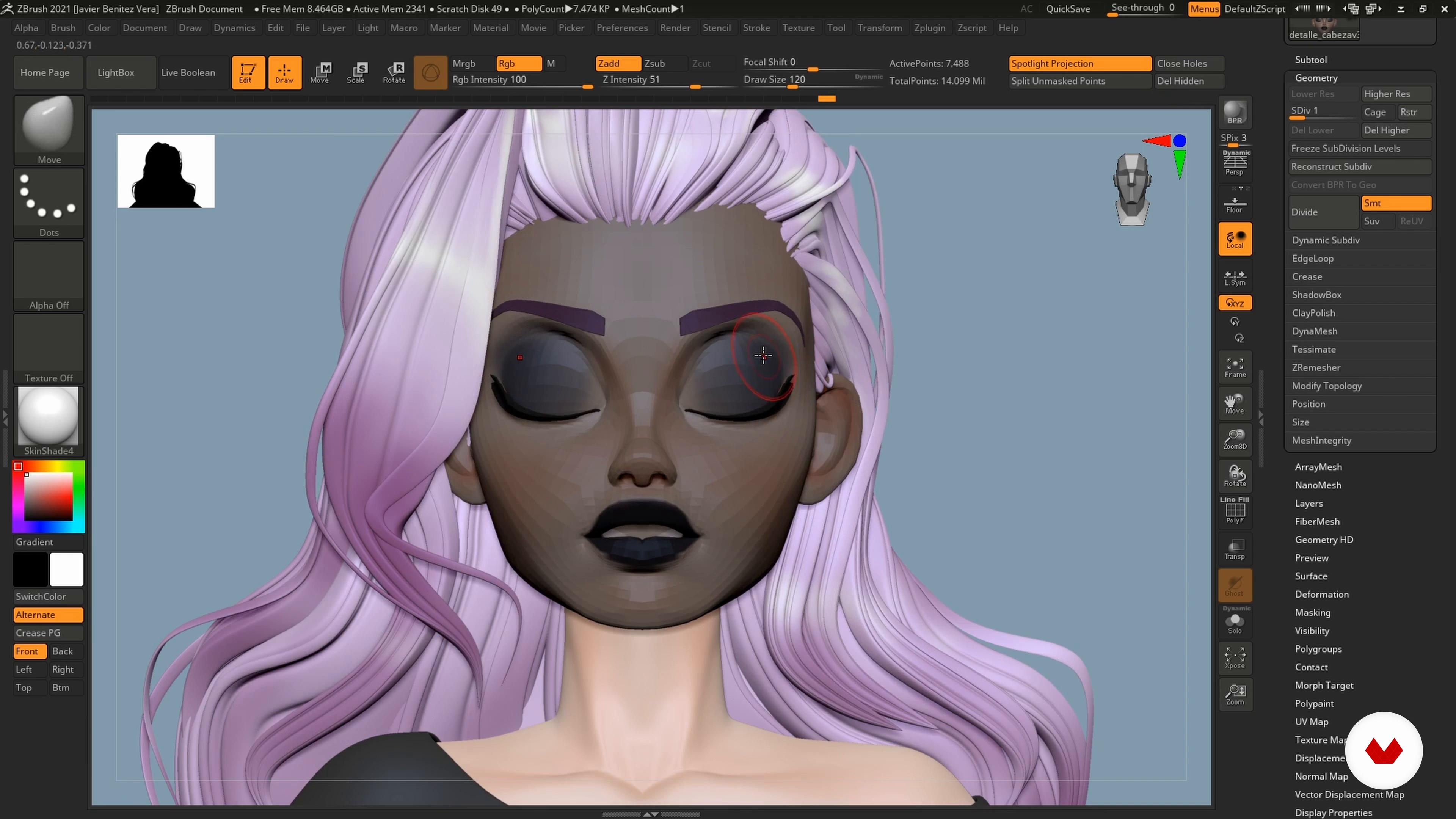
Blend Shapes 1
12 minutes, 41 seconds
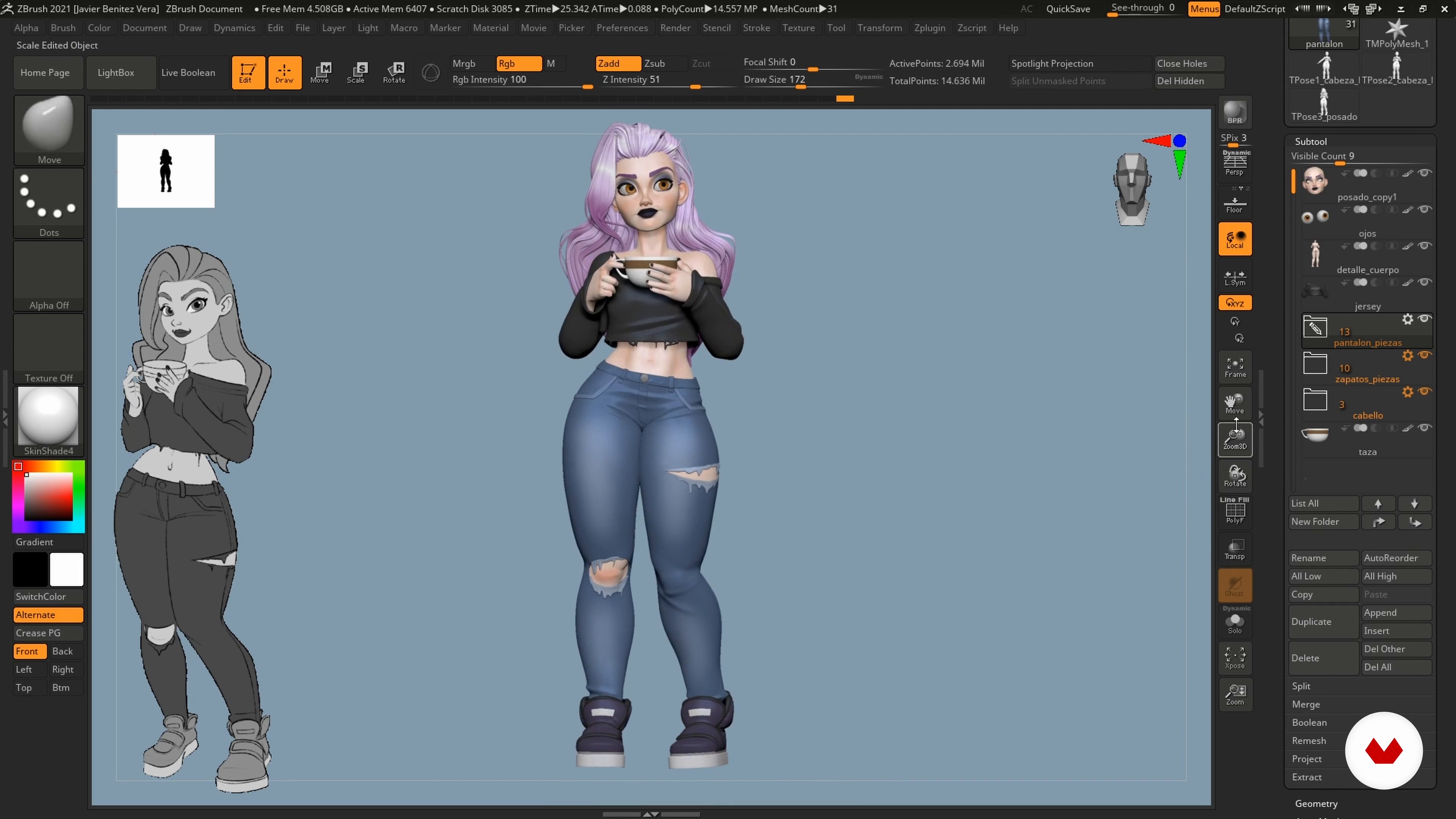
Posing: achieving the desired pose
18 minutes, 41 seconds
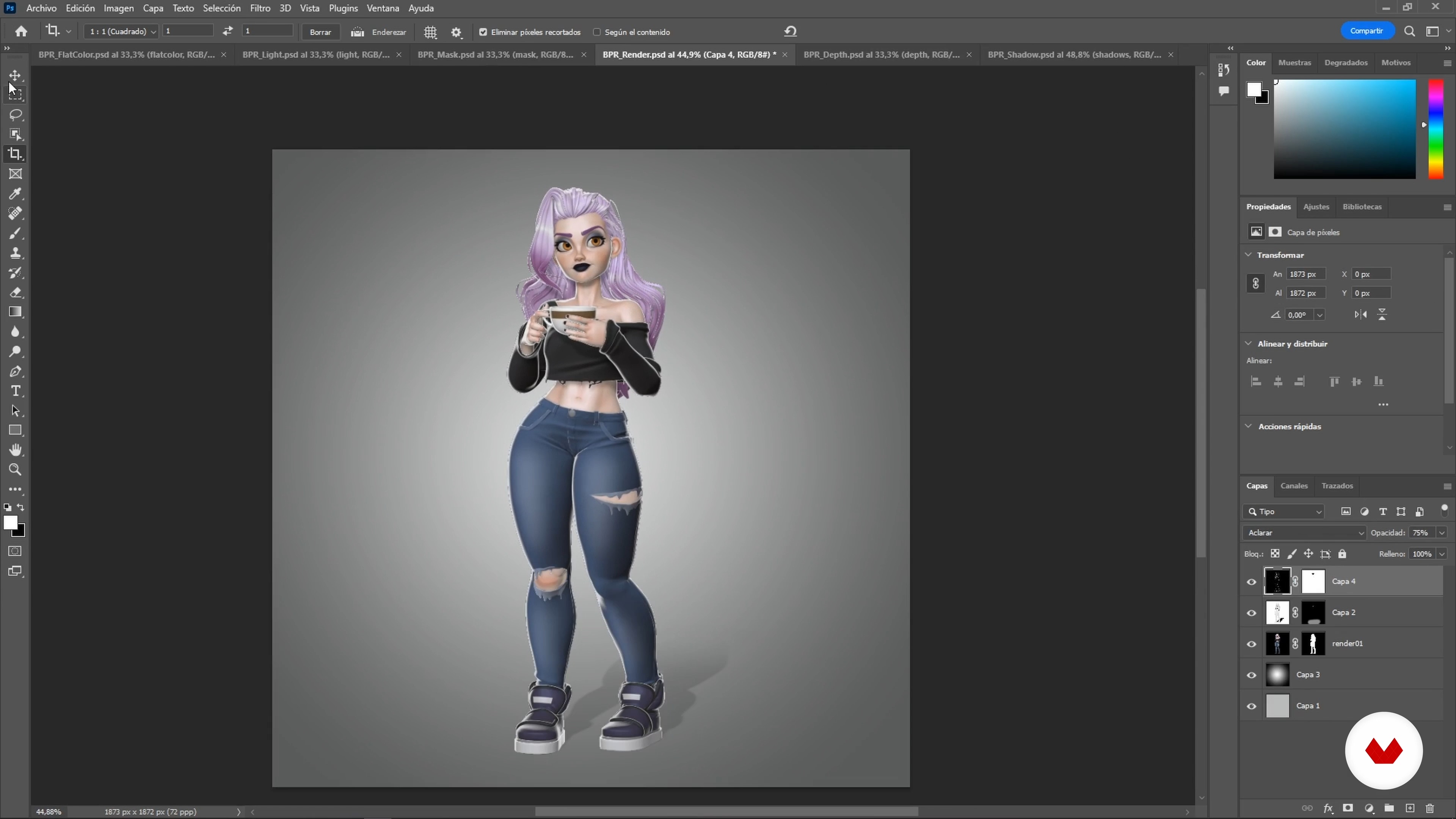
Render and composition
19 minutes, 24 seconds
What's included in this course?
To start, you'll dive into the preparation of your project, beginning with reference gathering and creating a mood board to guide your creative process. Next, you'll get familiar with the ZBrush interface, learning to sculpt your first 3D sketch using blocking techniques.
As you progress, you'll focus on modeling the main character, paying special attention to proportions, face design, and poses, which are key elements to bring your creations to life.
Later on, you'll refine each piece of your character, from the intricate details of the body and face to crafting clothing and accessories.
Finally, you'll tackle the hair and colors, and explore ZBrush's layers to add personality and expression to your character. The course will culminate with rendering techniques and Photoshop editing to put the final touches on your work.
Recommended software & tools for this course
What is this course's project?
The final project involves modeling a cartoon-style female character using ZBrush, taking you from the initial concept to the final render. This character will stand out for its unique personality and design, utilizing the modeling, texturing, and coloring techniques learned throughout the course.
Projects by course students


Who is this online course for?
Designed for digital artists, illustrators, and anyone interested in 3D modeling, especially those looking to explore and refine their skills in creating stylized and cartoon characters. You'll incorporate advanced modeling and texturing techniques into your creative toolkit.
Requirements and materials
Basic knowledge of digital modeling is required. Additionally, you'll need access to ZBrush for modeling and texturing, as well as Photoshop or Maya for rendering and final editing processes.
Reviews
- 2 months ago
This course is great! It is super helpful
- ross3digitalPLUS5 months ago
Me ha ayudado a afianzar conocimientos que tenía adquiridos , me ha ayudado muchisimo y está muy bien explicado todo el proceso de trabajo.
- 8 months ago
Me gusta bastante el curso ya que para mi es lo mejor para hacer en Zbrush
- 1 year ago
amazing but in English audio i think there is an issue so fix it
- 1 year ago
Muy bueno!

His passion for illustration and designing female characters began in his childhood, inspired by cartoons and anime. This passion has evolved over the years, leading him to collaborate with well-known companies such as Studio Kimchi and Darkurri.
Throughout his career, Javier has developed a unique skill for creating visually appealing and stylized representations, blending his expertise in both 2D and 3D to produce works with a distinctive personality and style.
Content
- U1
Introduction
- Presentation
- Influences
- U2
Preparation
- Search for references and creation of a mood board
- The ZBrush interface
- Creation process through prior blocking
- U3
Start modeling
- Creating a total body blocking 1
- Creating a total body blocking 2
- Blocking working the face 1
- Blocking working the face 2
- Character pose with Transpose Master
- U4
The details
- Model the character
- Low Poly Mesh
- Body detail 1
- Body detail 2
- Detail of side 1
- Detailed side 2
- U5
Creation of clothing and accessories
- The jersey 1
- The sweater 2
- The pants: the pieces
- The pants: the details 1
- The pants: the details 2
- Sneakers
- Cup
- U6
Hair and color creation
- Hair creation with our own brush
- Creation of hair by applying the brush on the model
- Color with Polypaint in ZBrush 1
- Color with Polypaint in ZBrush 2
- U7
Model posing and render
- Blend Shapes 1
- Blend Shapes 2
- The pose: creating impact 1
- The pose: creating impact 2
- Posing: achieving the desired pose
- Final adjustments
- Render and composition
- FP
Final project
- 3D character modeling with ZBrush
What to expect from a Domestika course
Learn at your own pace
Enjoy learning from home without a set schedule and with an easy-to-follow method. You set your own pace.
Learn from the best professionals
Learn valuable methods and techniques explained by top experts in the creative sector.
Meet expert teachers
Each expert teaches what they do best, with clear guidelines, true passion, and professional insight in every lesson.
Certificates
PLUSIf you're a Plus member, get a custom certificate signed by your teacher for every course. Share it on your portfolio, social media, or wherever you like.
Get front-row seats
Videos of the highest quality, so you don't miss a single detail. With unlimited access, you can watch them as many times as you need to perfect your technique.
Share knowledge and ideas
Ask questions, request feedback, or offer solutions. Share your learning experience with other students in the community who are as passionate about creativity as you are.
Connect with a global creative community
The community is home to millions of people from around the world who are curious and passionate about exploring and expressing their creativity.
Watch professionally produced courses
Domestika curates its teacher roster and produces every course in-house to ensure a high-quality online learning experience.
FAQs
You’ll learn how to create stylized 3D characters from concept all the way to final render using ZBrush and Photoshop. The course covers blocking techniques, facial and body modeling, creating clothing and accessories, and professionally presenting your portfolio.
This course is aimed at people with basic digital modeling skills and experience with 3D tools—perfect for intermediate users. You don’t need to be an expert, but it’s helpful if you’ve used ZBrush or similar software before.
You’ll need a computer that can run ZBrush, a graphics tablet for digital drawing, and access to Photoshop. It’s also recommended to have PureRef installed and internet access for visual references.
Blocking means creating the basic shape and main proportions of the character using simple geometry in ZBrush. You’ll learn blocking techniques to build the body and head structure before adding details.
You’ll work with custom brushes, subtools, IMM Primitives, Dynamesh, ZRemesher, masks, and folders to organize and model both the body and accessories with precision.
You’ll learn to use references, adjust anatomical proportions, and use ZBrush tools to model stylized faces, adding details like eyes, lips, and ears in a modular, artistic way.
Yes, the course covers techniques for making clothing, post-apocalyptic accessories, and realistic details using masks, extraction, ZModeler, and advanced handling of subtools and polygroups.