Surreal Fantasy Landscapes in 3D
A course by Ian FrederickMotion designer and 3D artist
A course by Ian Frederick, Motion designer and 3D artist

Explore the surreal world by building fantasy landscapes in 3d.
Welcome to an extraordinary journey into the world of 3D design and motion graphics! Join Ian Frederick, the talented motion designer and 3D artist, as he reveals the secrets behind creating stunning realistic terrains in 3D using Cinema 4D and World Creator.
In this online course, you'll learn the art of crafting fantasy landscapes and bringing them to life with captivating animation. From desert landscapes to mystical mountain environments, Ian will guide you step-by-step through the process, sharing his expert techniques and tips along the way. Get ready to unleash your creativity and build breathtaking worlds that will amaze and inspire.
What will you learn in this online course?
37 lessons & 12 downloads
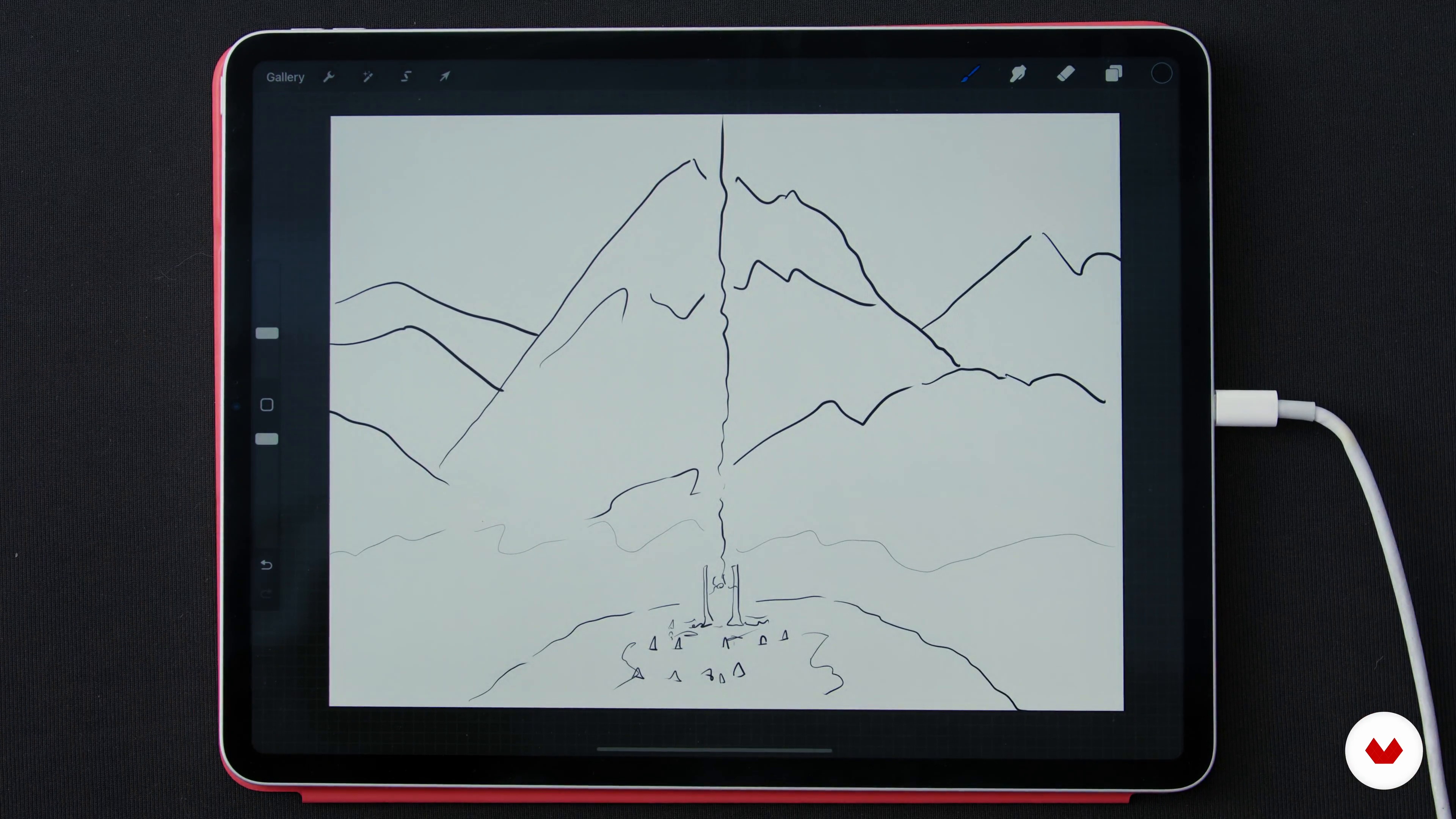
Sketching
12 minutes, 39 seconds
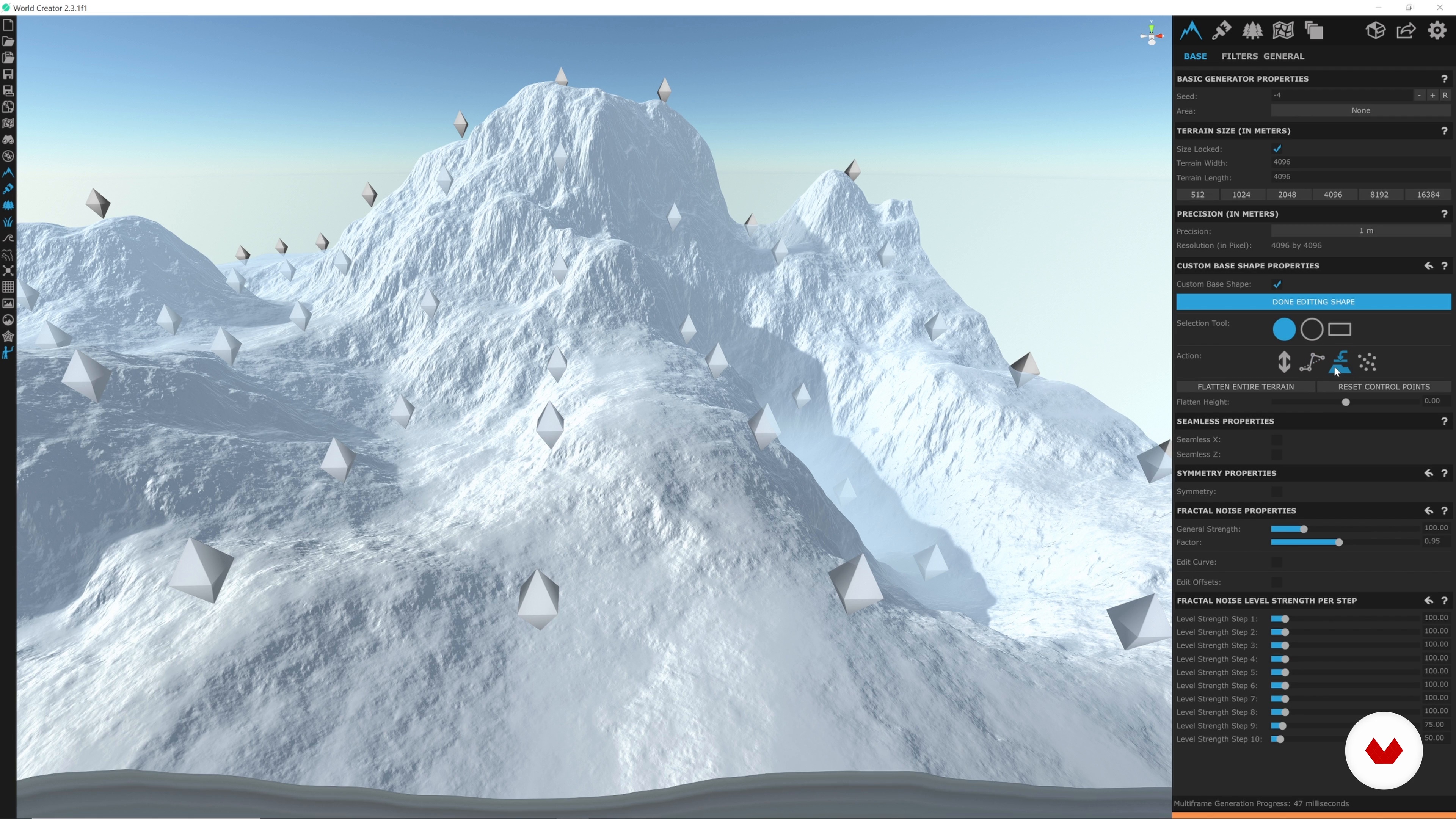
World Creator 1
19 minutes, 55 seconds
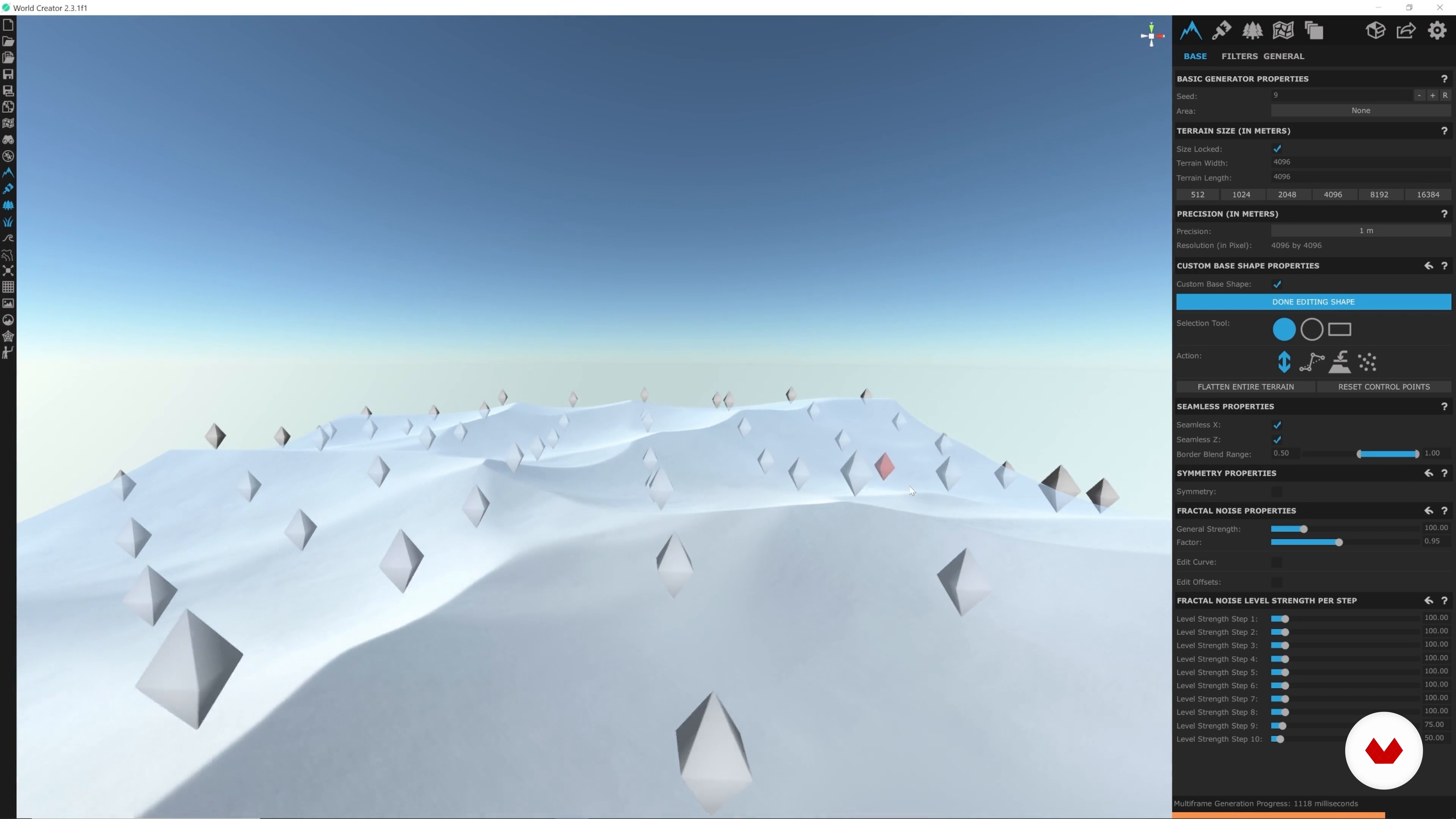
Sci-fi Desert: Building the Terrain
9 minutes, 30 seconds
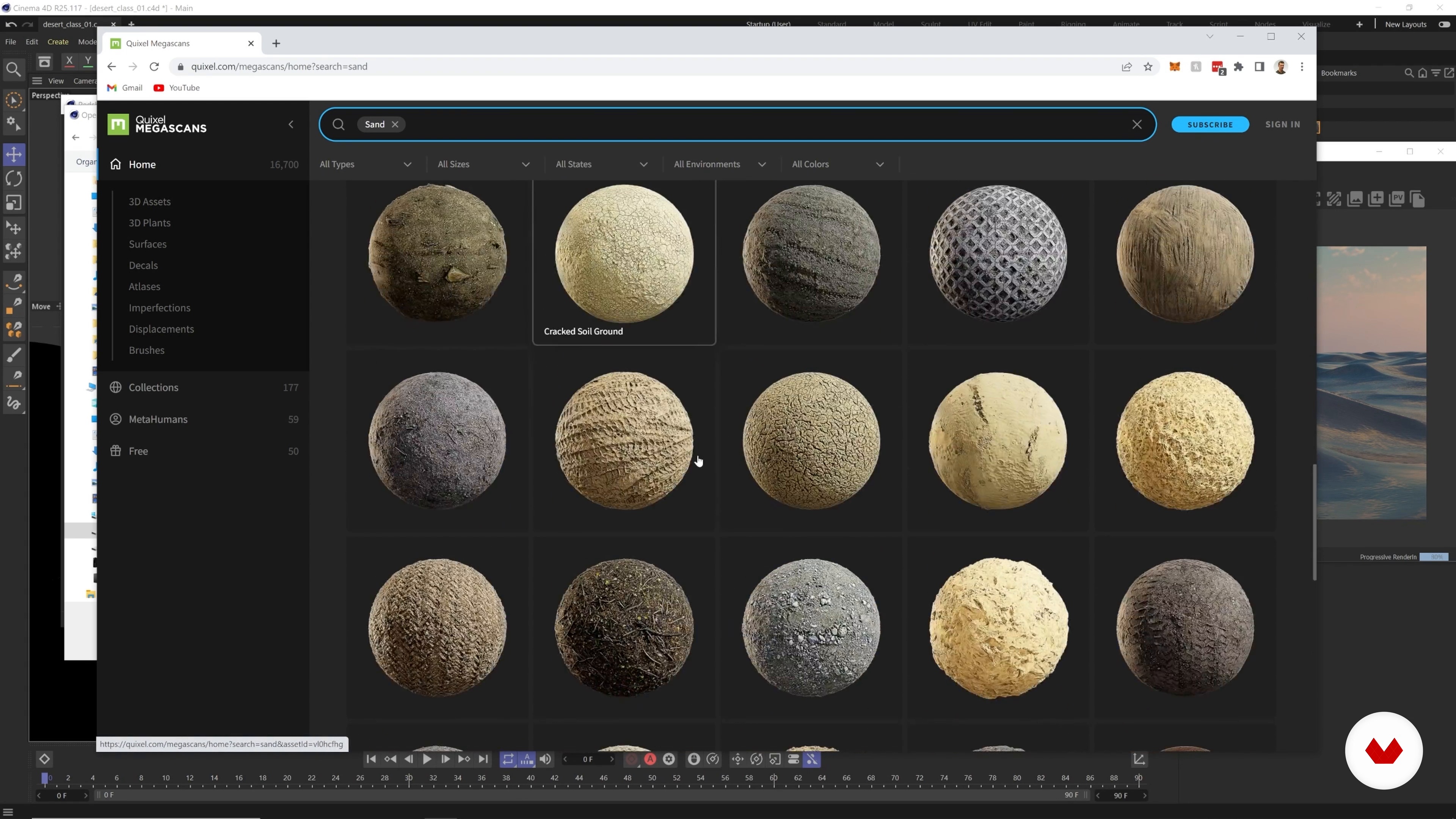
Sci-fi Desert: Lights, Textures, and Foliage 1
17 minutes, 49 seconds
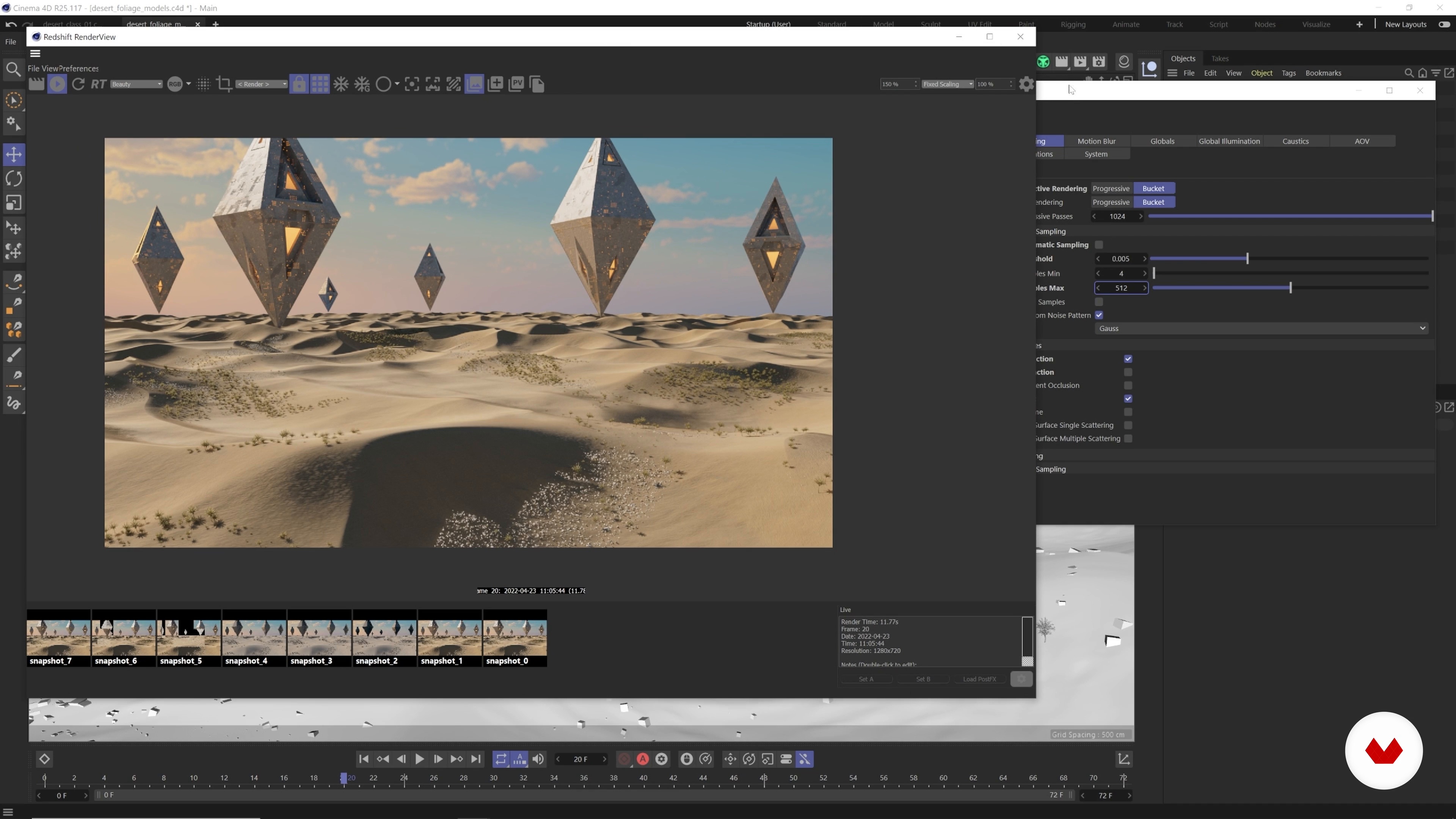
Sci-fi Desert: Rendering and Compositing 1
16 minutes, 1 second
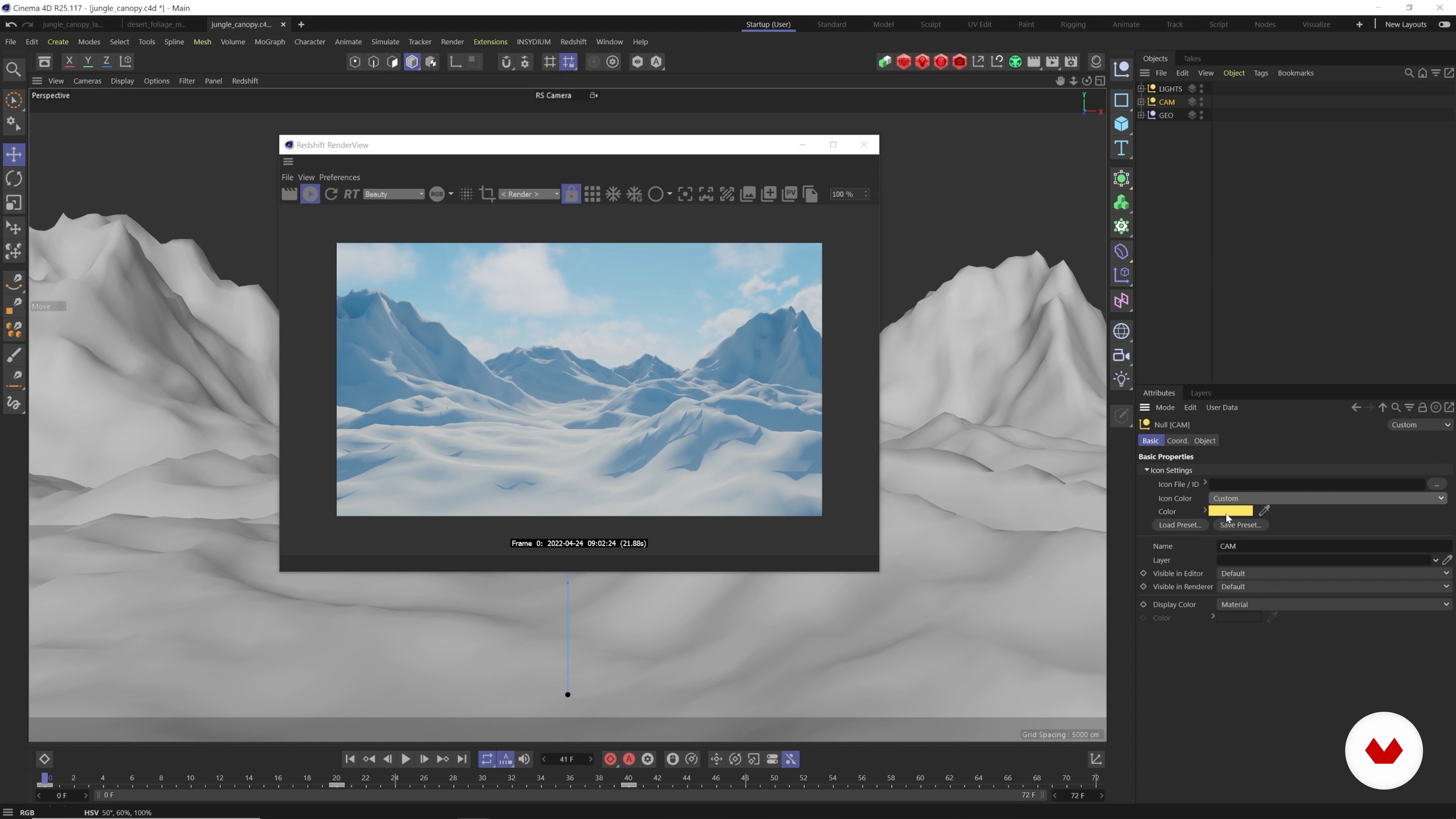
Jungle Ruins: Building the Terrain
14 minutes, 31 seconds
What's included in this course?
Here, you'll learn the skills and techniques needed to construct realistic 3D terrains. Ian Frederick, the renowned motion designer and 3D artist, will take you on a creative journey where you'll dive into the intricacies of World Creator and Cinema 4D.
First, he will share how he got into 3D and motion design and a little about himself and his most important influences. You'll go over what software and plug-ins you’ll be using to create the final piece. And you'll see how and why to gather good references.
Through hands-on exercises, you'll discover how to sketch compositions, add lighting, texture, and foliage, and achieve stunning visual effects. Ian will guide you through the rendering process using Redshift and teach you how to composite your scenes in After Effects.
At the final unit, you're going to make some final tweaks, and build the quick zoom effect. Then, Ian is going to give you some advice about learning 3D. By the end of the course, you'll have the knowledge and confidence to create breathtaking fantasy landscapes and mesmerizing animations that will captivate your audience.
Recommended software & tools for this course
What is this course's project?
The course project invites you to unleash your imagination and create three captivating fantasy landscapes. You'll learn to design and animate a quick-zoom warping effect that will transport viewers through these incredible worlds.
From a desert landscape to jungle ruins and a mystical mountain environment, each project will challenge you to apply the skills and techniques learned throughout the course. With Ian's guidance, you'll bring your landscapes to life and discover the joy of immersing your audience in visually stunning and captivating 3D visuals.
Who is this online course for?
For anyone passionate about 3D design, motion graphics, and creating immersive visual experiences.
It's ideal for those with a basic working knowledge of Cinema 4D, Redshift, and After Effects, looking to take their abilities to the next level and master the art of constructing realistic terrains and breathtaking visual effects.
Requirements and materials
To make the most of this course, you'll need a basic working knowledge of Cinema 4D, Redshift, and After Effects.
Additionally, access to the required software, such as Cinema 4D, World Creator, Redshift, and After Effects, is essential. Prepare your creativity, unleash your passion, and be ready to dive into the world of 3D design and animation alongside Ian Frederick.
Reviews
- 1 year ago
Good course! Highly recommend!
- 2 years ago
Devem atualizar o curso, o programa já está ultrapassado e mudou todo os caminhos das ferramentas, literalmente fica impossível "se achar" pelo curso.
- 2 years ago
Good course!
- 3 years ago
Very good course. Highly recommend! I will be waiting something like this with Houdini. Thank you!
- 3 years ago
It is a great chance for us to publish the computer generation of the masterpiece work.

His expertise lies in creating realistic terrains, exploring cinematic lighting, and experimenting with abstract and psychedelic styles. Ian's passion for 3D design and motion graphics shines through his work, and he is thrilled to share his knowledge and techniques with students worldwide. Join Ian in this course to unlock your creative potential and dive into the mesmerizing world of 3D visual storytelling.
Content
- U1
Introduction
- About Me
- Influences
- U2
The First Steps
- Software and Plugins
- Gathering References
- Sketching
- U3
Making the First Landscape
- World Creator 1
- World Creator 2
- Sci-fi Desert: Building the Terrain
- Sci-fi Desert: Lights, Textures, and Foliage 1
- Sci-fi Desert: Lights, Textures, and Foliage 2
- Sci-fi Desert: Lights, Textures, and Foliage 3
- Sci-fi Desert: Lights, Textures, and Foliage 4
- Sci-fi Desert: Lights, Textures, and Foliage 5
- Sci-fi Desert: Lights, Textures, and Foliage 6
- Sci-fi Desert: Rendering and Compositing 1
- Sci-fi Desert: Rendering and Compositing 2
- Sci-fi Desert: Rendering and Compositing 3
- Sci-fi Desert: Rendering and Compositing 4
- U4
Making Two More Landscapes!
- Jungle Ruins: Building the Terrain
- Jungle Ruins: Lights, Textures, and Foliage 1
- Jungle Ruins: Lights, Textures, and Foliage 2
- Jungle Ruins: Lights, Textures, and Foliage 3
- Jungle Ruins: Lights, Textures, and Foliage 4
- Jungle Ruins: Lights, Textures, and Foliage 5
- Jungle Ruins: Rendering and Compositing 1
- Jungle Ruins: Rendering and Compositing 2
- Mystical Mountain: Building the Terrain
- Mystical Mountain: Lights, Textures, and Foliage 1
- Mystical Mountain: Lights, Textures, and Foliage 2
- Mystical Mountain: Lights, Textures, and Foliage 3
- Mystical Mountain: Lights, Textures, and Foliage 4
- Mystical Mountain: Lights, Textures, and Foliage 5
- Mystical Mountain: Rendering and Compositing 1
- Mystical Mountain: Rendering and Compositing 2
- U5
Post-production
- Final Tweaks and Quick Zoom Effect 1
- Final Tweaks and Quick Zoom Effect 2
- Sharing Your Projects
- FP
Final project
- Create an Experimental Art Piece in 3D
What to expect from a Domestika course
Learn at your own pace
Enjoy learning from home without a set schedule and with an easy-to-follow method. You set your own pace.
Learn from the best professionals
Learn valuable methods and techniques explained by top experts in the creative sector.
Meet expert teachers
Each expert teaches what they do best, with clear guidelines, true passion, and professional insight in every lesson.
Certificates
PLUSIf you're a Plus member, get a custom certificate signed by your teacher for every course. Share it on your portfolio, social media, or wherever you like.
Get front-row seats
Videos of the highest quality, so you don't miss a single detail. With unlimited access, you can watch them as many times as you need to perfect your technique.
Share knowledge and ideas
Ask questions, request feedback, or offer solutions. Share your learning experience with other students in the community who are as passionate about creativity as you are.
Connect with a global creative community
The community is home to millions of people from around the world who are curious and passionate about exploring and expressing their creativity.
Watch professionally produced courses
Domestika curates its teacher roster and produces every course in-house to ensure a high-quality online learning experience.
FAQs
Yes, this course is designed for intermediate learners who already have some experience with digital art, 3D design, or motion graphics, and want to deepen their skills across multiple creative tools and workflows.
You’ll need access to After Effects, Blender, Cinema 4D, Houdini, World Creator, Redshift, and basic image editing tools. Some plugins like RealSmart and Forester are also used for advanced effects.
You’ll learn how to create 3D landscapes, use reference images, apply stylized lighting, integrate advanced post-production effects, and build a professional design portfolio using industry-standard software.
Basic sketching skills are helpful but not required. The course covers rapid sketching and environment planning, making it accessible if you want to practice or improve your drawing abilities alongside 3D workflows.
After Effects is used for creating animated GIFs, compositing 3D renders, adding depth of field and motion blur, and integrating 2D and 3D assets for professional visuals.
Yes, the course includes strategies and project workflows to help you build and curate a portfolio showcasing your 3D environments, concept art, and motion graphics.
You’ll learn to gather and organize references using Pinterest, Behance, and dramatic landscape photography searches, as well as how to build effective Pinterest boards for 3D art inspiration.