Creative Coding 2.0 in JS: Animation, Sound, & Color
A course by Bruno ImbriziCreative Coder
A course by Bruno Imbrizi, Creative Coder

Explore advanced coding techniques to produce unique visuals that combine color, movement, and sound in JavaScript
Coding is like solving puzzles; it's a constant cycle of learning, mistakes, and iteration that can be used to create something beautiful. Bruno Imbrizi is an award-winning graphic designer who has devoted the past 10 years of his career to mastering the art of creative coding.
He uses JavaScript to produce animations, prints, interactive pieces, and more which have seen him collaborate with brands including Google, Spotify, and Nike, and win awards including the Adobe Cutting Edge Award and FITC Best Digital Installation..
This is Bruno’s second Domestika course. In his first, Creative Coding: Making Visuals with JavaScript, he teaches you the essentials of programming and drawing with code from scratch.
What do you get from this course?
"I’ll teach you several techniques to produce exciting visuals with JavaScript."
Learn to code an immersive visualization enhanced with sound
Develop coding compositions filled with color
Animate your visuals and incorporate cursor interaction
What will you learn in this online course?
28 lessons & 20 downloads
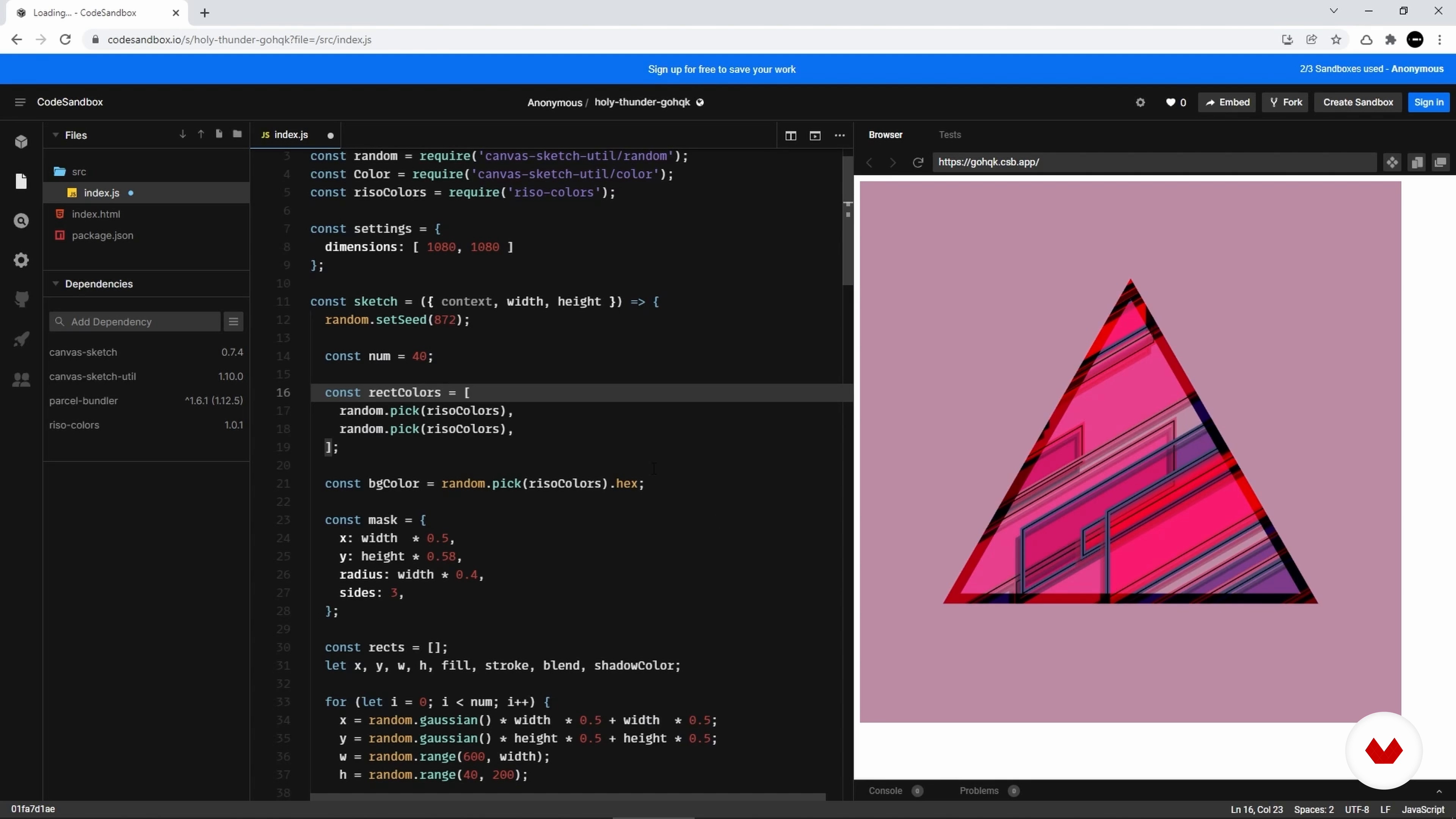
The Online Setup
5 minutes, 4 seconds
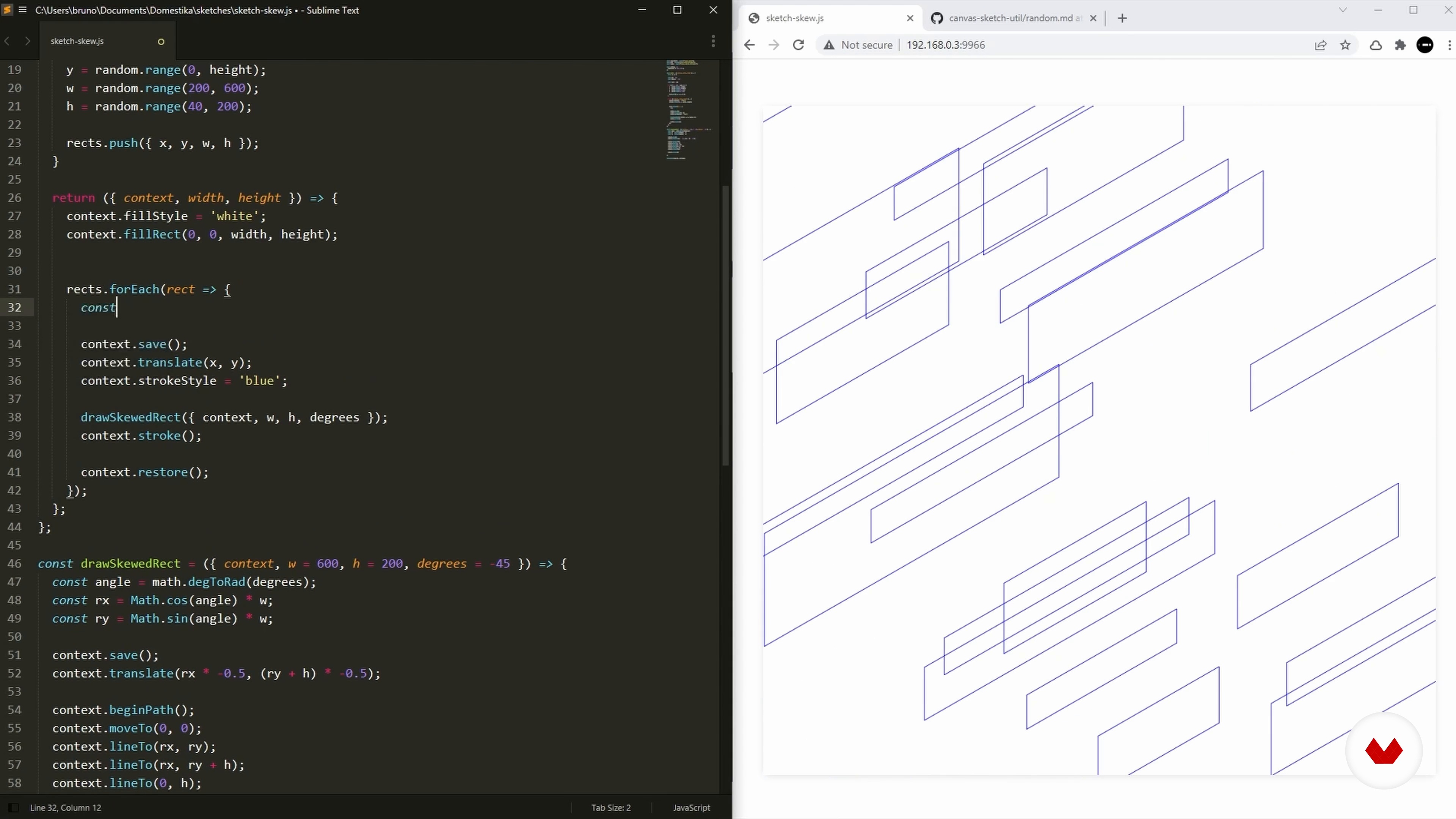
Distribution
4 minutes, 51 seconds
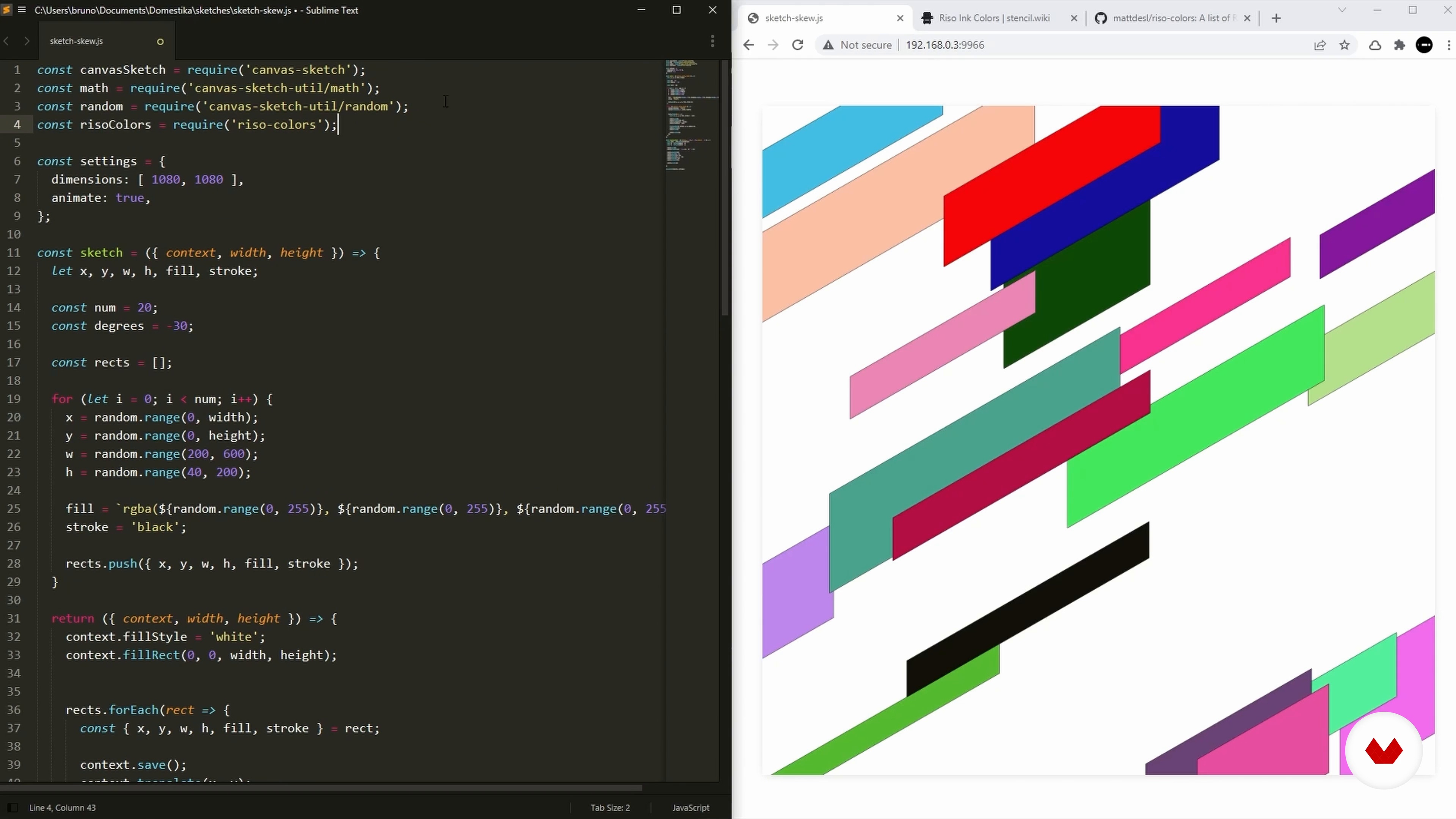
Adding Colors
8 minutes, 50 seconds
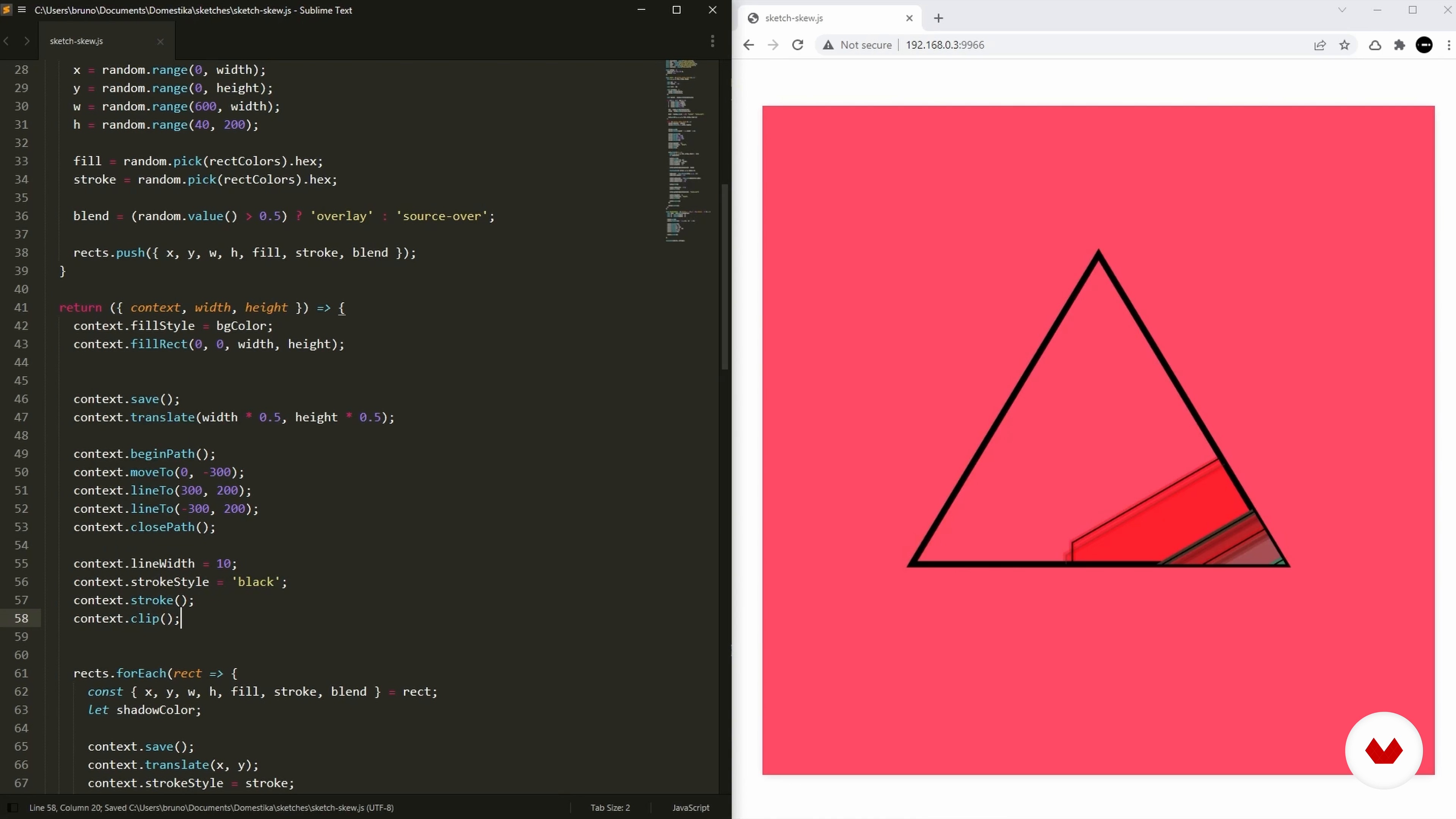
Clipping Mask
6 minutes, 29 seconds
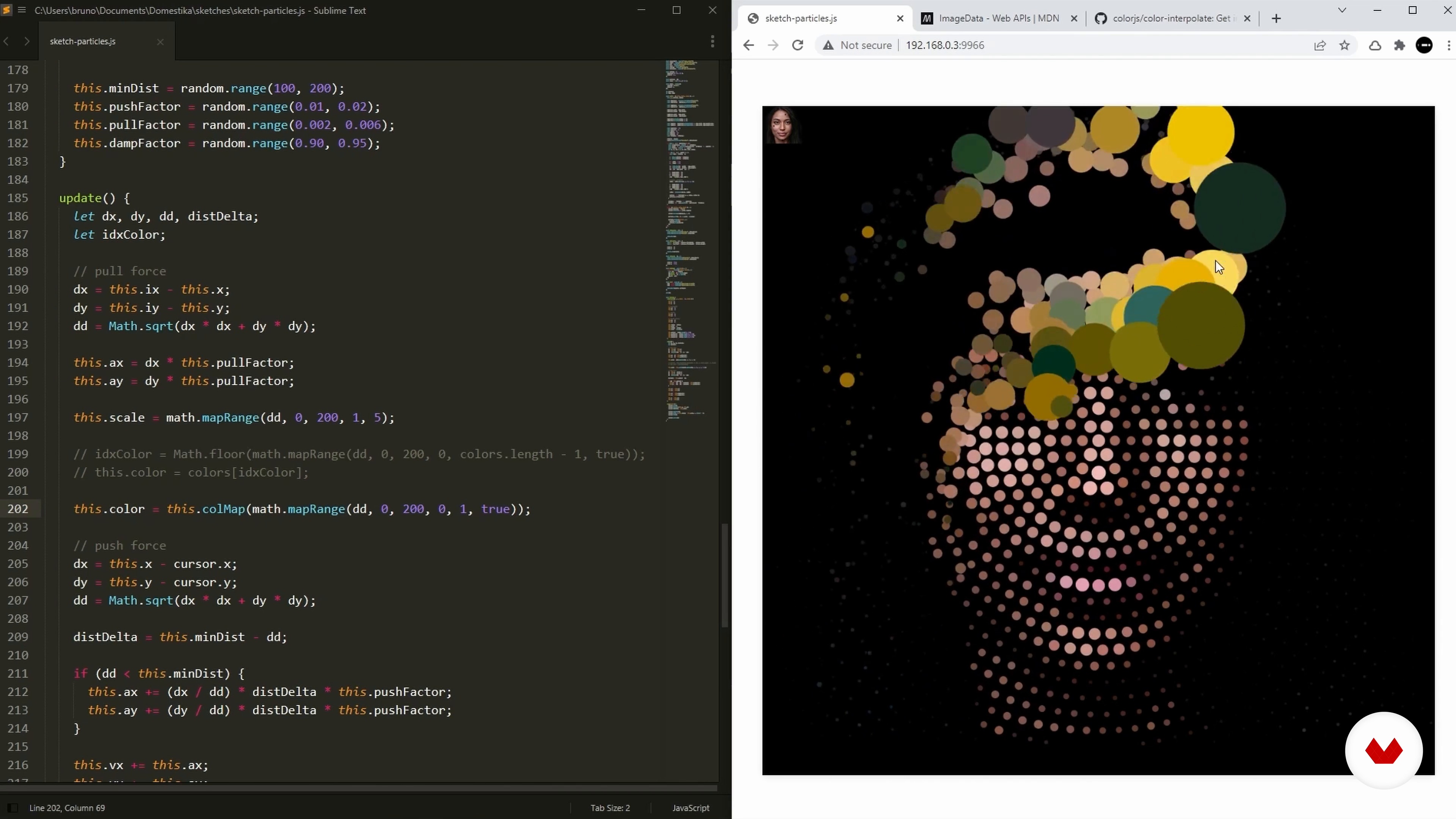
Image Data
8 minutes, 53 seconds
What's included in this course?
Begin with a recap of JavaScript’s fundamental tools. Then set up an environment for running the code and creating your sketches.
Discover how to draw basic shapes entirely in code, add color, and stretch or skew your designs.
Create curves for different iterations, from design elements to graphs, adding multiple points along a segment, animating them, and learning how to make a cursor interact with imagery.
Produce an audio visualization by playing sound files, reading their data, and using frequencies to create an animation.
Experiment with particles and learn to dictate how they behave by applying different forces and disturbances, as well as modifying their size and color.
What is this course's project?
Develop a series of coding compositions using color and sound that will run on a web browser.
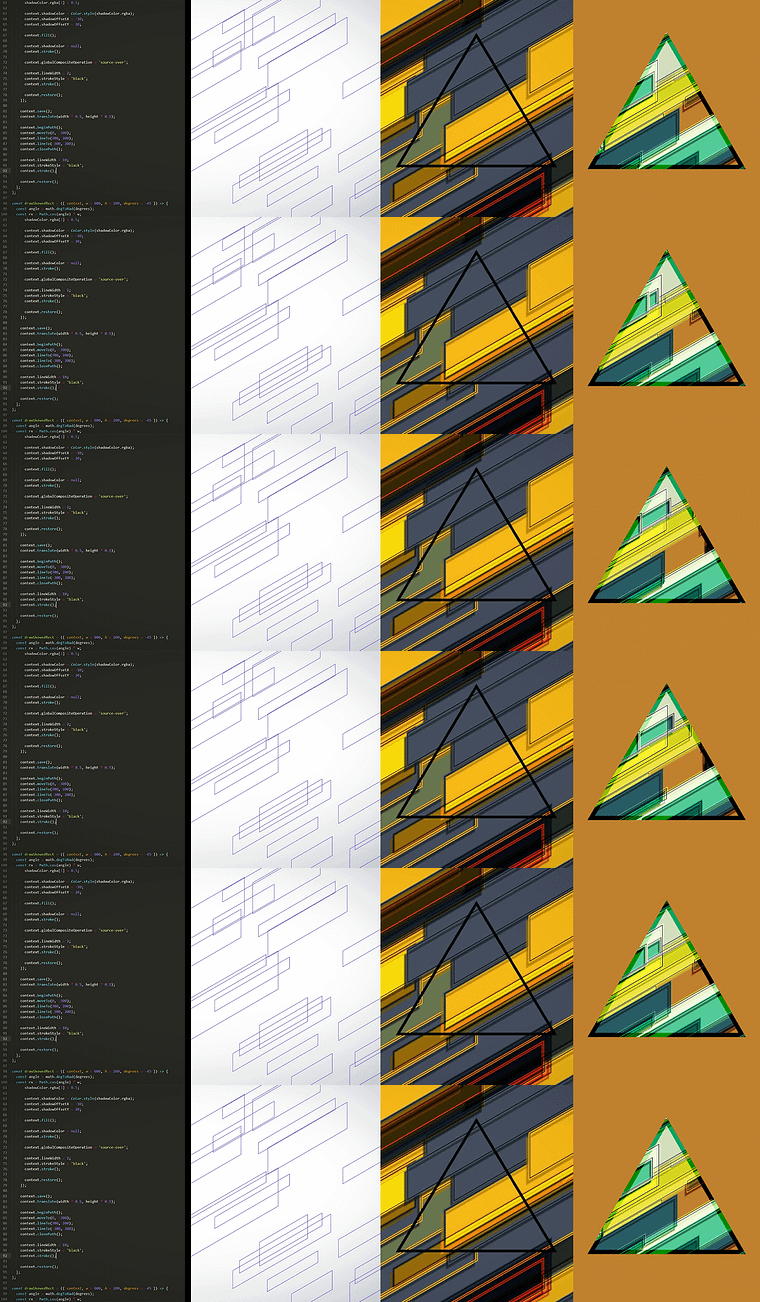
Projects by course students
Who is this online course for?
This course is for anyone with an interest in taking their knowledge of coding further to create unique animated compositions.
Requirements and materials
Previous knowledge of coding is required for this course.
In terms of equipment, you will need access to a device with JavaScript.
Reviews
- 5 months ago
Polecam, fajna zabawa
- 8 months ago
Excelente! Buena fuente de inspiración para creativos incursionando en programación
- 10 months ago
I will recommend this to my friend who likes to know more on javascript designing
- 10 months ago
Recomendado para principiantes que quiera incorporar su lado artístico a la codificación.
- chillwill47PLUS1 year ago
Just getting started into creative coding and this course is definitely a great point to begin at.

With over 10 years of experience, he’s worked at agencies, design studios, production companies, and well-known brands including Dell, Adidas, and Universal Music. He’s been featured in online publications such as WIRED, and Londonist and won multiple awards including the Adobe Cutting Edge Award and FITC Best Digital Installation.
Content
- U1
Introduction
- About Me
- Influences
- U2
The Setup
- JavaScript Recap
- The Online Setup
- The Offline Setup
- Canvas-Sketch
- U3
Skewing
- Drawing a Rectangle
- Drawing a Skewed Rectangle
- Distribution
- Adding Colors
- Clipping Mask
- Setting a Random Seed
- U4
Curves
- Drawing a Quadratic Curve
- Cursor Interaction
- Multiple Points
- Creating a Grid
- Segments
- Animation
- U5
The Audio
- Pressing Play
- Analyser
- Frequencies
- Arcs
- Creating a Poster
- U6
Particles
- Drawing a Single Particle
- Applying Forces
- Distributing the Particles
- Modifying Scale and Colors
- Image Data
- FP
Final project
- Creative Coding 2.0 in JS: Animation, Sound, & Color
What to expect from a Domestika course
Learn at your own pace
Enjoy learning from home without a set schedule and with an easy-to-follow method. You set your own pace.
Learn from the best professionals
Learn valuable methods and techniques explained by top experts in the creative sector.
Meet expert teachers
Each expert teaches what they do best, with clear guidelines, true passion, and professional insight in every lesson.
Certificates
PLUSIf you're a Plus member, get a custom certificate signed by your teacher for every course. Share it on your portfolio, social media, or wherever you like.
Get front-row seats
Videos of the highest quality, so you don't miss a single detail. With unlimited access, you can watch them as many times as you need to perfect your technique.
Share knowledge and ideas
Ask questions, request feedback, or offer solutions. Share your learning experience with other students in the community who are as passionate about creativity as you are.
Connect with a global creative community
The community is home to millions of people from around the world who are curious and passionate about exploring and expressing their creativity.
Watch professionally produced courses
Domestika curates its teacher roster and produces every course in-house to ensure a high-quality online learning experience.
FAQs
This course is designed for intermediate learners. Basic familiarity with JavaScript and coding concepts is recommended before enrolling to get the most out of the lessons.
You'll need access to a modern web browser, and tools like StackBlitz, CodeSandbox, Node.js, npm, and a code editor such as Sublime Text. No specialized hardware is required.
You'll learn foundational creative coding concepts, how to use JavaScript and Canvas APIs for interactive visuals, generative art techniques, project setup, exporting artwork, and integrating audio for visualization.
The course primarily focuses on 2D creative coding using JavaScript and Canvas APIs, but introduces 3D visualization concepts and frameworks like Processing and OpenFrameworks.
Yes, the course includes detailed instructions for setting up and using StackBlitz and CodeSandbox for browser-based development, making it easy to start coding without local installations.
You'll learn how to export your browser-based generative artwork as high-resolution PNG images, which can then be printed or shared online.
Yes, the course covers creating interactive visuals and animated sketches using JavaScript, the Canvas API, and Canvas Sketch, including frame-based logic and user input.