Fashion Lookbook: Design Croquis in Adobe Illustrator
A course by Mila MouraClothing and Textile Designer
A course by Mila Moura, Clothing and Textile Designer

Learn digital fashion sketching to depict your designs and get your project off the ground
To ensure fashion outfits come out looking exactly as envisioned, clothing and textile designer Mila Moura believes that making a visual representation is a key step in the creative process. That's why, in this online course, she teaches you how to depict your ideas and design every last detail for future coats, pants, and dresses in a lookbook.
After explaining the essentials in her Domestika Basics, Introduction to Adobe Illustrator for Fashion Design, Mila is back to show you how to expand on your repertoire in Illustrator and create digital croquis to compile in a visual collection. Let your creativity run free and turn your imagination into designs that the world has never seen.
What will you learn in this online course?
21 lessons & 26 downloads
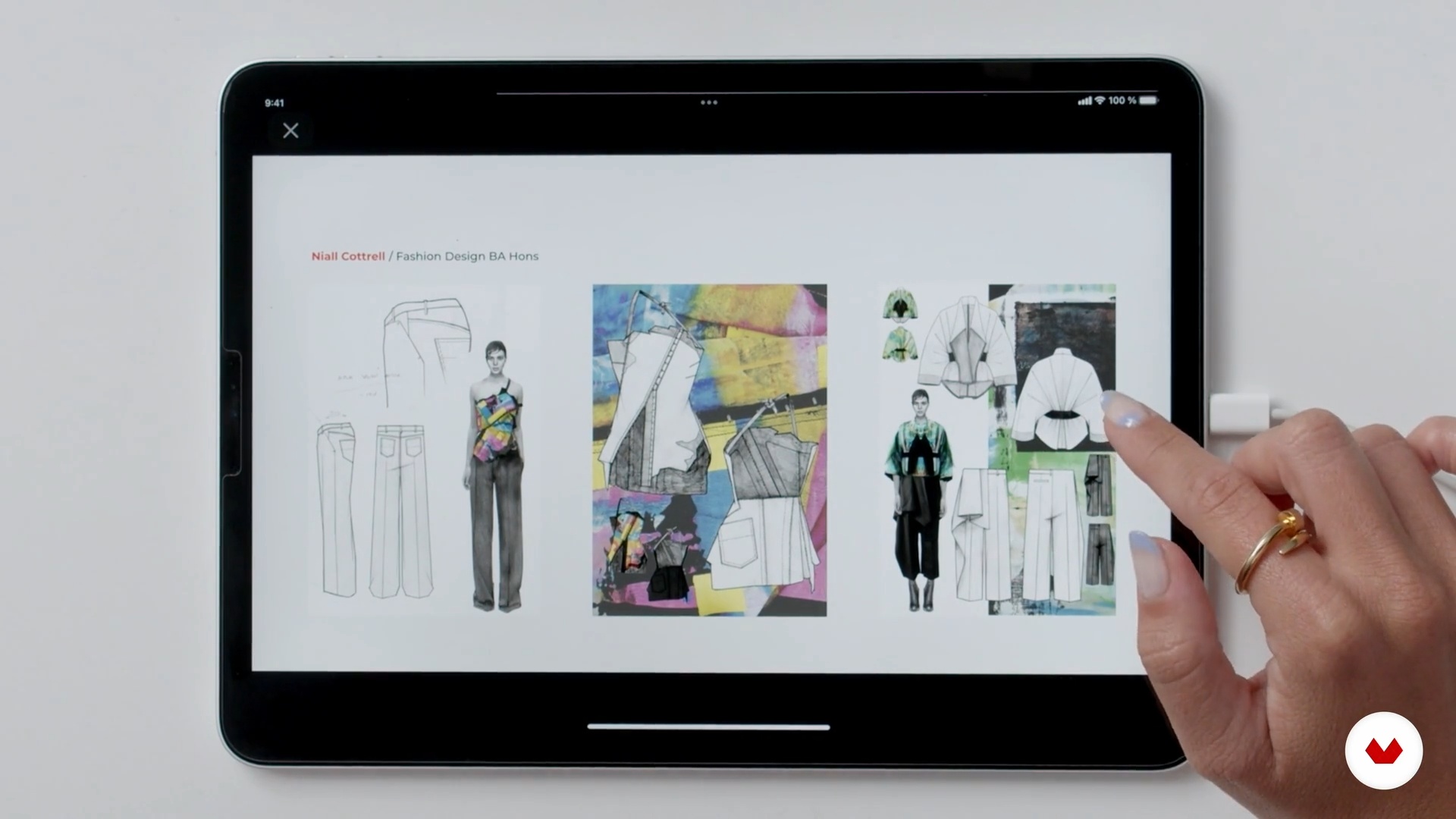
Digital Artbook: What Is It and What Is It For?
10 minutes, 3 seconds
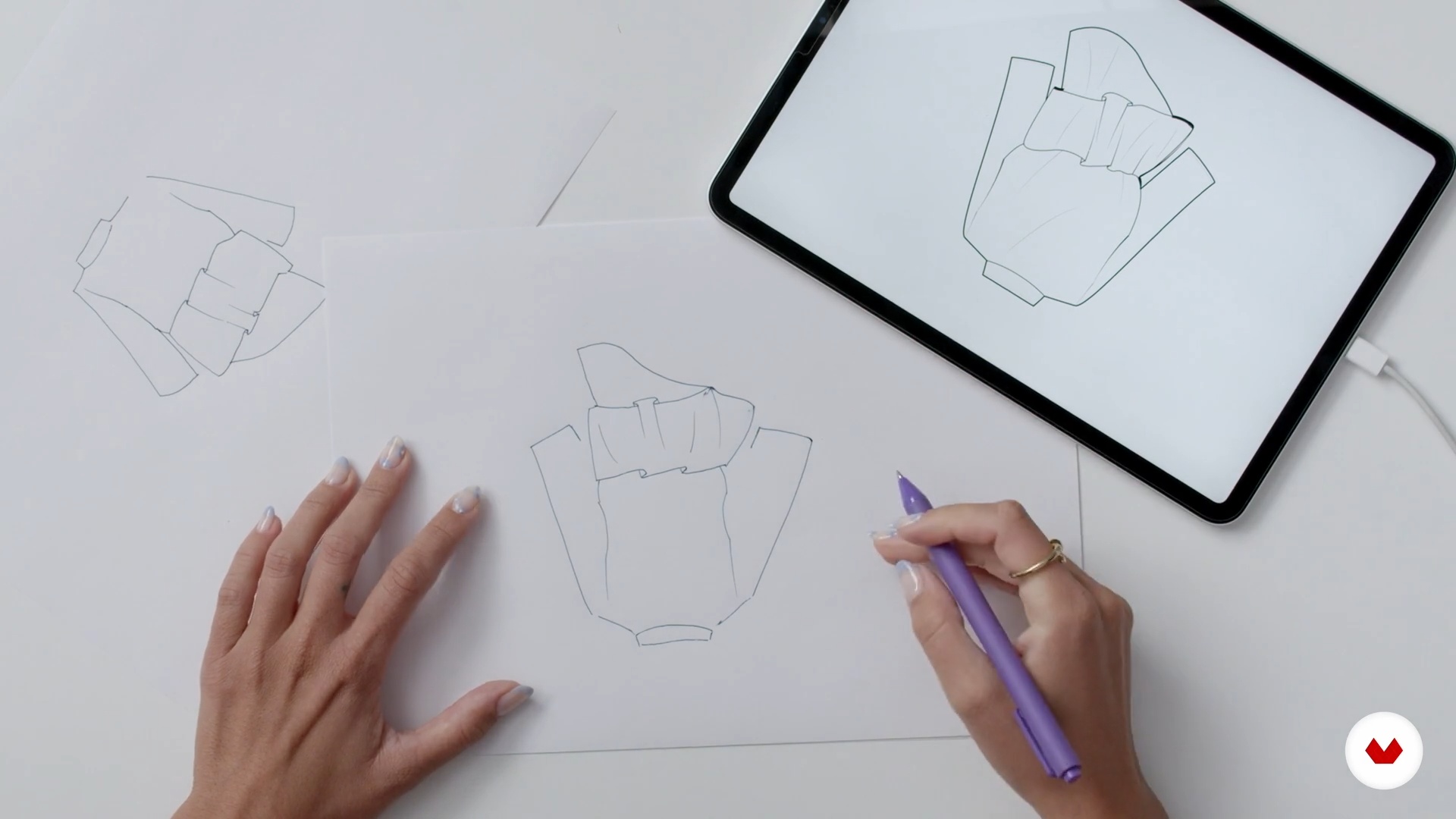
Curation of Sketches and Materials
12 minutes, 2 seconds
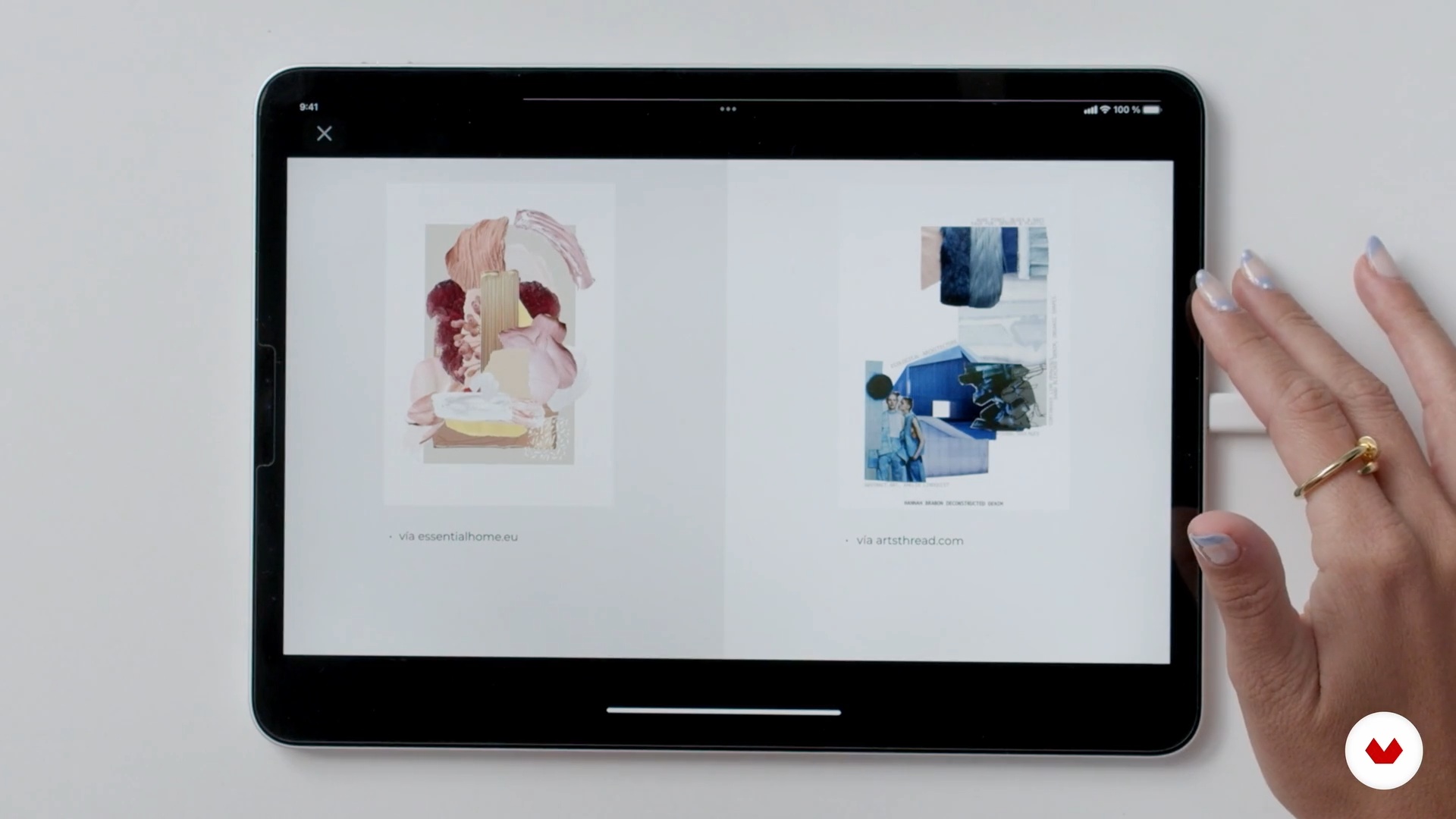
The Mood Board
7 minutes, 37 seconds
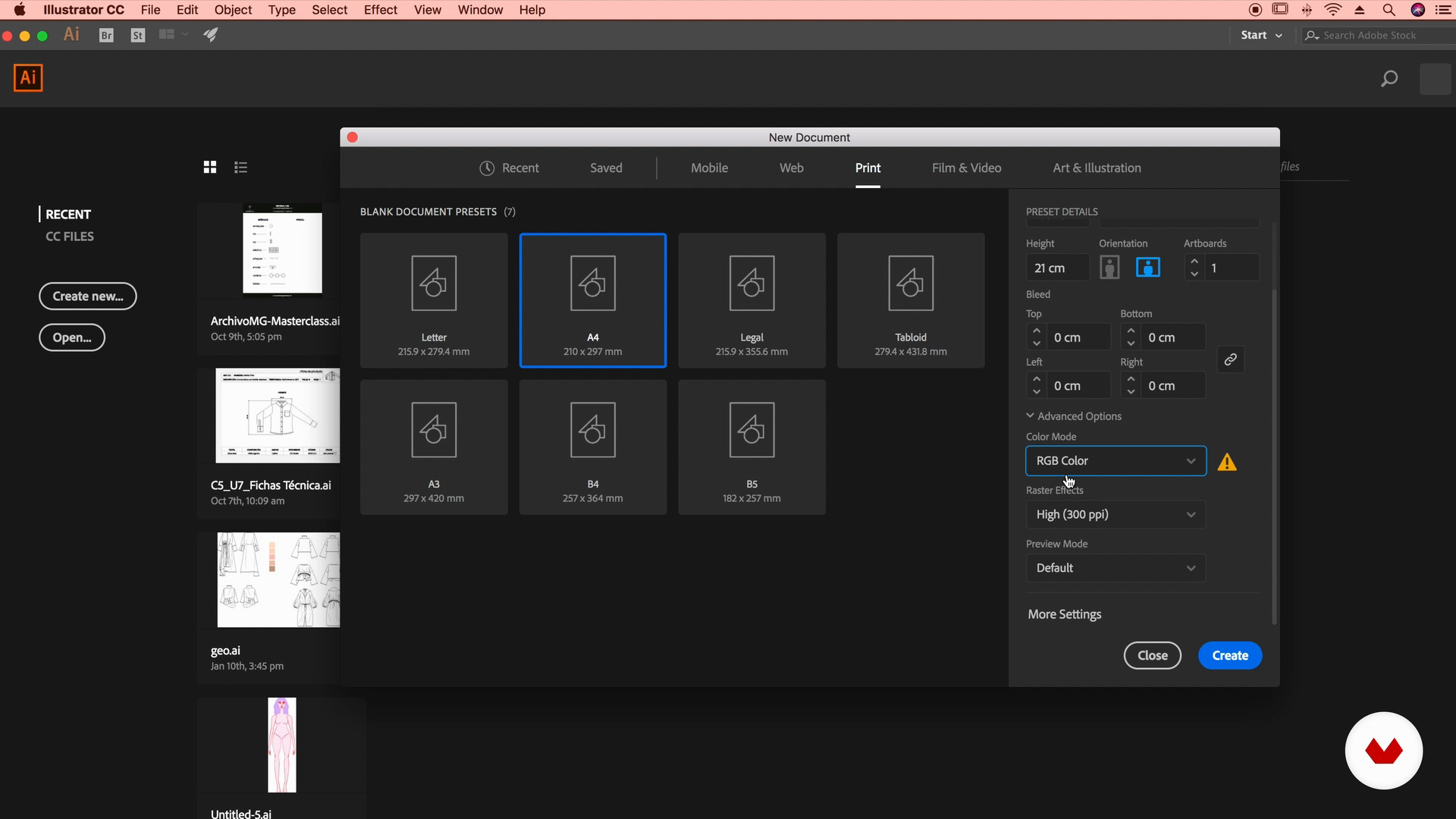
Adobe Illustrator: Basic Knowledge
6 minutes, 24 seconds
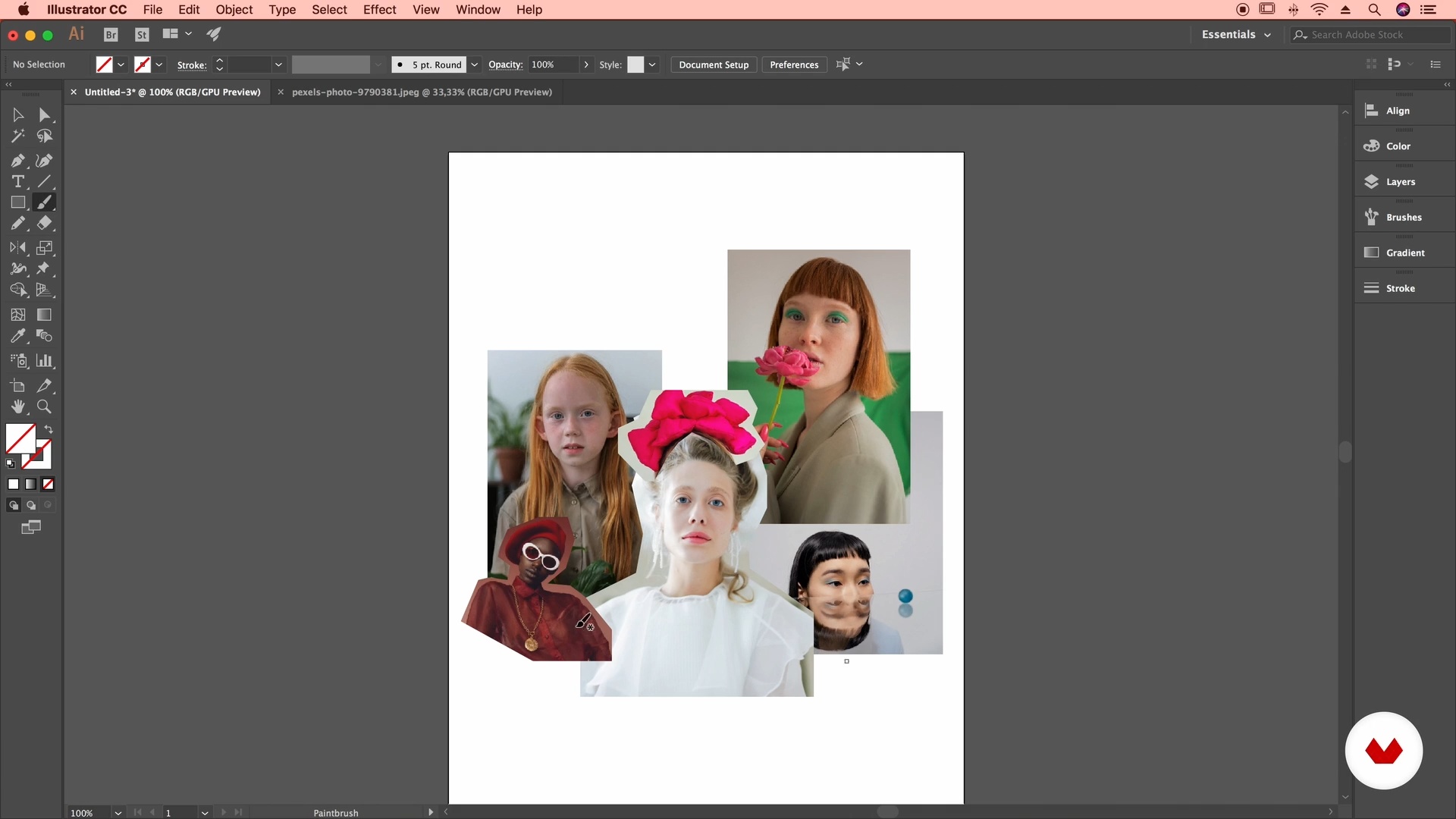
The Composition of the Mood Board
12 minutes, 23 seconds
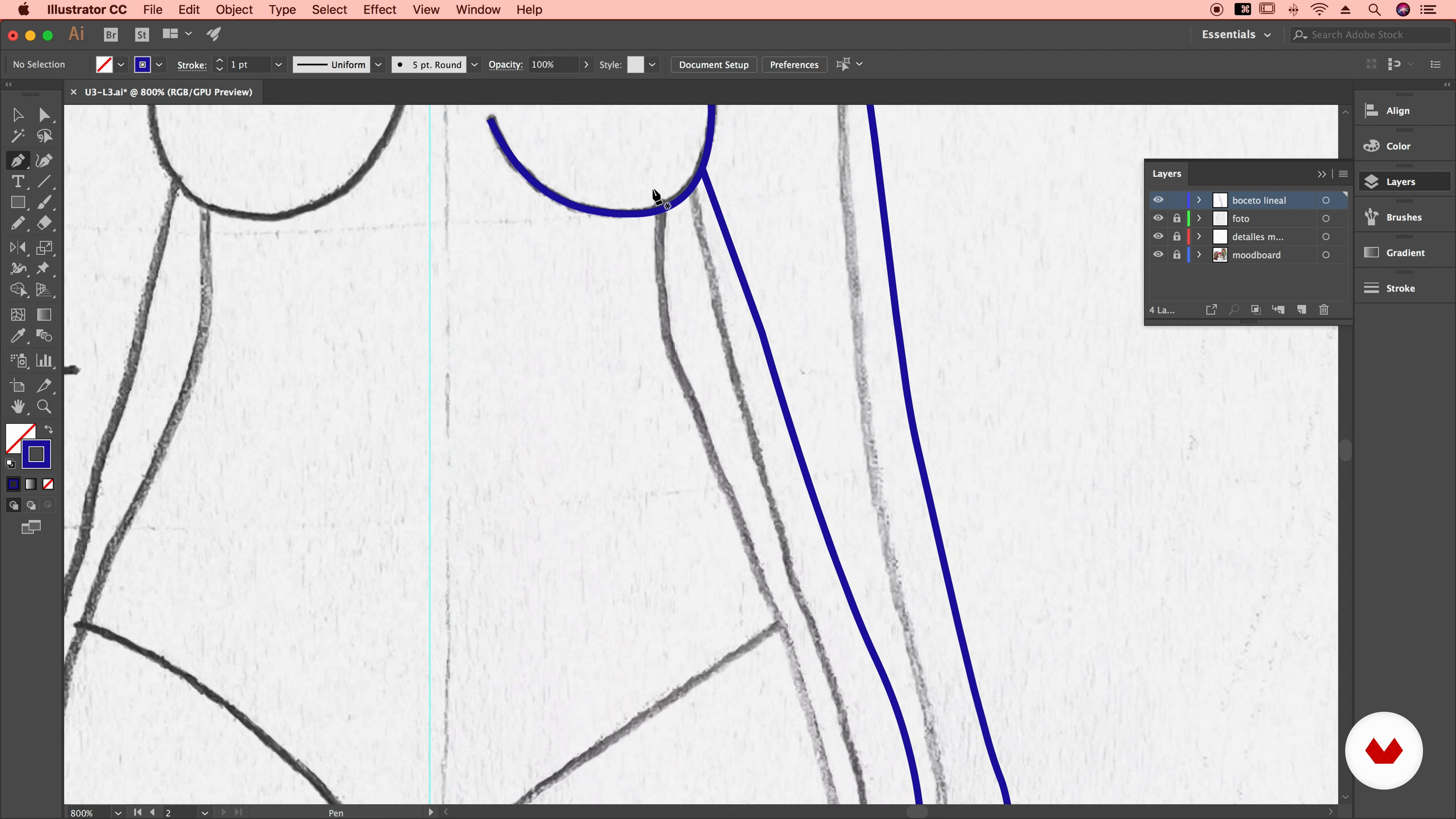
Illustration: Linear Digitization 1
11 minutes, 29 seconds
What's included in this course?
Mila Moura begins the course by inviting you into her digital design universe. She talks about her creative aims as a designer and mentor, along with the influences that have served as inspiration for her work.
Find out what a lookbook is, what it's used for, and why it's a crucial part of the creative process. Then do some free-hand drawings and put together a mood board to define the look and feel you want your outfits to convey.
Time to work with vectors. Digitize the body and head of the model for your croquis, add color to your garments, and create patterns. Mila also shows you how to harness the power of Adobe Illustrator's tools to enhance your designs and give them a unique style.
Once you've finished your digital lookbook, make a mock-up in Adobe Photoshop to see your compositions in different contexts. Finally, Mila gives you some tips on how to share your collection on social media and adapt it to specific formats.
Recommended software & tools for this course
What is this course's project?
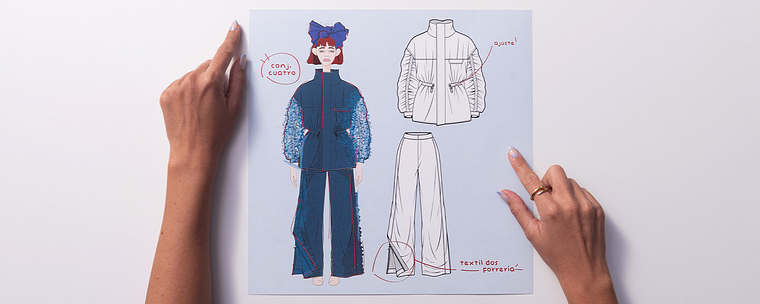
Create digital croquis of your designs in Adobe Illustrator and compile them into a fashion lookbook.
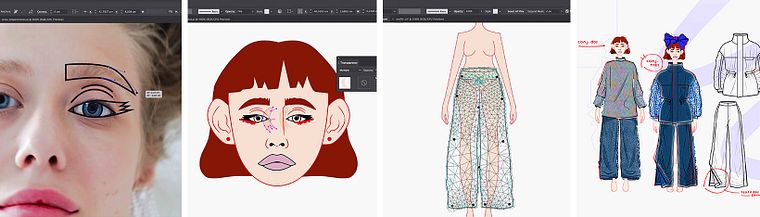
Projects by course students


Who is this online course for?
Students of fashion design, as well as anyone interested in this field, and professionals from the textile industry who want to learn new skills to boost their creativity and turn ideas into digital designs.
Requirements and materials
Basic notions of Adobe Illustrator are required for this course. The only materials you need are a computer with this program, as well as Adobe Photoshop for making mock-ups.
Reviews
- 3 months ago
Ideal para optimizar tiempos de fichas técnicas y subirle el nivel al portafolio
- 3 months ago
Increible Curso Aprendi funciones q ue no conocia, muy bien explicado! Genia mila!!
- 4 months ago
Me encanta como explicas cada cosa, das tips muy importantes. Gracias!! Nunca dejes de enseñar ♥
- 5 months ago
Bem legal para estudantes de moda!
- 7 months ago
Me gusto mucho este curso aprendi cosas muy increibles que las pude aplicar en mis trabajos!

Estudio MG is a hub for students, fashion designers, and industry professionals who want to learn new skills to digitalize and boost their projects. They offer intensive workshops on topics such as digital figurines, garment specification sheets, and print design, among others. They also advise brands and entrepreneurs helping them to develop the technical side of their collections, from the digitalization of designs to networking with workshops and suppliers.
Content
- U1
Introduction
- About Me
- Influences
- U2
The Creative Process
- Digital Artbook: What Is It and What Is It For?
- Curation of Sketches and Materials
- The Mood Board
- U3
Hands in Action: Let’s Vectorize!
- Adobe Illustrator: Basic Knowledge
- The Composition of the Mood Board
- Illustration: Linear Digitization 1
- Illustration: Linear Digitization 2
- Figurine: Color Application 1
- Figurine: Color Application 2
- Putting Together the Outfit 1
- Putting Together the Outfit 2
- Designing a Basic Pattern 1
- Designing a Basic Pattern 2
- Tools to Enhance Aesthetics and Identity
- How to Put Together an Artbook? 1
- How to Put Together an Artbook? 2
- U4
Sharing Your Art
- Adobe Photoshop: Creating Mock-Ups
- Making Your Work and Creativity Known! 1
- Making Your Work and Creativity Known! 2
- FP
Final project
- Fashion Lookbook: Design Croquis in Adobe Illustrator
What to expect from a Domestika course
Learn at your own pace
Enjoy learning from home without a set schedule and with an easy-to-follow method. You set your own pace.
Learn from the best professionals
Learn valuable methods and techniques explained by top experts in the creative sector.
Meet expert teachers
Each expert teaches what they do best, with clear guidelines, true passion, and professional insight in every lesson.
Certificates
PLUSIf you're a Plus member, get a custom certificate signed by your teacher for every course. Share it on your portfolio, social media, or wherever you like.
Get front-row seats
Videos of the highest quality, so you don't miss a single detail. With unlimited access, you can watch them as many times as you need to perfect your technique.
Share knowledge and ideas
Ask questions, request feedback, or offer solutions. Share your learning experience with other students in the community who are as passionate about creativity as you are.
Connect with a global creative community
The community is home to millions of people from around the world who are curious and passionate about exploring and expressing their creativity.
Watch professionally produced courses
Domestika curates its teacher roster and produces every course in-house to ensure a high-quality online learning experience.
FAQs
You’ll learn to create fashion croquis, technical drawings, detailed technical sheets, and digital artbooks using Adobe Illustrator, applying techniques in visual composition, color, texturing, and sketch digitization.
This is an intermediate-level course, recommended for those with basic knowledge of fashion design or Illustrator.
You need Adobe Illustrator installed, basic digital design skills, and internet access. Having some sketches or fashion references to digitize during exercises is recommended.
Adobe Illustrator is the main tool for creating and editing croquis, technical sheets, patterns, and digital artbooks. The course also explores resources like Photoshop and royalty-free image libraries.
You’ll be able to create vector croquis, digitized sketches, complete technical sheets, mood boards, digital color palettes, and a professional artbook for your fashion portfolio.
Yes, the course teaches how to digitize fashion collections and create detailed technical sheets in Illustrator to streamline communication with workshops and suppliers.
Yes, it covers techniques to represent fabric drape, digital textures, and volume on fashion croquis using vector tools.