Stream Package Design for Twitch: Level Up Your Channel
A course by StreamSpellDesign Studio
A course by StreamSpell, Design Studio

Design and animate an eye-catching stream package to make your channel stand out using Photoshop, Illustrator, and After Effects
Graphic and motion design are fundamental to improving the quality of your content and standing out on Twitch. Lucas Salgado is the creative director of StreamSpell, a design studio that has worked with broadcasters from all over the world and specializes in providing both free and premium Twitch overlays, alerts, and animations.
In this course, Lucas teaches you how to design your own Twitch overlays and create an outstanding online presence on the platform. Learn how to develop and set up a fully animated stream package that increases the quality of your Twitch channel and grabs your viewers’ attention. Are you ready to level up your stream game?
What will you learn in this online course?
16 lessons & 16 downloads
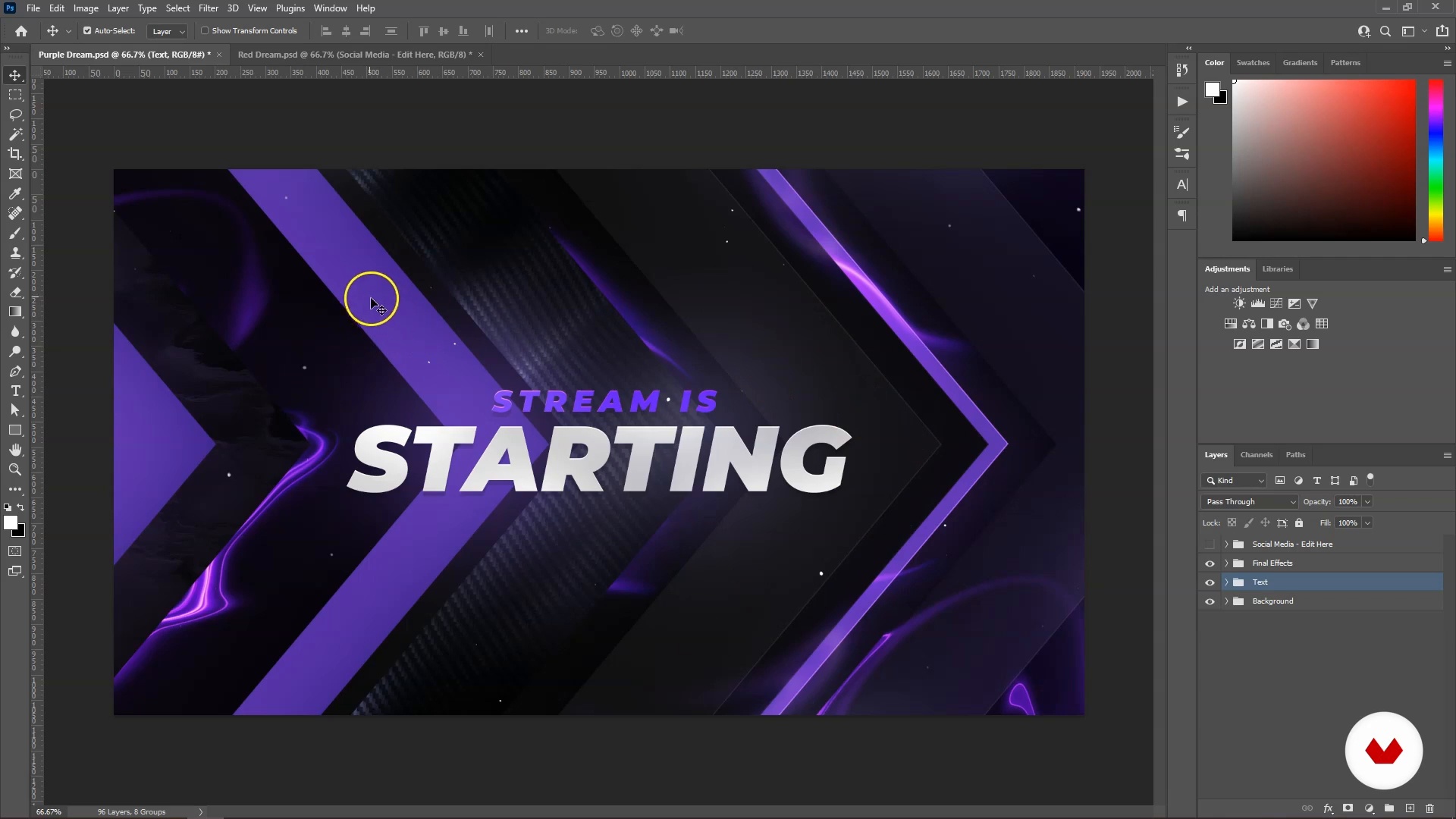
What Makes a Good Stream Package?
6 minutes, 46 seconds
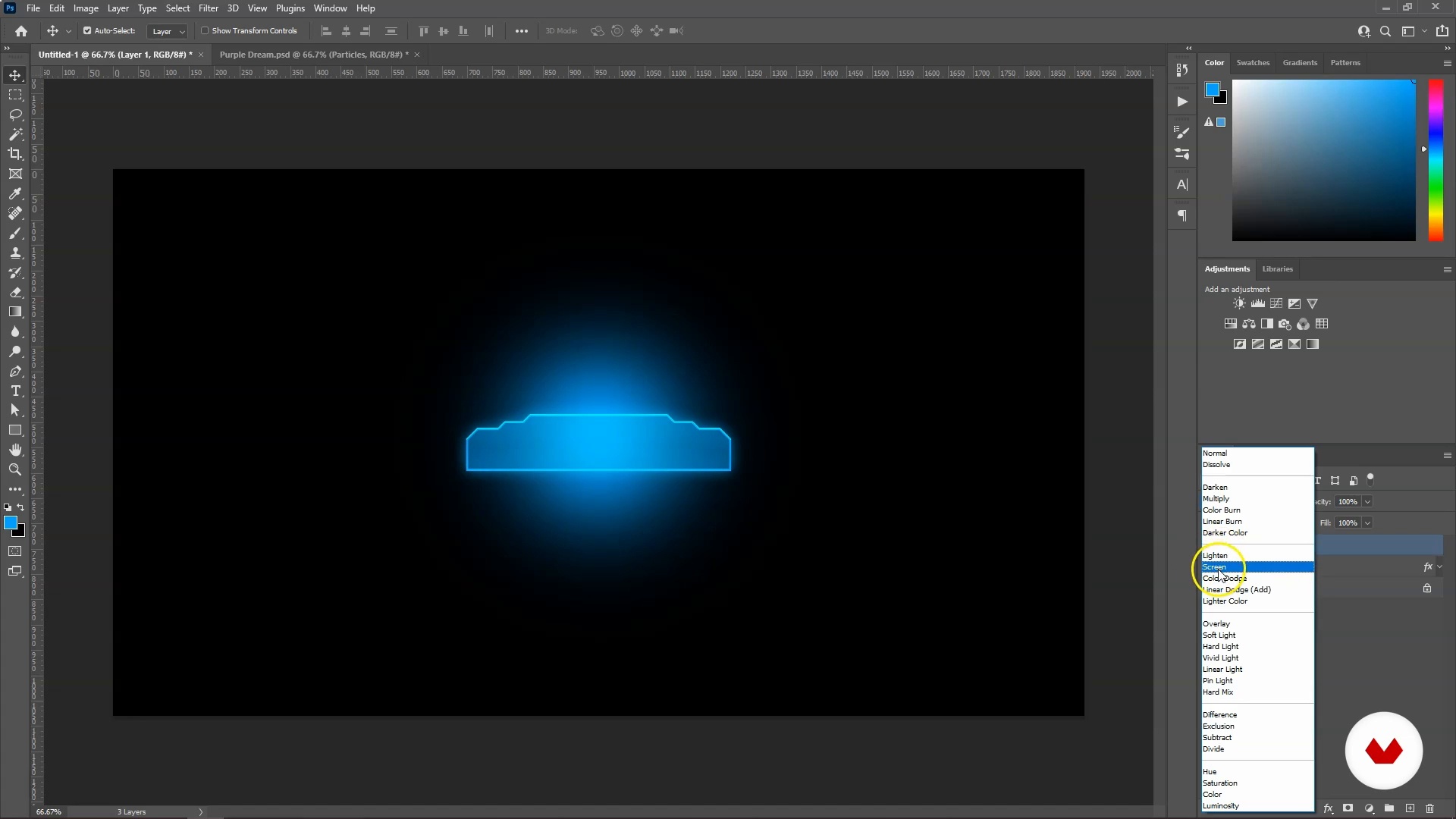
Basic Tools: Photoshop and Illustrator
17 minutes, 26 seconds
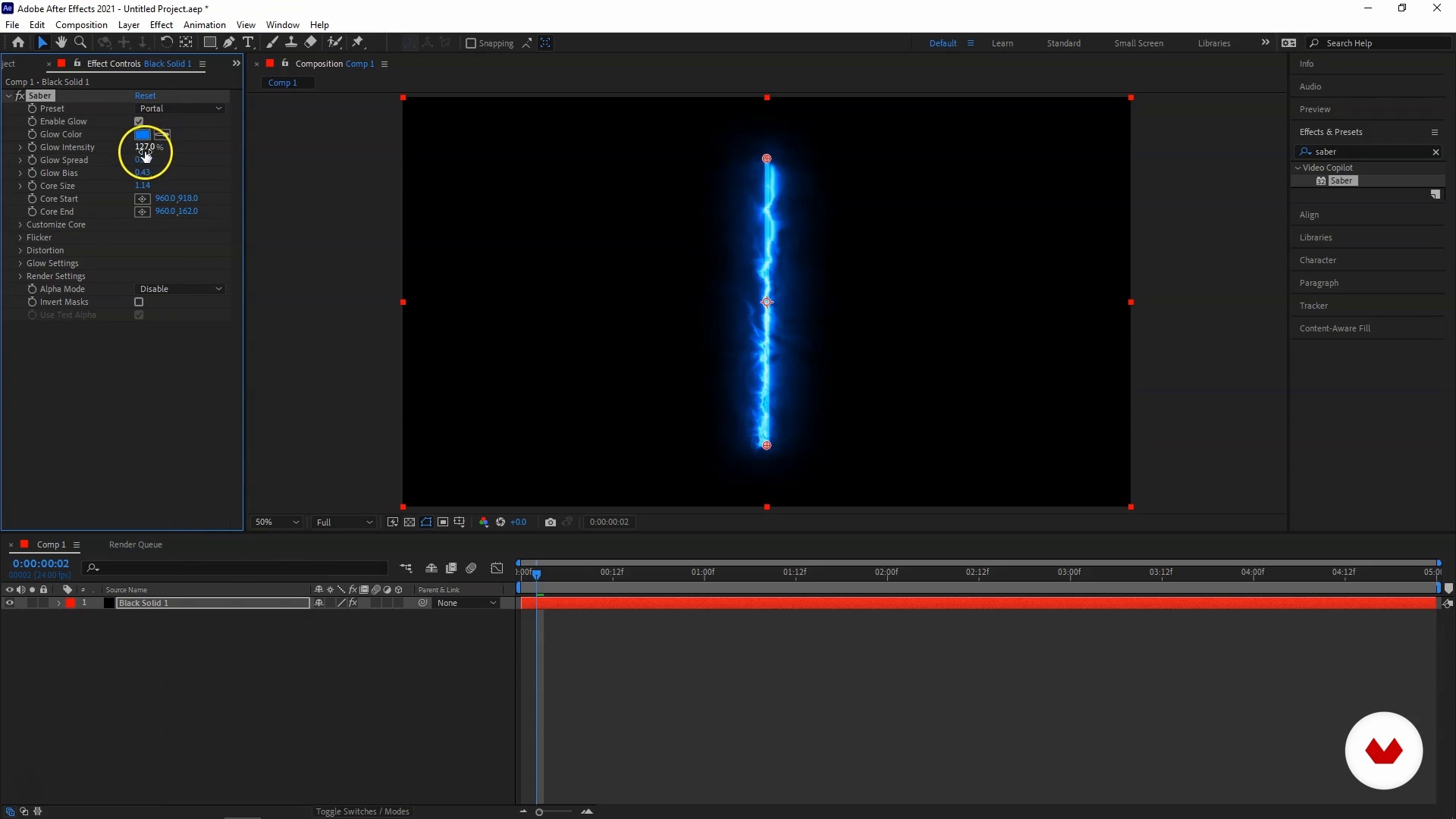
Basic Tools: After Effects and Media Encoder
12 minutes, 28 seconds
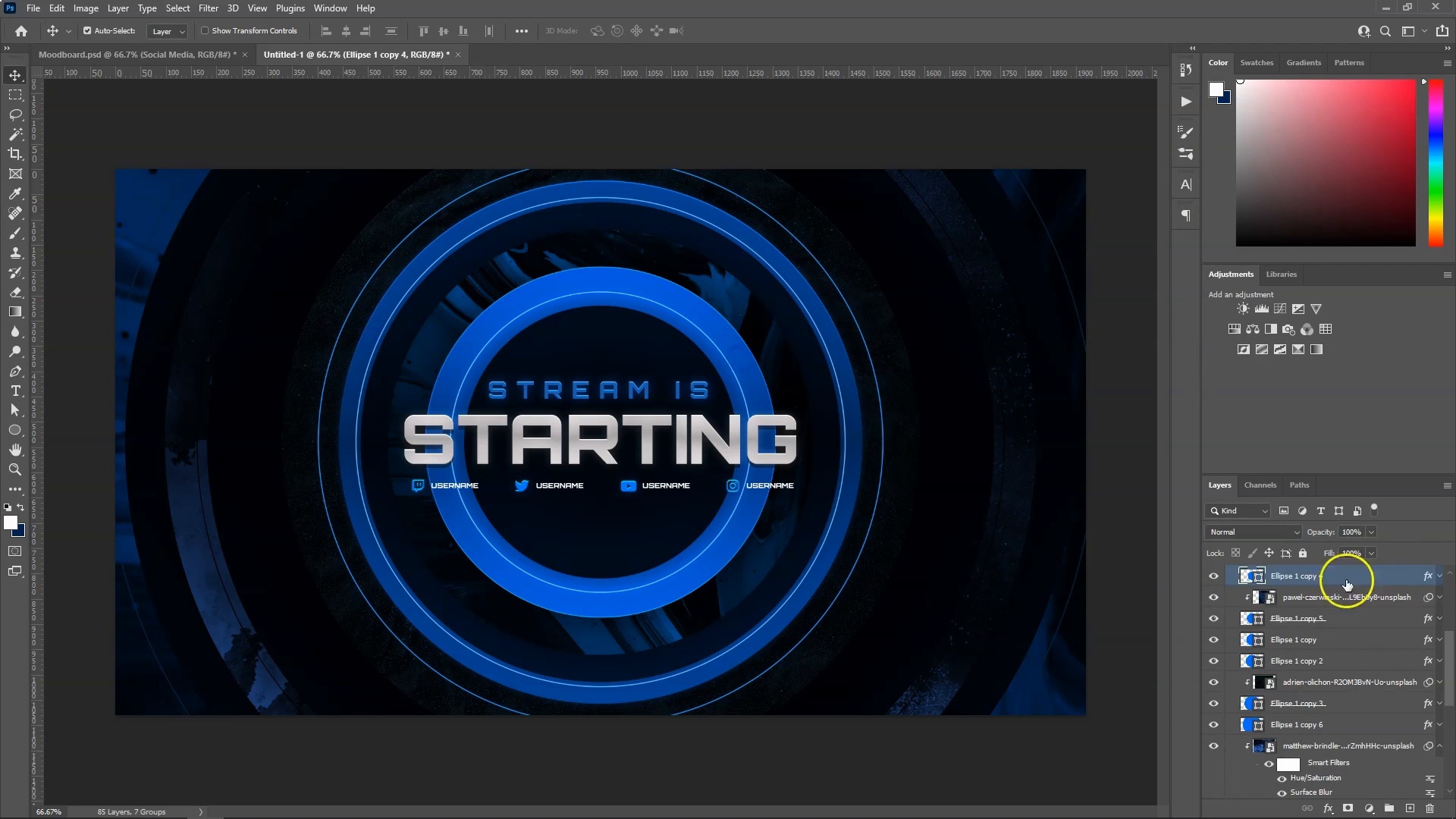
Creating the First Scene
20 minutes, 46 seconds
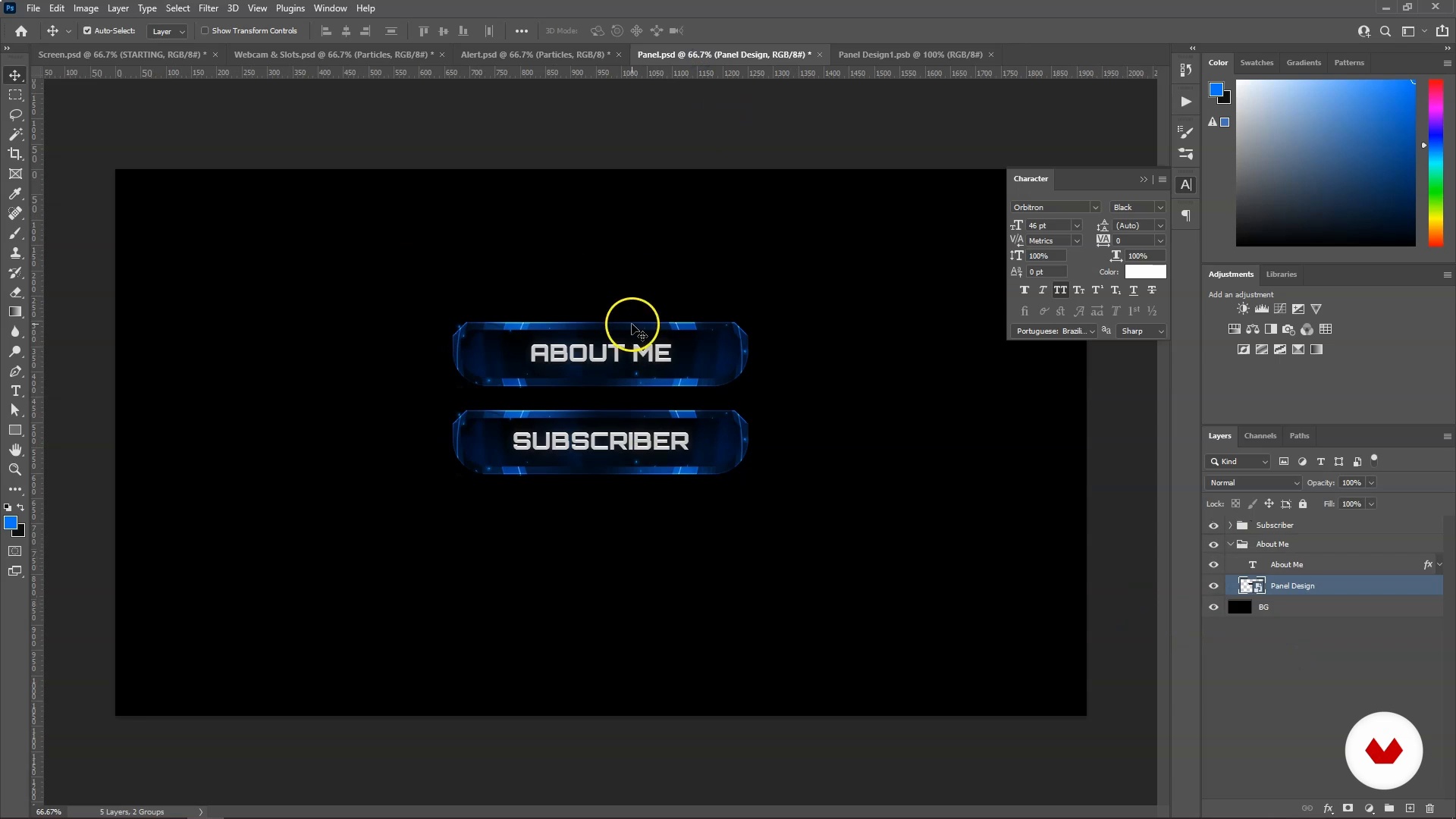
Applying the Visual Identity to Other Assets 1
19 minutes, 55 seconds
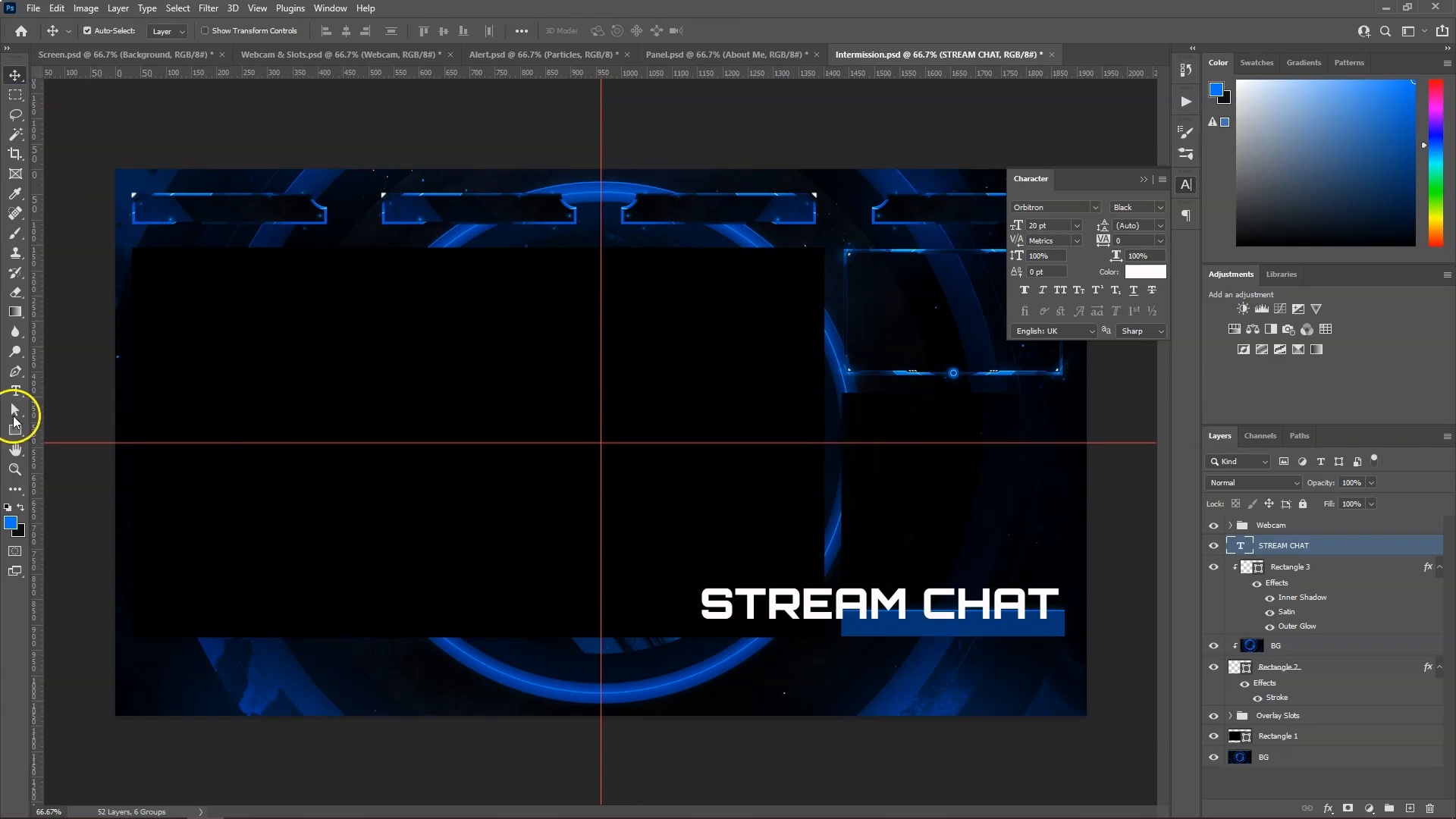
Applying the Visual Identity to Other Assets 2
6 minutes, 51 seconds
What's included in this course?
Begin the course by getting to know the creative director of StreamSpell and your teacher for this course, Lucas. He talks through his creative career to becoming a stream package designer, along with the influences which inspire his work.
Discover what a good stream package entails before diving into the tools needed for the course. Lucas guides you through using Photoshop and Illustrator to design your stream package before moving on to After Effects and Media Encoder to bring it to life.
Decide on a concept for your stream package and create your first scene. Then adapt your designs to fit other assets like a webcam frame, overlay slot, and stream alert. Add the finishing touches to your designs and export them ready for animation.
Using your knowledge from earlier in the course, use After Effects to animate your designs, starting with your initial scene before moving on to the rest of the assets. Then prepare your compositions for rendering and optimize your files for streaming software.
Install your finished animation on your streaming software. To finish the course, Lucas guides you through how to optimize installation by creating a one-click installation file.
Recommended software & tools for this course
What is this course's project?
Design and animate a striking stream package for your Twitch channel.
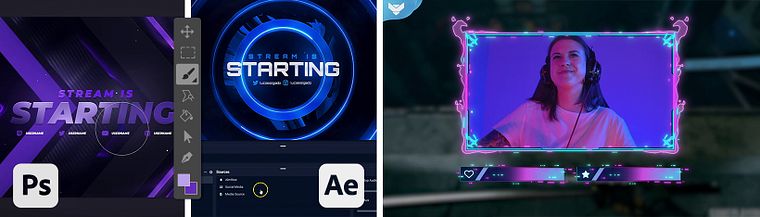
Projects by course students
Who is this online course for?
This course is for streamers, gamers, creators, and fans of esports with an interest in designing their own stream packages.
Requirements and materials
Basic knowledge of graphics and motion design is required.
You will need a computer with access to Adobe Photoshop, Illustrator, After Effects, and Media Encoder.
Reviews
- eduardokiyotakaPLUS2 months ago
un curso que me ha ayudado a retomar lo que me gusta y también para llevarlo a una parte de mi que me gusta que son los streams
- 1 year ago
Un curso rápido de ver y muy útil si estás empezando.
- 1 year ago
Un corso ben fatto, dona nozioni di base della grafica in modo da essere accessibile anche per chi non ha mai affrontato un percorso simile prima. Personalmente ho trovato molto utile la messa a disposizione sia di modelli creati dal docente che di strumenti da integrare nei vari programmi, rendendo il corso più fluido e risparmiando tempo sulla ricerca dei componenti aggiuntivi col lightsaber etc.
- 1 year ago
no me gusto porque no esta traducido en español
- 2 years ago
Muito interessante o conteúdeo, aprendi muito sobre Streaming. Fácil e direto ao ponto! Parabéns!

Lucas currently works as the creative director of StreamSpell, a design studio that specializes in providing both free and premium Twitch overlays, alerts, and animations. His style is influenced by futuristic design and he is passionate about helping others customize their channels.
Content
- U1
Introduction
- About Me
- Influences
- U2
Basic Notions of Design
- What Makes a Good Stream Package?
- Basic Tools: Photoshop and Illustrator
- Basic Tools: After Effects and Media Encoder
- U3
Static Production
- Creating the First Scene
- Applying the Visual Identity to Other Assets 1
- Applying the Visual Identity to Other Assets 2
- Social Media and Pre-animation Steps
- U4
Animating the Assets
- Animating the First Scene 1
- Animating the First Scene 2
- Adapting the Remaining Pieces 1
- Adapting the Remaining Pieces 2
- Pre-render Adjustments
- U5
Post-production
- Using Your Package
- One-Click Installation and Sharing
- FP
Final project
- Stream Package Design for Twitch: Level Up Your Channel
What to expect from a Domestika course
Learn at your own pace
Enjoy learning from home without a set schedule and with an easy-to-follow method. You set your own pace.
Learn from the best professionals
Learn valuable methods and techniques explained by top experts in the creative sector.
Meet expert teachers
Each expert teaches what they do best, with clear guidelines, true passion, and professional insight in every lesson.
Certificates
PLUSIf you're a Plus member, get a custom certificate signed by your teacher for every course. Share it on your portfolio, social media, or wherever you like.
Get front-row seats
Videos of the highest quality, so you don't miss a single detail. With unlimited access, you can watch them as many times as you need to perfect your technique.
Share knowledge and ideas
Ask questions, request feedback, or offer solutions. Share your learning experience with other students in the community who are as passionate about creativity as you are.
Connect with a global creative community
The community is home to millions of people from around the world who are curious and passionate about exploring and expressing their creativity.
Watch professionally produced courses
Domestika curates its teacher roster and produces every course in-house to ensure a high-quality online learning experience.
FAQs
Yes, this course teaches you how to design and animate professional Twitch overlays using Photoshop, Illustrator, and After Effects.
You should have a basic understanding of Photoshop, Illustrator, and After Effects, as this course is designed for intermediate users.
You’ll learn to create engaging static and animated overlays, apply visual branding, and set up complete stream packages for Twitch channels.
This course is best for those with some prior experience in graphic or motion design; beginners may find it challenging.
You’ll need Adobe Photoshop, Illustrator, and After Effects to complete the projects and lessons in this course.
This course guides you through designing overlays in Photoshop and Illustrator, then animating and rendering them in After Effects for Twitch.
Yes, the course covers installing and customizing your completed stream package to enhance your Twitch channel’s presentation.