Conceptual Self-Portrait Photography
A course by Krishna VRPhotographer
A course by Krishna VR, Photographer

Learn to create photographs with an illustrative touch and bring them to life in post-production
A self-portrait is an art form but also great practice for the photographer to act as the art director and the subject, having control over all variables of the final piece. In the world of photography you can find anything from the most mundane, simple selfie to picturesque works of art - like those of Krishna, a visual artist whose self-portraits are conceptually loaded and aesthetically stunning.
In this course you will learn to replicate her techniques and seek inspiration to express your own ideas through self portraits; using props to create a strong visual and conceptual narrative. You will also learn post-production techniques to take your photos to the next level.
What will you learn in this online course?
20 lessons & 16 downloads
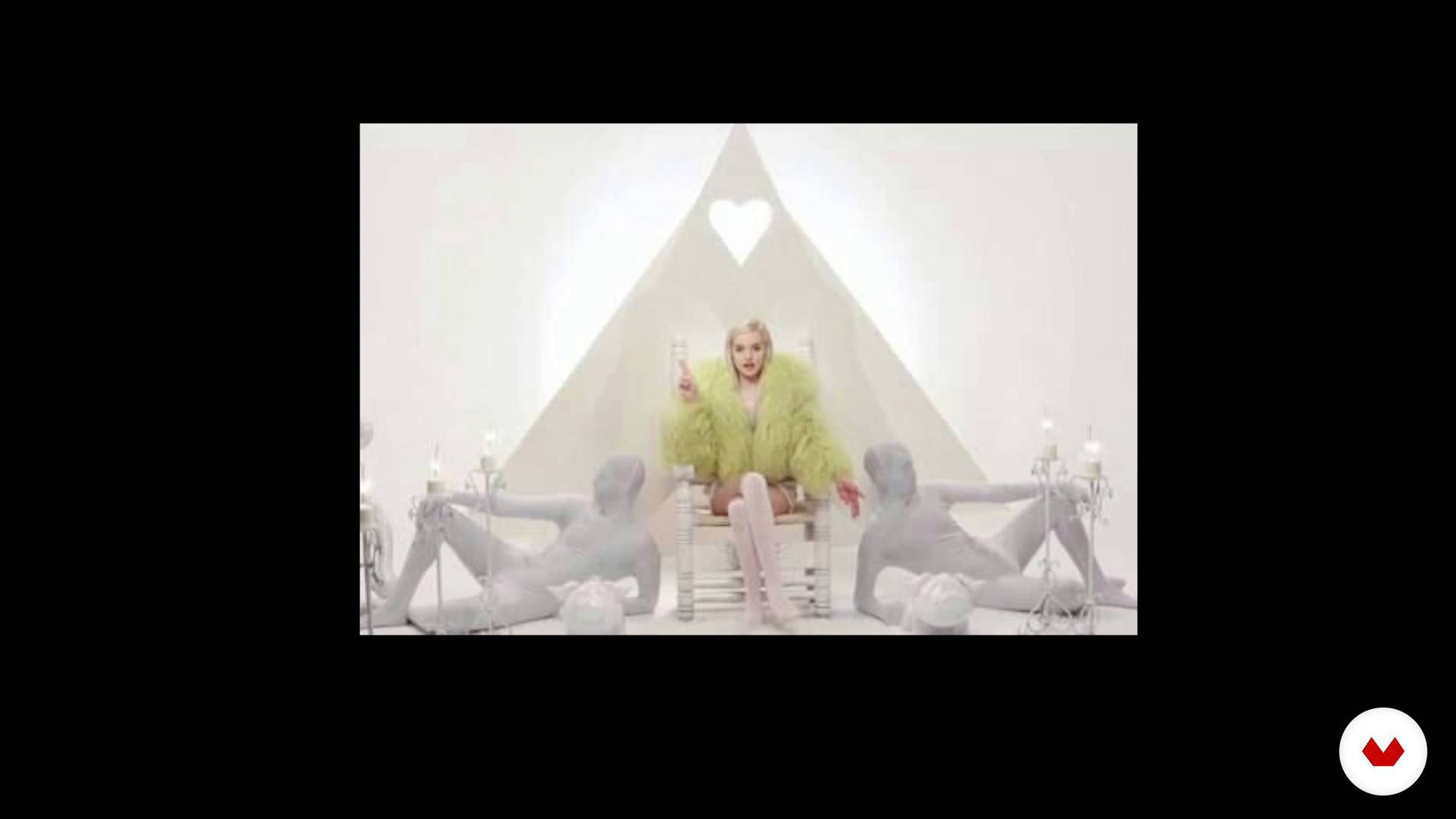
From the idea to the final image
16 minutes, 43 seconds
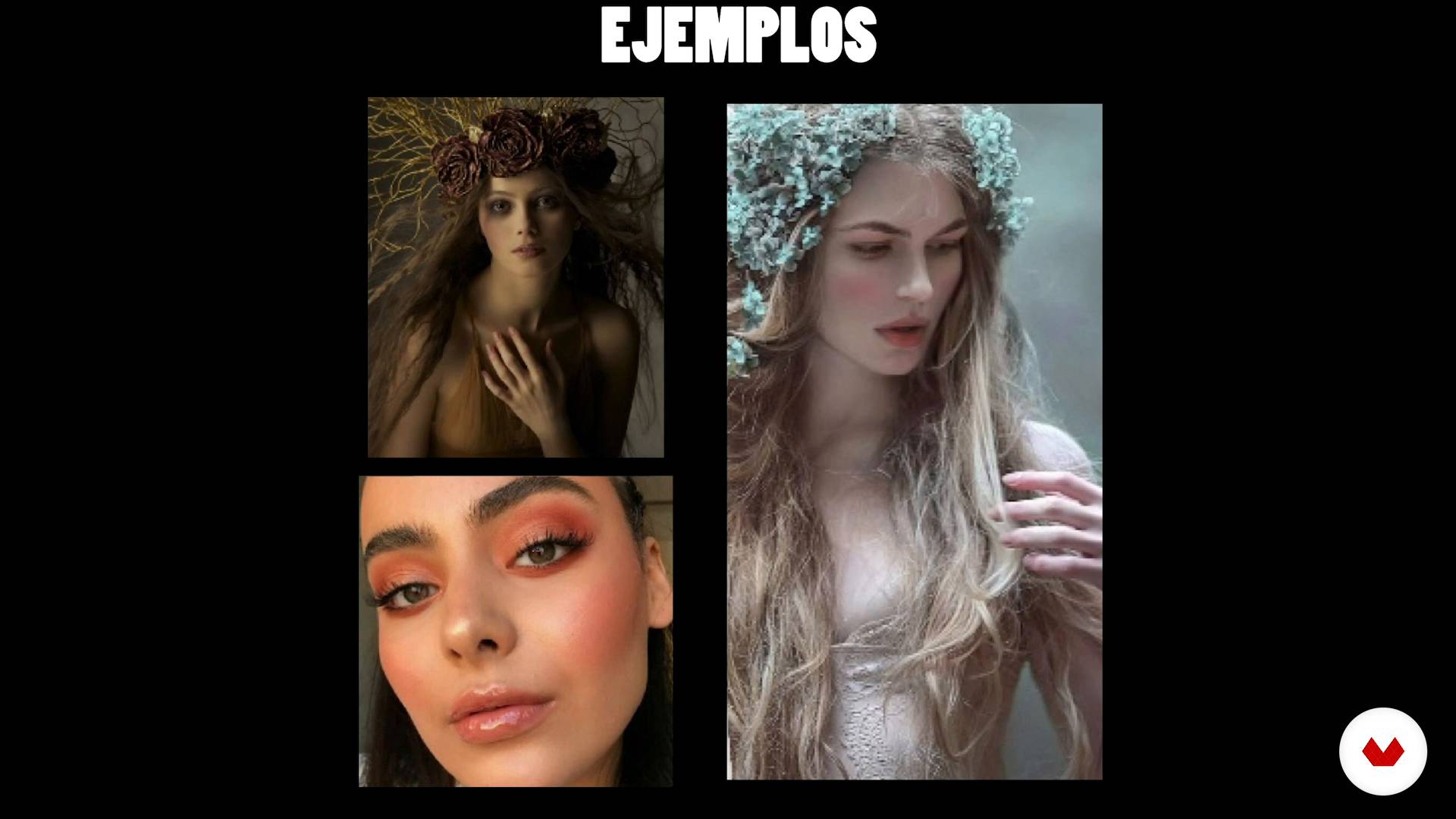
Rain of inspiration (Moodboard)
7 minutes, 44 seconds
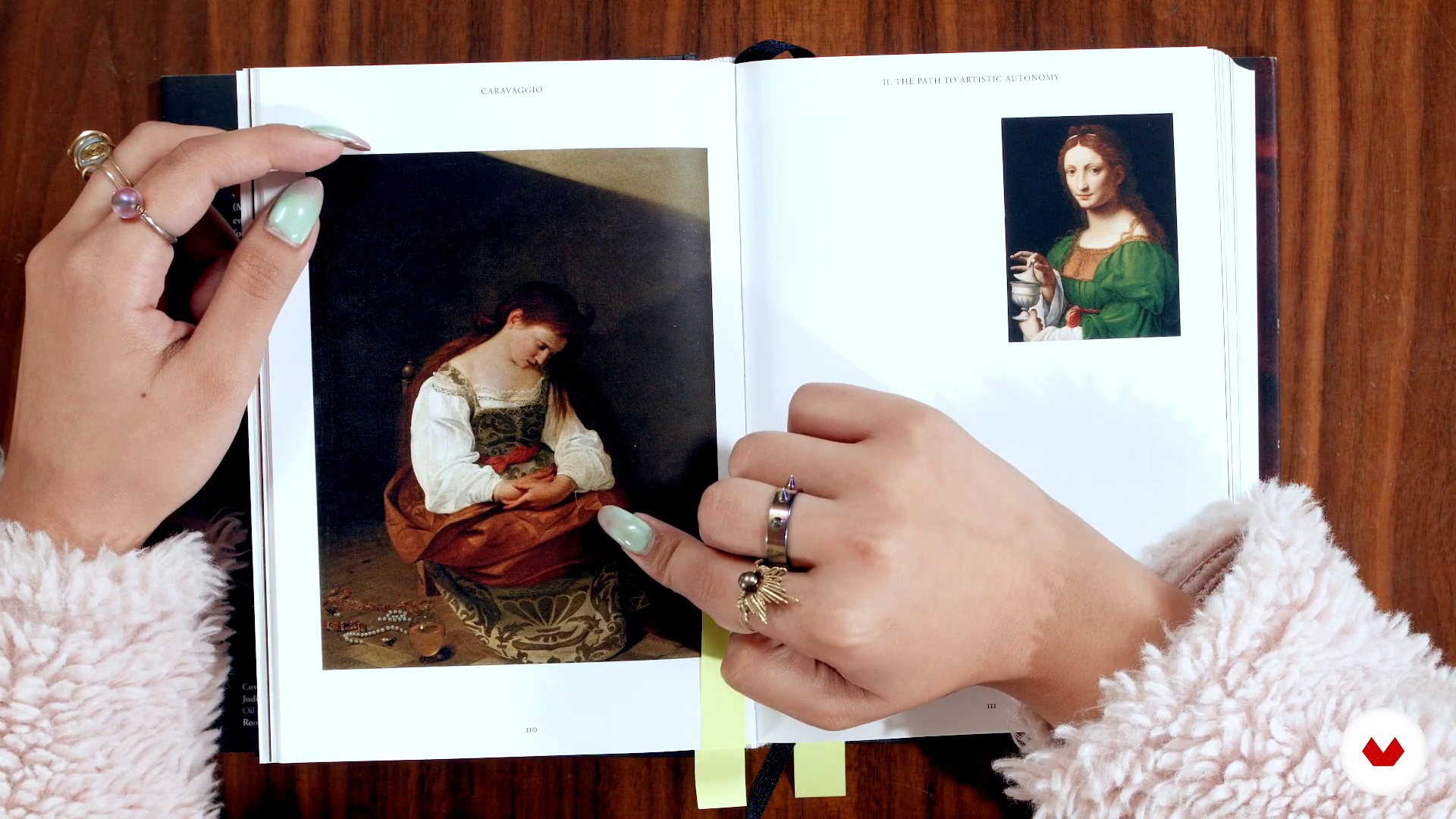
Body expression and direction
4 minutes, 43 seconds
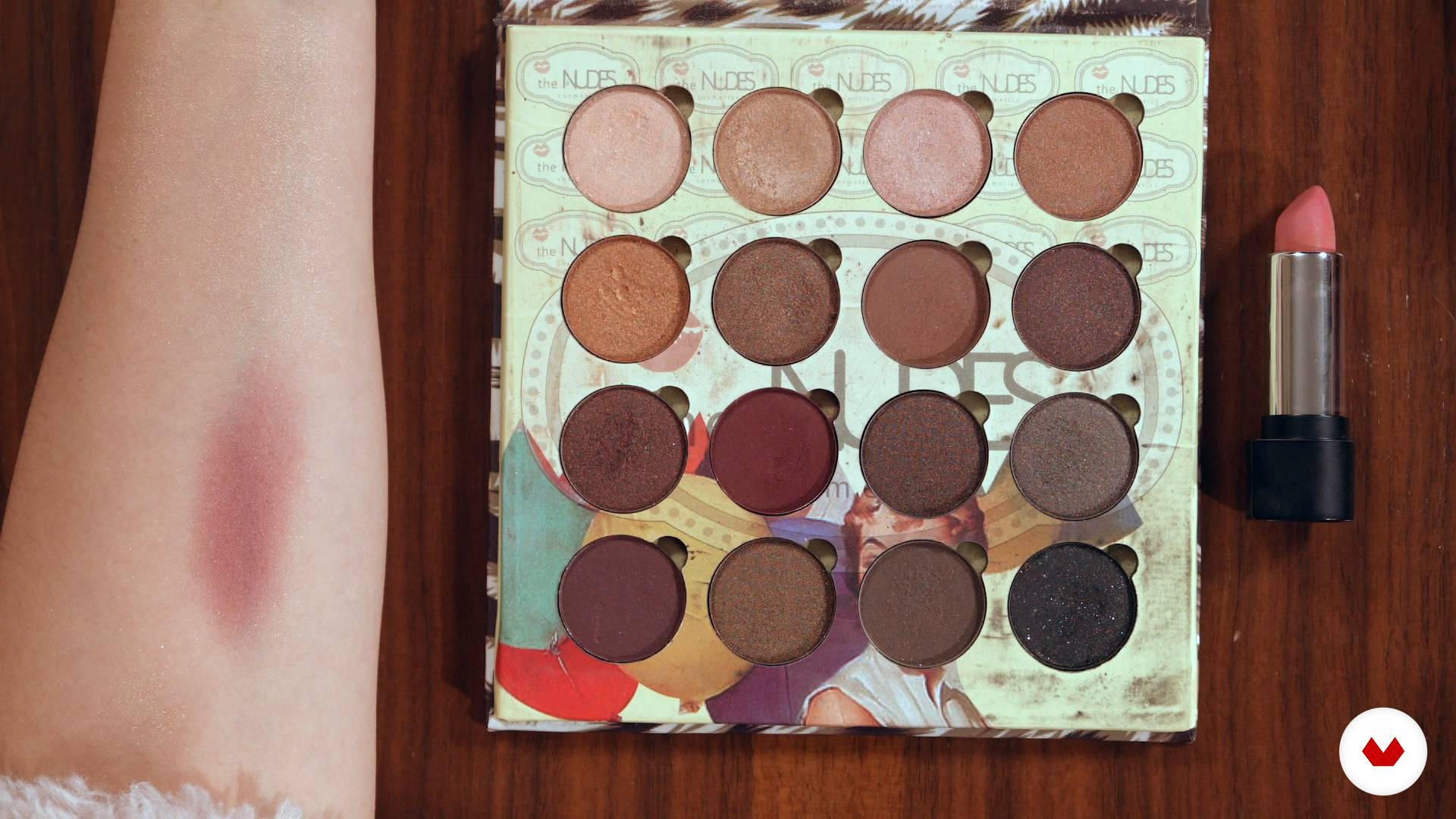
Makeup
3 minutes, 0 seconds
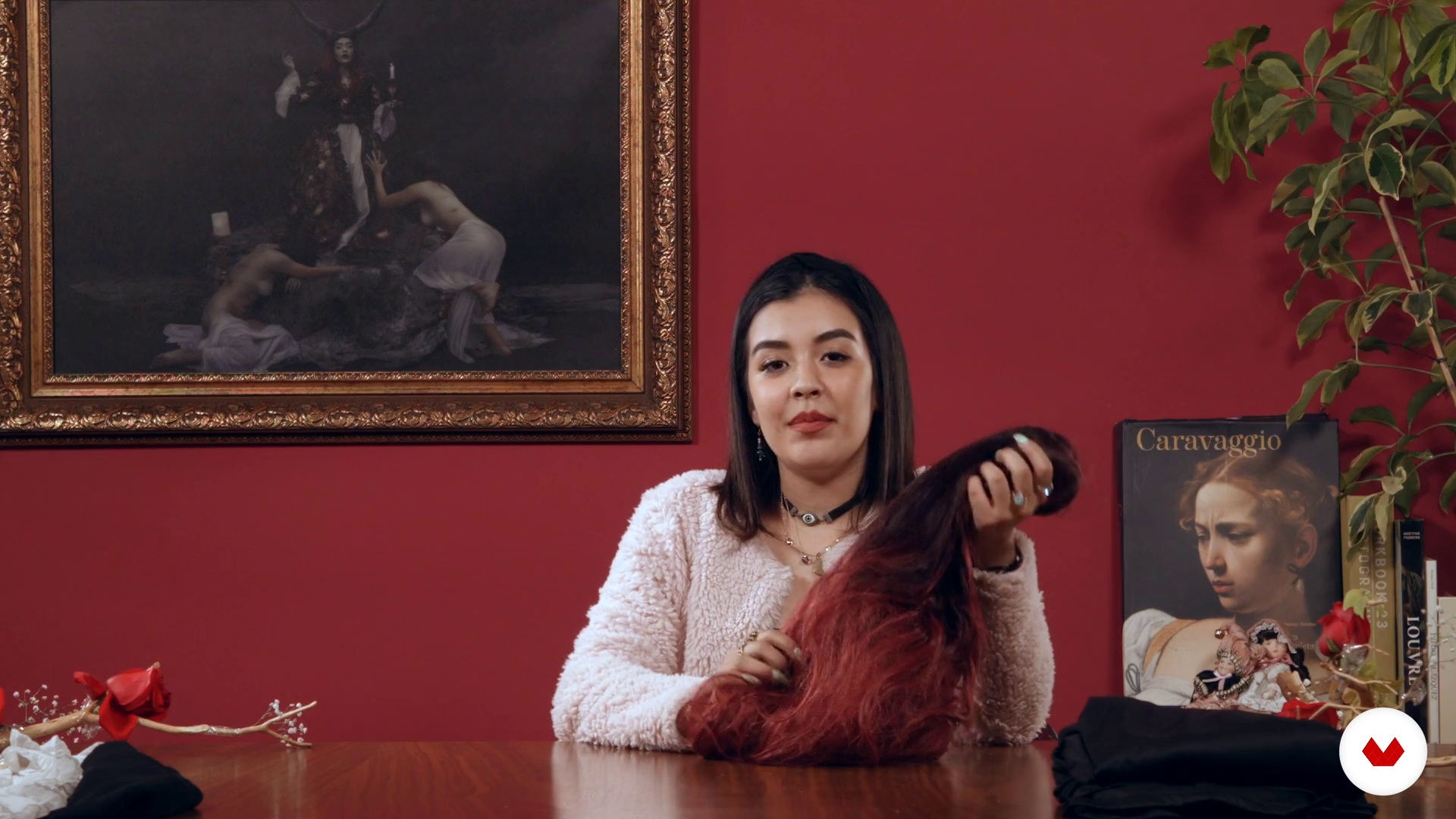
Locker room
2 minutes, 10 seconds
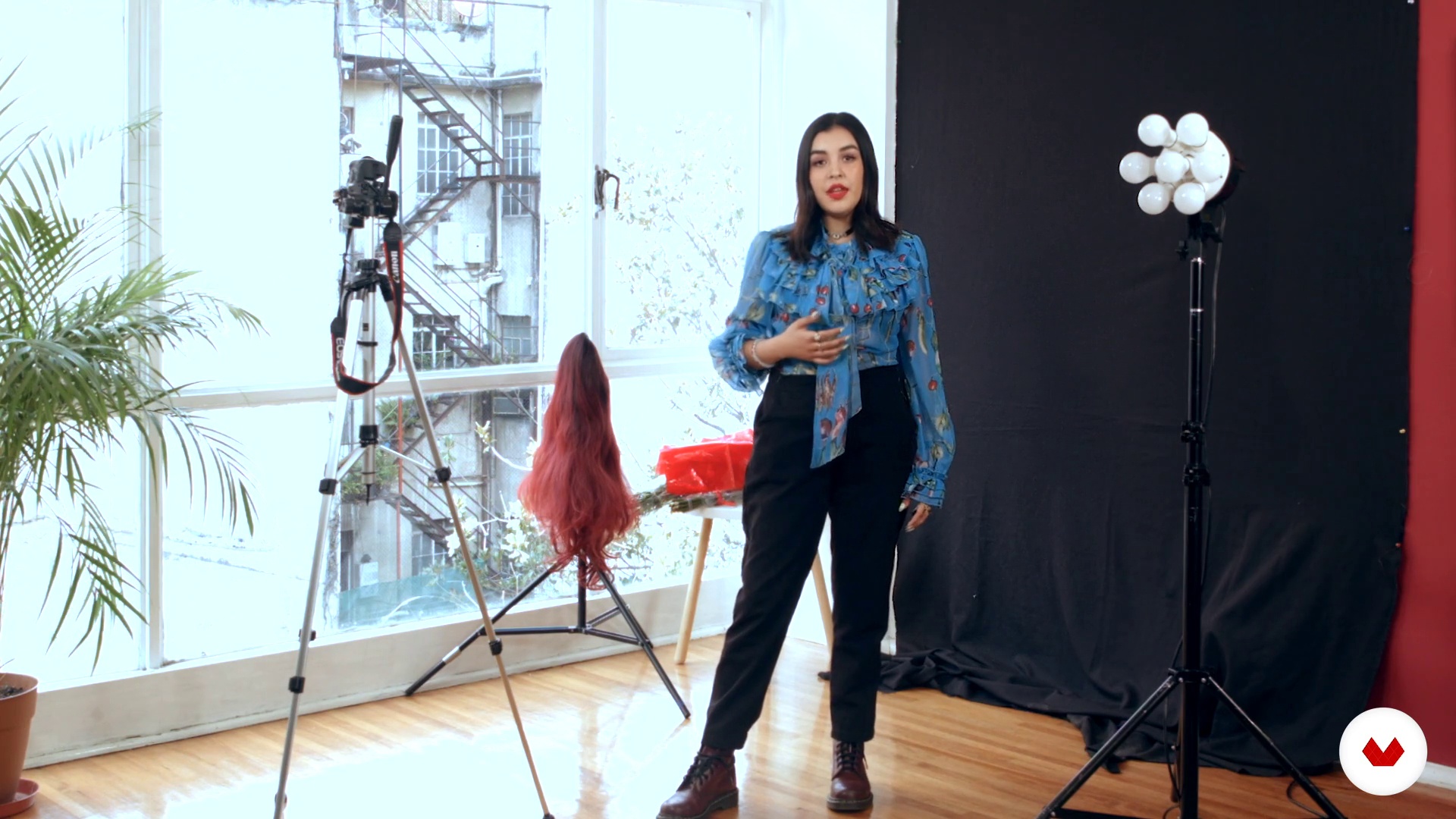
Assembly and lighting
2 minutes, 29 seconds
What's included in this course?
You will start by getting to know Krishna, learn how she started as a photographer and why she chose the camera to express herself artistically. She will also give an overview of her career path as well some of her influences.
Before picking up your camera, you will first learn to conceptualize what you are going to create through sketches, moodboards and artistic references. Then, Krishna will share her process behind the camera - the costumes, makeup, props, lighting and set preparation.
You will see how Krishna sets up her camera in order to capture the perfect shot and, when you’re ready, you will start taking photos until you take your ideal selection.
Krishna will then walk you through the editing process. First in Camera Raw, where you will work on exposure, saturation and lighting; then moving on to Photoshop, where you will retouch textures, skin, eyes, hair etc…
Recommended software & tools for this course
What is this course's project?
You will create a self-portrait to tell a story through costumes, color and surroundings.

Projects by course students


Who is this online course for?
For any photographer or novice interested in expressing oneself through a creative self-portrait.
Requirements and materials
Basic knowledge of photography and Photoshop is necessary.
For materials you will need a camera (it's not necessary to have a DSLR), a computer with Adobe Photoshop, a tripod (a tripod with an automatic trigger that fits your camera would make your job easier).

Reviews
- 5 months ago
De los mejores cursos de fotografía que he encontrado en Domestika
- 1 year ago
Un gran curso con muchos hacks de edicion para Photoshop
- vladyslavapPLUS2 years ago
Incredibly knowledgeable instructor, and the lessons were well-structured and easy to follow.
- 2 years ago
It's a great course, very interesting!
- 2 years ago
muy original

She won her first award at 17 years old in the Under 20 category at the Siena International Photography Awards. In her young career, she has already had her work on display in museums in Amsterdam, New York, Japan, and most notably, the Louvre in Paris where she participated in the Exposure Award Collection with her photo "Path of Destruction."
Content
- U1
Introduction
- Presentation
- Influences
- U2
Construction of the concept
- From the idea to the final image
- Rain of inspiration (Moodboard)
- Body expression and direction
- U3
Makeup and wardrobe
- Makeup
- Locker room
- U4
Photoshoot
- Assembly and lighting
- Camera settings
- Shooting
- U5
Edition
- Photo and development selection
- Cleaning tools I
- Cleaning tools II
- Elementary editing tools and dodge and burn
- Frequency separation in skin
- Textures
- Colour
- Final details
- Excel with your creativity
- BONUS: The eyes
- FP
Final project
- Conceptual photographic self-portrait
What to expect from a Domestika course
Learn at your own pace
Enjoy learning from home without a set schedule and with an easy-to-follow method. You set your own pace.
Learn from the best professionals
Learn valuable methods and techniques explained by top experts in the creative sector.
Meet expert teachers
Each expert teaches what they do best, with clear guidelines, true passion, and professional insight in every lesson.
Certificates
PLUSIf you're a Plus member, get a custom certificate signed by your teacher for every course. Share it on your portfolio, social media, or wherever you like.
Get front-row seats
Videos of the highest quality, so you don't miss a single detail. With unlimited access, you can watch them as many times as you need to perfect your technique.
Share knowledge and ideas
Ask questions, request feedback, or offer solutions. Share your learning experience with other students in the community who are as passionate about creativity as you are.
Connect with a global creative community
The community is home to millions of people from around the world who are curious and passionate about exploring and expressing their creativity.
Watch professionally produced courses
Domestika curates its teacher roster and produces every course in-house to ensure a high-quality online learning experience.
FAQs
A conceptual self-portrait uses symbols, set design, and digital editing to express ideas or emotions beyond just the subject’s physical appearance, unlike a traditional self-portrait which focuses mainly on how the subject looks.
Yes, this course is designed for people with intermediate photography skills who want to deepen their creative techniques and digital editing for conceptual self-portraits.
It’s recommended to have basic photography experience, camera handling skills, and some introductory Photoshop knowledge to get the most from the course.
You’ll learn how to plan, create, and edit conceptual self-portraits using composition, lighting, wardrobe, artistic makeup, and advanced Photoshop editing to tell visual stories.
You’ll need a digital camera or a smartphone with a good camera, access to Photoshop, materials for makeup and creative wardrobe, plus everyday objects for props.
The course teaches you how to transform common objects and recycled materials into symbolic elements, props, or costumes that add meaning and creativity to your images.
You’ll learn how to edit backgrounds, create digital compositions, apply Dodge and Burn, use layer masks, adjust cinematic colors, and manipulate textures to craft conceptual atmospheres.