Web Design: Be Responsive!
A course by Francisco AveledoWeb designer
A course by Francisco Aveledo, Web designer

Learn to design your responsive web portfolio
Make the jump to Responsive Design! In this course, Francisco Avelendo of FA Design will teach you how to design an original website or your own portfolio from the concept to its preparation to be programmed. By completing your own online portfolio, you will learn all the steps to design webs to leave the file prepared for the programmer, and you will also enter the 'Responisve Web Design' or adaptive web design, the most used method currently that allows your Design suits all devices. Get away from the typical predesigned portfolios creating yours from scratch and who knows, this course can be the first step to dedicate yourself fully to web design or serve to complement your creative services.
What will you learn in this online course?
17 lessons & 23 downloads
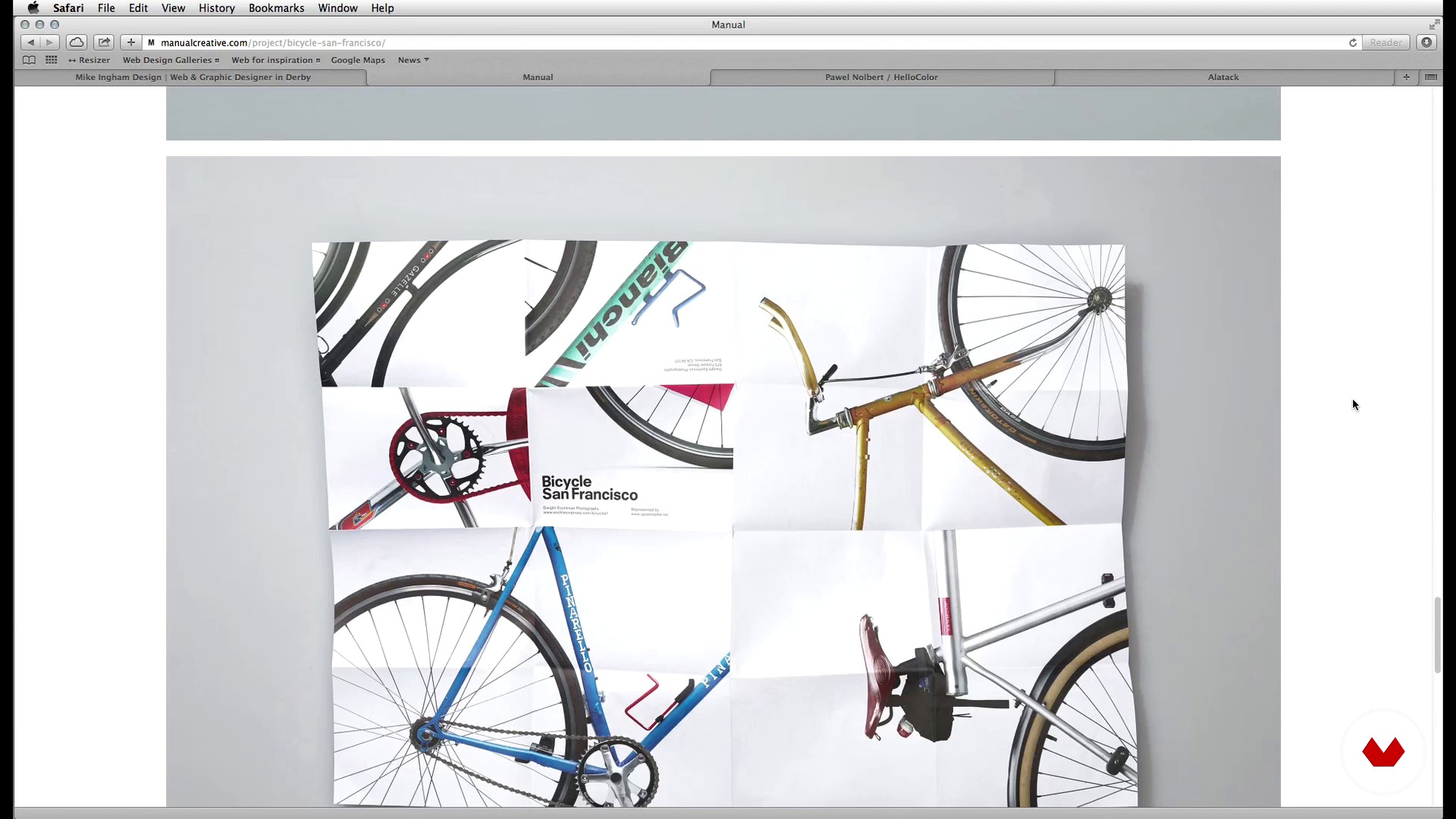
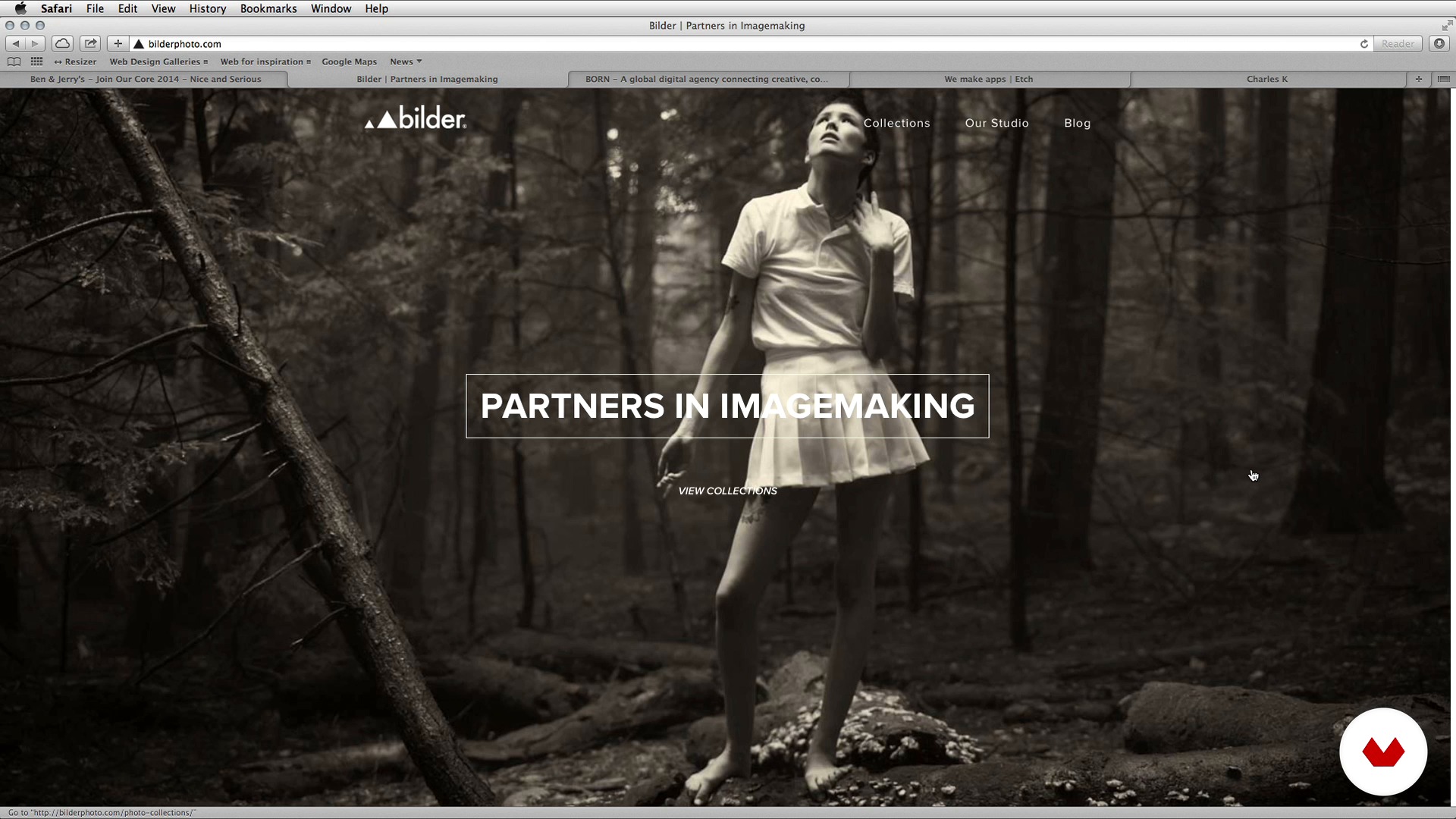
Inspiration
7 minutes, 22 seconds
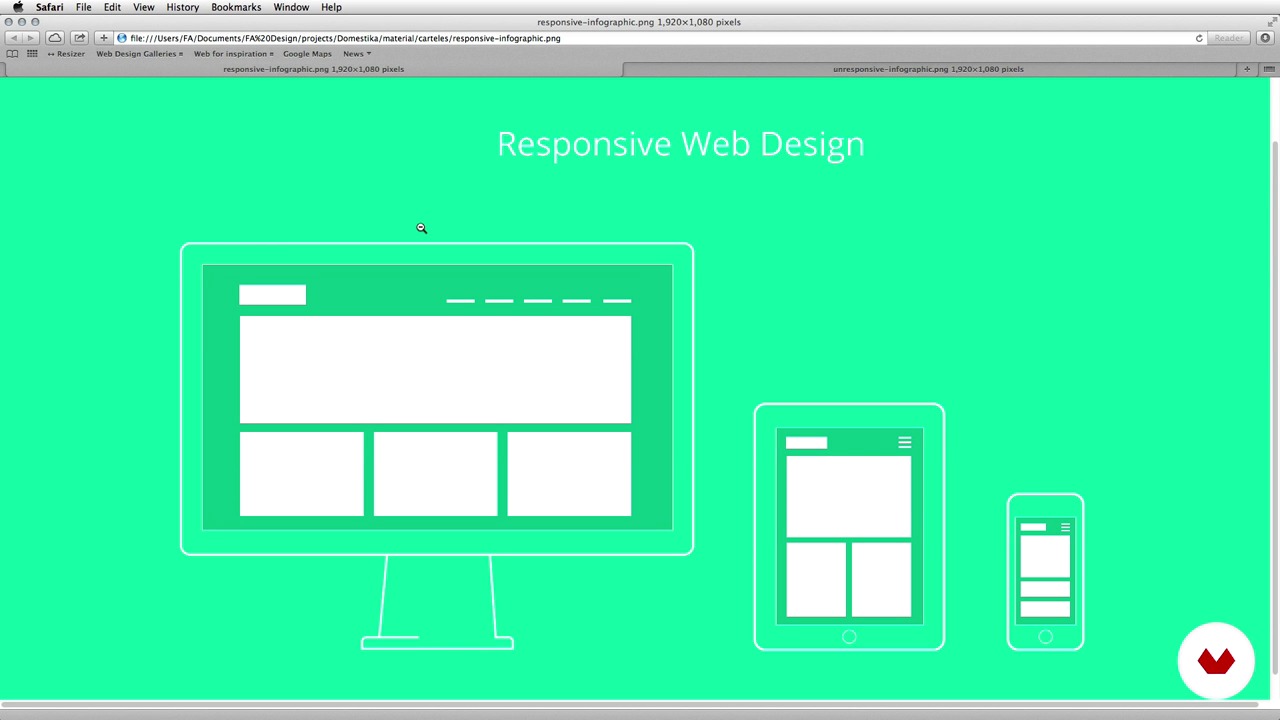
Responsive Web Design
6 minutes, 31 seconds
Organize the content
4 minutes, 24 seconds
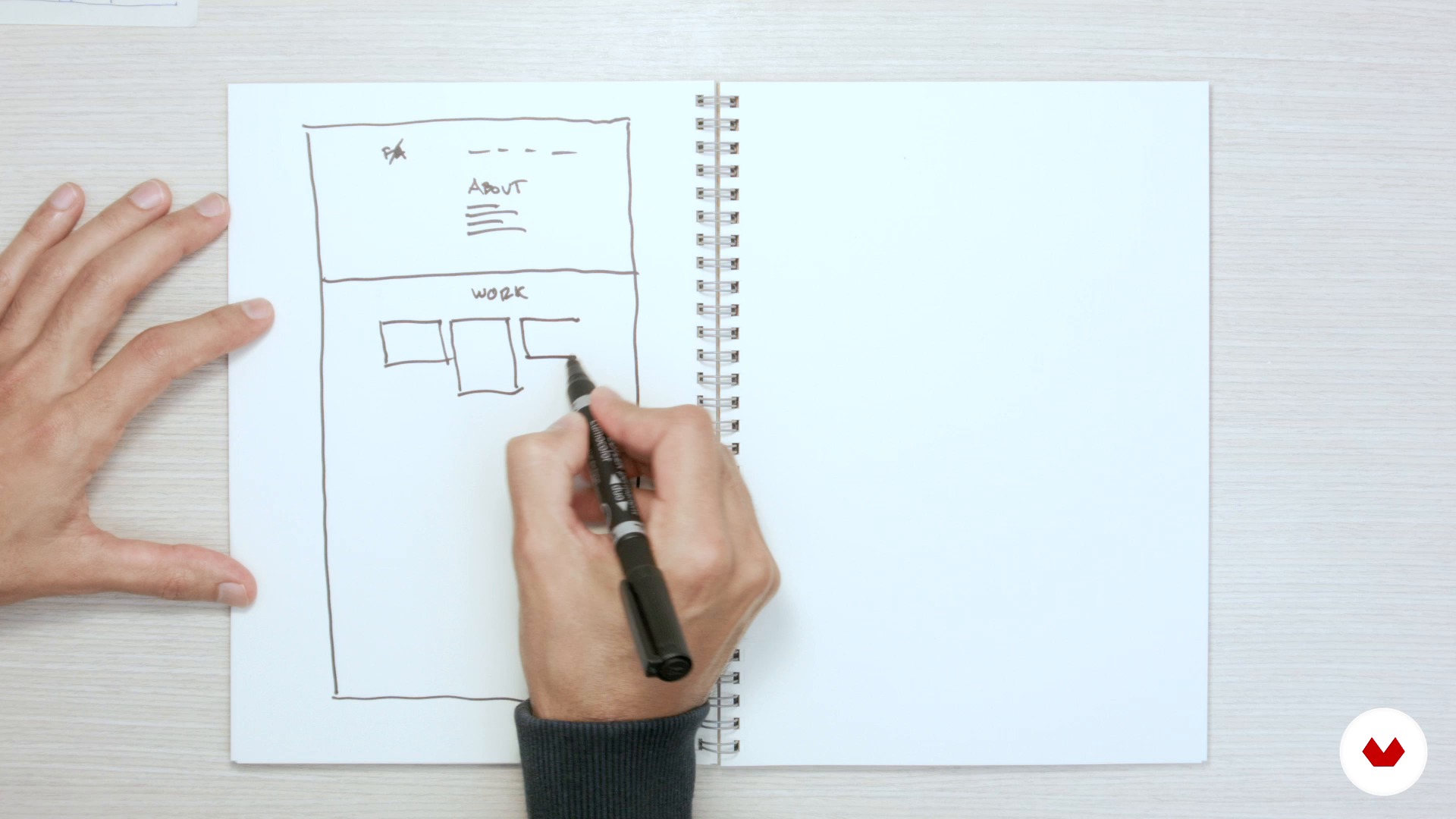
Wireframing
9 minutes, 55 seconds
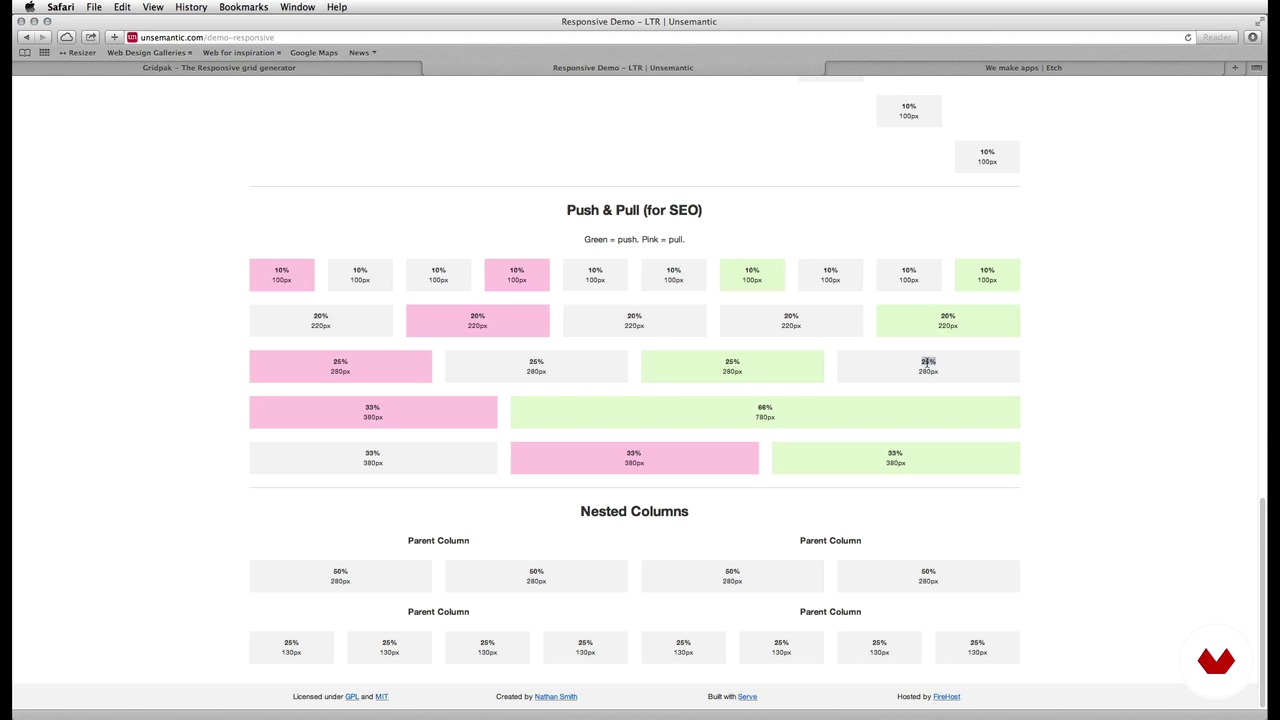
The grid (Grid system)
4 minutes, 39 seconds
Graphic concept
4 minutes, 49 seconds
What's included in this course?
To start the adventure of creating your site, FA Design will give you an introduction to web design and online portfolios, with an explanation of the 'Responsive Web Design' where you will know why this is currently the most common way to design websites. Next, you will organize the content of the web portfolio and you will make the paper sketches on the architecture of the information, basically some 'wireframes' made by hand. For this purpose, you will use a grid as the basis of the design; this will help you to maintain a logic at a structural level and will be very useful for the programmer who will assemble the site.
You will practice a real work process with all the keys so that the web is fluid and easy to use. Finally, you will see some tips on how to prepare Photoshop files to be used by a programmer, it will be him who gives life to the design. You will also receive advice on how to promote the website once it is assembled and online.

WHAT IS THE FINAL PROJECT OF THE COURSE? The final project of the course will consist of creating the visual design of a web portfolio, from the conception of the idea to the preparation of the files that can be used by a programmer to assemble the web later. Web portfolios are not usually complex sites and it is a very useful project for any creative, perfect to start in the area of screen design. In addition, a Responsive website will be perfectly seen from any device (mobile, tablet ...).
Recommended software & tools for this course
What is this course's project?
El proyecto final del curso consistirá en crear el diseño visual de un portfolio web para que un programador la haga realidad. Empezarás desde la concepción de la idea hasta la preparación de los ficheros que puedan ser utilizados por un programador para montar la web posteriormente.
Los portfolios web no suelen ser sitios complejos y es un proyecto muy útil para cualquier creativo, perfecto para iniciarse en el área del diseño responsive para que se vea desde cualquier dispositivo (móvil, tablet o desktop).
Projects by course students


Who is this online course for?
This course is aimed mainly at graphic or creative designers in general who want to enter the world of web design. It can also be useful for some programmers who need to dig deeper into the creative phase of their projects.

Requirements and materials
To complete this course you will need basic principles of graphic design, a notebook to draw and a medium level of Photoshop. It is not necessary to have knowledge of web design, simply a basic idea with the experience of surfing the internet.
Reviews
- 9 months ago
Me ha gustado, es sencillo.
- 1 year ago
La explicación que tiene es muy concreta y precisa haciendo entender todo el contenido de manera correcta y así mismo incitando a el aprendizaje autónomo
- vidhyaprabhu14PLUS2 years ago
I loved the grid system in this topic. Love to know more about it
- 2 years ago
Buenísimo.
- 3 years ago
Excelente

I have always been passionate about digital design, although I also appreciate the traditional part of design, as I had the opportunity to learn both. Since I studied design, I liked the idea of designing for the screen, of organizing content and showing it efficiently. I have worked in many projects, both web, print, motion and other digital surfaces such as digital television service applications.
Content
- U1
Introduction to Web Design
- FA Design and web design
- Bases of web design
- Inspiration
- Responsive Web Design
- U2
Information architecture
- Organize the content
- Wireframing
- The grid (Grid system)
- U3
Concept and visual design
- Graphic concept
- Build the web
- Define the graphic elements
- Variations funds
- Define instances
- Design the rest of the screens
- Define Responsive functions
- U4
Prepare the files for the programmer
- The programmer
- Clean and organize
- Promote your website
- FP
Final project
- Web design: Be Responsive!
What to expect from a Domestika course
Learn at your own pace
Enjoy learning from home without a set schedule and with an easy-to-follow method. You set your own pace.
Learn from the best professionals
Learn valuable methods and techniques explained by top experts in the creative sector.
Meet expert teachers
Each expert teaches what they do best, with clear guidelines, true passion, and professional insight in every lesson.
Certificates
PLUSIf you're a Plus member, get a custom certificate signed by your teacher for every course. Share it on your portfolio, social media, or wherever you like.
Get front-row seats
Videos of the highest quality, so you don't miss a single detail. With unlimited access, you can watch them as many times as you need to perfect your technique.
Share knowledge and ideas
Ask questions, request feedback, or offer solutions. Share your learning experience with other students in the community who are as passionate about creativity as you are.
Connect with a global creative community
The community is home to millions of people from around the world who are curious and passionate about exploring and expressing their creativity.
Watch professionally produced courses
Domestika curates its teacher roster and produces every course in-house to ensure a high-quality online learning experience.
FAQs
You’ll learn how to structure web pages, use grids, create menus, design headers and footers, apply responsive design, organize content with wireframes, and prepare files for developers — all with a focus on professional portfolios and visually striking sites.
This is an intermediate-level course, perfect if you already have basic web design knowledge or experience with graphic design tools like Photoshop.
You’ll need basic digital design skills and familiarity with programs like Photoshop. It’s helpful to have some understanding of web design concepts and internet navigation.
The course guides you step-by-step through structuring, visual design, and project organization for a web portfolio, using real examples and inspiration techniques to make your work stand out online.
Mainly Photoshop and online tools for creating grids, device simulators, and both hand-drawn and digital wireframes are used.
Yes, you’ll learn to build flexible layouts, adapt menus, columns, and content for different devices, and test responsive views using tools and simulators.
You’ll learn to apply column grids and wireframes to arrange and prioritize content, creating a clear, easy-to-navigate visual structure.