Design & Illustration of Dynamic Characters
A course by Andrés MoncayoGraphic Designer and Illustrator
A course by Andrés Moncayo, Graphic Designer and Illustrator

Design characters full of movement and color from scratch
When we endow an illustration with dynamism, our character can come to life. At least in our imagination. In this online course, graphic designer and illustrator Andrés Moncayo will teach you how to design dynamic characters.
Throughout the units, you will learn all the tricks to illustrate a protagonist in different postures that convey a sense of movement. Step by step, you will work on lights, shadows and textures to fill it with life and dynamism.
What will you learn in this online course?
15 lessons & 18 downloads
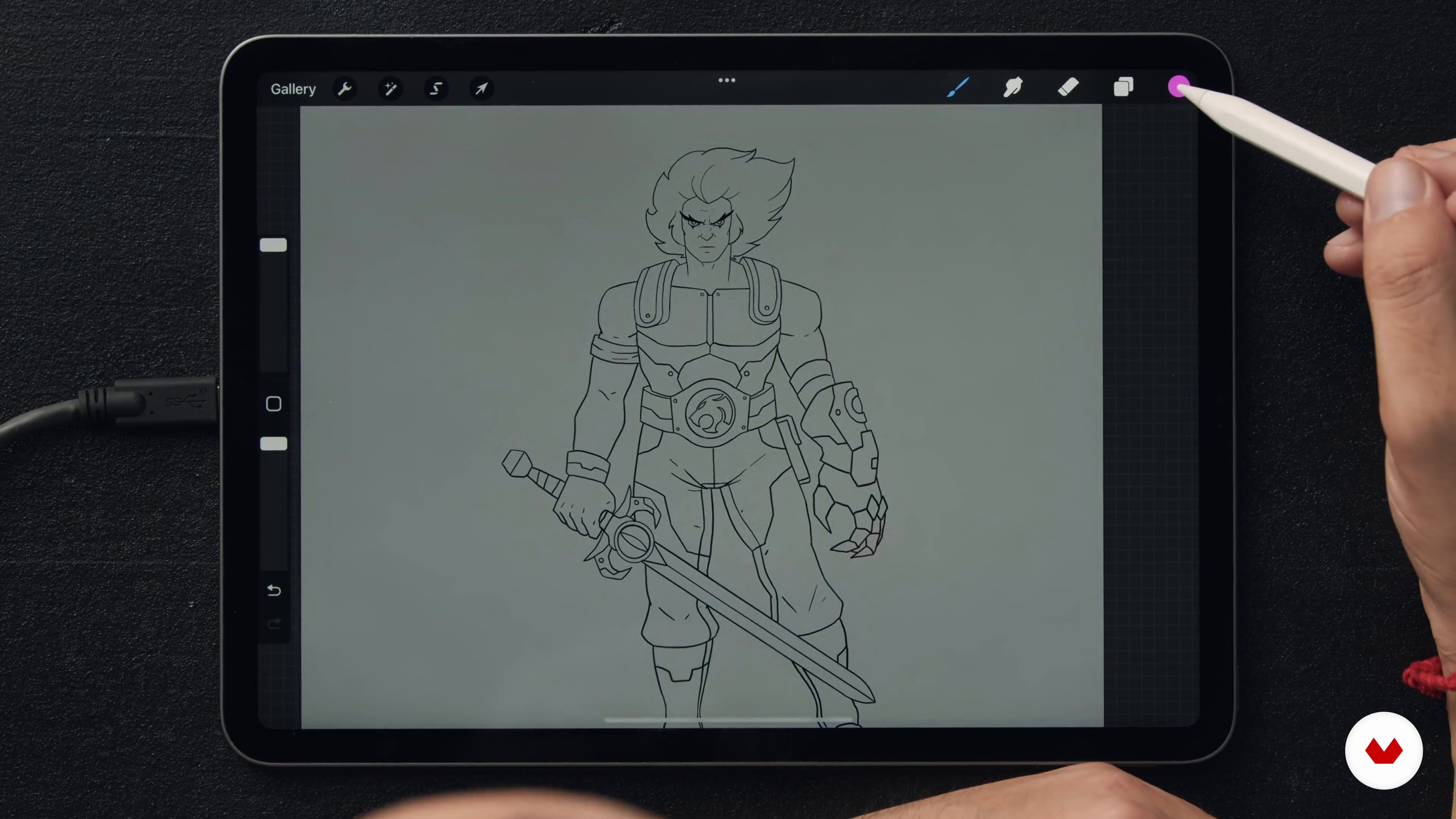
Tips and Suggestions in Procreate
8 minutes, 18 seconds
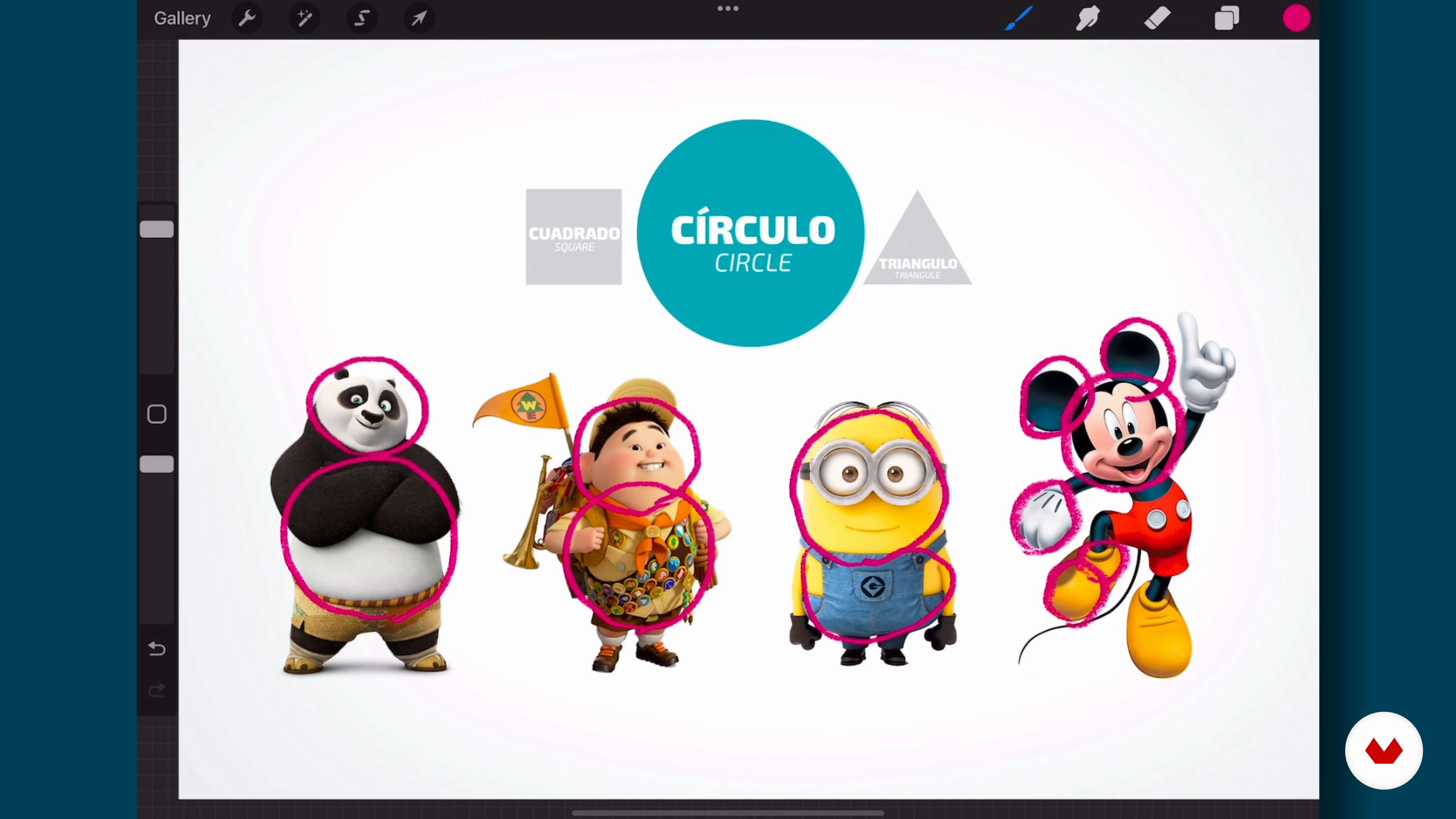
Bases of Character Construction
7 minutes, 19 seconds
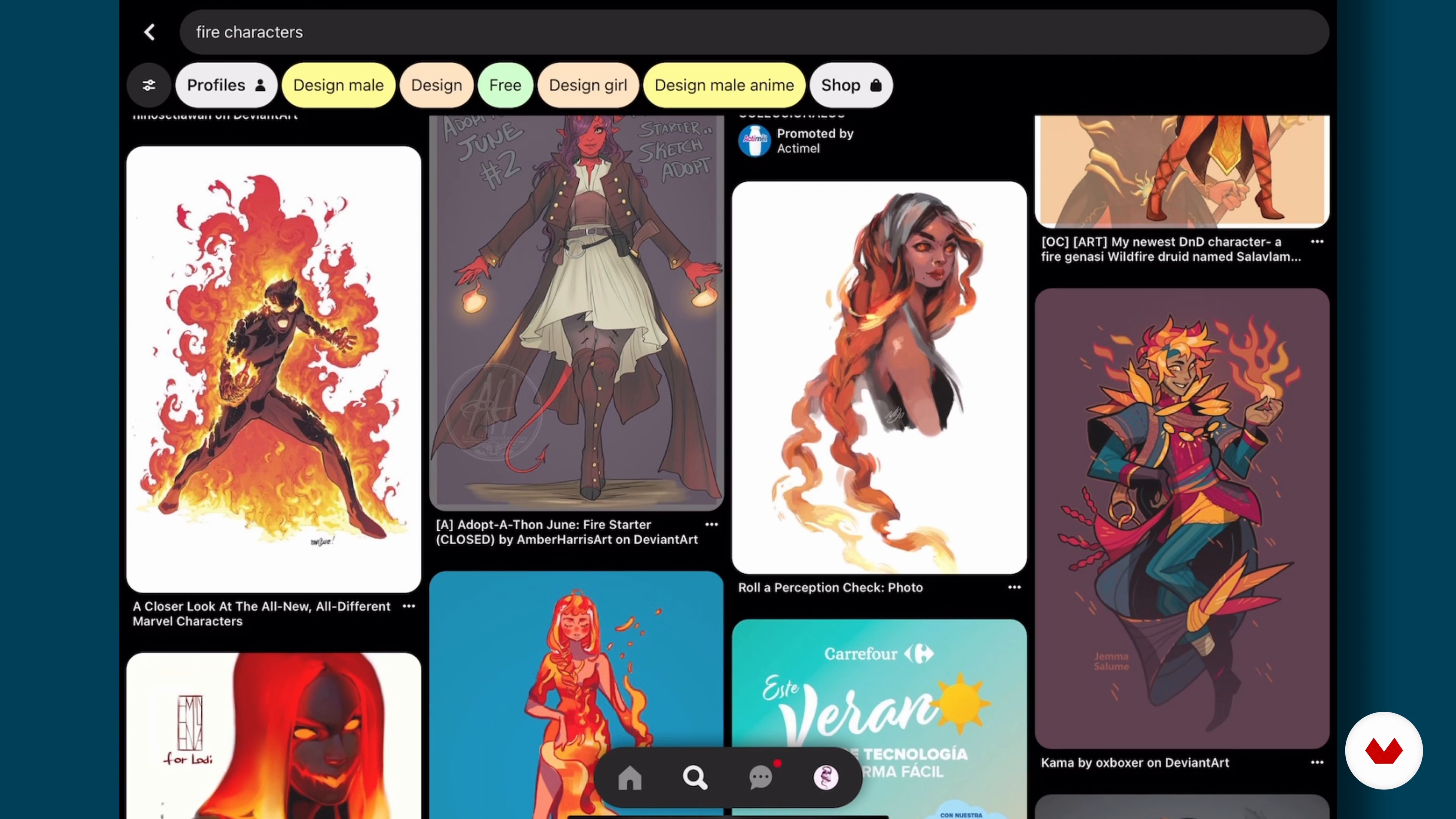
Search References
7 minutes, 22 seconds
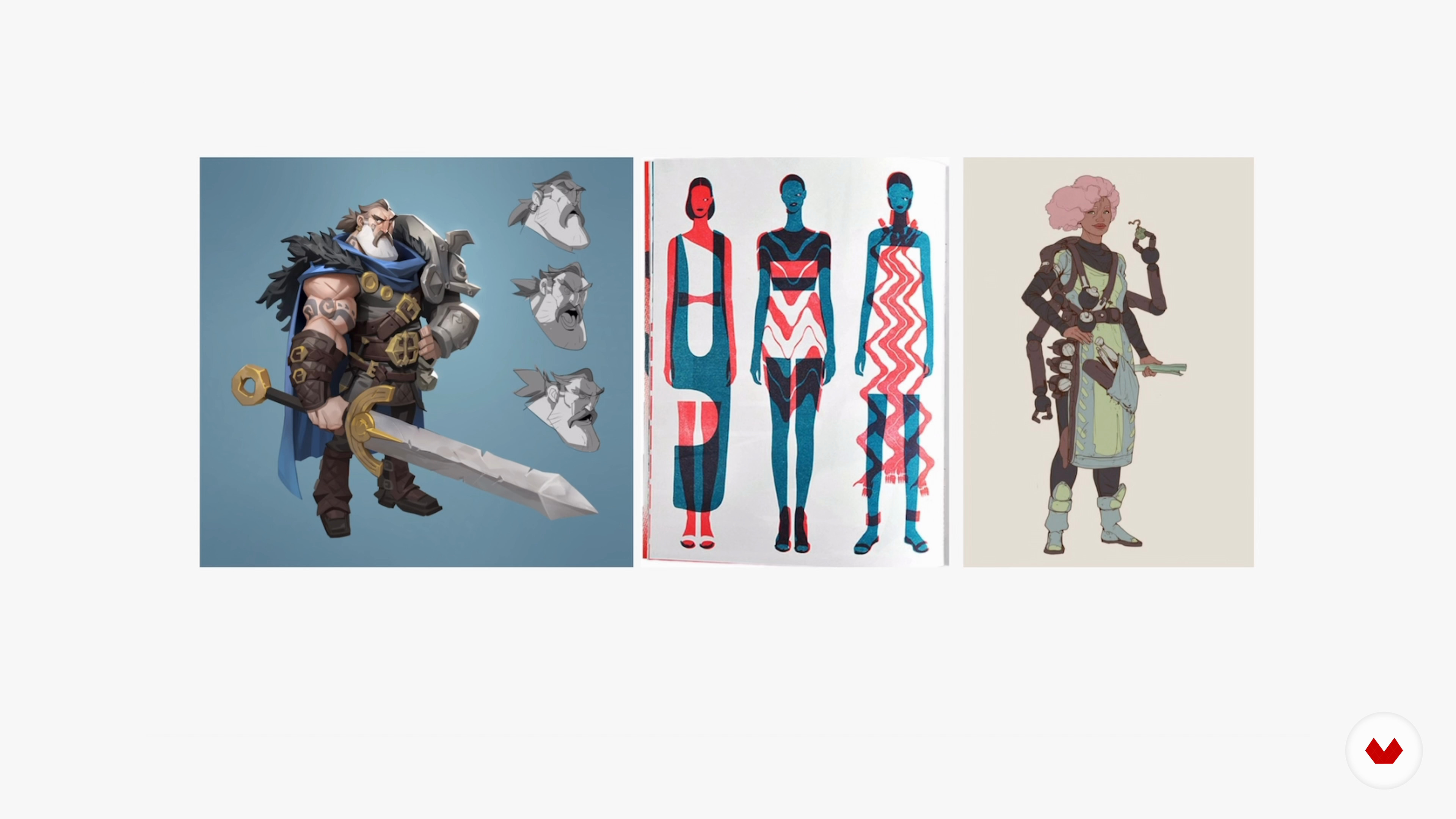
Character Characteristics
4 minutes, 46 seconds
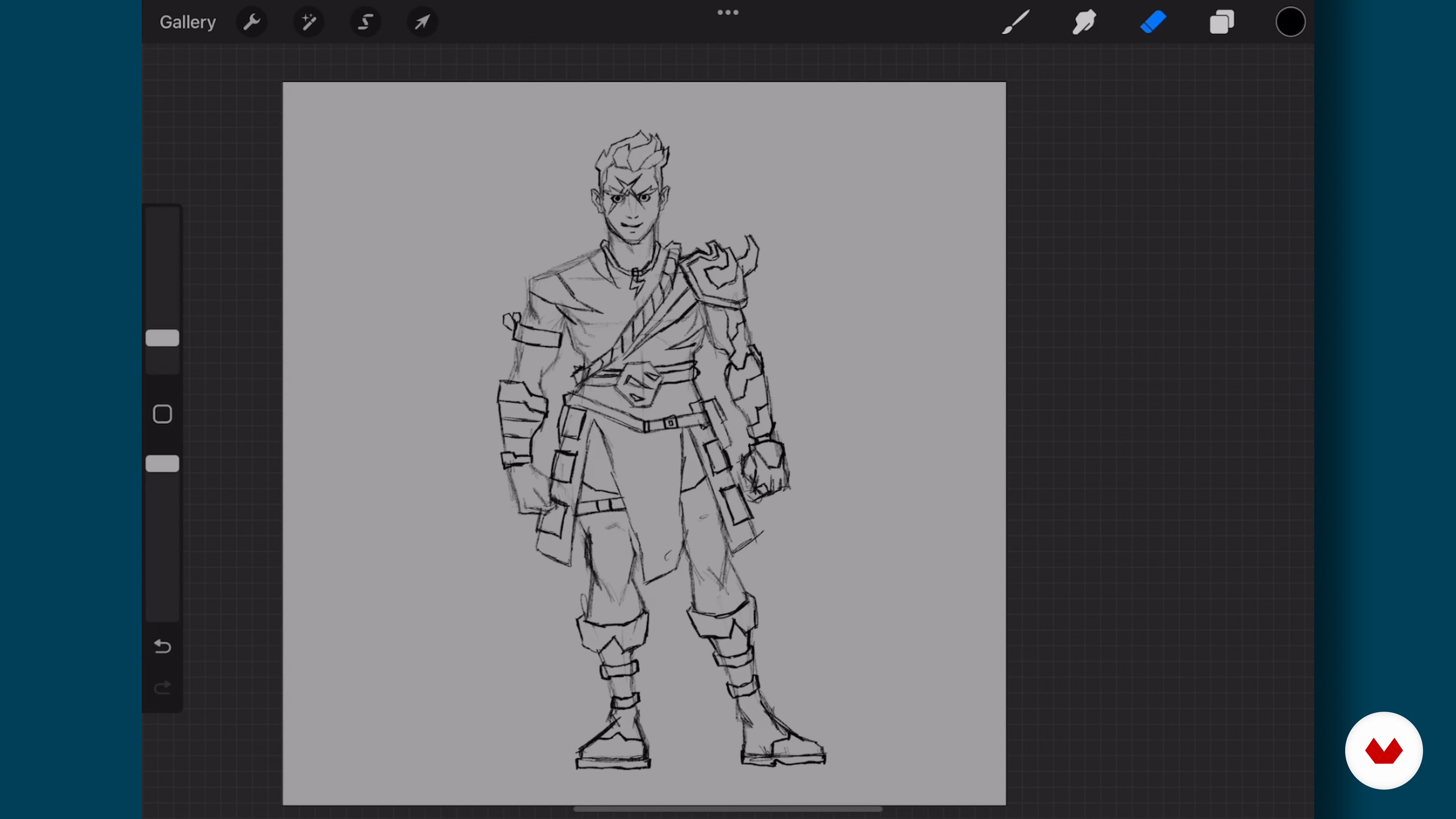
Sketch of the Character in a Neutral Position
8 minutes, 32 seconds
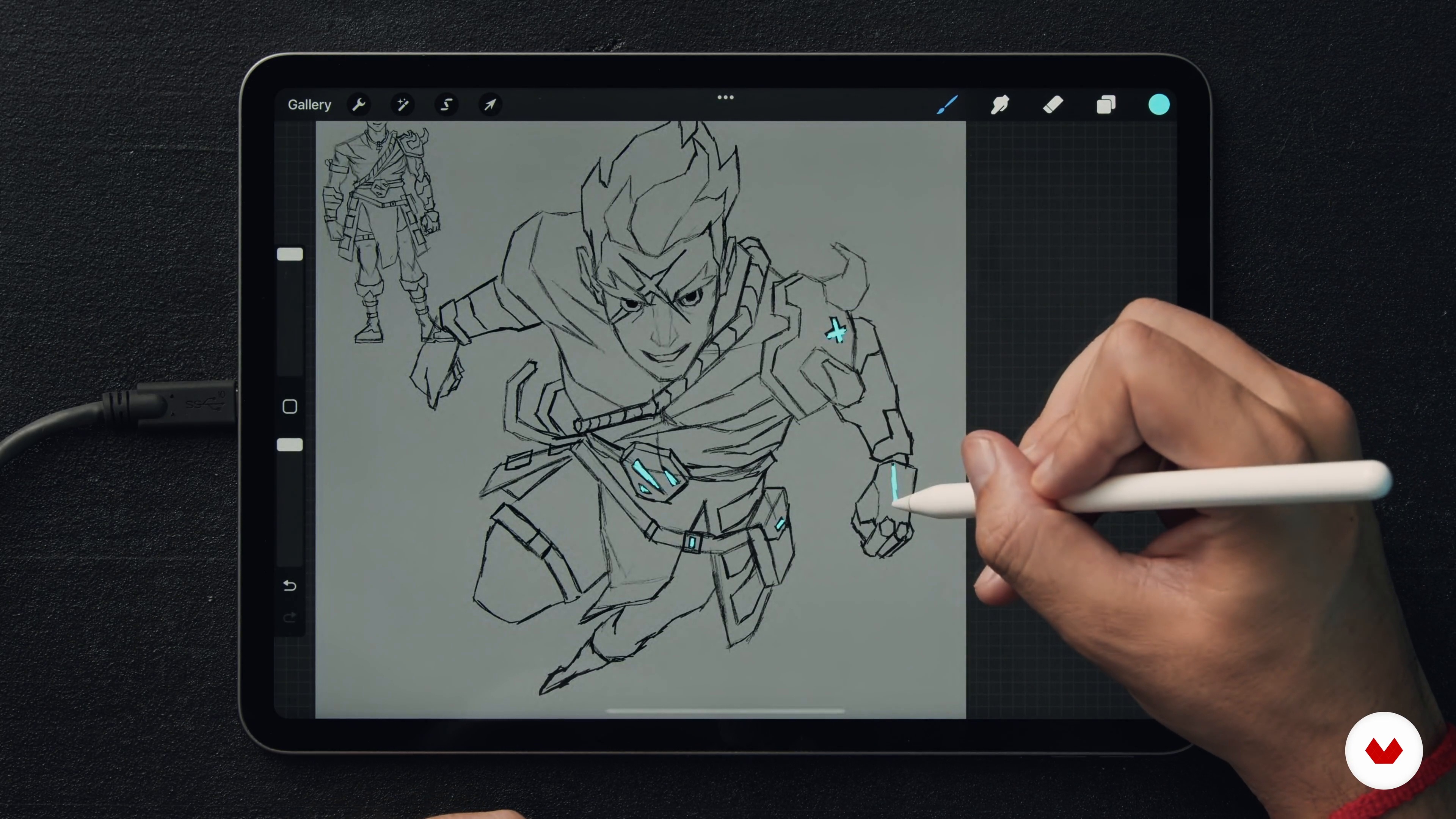
Sketch of the Character in a Dynamic Position
11 minutes, 57 seconds
What's included in this course?
You will start the course by getting to know your teacher Andrés Moncayo better, who will talk to you about his professional experience as an illustrator and will show you his greatest influences.
Next, it will give you some recommendations for working in Procreate, although other programs will also work for you. Then, you'll see the basics for building a character and where to look for references.
Later, you will delve into the characteristics and history of your protagonist. And you will draw it, step by step, in a neutral position and in another dynamic.
After learning the basics of color theory, you'll bring your illustration to life. You will add not only colors, but also lights, shadows and textures, as well as a background that gives movement to the figure.
Finally, after making some corrections in Photoshop, you will explore ideas on how to create a series and learn tips for presenting your project on social networks.
Recommended software & tools for this course
What is this course's project?
You will create a character and draw it in a dynamic position.

Projects by course students


Who is this online course for?
To anyone interested in drawing and character design.
Requirements and materials
To take this course it will be very helpful to have basic knowledge of Procreate and Photoshop or similar software, although you can also do it simply with pencil and paper.

Reviews
- 2 years ago
Me gusto mucho este curso, el profesor se desenvuelve muy bien, muy claro a la hora de explicar, y transmite muy bien su conocimiento.
- 2 years ago
No gasten su dinero / tiempo en este curso. La información es bastante deficiente, aún para niveles básicos. Irónicamente, el apartado de poses dinámicas deja mucho que desear a pesar de ser un curso para ello.
- 3 years ago
Me gustó, para mi resultó util en distintas áreas como la base de construcción y la conceptualización del personaje.
- 3 years ago
Recently, I've made the switch to Procreate and this course helped me with a work flow from an artist who worked in a similar genre to my art influences and the style aesthetic I've been working towards for some time now. Most courses lean towards pure digital painting or an anime/manga vibe, but Andrés has a Western pop-culture leaning style. Love it!
- 3 years ago
Excellent style and walking through of his process, now I just need to find more time to practice!

He has developed a style of blocks and straight lines combined with a colored pencil texture that has evolved over the years. Specializing in character design, his illustrations focus on pop culture and subjects he enjoys such as video games, comics, and anime.
Content
- U1
Introduction
- Presentation
- Influences
- U2
Start with Character
- Tips and Suggestions in Procreate
- Bases of Character Construction
- Search References
- U3
Concept and Sketch
- Character Characteristics
- Sketch of the Character in a Neutral Position
- Sketch of the Character in a Dynamic Position
- U4
Color and Finishes
- Color Theory
- Color the Character
- Lights, Shadows, and Texture
- Add a Dynamic Background
- Final Touches: Color Correction
- U5
Beyond the Character
- How to Expand Your Character and Work a Series
- Publish Your Character on the Networks: Tips
- FP
Final project
- Design & Illustration of Dynamic Characters
What to expect from a Domestika course
Learn at your own pace
Enjoy learning from home without a set schedule and with an easy-to-follow method. You set your own pace.
Learn from the best professionals
Learn valuable methods and techniques explained by top experts in the creative sector.
Meet expert teachers
Each expert teaches what they do best, with clear guidelines, true passion, and professional insight in every lesson.
Certificates
PLUSIf you're a Plus member, get a custom certificate signed by your teacher for every course. Share it on your portfolio, social media, or wherever you like.
Get front-row seats
Videos of the highest quality, so you don't miss a single detail. With unlimited access, you can watch them as many times as you need to perfect your technique.
Share knowledge and ideas
Ask questions, request feedback, or offer solutions. Share your learning experience with other students in the community who are as passionate about creativity as you are.
Connect with a global creative community
The community is home to millions of people from around the world who are curious and passionate about exploring and expressing their creativity.
Watch professionally produced courses
Domestika curates its teacher roster and produces every course in-house to ensure a high-quality online learning experience.
FAQs
Yes, this course is designed for those with basic digital illustration skills who want to refine character design and dynamic techniques using Procreate and Photoshop.
You'll need access to Procreate and Photoshop, plus a graphics tablet or iPad with Apple Pencil to fully take advantage of the techniques taught.
You'll learn how to build original characters, apply color theory, light and shadow, design dynamic poses, correct anatomy, and professionally present your illustrations on social media.
It's recommended to have basic drawing and digital illustration skills, along with some familiarity with Procreate or Photoshop, to make the most of the advanced tools and creative techniques.
The course guides you through designing dynamic poses, using visual references, action lines, and foreshortening techniques to create characters full of energy and movement.
Yes, you'll learn to apply light and shadow using layers, blending modes, and tools like Clipping Mask and Alpha Lock for realistic, professional effects.
Yes, the course covers various illustration styles including anime, comics, Studio Ghibli, and more, so you can experiment and develop your own creative signature.