
Vibrant Illustrations from Scratch in Procreate
A course by Pevê AzevedoIllustrator and Graphic Designer
A course by Pevê Azevedo, Illustrator and Graphic Designer

Learn to illustrate vivid digital compositions by combining textures, shapes and colors on your iPad
Both versatile and user-friendly, Procreate has fast become one of the most popular digital illustration apps in the world. Graphic designer and illustrator from Ceará Pevê Azevedo uses this app to create captivatingly original compositions that have led him to collaborate with big-name brands like Nestlé, TED, PEPSI, and Pizza Hut.
In this online course, learn to master Procreate to create vibrant digital illustrations showcasing textures, shapes, and colors. By the end, you'll have discovered how to explore your own creativity and breathe yet more life into your work.
What will you learn in this online course?
14 lessons & 16 downloads
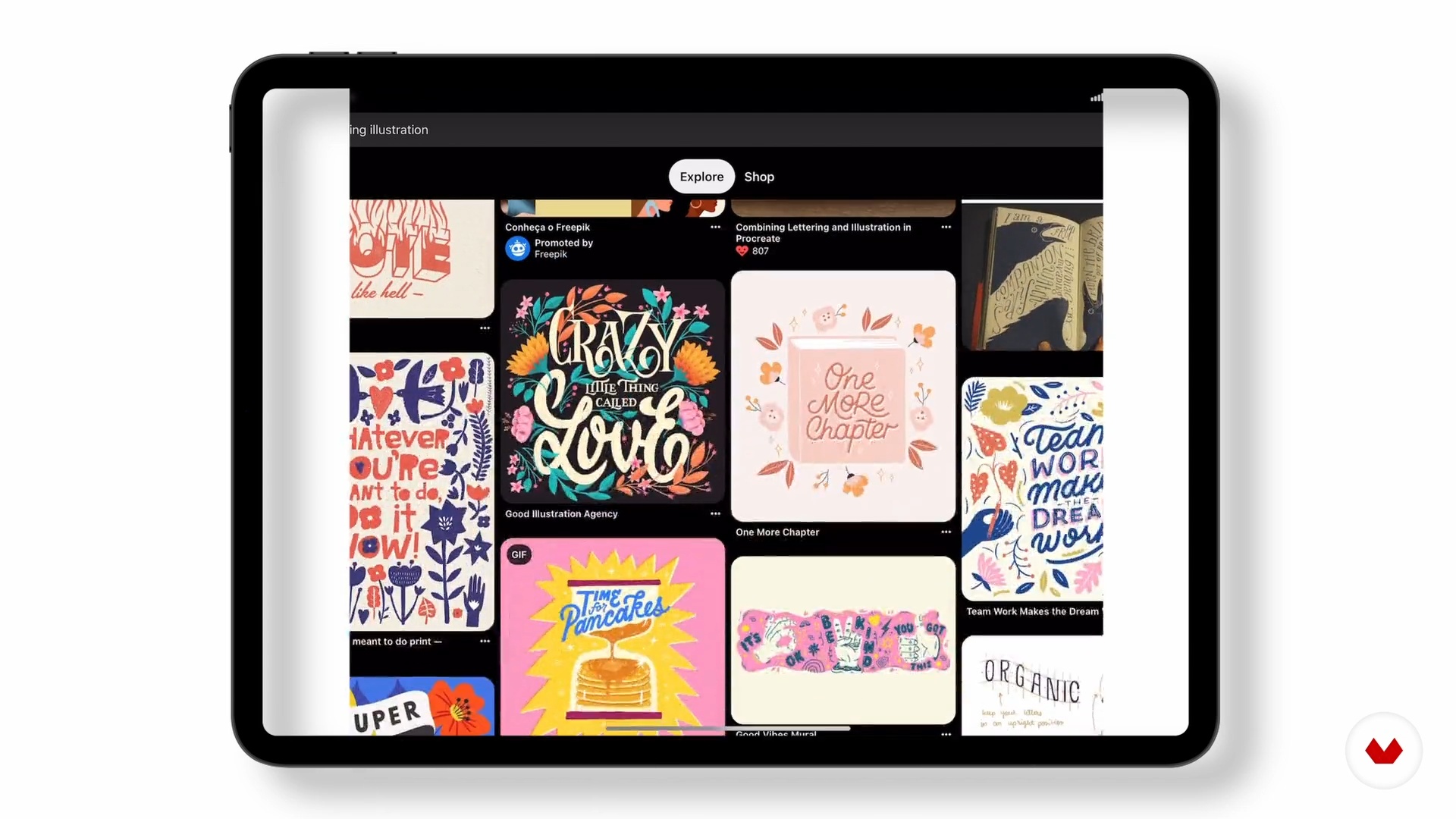
Composition and its expression
7 minutes, 11 seconds
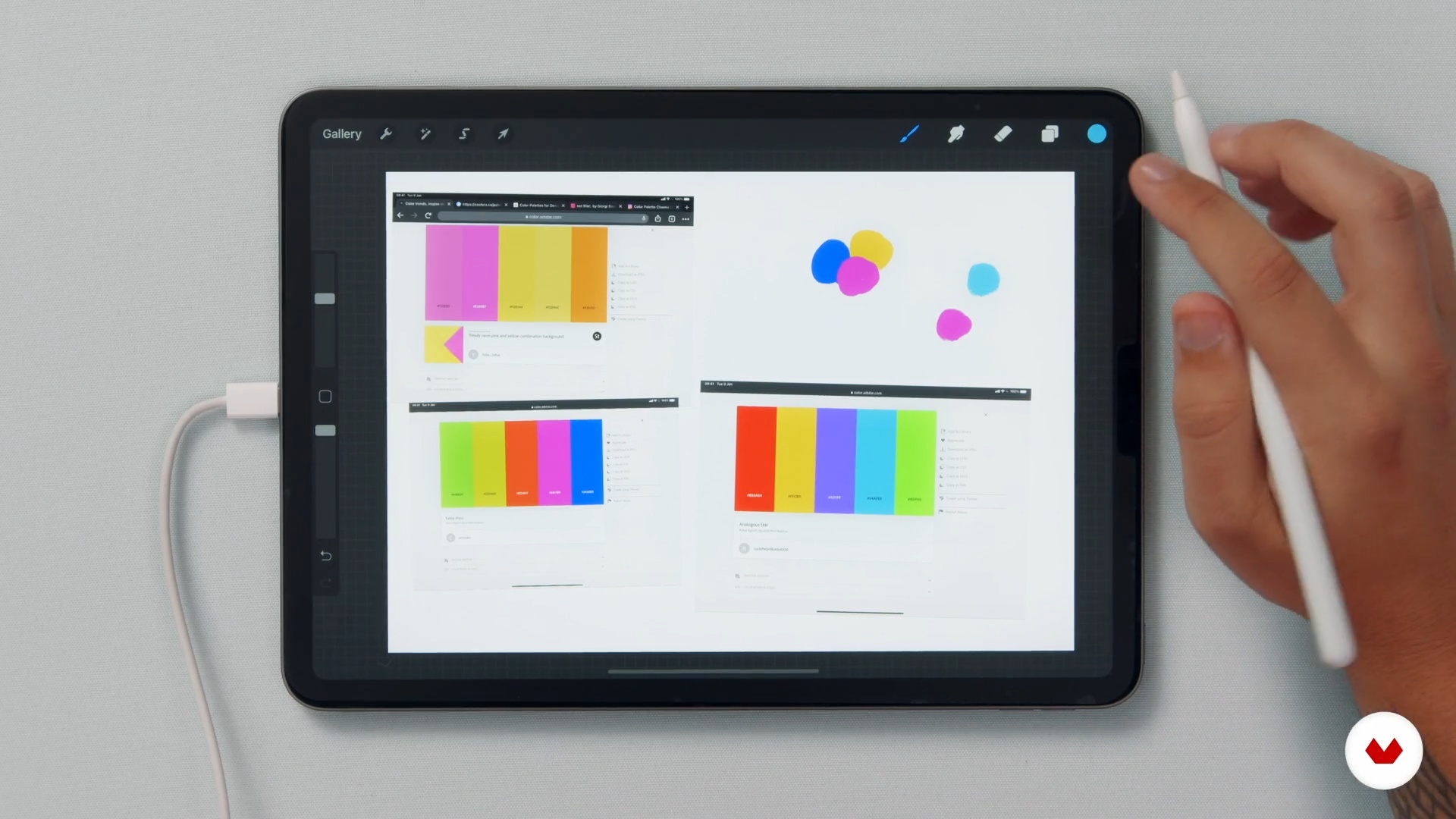
Creating the color palette
14 minutes, 34 seconds
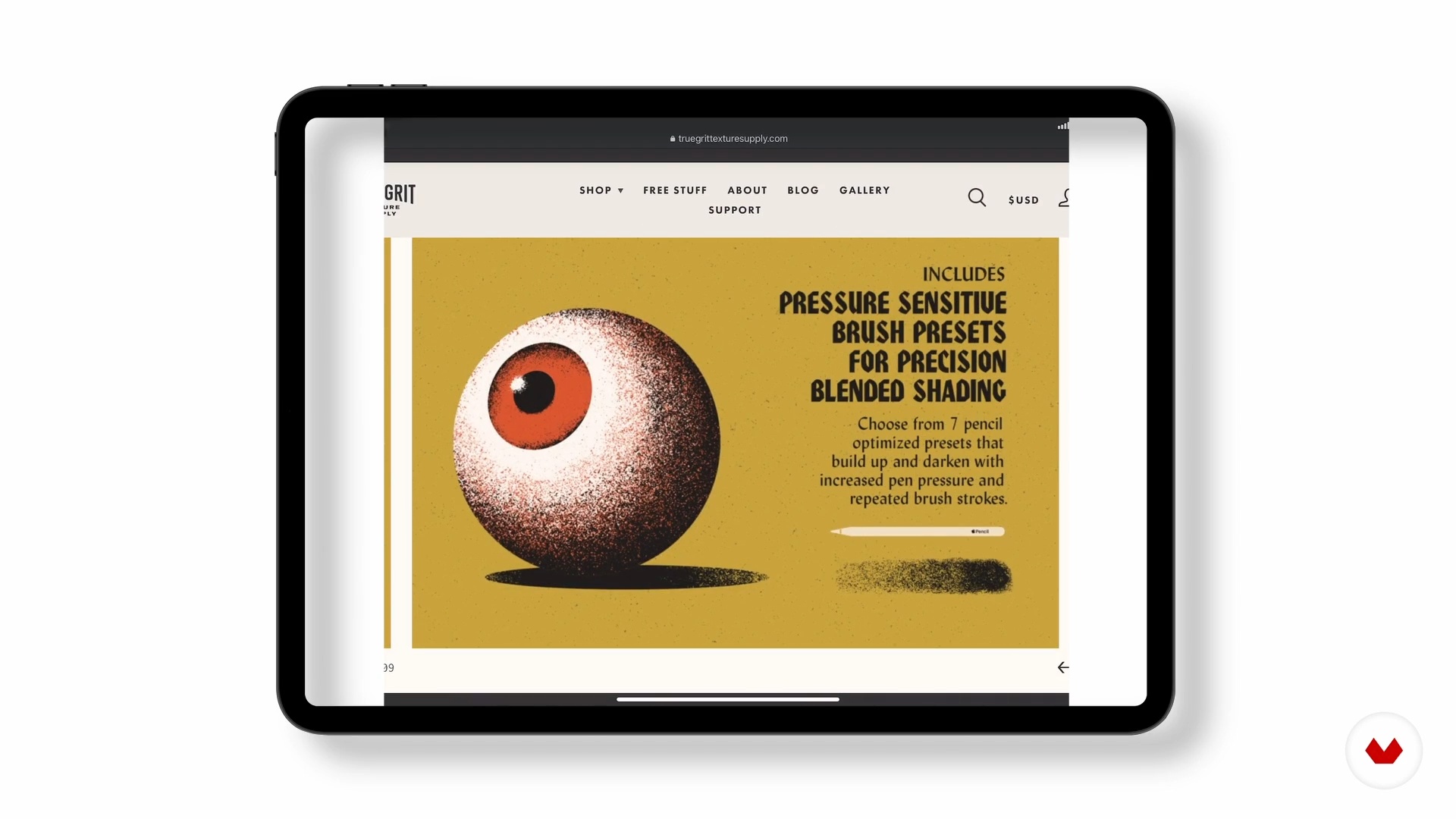
Searching brushes
5 minutes, 20 seconds
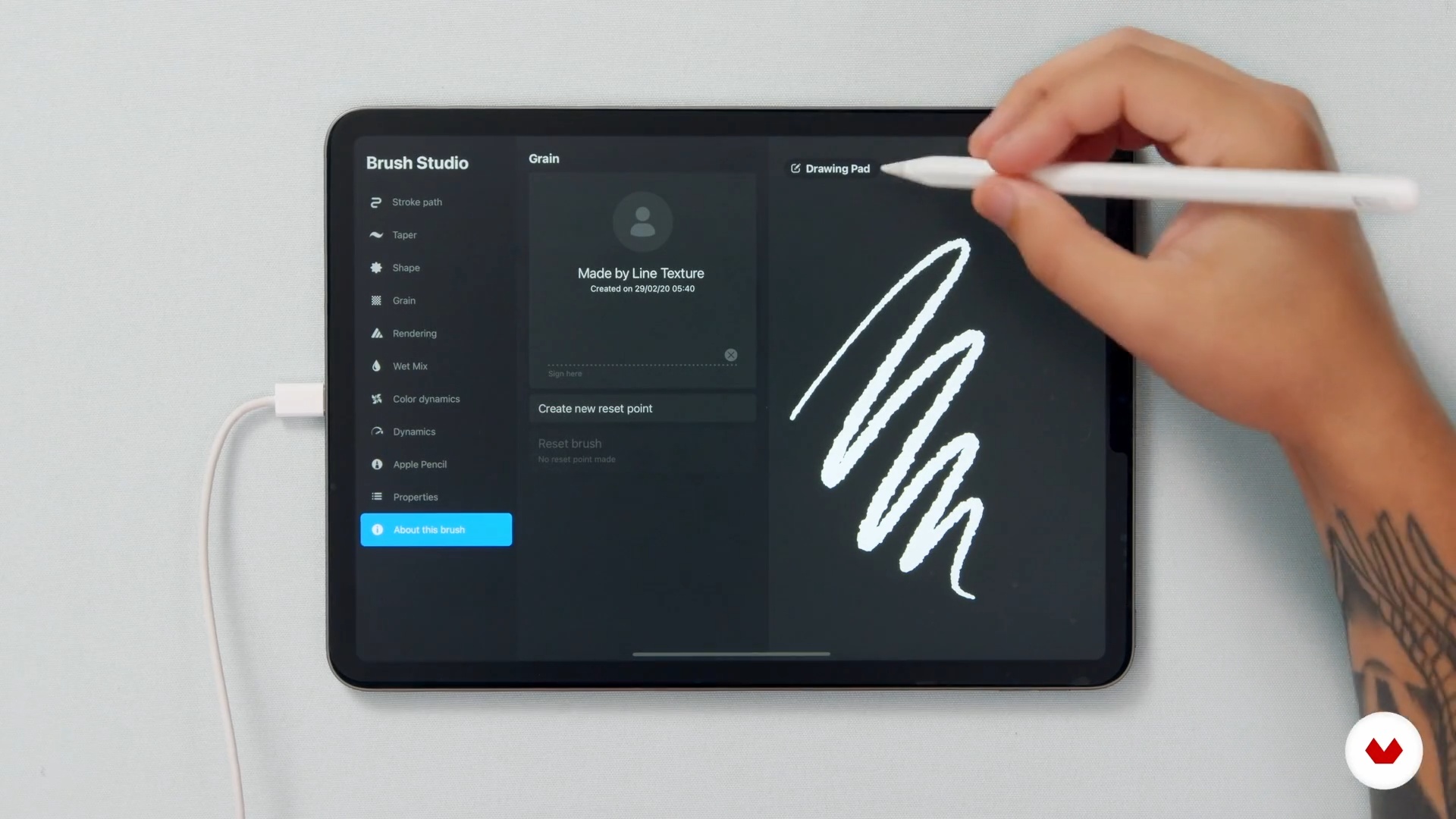
Customizing brushes and creating textures
12 minutes, 46 seconds
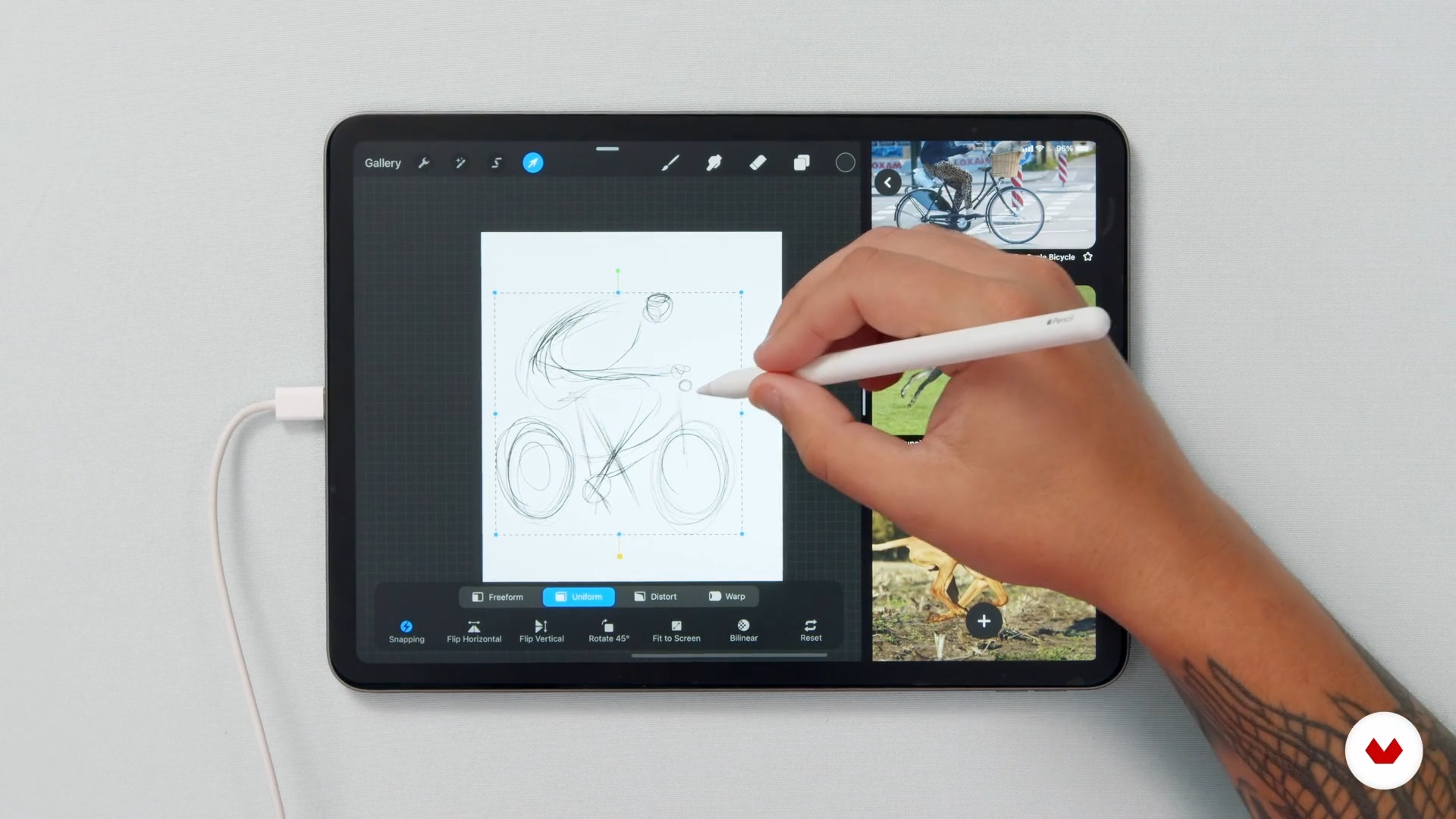
Playing with Shapes
9 minutes, 14 seconds
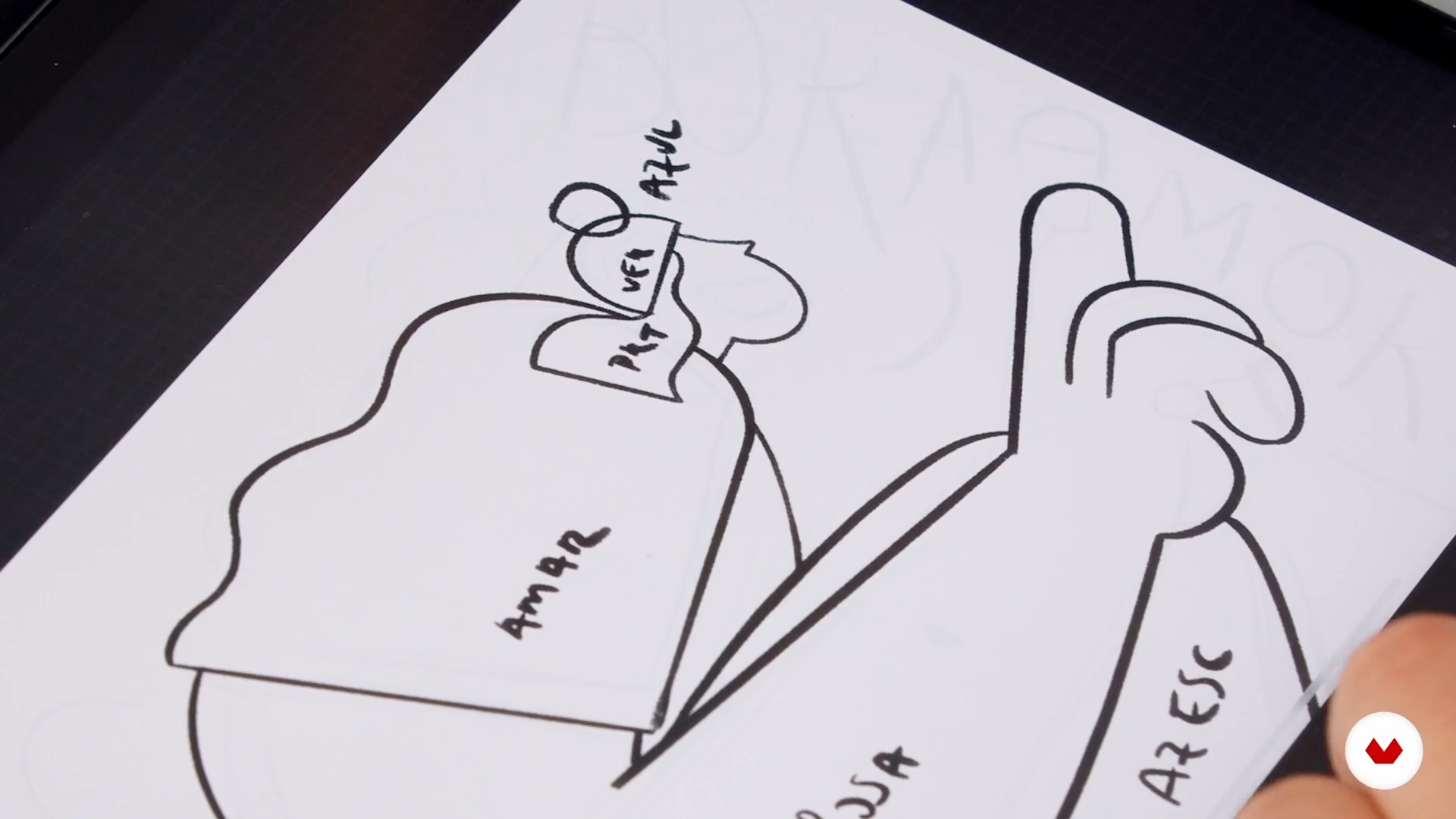
Finalizing the Draft
12 minutes, 20 seconds
What's included in this course?
Start the course by getting to know more about Pevê, his origins, artistic influences, and professional experience in advertising agencies, graphic design studios, and as a freelance illustrator.
Next, Pevê talks about composition and shows you how shapes, colors, and textures interact with each other. Learn to choose the ideal color palette as well as select and customize brushes, giving way to a first draft of your piece.
Once your draft is ready, it's time to take things up a notch. Study color theory to help you apply your chosen colors. Also discover how to add lettering and patterns to enrich your composition before seeing the important differences between line and shadow finishes.
To bring the course to an end, Pevê introduces you to the different formats for exporting your composition, and gives you some valuable tips for sharing your work on social media. Now you have the tools to create digital illustrations and continue exploring the infinite possibilities offered by all these exciting components.
Recommended software & tools for this course
What is this course's project?
Create a playful digital illustration full of movement in Procreate using colors, textures, and unconventional shapes.
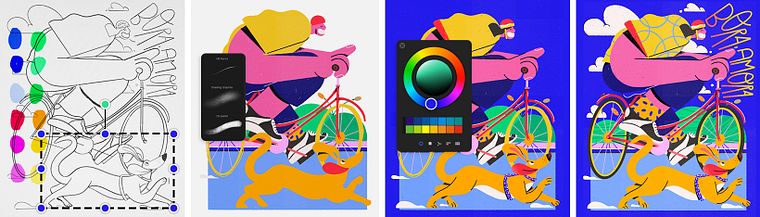
Projects by course students


Who is this online course for?
This course is for illustrators, design enthusiasts, and creative professionals interested in creating thought-provoking digital illustrations.
Requirements and materials
No illustration skills are necessary to take this course, although they would come in handy.
In terms of materials, all you need is an iPad installed with Procreate and an Apple Pencil.
Reviews
- fatimasadddPLUS1 year ago
gran curso!
- 1 year ago
Un curso realmente hermoso y la explicación del profesor es excelente!!
- 1 year ago
J'ai adoré ce cours du début à la fin ! J'ai appris comment vraiment réfléchir à mon illustration avant de me lancer ; comment chercher l'inspiration, composer les formes, esquisser ses personnages avec dynamisme, associer les bonnes couleurs, utiliser certains pinceaux et textures sur procreate.... J'ai désormais tous les outils pour créer des illustrations bien construites et réfléchies.
- 2 years ago
Adiei muito tempo achando o quão grande era a complexidade. Em um final de semana aprendi de forma leve, fui aprendendo e desenvolvendo um projeto que imaginei horas de trabalho mesmo sendo manualmente. Abri vários desbloqueios e ansiosa pra explorar a ferramenta!
- 2 years ago
Ótimo curso

His illustrations are distinguishable by their combination of stylized forms, vibrant colors, and textures, which he has his cultural roots to thank for. His CV includes editorial pieces with publishing houses like Veja, Você S/A, SuperInteressante, Editora Globo, and more and collaborations with big names such as Nestlé, TED, PEPSI, and Pizza Hut.
Content
- U1
Introduction
- Presentation
- Influences
- U2
Drafts: building the composition
- Composition and its expression
- Creating the color palette
- Searching brushes
- Customizing brushes and creating textures
- Playing with Shapes
- U3
The illustration is born
- Finalizing the Draft
- Color Study
- Coloring the base shapes
- Lettering and Patterns
- Last details: shadows and lines
- U4
Showing the illustration to the world
- I finished the illustration, now what?
- The relationship with social networks
- FP
Final project
- Vibrant Illustrations from Scratch in Procreate
What to expect from a Domestika course
Learn at your own pace
Enjoy learning from home without a set schedule and with an easy-to-follow method. You set your own pace.
Learn from the best professionals
Learn valuable methods and techniques explained by top experts in the creative sector.
Meet expert teachers
Each expert teaches what they do best, with clear guidelines, true passion, and professional insight in every lesson.
Certificates
PLUSIf you're a Plus member, get a custom certificate signed by your teacher for every course. Share it on your portfolio, social media, or wherever you like.
Get front-row seats
Videos of the highest quality, so you don't miss a single detail. With unlimited access, you can watch them as many times as you need to perfect your technique.
Share knowledge and ideas
Ask questions, request feedback, or offer solutions. Share your learning experience with other students in the community who are as passionate about creativity as you are.
Connect with a global creative community
The community is home to millions of people from around the world who are curious and passionate about exploring and expressing their creativity.
Watch professionally produced courses
Domestika curates its teacher roster and produces every course in-house to ensure a high-quality online learning experience.
FAQs
The course is intermediate level and recommended for those who already have basic illustration skills or experience with graphic software but want to deepen their techniques and develop a unique style.
You’ll need an iPad with an Apple Pencil and the Procreate app installed. Internet access and accounts on platforms like Pinterest for visual references are also recommended.
You’ll learn to create playful characters, select and organize vibrant color palettes, add digital textures, customize brushes, and compose visually striking illustrations.
The course teaches how to analyze references, experiment with composition techniques and brush customization, while encouraging personal expression and the development of a unique visual identity.
Yes, the course covers specific techniques and concepts for designing illustrations that stand out in advertising campaigns and visual communication.
Yes, you’ll learn how to download, organize, customize, and create your own digital brushes in Procreate, including adjustments for shape, spacing, streamline, and texturing.
The course teaches how to plan compositions using geometric shapes, contrast in proportions, and exaggerated forms to create dynamic and visually impactful illustrations.