
Animated Collage with Adobe After Effects
A course by Joseba ElorzaAnimator and Illustrator
A course by Joseba Elorza, Animator and Illustrator

Discover the secrets of camera movement to create 3D effects with photos
Joseba Elorza, better known as MiraRuido, works primarily with the art form of collage, which he fills with motion and depth to provoke feelings as surreal as the images themselves. After teaching you the techniques to create animations from photos and videos in Retro Movement in After Effects, in this course, MiraRuido takes things a step further and shows you how to simulate a 3D space in After Effects using only flat photos and images arranged in a collage.
What will you learn in this online course?
23 lessons & 16 downloads
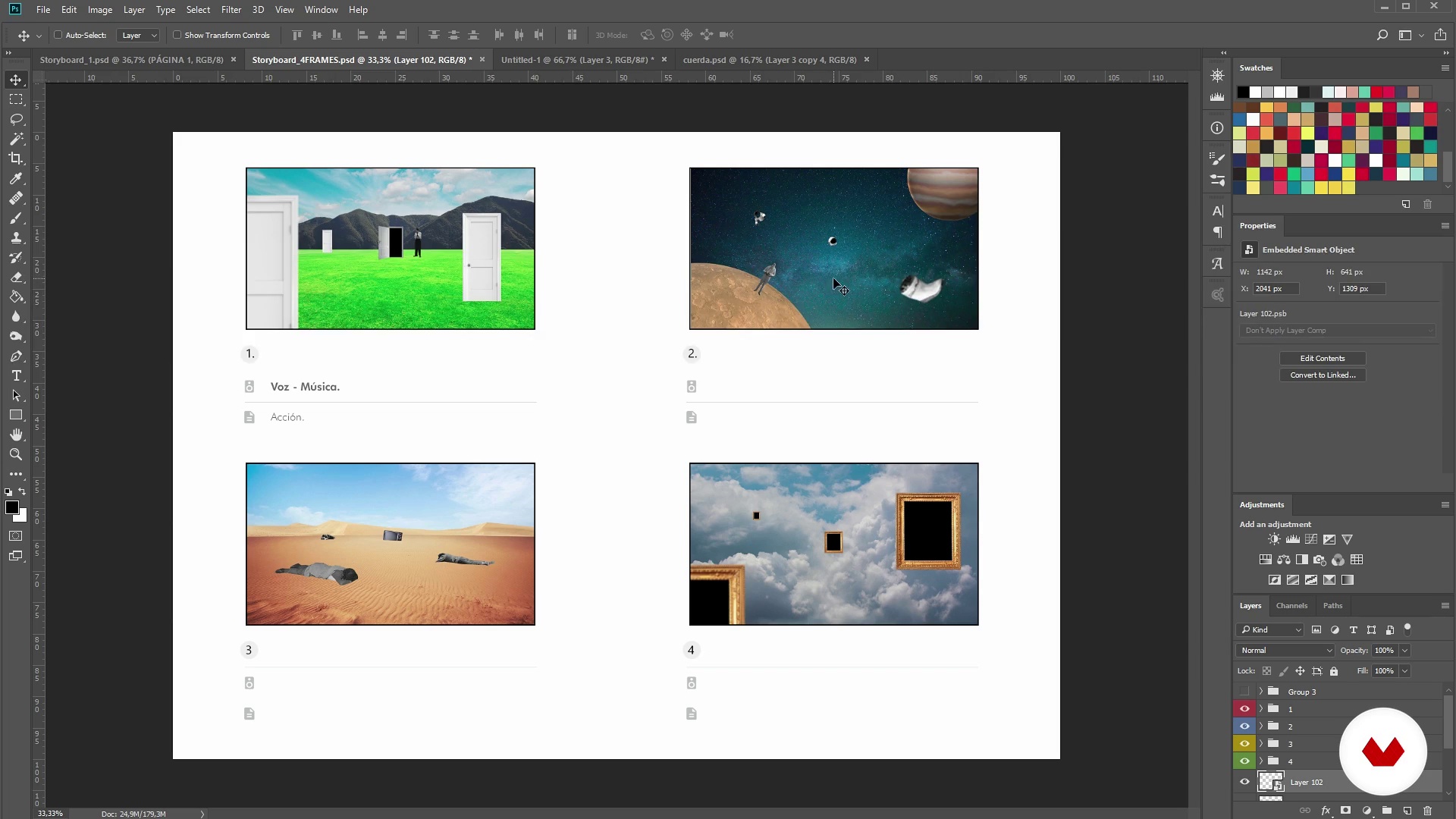
Storyboard
21 minutes, 17 seconds
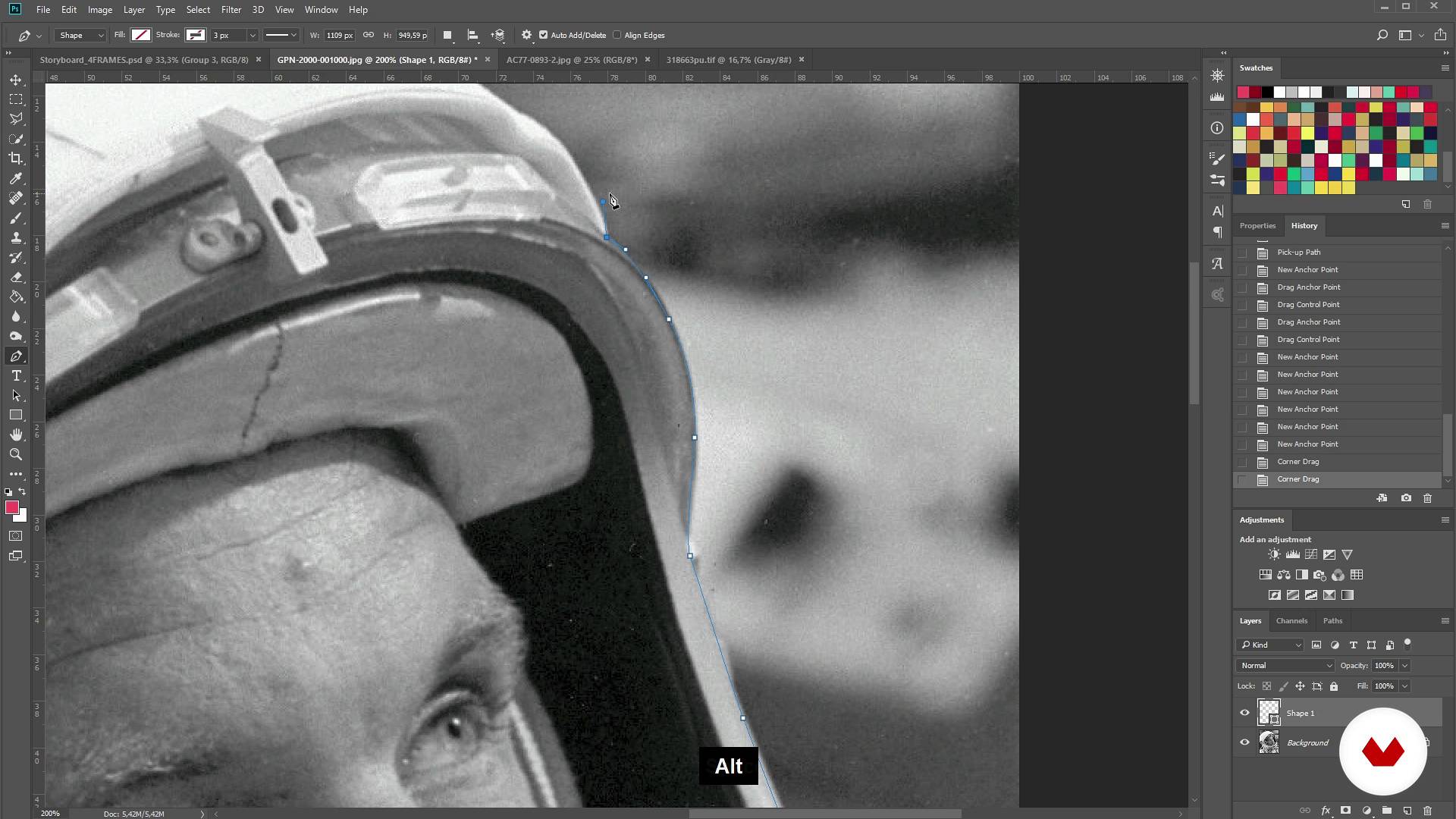
Crop the photos 1
15 minutes, 46 seconds
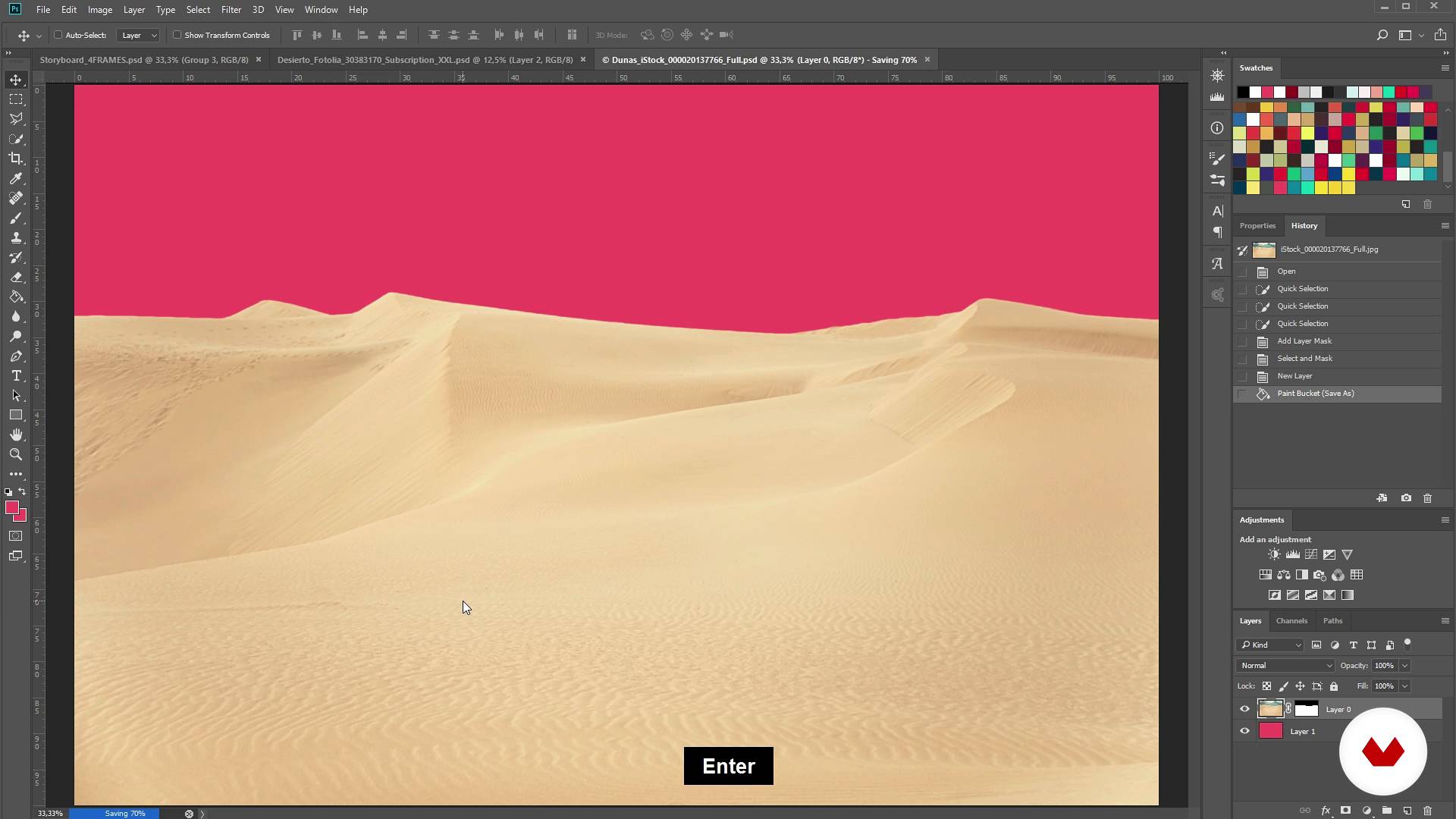
Crop photos 2
10 minutes, 41 seconds
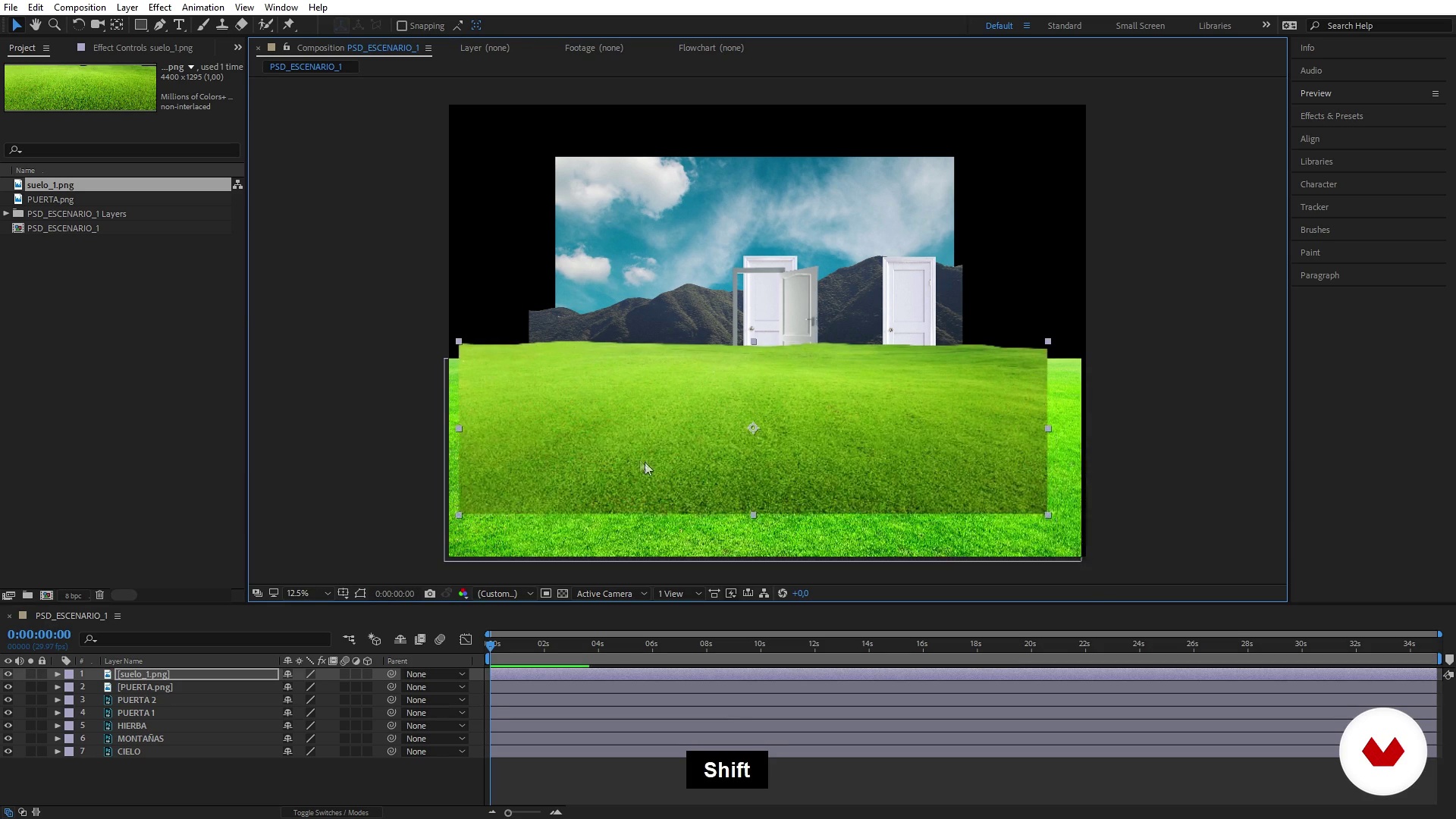
Import the material in After Effects
6 minutes, 24 seconds
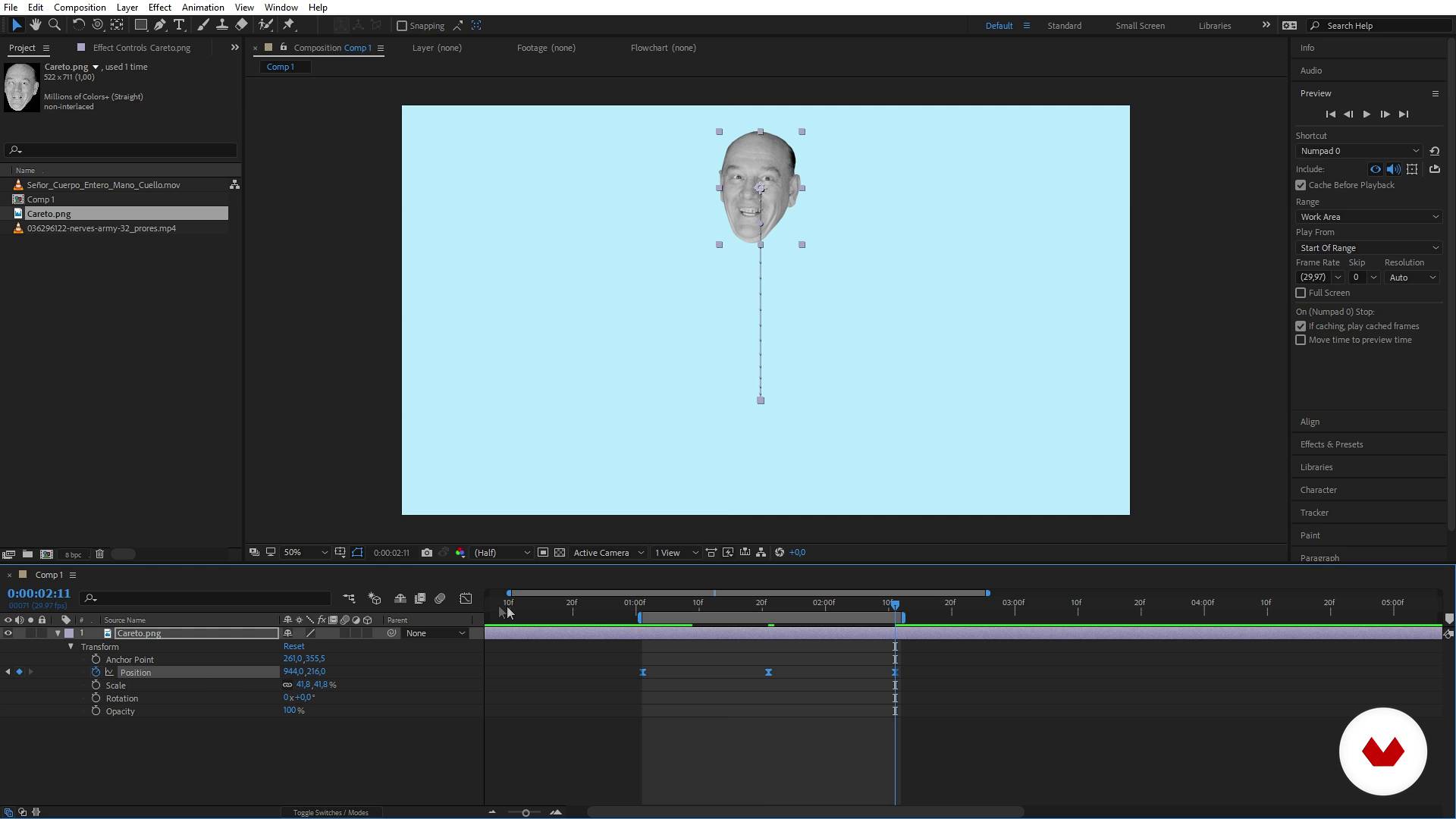
Introduction to After Effects
10 minutes, 39 seconds
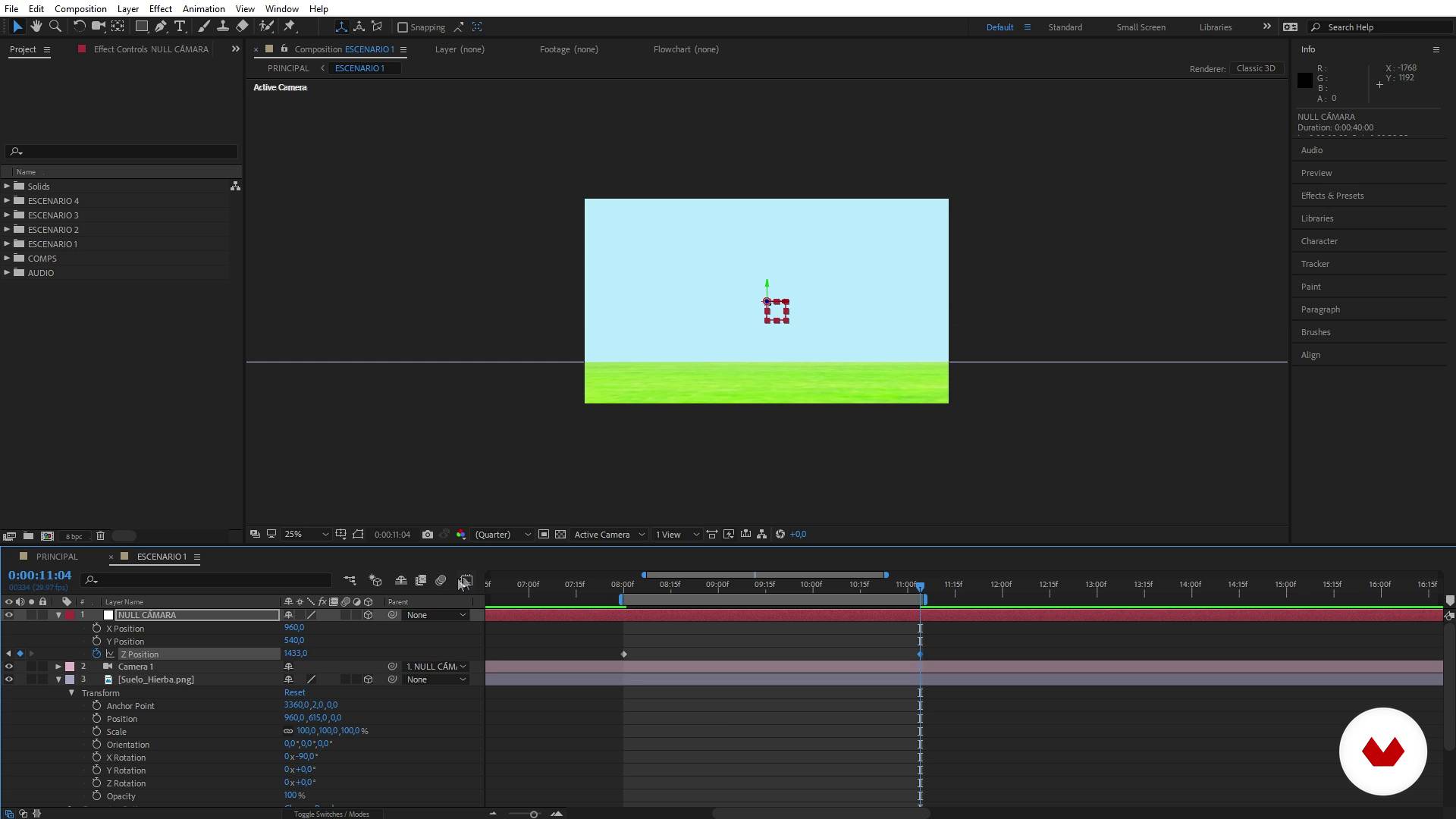
Cheering scenes 1.1
18 minutes, 51 seconds
What's included in this course?
Start by getting to know Joseba Elorza and his work, how he got into animation, and the influences that have shaped his style.
To put things in motion, he shows you where to find the raw material for your creations: photos, photos, and more photos. Discover some of the websites he uses to download free, quality images for his projects and see where you can get sound effects and music for your own ones.
Once you've selected the material for your animated collage, learn how to organize it, create a storyboard, and import your images to the After Effects workspace.
Now immerse yourself in After Effects and learn the basics of animation to bring your collage to life.
Finally, see how to export your project and choose the right codecs and formats to make your work stand out anywhere, whether that's on YouTube, Vimeo, or as a GIF to share on social media.
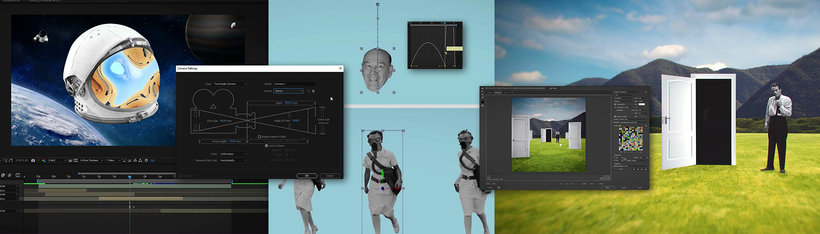
Recommended software & tools for this course
What is this course's project?
Using only photographs, make a 3D-looking animated collage of a surreal landscape with a seamless transition between the beginning and end to create a GIF for social media.
Projects by course students


Who is this online course for?
Illustrators, designers, photographers, editors, animators, and anyone interested in learning how to work with a camera in a 3D environment in After Effects, as well as anybody passionate about collage who wants to learn how to add depth and motion to their cutouts.
Requirements and materials
Basic knowledge of Photoshop is needed to create collages, although experience in After Effects isn't essential since Joseba teaches you the animation process step by step from scratch.
As for materials, all you need is a computer with Photoshop and After Effects.
Reviews
- 2 months ago
El mejor curso del sitio
- jhonatanar_sochaPLUS4 months ago
Increíble, aprendí bastante del programa y de composición.
- 5 months ago
Muy buen curso!
- 6 months ago
Curso incrível, grande artista e mestre para que deseja aprender after effects
- 6 months ago
Un corso validissimo che mi ha fatto scoprire un sacco di strumenti utili! Consigliatissimo!

His illustrations have been featured in magazines like Esquire, New Scientist, and the Wall Street Journal. He has also created animations for clients such as National Geographic and Amazon, and music videos for bands like Green Day, Berri Txarrak, and more.
Content
- U1
Presentation
- Presentation
- Influences
- U2
Looking for the material
- Free and free images
- And where do you get those old photos?
- Bonus Track: music and sounds
- U3
Preparation of the material
- Storyboard
- Crop the photos 1
- Crop photos 2
- Import the material in After Effects
- U4
Full in After Effects
- Introduction to After Effects
- The camera in After Effects
- Cheering scenes 1.1
- Animating scenes 1.2
- Animando Escenas 1.3
- Animando Escenas 1.4
- Animando Escenas 1.5
- Animating scenes 2.1
- Animating scenes 2.2
- Animating scenes 2.3
- Animating scenes 2.4
- Final retouching
- U5
Export the video
- Render the project
- Create a GIF with our video
- FP
Final project
- x Creating Affects After Effects 3D environments
What to expect from a Domestika course
Learn at your own pace
Enjoy learning from home without a set schedule and with an easy-to-follow method. You set your own pace.
Learn from the best professionals
Learn valuable methods and techniques explained by top experts in the creative sector.
Meet expert teachers
Each expert teaches what they do best, with clear guidelines, true passion, and professional insight in every lesson.
Certificates
PLUSIf you're a Plus member, get a custom certificate signed by your teacher for every course. Share it on your portfolio, social media, or wherever you like.
Get front-row seats
Videos of the highest quality, so you don't miss a single detail. With unlimited access, you can watch them as many times as you need to perfect your technique.
Share knowledge and ideas
Ask questions, request feedback, or offer solutions. Share your learning experience with other students in the community who are as passionate about creativity as you are.
Connect with a global creative community
The community is home to millions of people from around the world who are curious and passionate about exploring and expressing their creativity.
Watch professionally produced courses
Domestika curates its teacher roster and produces every course in-house to ensure a high-quality online learning experience.
FAQs
You’ll learn how to create digital collages, animate them using techniques like rotoscoping, build 3D photo-based scenes, integrate audio and effects, and export your projects for music videos, GIFs, and social media.
Basic knowledge of Photoshop and After Effects is recommended, as this is an intermediate-level course working with tools and processes from both programs.
This course is aimed at people with some digital editing experience who want to master advanced collage, animation, and audiovisual composition techniques.
You’ll need Adobe Photoshop, Adobe After Effects, and internet access to download free images, sounds, and resources. Some technical familiarity with both programs will be helpful.
Rotoscoping lets you cut out and animate characters or elements from films and videos using After Effects, making it easy to place them into new scenes or animated collages.
You’ll learn how to search and filter images on sites like Unsplash, Pexels, Flickr Commons, and sounds on Freesound, identifying Creative Commons licenses and public domain content for safe use.
An infinite tracking shot is a continuous camera movement through animated scenes. In After Effects, you create it by arranging 3D layers and animating a virtual camera.