Kawaii Character Creation in 3D with Blender
A course by Yasmin Islas DomínguezAnimator Specialized in 3D Modeling and Character Design
A course by Yasmin Islas Domínguez, Animator Specialized in 3D Modeling and Character Design

Learn to design, model, and render characters with adorable features from scratch and share them with the world
Kawaii is a magical, color-filled style that, despite having originated in Japan, has slowly been adapted to different contexts and places. Discover the keys to Kawaii and bring your characters to life alongside animator Yasmina Islas, better known on social media as Yasmini, who specializes in 3D modeling and character design.
In this course, Yasmini teaches you the modeling process for a Kawaii character in Blender, no matter your level. She guides you through everything step-by-step, from the concept phase to the rendering of your final piece.
What will you learn in this online course?
17 lessons & 24 downloads
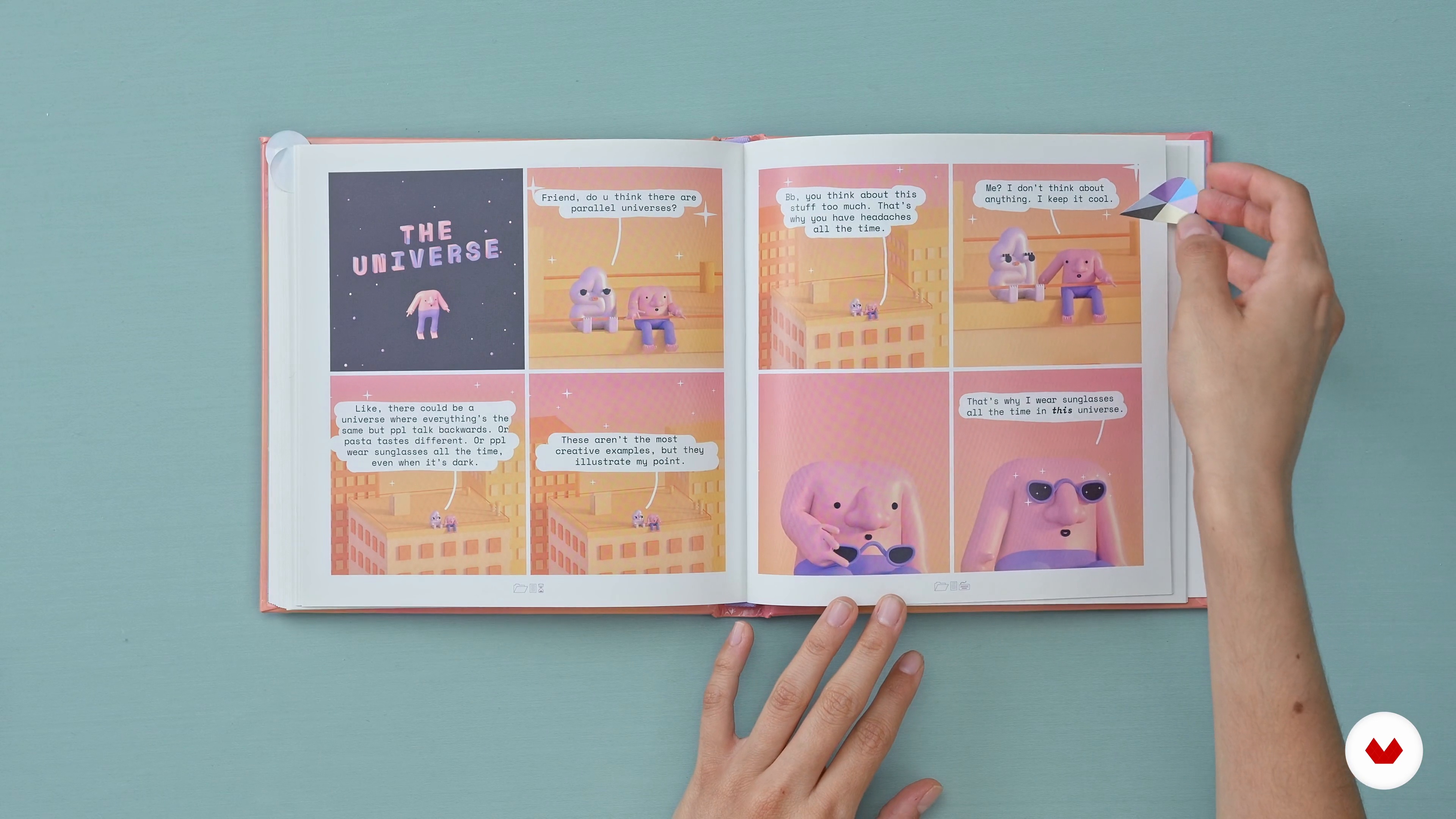
Influences
7 minutes, 9 seconds
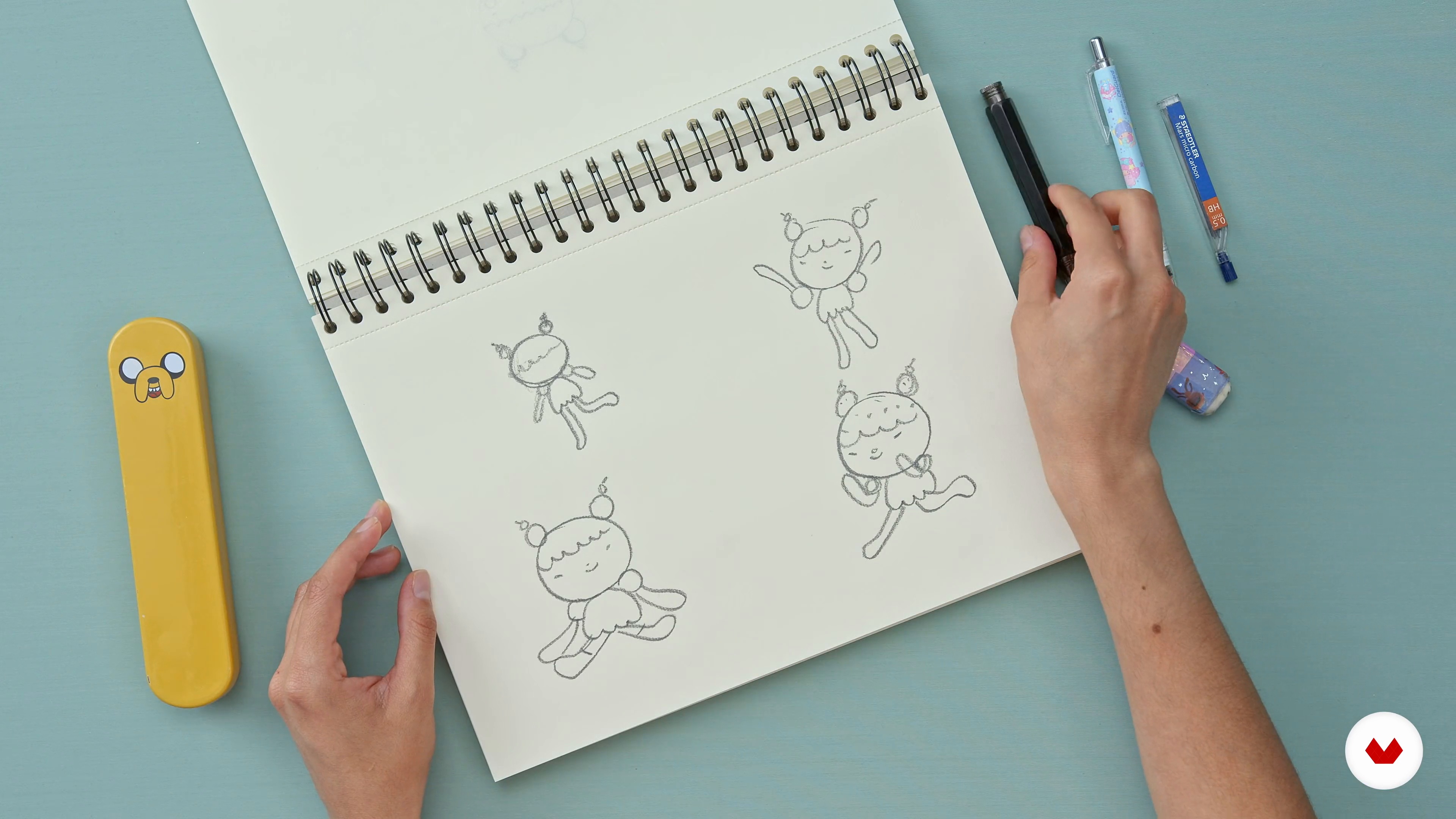
Sketch and thumbnails
11 minutes, 33 seconds
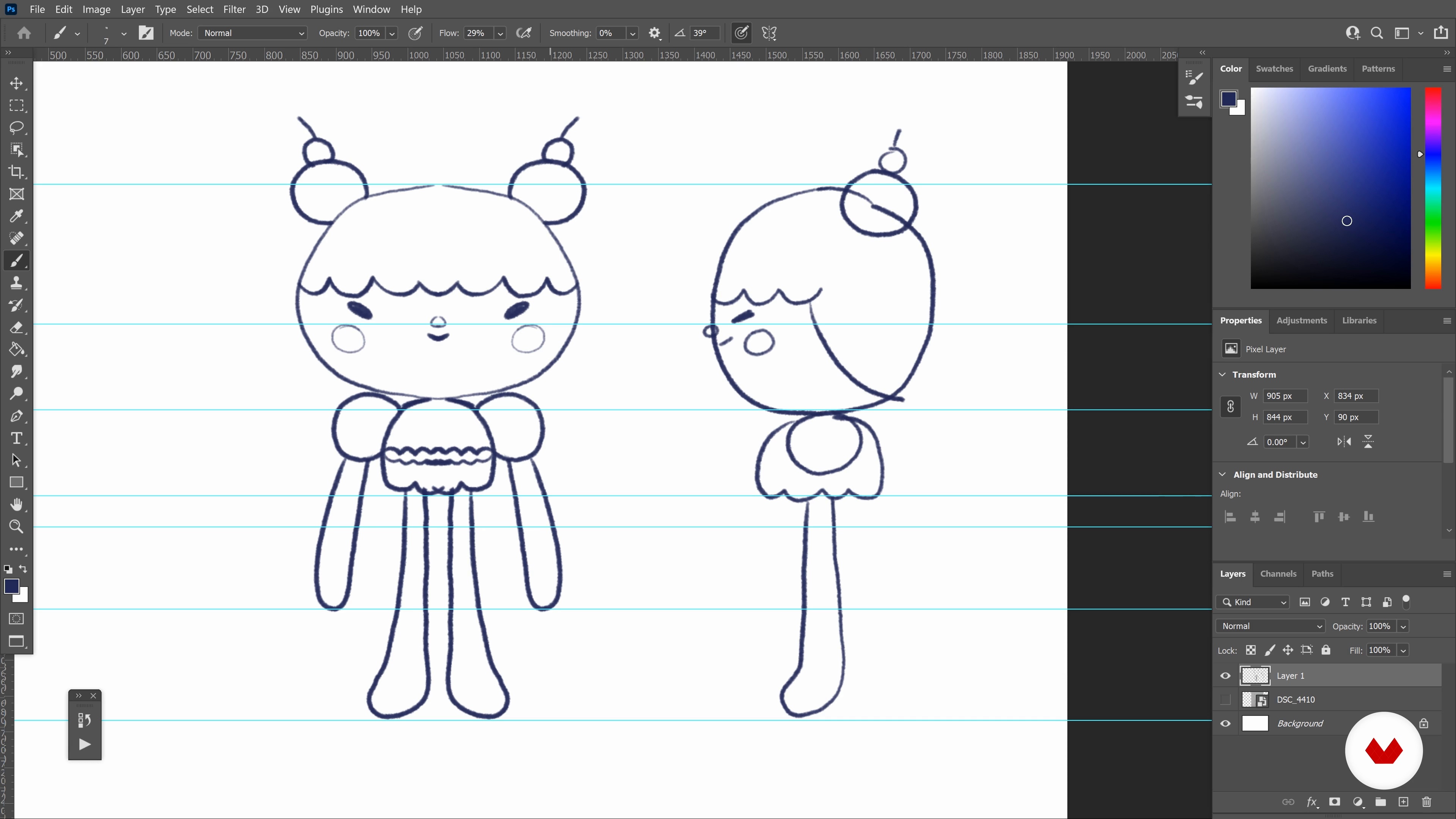
Model sheet
15 minutes, 16 seconds
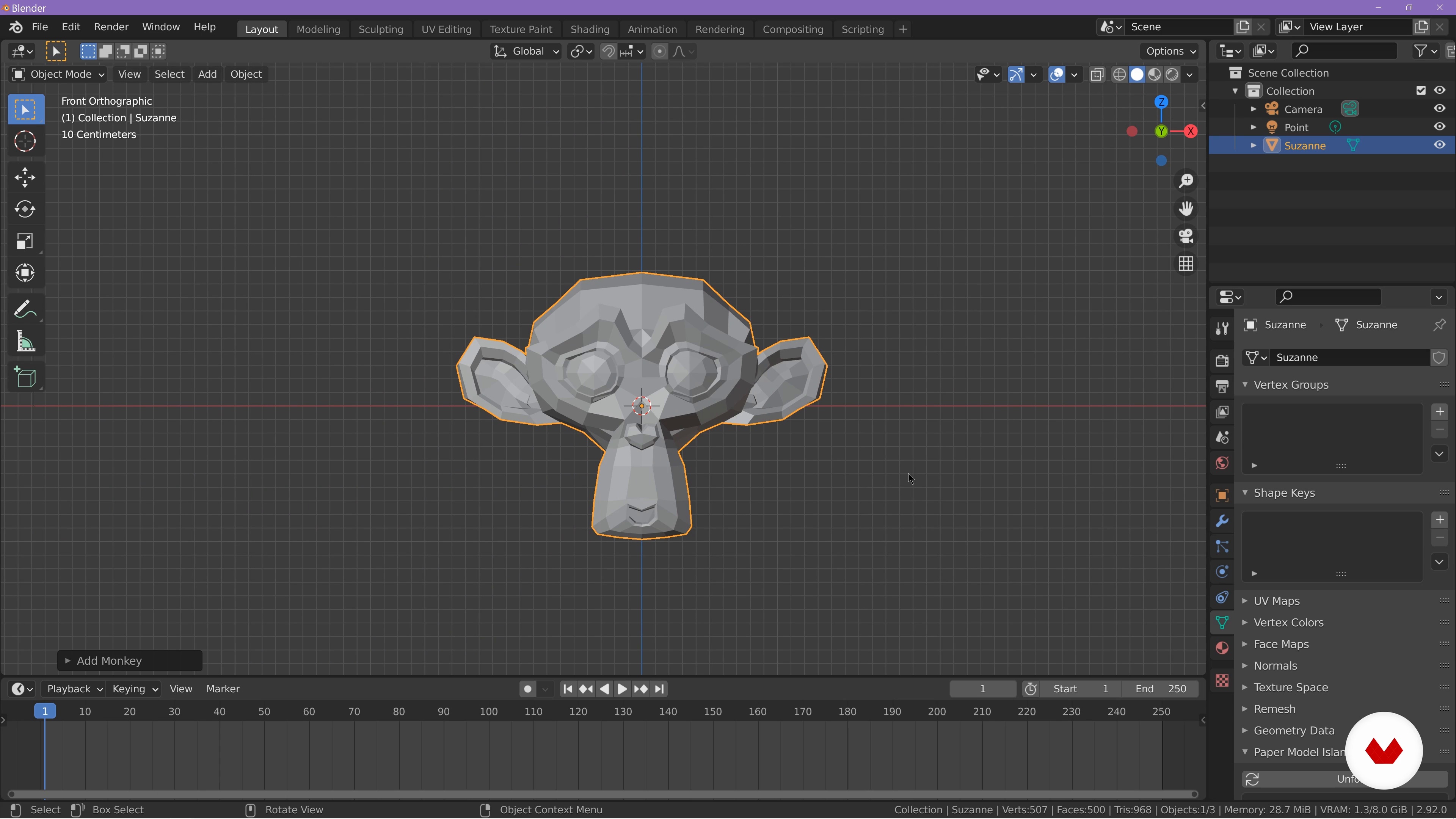
Interface and navigation
12 minutes, 59 seconds
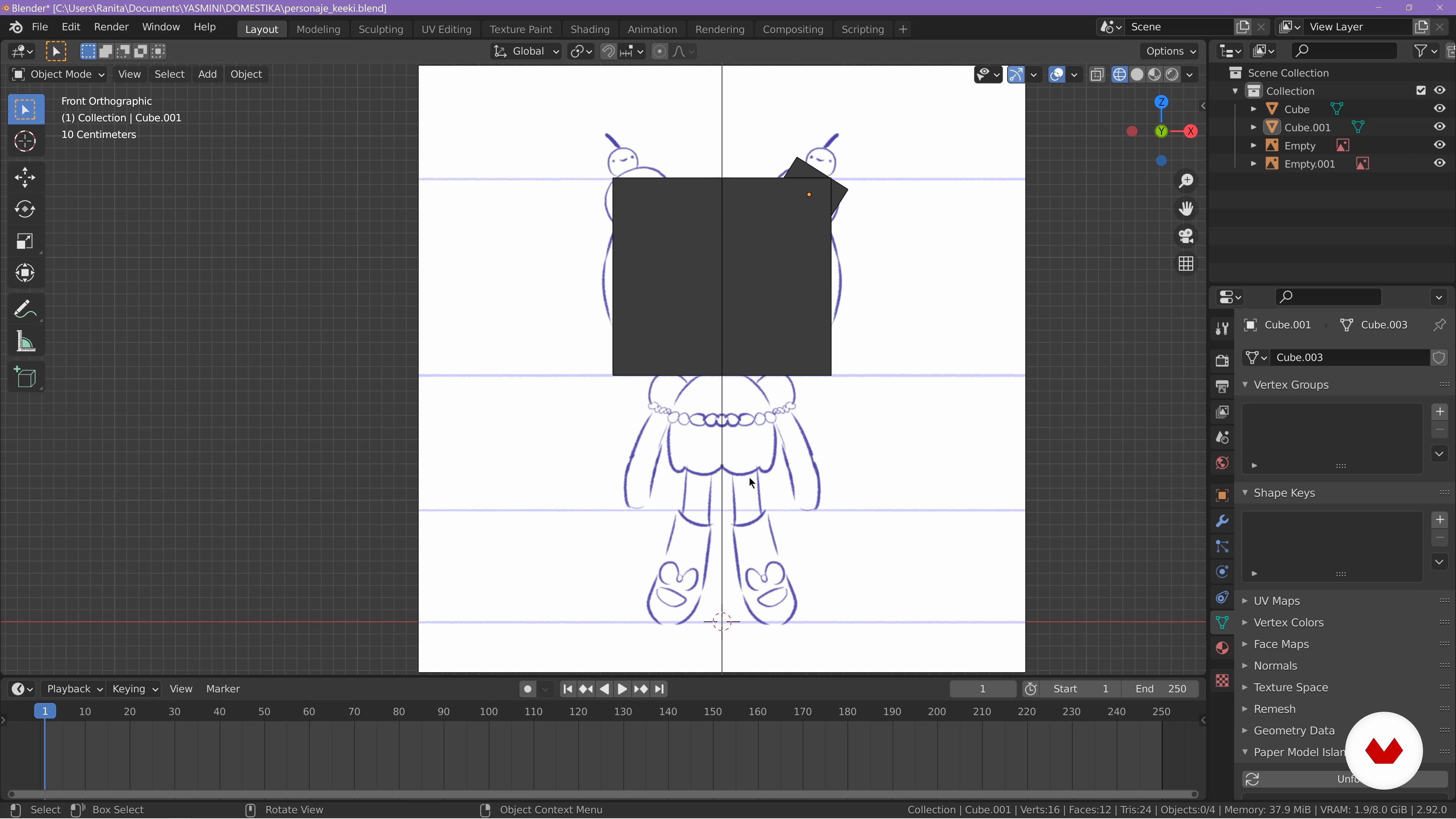
Vertices, edges and faces
17 minutes, 45 seconds
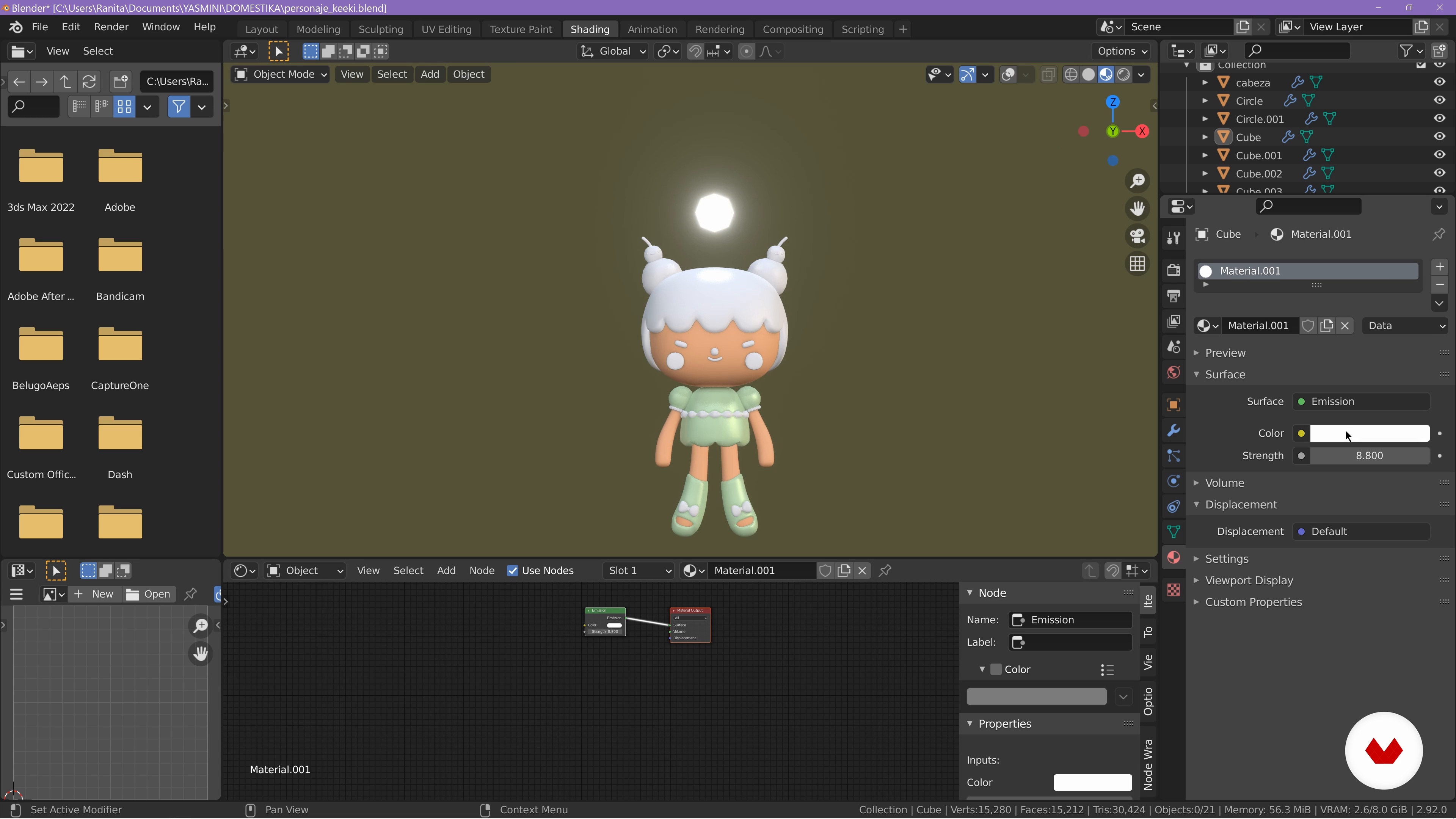
Basic materials
15 minutes, 38 seconds
What's included in this course?
Start by getting to know Yasmini as she talks about her career as an animator and character designer. She also shares her most defining works as well as her main influences.
Take a closer look at exactly what makes a character kawaii. Next, get to work on a mood board, gathering all the reference materials that bring you inspiration before doing your first modeling sketches on paper.
Now it's time to delve into Blender and bring your character design to life in three dimensions! After explaining the different parts of the interface and how to navigate them, Yasmini shows you how to add and manipulate 3D objects.
Finish off the course doing a camera animation to really bring out your character's 3D nature. Also learn some useful render effects to make doubly sure your creation stands out from the crowd!
Recommended software & tools for this course
What is this course's project?
Create a 3D model of a kawaii character using Blender.
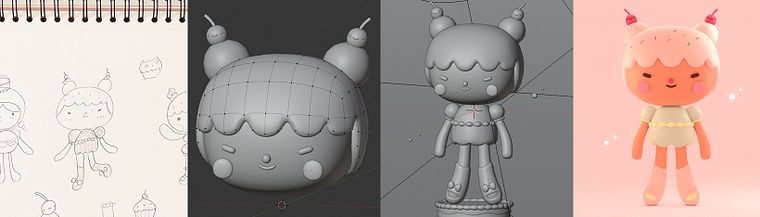
Projects by course students

Who is this online course for?
Students, graphic designers, artists, and illustrators interested in creating signature characters in 3D.
Requirements and materials
No previous experience using Blender is required to take this course.
For materials, you need a pencil and paper (or your preferred method for sketching), a computer with access to Blender and your favorite illustration program, a three-button mouse, and a graphics tablet and compatible pen.
Reviews
- 8 months ago
nice
- 8 months ago
Muy bueno y clara explicacion
- 8 months ago
This course was really easy to follow! Although there were some parts of the course that I think was skipped and a new thing happened, which honestly confused me a lot lol. Probably just a skill issue. But having this course really helped me get started with Blender :D
- 8 months ago
Great, easy to follow the instruction
- 9 months ago
Me ha gustado mucho como introducción a Blender

Her personal style is heavily influenced by both kawaii and nature. Although she uses predominantly pastel colors, she likes to experiment with other tones and shades as well as a variety of techniques to keep things interesting.
She is specialized in character design and 3D modeling in Blender and has collaborated with various animation studios across Mexico including Flaminguettes, Memoma, and Pictoline. Among her client list are names like Giphy and Adult Swim.
Content
- U1
Introduction
- Presentation
- Influences
- U2
Character design
- What is kawaii?
- References and mood board
- Sketch and thumbnails
- Model sheet
- U3
From 2D to three-dimensional character
- Interface and navigation
- Vertices, edges and faces
- Modifiers 1
- Modifiers 2
- Basic materials
- Textures
- Lighting and cameras
- To learn more: How to connect your HDRI
- U4
Export formats
- Composition nodes
- Export Image Sequence
- Video of your character for social networks
- FP
Final project
- Kawaii Character Creation in 3D with Blender
What to expect from a Domestika course
Learn at your own pace
Enjoy learning from home without a set schedule and with an easy-to-follow method. You set your own pace.
Learn from the best professionals
Learn valuable methods and techniques explained by top experts in the creative sector.
Meet expert teachers
Each expert teaches what they do best, with clear guidelines, true passion, and professional insight in every lesson.
Certificates
PLUSIf you're a Plus member, get a custom certificate signed by your teacher for every course. Share it on your portfolio, social media, or wherever you like.
Get front-row seats
Videos of the highest quality, so you don't miss a single detail. With unlimited access, you can watch them as many times as you need to perfect your technique.
Share knowledge and ideas
Ask questions, request feedback, or offer solutions. Share your learning experience with other students in the community who are as passionate about creativity as you are.
Connect with a global creative community
The community is home to millions of people from around the world who are curious and passionate about exploring and expressing their creativity.
Watch professionally produced courses
Domestika curates its teacher roster and produces every course in-house to ensure a high-quality online learning experience.
FAQs
You’ll learn to create 3D kawaii characters in Blender—from sketching and modeling to texturing, materials, lighting, rendering, and basic animation—using techniques and visual references inspired by Japanese kawaii aesthetics.
This course is aimed at people with basic design or Blender knowledge but is accessible to those with intermediate experience. You don’t need to be an expert, but knowing Blender’s interface and basic functions helps.
You’ll need a computer with Blender installed, internet access, and basic skills in graphic programs like Photoshop. A drawing tablet is recommended for sketching but not required.
Kawaii style is a Japanese aesthetic known for cute characters, simple proportions, and pastel colors. In 3D, it’s applied by creating soft shapes, big eyes, and details inspired by everyday objects or food.
Yes, the course covers basic animation of kawaii characters in Blender, including posing, simple movements, and exporting sequences for GIFs or short social media videos.
You’ll learn to set up materials, use the Principled Shader, adjust properties like color and roughness, apply three-point lighting and HDRI, and render scenes with Eevee and Cycles engines.
Yes, you’ll be taught how to unwrap models, create efficient UV maps, and apply hand-painted or procedural textures to achieve pastel finishes and kawaii details.