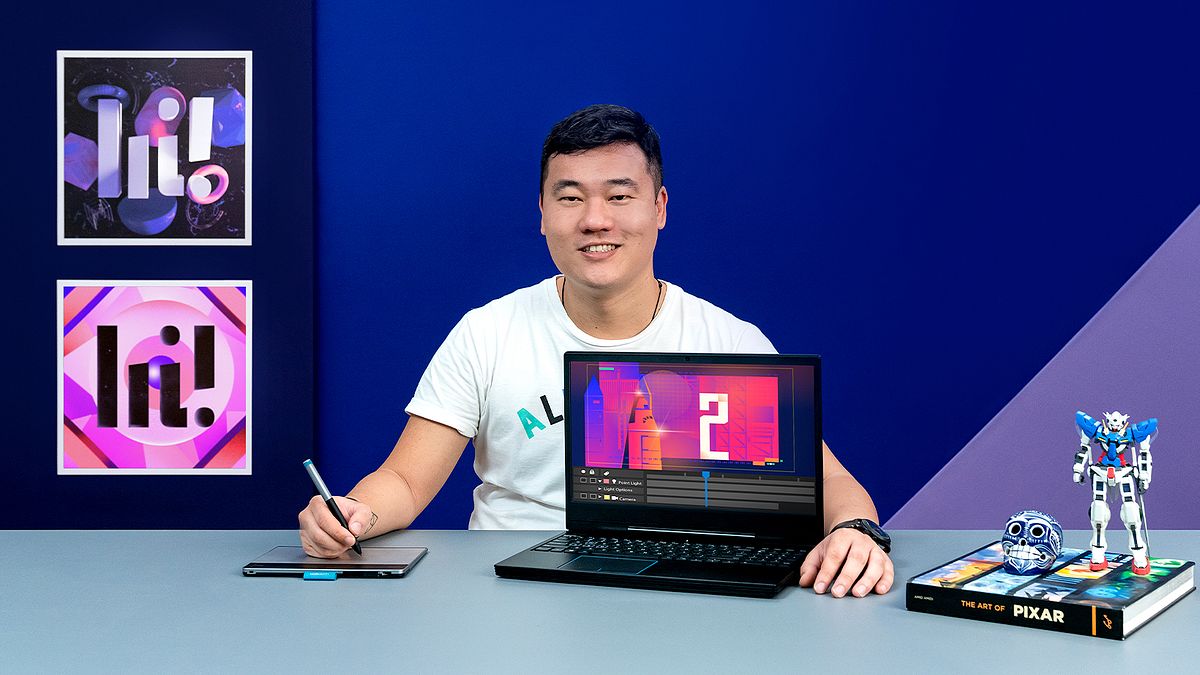
Layout Creation for 2D Animation
A course by Daniel KanoDesigner and Art Director
A course by Daniel Kano, Designer and Art Director

Learn to create an artistic vignette with Illustrator, Photoshop and After Effects and tell graphic stories filled with emotion and movement
If you're looking to combine the aesthetics of graphic design with the rhythm of animation, art director Daniel Kano is the perfect person to guide you on your journey. As a specialist in animation and motion graphics for the advertising sector, Daniel has created pieces for big names like Google, UOL, Netflix, and more.
In this course, learn to develop a 2D animation layout, from interpreting the brief and putting together a storyboard to the animation and postproduction in After Effects. Daniel lets you in on a few secrets and helps you explore the art direction of your piece, combining lines, colors, typography, and textures.
What will you learn in this online course?
17 lessons & 27 downloads

2D animation market for the art director
10 minutes, 14 seconds
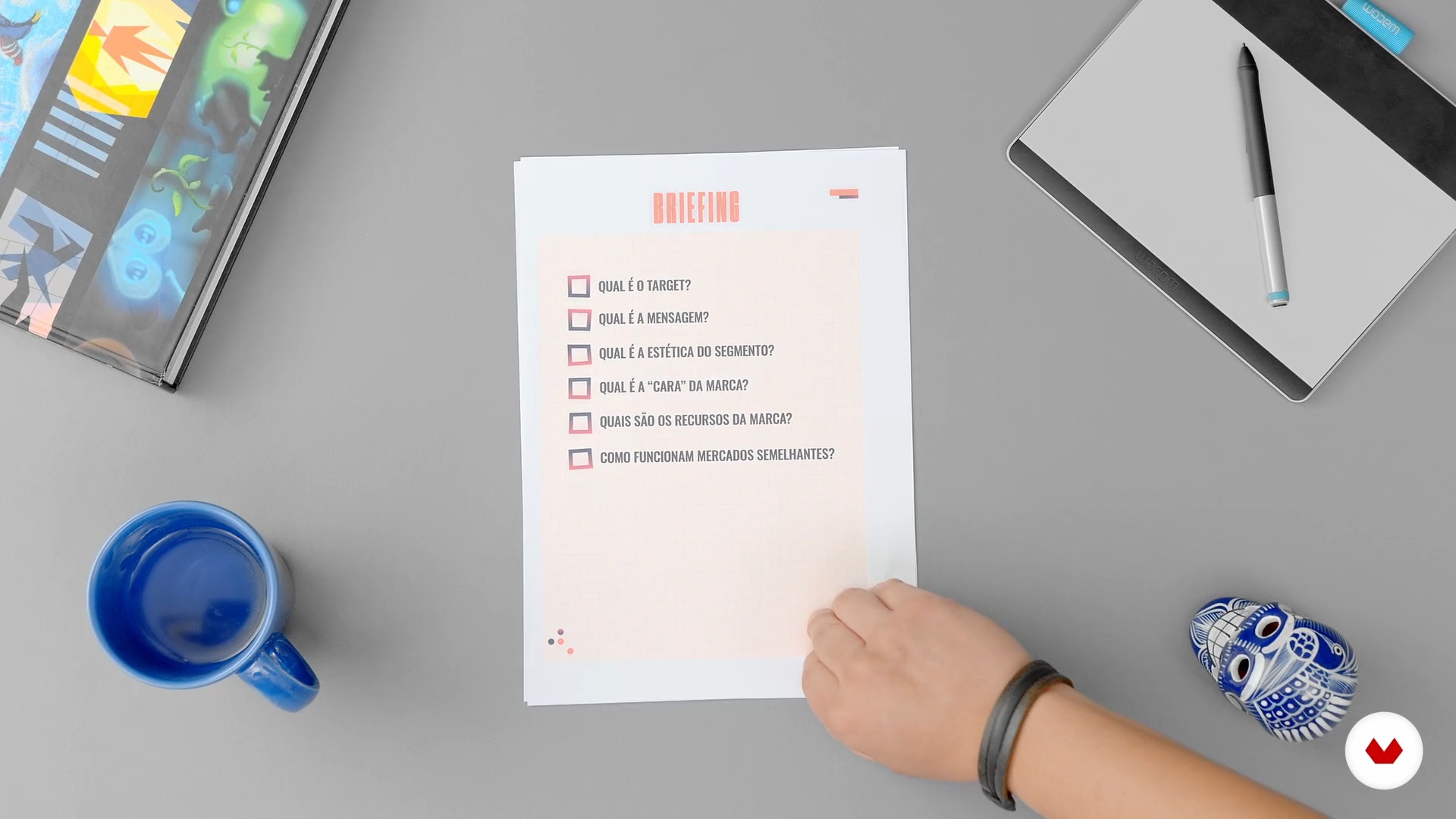
Briefing
3 minutes, 11 seconds
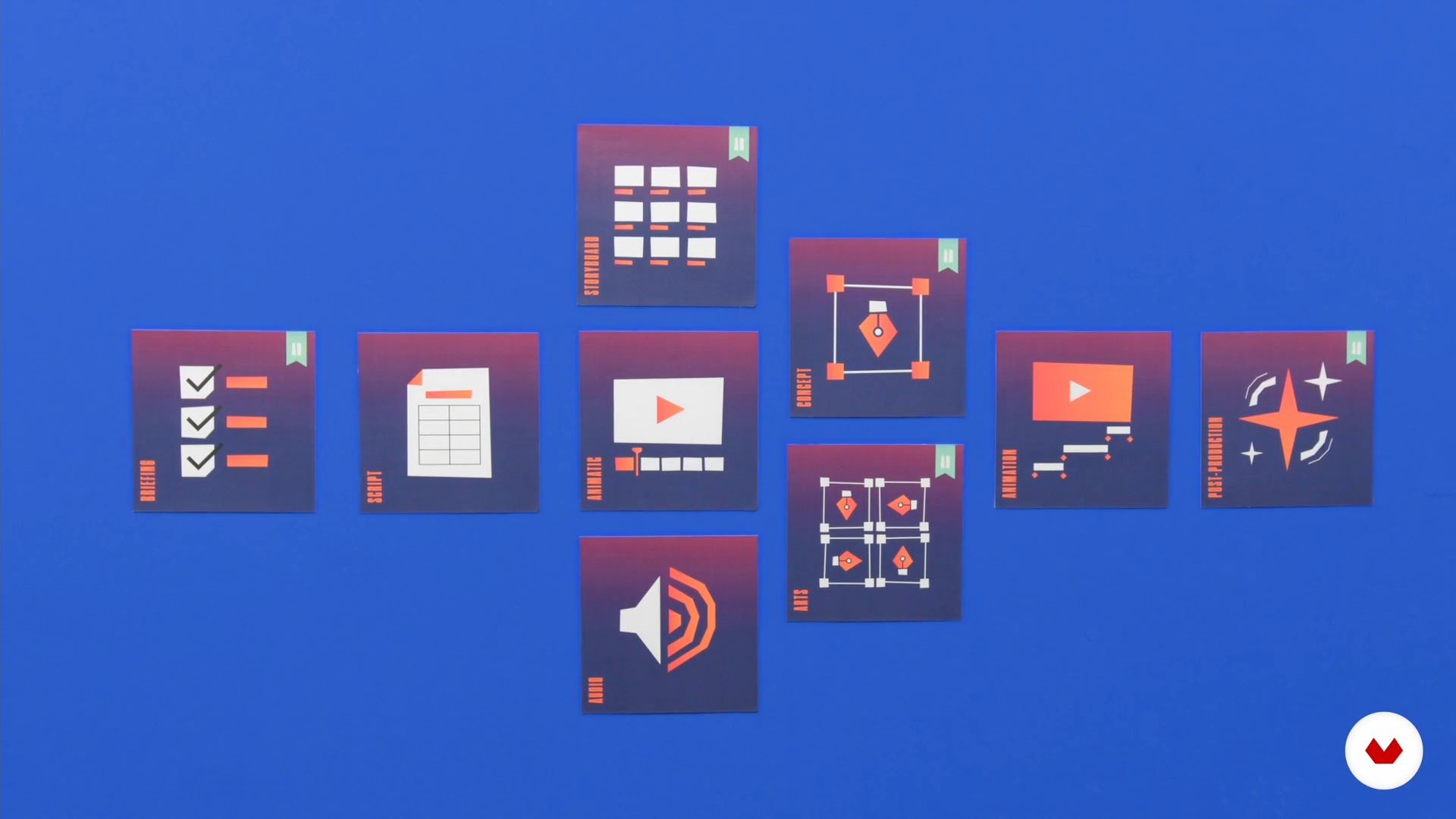
Structure of the film production process
6 minutes, 43 seconds
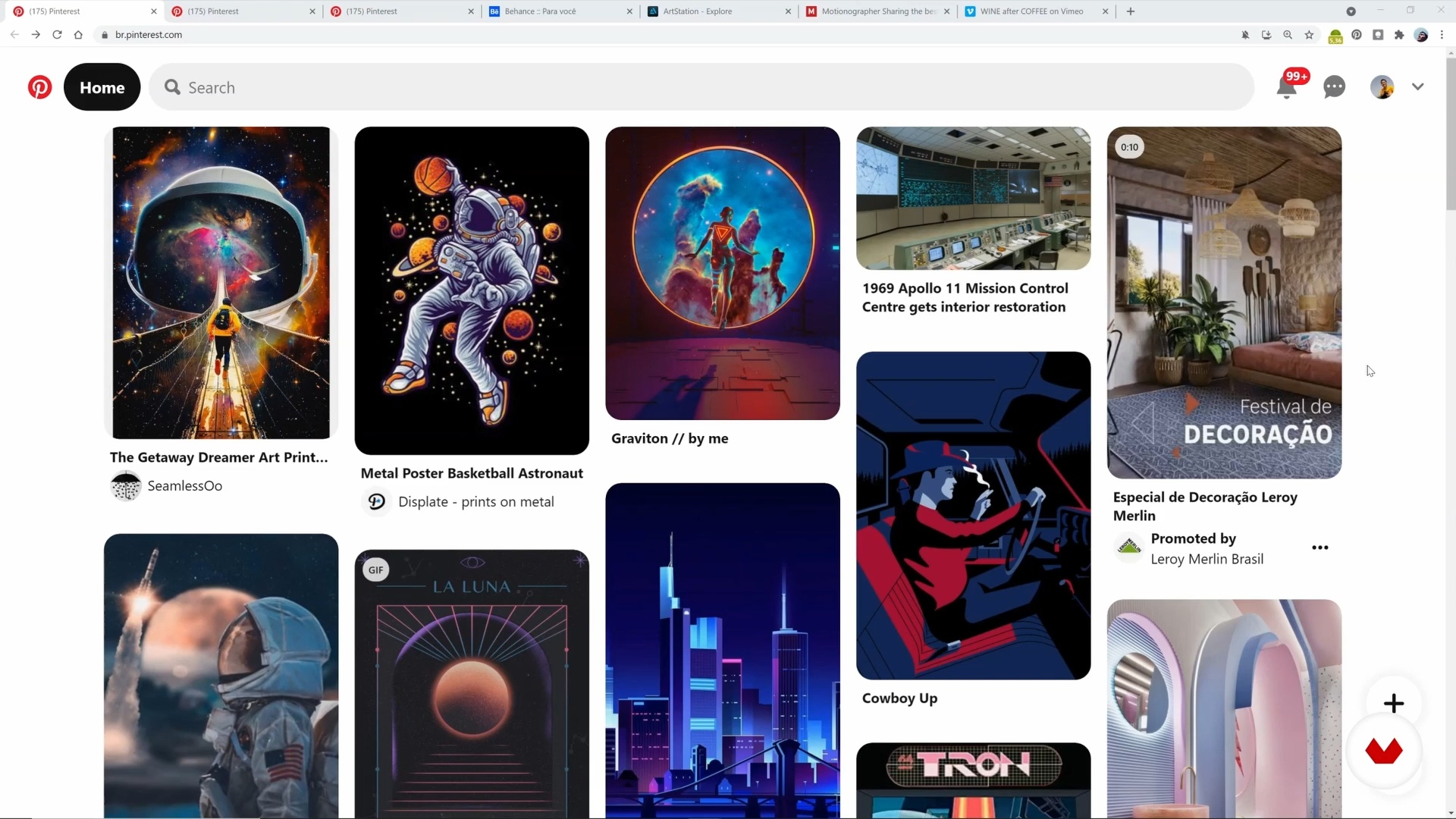
Search
17 minutes, 5 seconds
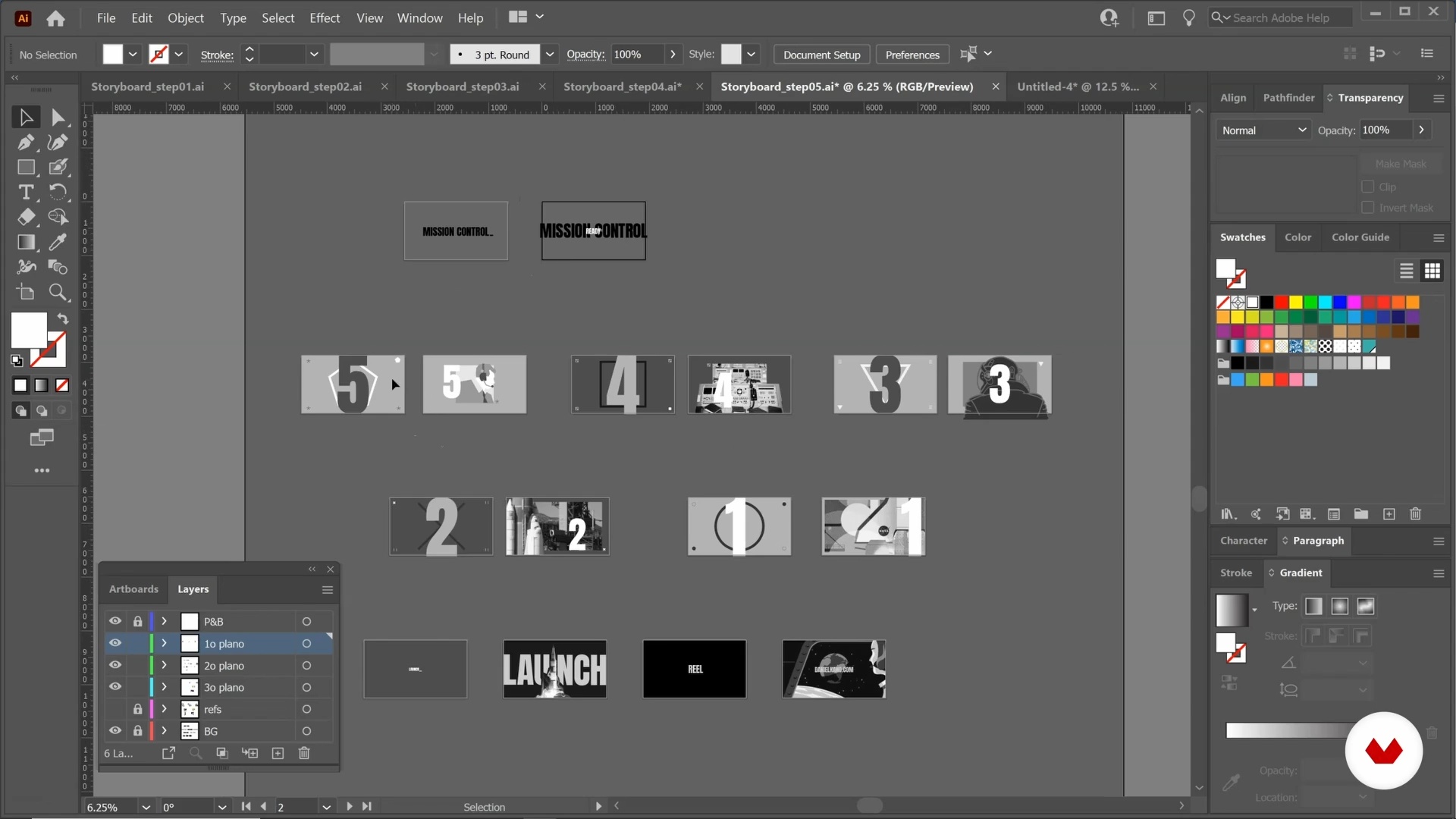
storyboard
16 minutes, 40 seconds
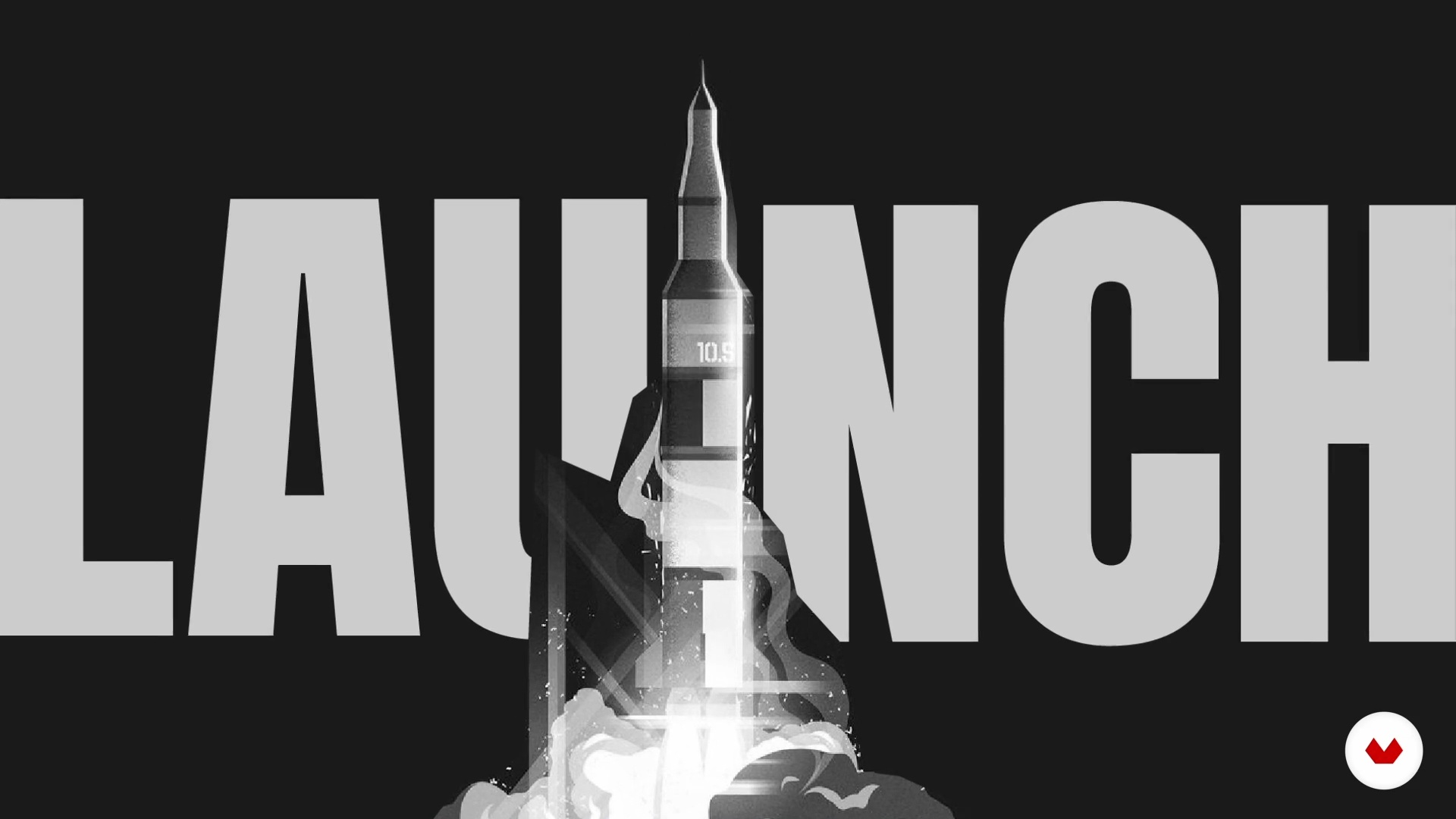
Animatic and audio
16 minutes, 41 seconds
What's included in this course?
Start by getting to know a little about Daniel Kano and his career across various visual arts fields. He talks about how he learned to turn everything he consumes into reference materials to inspire his own work.
Next, dive into the world of 2D animation by familiarizing yourself with the market and each production stage of a film. Learn how to work from a client brief, defining your objective and looking for appropriate visual reference materials for your project.
Move on to see how to put together a storyboard as well as an animatic to get your ideas flowing, literally! This step serves to test the motion of your sequence and identify any possible issues. Daniel gives you some tips on the art direction of your animation working with style, colors, typography, and finishes.
After refining the visual content, it's time to create your first layouts! Take into account positioning and the scale of each element. Your teacher then shows you how to apply a styleframe to each of your storyboard scenes.
Finally, explore postproduction in After Effects and see how to give your composition a professional finish. Call it a wrap by applying your newfound knowledge and putting the finishing touches on your piece before rendering the definitive version.
Recommended software & tools for this course
What is this course's project?
Develop a 2D animation with a focus on art direction divided into a 15-second introduction and a 5-second ending.

Who is this online course for?
Designers and art directors interested in animation as well as animators who want to discover new techniques and hone their skills.
Requirements and materials
You need basic knowledge of Illustrator, Photoshop, and After Effects to take this course, as well as a computer with those three programs installed.

Reviews
- 10 months ago
Interesante curso, lo recomiendo!
- 1 year ago
good work!
- 1 year ago
Incrível! curso bem claro, sem rodeios, mostrando o processo de criação, pesquisa e inspiração e desenvolvimento de um projeto pessoal para reel. O professor tem grande experiência na área, e muito conhecimento. Super recomendo!
- 1 year ago
yaa
- 2 years ago
Sensacional!

He has created pieces for major clients such as Google, Riot, UOL, Netflix, and others. He owns the motion graphics studio, Kano Studio, which operates in the production of advertising for television and digital media.
Content
- U1
Introduction
- Presentation
- influences
- U2
Knowing the worlds you will work in
- 2D animation market for the art director
- Briefing
- Structure of the film production process
- Search
- U3
developing the content
- storyboard
- Animatic and audio
- First steps of visual development
- How to start working with color?
- Typography as a compositional element
- U4
Defining the look of your content
- style and stroke
- layout
- Finish/post
- Final art
- U5
Animation and Finalization
- 2D animation principles
- Post production
- FP
Final project
- Art Direction for 2D Animation
What to expect from a Domestika course
Learn at your own pace
Enjoy learning from home without a set schedule and with an easy-to-follow method. You set your own pace.
Learn from the best professionals
Learn valuable methods and techniques explained by top experts in the creative sector.
Meet expert teachers
Each expert teaches what they do best, with clear guidelines, true passion, and professional insight in every lesson.
Certificates
PLUSIf you're a Plus member, get a custom certificate signed by your teacher for every course. Share it on your portfolio, social media, or wherever you like.
Get front-row seats
Videos of the highest quality, so you don't miss a single detail. With unlimited access, you can watch them as many times as you need to perfect your technique.
Share knowledge and ideas
Ask questions, request feedback, or offer solutions. Share your learning experience with other students in the community who are as passionate about creativity as you are.
Connect with a global creative community
The community is home to millions of people from around the world who are curious and passionate about exploring and expressing their creativity.
Watch professionally produced courses
Domestika curates its teacher roster and produces every course in-house to ensure a high-quality online learning experience.
FAQs
The course is intermediate level, ideal for those with some experience in visual arts, design, or animation who want to deepen their knowledge in art direction and creative processes for 2D animation.
Basic knowledge of design, digital illustration, or animation is recommended, along with familiarity with software like Illustrator and After Effects to get the most out of the hands-on lessons.
You’ll learn about creative processes, briefing, storyboarding, animatics, color palette selection, typography, visual references, art direction, and post-production in 2D animation, plus illustration techniques and animated layout assembly.
The course mainly uses Adobe Illustrator, After Effects, and Toon Boom, and also covers researching references on platforms like Pinterest, Behance, and Artstation.
Yes, the course covers creating digital storyboards in Illustrator and developing animatics, including techniques for sequential visual planning and syncing with soundtracks.
You’ll learn how to select, combine, and apply color palettes based on communication goals, exploring the psychological and cultural impact of colors in visual storytelling.
Yes, concepts like art direction, briefing, typographic composition, and visual layout apply not only to animation but also to advertising, graphic design, and audiovisual projects.